Comparison
240fps vs AppMockUp
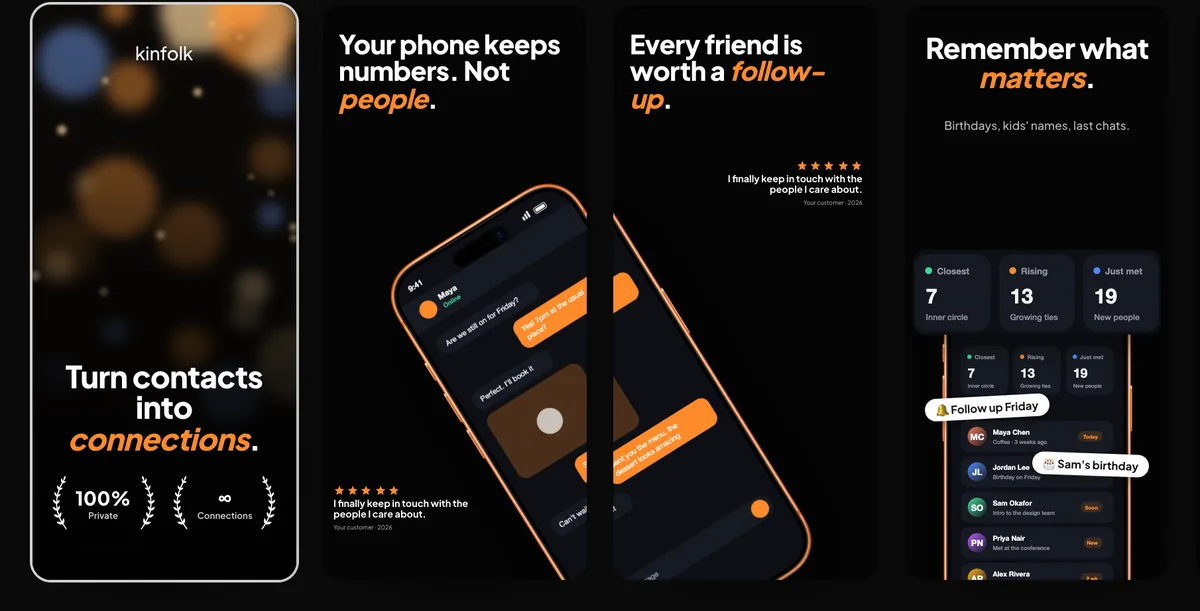
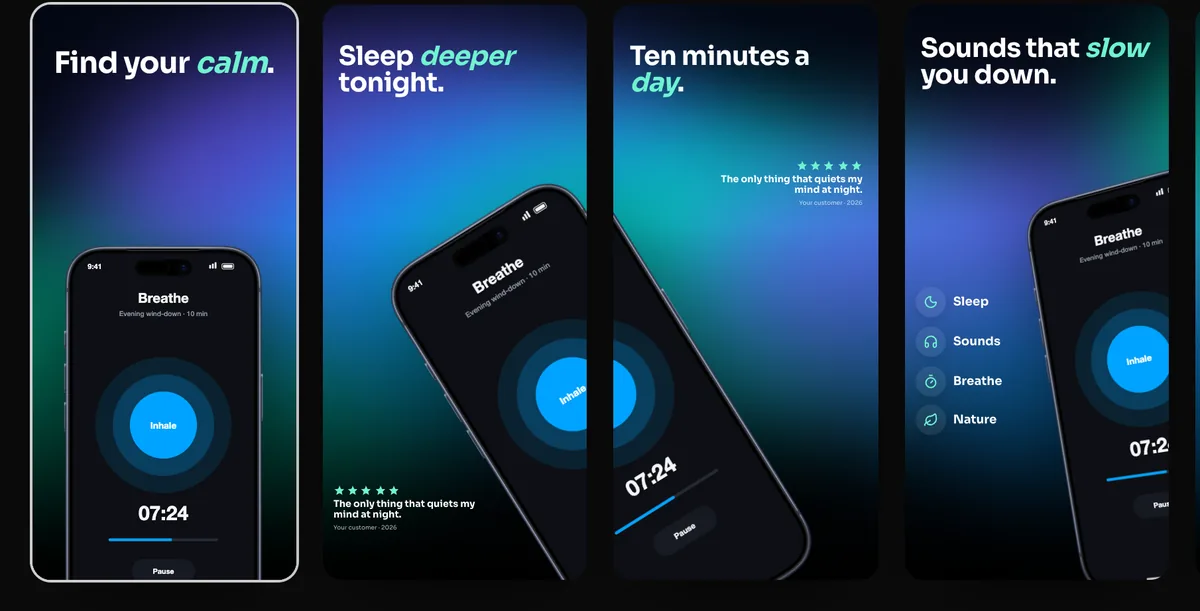
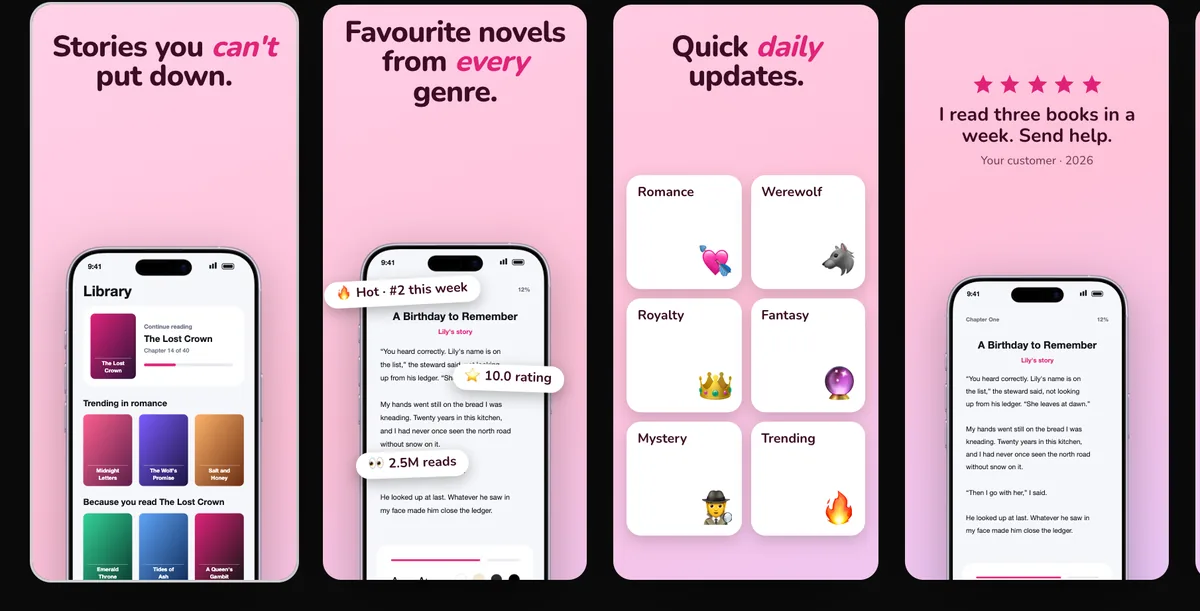
AppMockUp Studio is a free App Store and Google Play screenshot designer that runs in the browser with no account: templates, real, clay and solid frames, panoramic backgrounds, and a device that can run across two screenshots. 240fps does the same job with 24 templates and adds a translation table for 40 languages, the App Preview video, the app icon and upload to App Store Connect. Designing in 240fps is free; full-size exports are $7 a month or $39 once. For one set in one language, AppMockUp costs nothing.
Side by side
| 240fps | AppMockUp | |
|---|---|---|
| Platform | Web browser (any OS), plus a Mac app | Web browser, no account needed |
| Store screenshots | App Store and Google Play sets in every required size | App Store and Google Play screenshots; up to 10 designs on up to 10 devices per project (FAQ) |
| Devices | iPhone, iPad, Mac, Apple Watch, Android phones and browser frames | iPhones, iPads, Android phones and tablets, and foldables such as iPhone Duo and Pixel 10 Pro Fold, in real, clay or solid-colour frames |
| Languages | A text table per language for the 40 App Store Connect languages, with CSV import and export | Localised versions in any language and script, right-to-left included (FAQ) |
| Saving your work | Kept in the browser when signed out; saved to your account when signed in | A .mockup file on your computer; no autosave (FAQ) |
| Export | PNG, JPEG or WebP; previews free, full size on a paid plan | PNG, JPG or WebP in a zip (FAQ) |
| Upload to App Store Connect | Yes | Not listed |
| App Preview video, app icon, mockup videos | Yes | Not listed |
| Price (7 Nov 2026) | Free to design; exports $7 a month or $39 once | Free; no paid plans listed |
Where they're alike
Both run in the browser, design a set of store screenshots from templates, let one device continue across two neighbouring screenshots, and preview the set as it will look in the App Store before you upload. AppMockUp's FAQ says projects stay in your browser and are saved as a .mockup file you keep; 240fps keeps work in the browser when you're signed out and saves it to your account when you sign in.
Where they differ
AppMockUp is free and stops at the screenshots. 240fps goes on to the rest of a release: a text table per language that swaps the words and screens in every size, the App Preview video, the app icon, and an upload of the whole set to App Store Connect. Those cost $7 a month or $39 once, which only makes sense if you'll use them.
Choose AppMockUp if…
- You want a full screenshot set at no cost, with no account.
- You need Android tablet or foldable frames, such as the Pixel 10 Pro Fold.
- You like clay or solid-colour device frames.
Choose 240fps if…
- You ship in several languages and want one design with a text table per language.
- You want to upload straight to App Store Connect.
- You also need the App Preview video, the app icon or animated mockups.
- You're making screenshots for a game: AppMockUp's FAQ says it's designed for every type of app except games.
About this comparison
Details about other products are from their own websites on 7 November 2026. Features and prices change, so check their site before you decide.
Questions
Is AppMockUp free?
Its homepage and FAQ describe it as free with no account, and list no paid plans (7 November 2026). 240fps is free to design, with preview exports up to 1280 px; full-size exports are $7 a month or $39 once.
Is 240fps an AppMockUp alternative?
Yes, for App Store and Google Play screenshot sets, and more so if you localise into several languages, want to upload to App Store Connect, or need the App Preview video and app icon too.