By The 240fps team · · 6 min read
What is a mockup? The meaning, with real examples
A mockup is a realistic, static picture of how a design will look once it's built. You see the actual colours, fonts and images, but nothing responds when you click. In product marketing, a mockup also means a screenshot placed inside a device frame. Spelling varies: "mockup", "mock-up" and "mock up" are all in use.
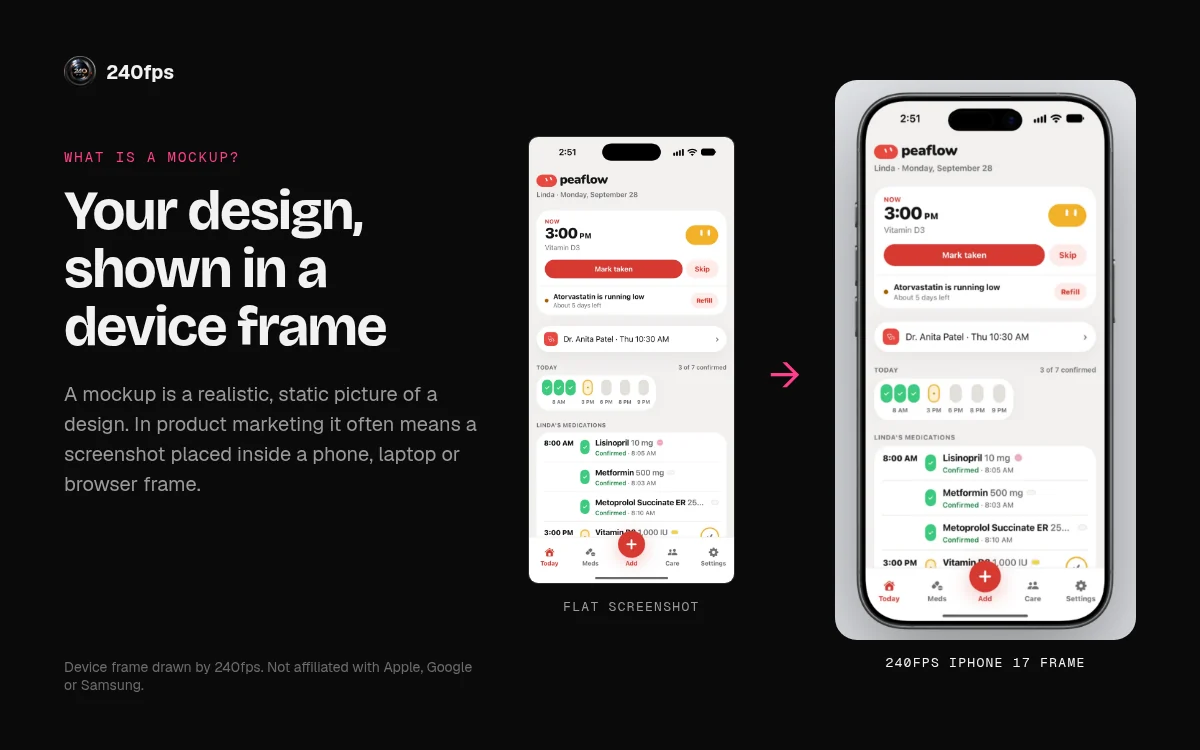
A brief asking for "a mockup of the pricing page" wants to see the page, not use it. A launch checklist asking for "App Store mockups" wants your screens inside phones. Same word, two jobs.
Two meanings people mix up
The Cambridge Dictionary gives the general sense: a full-size model of something that hasn't been built yet, showing how it will look or operate. It also lists a narrower sense: a plan of how a page of a website, magazine or newspaper will look when it's finally created.
1. The design-process mockup
This is a stage in making a screen. After the structure is agreed, a designer produces a high-fidelity, static version: final layout, brand colours, real headlines, real photos. People review how it looks before anyone writes code.
2. The device mockup
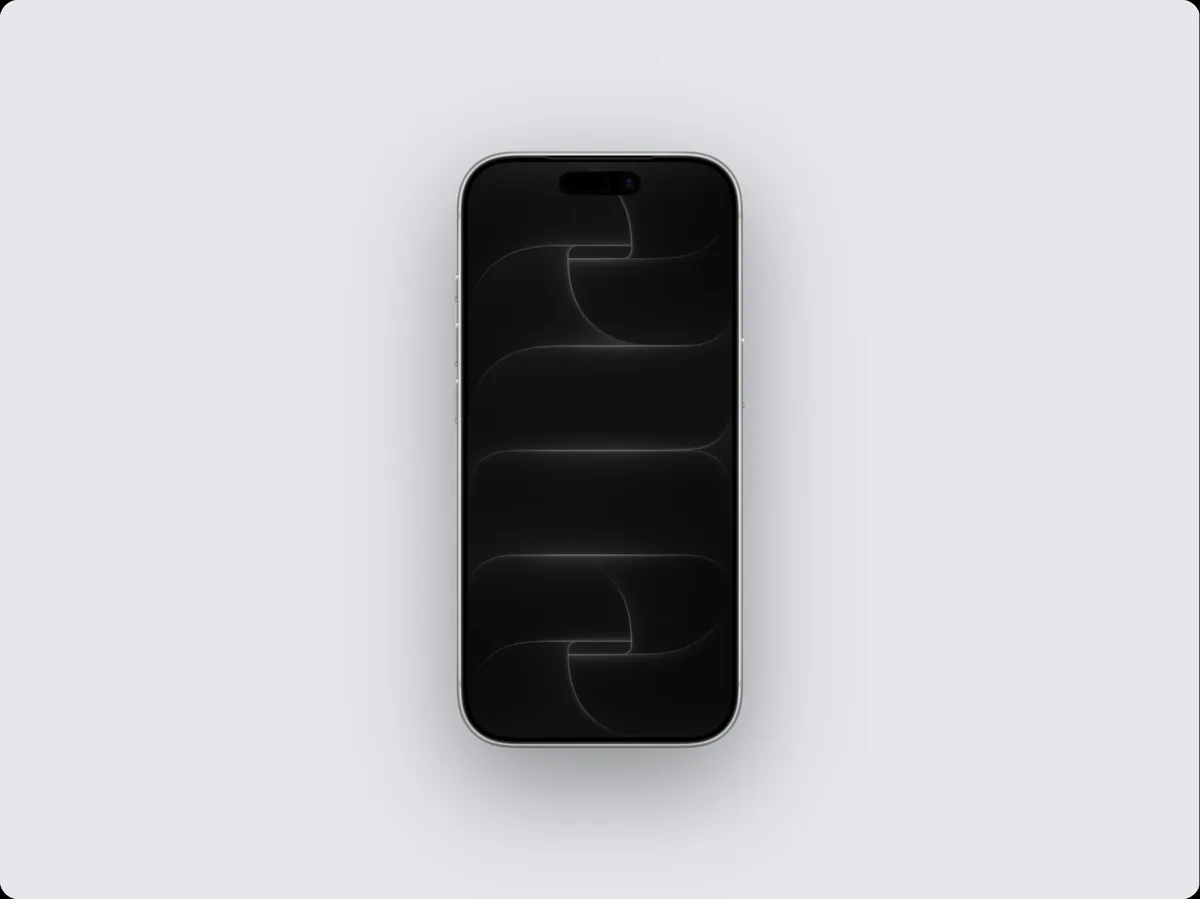
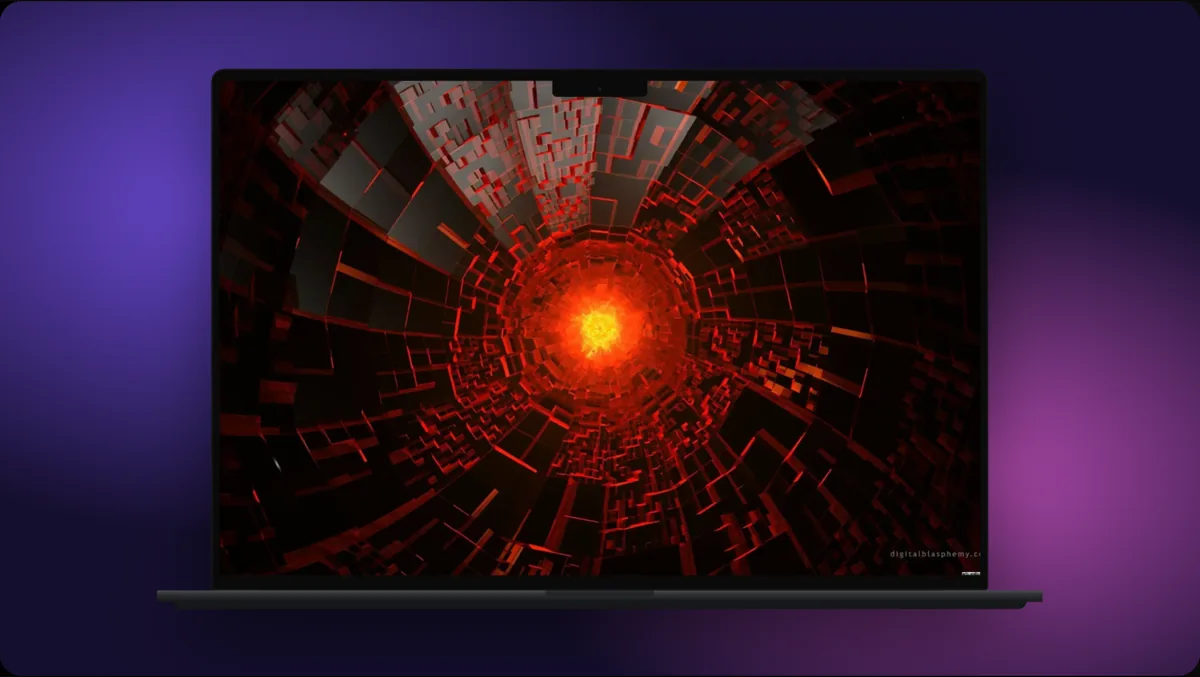
This one is a marketing asset. You take a screen that already exists and place it inside a frame: an iPhone, a MacBook, a browser window. The result ends up on a store page, a landing page hero or a pitch deck. The frame says at a glance whether this is a phone app, a desktop tool or a website, and where it gets used.
Both are static and look finished. The difference is timing: a design mockup comes before the build, a device mockup usually after.
Wireframe vs mockup vs prototype: fidelity and clicks
Two questions separate them: does it look real, and does anything happen when you click?
| Wireframe | Mockup | Prototype | |
|---|---|---|---|
| Fidelity | Low: boxes, grey tones, placeholder text | High: the intended final look | Low or high, depending on what's being tested |
| Looks real? | No | Yes | Sometimes |
| Clickable? | No | No | Yes |
| Made for | Agreeing structure and flow | Agreeing the visual design | Watching people try to use it |
| Typical tool stage | Early discovery | Design, before developer handoff | Before build, for testing |
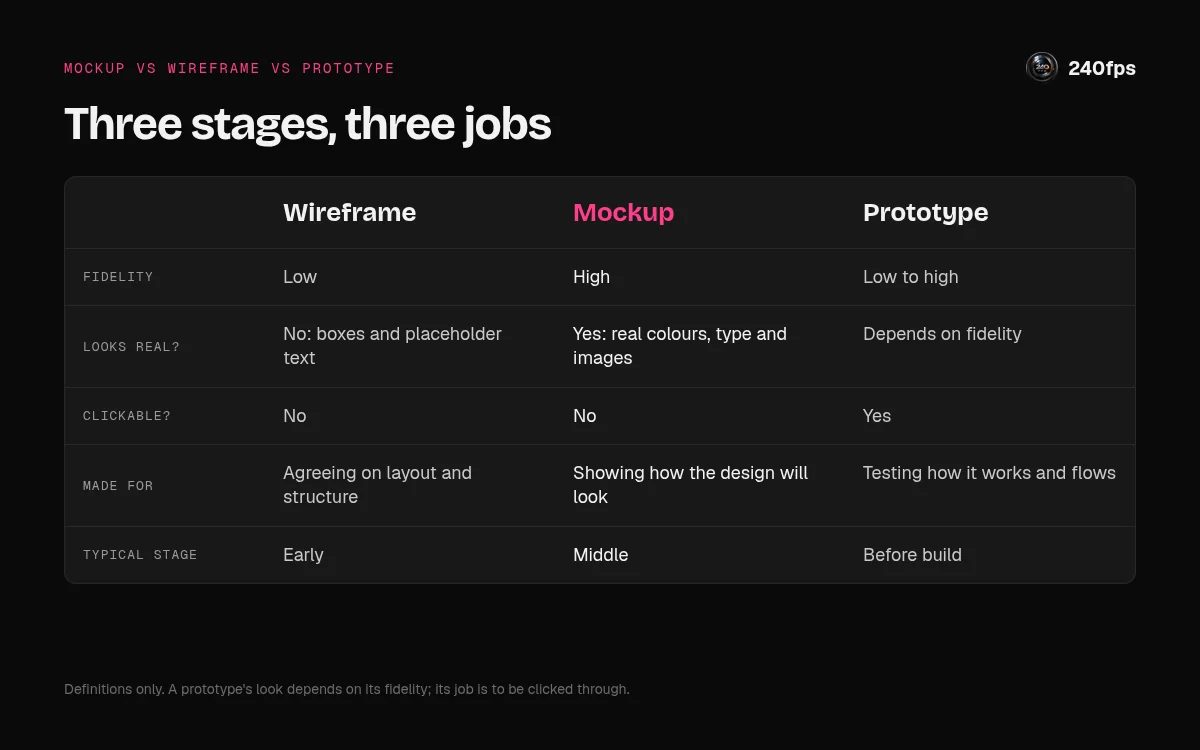
Figma's wireframe vs mock-up explainer draws the same line: wireframes cover layout and user flow, mock-ups cover visual design and focus on form, not functionality. Nielsen Norman Group's piece on high- and low-fidelity prototypes adds a useful wrinkle. A prototype can be clickable or static, and fidelity varies separately across interactivity, visuals and content.
That's why "mockup" and "prototype" blur. A static, high-fidelity screen used in a test with someone playing "the computer" is a prototype by NN/g's definition. The same screen sent round for comments on the colour of a button is a mockup. What you do with it decides the name.
What separates a good mockup from a misleading one
- Real content, not lorem ipsum. Fake text hides the problems real text causes, like a headline that wraps to three lines.
- The right device for the audience. A phone for a mobile app, a laptop or browser for a web product.
- A sharp, uncropped screen. A blurry or clipped screen makes the product look broken.
- Consistent lighting and background across a set.
- Nothing that implies a feature you don't have. If it isn't built, it doesn't go in the frame.
For the details, read the common device mockup mistakes and what makes mockups that look expensive.
Mockup examples, device by device
The 240fps device mockup generator has 34 mockup pages. They cover every current iPhone (17, 17 Air, 17 Pro, 17 Pro Max and the 16 lineup), plus pages for the 15 and 14 lineups. There's iPad Pro, iPad Air and iPad mini; MacBook Pro and MacBook Air; iMac; Studio Display; Apple Watch Ultra and Series; Pixel and Galaxy phones; browser windows; and a plain screenshot frame.
Every frame is drawn in code, so it stays sharp at any size, and any of them can show a live website.
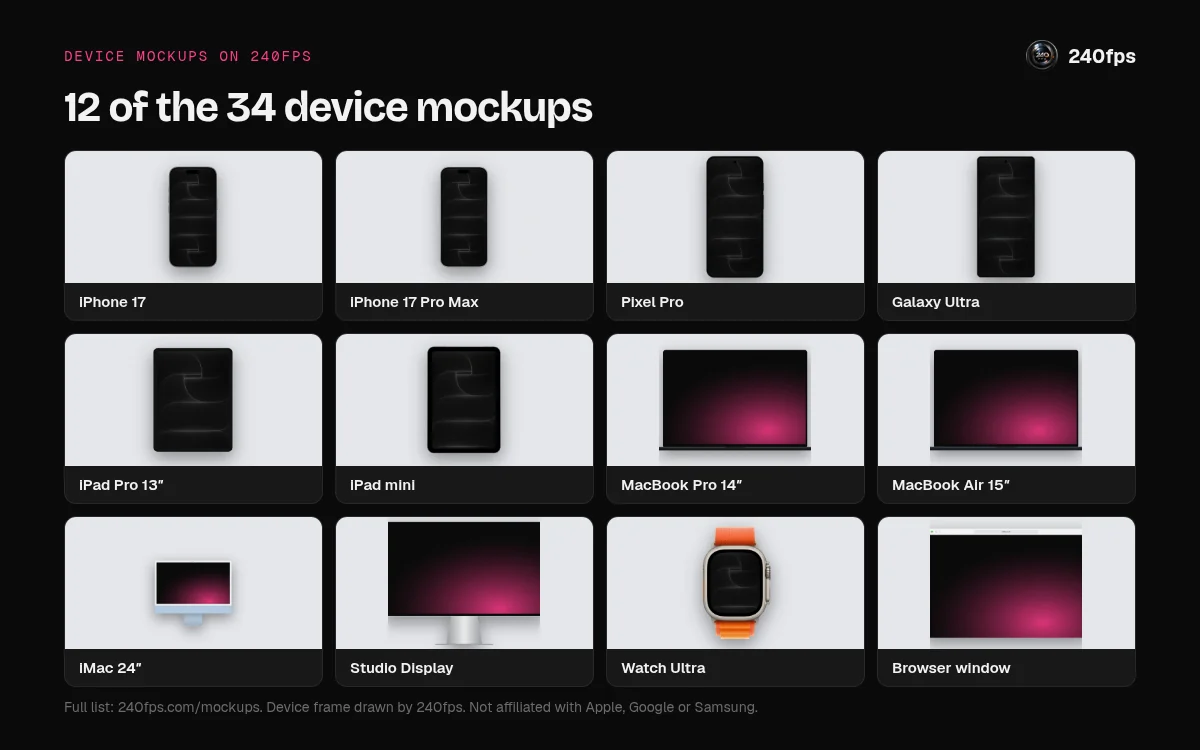
Three starting points: an iPhone 17 mockup for a mobile app listing, a MacBook Pro mockup for a web or desktop product, and a browser window mockup that keeps the focus on the site itself.
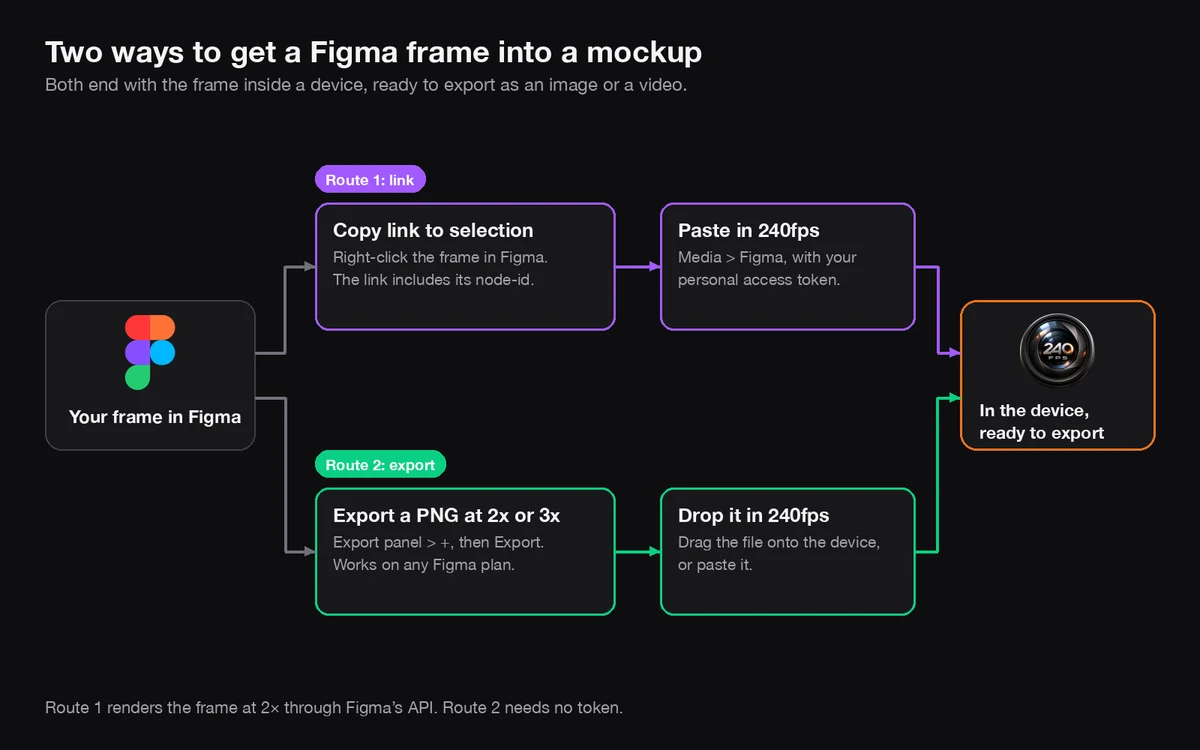
Want the screen with no device at all? Use the screenshot frame. Designing in Figma? See how to go from a Figma frame to mockup.
Static mockup, animated mockup or video?
A static mockup suits places where people glance and decide. Motion helps when you need to show something happening, like a swipe. To pick a format per channel, read screenshot, mockup or video. 240fps also makes animated mockup videos up to a minute long.
Make a mockup in your browser
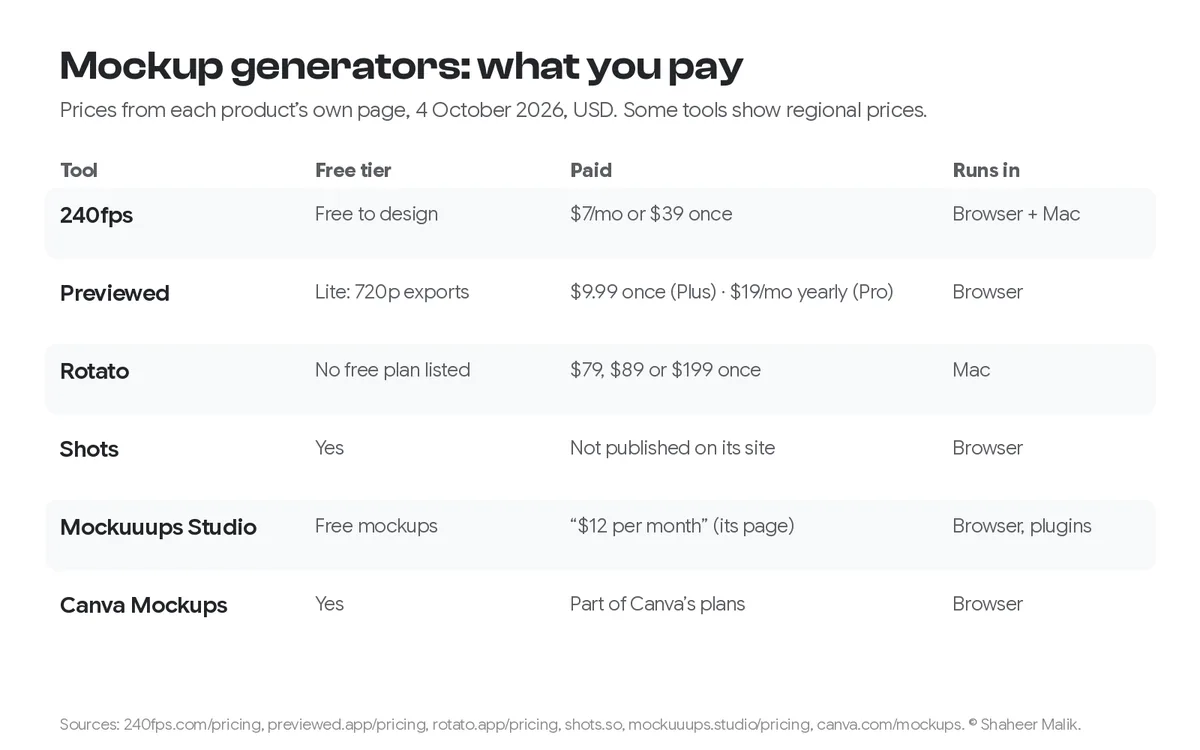
240fps is a browser tool for device mockups: iPhone, iPad, Mac, Apple Watch, Android and browser frames, exported as images or animated videos. Designing is free. Exports cost $7 a month or $39 once; see 240fps pricing.
- Have a screen already? Turn a screenshot into a mockup.
- Have a live site? Make a website mockup from a URL.
- Comparing options? Here are the best mockup generators.
Shipping to the App Store? Check Apple's screenshot specifications first.
Before you make one, ask who it's for: a teammate judging the design, or a stranger deciding what your product is. That tells you which kind of mockup you need.
FAQ
What does mockup mean?
A mockup is a realistic, static picture of a design before it's built, showing how it will look but not how it works. In product marketing, the word also means a screenshot shown inside a device frame, such as a phone, laptop or browser window, for a store listing, landing page or deck.
Is it mockup or mock-up?
Both are correct, and so is "mock up". The Cambridge Dictionary lists "mock-up" as the noun and gives "mockup" as another accepted form. "Mock up" as two words usually works as the verb, as in "mock up the screen". Choose one spelling for the noun and use it consistently.
What's the difference between a wireframe, a mockup and a prototype?
A wireframe is low fidelity: it shows layout and flow in boxes and grey. A mockup is high fidelity and static: it shows the intended final look. A prototype is built for testing how people use the design, and it's usually clickable. Fidelity and clickability are the two things that separate them.
Is a mockup clickable?
No. A mockup is static, so nothing happens when you click it. Once you link screens together so someone can tap through a flow, you have a prototype. Nielsen Norman Group notes that prototypes can be static too, with a person swapping screens by hand, but a mockup never responds on its own.
What is a device mockup?
A device mockup is a screenshot, screen recording or live website shown inside a device frame, such as an iPhone, iPad, MacBook or browser window. It's used in App Store and Google Play listings, landing pages, launch posts and decks to show what the product is and where people use it.
Can I make a mockup for free?
Yes, you can design one for free in 240fps, in your browser. Exporting the finished image or animated video costs $7 a month or $39 once. Designing covers every frame on the 34 device mockup pages, from iPhone and iPad to Mac, Apple Watch, Android phones and browser windows.