Comparison
240fps vs AppScreens
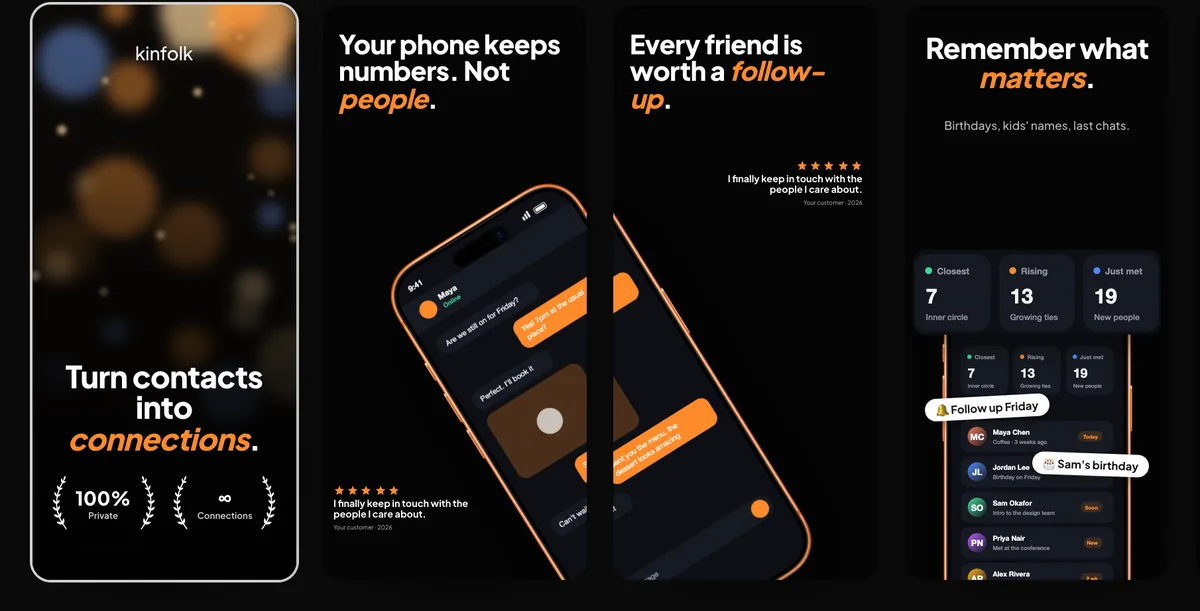
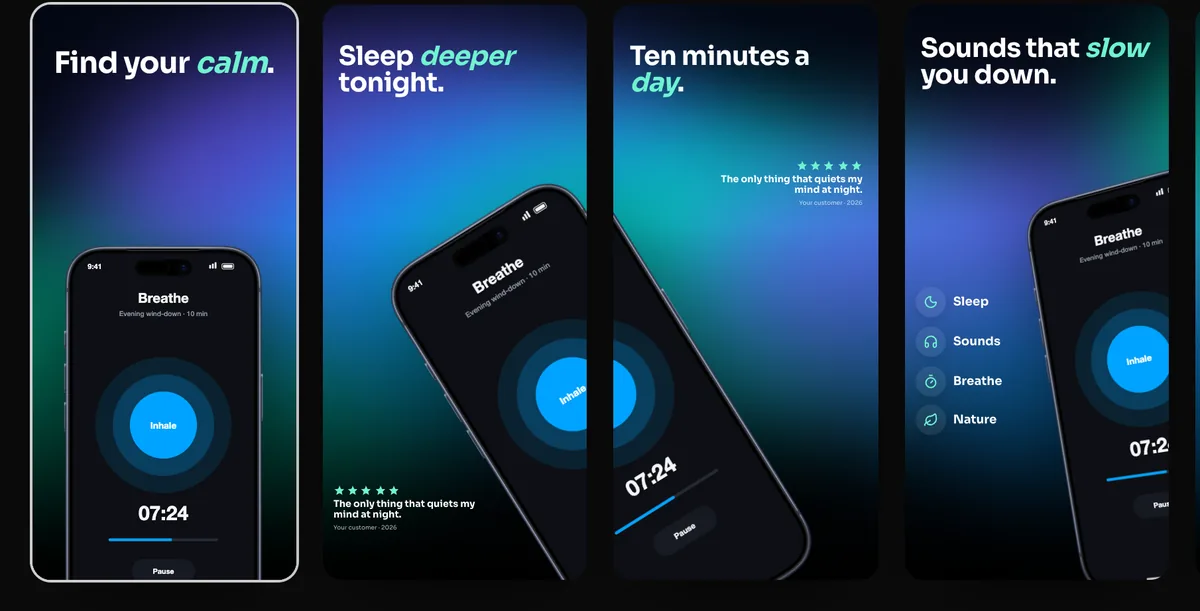
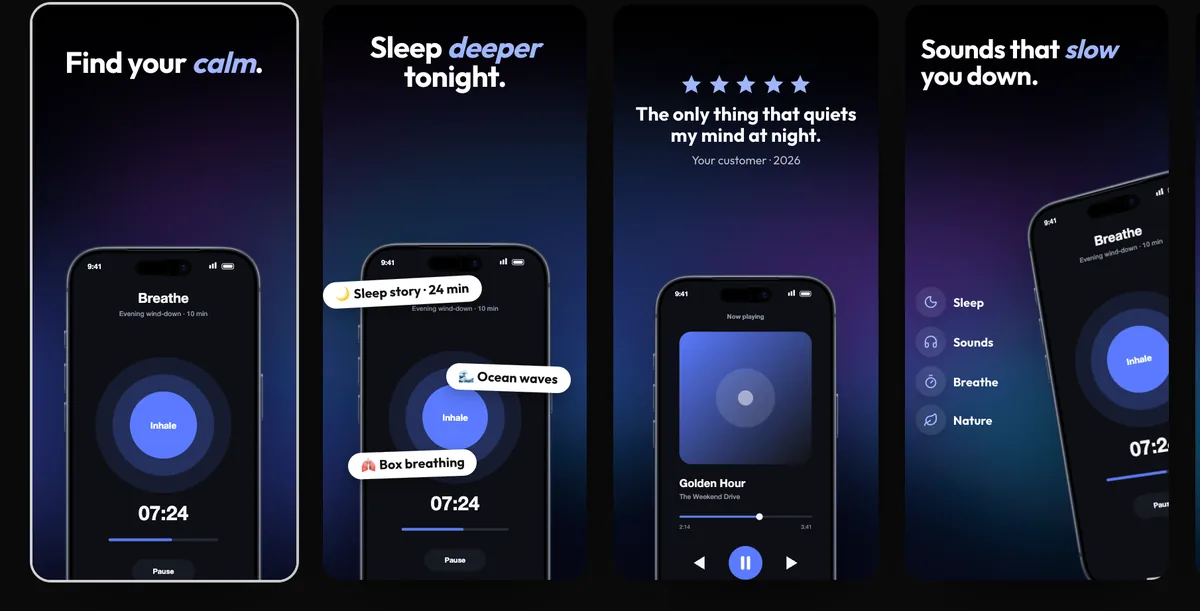
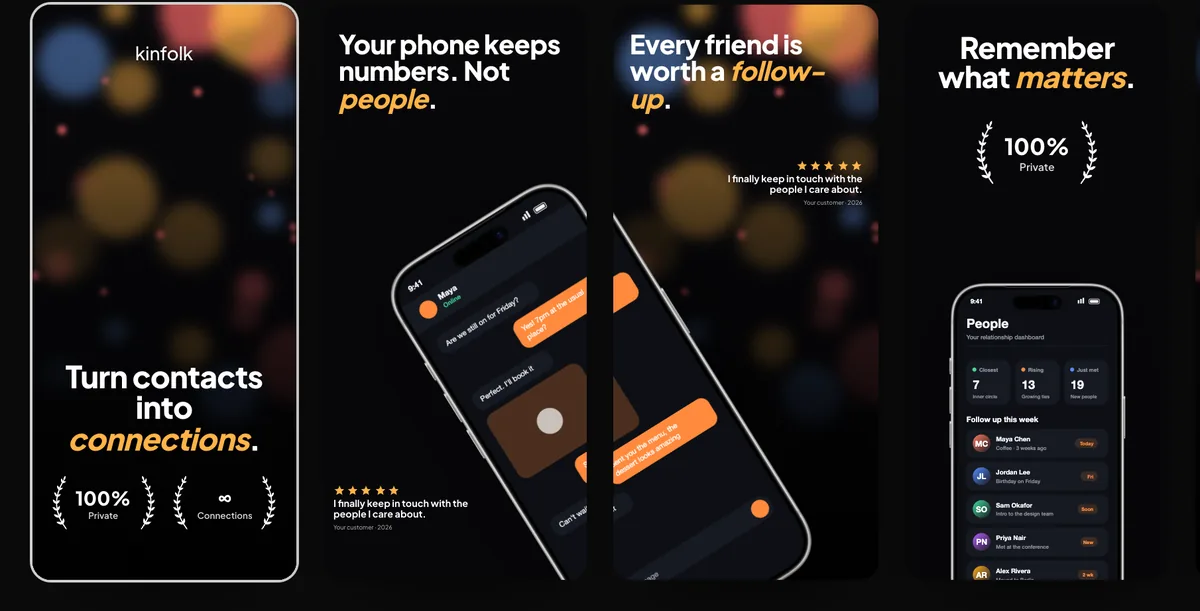
AppScreens and 240fps both design App Store and Google Play screenshot sets in the browser, and both upload to App Store Connect. AppScreens does more for screenshots alone: 150+ template sets, 80+ languages with AI translation, and one-click upload to Google Play too, on a subscription (Pro was $99 a year or $25 a month on 7 November 2026). 240fps has 24 templates and the 40 App Store Connect languages, and adds the App Preview video, the app icon, device mockup videos and a Mac screen recorder, for $7 a month or $39 once.
Side by side
| 240fps | AppScreens | |
|---|---|---|
| Platform | Web browser (any OS), plus a Mac app | Web app |
| Store sizes | App Store and Google Play sets in every required size | All iOS and Android sizes on Pro; essential sizes on Free |
| Templates | 24 editable templates | 150+ template sets and 500+ layouts on Pro; starter templates on Free |
| Languages | All 40 App Store Connect languages, right-to-left included, typed in a table or round-tripped as CSV | 80+ languages with AI translation on Pro and Scale; none on Free |
| Store upload | App Store Connect, with your own API key | One click to App Store Connect and Google Play on Pro and Scale, including custom product pages and PPO |
| Device frames | iPhone, iPad, Mac, Apple Watch, Android and browser frames | Real, clay and 3D frames (clay and 3D on Pro) |
| App Preview video and app icon | Yes | Not listed on its homepage or pricing page |
| Mockup videos and Mac recorder | Yes | Not listed |
| Free plan | Design everything; preview exports up to 1280 px with a small mark | 1 saved project, up to 5 screens, Pro features previewed with watermarks |
| Price (7 Nov 2026) | Free to design; exports $7 a month or $39 once | Pro $99 a year or $25 a month; Scale $180 a year or $50 a month |
Designing the set
Both design the whole row of screenshots together and export every store size from one design. AppScreens calls it a single responsive project, with panoramic backgrounds on Pro. 240fps lays the set out side by side, lets a background or a phone run across two screenshots, and exports iPhone 6.9″ and 6.5″, iPad 13″ and Google Play sizes in one zip. AppScreens has many more templates to start from; 240fps has 24.
Languages and upload
AppScreens lists 80+ locales on Pro and Scale, with AI translation, and one-click upload to App Store Connect and Google Play Console. Its Free plan has no localisations and exports by hand. 240fps keeps one design with a text table per language for the 40 App Store Connect languages, and uploads screenshots and the App Preview to App Store Connect with your own API key, which never leaves your browser. For Google Play, you export the set from 240fps and upload it in the Play Console yourself.
Paying for one release
AppScreens's FAQ suggests a monthly plan, cancelled after the release, if you only need it once; Pro was $25 for that month on 7 November 2026. 240fps is $7 for a month, or $39 once with every update.
Choose AppScreens if…
- You sell in more than 40 languages, or want AI to translate your captions.
- You want one-click upload to Google Play as well as the App Store, or to Apple's custom product pages and product page tests.
- You want a large template catalogue, or clay and 3D device frames.
- You make screenshots for clients: Scale includes an extended licence for client work.
Choose 240fps if…
- You'd rather pay once: $39, where AppScreens's FAQ says it has no one-time plan.
- You also need the App Preview video and the app icon for the same release.
- You make device mockups, product videos or Mac screen recordings as well as store screenshots.
About this comparison
Details about other products are from their own websites on 7 November 2026. Features and prices change, so check their site before you decide.
Questions
Is 240fps an AppScreens alternative?
Yes, for App Store and Google Play screenshot sets made in the browser and uploaded to App Store Connect. AppScreens is the better fit if you need more than 40 languages, AI translation or one-click Google Play upload.
Which is cheaper?
On 7 November 2026, AppScreens Pro was $99 a year or $25 a month, and Scale $180 a year or $50 a month. 240fps is $7 a month or $39 once, and that also covers mockup videos and 240fps for Mac.
Can 240fps upload to Google Play?
No. 240fps uploads to App Store Connect; for Google Play you export the set and upload it in the Play Console. AppScreens lists one-click Google Play upload on Pro and Scale.