Size
Google Play feature graphic size
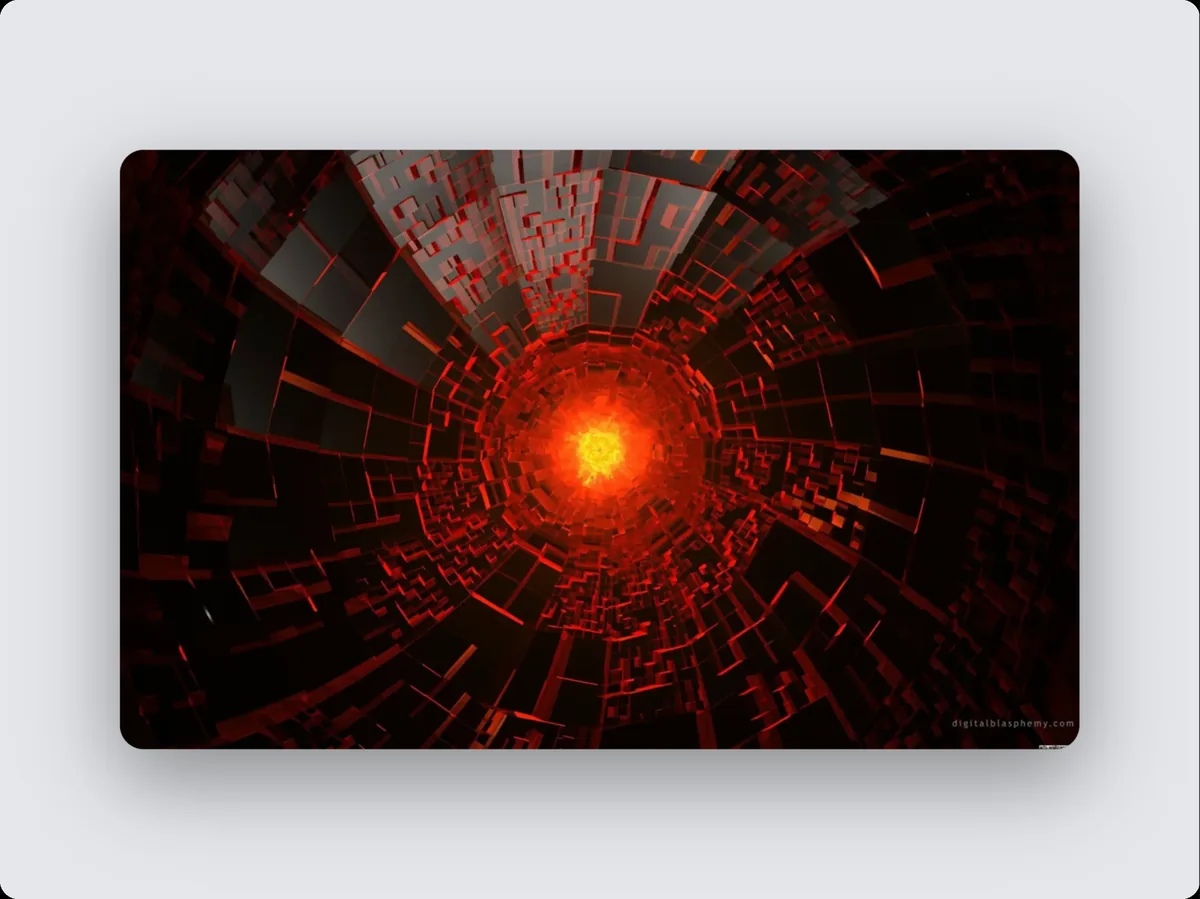
A Google Play feature graphic is 1024 × 500 pixels. In 240fps, choose Google Play feature graphic as the frame size and the canvas, the layout and every export use exactly 1024 × 500, so the image or video is ready to upload without resizing.
Why the exact Google Play feature graphic size matters
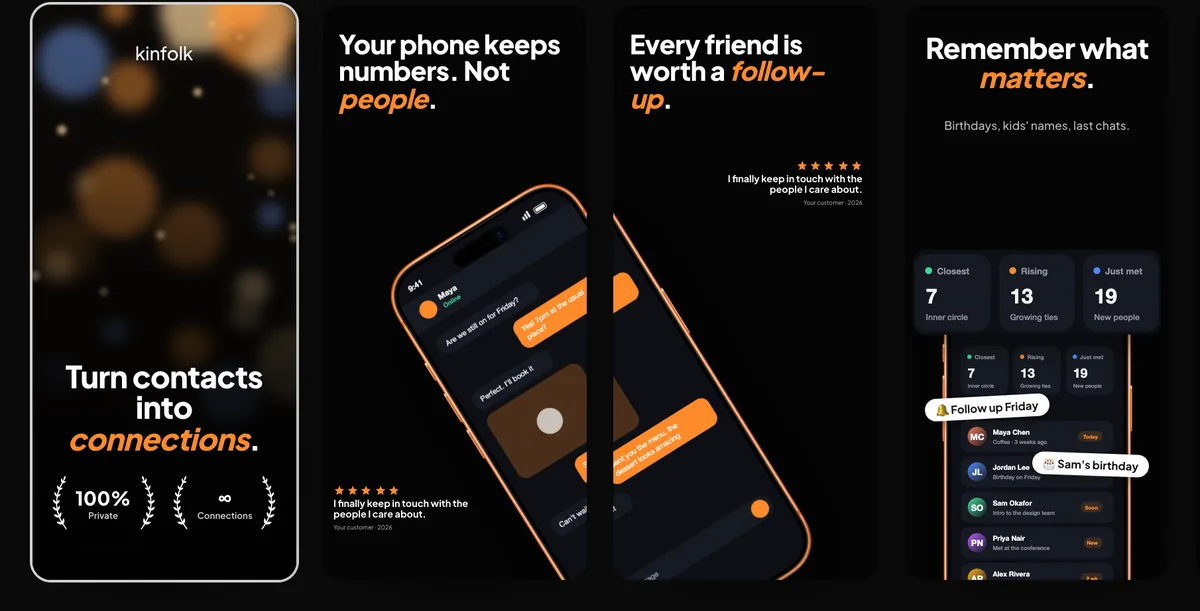
Google Play accepts phone screenshots from 320 to 3,840 pixels a side, but to be eligible for promotion in its recommendations an app needs at least four at 1080 × 1920 (portrait) or 1920 × 1080 (landscape) or larger. The feature graphic is fixed at 1024 × 500, and Play Console won't publish a store listing without one.
Tips
- Google shows the feature graphic as the cover of your preview video and in large-format collections, including ads. Keep the focal point and text near the centre, and leave out device frames, store badges and words like "Best", "#1" or "Free": Google's guidelines ask you to avoid them.
- Google also suggests vibrant colours for the feature graphic rather than pure white, black or dark grey, which blend into Google Play's background.
- Google asks for a 24-bit PNG with no alpha channel, and PNGs from design tools often carry one even when nothing is transparent. Export a JPEG, or a PNG on a solid background.
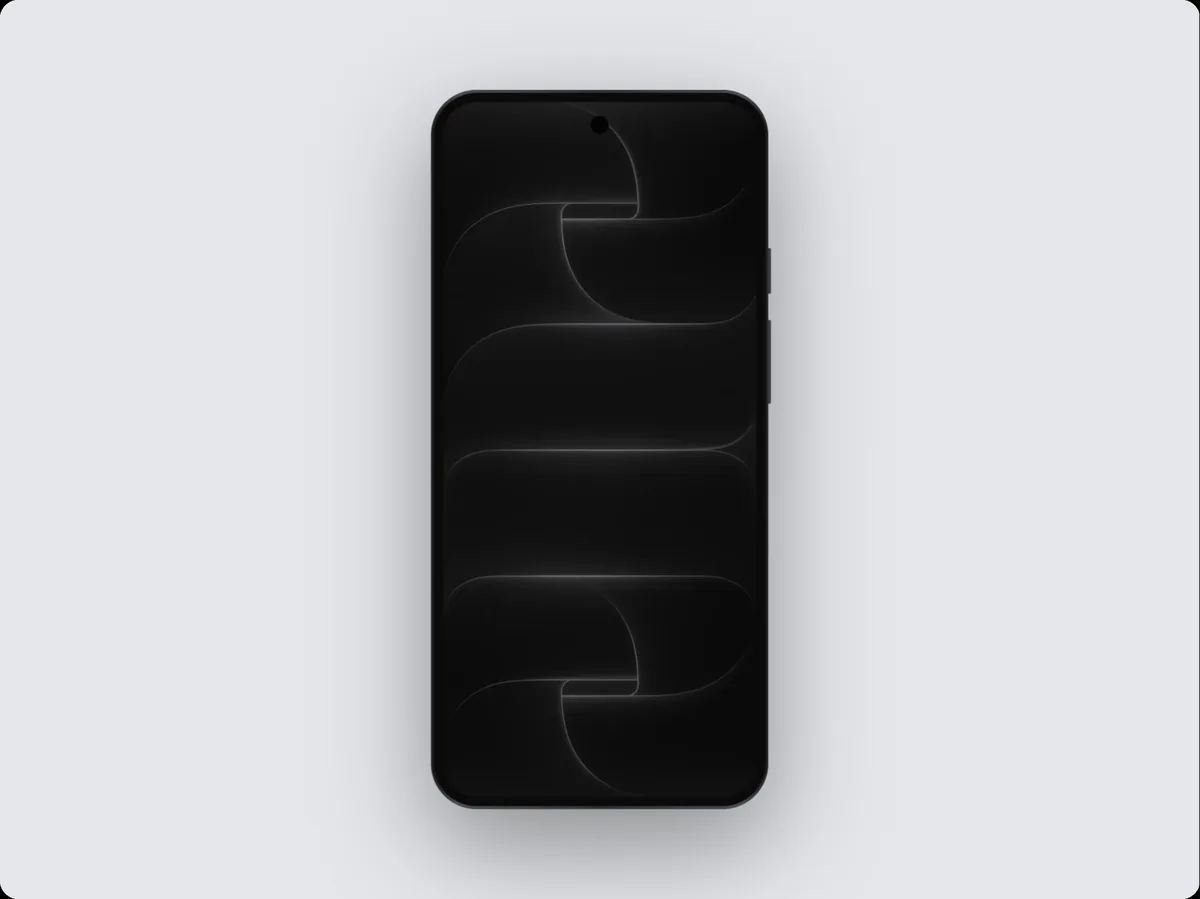
- Tablet and Chromebook screenshots have their own rules: Google asks for at least four, 1,080 to 7,680 pixels a side, at 9:16 or 16:9. Google doesn't name one size for them, so set a custom frame size in the editor.
- The Screenshots studio exports a Google Play phone set alongside the App Store sizes, in one zip.
Other sizes in this family
- Google Play phone screenshot: 1080 × 1920
- Google Play landscape phone screenshot: 1920 × 1080
How to do it
- 1Open the editor at this sizeOpen the editor with the frame set to Google Play feature graphic.
- 2Add your screenPaste a screenshot, drop a screen recording, or add a website.
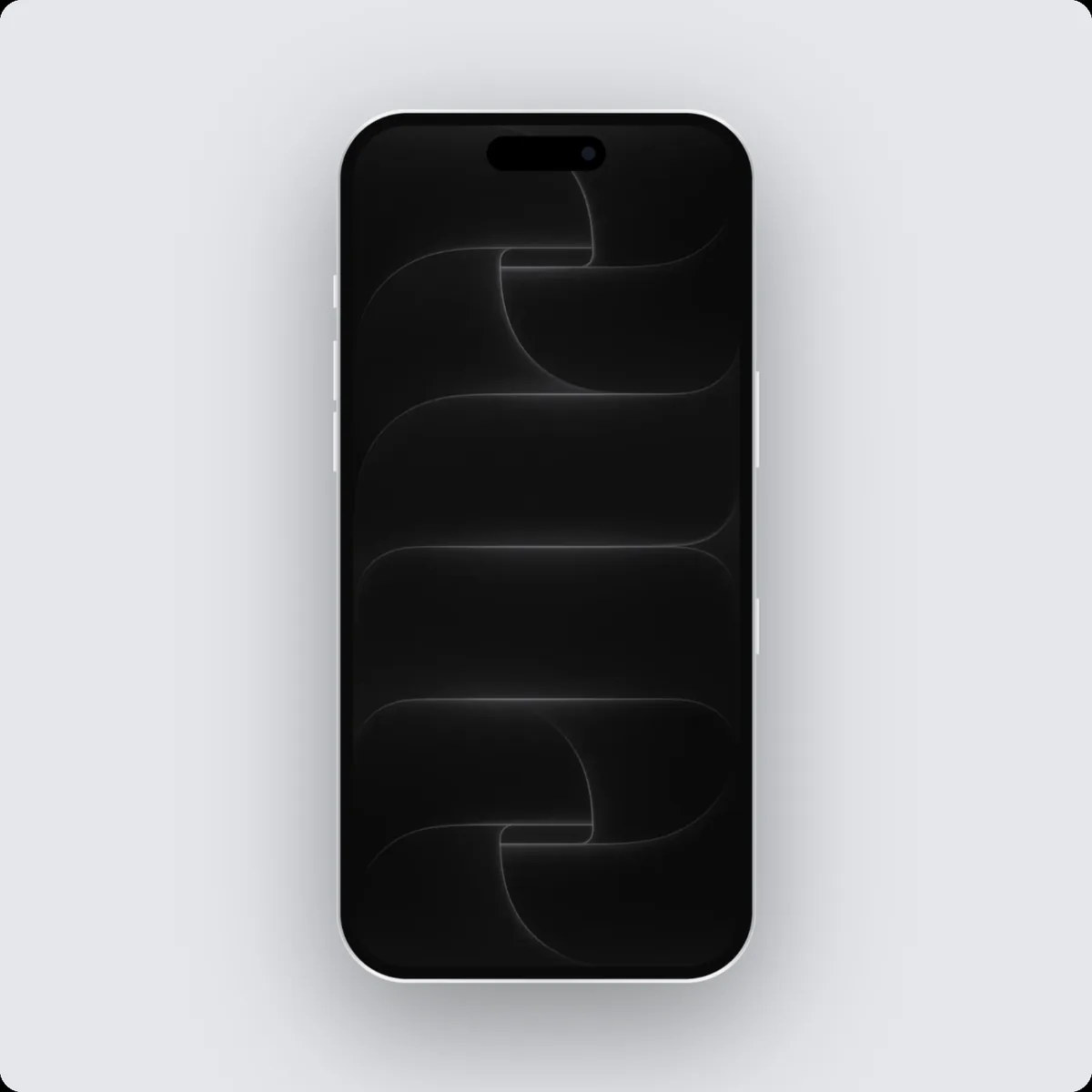
- 3Pick a device and backgroundChoose the device, a layout and a background, or start from a template.
- 4ExportExport at exactly 1024 × 500.
Questions
What size is a Google Play feature graphic?
1024 × 500 pixels.
Can I export a video at this size?
Yes. Switch to Videos, add motion, and export an MP4, WebM or GIF at the same size.
Is it free?
Designing at any size is free. Exporting comes with 240fps Monthly ($7 a month) or Lifetime ($39 once).