App Store template
Marker App Store screenshot template
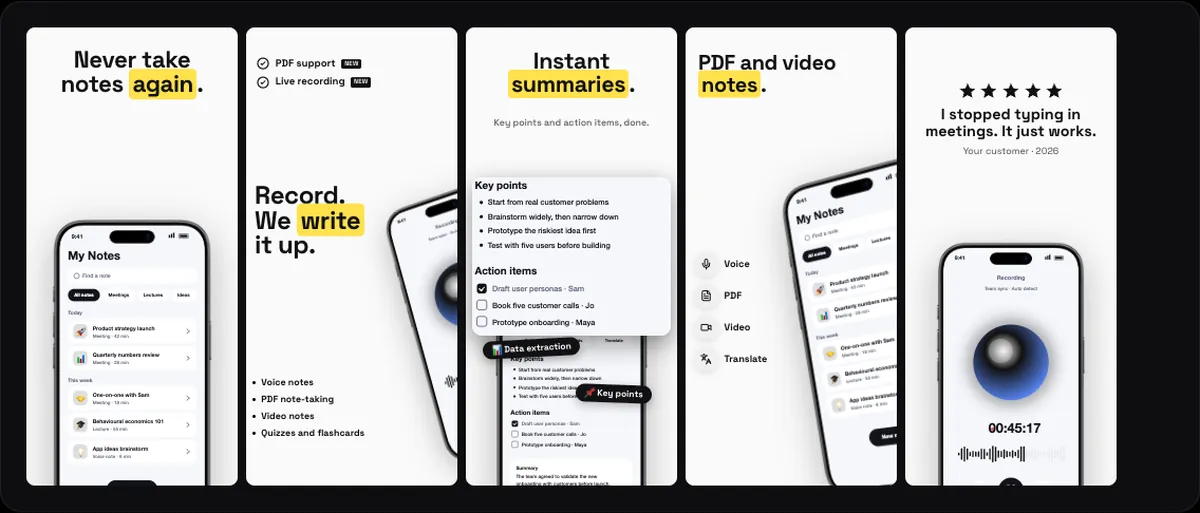
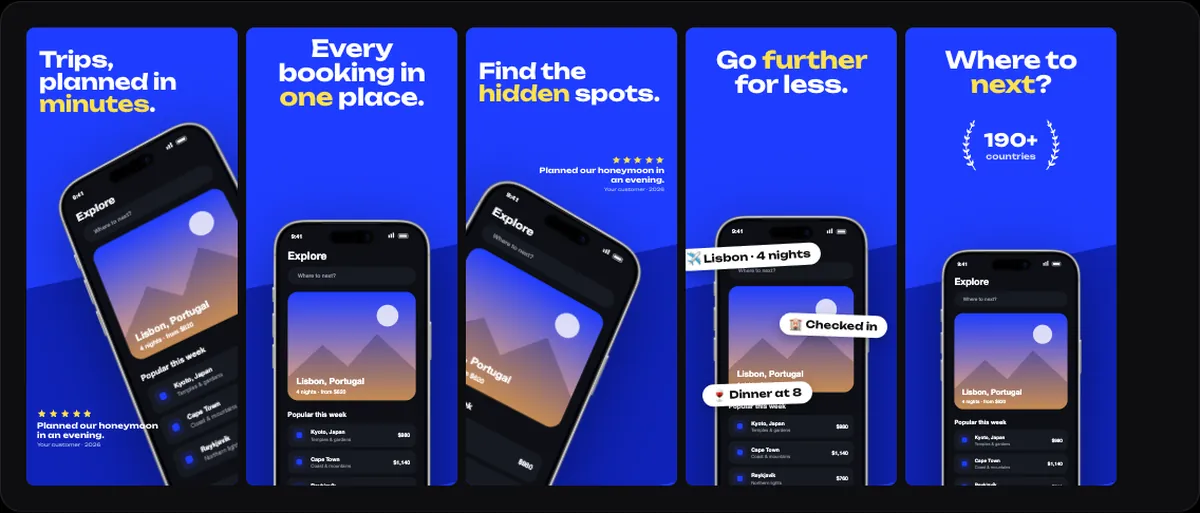
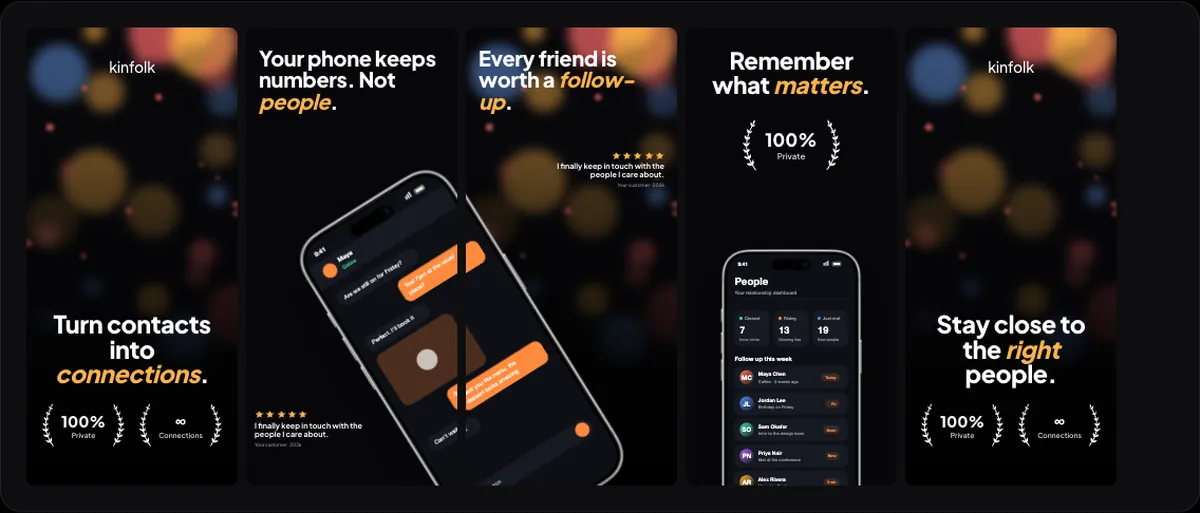
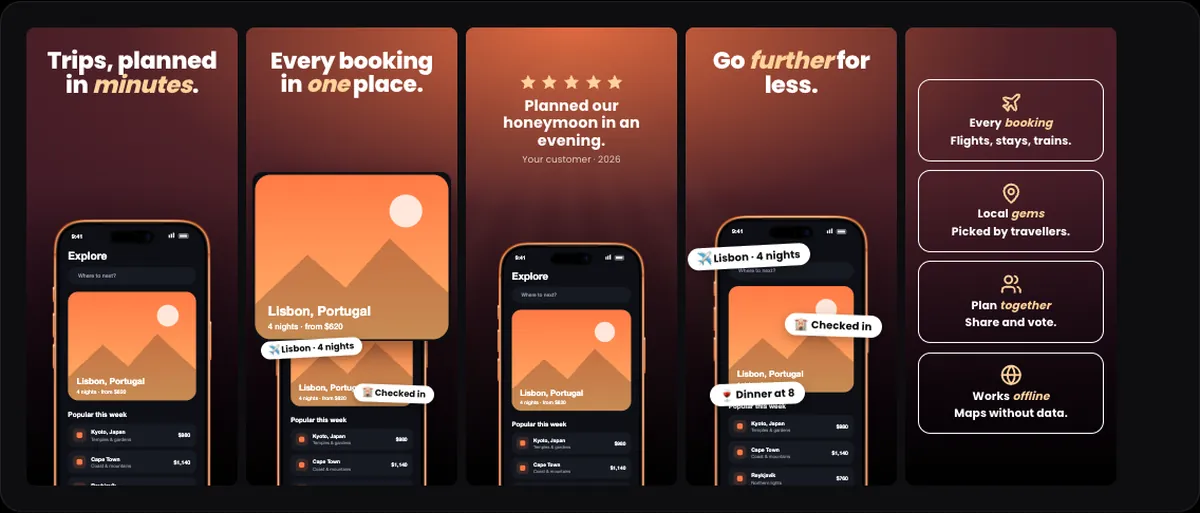
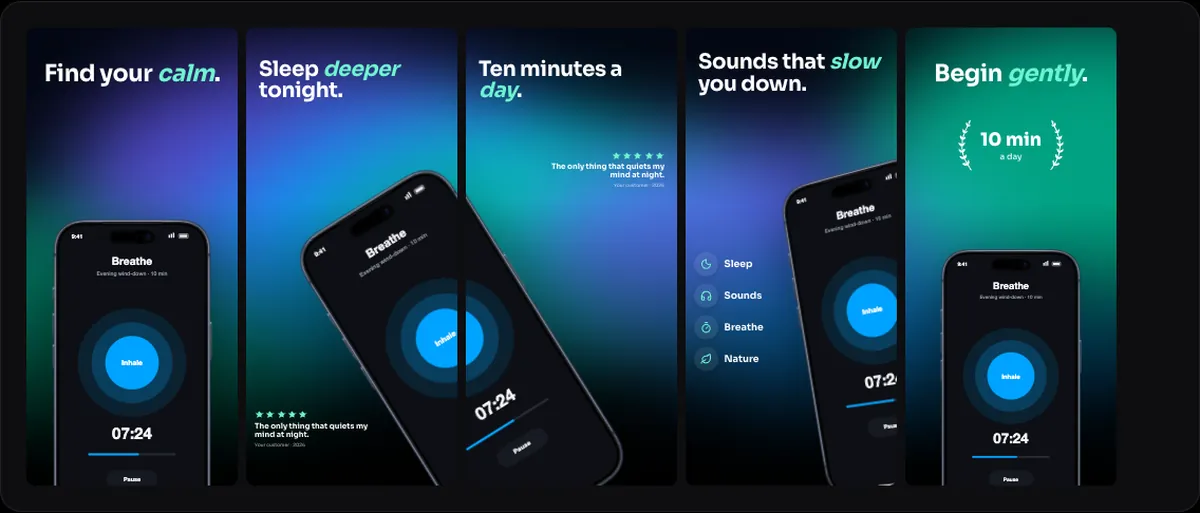
Marker is an App Store screenshot template in 240fps's Screenshots studio: 5 screenshots in a bold, light style, on a light background. Off-white screenshots with Space Grotesk headlines whose accent words sit on a yellow highlighter stroke. A black iPhone 17 runs through a hero, a checklist with NEW tags and the phone peeking in from the right, a lifted-out card, an icon list and a closing review. Drop in your app's screens and write your headlines, then export iPhone 6.9″ and 6.5″, iPad 13″ and Google Play sizes in one zip, in any of the 40 App Store Connect languages, or upload them straight to App Store Connect. Designing is free; full exports are $7 a month or $39 once.
What's in Marker
5 screenshots designed as one set. Headlines, sublines, devices and backgrounds are all editable.
Switch templates at any time: your screens and headlines move into the new design.
Where it works well
- Note-taking, study and learning apps
- Apps for students and teachers
- Updates with features you want to mark as new
From one design to every store size
- iPhone 6.9″ and 6.5″, the sizes App Store Connect asks for
- iPad 13″
- Google Play phone screenshots
- A folder per language, from a translation table or a CSV
- Direct upload to an app version with your own App Store Connect API key
How to use it
- 1Open it in the editorOpen in editor starts the Screenshots studio on Marker, with sample screens.
- 2Add your screensDrop your app's screenshots onto the phones.
- 3Write your headlinesEdit each headline and subline, and translate them if you sell in more than one language.
- 4Export or uploadDownload every size in one zip, or send the set straight to App Store Connect.
Questions
Is Marker free?
Designing is free, and free exports are previews: up to 1280 px, with a small 240fps mark. Full-size exports with no mark come with 240fps Monthly ($7 a month) or Lifetime ($39 once).
Does it work for Google Play too?
Yes. The same design exports Google Play phone screenshots alongside the App Store sizes.
Can I change the device?
Yes. Every phone in the set can be switched to another device or finish.