Every component in 240fps
Every piece of motion and design in 240fps, in one library: showreels and seamless loops for your work, animated video templates, device mockups and App Store screenshot templates. Each one has its own page with a live preview, the settings it takes and an Open in editor button that loads it with sample work, ready for your own. Designing is free; full exports are $7 a month or $39 once.
Showreels
Reels that play once through your work, one beat per piece, with an intro and your name at the end.
- HoverShowreelsThe cursor sweeps the row: the piece under it lifts while the rest give way, and it ends on your name.
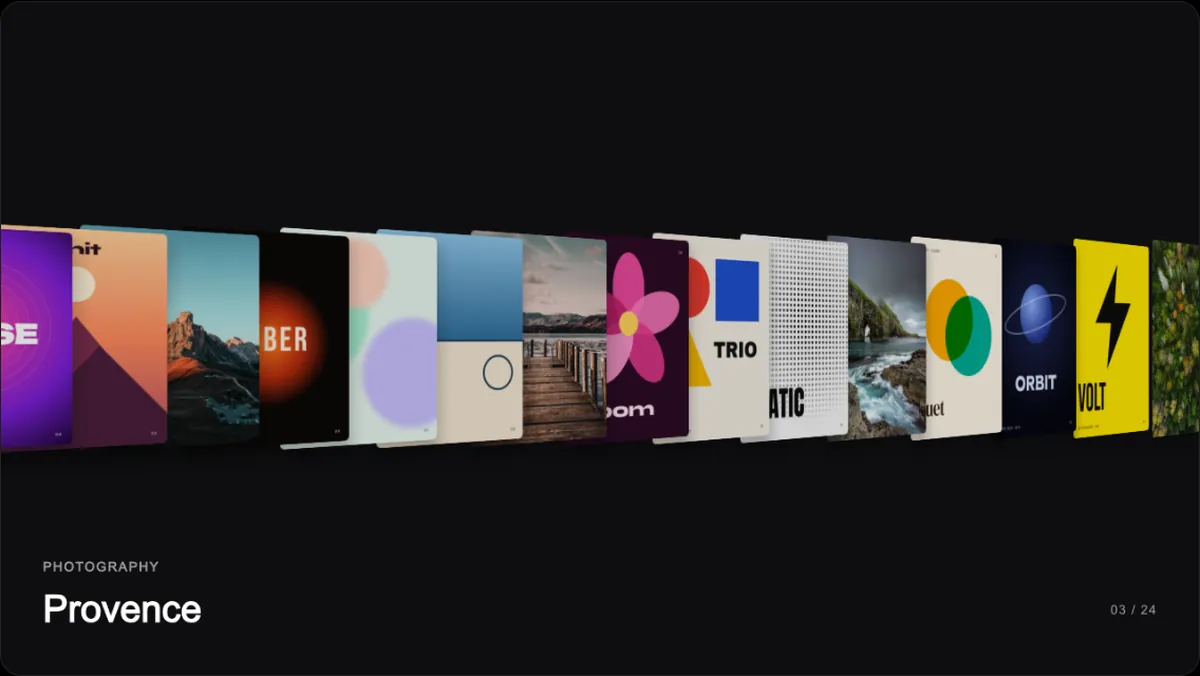
- RigShowreelsEach screen is built from the top down, panel after panel flying in.
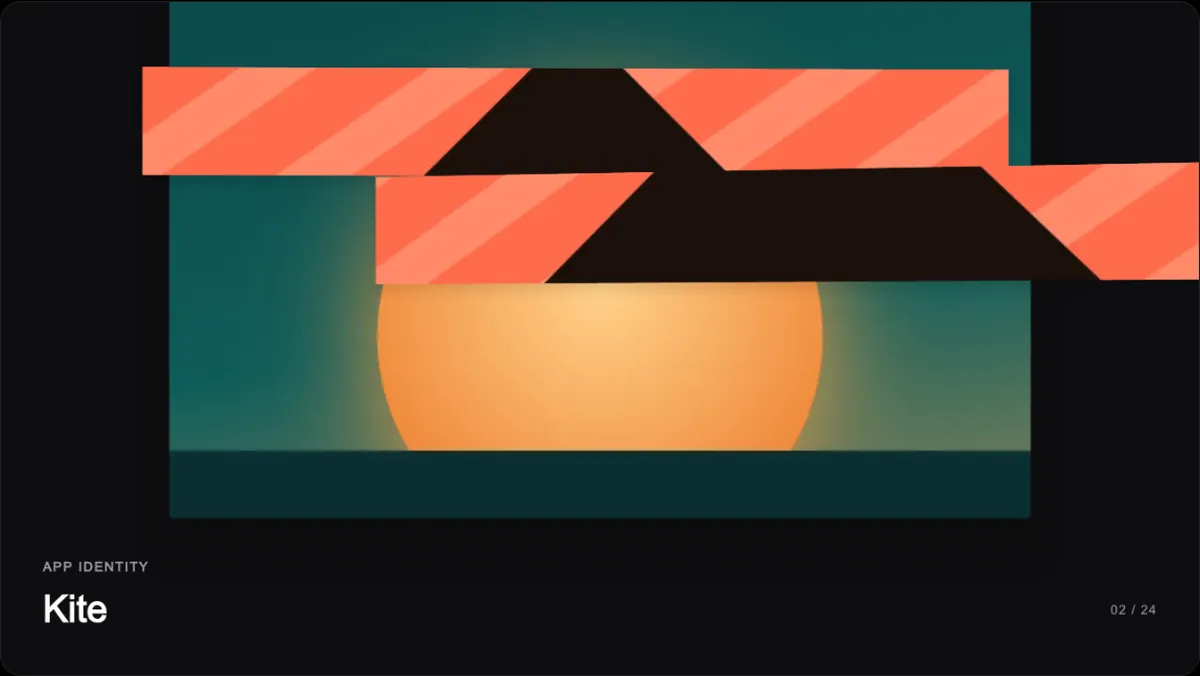
- ViscoseShowreelsYour work rides a ring that melts apart card by card, with a project list beside it.
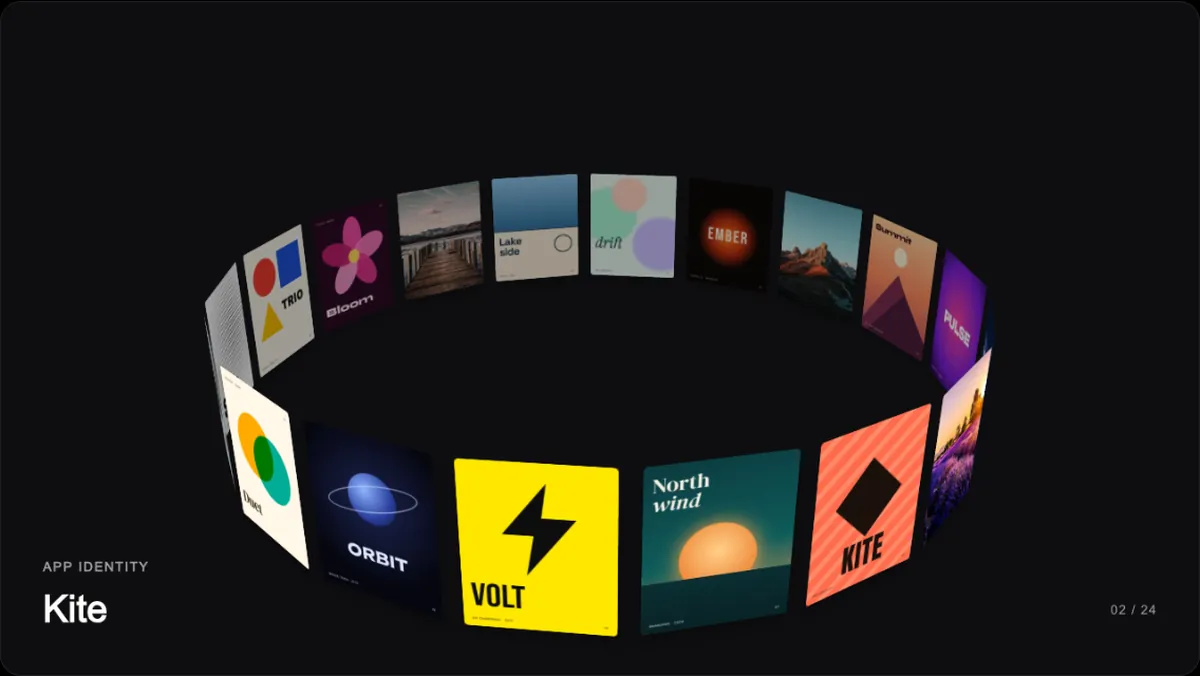
- OrbitShowreelsYour work wraps a tilted 3D ring that turns slowly through space.
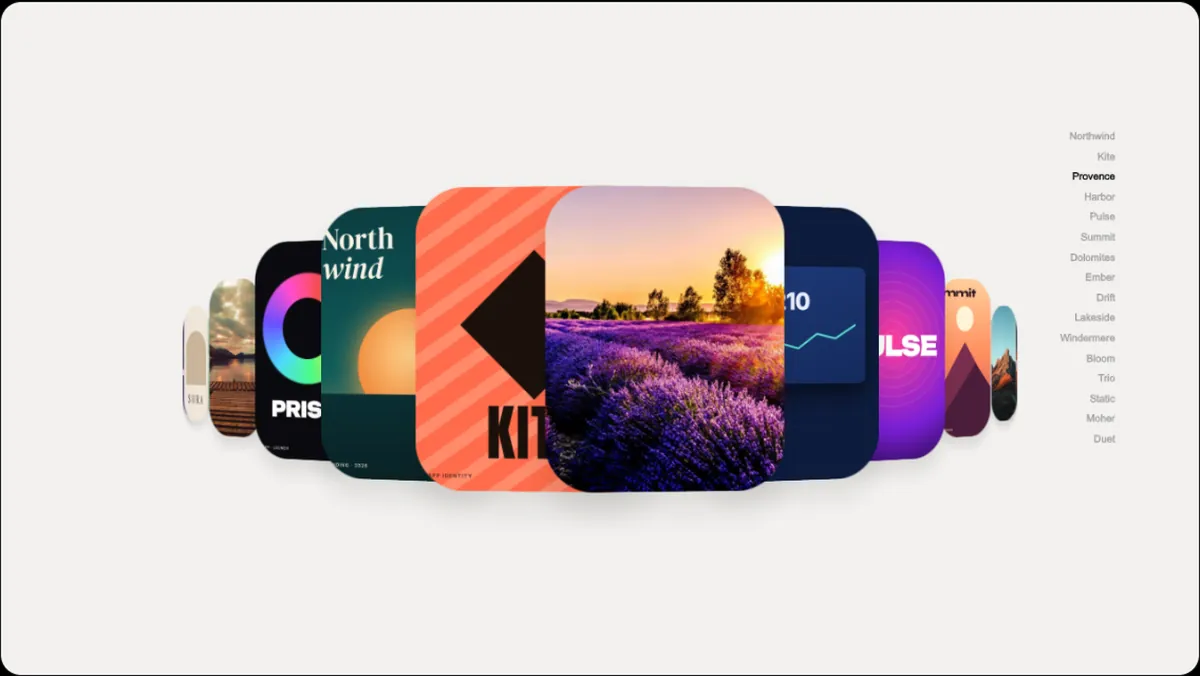
- RiffleShowreelsA deck: the top card slides out and tucks in behind as the pile goes round.
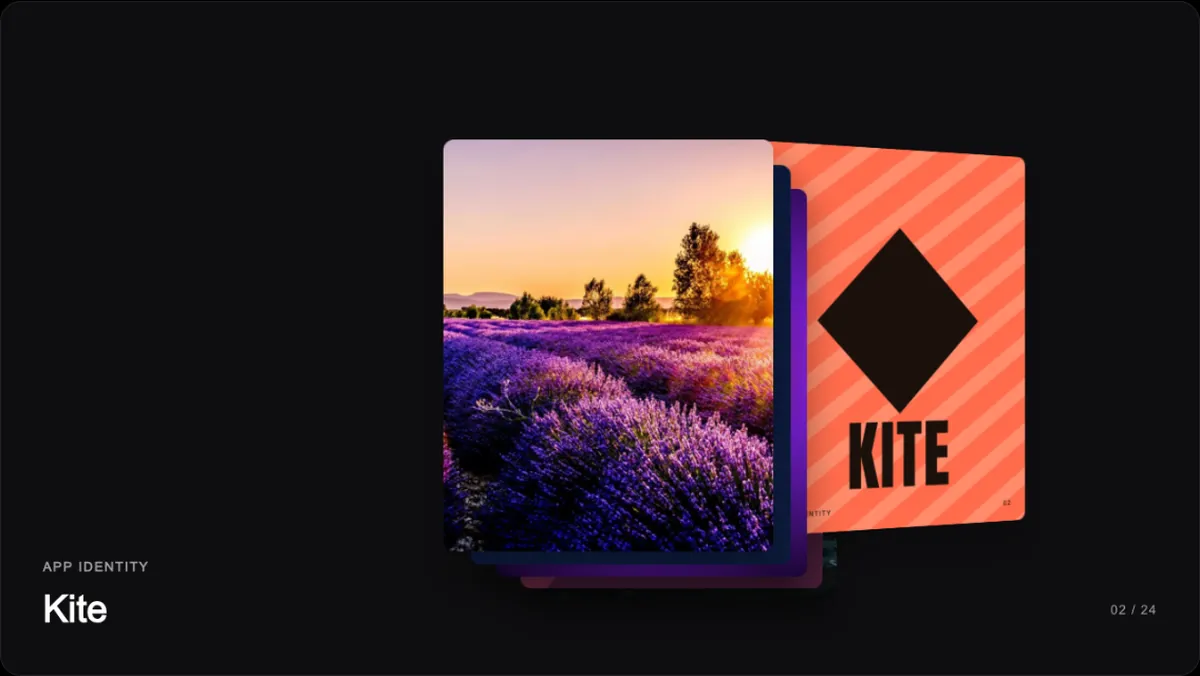
- FolioShowreelsA folder spills your work into a grid, then each piece fills the frame.
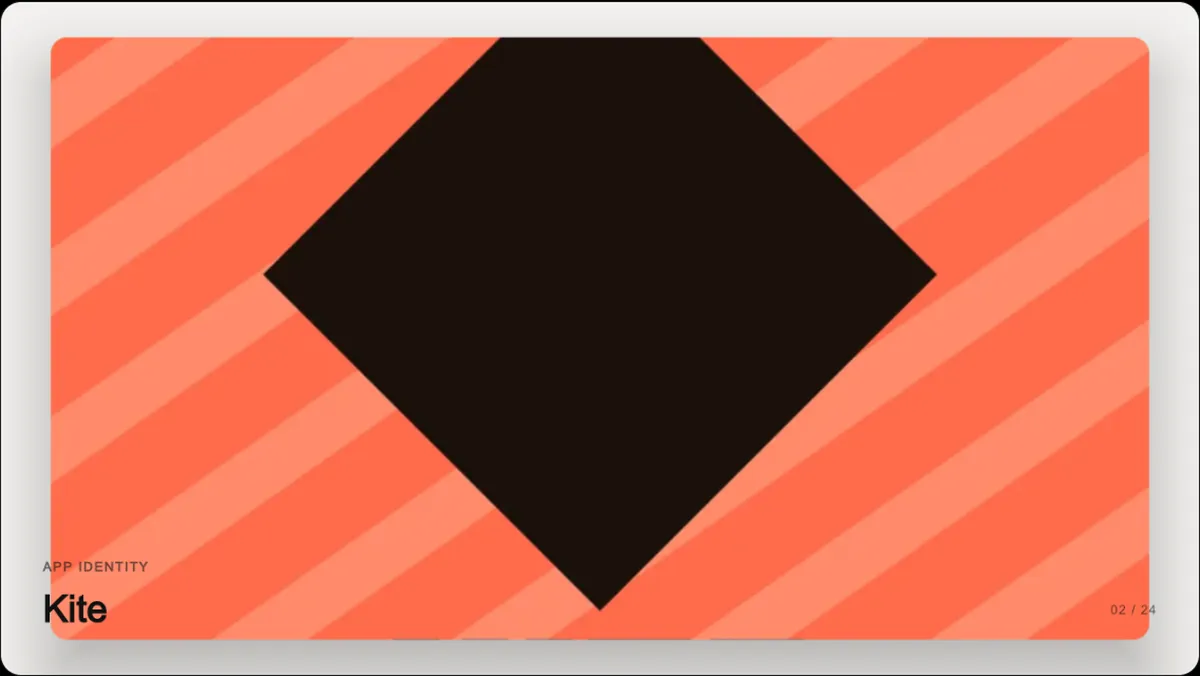
UI components
Carousels, sliders, card stacks, buttons and text effects as seamless loops of your work.
- Wave GalleryComponentsAn endless ribbon of your work bent into a wave in depth, riding over the crest and sinking into the fog.
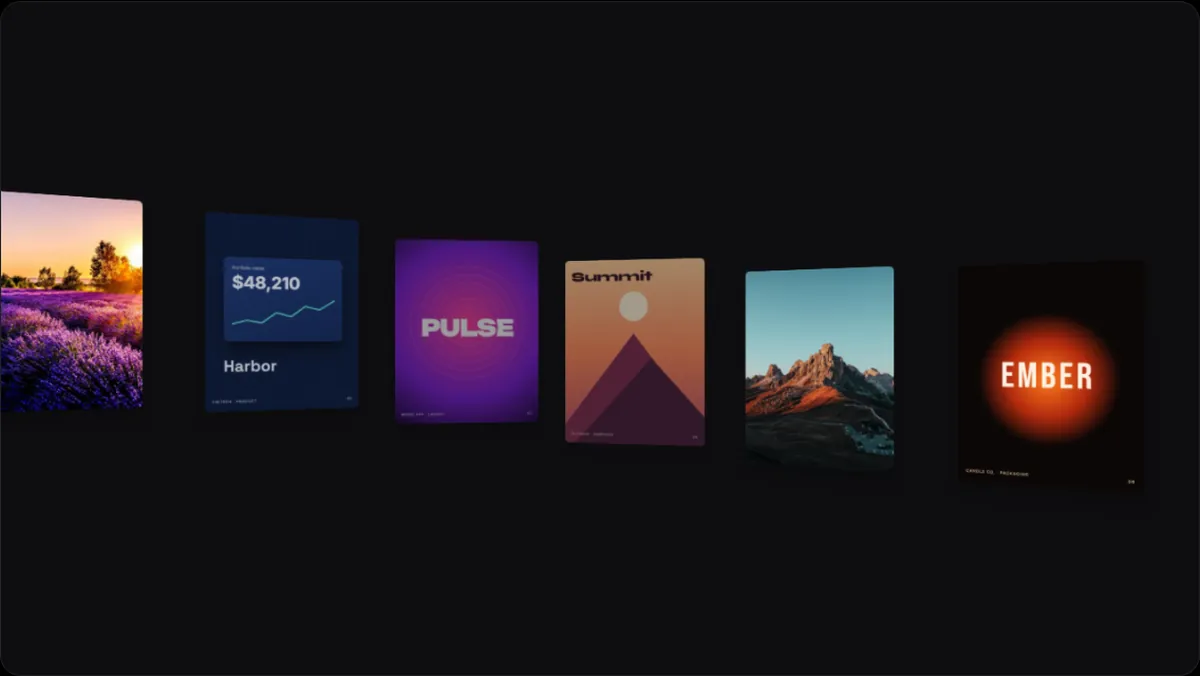
- Liquid CarouselComponentsA strip of your work seen through a tilted lens of glass: flat in the middle, dragged and split into colour at the rim.
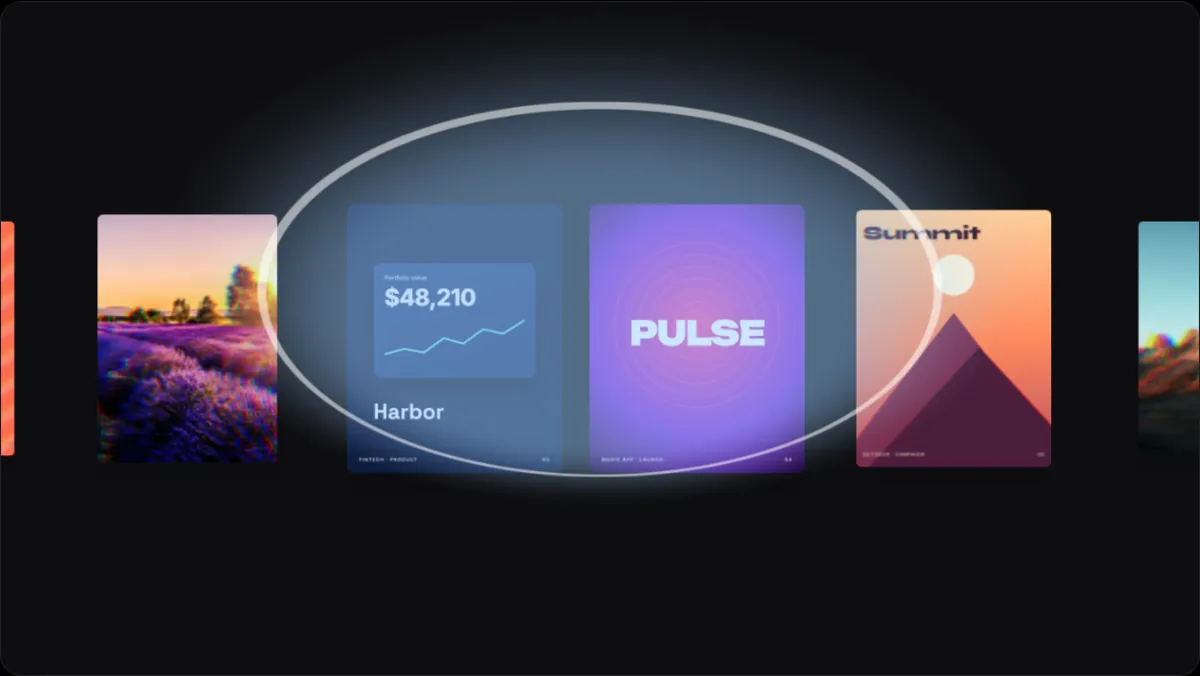
- Spiral SliderComponentsPanels wound onto a spiral that screws along its track; the far side shows through, frosted.
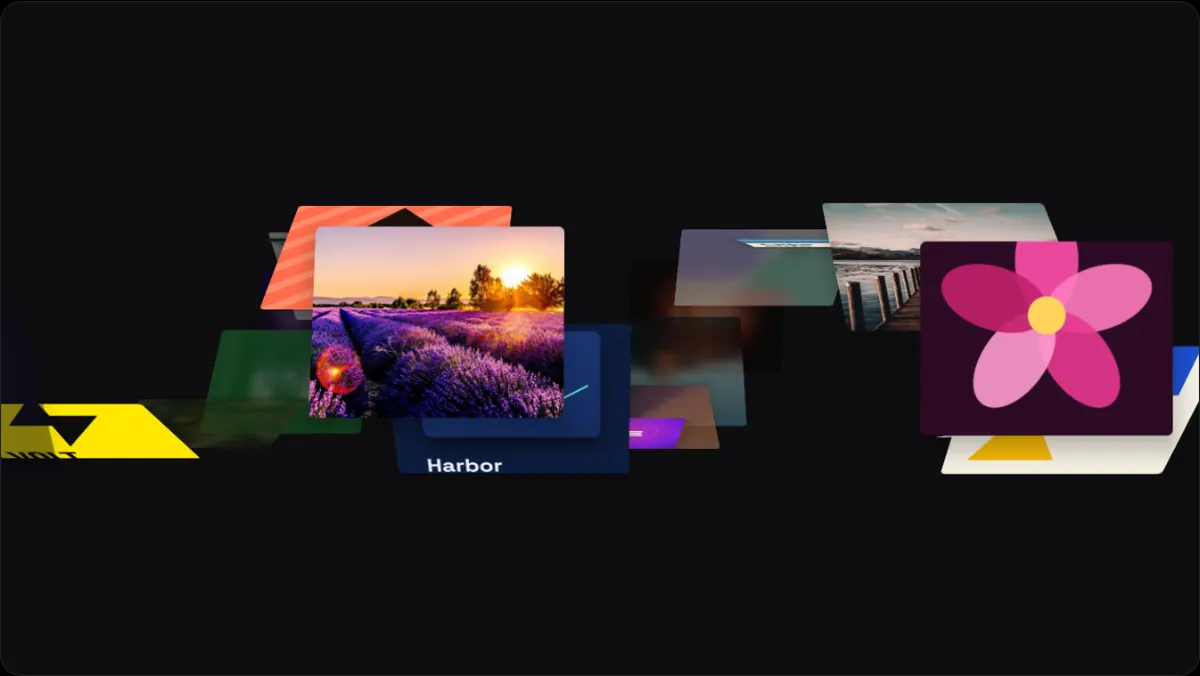
- DNA CarouselComponentsYour work on two opposing strands of a helix, climbing past; the far ones blurred and colour-fringed like a lens edge.
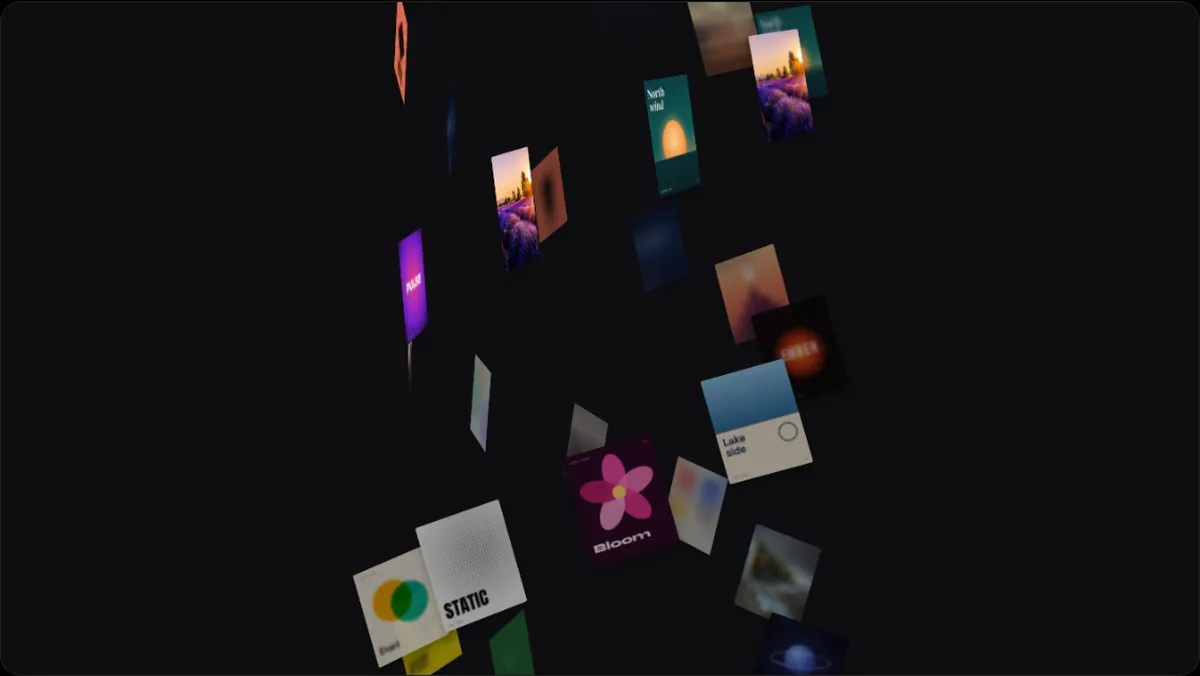
- Scroll 3D SliderComponentsA slider that swells towards you when it moves fast, bending pieces through a lens in the middle.
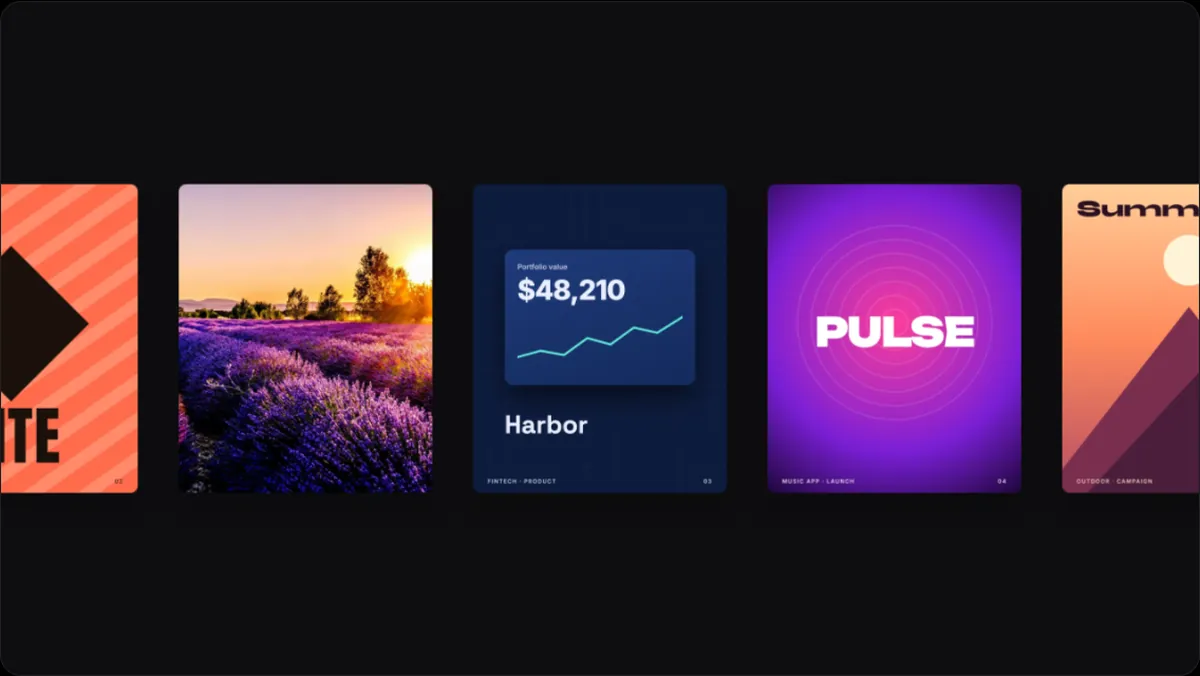
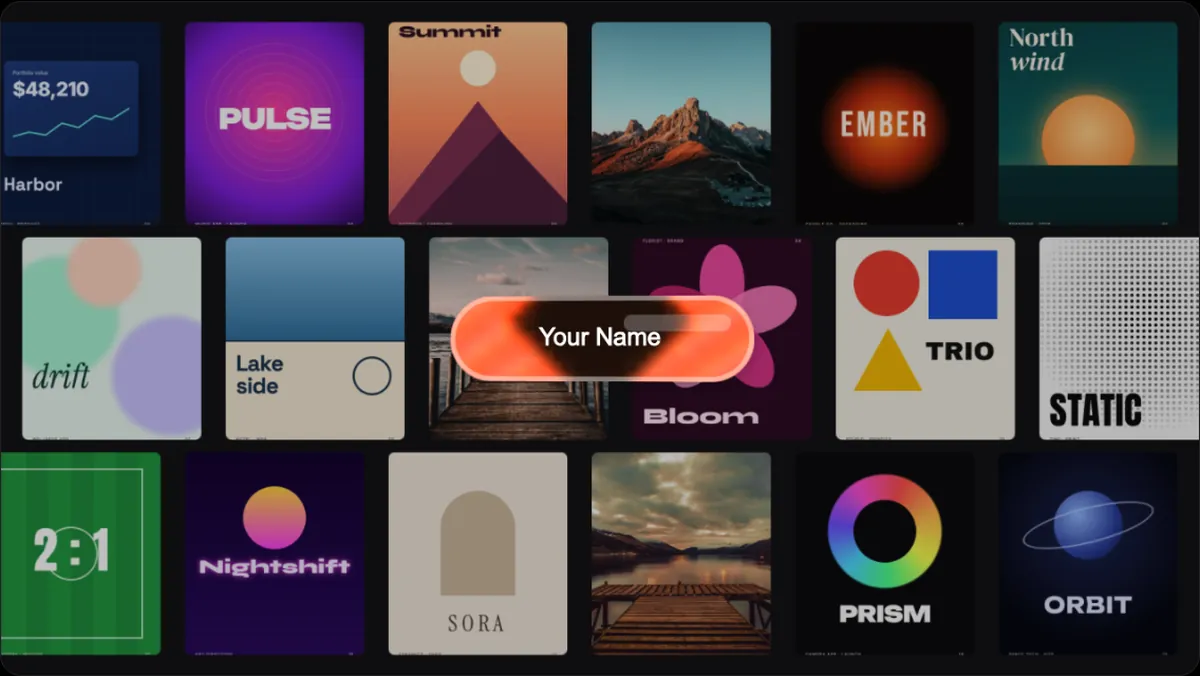
- Liquid Glass ButtonComponentsA glass pill over your work, blurring and bending what's behind it, leaning to the pointer and pressing.
Loops
Seamless motion loops of your screenshots, videos and photos, from 3D carousels to globes and marquees.
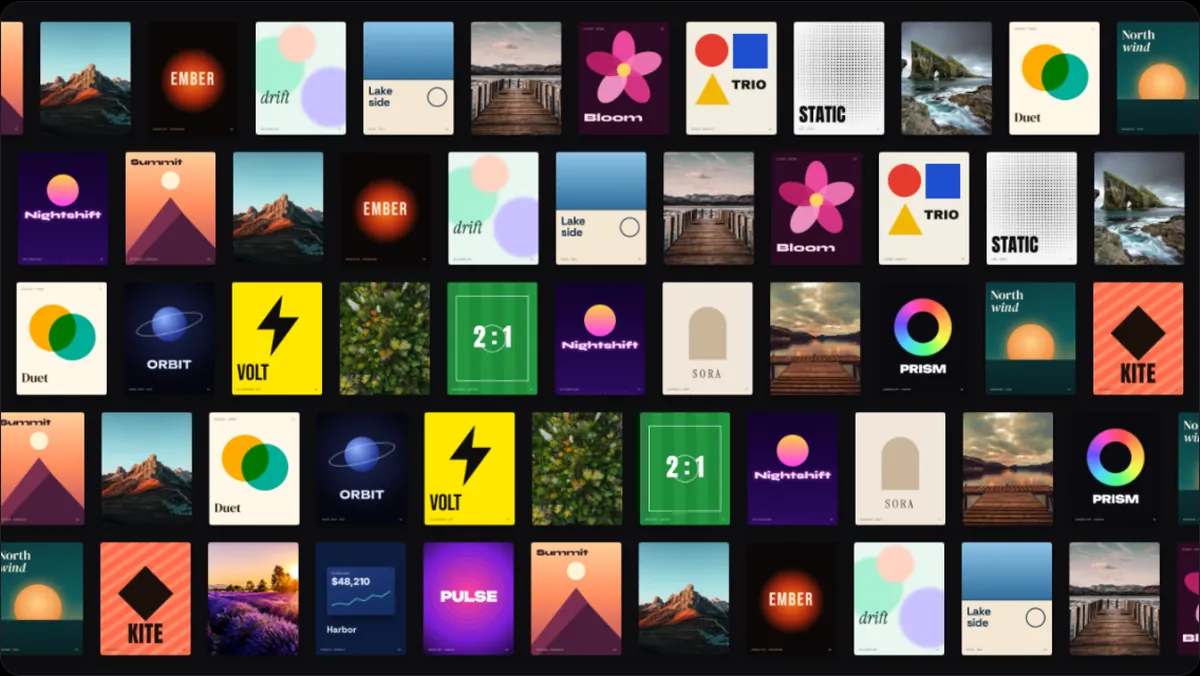
- Bow3D & PerspectiveA concave wall of cards, row on row, drifting past.
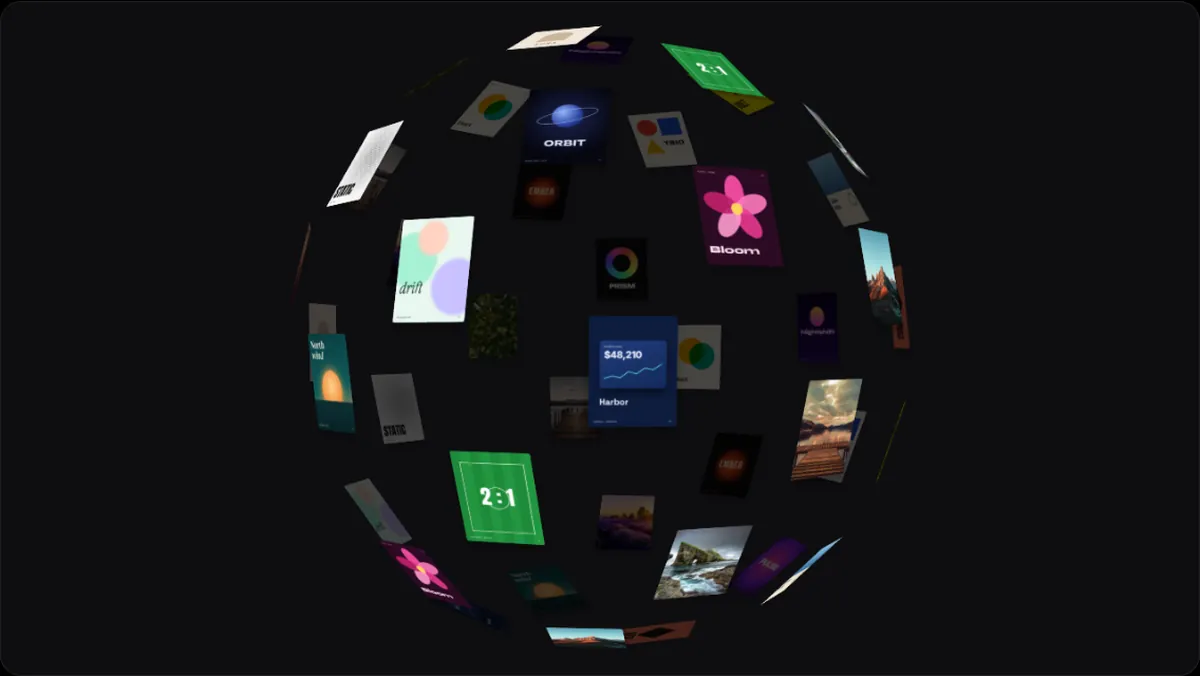
- Sphere3D & PerspectiveCards over a turning globe.
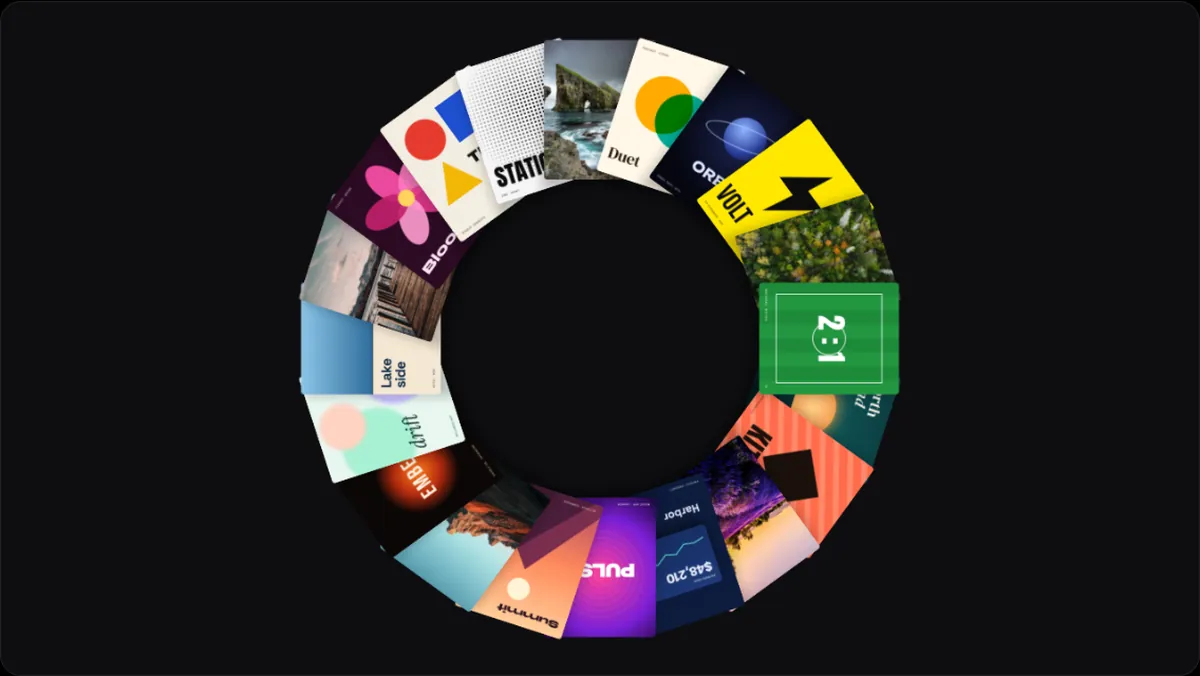
- Atlas3D & PerspectiveA ring of cards facing you, like a wreath, turning.
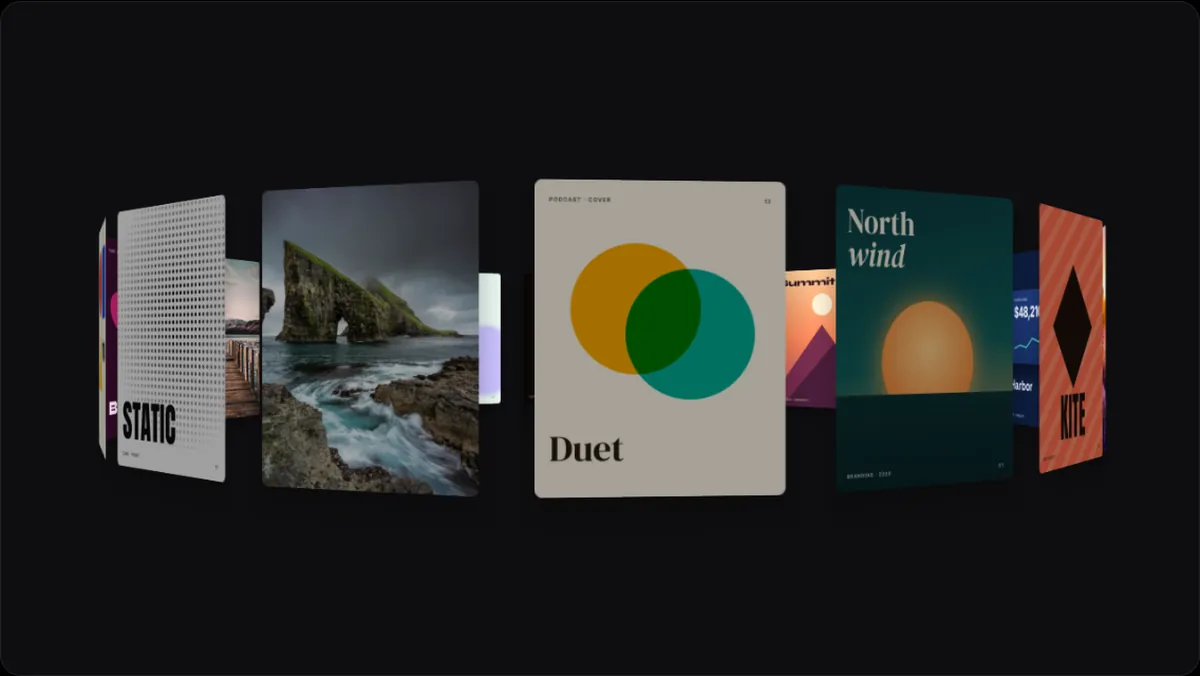
- Curtain3D & PerspectiveTall cards hung in a curve, swaying round.
- Drum3D & PerspectiveA drum of cards, three rows high, rolling round.
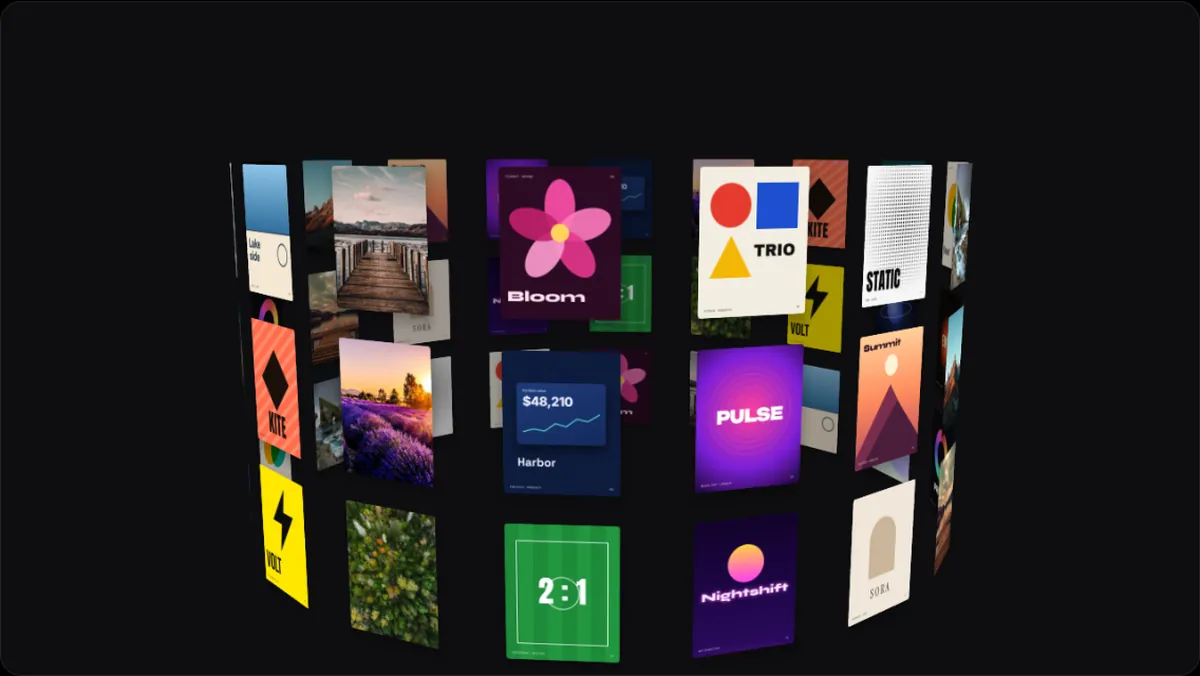
- Mirage3D & PerspectiveEach image full frame, drifting, the next ghosting in.
- Helix3D & PerspectiveCards climbing a double spiral.
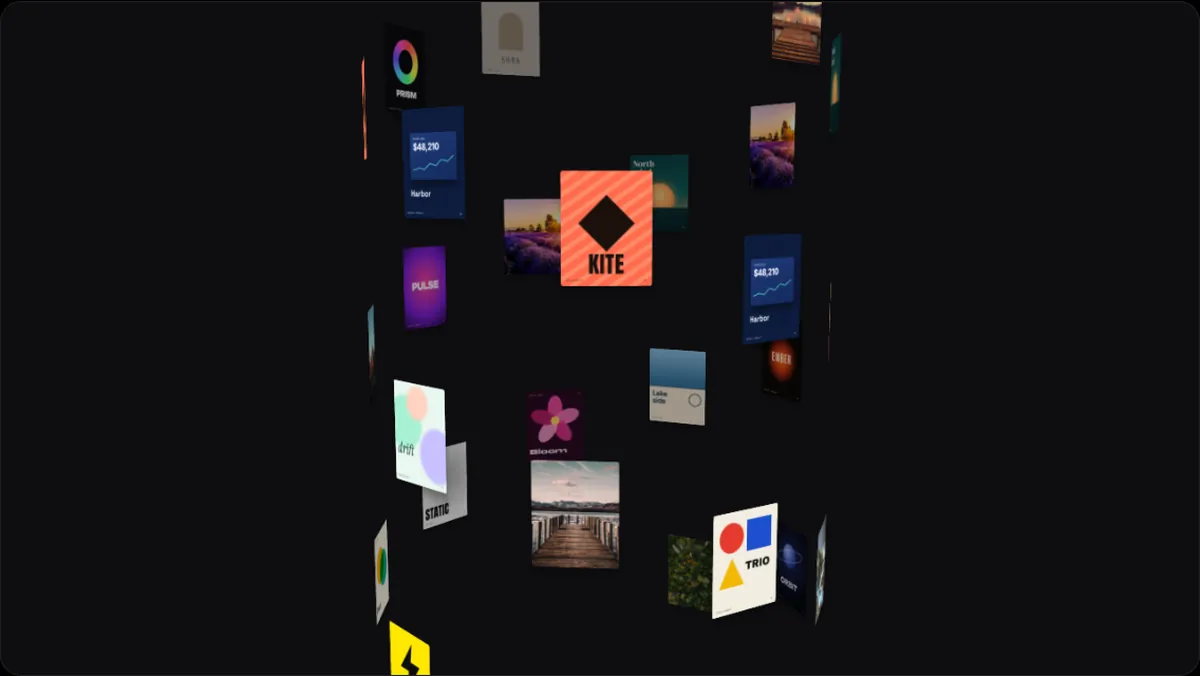
- Dive3D & PerspectiveCards fly straight at you out of the dark.
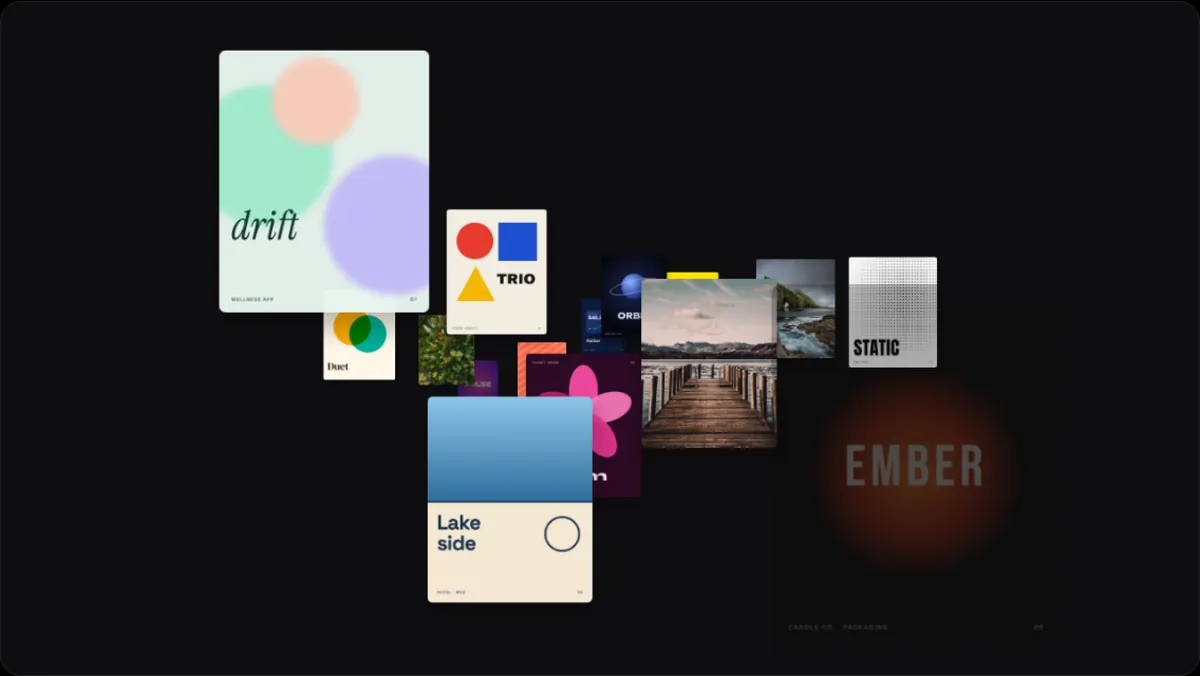
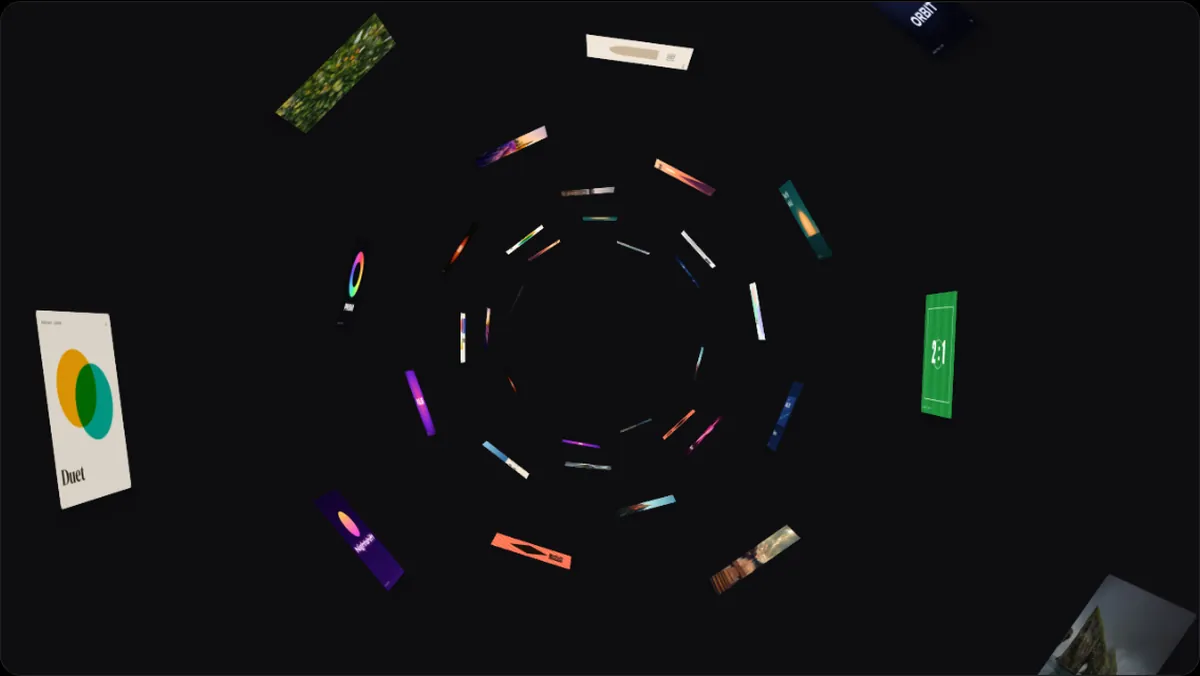
- Tunnel3D & PerspectiveA tube of cards streaming past.
Video templates
Animated device mockups for launches, feature spotlights, websites, social posts and loops.
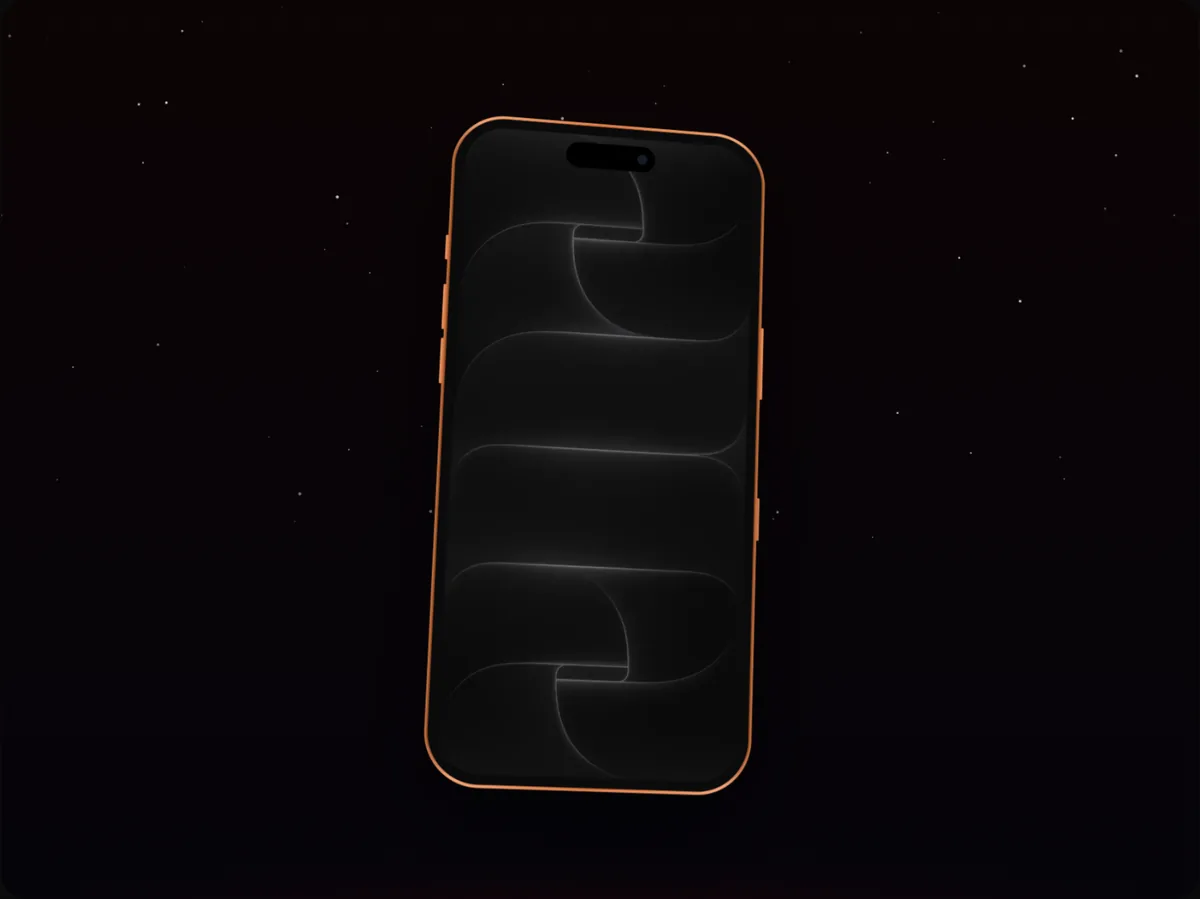 Hero orbit videoVideo templatesHero orbit: a 6-second app launch template for an iPhone 17 Pro at 4:3 (1920 × 1440).
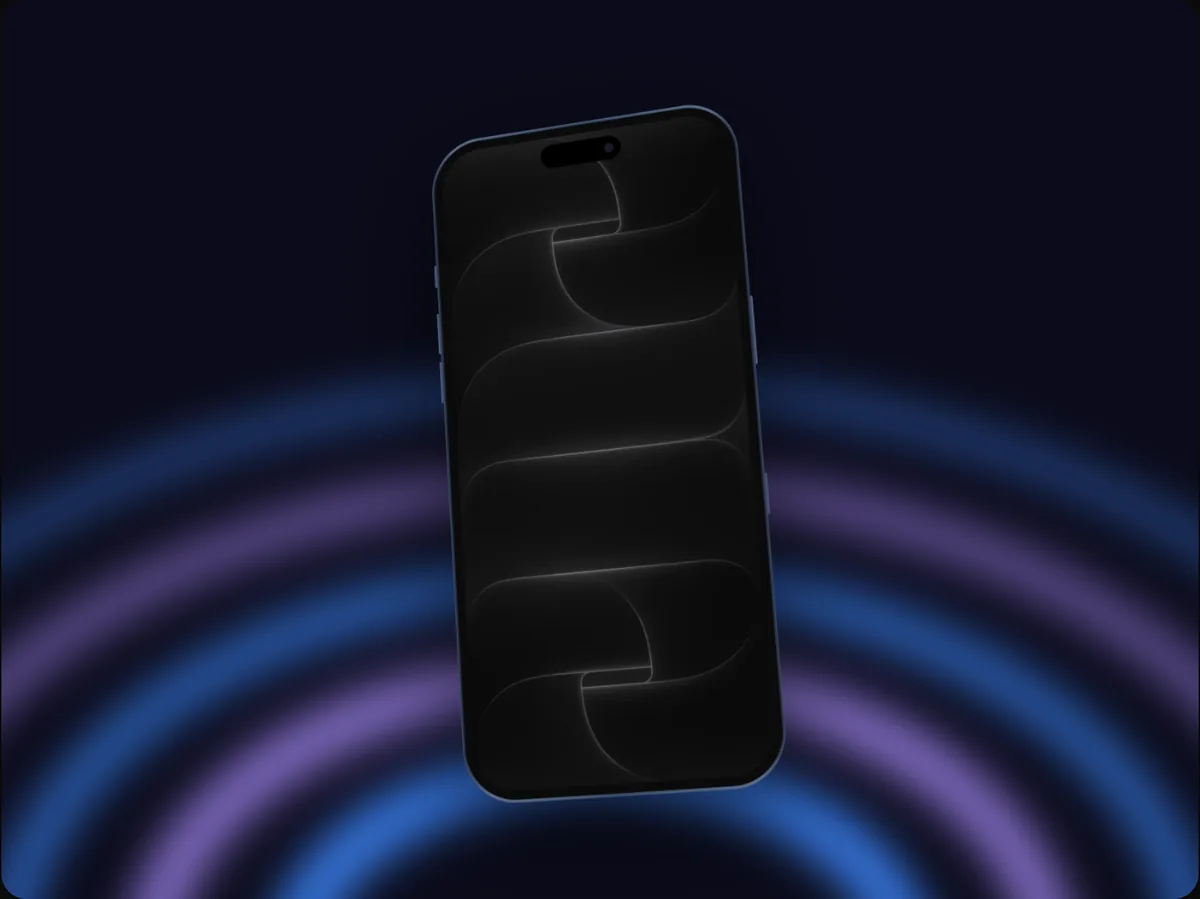 Rise & reveal videoVideo templatesRise & reveal: a 6-second app launch template for an iPhone 17 Pro Max at 4:3 (1920 × 1440).
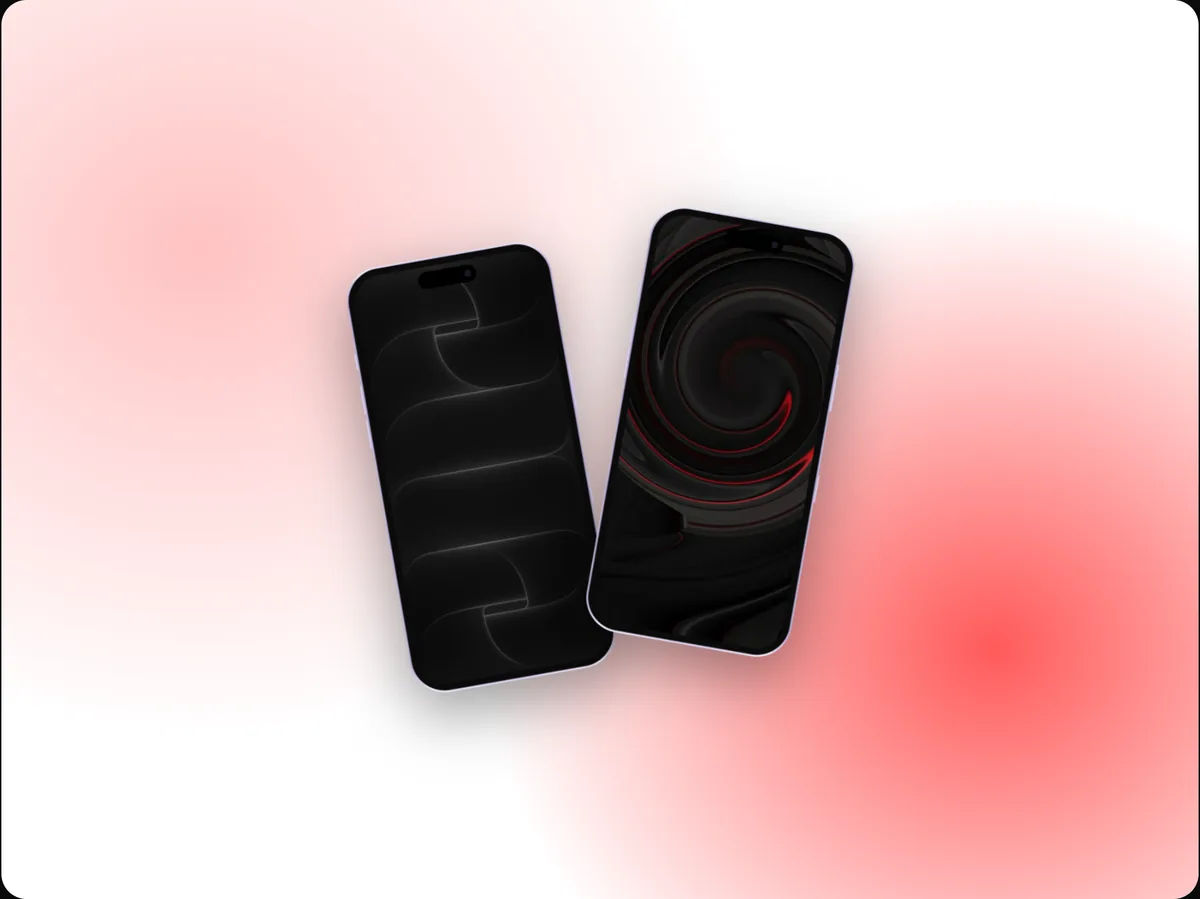 Duo reveal videoVideo templatesDuo reveal: a 6-second app launch template for 2 iPhone 17s at 4:3 (1920 × 1440).
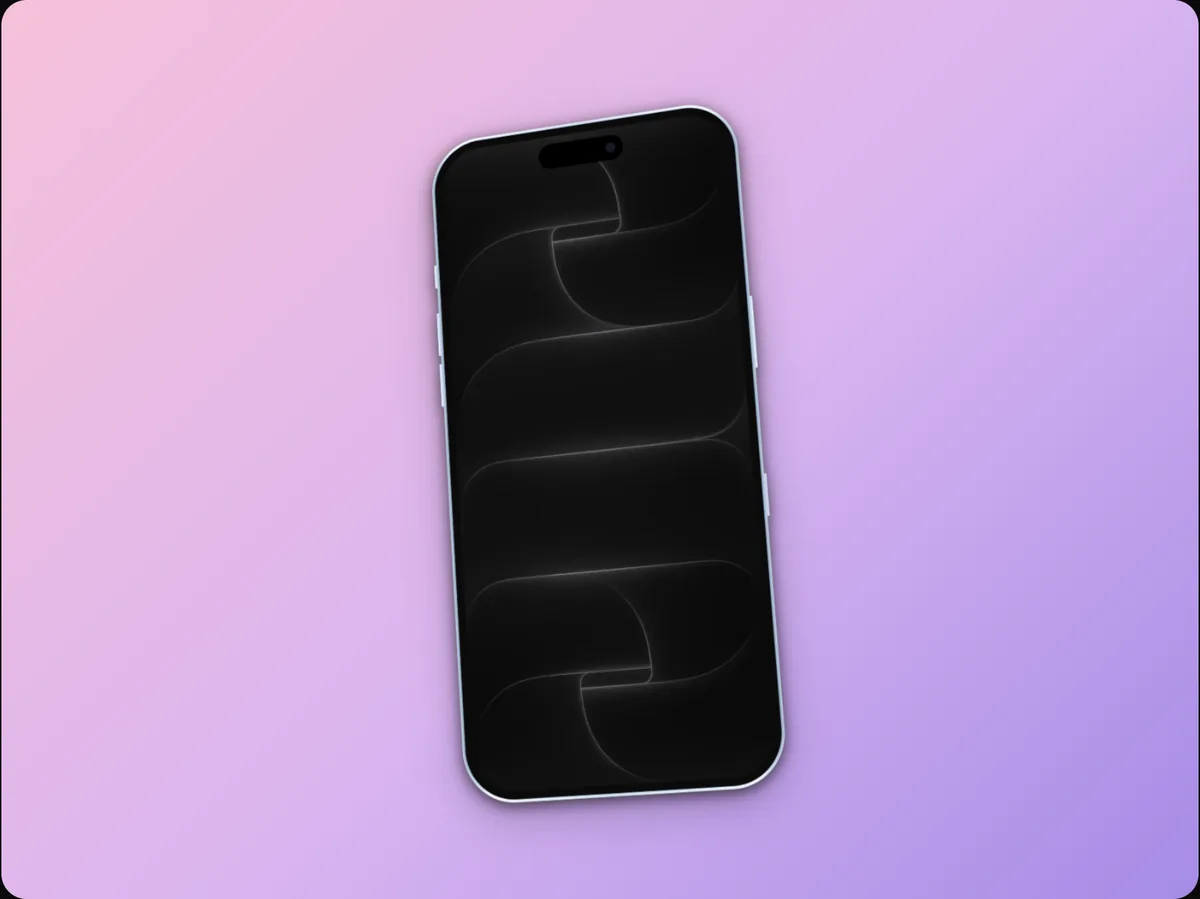 Thin & light videoVideo templatesThin & light: a 6-second app launch template for an iPhone 17 Air at 4:3 (1920 × 1440).
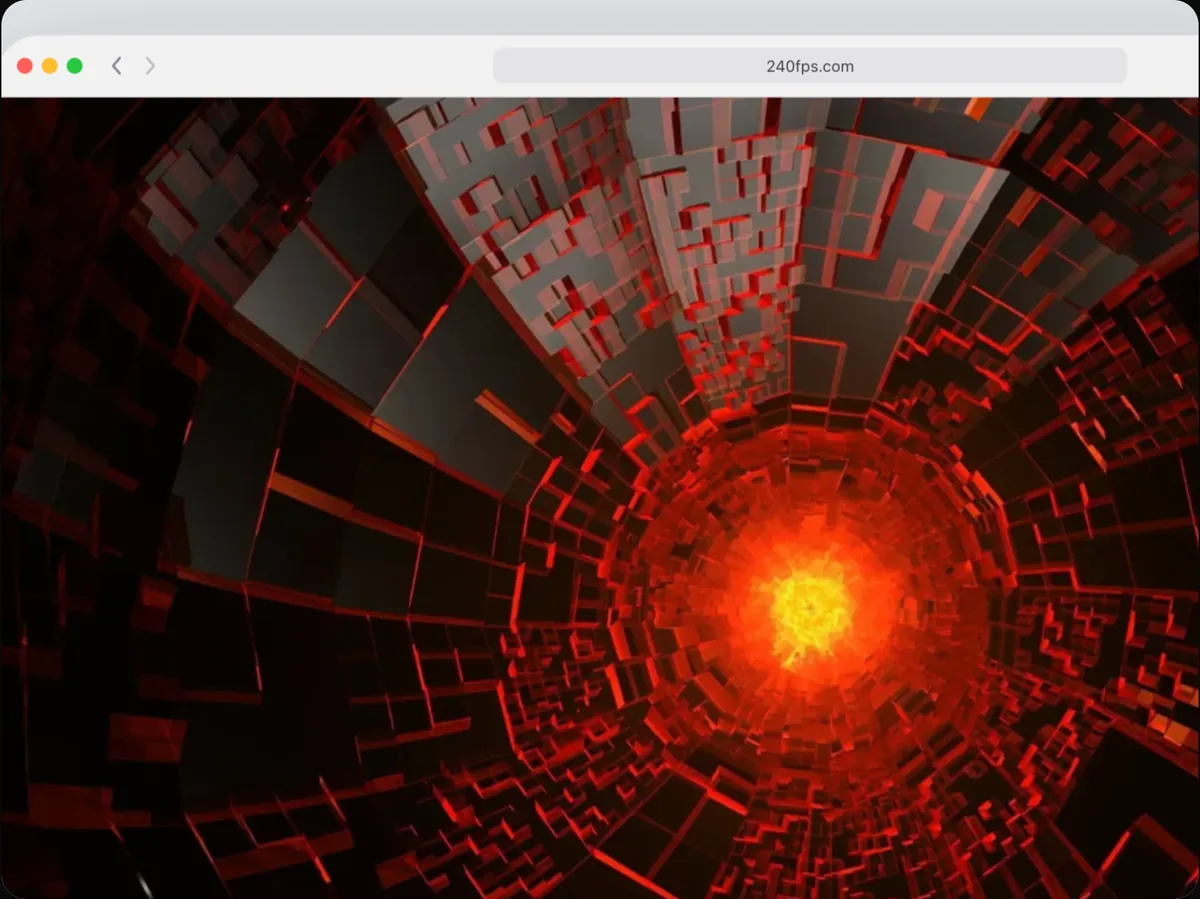 Three-stop tour videoVideo templatesThree-stop tour: a 9-second feature spotlight template for a Browser at 4:3 (1920 × 1440).
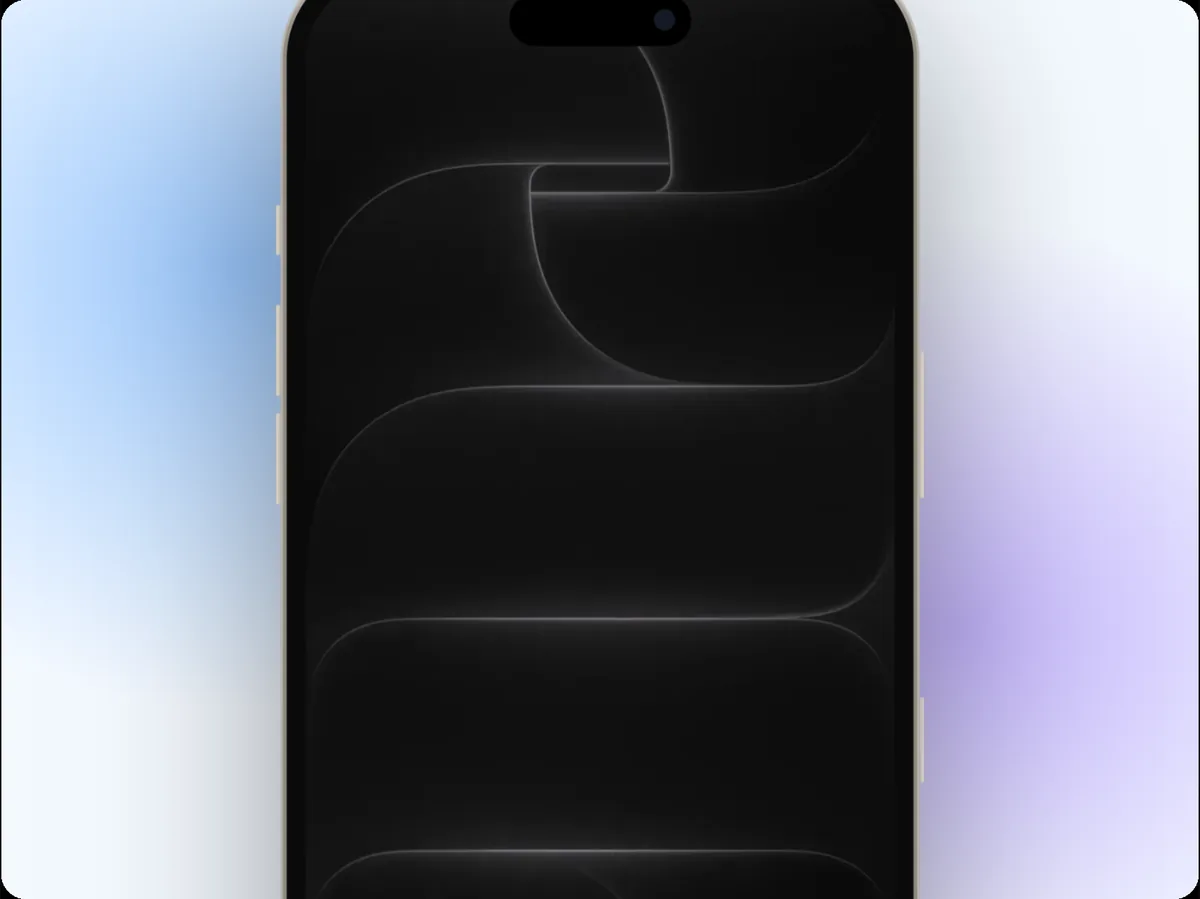 Punch-in videoVideo templatesPunch-in: a 5-second feature spotlight template for an iPhone 16 Pro at 4:3 (1920 × 1440).
App Store screenshots
Editable screenshot sets for the App Store and Google Play, exported in every size and language.
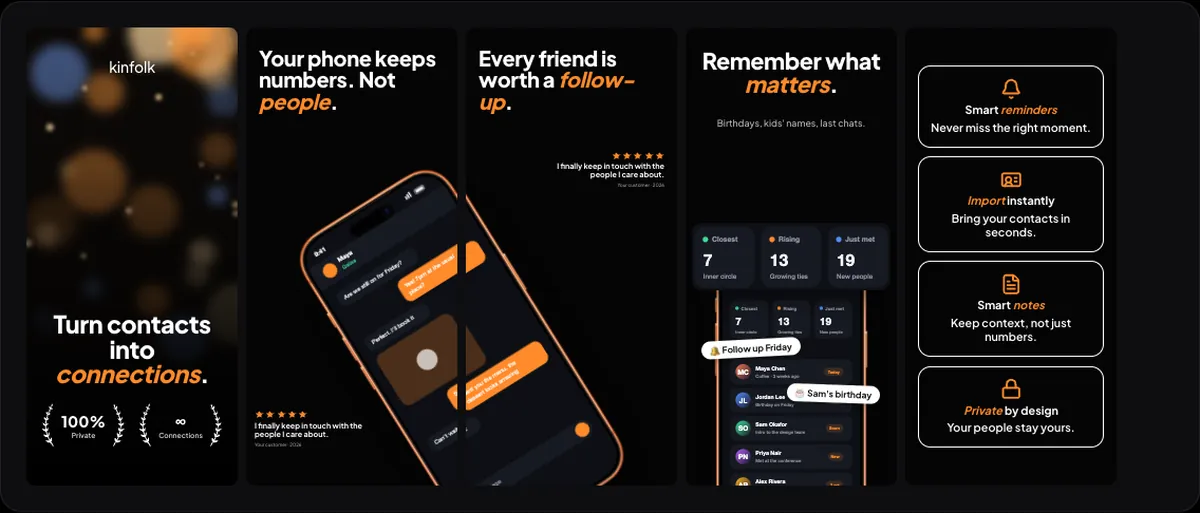 EmberApp Store screenshots5 App Store screenshots in a dark, photo, social proof style, with a phone running across screenshots.
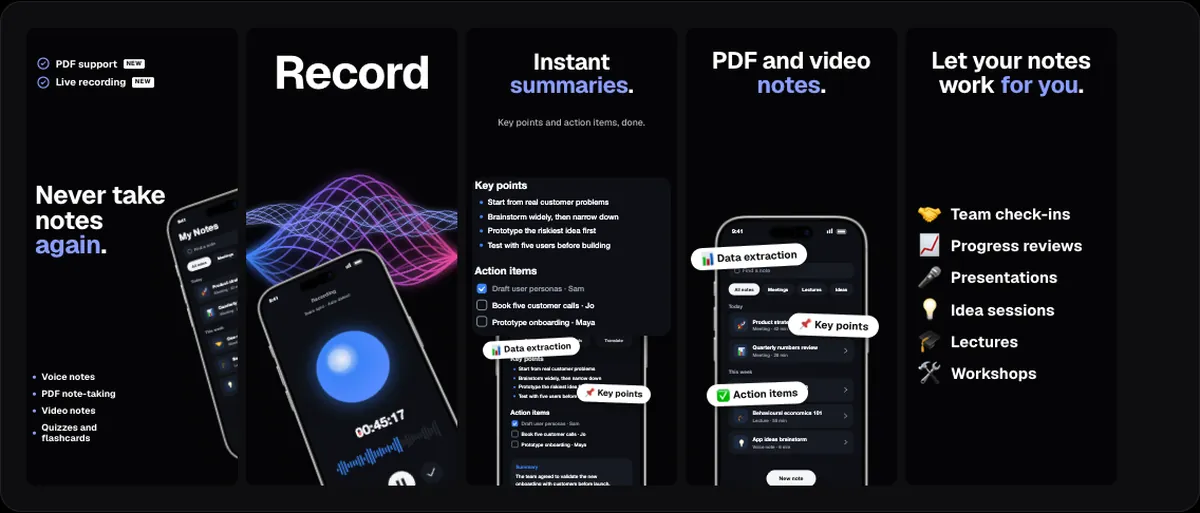 WaveformApp Store screenshots5 App Store screenshots in a dark, bold style.
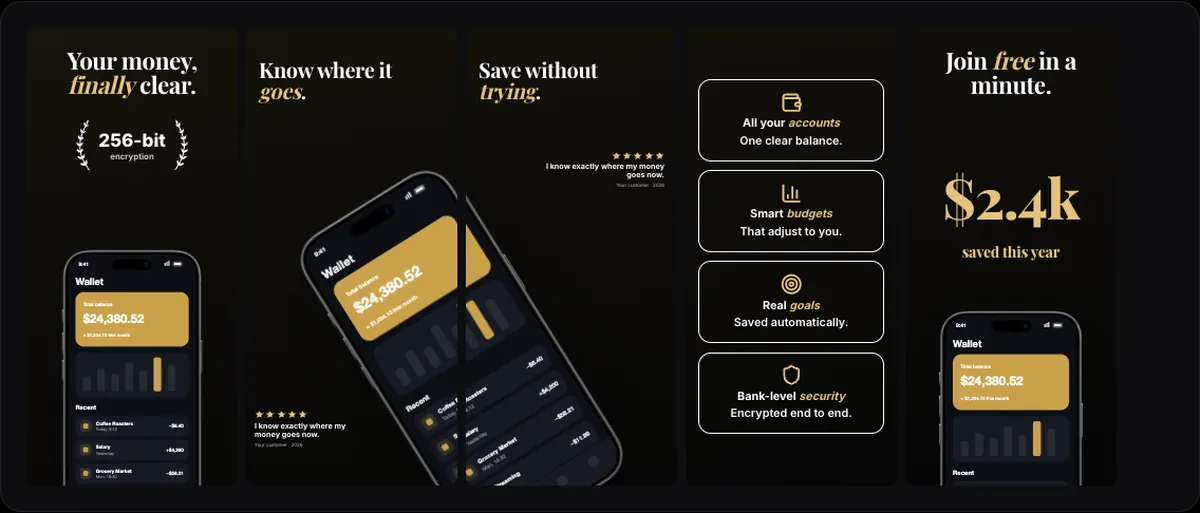 Obsidian goldApp Store screenshots5 App Store screenshots in a dark, serif style, with a phone running across screenshots.
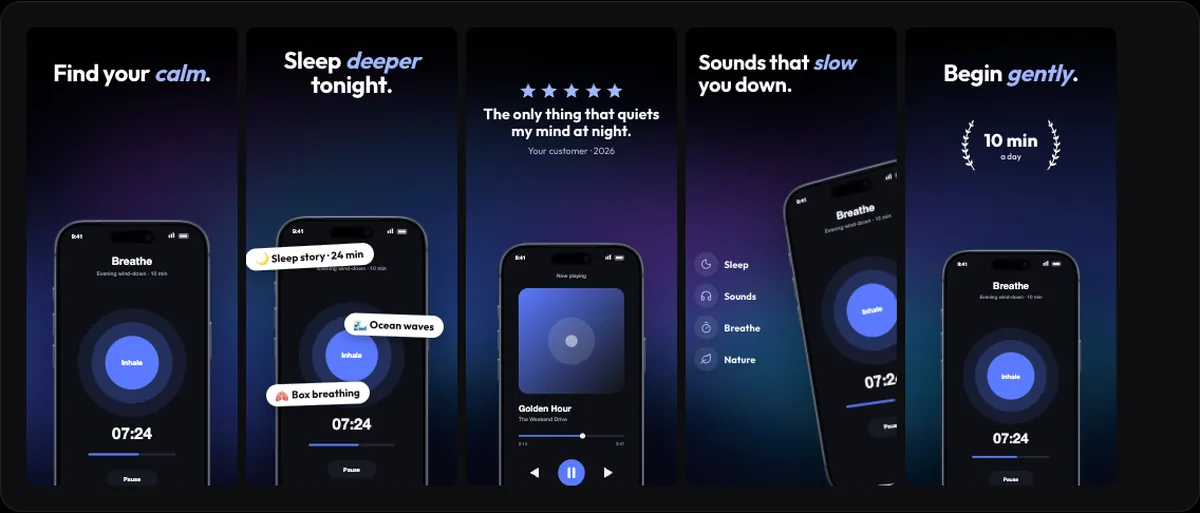 Midnight glassApp Store screenshots5 App Store screenshots in a dark, gradient style.
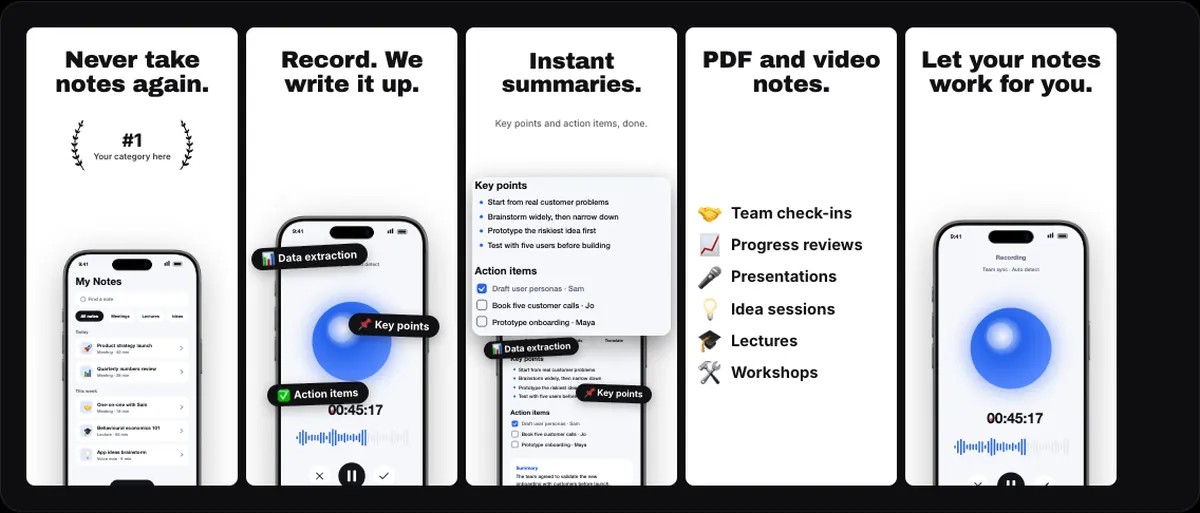 PaperApp Store screenshots5 App Store screenshots in a light, bold, minimal style.
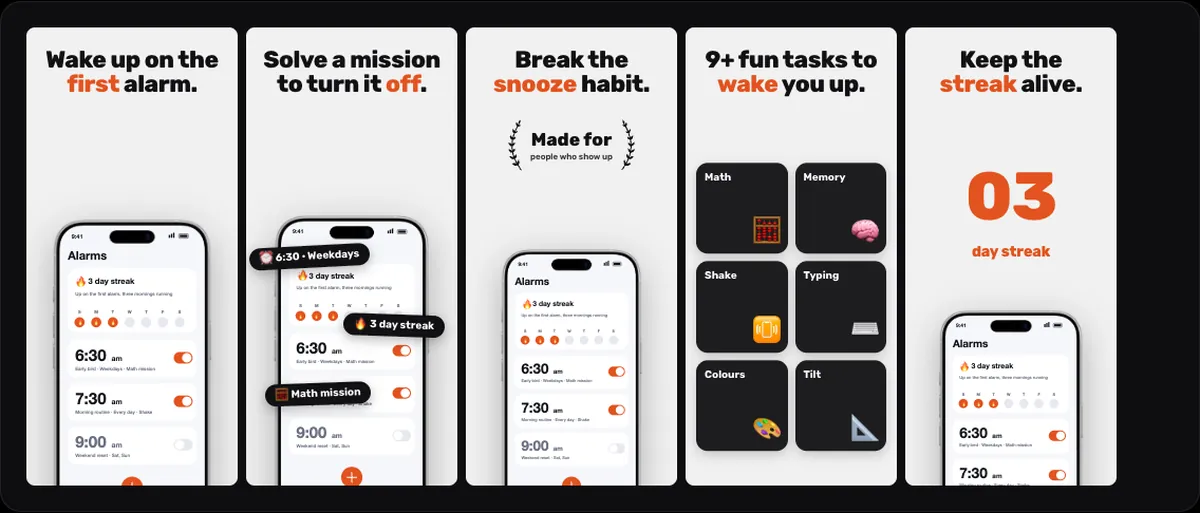 Soft grayApp Store screenshots5 App Store screenshots in a light, playful, bold style.
Device mockups
Every device frame: iPhone, iPad, MacBook, iMac, Apple Watch, Android phones, browsers and windows.
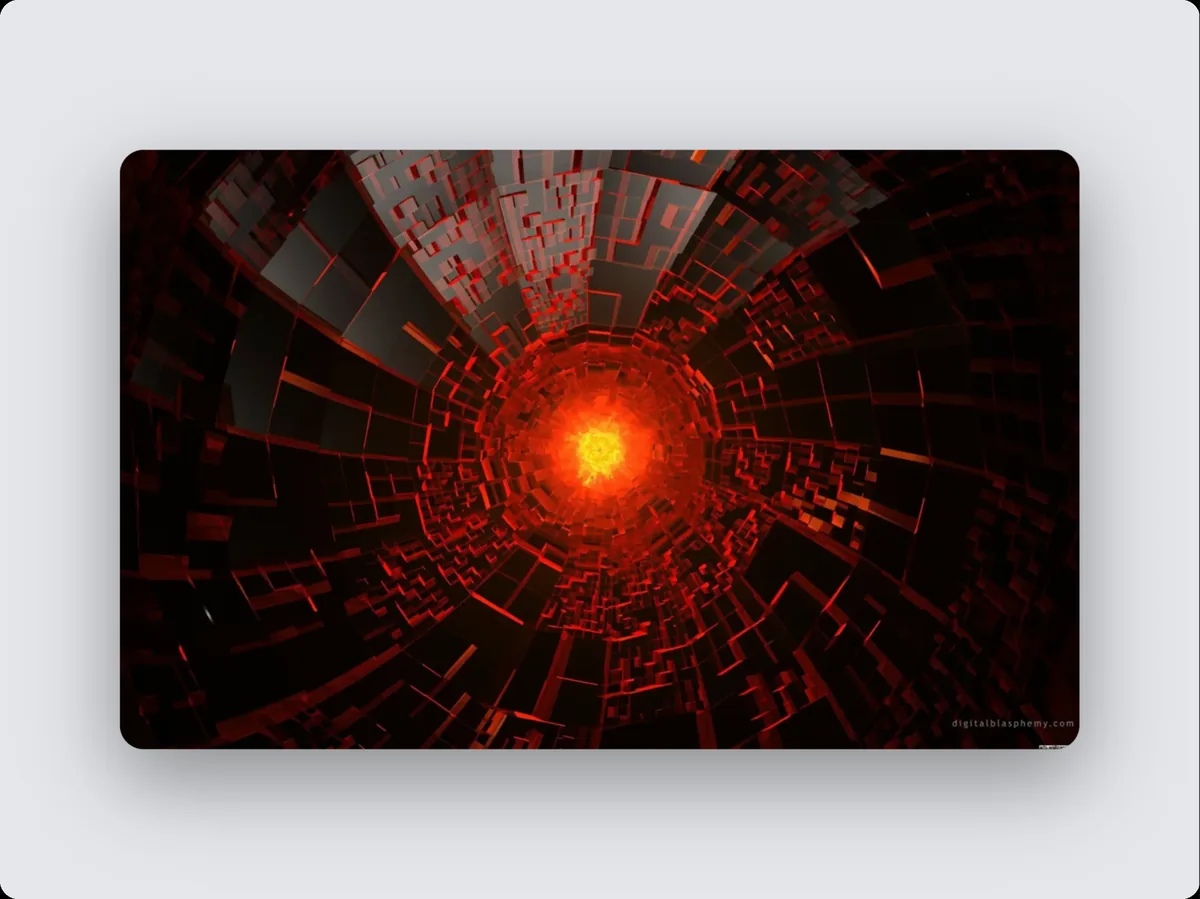 Screenshot frame mockupsDevice mockupsPut your screenshot, screen recording or live website in a screenshot frame, then export an image or an animated video.
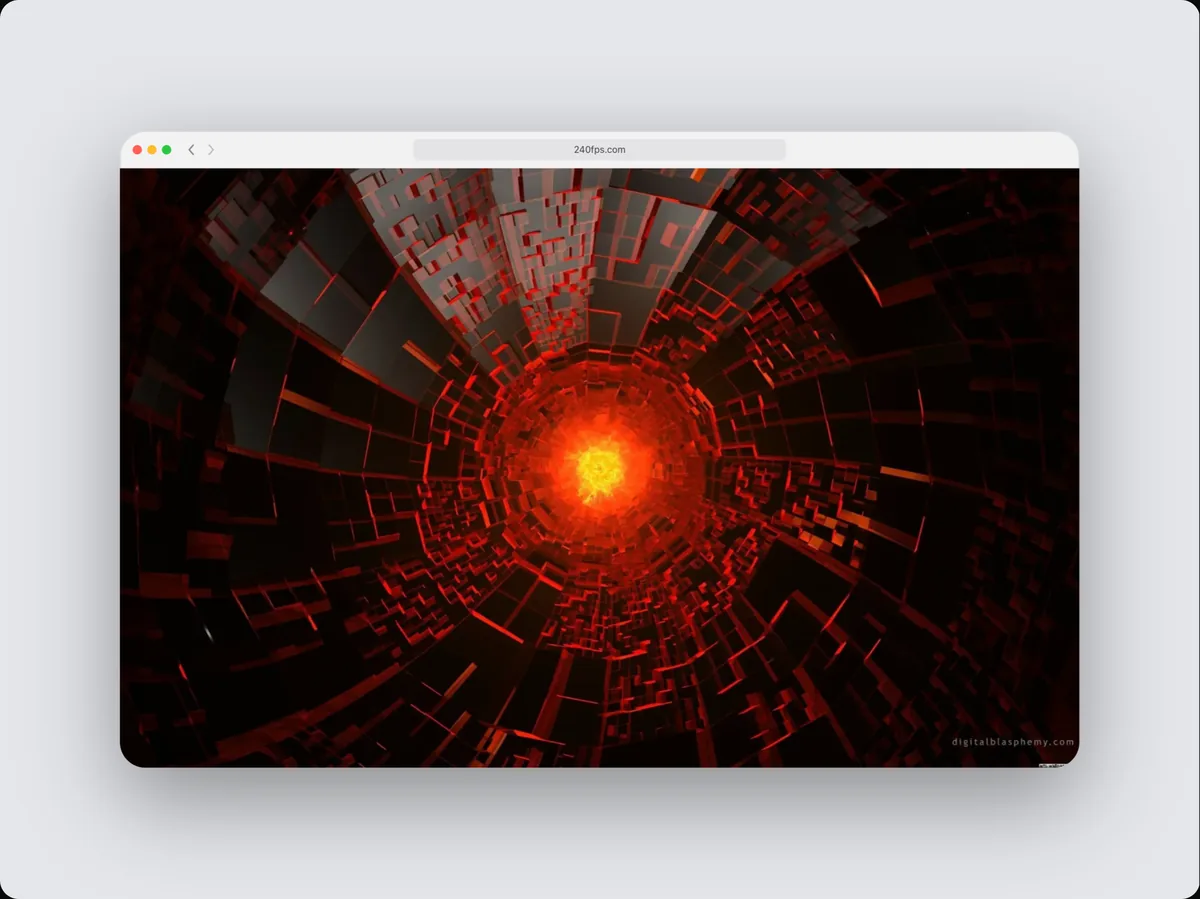 Browser window mockupsDevice mockupsPut your screenshot, screen recording or live website in a browser window in 6 finishes, then export an image or an animated video.
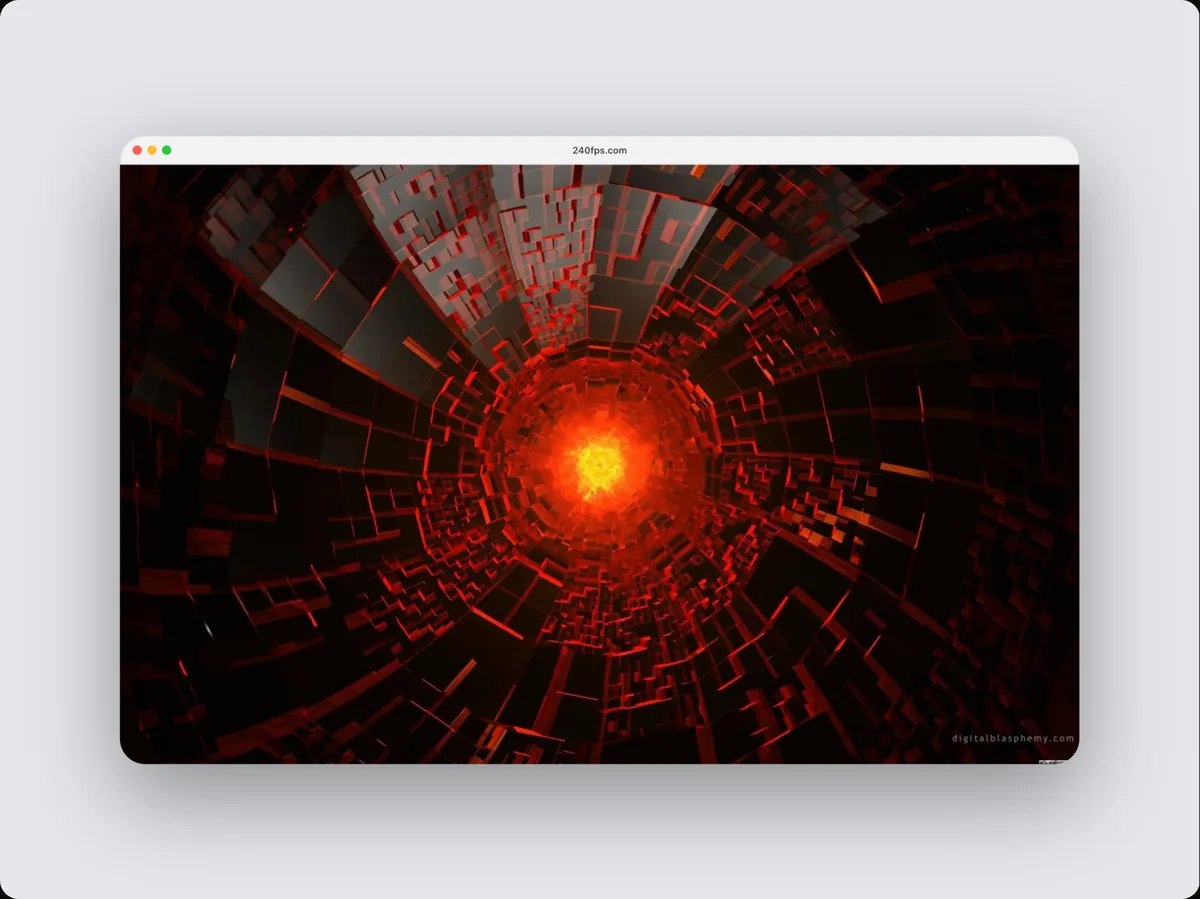 Mac app window mockupsDevice mockupsPut your screenshot, screen recording or live website in a Mac app window in 4 finishes, then export an image or an animated video.
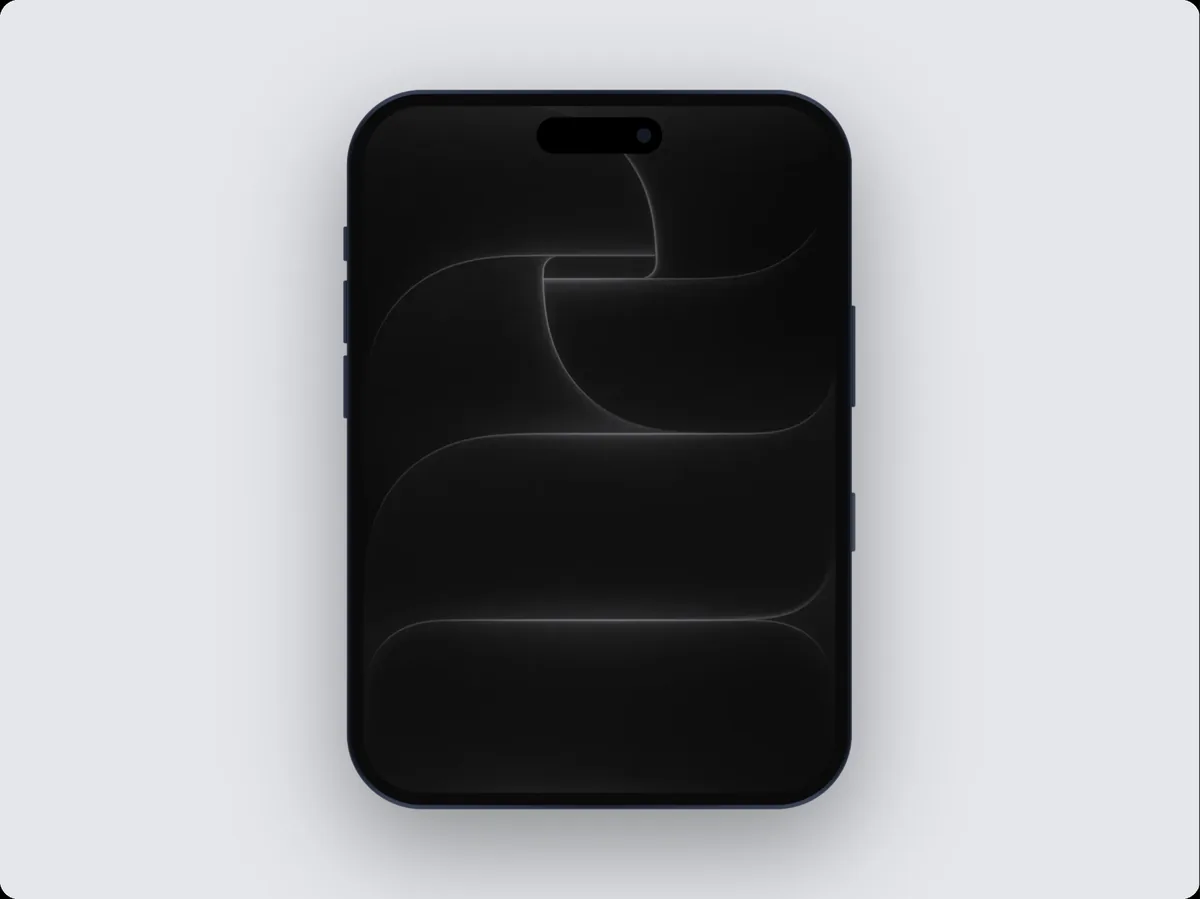 iPhone DuoDevice mockupsPut your screenshot, screen recording or live website in an iPhone Duo in 2 finishes, then export an image or an animated video.
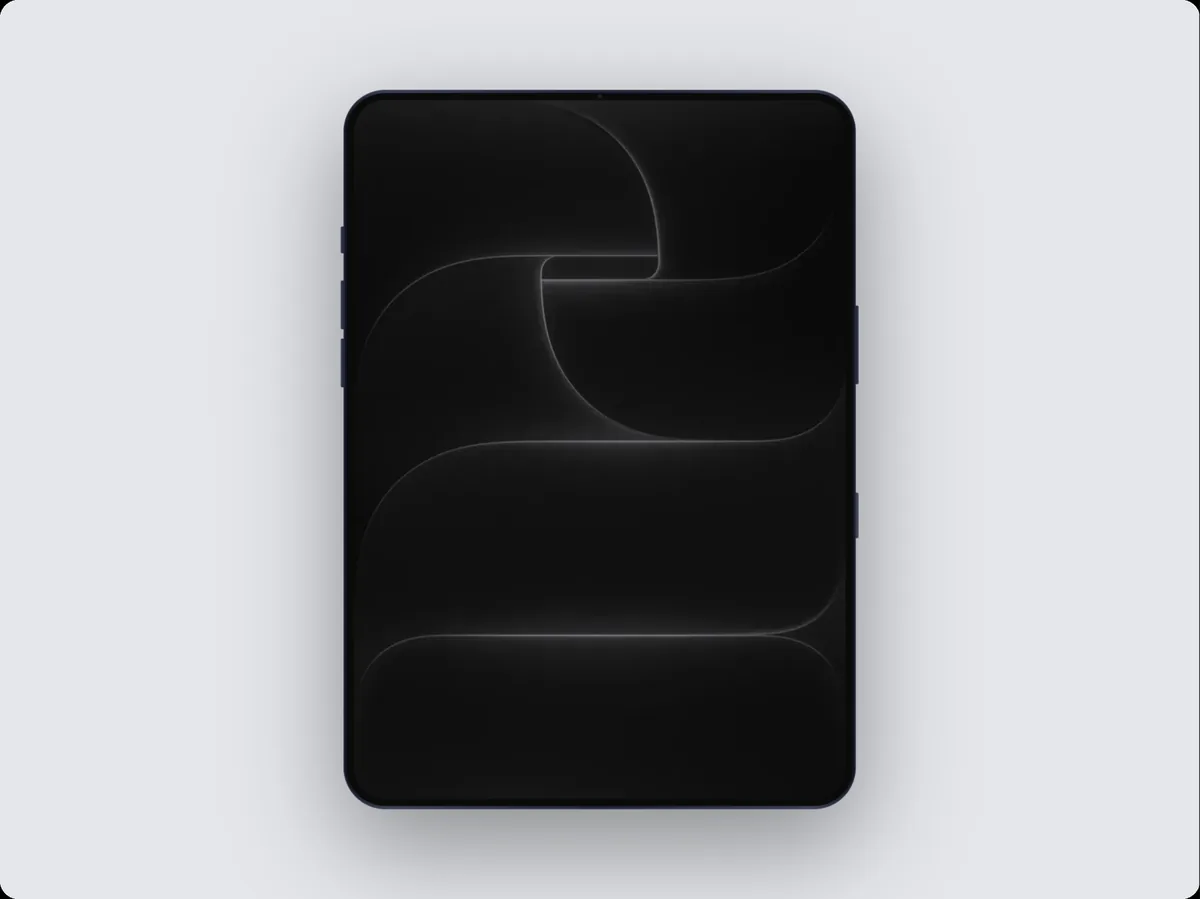 iPhone Duo (open)Device mockupsPut your screenshot, screen recording or live website in an iPhone Duo (open) in 2 finishes, then export an image or an animated video.
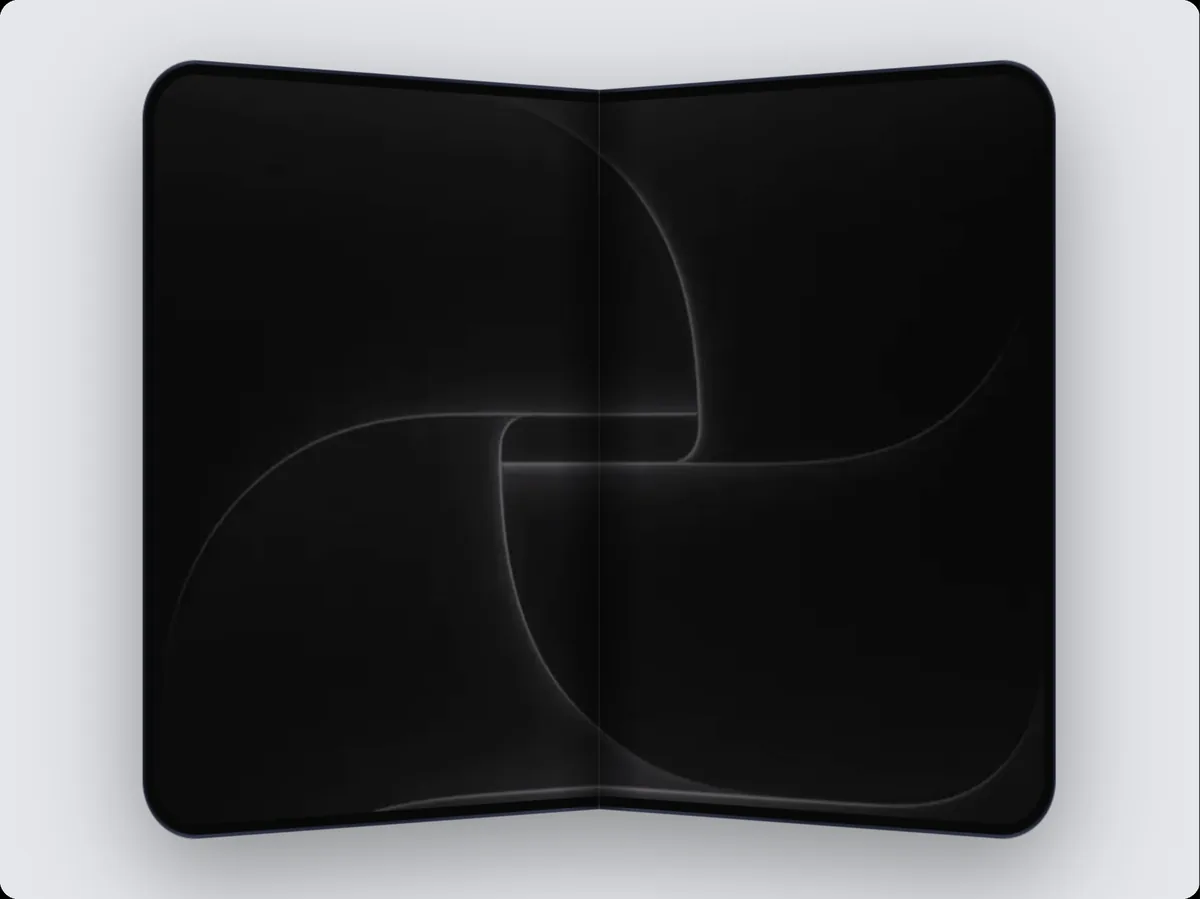 iPhone Duo (folding)Device mockupsPut your screenshot, screen recording or live website in an iPhone Duo (folding) in 2 finishes, then export an image or an animated video.