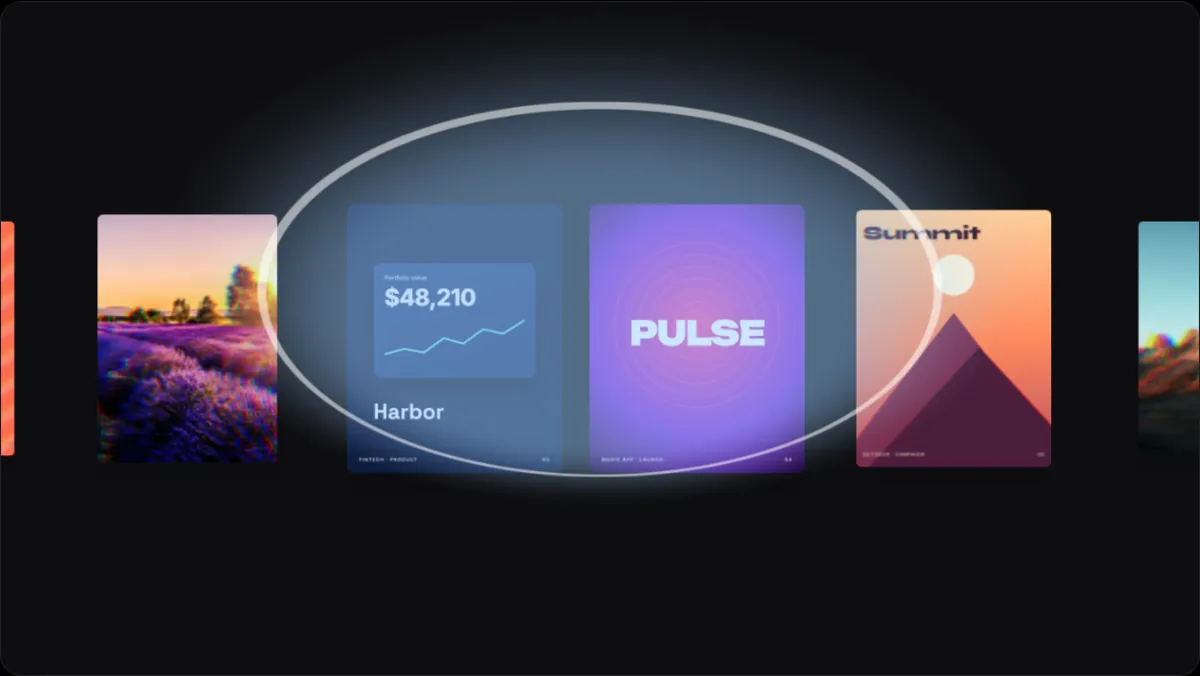
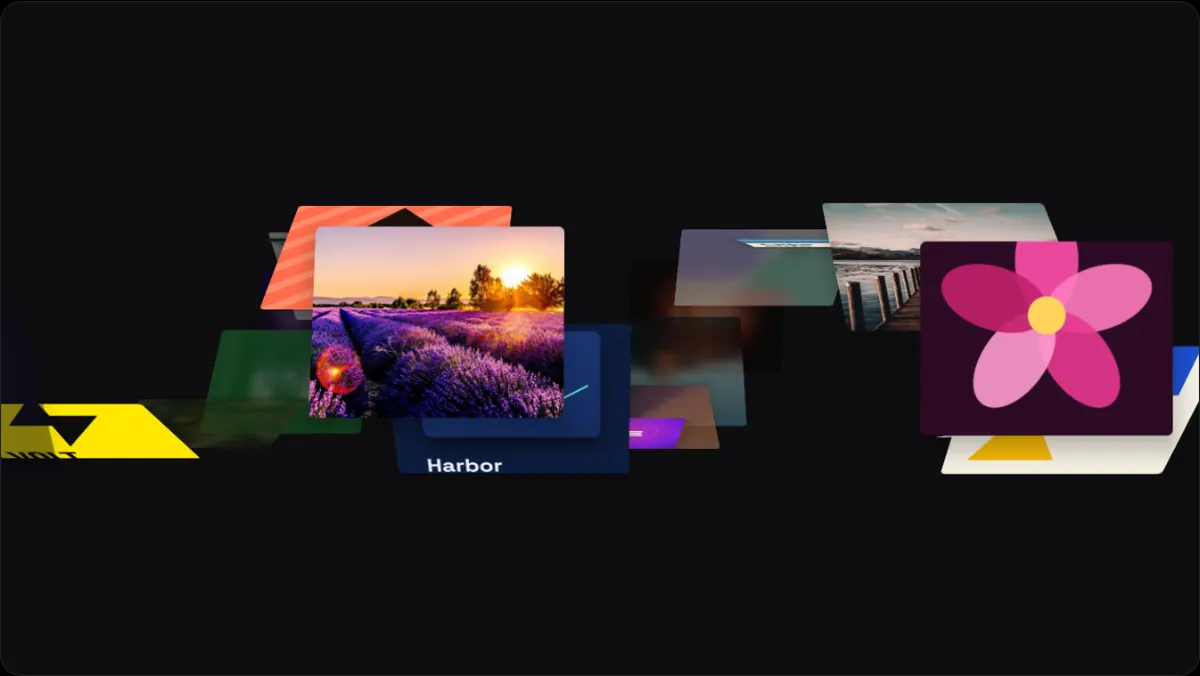
Loop · Components
Send Halo component
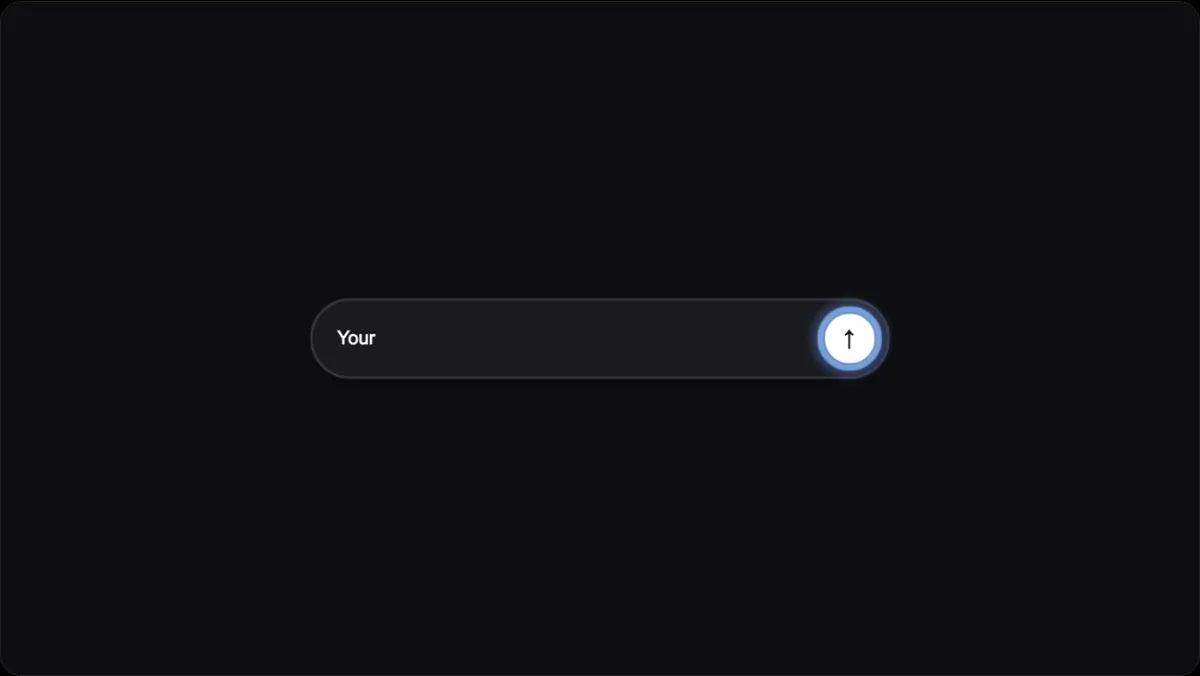
Send Halo is a seamless animated interface component in 240fps Reels. A dark chat input types out your line letter by letter, the round send button's halo brightens and glows blue as the message completes, and then it sends, with one of your pieces flying up out of the field. The line is your title text; without one it types Make my product look expensive. Drop in your own screenshots, videos or photos and it plays them on a loop, about 10 seconds a pass at normal speed. Export MP4, WebM or GIF, 1080p or 4K, up to 60 seconds, in 16:9, 9:16, 1:1 and 4:5. Designing is free; full exports are $7 a month or $39 once.
What Send Halo does
An AI composer: your line types in, the send button's halo brightens, and your work flies off.
Because it's a loop, the last frame meets the first: it can play forever on a website, in a talk or behind a headline without a visible cut.
Settings you can change
Every loop also takes your own background (a colour, a preset or an image), rounded corners, shadow and depth fog, text and logo layers with their own motion, and a soundtrack. You can play it backwards, or repeat a pass to run under a longer song.
- Speed (0.25 to 3 ×)
- Size (0.3 to 2 ×)
Where it works well
- Launching an AI feature or assistant
- Showing the prompt behind a generated result
- Explainer videos for generative tools
How to use it
- 1Open it in the editorOpen in editor starts Reels on Send Halo, playing with sample work.
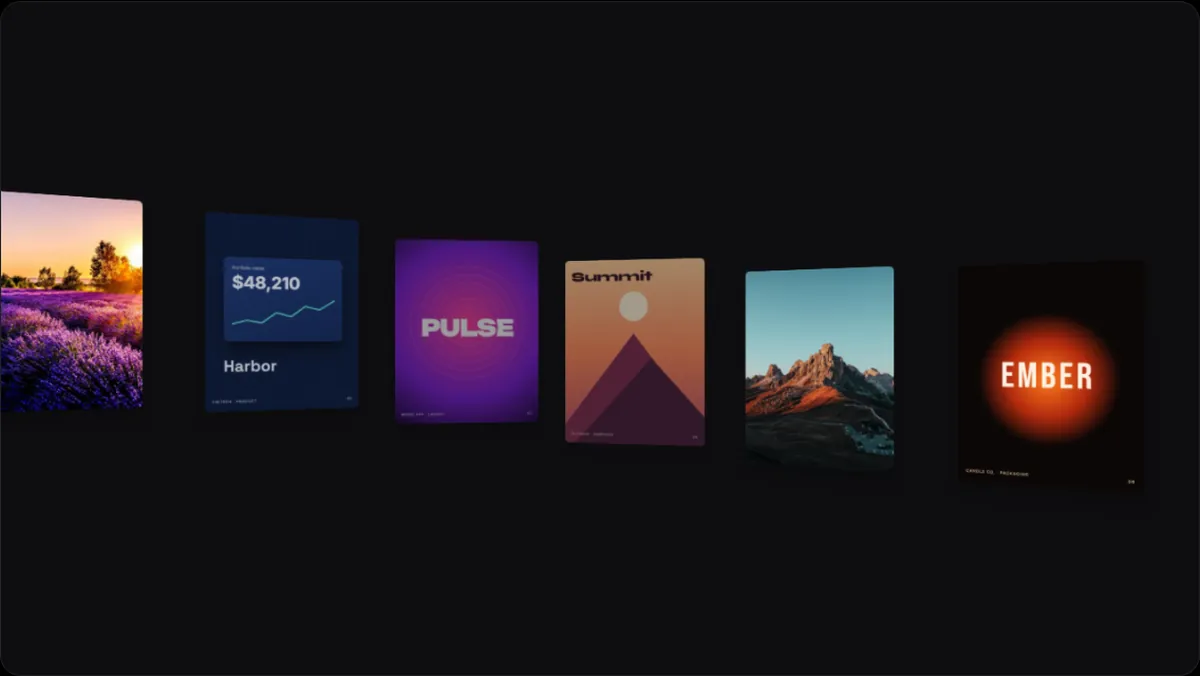
- 2Add your workDrop in screenshots, screen recordings or photos. Drag them to change the order.
- 3Make it yoursChange the speed and other settings, the background and the frame shape, and add your own text, logo or music.
- 4ExportDownload MP4, WebM or GIF, 1080p or 4K, up to 60 seconds. Export every frame shape at once for social.
Questions
Is Send Halo free to use?
Designing is free, and free exports are previews: up to 1280 px, with a small 240fps mark. Full-size exports with no mark come with 240fps Monthly ($7 a month) or Lifetime ($39 once).
Does it loop without a cut?
Yes. One pass ends where it began, so it repeats seamlessly in a video player, a website background or a GIF.
Can I use videos, not just images?
Yes. Screen recordings and other videos play inside the cards, alongside images.
What sizes can I export?
16:9, 9:16, 1:1 and 4:5, at 1080p or 4K, as MP4, WebM or GIF. WebM and PNG frames can keep a transparent background.