Mockup
Phone mockups from your own screenshots
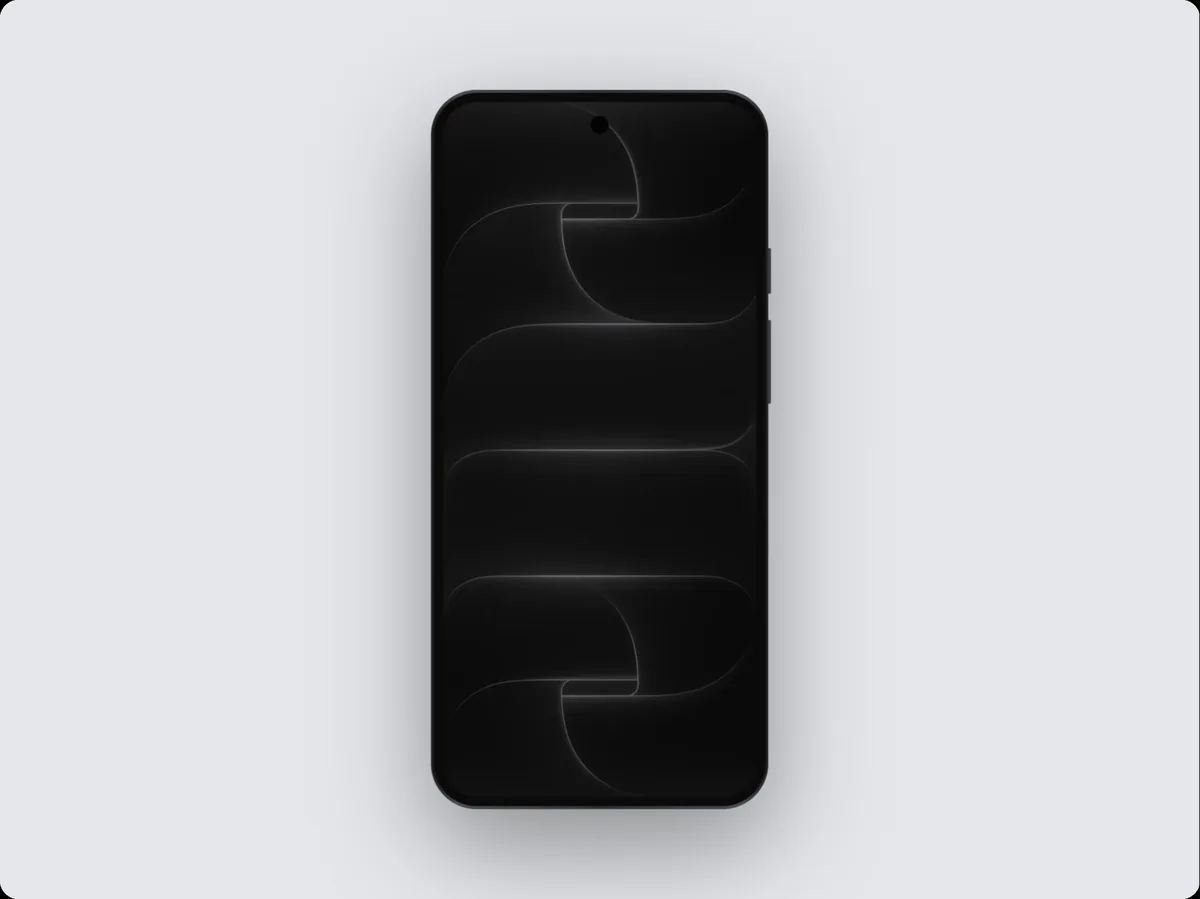
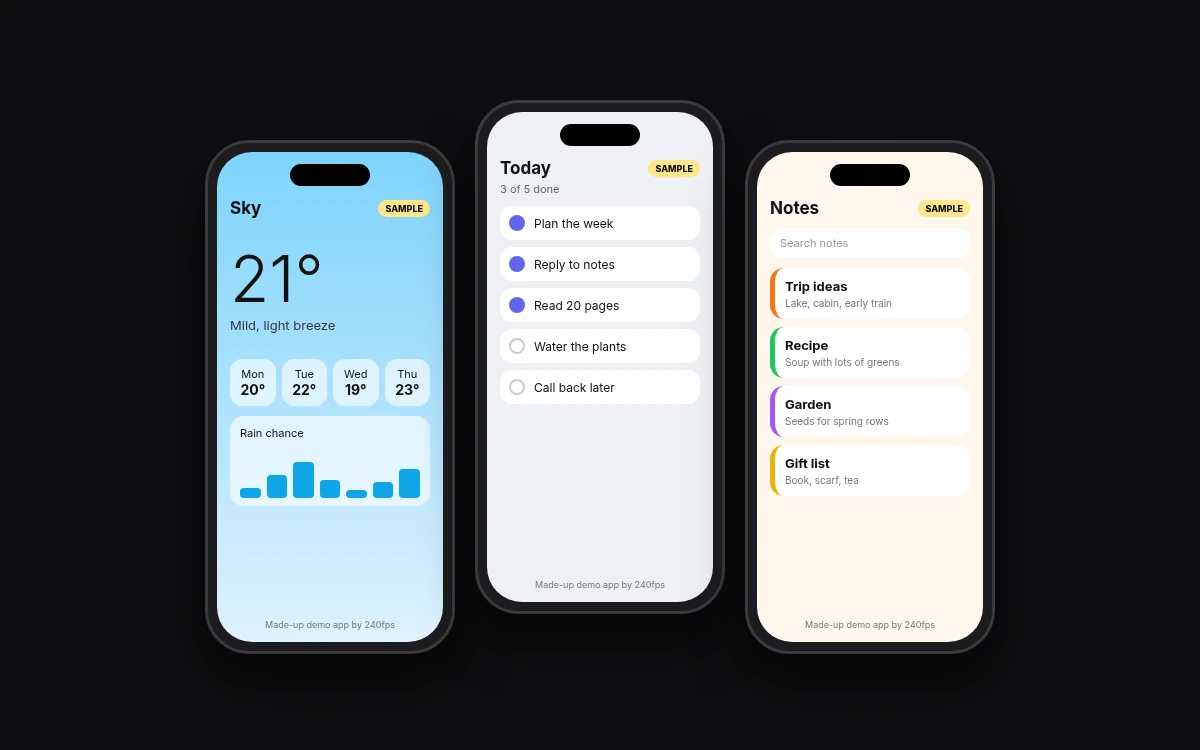
A phone mockup shows your screenshot inside a phone frame so people see the app as they'd hold it. In 240fps you upload a screenshot, choose a frame, background and caption, and export at store-ready sizes. Designing is free. Exports cost $7 a month or $39 once.
By the 240fps team
A raw screenshot looks like a rectangle. Put the same screen inside a phone frame and people read it as an app they could hold. That's all a phone mockup does, and it's why store pages, landing pages and pitch decks use them.
Where a phone mockup earns its place
- Store screenshots: the App Store and Google Play images people scroll before they install.
- Landing pages: a hero image that shows the product, not an abstract illustration.
- Social posts: a launch or feature post that reads as an app at a glance.
- Pitch decks: one slide where the screen is the point.
Make one in three steps
- Upload a screenshot from your app.
- Pick a frame and background, and add a caption if the screen needs one.
- Export at store-ready sizes.
You can design as much as you like before you pay. You only need a plan when you export files.
Pick the frame your audience holds
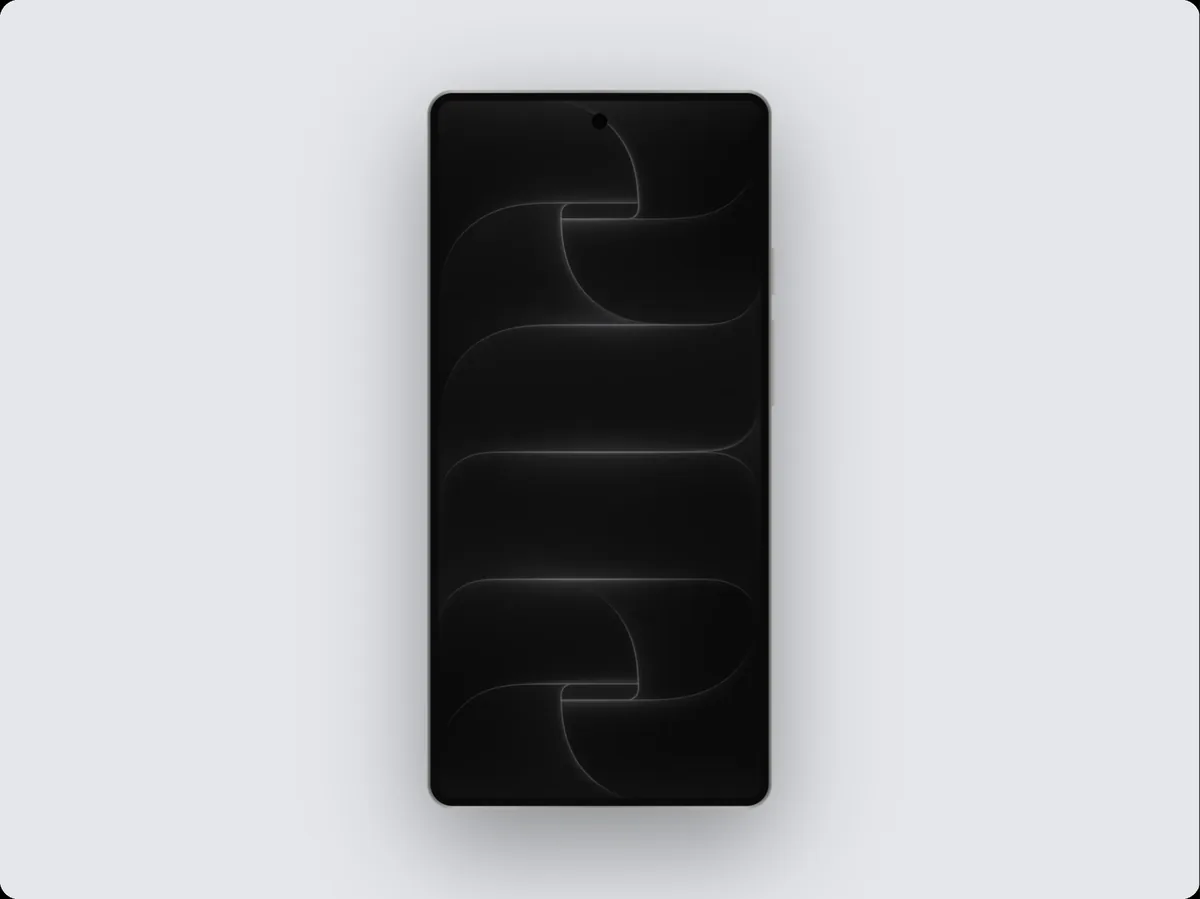
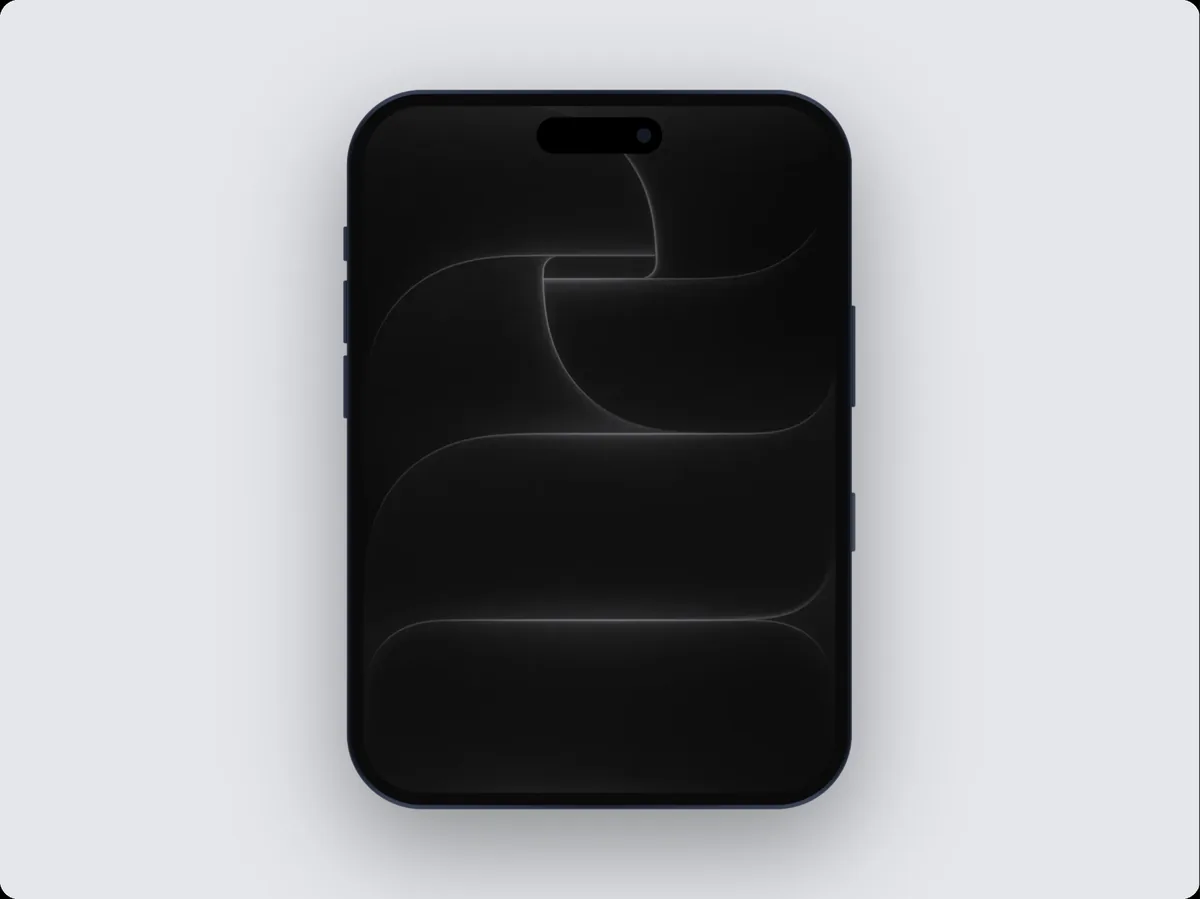
240fps has iPhone and Android frames, drawn in code so edges stay sharp at any size. Match the frame to your store: iPhone frames for the App Store, Android frames for Google Play. For specific layouts, start from the Pixel mockup, the Galaxy mockup or the two-iPhone mockup. Building for a niche? The fitness app mockup shows a full example.
240fps is not affiliated with Apple or Google.
Sizes come from Apple and Google, not from us
Both stores publish their own screenshot rules and change them from time to time. Read them at the source before you export: Apple's screenshot specifications and Google's Play preview assets guide. Then pick the matching export size in 240fps.
Free to design, pay when you export
Designing is free. Exports are $7 a month or $39 once. See 240fps pricing.
Phone mockup questions
What is a phone mockup?
A phone mockup is an image of your screenshot placed inside a phone frame, so the screen looks like an app someone is holding. Developers use them for App Store and Google Play screenshots, landing pages, social posts and pitch decks. In 240fps you upload a screenshot, pick a frame and background, and export.
Is the phone mockup generator free?
Designing is free. You can upload screenshots, try frames, backgrounds and captions, and see the result without paying. You need a plan only when you export files. Exports cost $7 a month or $39 once. The 240fps pricing page shows what each option includes, so check it before you export.
Which phone frames can I use?
240fps has iPhone and Android phone frames, drawn in code so they stay sharp at any size. You can start from the Pixel, Galaxy or two-iPhone mockup pages for specific layouts. 240fps is not affiliated with Apple or Google, and frame names describe the shape of the device only.
What size should App Store screenshots be?
Use the sizes on Apple's App Store Connect screenshot specifications page, which lists the accepted dimensions for each device. Apple updates that list, so check it before you export rather than relying on a copy. Then choose the matching export size in 240fps so your mockup fits the slot.
Can I use these mockups for Google Play?
Yes. Pick an Android frame, design your screen, and export at a size that meets Google's preview asset rules. Google lists the screenshot requirements in its Play Console help page on preview assets, so check that page for the current dimensions and file types before you upload your images.
Start with your best screen
Pick the one screen that explains your app, drop it into a frame and see how it reads. Browse all mockups or open 240fps to start.