Tool
Before and after in one device
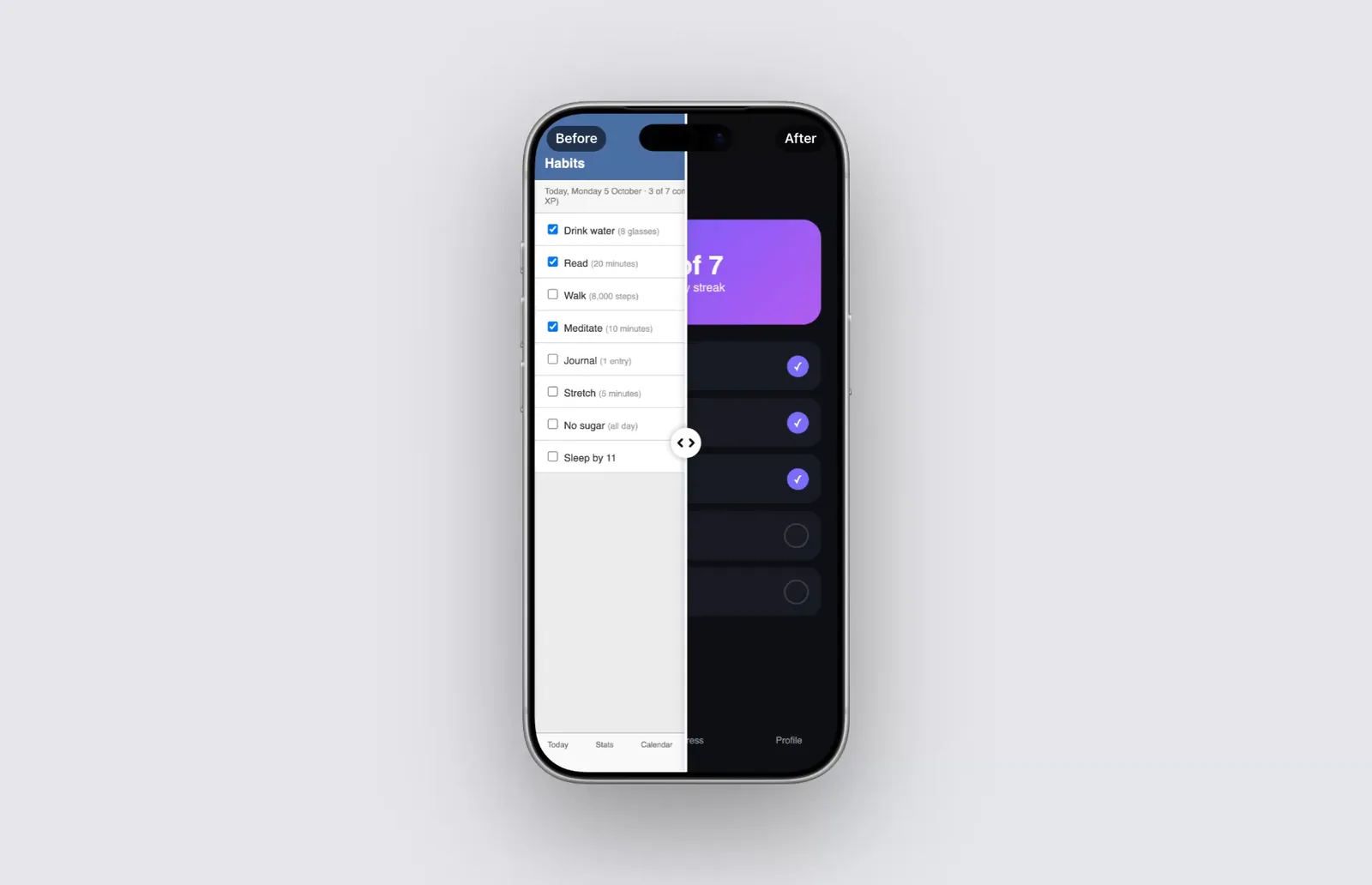
240fps shows a redesign as a before and after in one device: put the new screenshot or recording on the screen, add the old screenshot as the before, and the screen is split by a white line with a round handle and Before and After labels. Set where the split rests, from 5% to 95%. In a video the split sweeps 40% of the screen each way and back every four seconds, so both versions get their turn.
Same screen, same frame
Two mockups side by side make people compare positions and sizes before they notice the design. One device split down the middle keeps everything else still, so the only thing that changes is the design.
A sweep that shows both
In Videos mode, Sweep across in the video moves the line from where it rests to show most of the old design, then most of the new one. Each label fades as the line reaches its corner, so Before never sits over the new design. Turn the sweep off to hold the split still.
Good for
- Redesign and rebrand announcements
- Release notes and changelog posts
- Agency and freelancer case studies
- Showing what an update fixed
How to do it
- 1Add the new screenPaste or drop the new screenshot, or a recording, onto the device.
- 2Add the old screenIn the Mockup tab, under the media, choose Before / after and pick the old screenshot.
- 3Set the splitMove the Split slider, and turn the labels on or off.
- 4ExportExport an image, or in Videos mode leave the sweep on and export a video.
Questions
Can the before side be a video?
No. The before is an image; the after can be a screenshot or a screen recording.
Does it work on a live website?
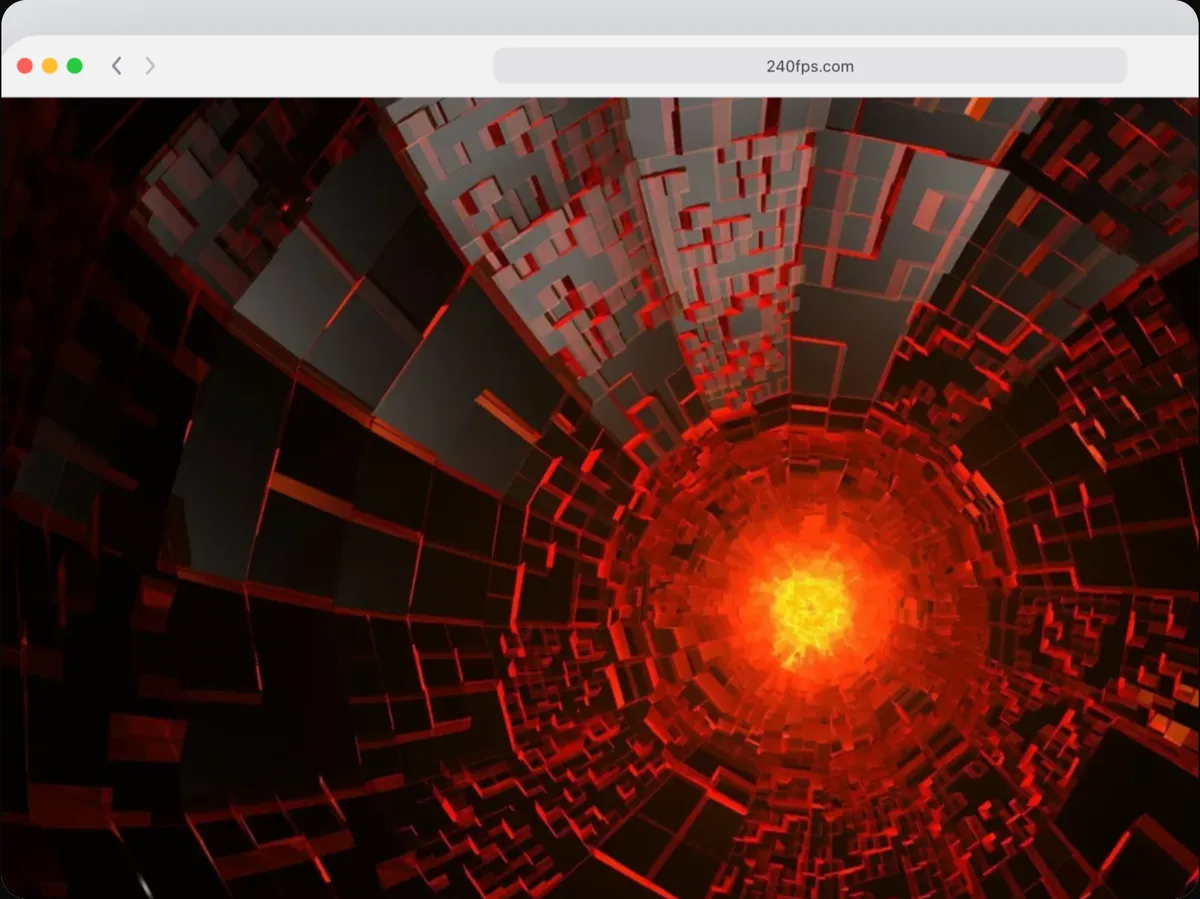
Not on a website added by its URL. Take a screenshot of each version and use those.
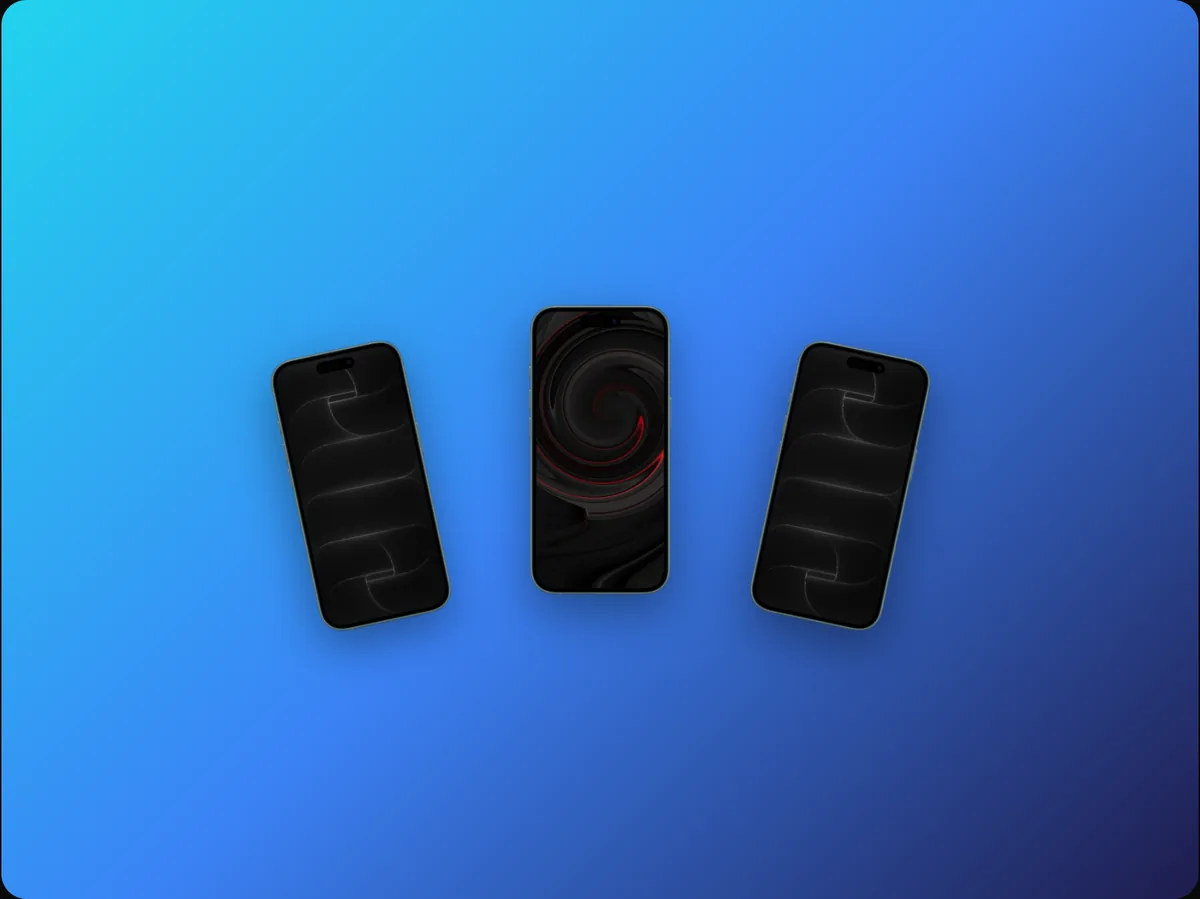
Can each device in a multi-device mockup have its own?
Yes. Before and after belongs to the selected device, so each one can compare its own screens.
Is it free?
Designing is free, and free exports are previews: up to 1280 px, with a small 240fps mark. Full-size exports with no mark come with 240fps Monthly ($7 a month) or Lifetime ($39 once).