By Shaheer Malik · · 6 min read
Best Mockup Generators in 2026, Free and Paid
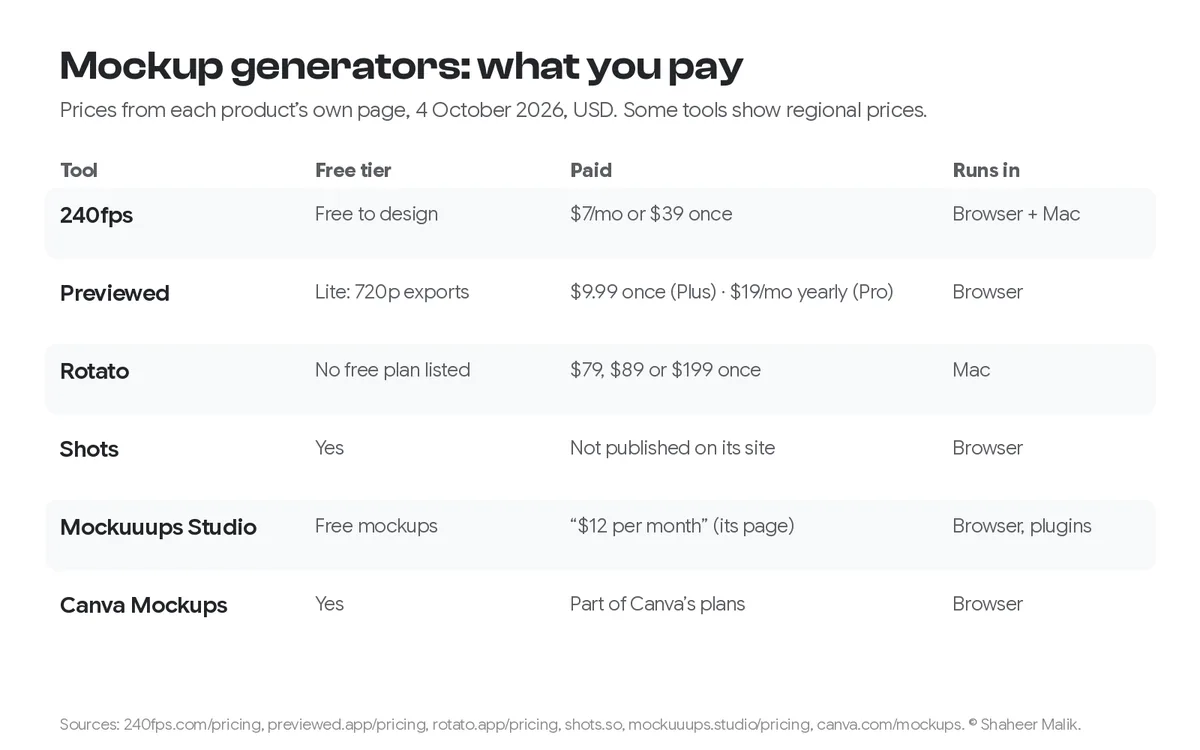
For quick, good-looking device mockups in the browser, Shots and Canva Mockups have free tiers, and 240fps is free to design with exports at $7 a month or $39 once. Previewed suits App Store screenshots, from free 720p exports to $9.99 once. Rotato is the pick for 3D device renders on a Mac, at $79 to $199 once. Mockuuups Studio has a large library of photo-style scenes on a subscription.
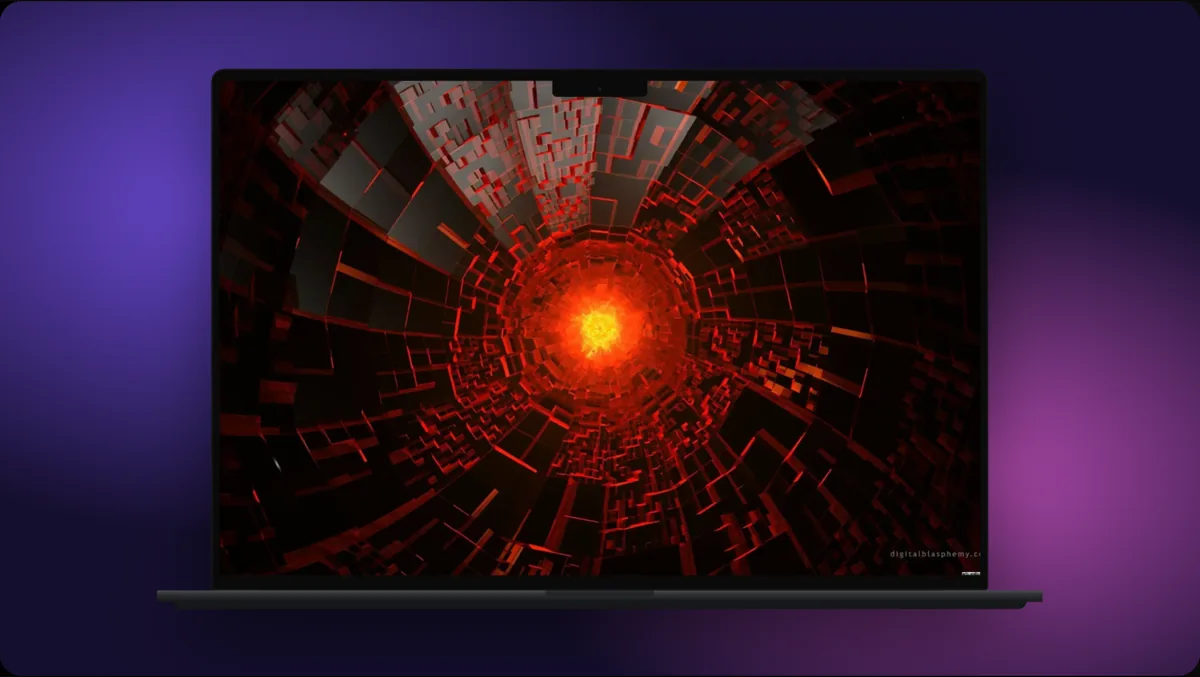
A device mockup turns a flat screenshot into something that looks like a real product: a phone in a hand, a laptop on a desk, a browser window with a shadow. There are dozens of tools for it now, and they differ more than their landing pages suggest. Some make photo-realistic scenes; some render 3D; some animate; some only do still images.
I compared six that people actually use, on what they make, what they cost, and who they suit.
A disclosure first: I make 240fps, one of the six. Every price here was read from the product's own page on 4 October 2026; where a site showed me a regional discount or didn't publish a price, I say so. I also link my side-by-side comparisons, which are written from 240fps's side.
Which mockup generator should I use?
It depends on what you're making. Here's the short version:
| Tool | Free tier | Paid (4 Oct 2026) | 3D | Video | Runs on | Best for |
|---|---|---|---|---|---|---|
| 240fps | Free to design | $7/month or $39 once | Tilt and perspective | Yes, up to 60 s in the browser | Browser + Mac app | Mockups, product videos and App Store sets in one place |
| Previewed | Lite: unlimited 2D exports at 720p | Plus $9.99 once; Pro $19/month billed yearly | Yes (paid) | Yes (paid) | Browser | App Store screenshots and 3D previews |
| Rotato | No free plan listed | Basic $79, Standard $89, Premium $199, once | Yes, its focus | Yes | Mac | Cinematic 3D device animations |
| Shots | Yes | Not published on its site | Not confirmed | Yes (animations and videos) | Browser | Fast, stylish stills and animations |
| Mockuuups Studio | Free mockups | Subscription; its page says "$12 per month" | Photo scenes | Not listed | Browser, Figma and Adobe Express plugins | Photo-realistic scenes for marketing |
| Canva Mockups | Yes | Part of Canva's plans | Photo scenes | Not confirmed | Browser | Mockups inside a Canva design |
Mockuuups Studio showed me a regional discount when I checked, so I've quoted its own standard copy rather than the discounted price. Prices change; check the page before you buy.
240fps
240fps makes device mockups, product videos and App Store and Google Play screenshot sets in the browser, and adds a Mac screen recorder. Designing is free with every device, template and background. Exports cost $7 a month or $39 once. You can drop in a screenshot, a video, a Figma frame or a live website that renders inside the device.
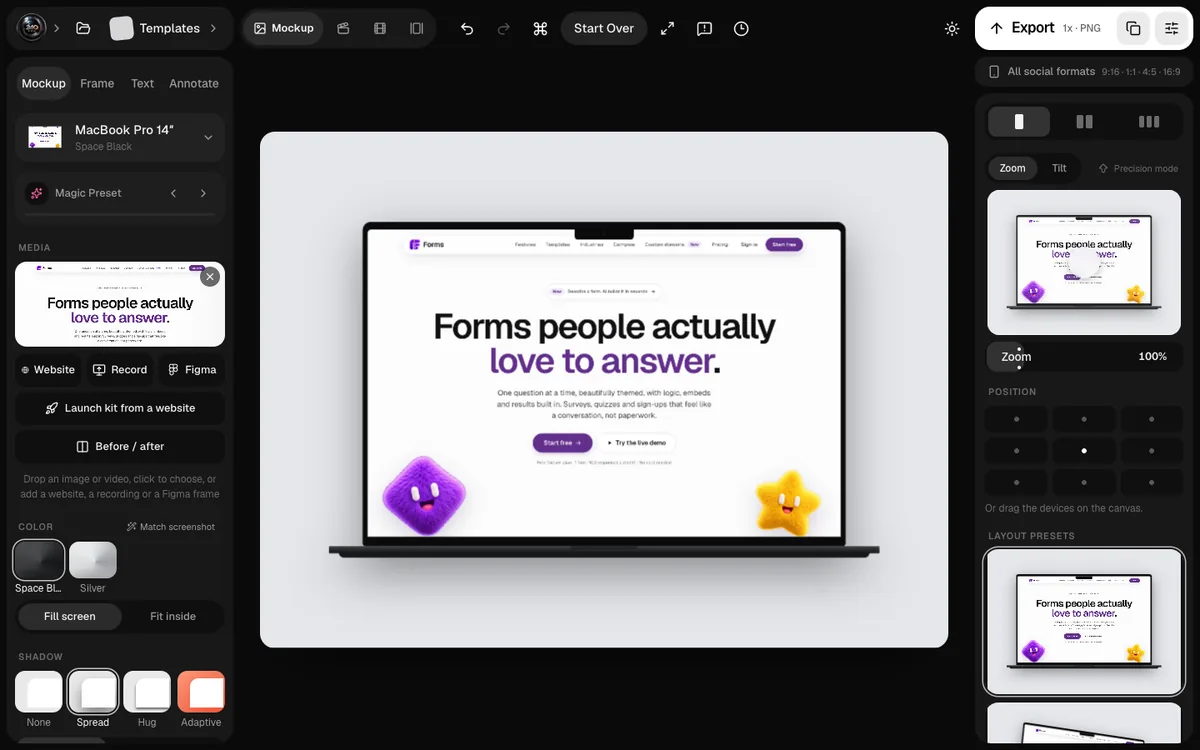
Good at: one tool for stills, animated mockups and store screenshot sets, with upload straight to App Store Connect, and a one-time price.
Not for: photo-realistic lifestyle scenes (a phone on a café table). It frames devices on clean backgrounds rather than in photos.
Previewed
Previewed focuses on app marketing: screenshot sets and 3D device previews. The free Lite plan gives unlimited 2D exports at 720p with an attribution licence. Plus is a one-time $9.99 for ten exports at 1080p and above, 3D, 30 fps video and a commercial licence. Pro is $19 a month billed yearly ($228) for unlimited exports and 60 fps video.
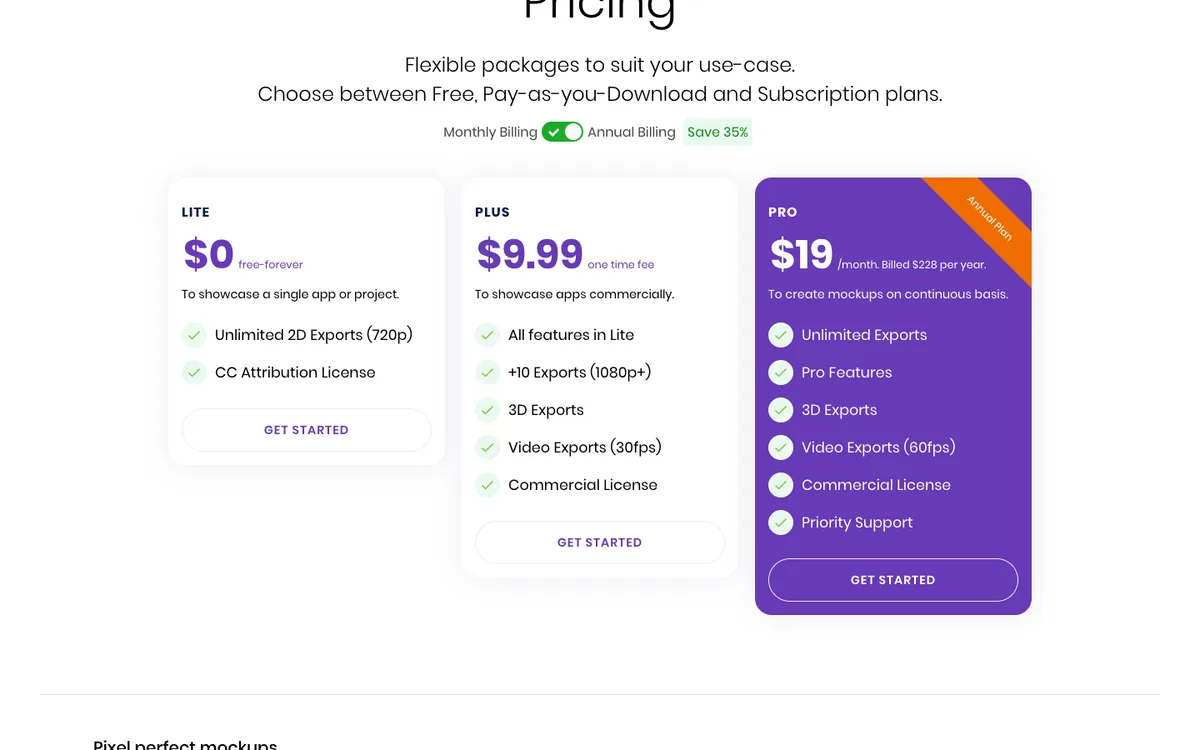
Good at: App Store-style sets and 3D previews on a small, one-off budget.
Not for: heavy ongoing use on Plus, which counts exports. I compare it directly in 240fps vs Previewed.
Rotato
Rotato is a Mac app for 3D device mockups and animations: rotating phones, laptops and camera moves that look like an ad. Its plans are one-time payments that include a year of new mockups and features, and you keep using it after that. Basic is $79, Standard $89 and Premium $199, the last with 100 premium video templates.
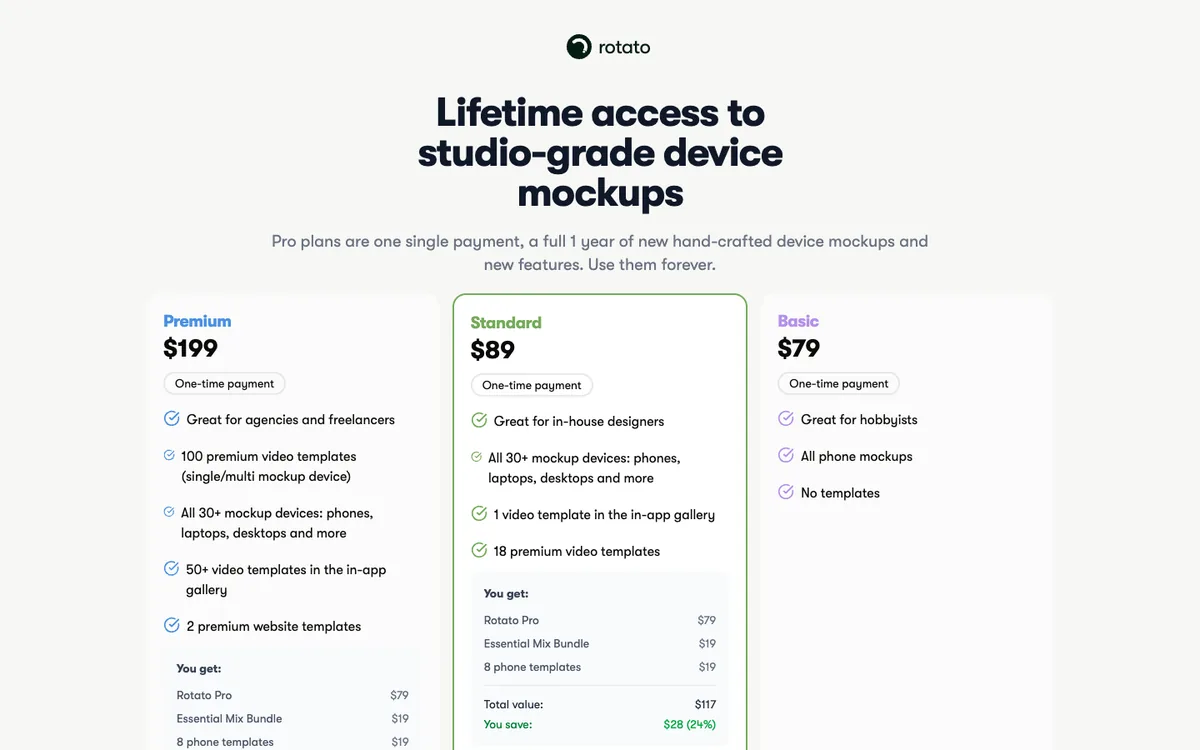
Good at: cinematic 3D motion that would otherwise need a 3D artist.
Not for: Windows or browser users, or quick flat mockups. See 240fps vs Rotato.
Shots
Shots is a browser tool for stylish mockups, animations and videos for social media and websites, with device frames over gradients and 3D scenes. You can start creating free. It doesn't publish a pricing page; paid options appear inside the app.
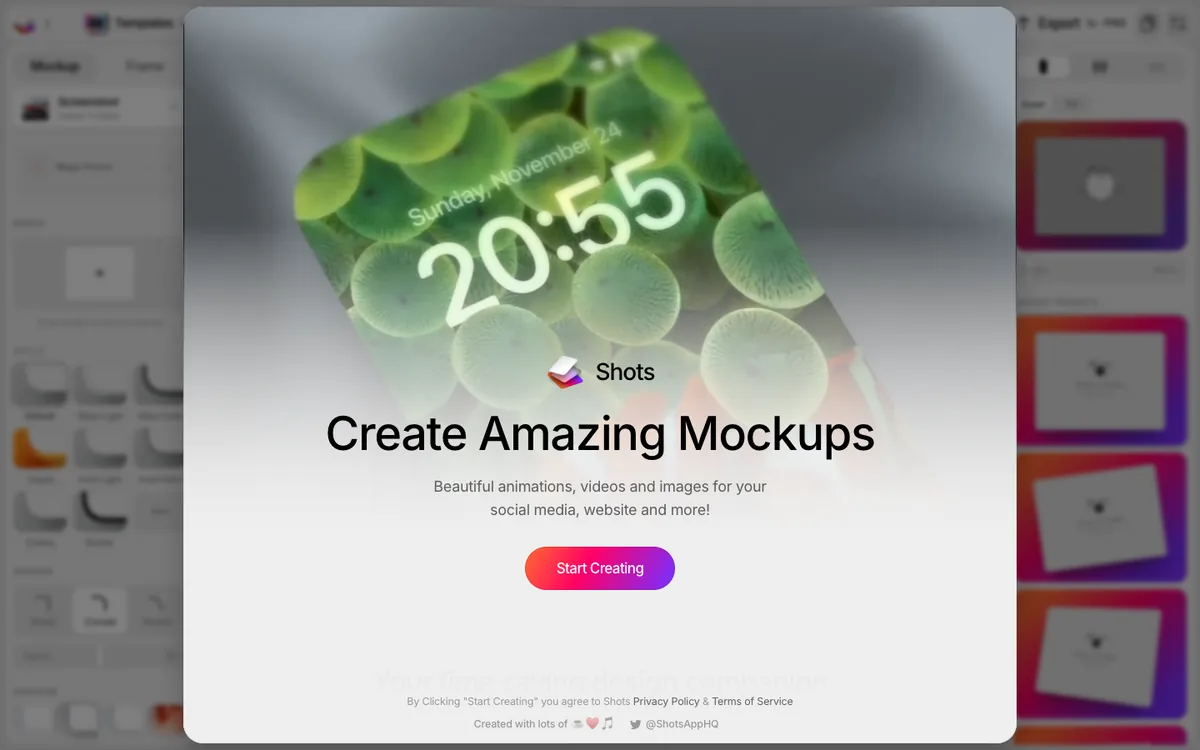
Good at: quick, attractive stills and short animations, free to start.
Not for: App Store screenshot sets in every size and language. See 240fps vs Shots.
Mockuuups Studio
Mockuuups Studio is a library of photo-based mockups: devices in real scenes, hands, desks and workplaces. Its pricing page lists more than 5,300 mockups, unlimited exports and a commercial licence on the Professional plan. It also has a Figma plugin and an Adobe Express add-on. You can create some mockups free.
Good at: realistic marketing scenes without a photographer.
Not for: animated or video mockups. See 240fps vs Mockuuups Studio.
Canva Mockups
If you already design in Canva, its Mockups feature puts your design onto phones, laptops, books, T-shirts and more, inside the same editor. Canva's page describes AI that can find surfaces in your own photo to place a design on.
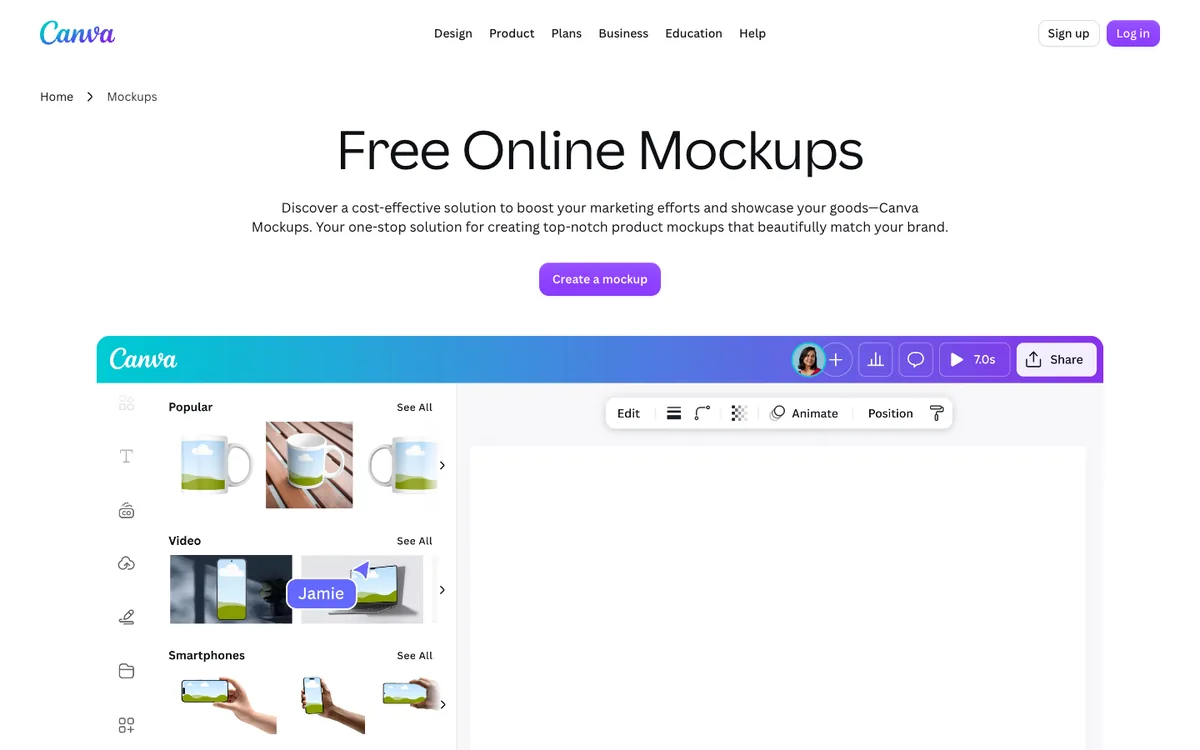
Good at: quick mockups for people who already live in Canva, including print products.
Not for: app screenshot sets or product videos.
How do I make a mockup look good?
Whichever tool you choose, the same few rules separate polished from amateur:
- Use a full-resolution screenshot. Capture at the device's real resolution; a blurry screen inside a sharp phone looks worse than no frame at all.
- Pick a frame that matches the platform. An Android app inside an iPhone frame confuses people.
- Keep angles gentle. A slight tilt adds depth; a steep one makes the screen unreadable.
- Calm backgrounds. A soft gradient or a single colour lets the product be the subject.
- One message per image. If you need text, keep it short and big.
My posts on mockups that look expensive and device mockup mistakes go deeper, and screenshot vs mockup vs video helps you decide which format a page needs.
FAQs
What is the best free mockup generator?
For free still mockups, Shots and Canva Mockups are both quick to start, and Previewed's Lite plan gives unlimited 720p exports. 240fps is free to design with every device, but exporting needs a plan.
Which mockup generator is a one-time purchase?
240fps Lifetime ($39), Previewed Plus ($9.99, with ten exports) and Rotato ($79, $89 or $199) are one-time payments. Mockuuups Studio and Previewed Pro are subscriptions.
What's the best tool for 3D device mockups?
Rotato, a Mac app built for 3D device renders and animations. Previewed also offers 3D previews on its paid plans.
Can I make App Store screenshots with a mockup generator?
Some are built for it. 240fps makes App Store and Google Play sets in every size and language and uploads to App Store Connect; Previewed is also designed for app screenshots.
Do mockup generators need a design background?
No. All six are template-driven: drop in a screenshot, pick a device and background, and export. Design sense helps with the text and colours.
Last updated: 4 October 2026. Prices and features are from 240fps.com/pricing, previewed.app/pricing, rotato.app/pricing, shots.so, mockuuups.studio/pricing and canva.com/mockups, read on 4 October 2026.