Comparison
240fps vs Mockey
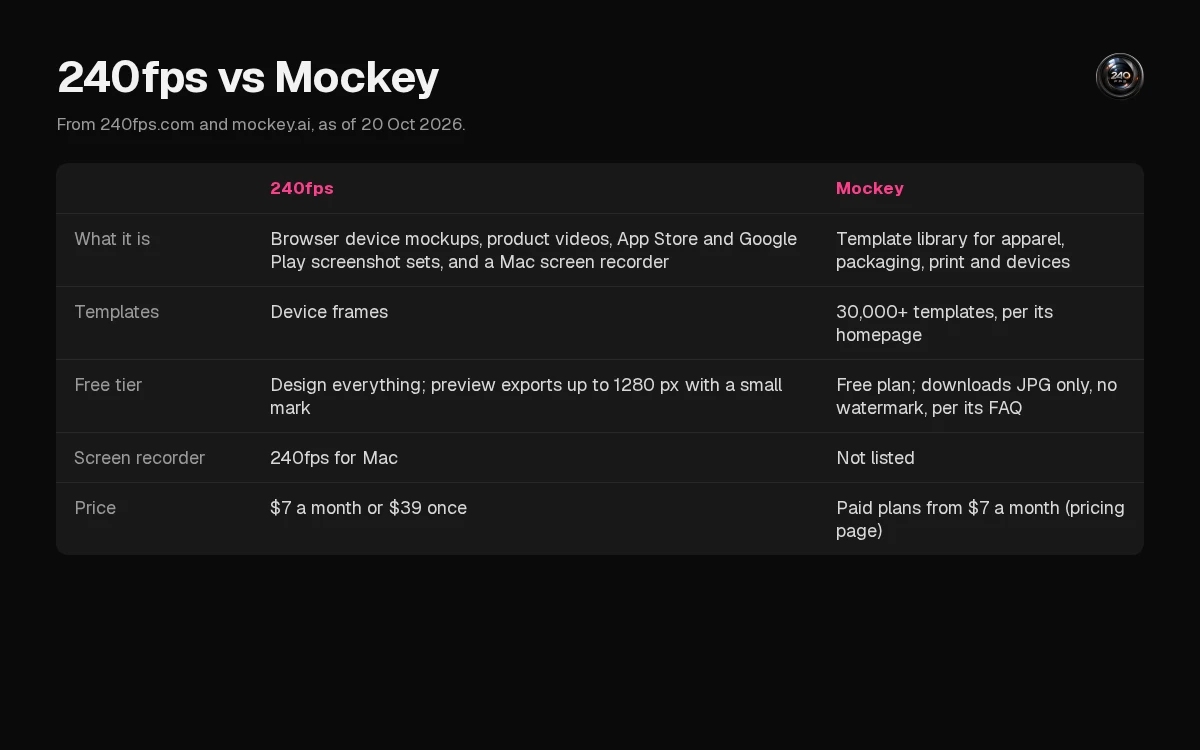
They are different tools that overlap on one job: showing a design in a frame. Mockey, on its homepage as of 20 Oct 2026, is a template library for apparel, packaging, print, and devices, with a free plan and paid plans "from $7/month". 240fps is a browser tool for device mockups, product videos, and App Store and Google Play screenshot sets, plus a Mac screen recorder. Designing is free. Full-size exports are $7 a month or $39 once.
Quick verdict
Choose Mockey when the job is a print-on-demand product shot, such as a T-shirt, a hoodie or packaging, from its template library. Choose 240fps when the job is a device frame, a store screenshot set, a product video or a Mac screen recording.
They overlap on device mockups, but each is built around a different kind of work. The rest of this page is what each company's own site said on 20 October 2026.
Feature comparison
"Not listed" means the pages we checked don't mention it. It doesn't mean the tool can't do it.
| 240fps, as of 20 Oct 2026 | Mockey, as of 20 Oct 2026 | |
|---|---|---|
| What it is | Browser device mockups, product videos, App Store and Google Play screenshot sets, and 240fps for Mac | "Free AI Mockup Generator", with templates "across apparel, packaging, device, print, and more" |
| Templates | Device frames, not a print-on-demand catalogue: 37 device mockup pages, including iPhone Duo; the newest numbered iPhone family is the 17 | "30,000+" templates in "more than 60" mockup categories |
| Free tier | Design everything; preview exports up to 1280 px with a small 240fps mark | A free plan with no watermark; free downloads are JPG only, and PNG needs a paid plan (FAQ) |
| What you put in | A screenshot, a screen recording, or a live website inside the device | Upload a design as PNG, JPG or WebP (FAQ) |
| Video | Animated videos up to 60 seconds in the browser (MP4, WebM or GIF); recordings in 240fps for Mac at any length | Video mockups for "over 50 different products", MP4, 720p and 1080p, without a watermark (FAQ). Template videos, not a screen recorder |
| Screen recorder | 240fps for Mac, with automatic zooms and captions | Not listed |
| Store screenshots | App Store and Google Play sets, the App Preview video and the app icon, with upload to App Store Connect | Not listed. The FAQ mentions iPhone mockup templates to "cross-promote your mobile experience" |
| Integrations | Not listed on the pricing or download pages | Shopify, Figma and Etsy, to create and publish mockups there (homepage) |
| Bulk | Not listed on the pricing or download pages | Bulk mockups, up to 50 in one batch (FAQ) |
| Commercial use | Not listed on the pricing page | The homepage ties commercial use to premium features, on "a flexible subscription" you can cancel anytime |
| Price | $7 a month or $39 once, for full-size exports and the Mac app | Paid plans "start from $7/month" (pricing page). Tier names and prices weren't readable in the page's HTML |
Pricing
240fps, from 240fps pricing and the 240fps for Mac page on 20 October 2026: designing in the browser is free. Monthly is $7 a month and Lifetime is $39 once. Either one unlocks full-size exports with no mark, and 240fps for Mac.
Mockey, from its pricing page on 20 October 2026: there's a free plan, and the page says paid plans "start from $7/month". The individual plan cards load in the browser after the page itself, so they weren't readable in the page's HTML, and we haven't listed their names or prices here. Mockey's homepage describes the premium features as "a flexible subscription" you can cancel anytime. Check the pricing page for the current plans before you buy.
Where Mockey is the better pick
- You sell physical products. Mockey's homepage describes a library of more than 30,000 templates across apparel, packaging, print and more. For a T-shirt, a hoodie or packaging, that's the job it's built for. 240fps's pricing and download pages describe device frames, not print-on-demand scenes.
- You publish to Shopify or Etsy, or work in Figma. The homepage lists plugins to create and publish mockups directly in Shopify, Figma and Etsy.
- You need many mockups at once. Its FAQ describes bulk mode, up to 50 mockups in one batch.
Where 240fps is the better pick
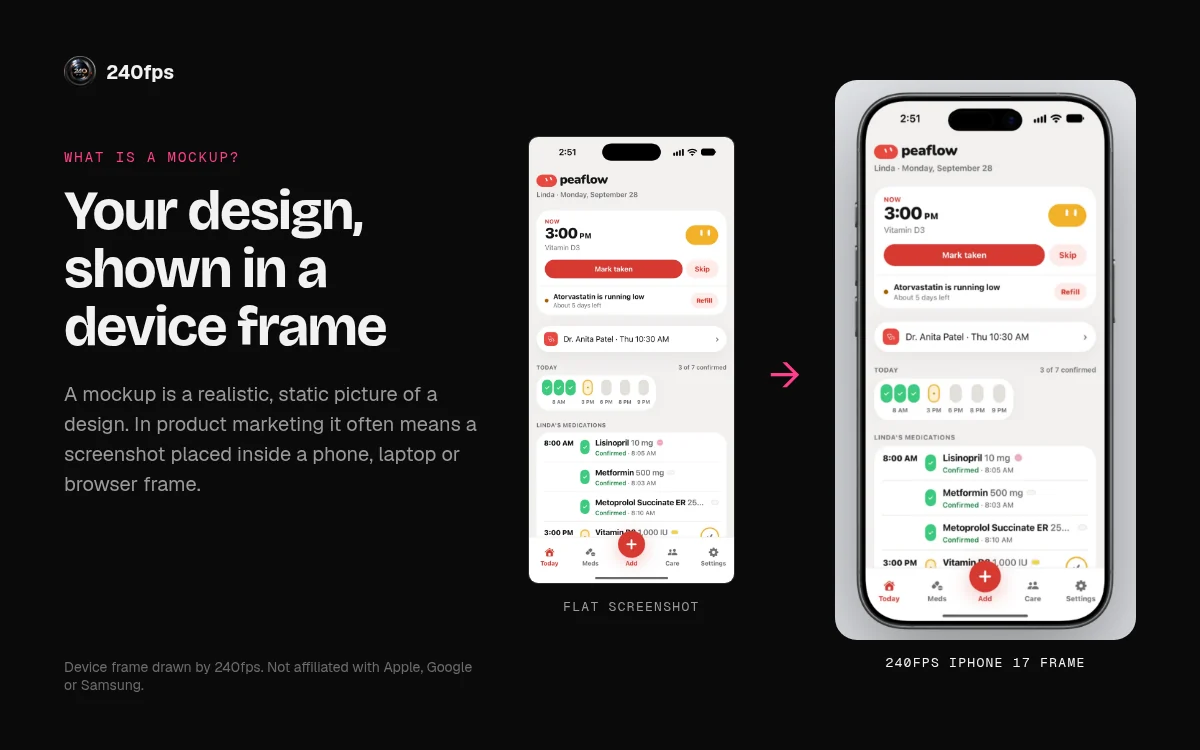
- You're showing software. 240fps puts a real screenshot, a screen recording or a live website inside an iPhone, iPad, Mac, Watch, Android or browser frame. See the device mockups.
- You're shipping an app. 240fps makes App Store and Google Play screenshot sets, the App Preview video and the app icon, and uploads to App Store Connect. See the App Store screenshot generator. Mockey's homepage doesn't describe store screenshot sets.
- You record your Mac. 240fps for Mac is a screen recorder with automatic zooms and captions. Mockey's homepage doesn't list a screen recorder.
How to try both
Both let you start without paying, but the free outputs differ:
- 240fps: design everything in the browser. Free exports are previews up to 1280 px with a small 240fps mark. The $7 a month or $39 once plan unlocks full-size exports and the Mac app.
- Mockey: its FAQ says the free plan has no watermark, and that free downloads are JPG only; PNG needs a paid plan.
About this comparison
Mockey details are from its own homepage and pricing page as of 20 October 2026, re-read on 21 October 2026. 240fps details are from 240fps.com/pricing, /download, /tools/screen-recorder and its sitemap on the same dates. Features and prices change, so check both sites before you decide. 240fps isn't affiliated with Mockey.
More comparisons: 240fps compared, including 240fps vs SmoothCapture. Or read the best mockup generators and what a mockup is.
FAQs
Is 240fps a Mockey alternative?
Only for device mockups. 240fps puts screenshots, recordings and live websites into device frames, and makes store screenshot sets. It isn't a substitute for a print-on-demand template library of apparel and packaging scenes.
Which is cheaper?
Both show a $7 a month figure: Mockey's pricing page says paid plans start from $7 a month, and 240fps is $7 a month. 240fps also publishes $39 once. Mockey's other plans weren't readable on its pricing page on 20 October 2026, so we can't compare them.
Does Mockey make App Store screenshots?
Store screenshot sets aren't listed on Mockey's homepage. It lists iPhone mockup templates.
Does 240fps have 30,000 templates?
No. 240fps has 37 device mockup pages, which are device frames for screenshots, recordings and websites. Mockey's 30,000+ templates span apparel, packaging, device, print and more, so the two numbers don't compare like for like.
Is Mockey free?
Its FAQ says there's a free plan with no watermark. Free downloads are JPG only; PNG downloads need a paid plan.