3D & Perspective loops
Walls, tunnels and curved rows of cards seen in perspective, drifting past the camera. 24 of them, each a seamless loop of your own screenshots, videos or photos, exported as MP4, WebM or GIF in 16:9, 9:16, 1:1 or 4:5. Designing is free; full exports are $7 a month or $39 once.
24 3d & perspective loops
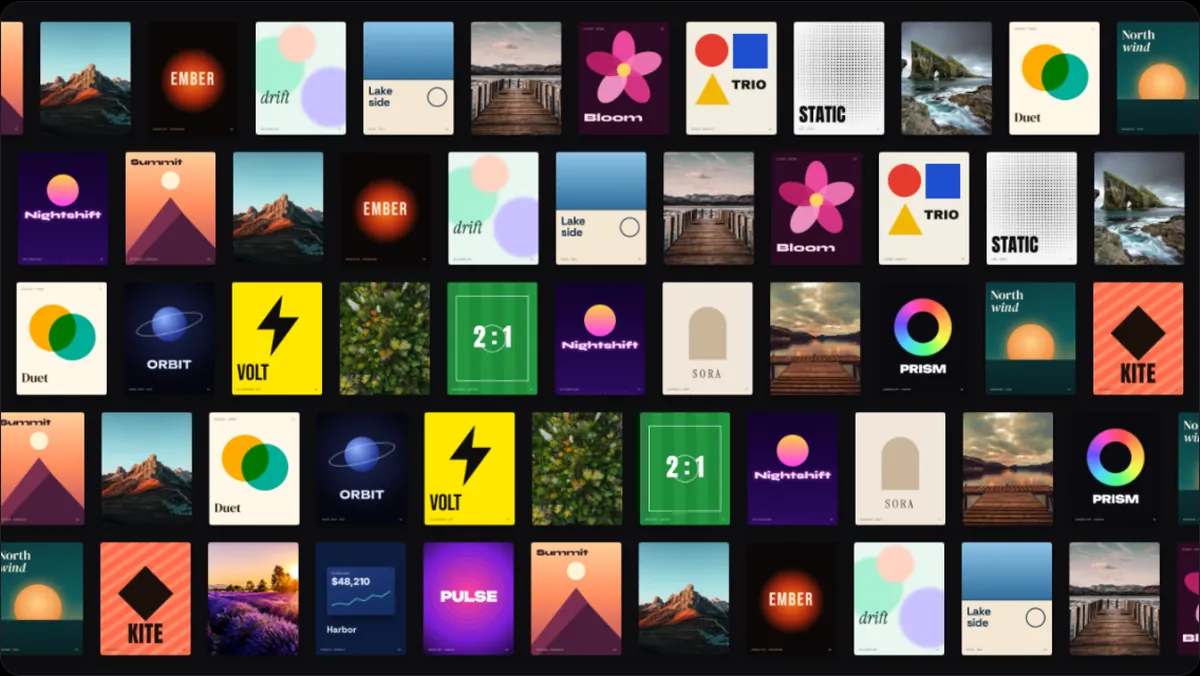
- Bow3D & PerspectiveA concave wall of cards, row on row, drifting past.
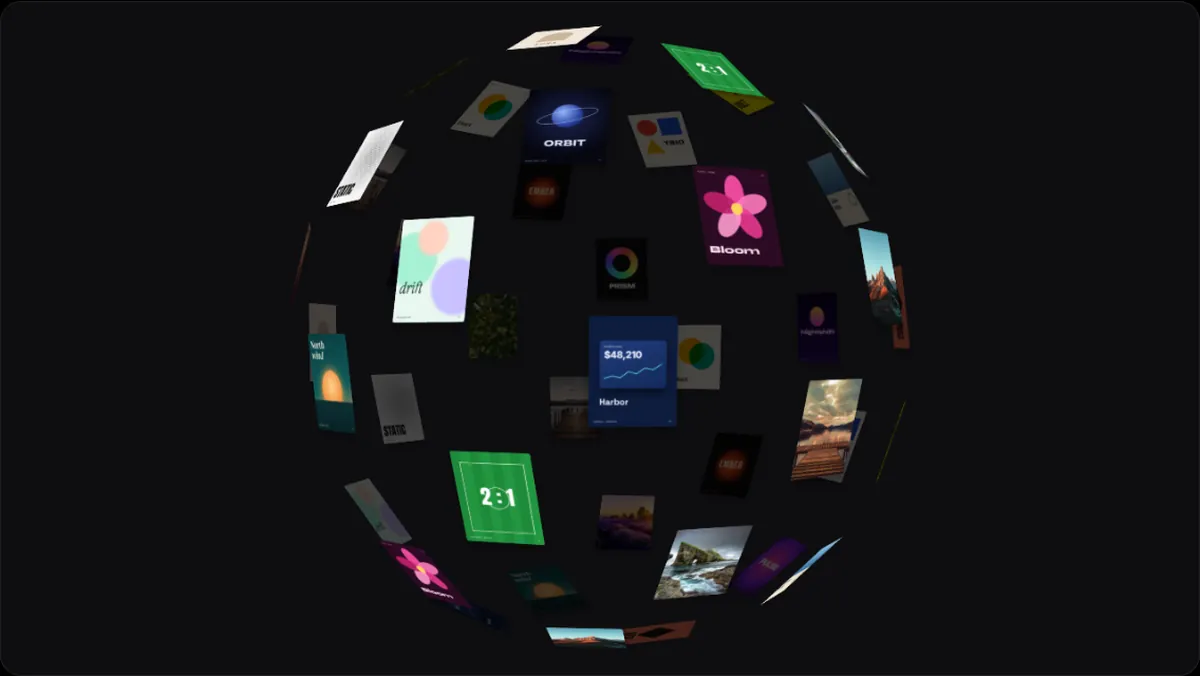
- Sphere3D & PerspectiveCards over a turning globe.
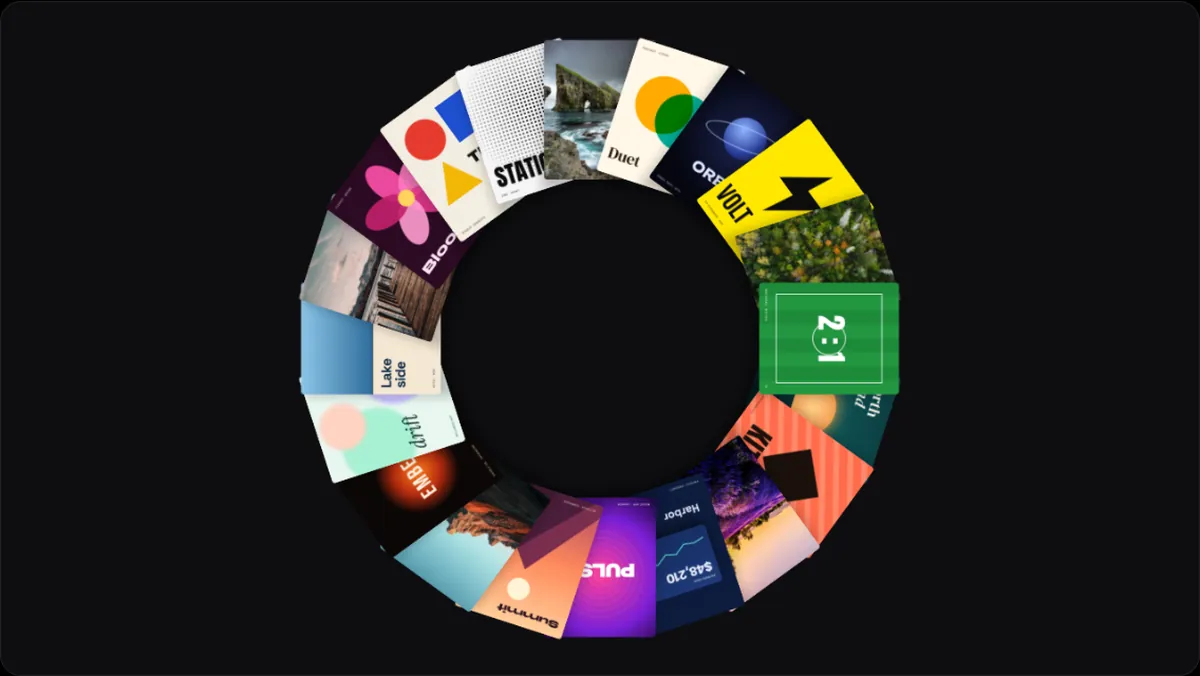
- Atlas3D & PerspectiveA ring of cards facing you, like a wreath, turning.
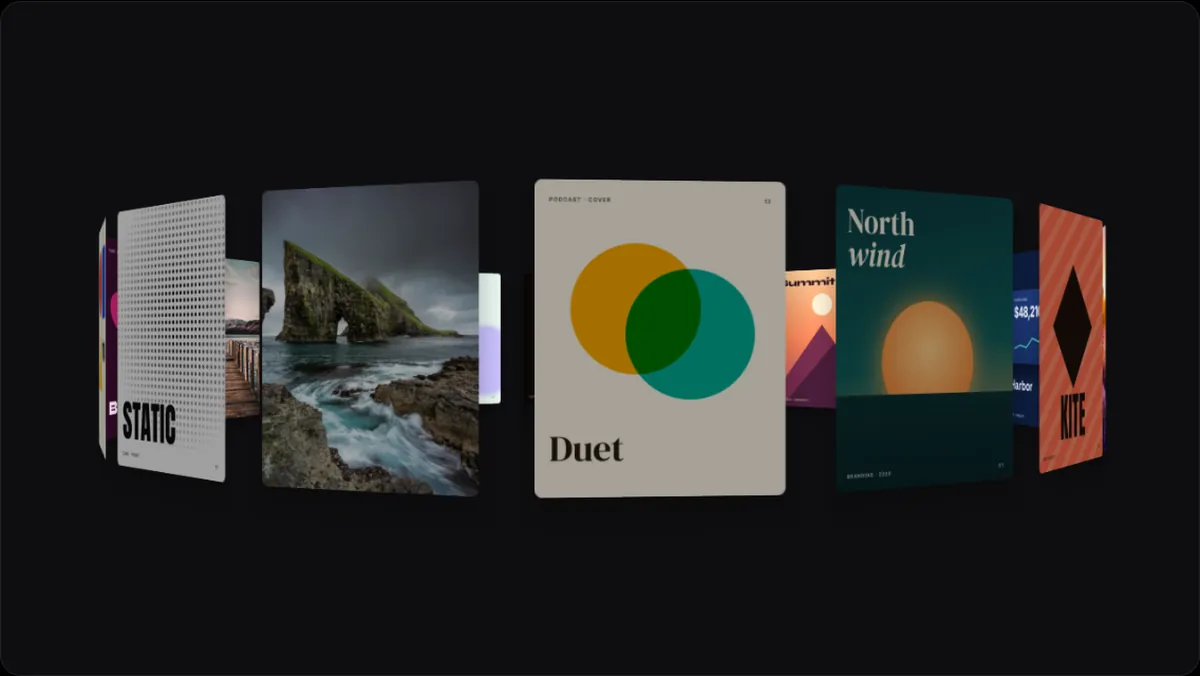
- Curtain3D & PerspectiveTall cards hung in a curve, swaying round.
- Drum3D & PerspectiveA drum of cards, three rows high, rolling round.
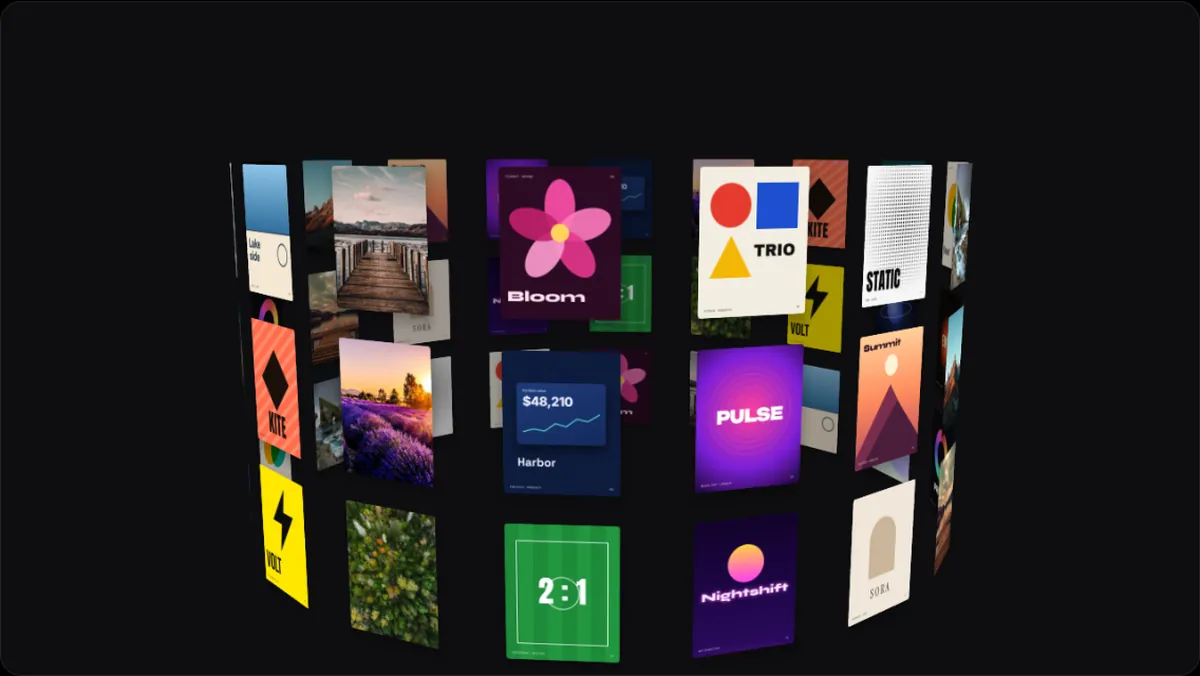
- Mirage3D & PerspectiveEach image full frame, drifting, the next ghosting in.
- Helix3D & PerspectiveCards climbing a double spiral.
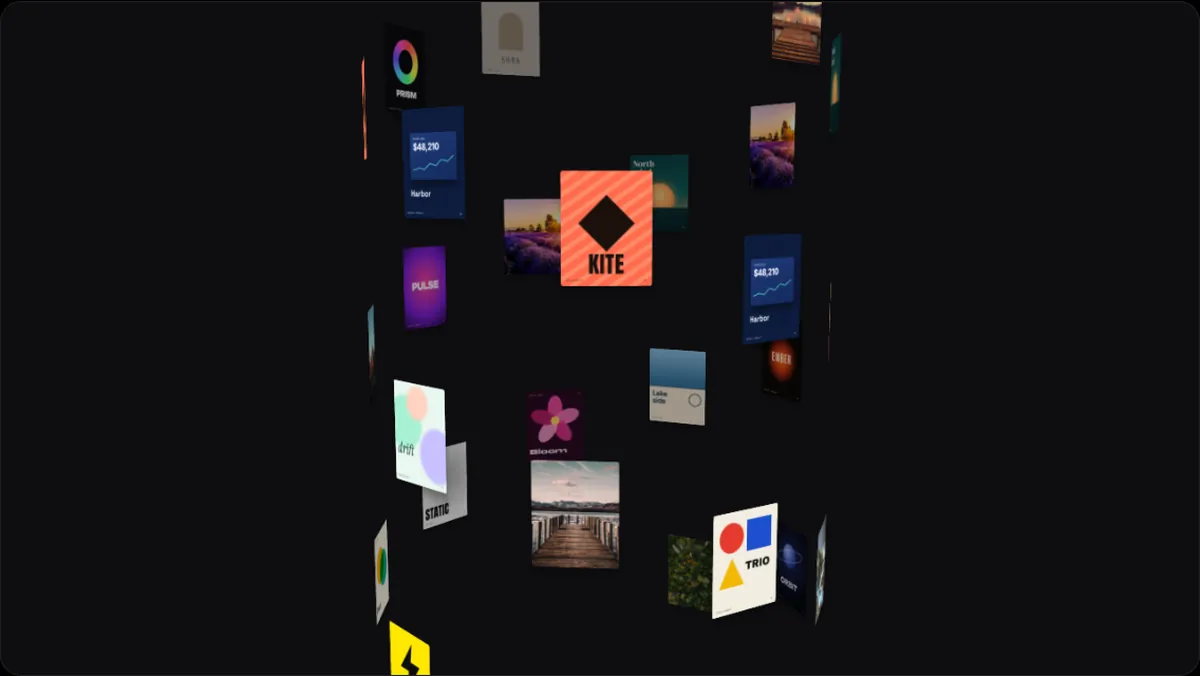
- Dive3D & PerspectiveCards fly straight at you out of the dark.
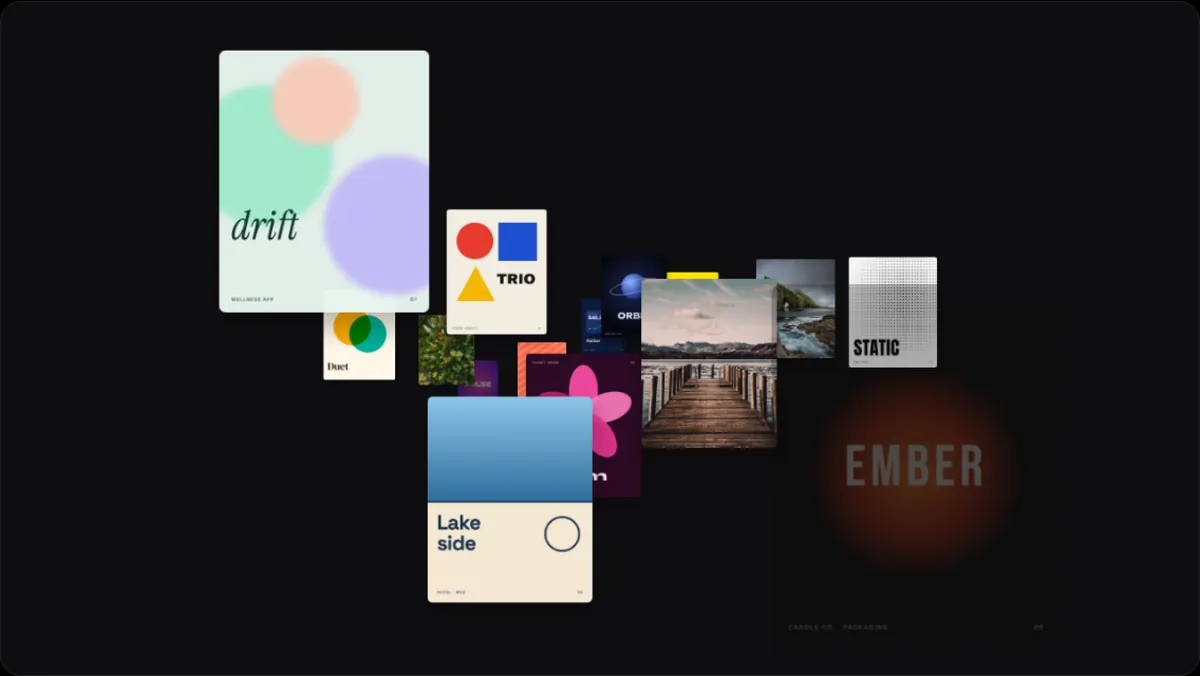
- Tunnel3D & PerspectiveA tube of cards streaming past.
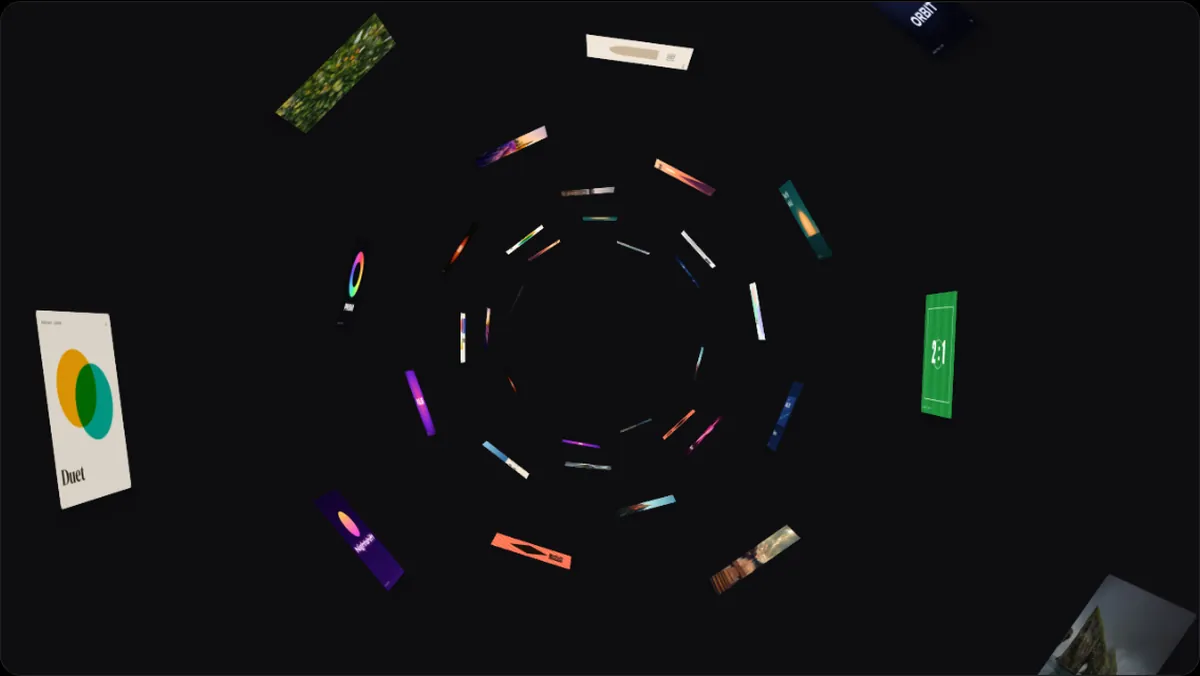
- Corridor3D & PerspectiveTwo walls of cards as you walk down the hall.
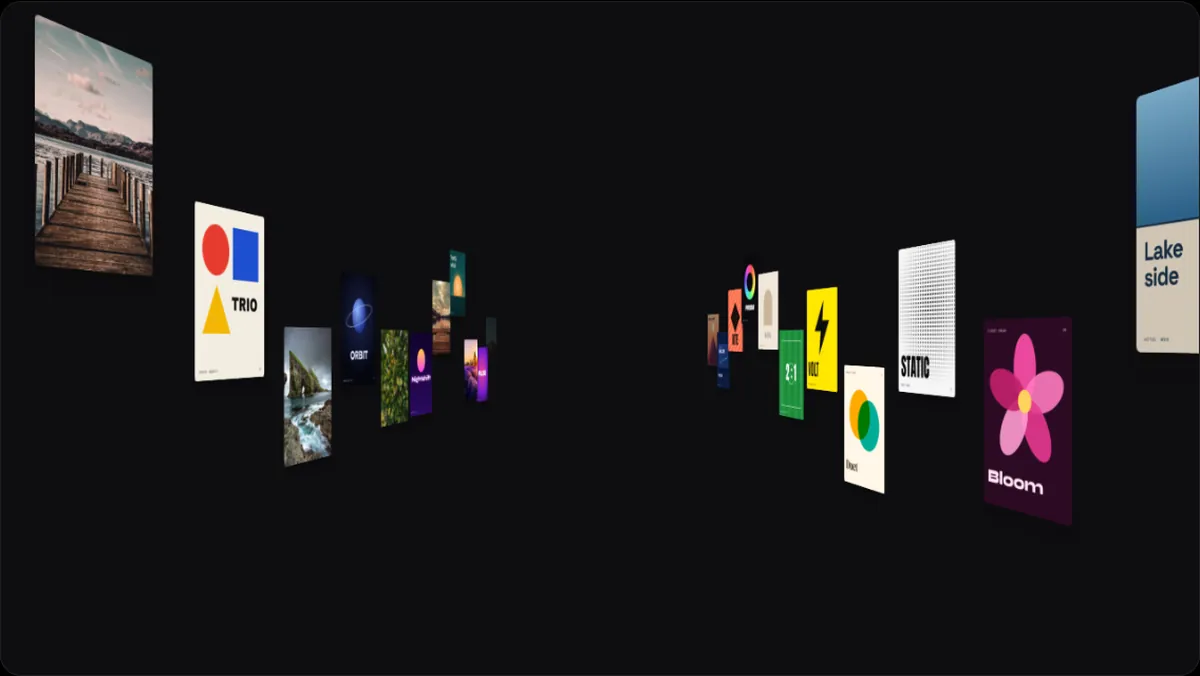
- 3D 013D & PerspectiveA 3D arrangement of your work, in motion.
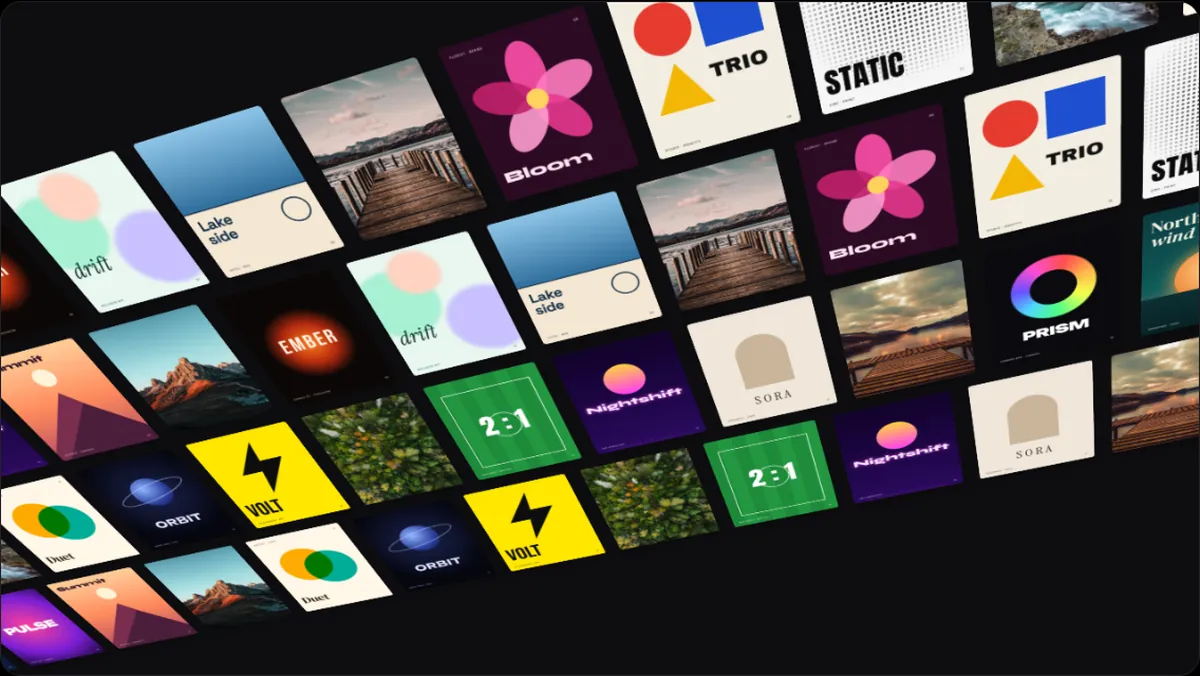
- 3D 023D & PerspectiveA 3D arrangement of your work, in motion.
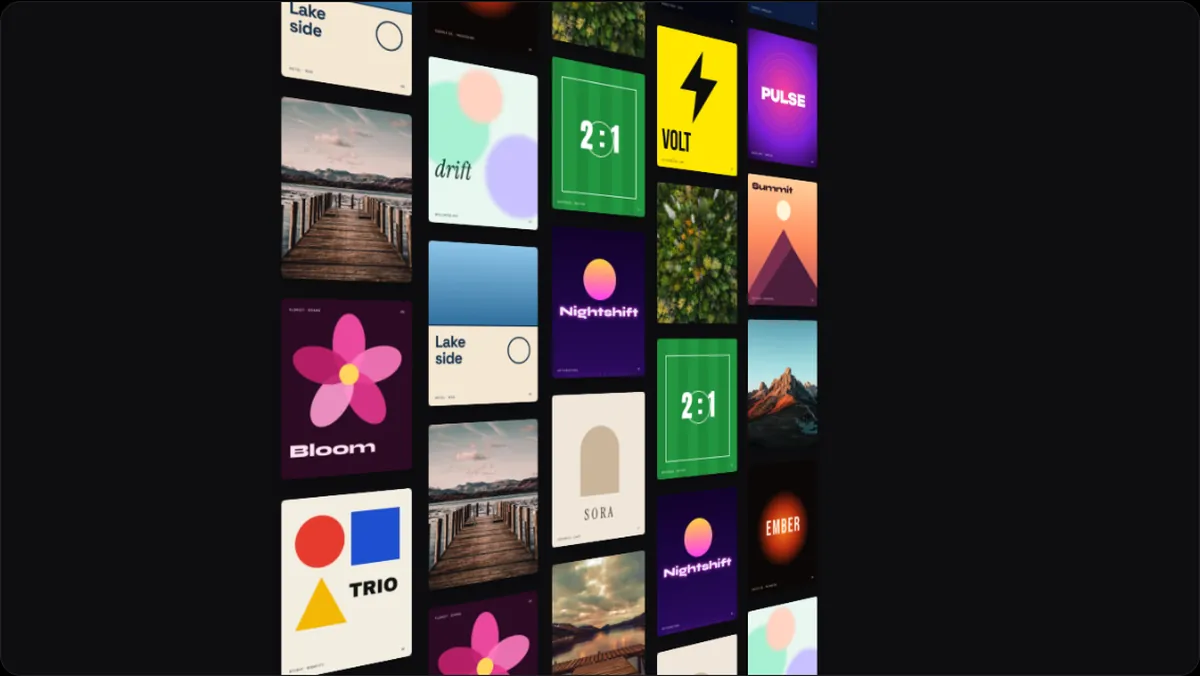
- 3D 033D & PerspectiveA 3D arrangement of your work, in motion.
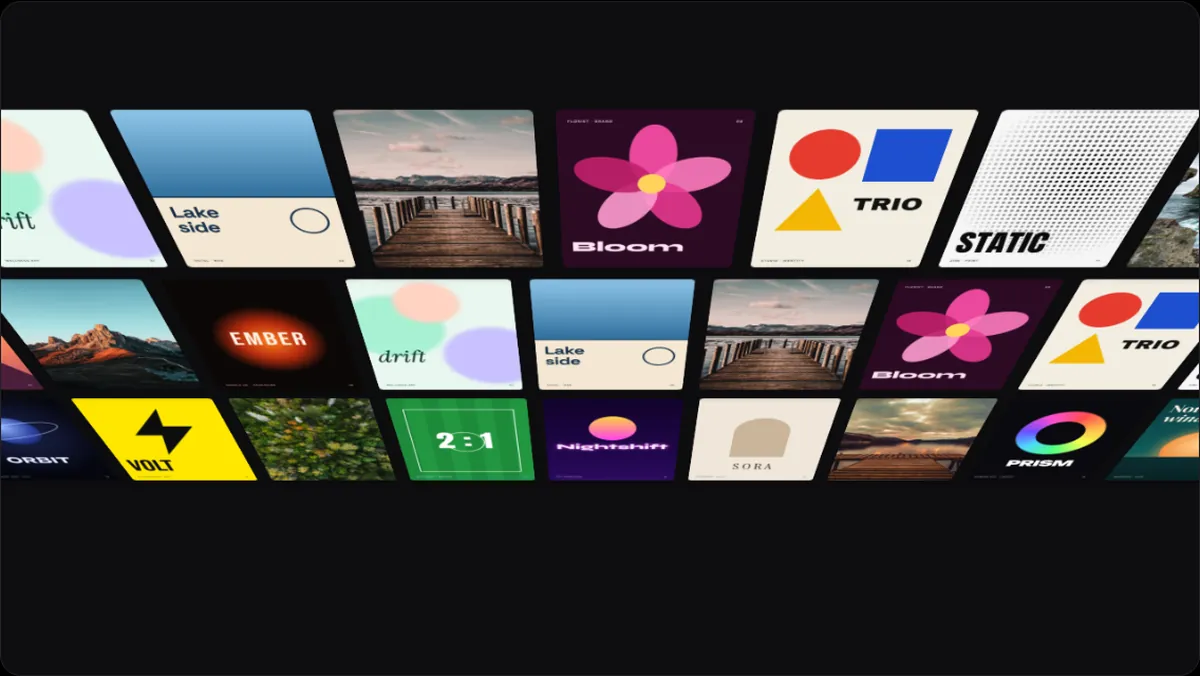
- 3D 043D & PerspectiveA 3D arrangement of your work, in motion.
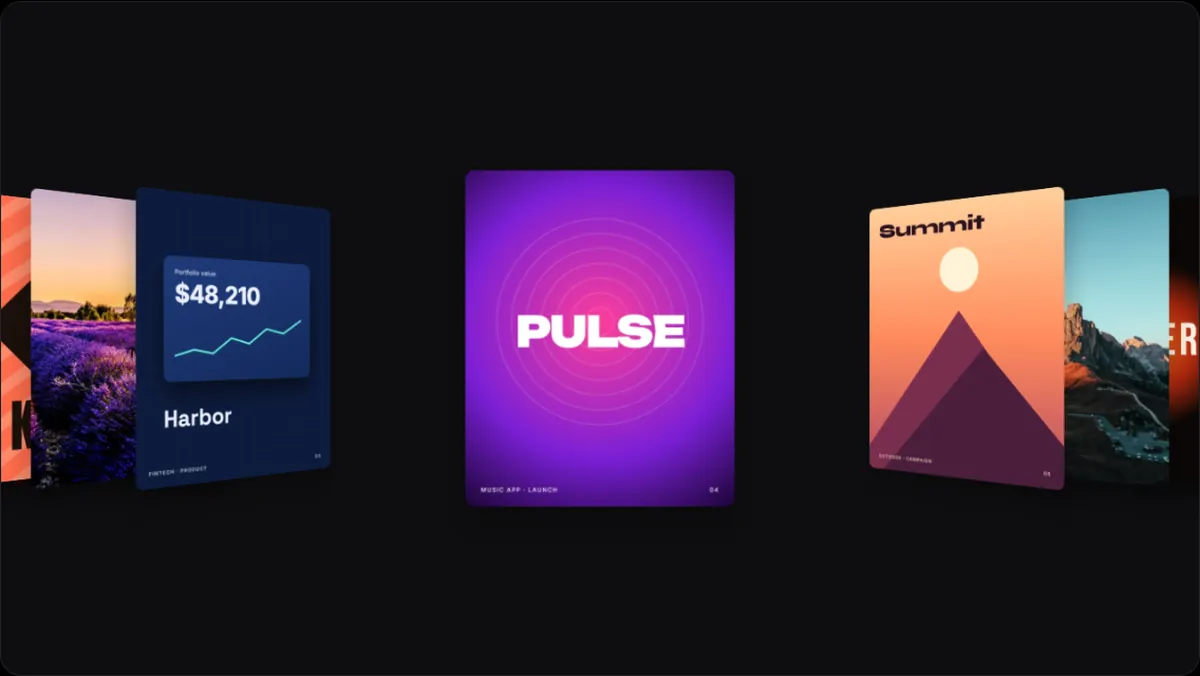
- 3D 053D & PerspectiveA 3D arrangement of your work, in motion.
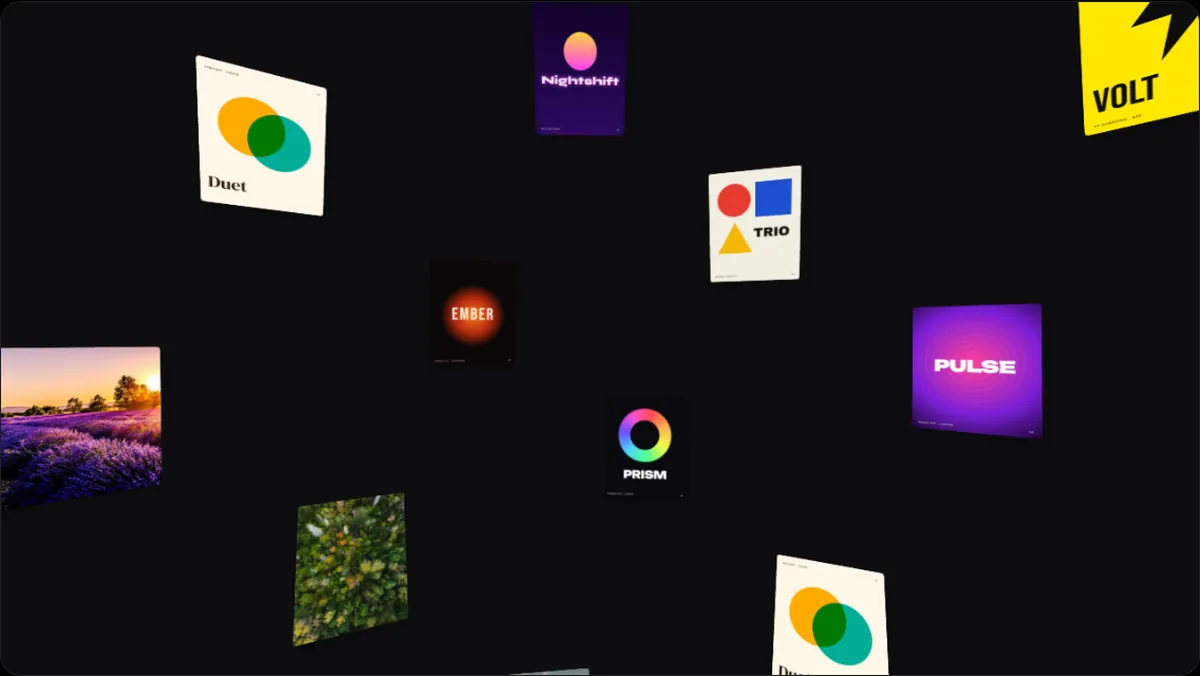
- 3D 063D & PerspectiveA 3D arrangement of your work, in motion.
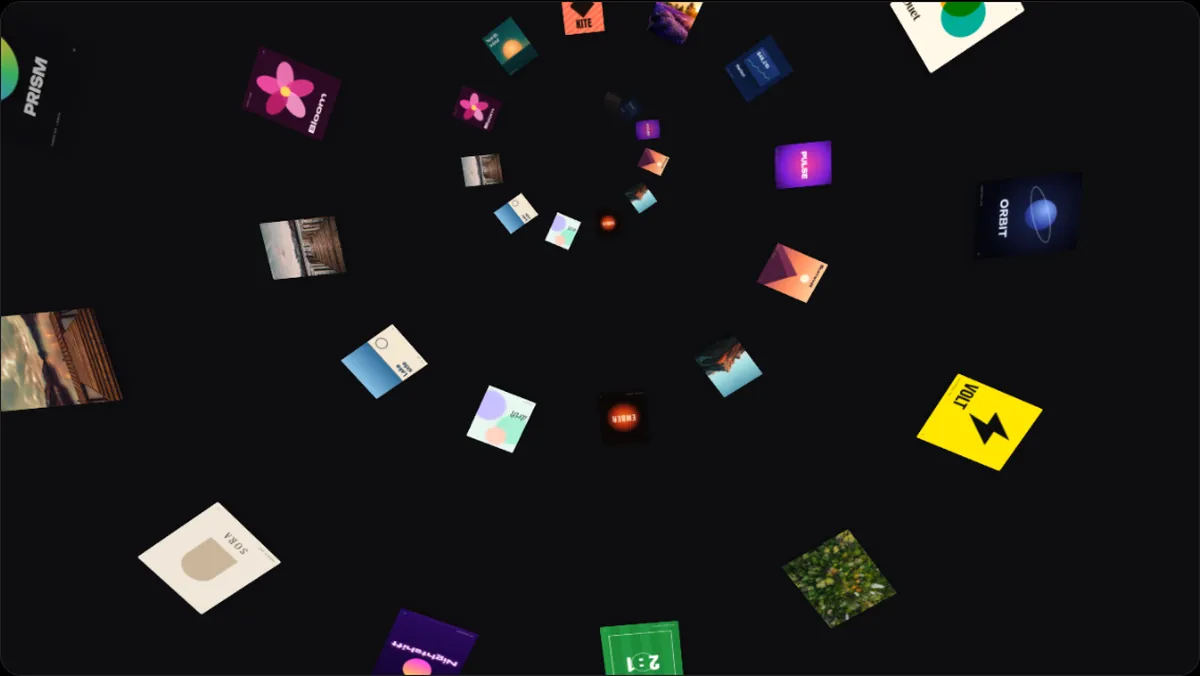
- 3D 073D & PerspectiveA 3D arrangement of your work, in motion.
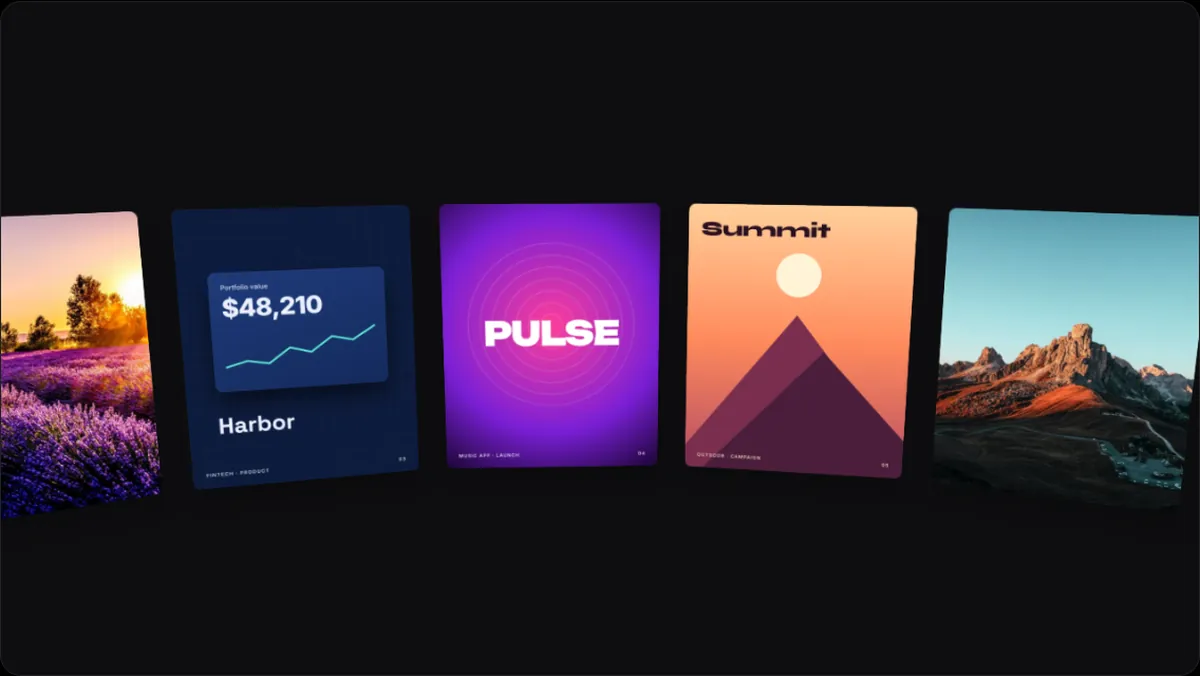
- 3D 083D & PerspectiveA 3D arrangement of your work, in motion.
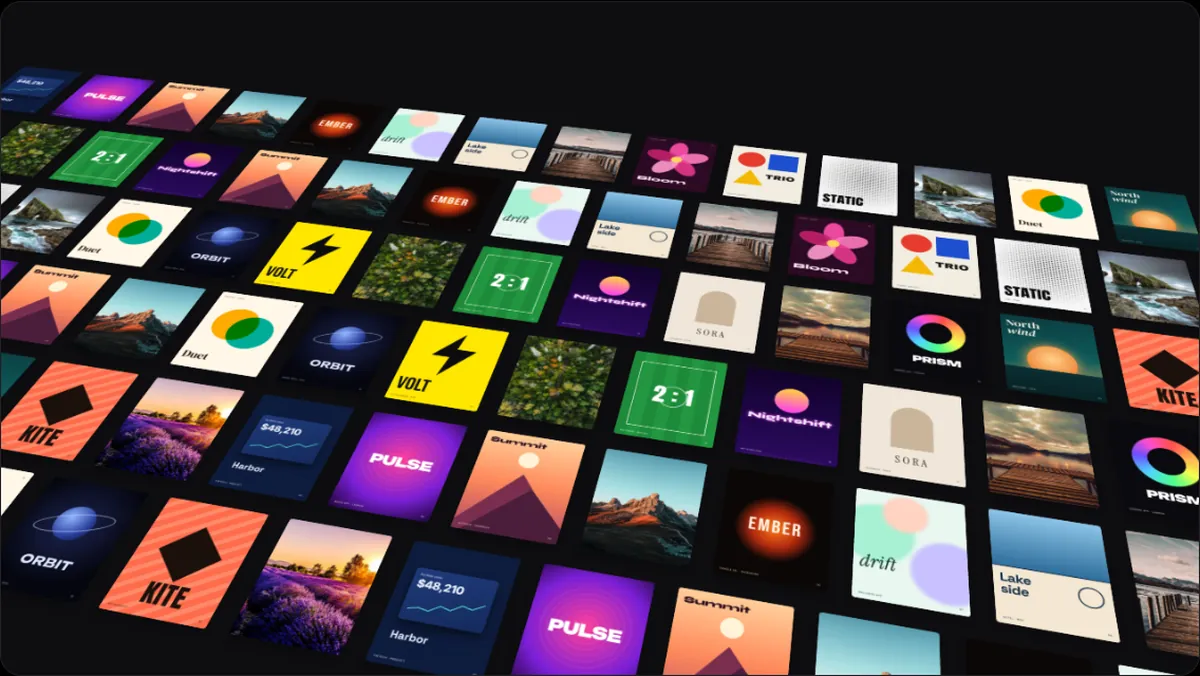
- 3D 093D & PerspectiveA 3D arrangement of your work, in motion.
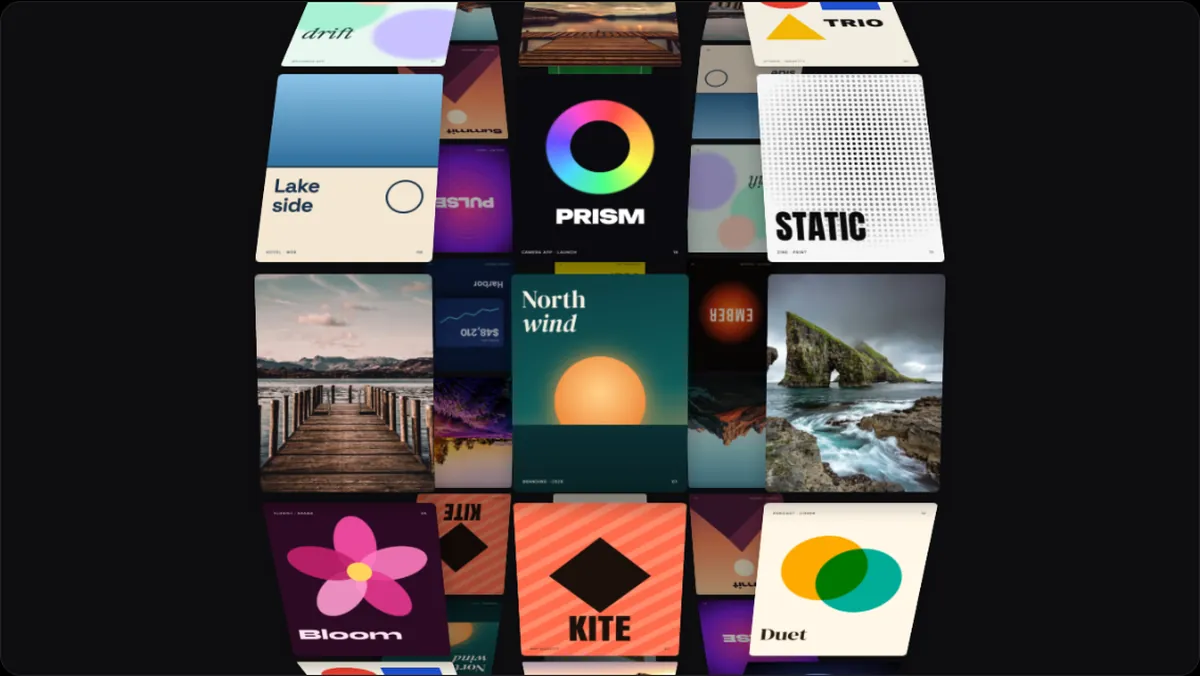
- 3D 103D & PerspectiveA 3D arrangement of your work, in motion.
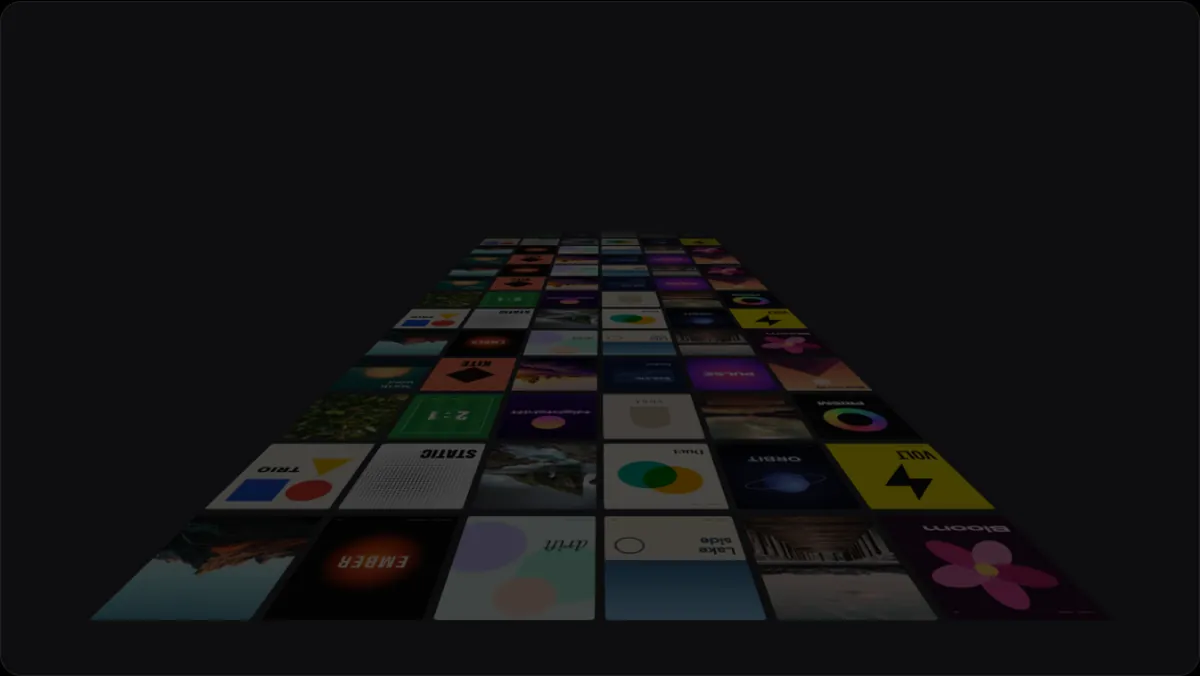
- 3D 113D & PerspectiveA 3D arrangement of your work, in motion.
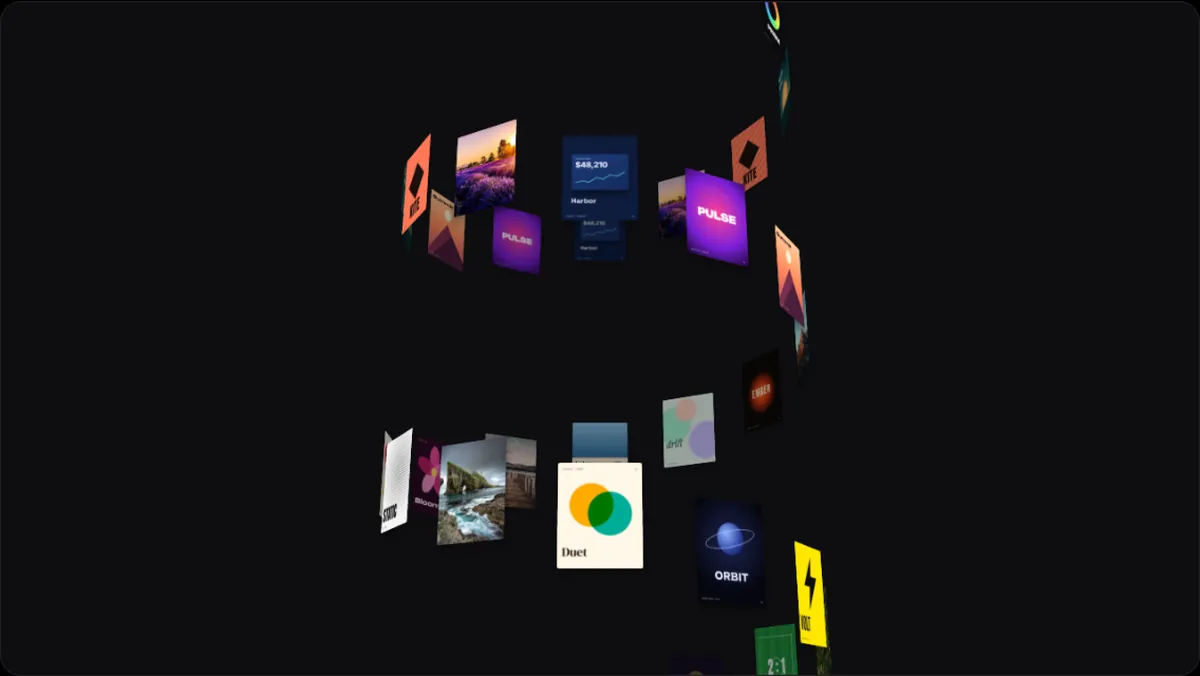
- 3D 123D & PerspectiveA 3D arrangement of your work, in motion.
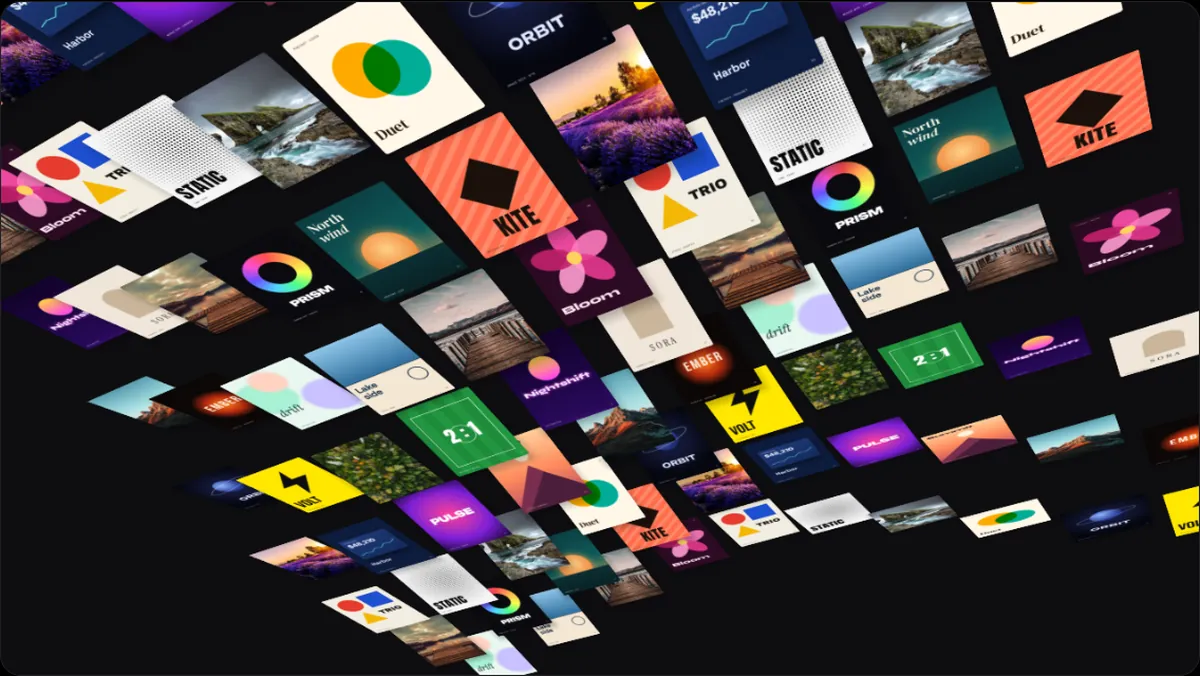
- Tour 013D & PerspectiveThe camera flies low over a field of cards.
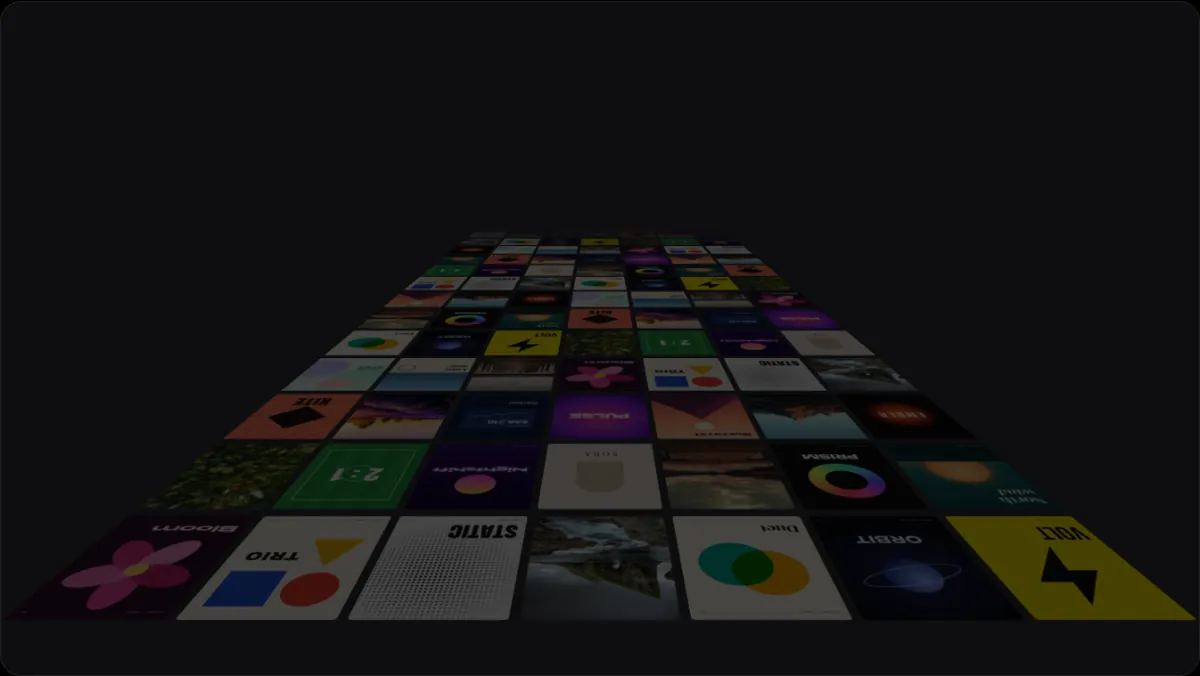
- Tour 023D & PerspectiveThe camera circles a field of cards.
What 3d & perspective loops are good for
- A portfolio intro with depth
- Background motion behind a headline
- Showing many screens at once
How to use one
Open any of them and press Open in editor: it starts in 240fps Reels with sample work. Drop in your own screenshots, screen recordings or photos, set the speed, background and frame shape, add text, a logo or music, and export an MP4, WebM or GIF. Every one of these ends where it began, so it repeats without a cut on a website, in a talk or in a social post.