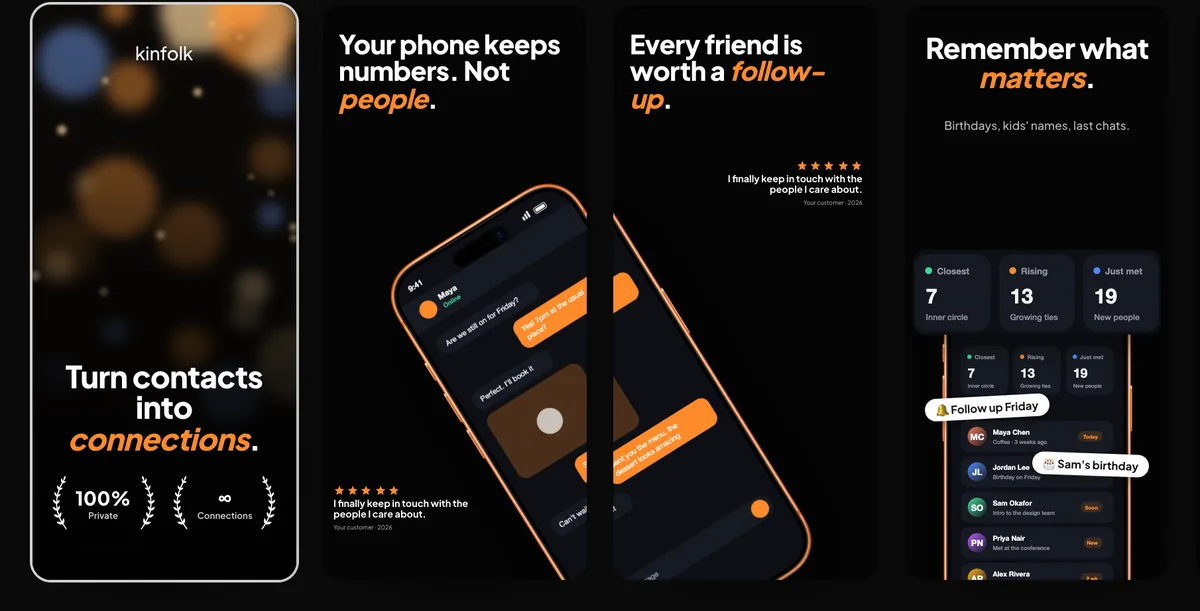
Mockup
Finance app mockup
A finance app mockup is your own balance, transfer, or chart screen inside a device frame. It is not a screenshot of someone else's bank. 240fps puts that screen in the frame in the browser. Designing is free. Full-size exports are $7 a month or $39 once. There is no finance template; you bring the screen.
What to put in the frame
Put your own app's screen in the frame: the one that shows what your product does with money. A home balance with a short chart, a transaction list, one step of a transfer, or a monthly budget view all work. Pick the screen a new user would recognise as the reason to download the app.
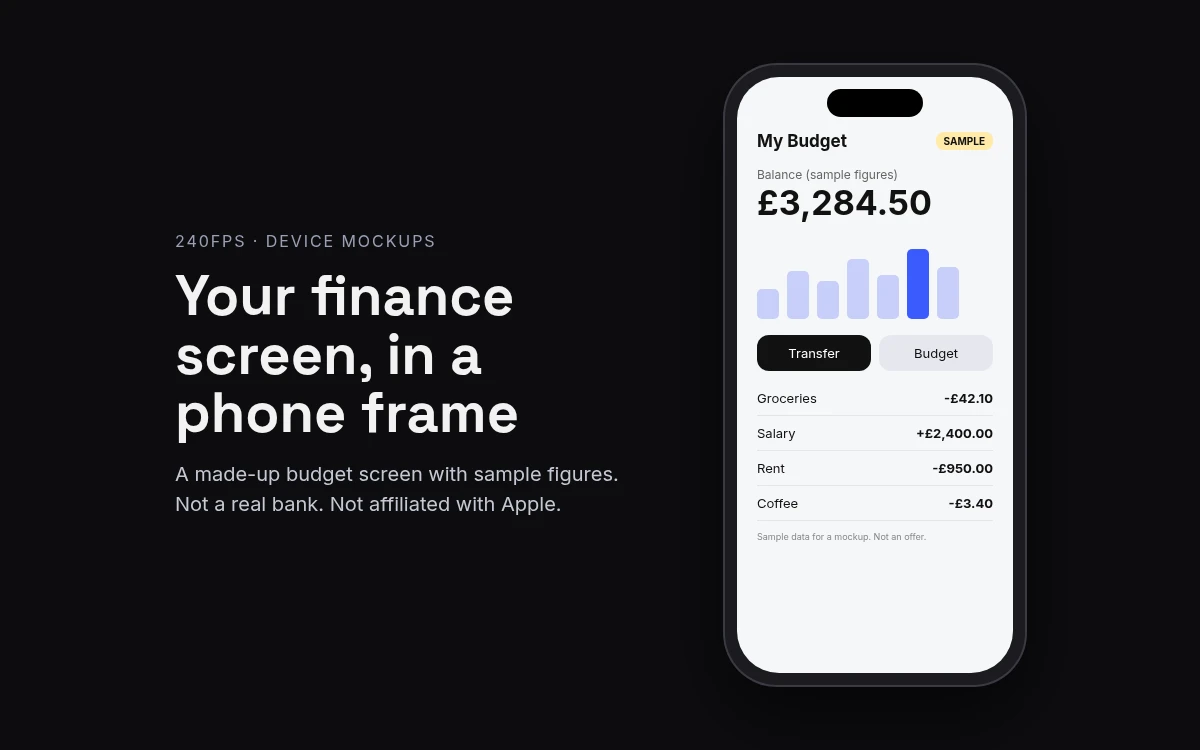
The figures on that screen should be made up, and should look it. Label them as sample data, as the example at the top of this page does ("Sample data for a mockup. Not an offer."), so nobody reads a balance or a number in your picture as something they can get. Leave out real account numbers, card numbers and people's names, even your own.
Keep it your brand, too. Don't borrow a real bank's or card network's screens, logo, colours or name to make a concept look established; a frame doesn't change whose design it is. If your app isn't built yet, a design export from your own files works the same way. A mockup is a picture of the finished screen, as explained in what a mockup is.
Make it in the browser
240fps puts the screen in a device frame in the browser, with nothing to install:
- Open the editor with the phone selected. Start from the iPhone 17 mockup, or use the button on this page.
- Add your screen. Paste a screenshot (⌘V), drop an image or video on the canvas, or choose Website and paste a URL. Adding a website needs a free account.
- Style the scene. Pick a finish, a layout and a background, or start from a template.
- Export. Export an image as PNG, JPEG or WebP, or switch to Videos, add motion and export an MP4, WebM or GIF.
The fastest route from an existing screenshot is screenshot to mockup.
A wide ledger, a spending report or an admin view reads better on a larger screen, so try the iPad Pro 13 mockup for those. Every frame is in the device mockups, and a phone and a tablet can share one scene. Making a different kind of app? See the fitness app mockup.
Store screenshots are a separate job
A mockup is for a landing page, a pitch deck or a launch post. Your App Store listing needs screenshots at the sizes Apple accepts, and Apple keeps that list on its screenshot specifications page. It asks for at least one screenshot for iPhone with Dynamic Island (medium display), and at least one for the iPad 13-inch display if your app supports iPadOS. Check that page, and App Store Connect, for the sizes your version needs.
The App Store screenshots studio in 240fps is where you make that set. Its export sizes are 240fps's own presets, a separate thing from Apple's list. App Store screenshot sizes covers every device in detail.
Price
Designing is free, with every device, template and background, and the Screenshots studio. Free exports are previews up to 1280 px with a small 240fps mark.
Full-size exports are $7 a month (Monthly) or $39 once (Lifetime), with no mark, up to 4K. Either plan also unlocks 240fps for Mac. See pricing.
FAQs
Can I mock up my bank's app to show a concept?
Use your own design instead. Build the concept screen in your own files with sample figures, label them as sample, and put that screen in the frame. Don't copy a real bank's screens, logo or name: the mockup should show your product and your brand, not someone else's app with your idea added on top.
Is there a finance template?
No. 240fps has no finance template today, so you bring your own screen: a screenshot of your app, a design export, a screen recording or a live website. You put it in a device frame such as the iPhone 17, then choose the background and layout yourself or start from one of the general templates.
Which export size does Apple require?
Apple publishes the accepted sizes on its screenshot specifications page, so check there. It asks for at least one screenshot for iPhone with Dynamic Island (medium display), plus the iPad 13-inch display if your app supports iPadOS. The 240fps studio's export sizes are its own presets, separate from Apple's list.
Do I have to pay to try the frame?
No. Designing in the browser is free, with every device, template and background. Free exports are previews up to 1280 px with a small 240fps mark. Full-size exports, with no mark and up to 4K, come with 240fps Monthly at $7 a month or Lifetime at $39 once.