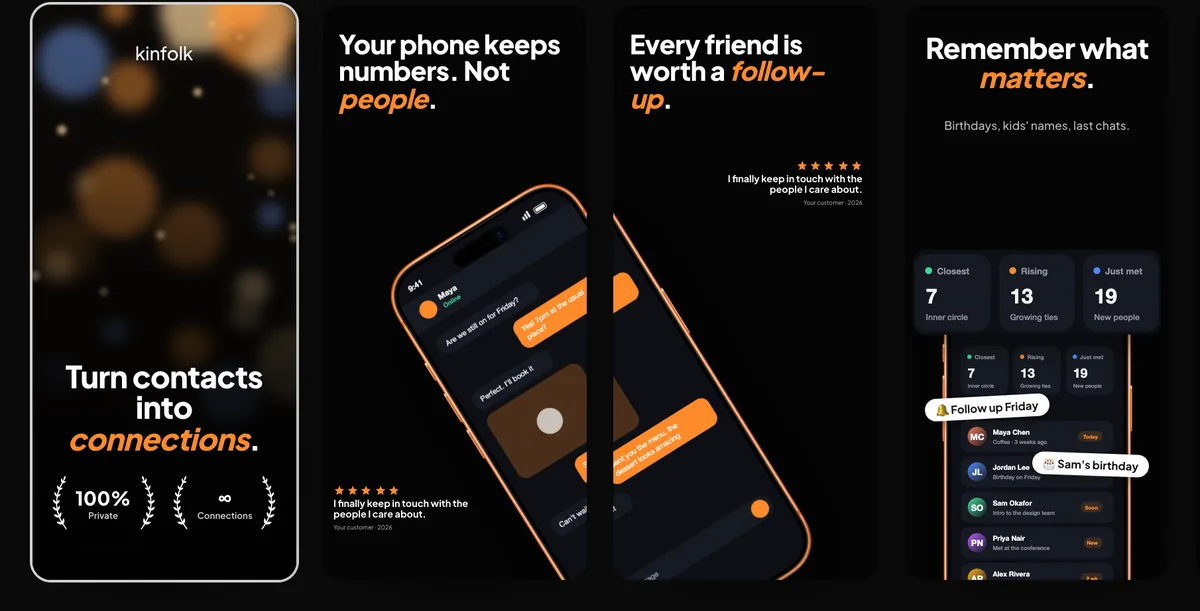
Mockup
Social app mockup
A social app mockup is your own feed, profile or composer inside a phone frame. It isn't an Instagram post, a story or a reel; those sizes have their own pages. 240fps puts your screen in the frame in the browser. Designing is free; full-size exports are $7 a month or $39 once. There's no social-app template listed today.
Here for a post size rather than an app? Use the Instagram post size page, or the social post video templates.
What to put in the frame
A social app is people and conversation, so the frame should show your app with life in it. Three screens tell that story best:
- A feed with a few posts from different people: a short text post, one with a photo, one with a reply count. That shows what the app is for in a single glance.
- A profile, with a name, a short bio and a grid or list of that person's posts. That shows what each person gets.
- The composer, mid-post, with a few words typed and the post button ready. That shows how easy it is to join in.
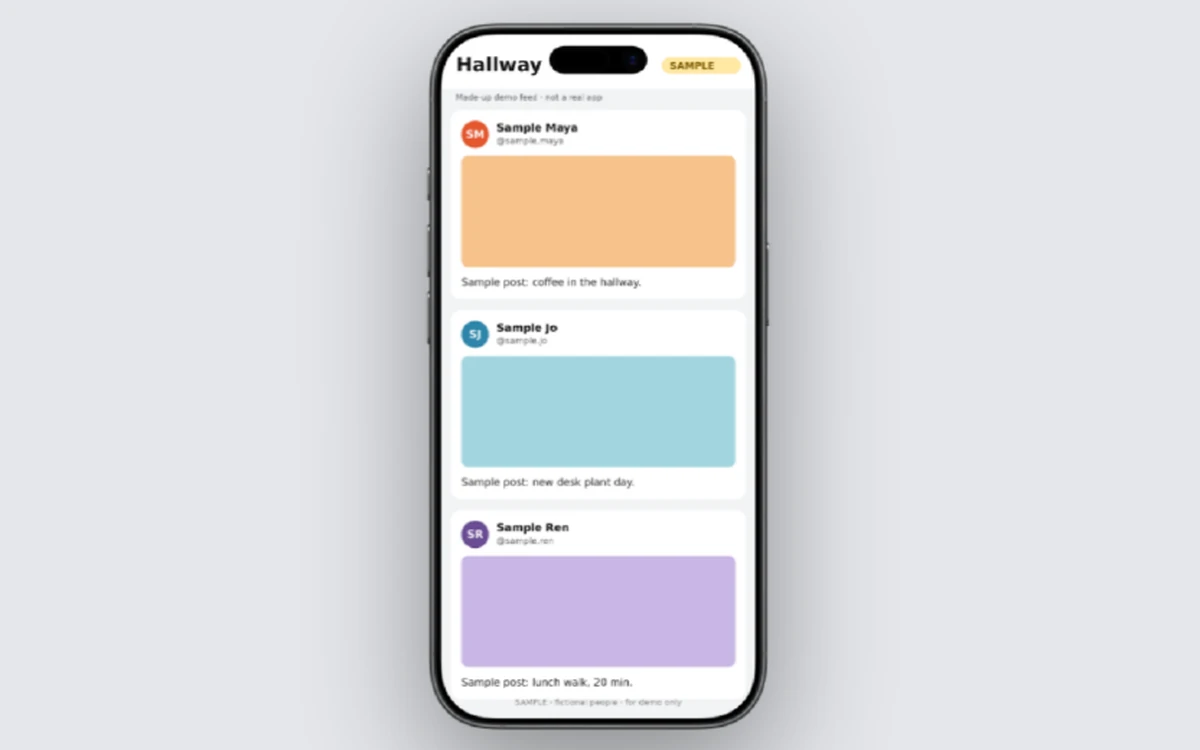
Every name, handle, avatar and post on the screen should be made up, and should look it. The example at the top is a made-up feed called Hallway, with members like "Sample Maya", initials instead of faces, and a SAMPLE badge on the screen. Don't use real people's photos or names you don't have permission to show, and leave out any other network's logo, icons or post layout. Your mockup is selling your app's look, not someone else's.
Write the sample posts like real ones: a line about coffee, a desk plant, a lunch walk. Placeholder text in a feed makes the whole app look empty. If you're still designing, a design export from your own files works the same way; what a mockup is covers that.
Make it in the browser
240fps puts the screen in a device frame in the browser, with nothing to install:
- Open the editor with the phone selected. Start from the iPhone 17 mockup, or use the button on this page.
- Add your screen. Paste a screenshot (⌘V), drop an image or video on the canvas, or choose Website and paste a URL. Adding a website needs a free account.
- Style the scene. Pick a finish, a layout and a background, or start from a template.
- Export. Export an image as PNG, JPEG or WebP, or switch to Videos, add motion and export an MP4, WebM or GIF. A short video of the feed scrolling shows the app moving.
If your app has a moderation queue or a desktop-style layout, show that on the iPad Pro 13 mockup. Every frame is in the device mockups. Making another kind of app? See the fitness app mockup and the finance app mockup.
If you wanted a post size
A post, a story or a reel is a canvas size for content you publish, not a screen of your app. For those, go to the Instagram post size page or the social post video templates.
Store screenshots
Your App Store listing is a different set of files again. The App Store screenshot studio in 240fps has 24 editable premium templates, and exports four sizes in one zip: iPhone 6.9″ and 6.5″, iPad 13″, and a Google Play phone. Those are the studio's own presets.
What Apple asks for is on its screenshot specifications page: at least one screenshot for iPhone with Dynamic Island (medium display), and at least one for the iPad 13-inch display if your app supports iPadOS. Check that page, and App Store Connect, for the sizes your version needs. App Store screenshot sizes goes through each device.
Price
Designing is free, with every device, template and background, and the Screenshots studio. Free exports are previews up to 1280 px with a small 240fps mark.
Full-size exports are $7 a month (Monthly) or $39 once (Lifetime), with no mark, up to 4K. See 240fps pricing.
FAQs
Is this an Instagram mockup?
No. This page is for showing your own social app's screens, such as a feed, a profile or a composer, inside a phone frame. An Instagram post, story or reel is a content size, not an app screen. For that, use the Instagram post size page or the social post video templates on 240fps.
Is there a social-app template in the editor?
No. There's no social-app template listed today, so you bring your own screen: a screenshot of your app, a design export, a screen recording or a live website. You put it in a device frame such as the iPhone 17, then choose the background and layout yourself or start from a general template.
Which App Store file do I need?
Apple asks for at least one screenshot for iPhone with Dynamic Island (medium display), plus the iPad 13-inch display if your app supports iPadOS. Its screenshot specifications page lists the accepted sizes. The 240fps studio exports its own preset sizes in one zip, so check them against Apple's page and App Store Connect.
What is free?
Designing is free in the browser, with every device, template and background, and the Screenshots studio. Free exports are previews up to 1280 px with a small 240fps mark. Full-size exports with no mark, up to 4K, come with 240fps Monthly at $7 a month or Lifetime at $39 once.