By Shaheer Malik · · 6 min read
How to Add Captions to a Screen Recording Automatically (2026)
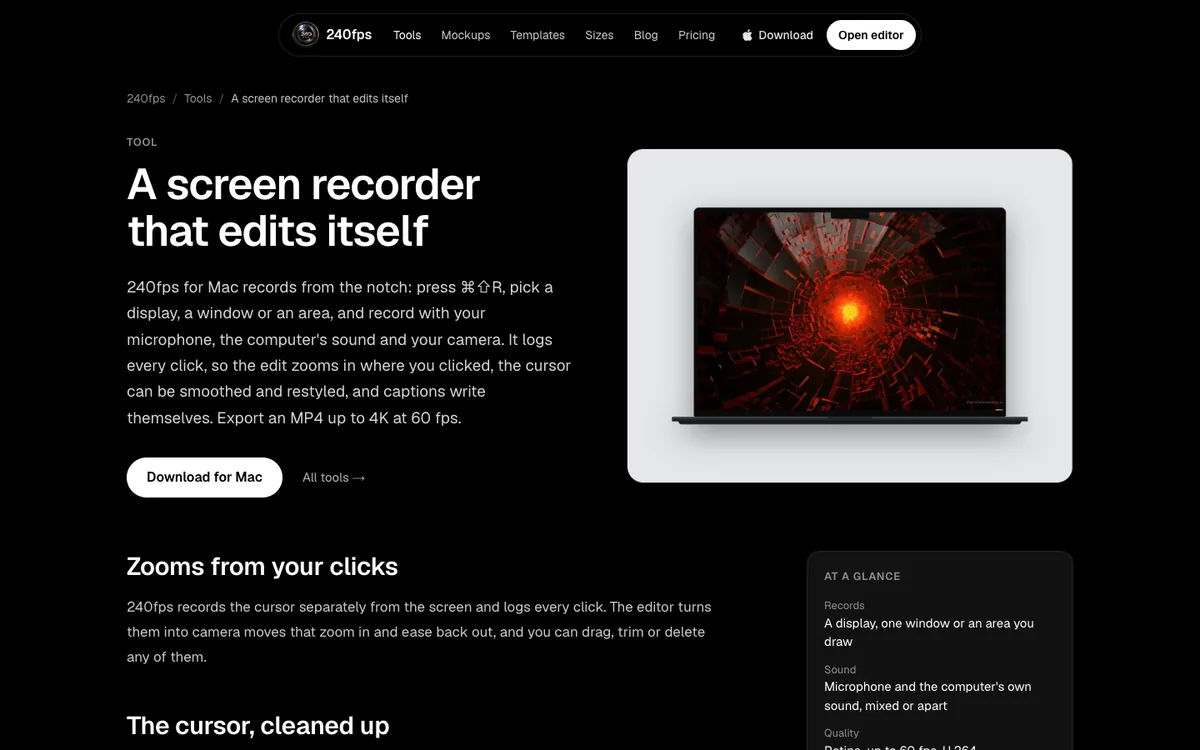
Record with your microphone on, then let a recorder transcribe it. 240fps for Mac transcribes on your Mac with Apple's speech model (macOS 26 or later) and groups the words into short captions you can burn into the video or save as .srt and .vtt files. YouTube can also make automatic captions after upload, and LinkedIn takes an SRT file. Always read the captions once before you publish.
Most people will meet your product demo with the sound off: in a feed, on a train, in an open-plan office. Without captions, a voice-over demo is a silent screen recording with a cursor wandering about. With them, it works anywhere.
Captioning used to mean typing a transcript or paying for one. Now a recorder can do it as soon as you stop recording, on your own computer. This guide covers how automatic captions work, the options on a Mac, burned-in captions versus subtitle files, and how to make them accurate.
A disclosure first: I make 240fps, whose Mac app captions recordings, and the technical details below come from its source code. YouTube's and LinkedIn's behaviour comes from their help pages, read on 4 October 2026.
Why do screen recordings need captions?
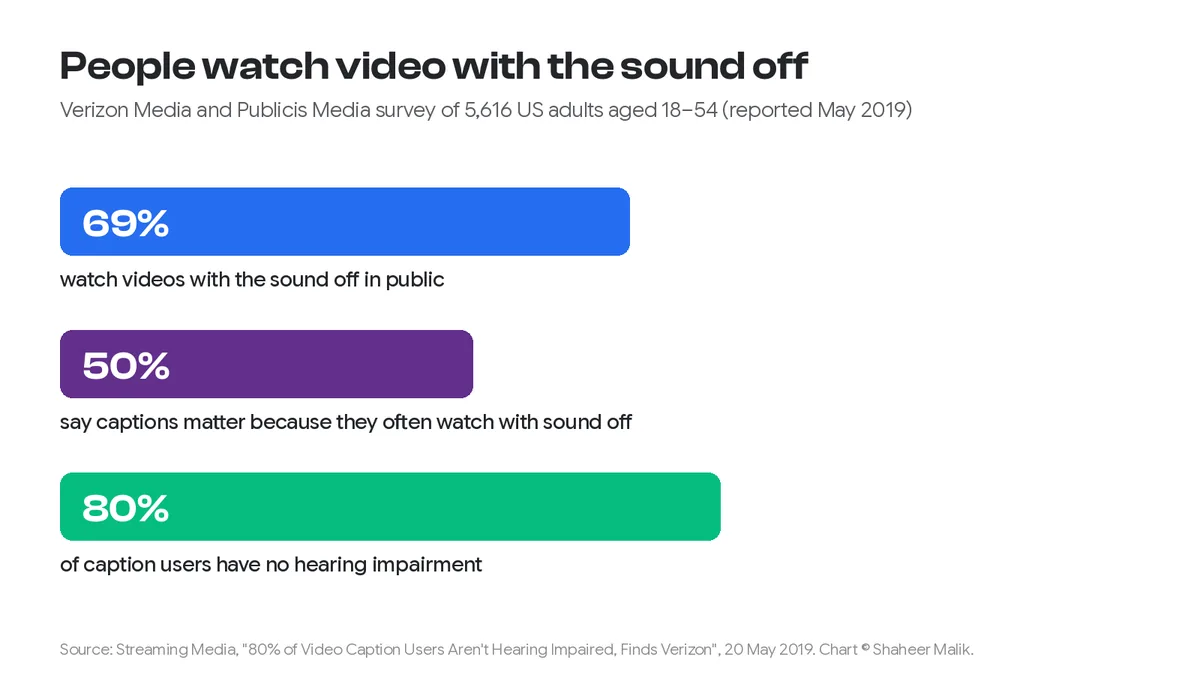
Because many people watch with the sound off. In a 2019 survey of 5,616 US adults by Verizon Media and Publicis Media, reported by Streaming Media, 69% said they watch videos with the sound off in public places. Half said captions matter because they often watch without sound. And 80% of the people who use captions don't have a hearing impairment.
Captions are also an accessibility requirement for anyone who's deaf or hard of hearing. For a product demo, they do one more job: they repeat the key words. "Click Export, choose 4K" lands faster when it's on screen as well as in your voice.
How do automatic captions work?
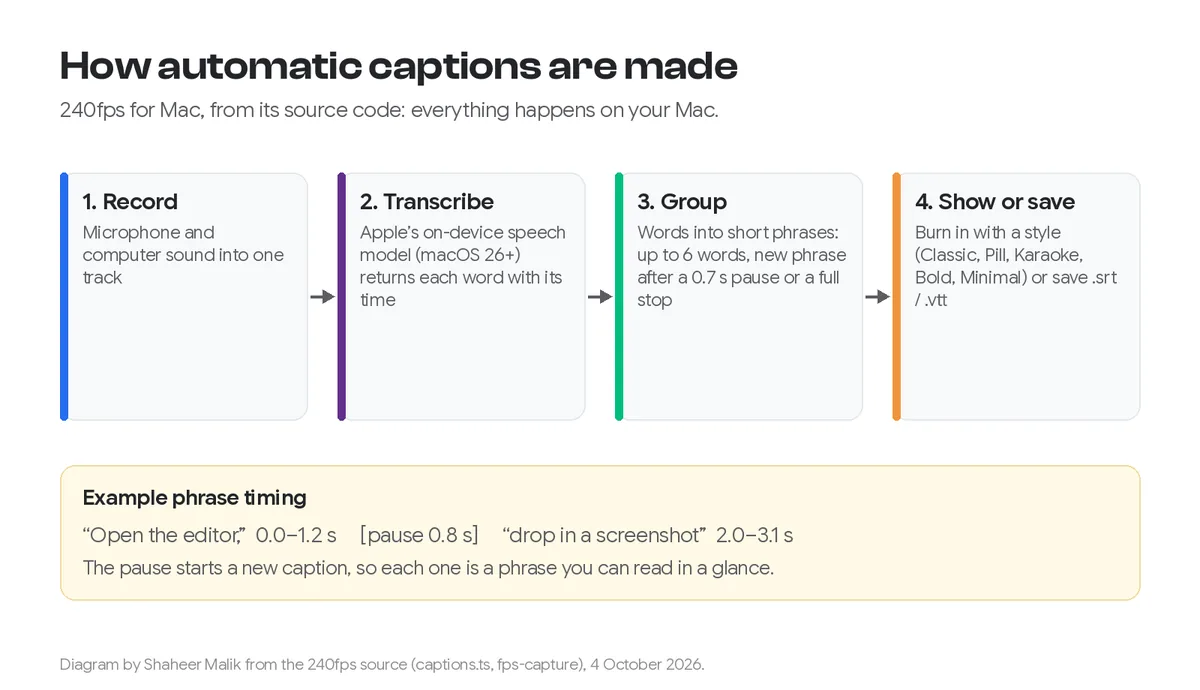
A speech-recognition model listens to the audio and returns each word with the moment it was spoken. Software then groups those words into short lines and shows each line while it's being said. In 240fps for Mac, the steps are:
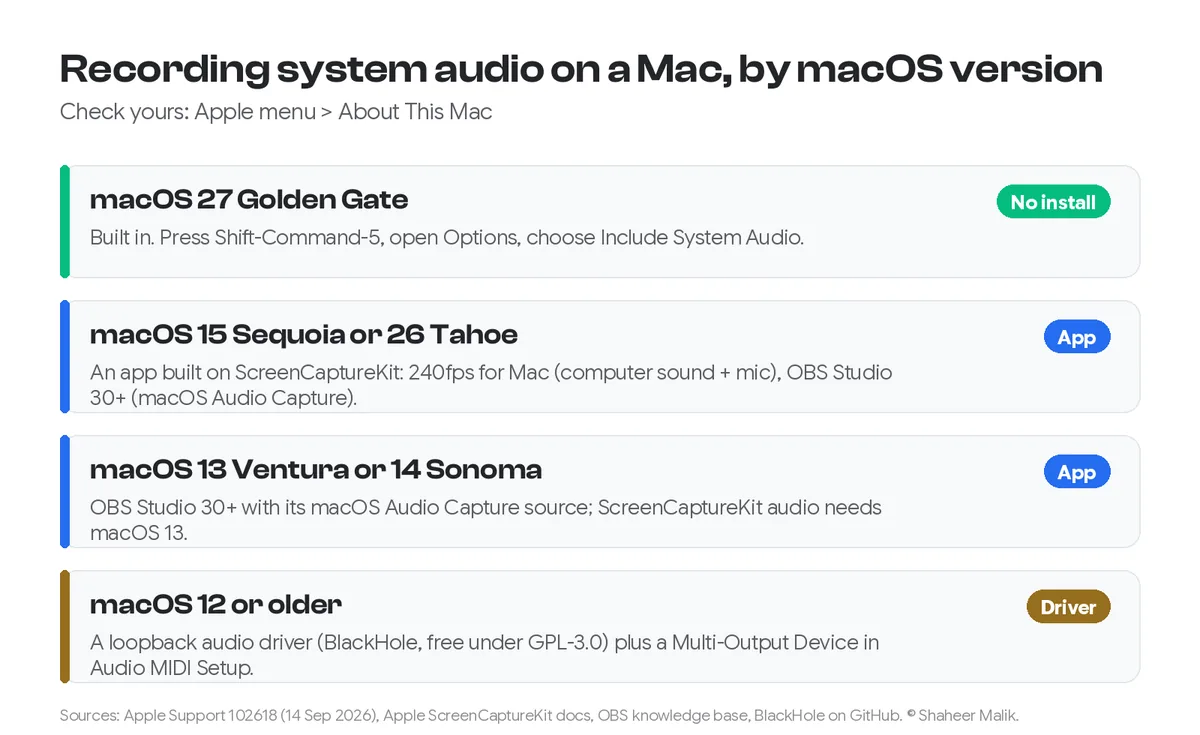
- Record with the microphone on. The recorder can also capture your Mac's own sound; see recording your Mac screen with system audio.
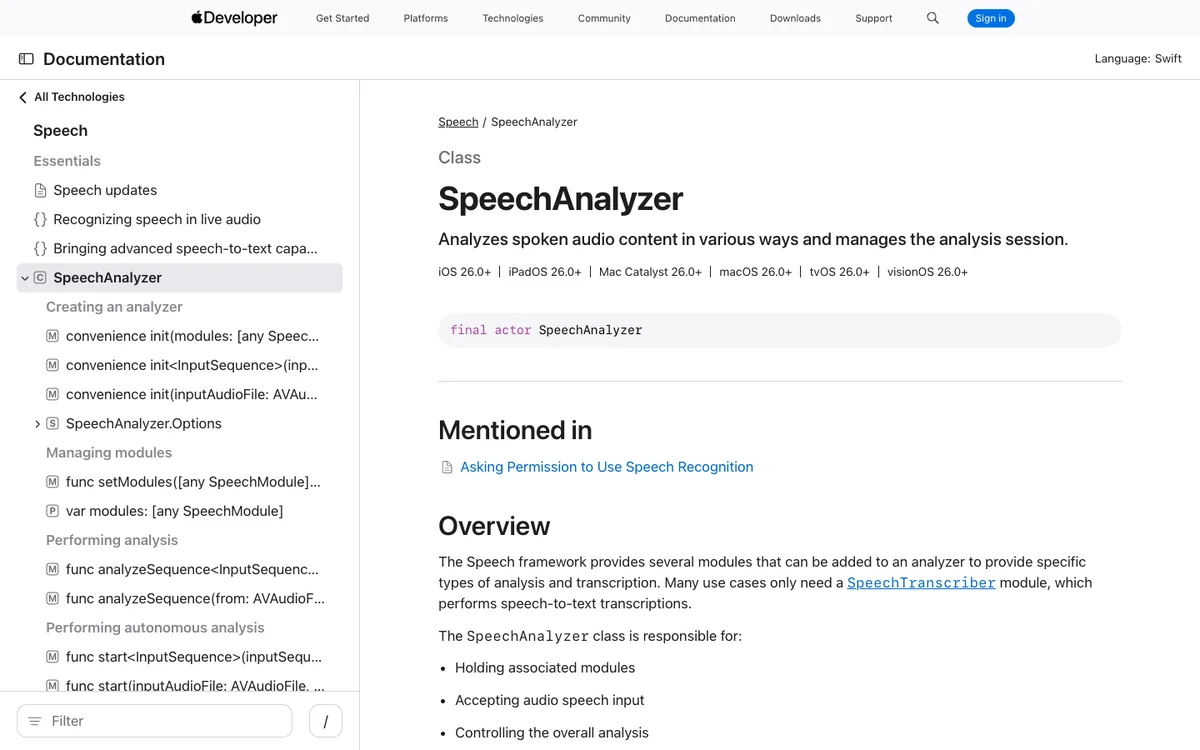
- Transcribe on the Mac with Apple's on-device speech framework. Apple's SpeechAnalyzer API, which 240fps uses with its speech transcriber, is available from macOS 26. It returns every word with its time range, and the audio never leaves your computer.
- Group the words into phrases. A new caption starts after a pause of more than 0.7 seconds, at the end of a sentence, or once a line reaches the word limit (six words by default). Each caption stays on screen a moment after its last word, but never overlaps the next.
- Show or save. Burn the captions into the exported video in one of five styles (Classic, Pill, Karaoke, Bold or Minimal), or save them as a .srt or .vtt subtitle file.
Short phrases matter more than people expect. A full sentence on screen is hard to read while you're also watching a cursor. Six words or so, timed to the voice, can be read at a glance.
Burned-in captions or a subtitle file?
Burn them in for social media, and use a subtitle file where the player supports one. The difference:
| Burned-in (open) captions | Subtitle file (.srt / .vtt) | |
|---|---|---|
| What it is | Text drawn into the video frames | A separate text file with timings |
| Viewer can turn off | No | Yes |
| Styling | Yours: font, colour, position, highlight | The player's |
| Works everywhere | Yes, including feeds that autoplay muted | Only where the platform accepts files |
| Edit after publishing | Re-export the video | Replace the file |
| Best for | X, Instagram, TikTok, LinkedIn feed, your website hero | YouTube, LinkedIn uploads, video players on your site |
240fps can do both from the same transcript. The subtitle file follows the finished edit, so trims, cuts and scenes are already accounted for in the timings.
What are the options on a Mac?
There are three practical routes, depending on where the video is going.
A recorder that captions for you. 240fps for Mac turns captions on in the editor after you stop recording: choose a style, position and size, and pick a highlight colour for the Karaoke style. It needs macOS 26 or later for transcription. The recorder itself runs on macOS 15 Sequoia or later, on Apple silicon.
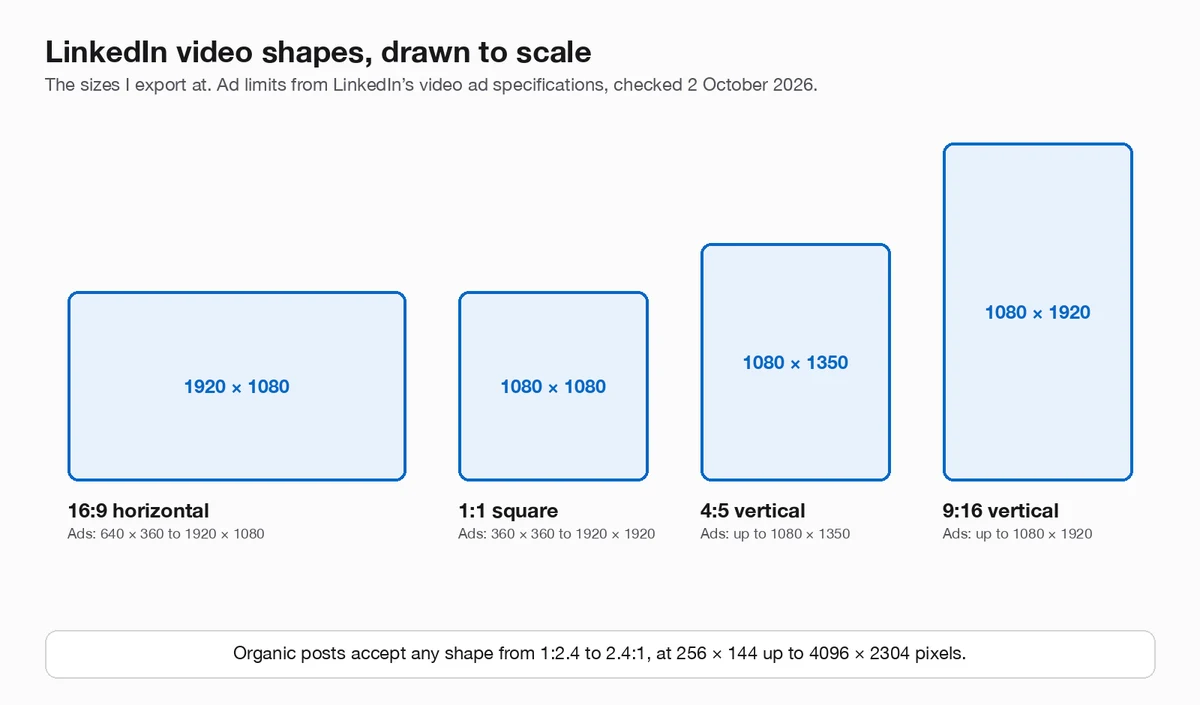
The platform's own captions. YouTube makes automatic captions with speech recognition after you upload. Its help page on automatic captions says they may not be ready straight away, that they can misrepresent speech because of accents or background noise, and that you can review and edit them in YouTube Studio. On LinkedIn, the reliable way to control your captions is to attach an SRT file when you post from a desktop computer, as my LinkedIn video specs post explains.
Typing or editing them yourself. For a short demo, a subtitle file is just numbered lines with start and end times. Any text editor can fix a misheard word in an .srt file.
How do I make automatic captions accurate?
Speech recognition is good, not perfect. These habits make the biggest difference:
- Use a decent microphone, close to you. A headset or a USB mic beats the laptop's built-in one in a big room.
- Record in a quiet place. Background noise, music and fans cause most misheard words.
- Speak in short sentences, with small pauses. Pauses give natural caption breaks, and short sentences read better on screen.
- Turn off computer sound if you don't need it. System alerts and music under your voice make transcription harder.
- Check names and product terms. Brand names, feature names and jargon are where models slip. Read the captions once and correct them.
- Keep captions out of the way. Put them at the bottom unless your UI lives there; 240fps lets you move them to the top or middle.
FAQs
How do I add subtitles to a screen recording on a Mac?
Use a recorder that transcribes speech, such as 240fps for Mac on macOS 26 or later, then either burn the captions into the export or save an .srt or .vtt file. You can also upload to YouTube and use its automatic captions.
Are automatic captions accurate enough to publish?
Usually close, but always read them once. YouTube itself warns that automatic captions can misrepresent speech because of accents, dialects or background noise. Product names are the most common mistakes.
Should captions be burned in or uploaded as a file?
Burn them in for social feeds, where videos autoplay without sound and many players ignore subtitle files. Upload a file to YouTube, LinkedIn or your own player, where viewers can turn captions on and off.
Does 240fps upload my audio to transcribe it?
No. 240fps for Mac transcribes on your Mac with Apple's on-device speech framework, and recordings stay in a folder on your Mac.
What's the difference between SRT and VTT?
Both are text files with timed captions. SRT is the most widely accepted, including by LinkedIn. VTT (WebVTT) is the web standard used by HTML video players. 240fps can save either.
Last updated: 4 October 2026. Survey figures are from Streaming Media's report of the Verizon Media and Publicis Media study; YouTube's behaviour from its help centre; 240fps's from its source code, all read on 4 October 2026.