Comparison
240fps vs Rotato
Rotato is a 3D mockup animator: real 3D device models you can rotate and fly around, mainly as a Mac app with a web version in beta, exporting video up to 8K. 240fps is a browser-based 2D mockup and video editor: flat and tilted device frames rather than full 3D, but with live websites in the device, an animated cursor, callouts and App Store sizes, and it works on any computer.
Side by side
| 240fps | Rotato | |
|---|---|---|
| Platform | Web browser (any OS), plus a Mac app | Mac app; web version in beta |
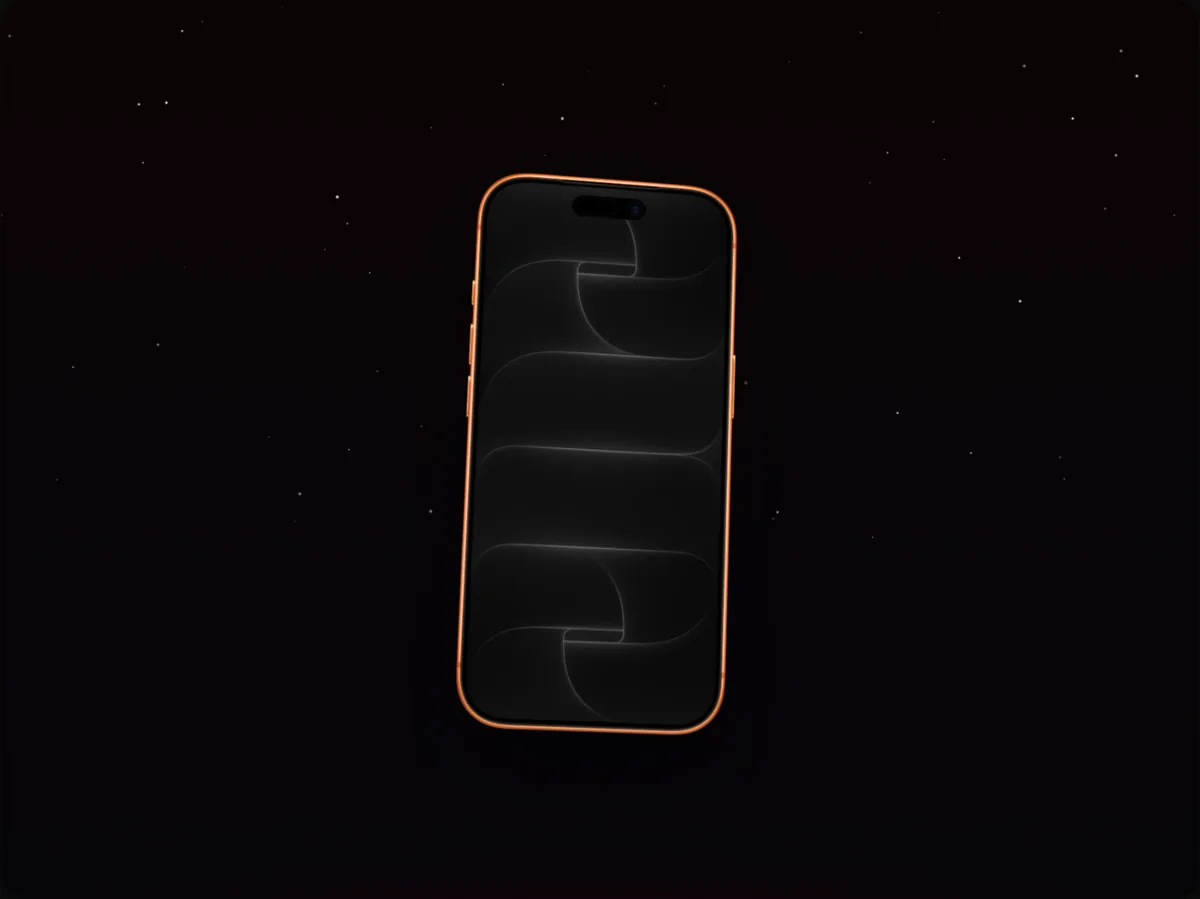
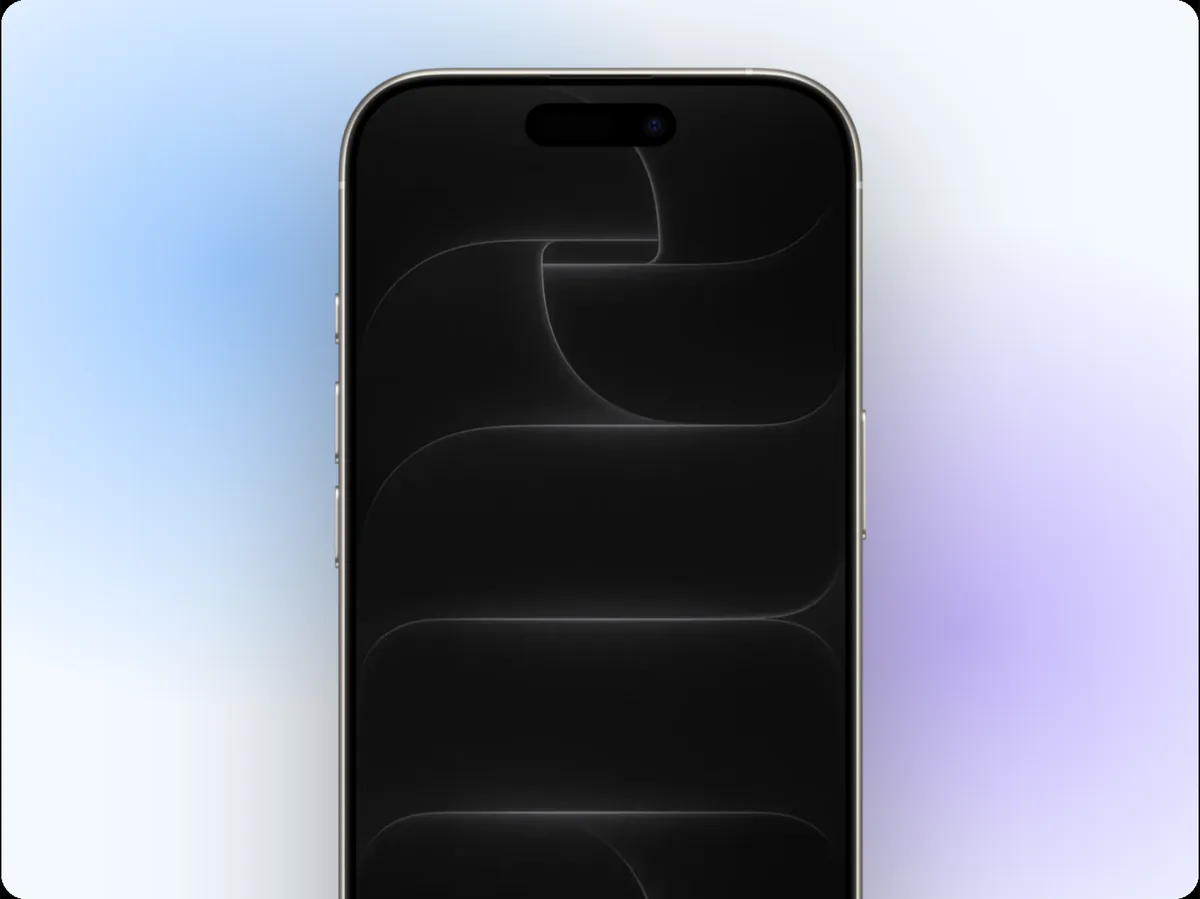
| Devices | 2D device frames with tilt and perspective | 3D device models you can rotate freely |
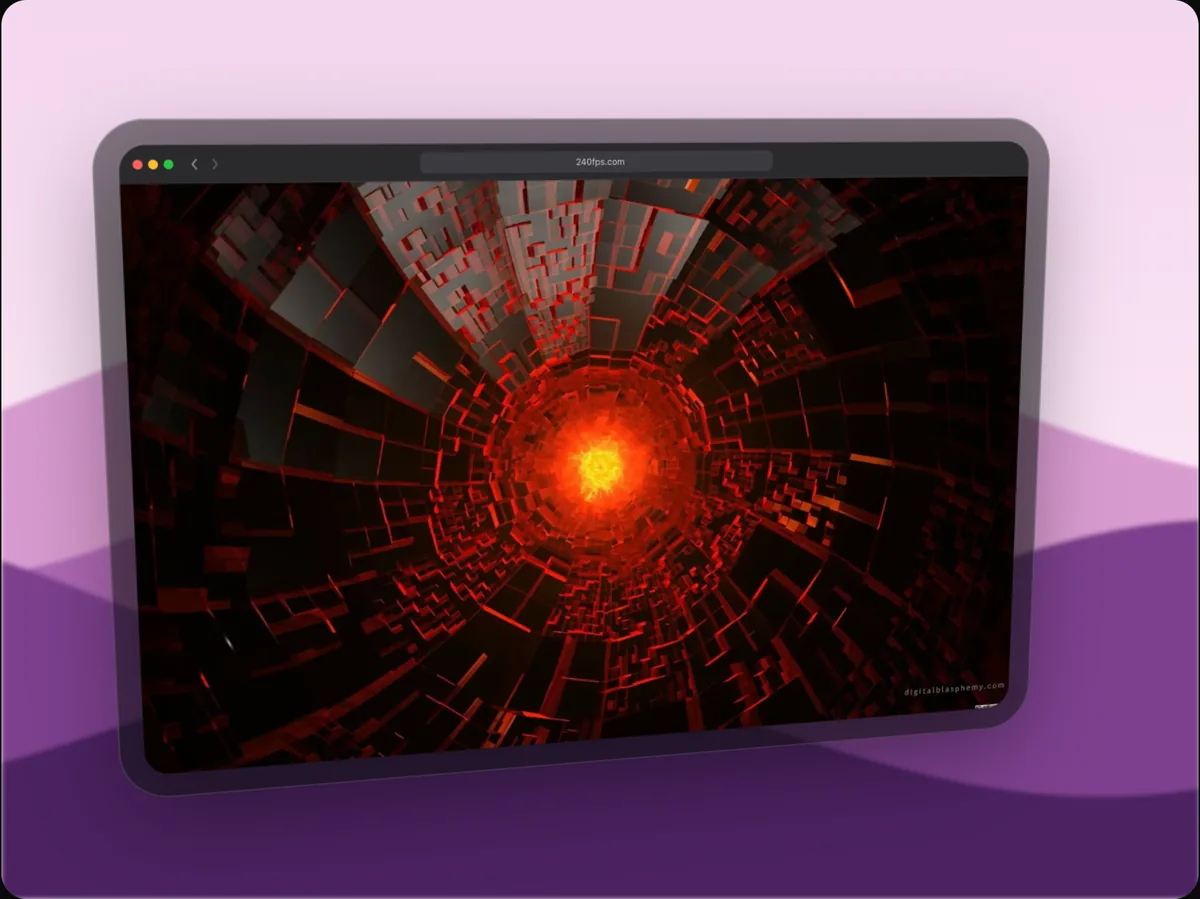
| Live website inside the device | Yes | Not a core feature (images and videos you add) |
| Cursor, callouts, blur | Yes | Not a core feature |
| Video export | MP4, WebM, GIF up to 4K and 60 fps | Video up to 8K |
| Pricing model | Free to design; exports $7 a month or $39 once | Free trial, then Pro (subscription or one-time with update renewals) |
3D versus 2D
Rotato's strength is genuine 3D: the device can turn all the way round, with reflections and lighting. 240fps draws devices in 2D with perspective tilt, which keeps the screen readable and exports fast in the browser, but it won't spin a phone to show its back. If the rotation itself is the point of your video, Rotato is built for that.
What's on the screen
240fps is built around what the screen shows: a live website at each device's size, several screens in a row, a cursor that clicks through the app, and callouts that point at features. That makes it better suited to explaining a product than to hero shots of the hardware.
Choose Rotato if…
- You want cinematic 3D rotations around a device.
- You're on a Mac and need 8K output.
- You want its Figma plugin in your workflow.
Choose 240fps if…
- You're on Windows, Linux or a Chromebook, or want nothing to install.
- You're showing a website, responsive, inside the device.
- You need cursor, callouts and blur for a product demo.
About this comparison
Details about other products are from their own websites on 27 September 2026. Features and prices change, so check their site before you decide.
Questions
Does 240fps do 3D device rotations?
It tilts and moves devices in perspective, but it doesn't rotate full 3D models. For full 3D turns, a 3D tool like Rotato is the better fit.