By Shaheer Malik · · 6 min read
240fps vs Screen Movie: Two $39 Mac Recorders Compared
240fps for Mac and Screen Movie are both one-time $39 Mac screen recorders with automatic zooms, cursor effects and 4K export. Choose Screen Movie for cloud share links with comments, multi-camera recording including an iPhone, and 3D motion presets. Choose 240fps if you also need device mockups and App Store screenshot sets uploaded to App Store Connect, a $7 monthly option, or a browser editor on any computer.
Two Mac screen recorders now cost the same $39, once, with no subscription: 240fps for Mac and Screen Movie. Both zoom in where you click, both let you restyle the cursor, and both export in 4K. If you're choosing between them, the price won't decide it.
What will decide it is what you do with a recording afterwards, and whether you need to share it for feedback.
Disclosure: I make 240fps, so read this as the maker's comparison. I've tried to be fair: Screen Movie's details come from its own website, read on 1 October 2026, and I've said plainly where it does more than 240fps.
How do 240fps and Screen Movie compare?
They overlap on the recording and differ on everything around it. Here they are side by side.
| 240fps for Mac | Screen Movie | |
|---|---|---|
| Price | $39 once, or $7 a month | $39 once (early bird; regular $79) |
| Requirements | macOS 15 or later, Apple silicon | macOS 15 or later |
| Automatic zooms | From your clicks; drag, trim or delete each | Follows the cursor |
| Cursor | Smoothing, size, click ring, hide when idle | Size, style and motion effects |
| Cameras | Your Mac's camera | Several, including an iPhone or iPad |
| Captions | Transcribed on your Mac (macOS 26) | Yes |
| Share links | Not yet | Cloud links with comments and passwords |
| Mockups and scenes | Device mockups, titles, scenes, 3D galleries | 40+ motion presets, 3D device mockups |
| App Store screenshots | Full sets in every size and language, uploaded to App Store Connect | No |
| Browser editor | Yes, any computer | No |
| Licence | Signed in with Google or Apple | One device, 14-day money-back guarantee |
How does recording compare?
Both record a display, a window or an area, and both turn your cursor into something you can edit afterwards.
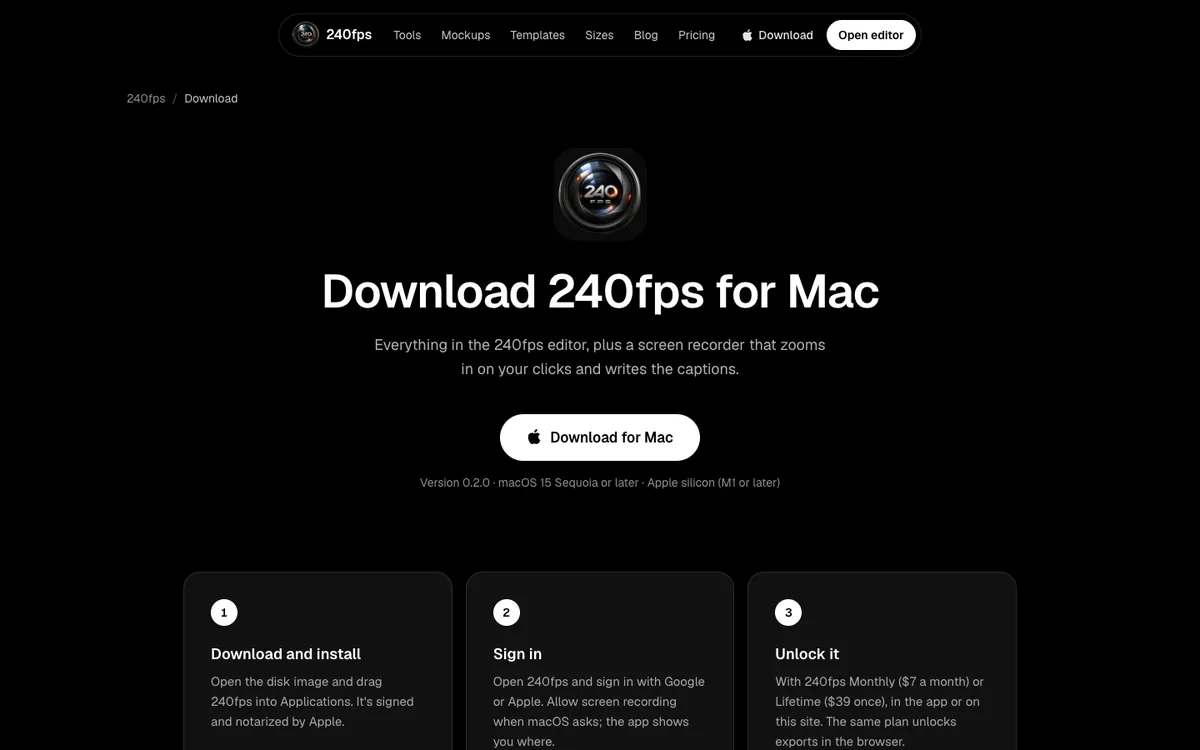
240fps records from a panel that slides out of the notch when you press ⌘⇧R. It records your microphone, your Mac's sound and your camera, and it logs every click. The editor turns those clicks into zooms that ease in and out, and you can drag, trim or delete any of them. Because the cursor isn't burned into the video, you can smooth it, enlarge it, add a click ring or hide it when it stops moving.
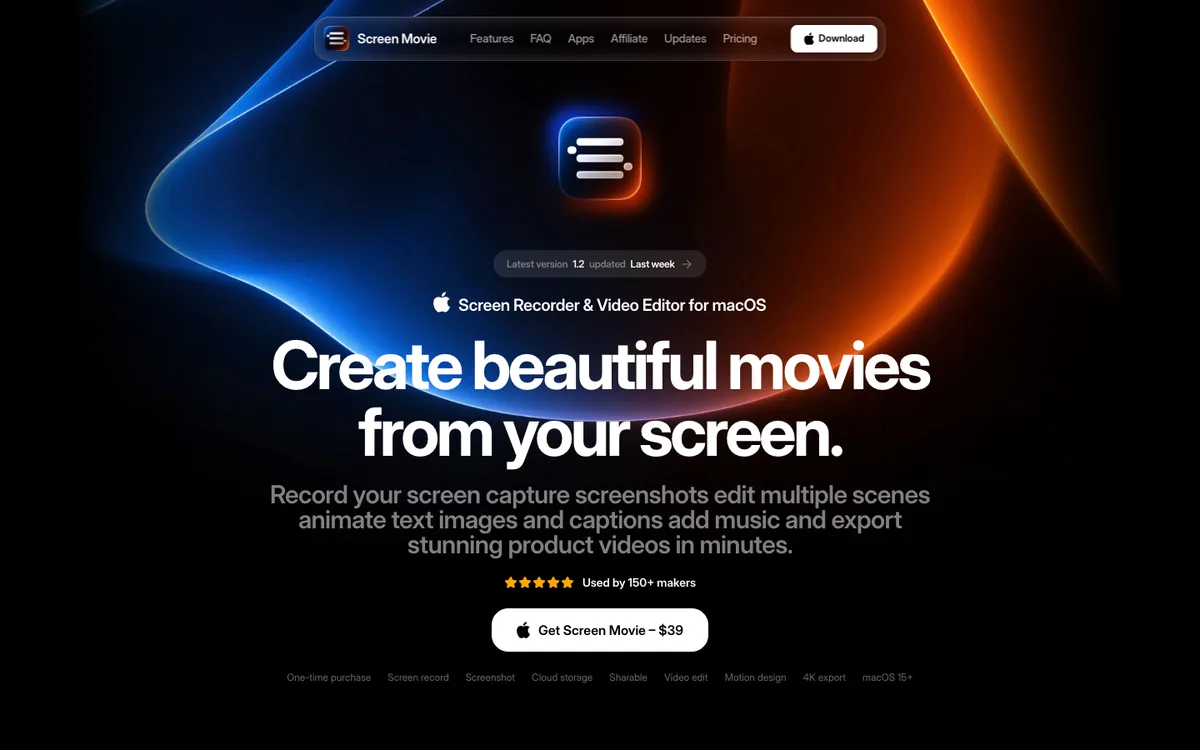
Screen Movie's site describes automatic zooms that follow your cursor, a customisable cursor, and recording from several cameras at once, including a built-in camera, an external camera, an iPhone or an iPad. If you film yourself from more than one angle, that's a real advantage.
How does editing compare?
Screen Movie leans into motion: its site lists 40+ motion presets, 3D device mockups, 3D rotation, lighting and shadow effects, animated text and shapes, voice-over and animated shader backgrounds, all on one timeline.
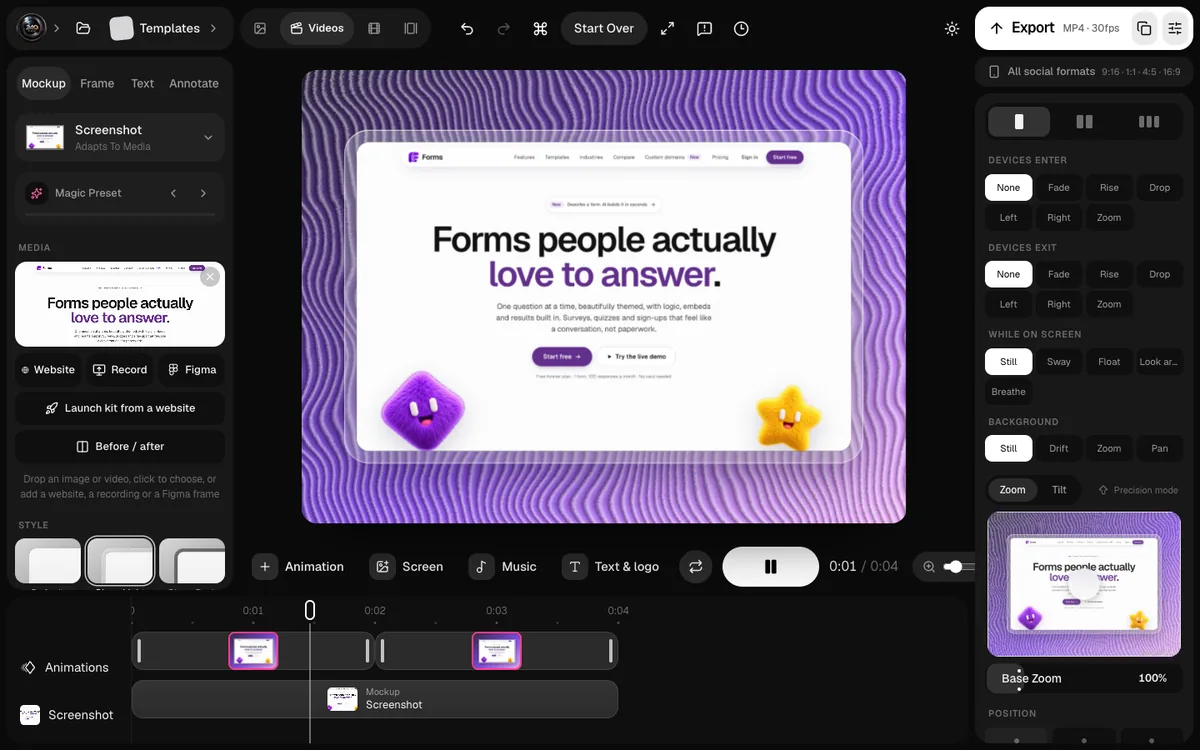
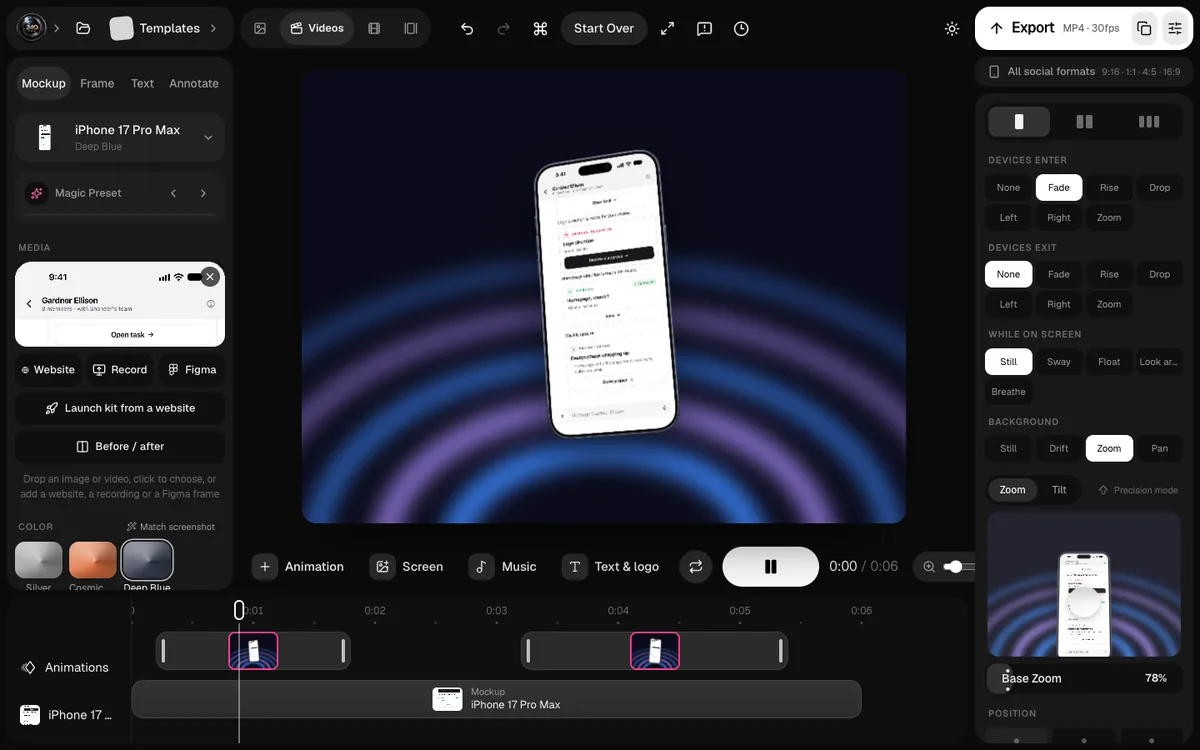
240fps edits on the same timeline as its web editor. You get backgrounds, padding, rounded corners and shadows, captions, titles and scenes such as a terminal, a chat or a chart, and the option to put the whole recording inside a device mockup.
How do sharing and feedback compare?
Screen Movie wins here. It offers one-click cloud sharing with secure links, timestamped comments, password protection and download controls. For sending a demo to a client and collecting notes on it, that's exactly what you want.
240fps doesn't make share links yet. You export a file (an MP4 up to 4K at 60 fps) and share it however you like. Recordings stay in a folder on your Mac, which some people prefer, but it does mean feedback happens somewhere else.
What does 240fps do that Screen Movie doesn't?
It covers the rest of a launch. The same $39 unlocks the 240fps web editor, so a recording can become:
- A device mockup, image or video, on an iPhone, iPad, Mac or browser frame.
- An App Store or Google Play screenshot set in every size and language, from 24 editable templates.
- An upload to App Store Connect, every size and language at once, using your own API key, which is signed in your browser and never sent to 240fps.
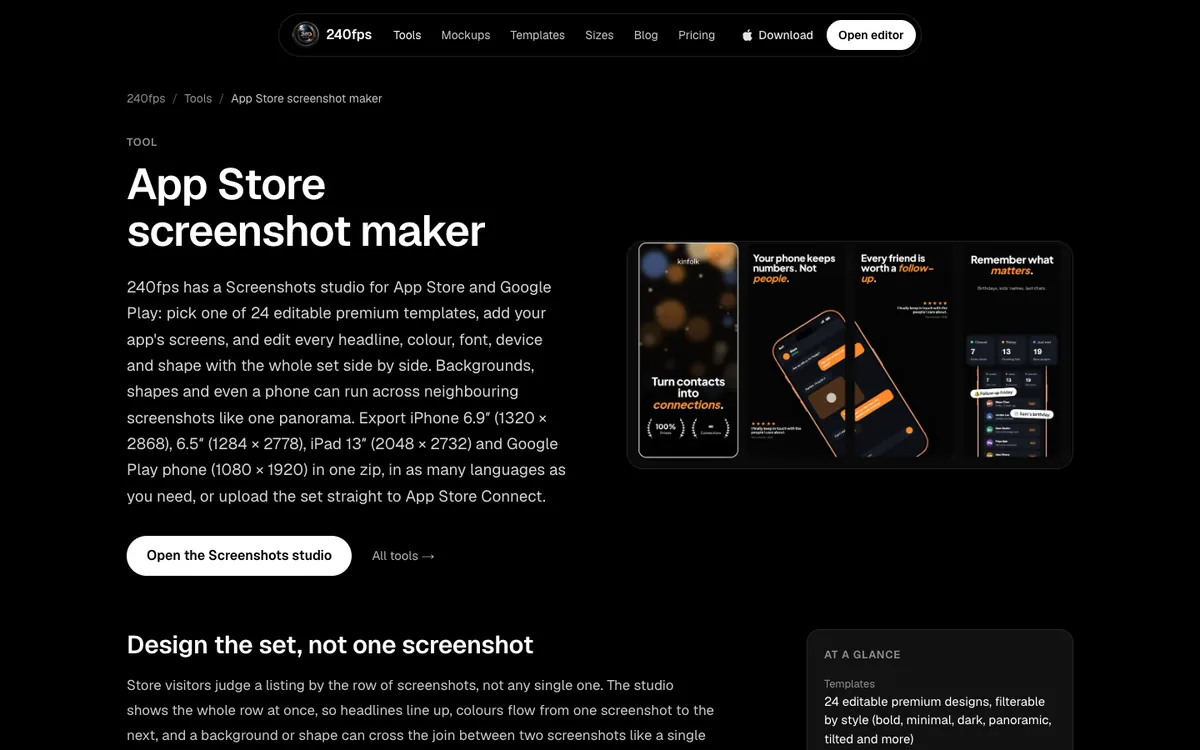
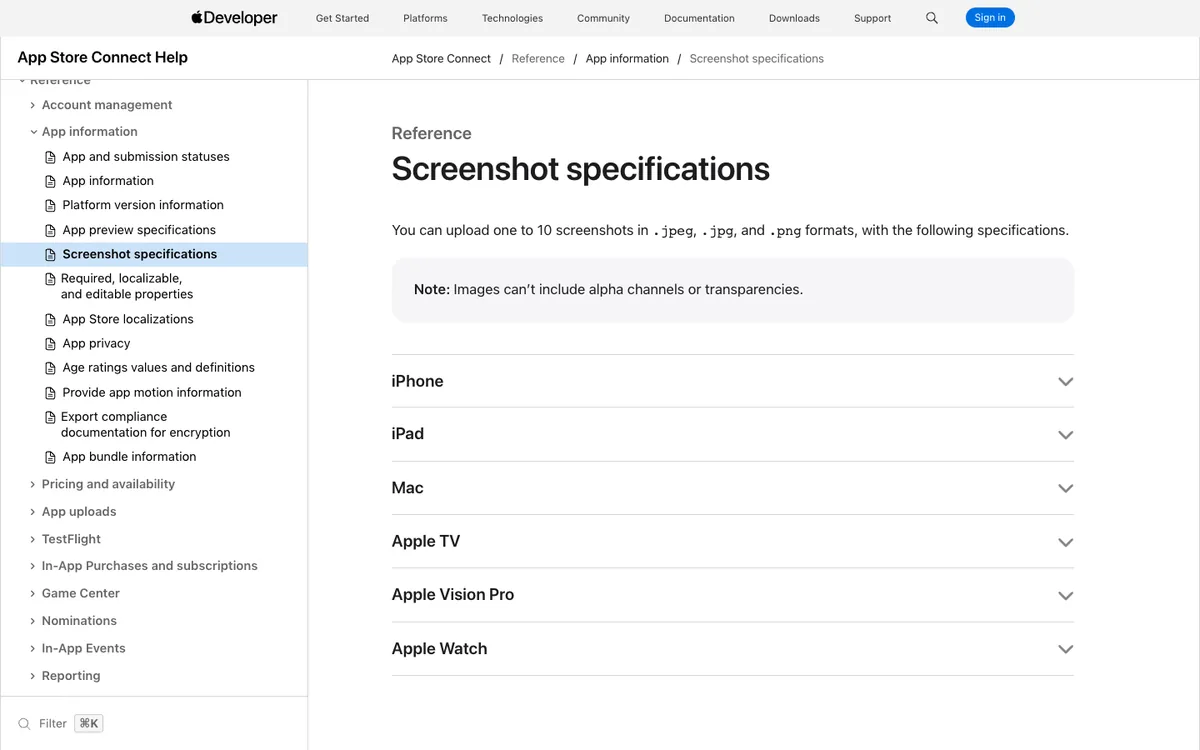
If you ship iPhone apps, that's the difference that matters most. More in App Store screenshot rules.
Which is cheaper over time?
Both are $39 once today. Two details can change that.
- Screen Movie's $39 is an early-bird price. Its regular price is $79, so if you buy later you may pay more.
- 240fps has a monthly option. At $7 a month, you can pay only for the months you're launching.
Screen Movie's licence covers one device and comes with a 14-day money-back guarantee. 240fps works through your account: you sign in with Google or Apple, and the same plan unlocks the Mac app and exports in the browser.
Which should you choose?
- Choose Screen Movie if you need share links with comments, record from several cameras, or want its 3D motion presets.
- Choose 240fps if you also make device mockups or App Store screenshots, want a monthly option, or want to edit in a browser on any computer.
Both are good buys at $39. Comparing other recorders too? See Screen Studio alternatives.
FAQs
Is Screen Movie a one-time purchase?
Yes. Screen Movie's site lists $39 as a limited early-bird offer, with a regular price of $79, as a one-time purchase with lifetime updates and a 14-day money-back guarantee.
Does 240fps for Mac have share links?
Not yet. 240fps exports files, such as an MP4 up to 4K at 60 fps, and recordings stay on your Mac.
Which Macs does 240fps for Mac support?
macOS 15 Sequoia or later on an Apple silicon Mac (M1 or later). The app is signed and notarized by Apple.
Can Screen Movie make App Store screenshots?
Its site doesn't list App Store screenshot sets. 240fps makes full sets in every size and language and can upload them to App Store Connect.
Do both record system audio?
240fps records your microphone, your Mac's sound and your camera. Screen Movie's site lists voice-over and multi-camera recording; check its site for system-audio details.
Last updated: 2 October 2026. Screen Movie's details are from its website on 1 October 2026 and may change.