Tool
App promo video maker
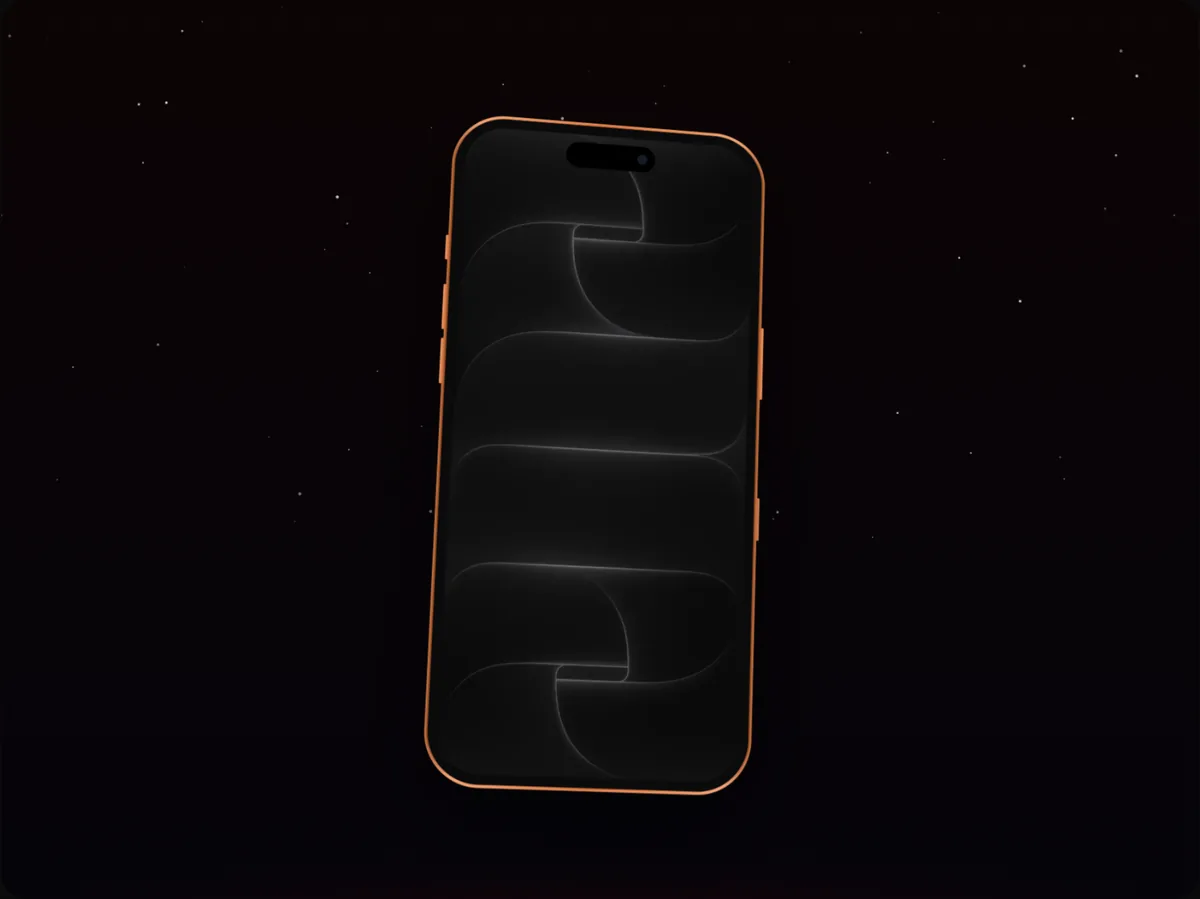
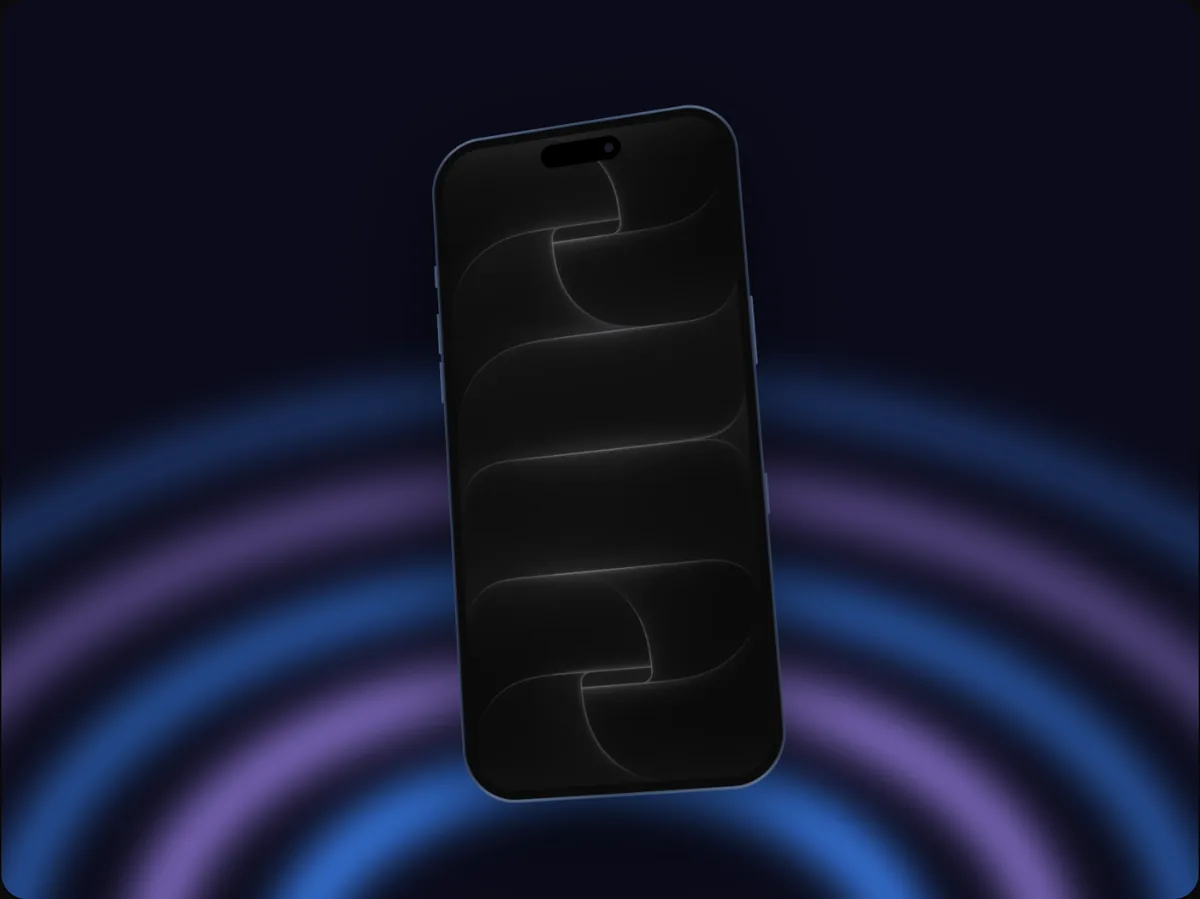
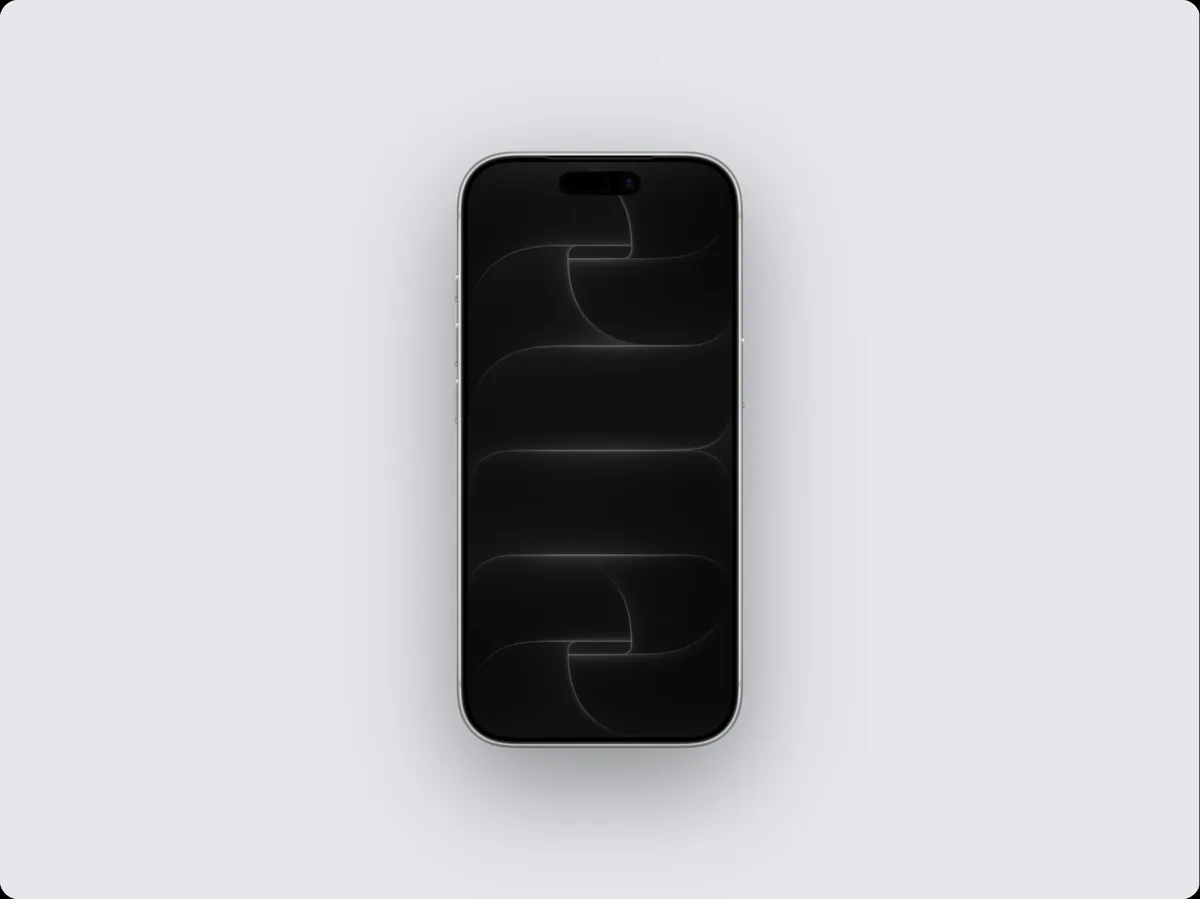
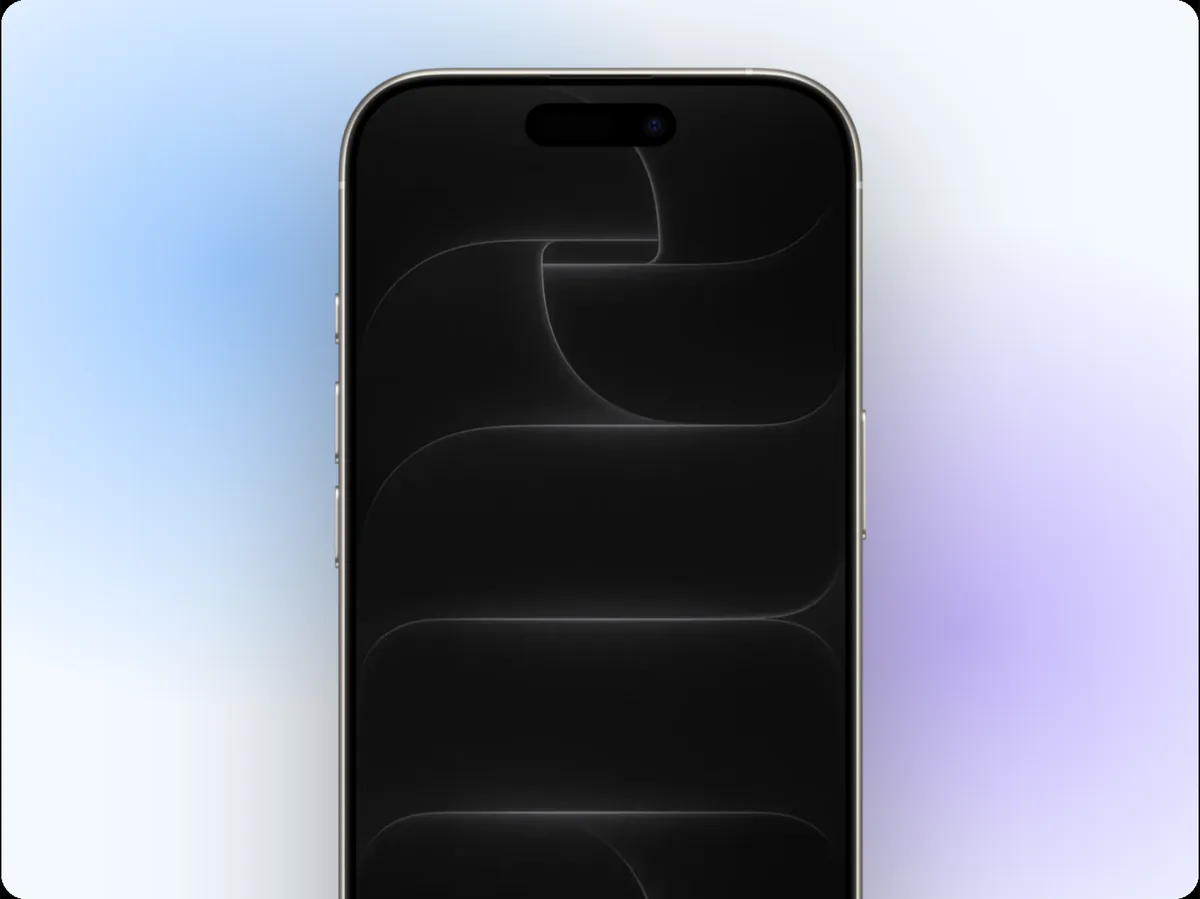
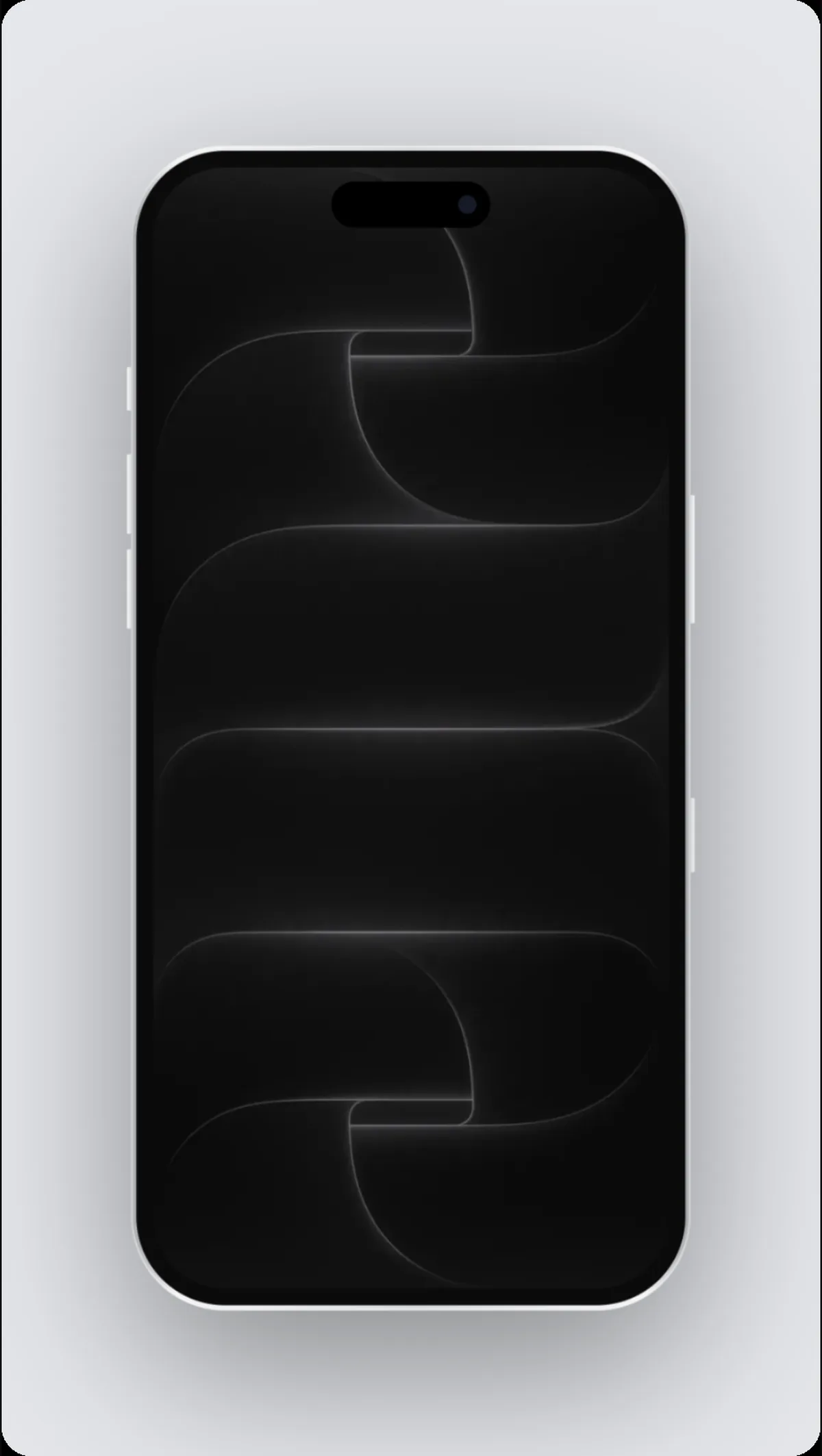
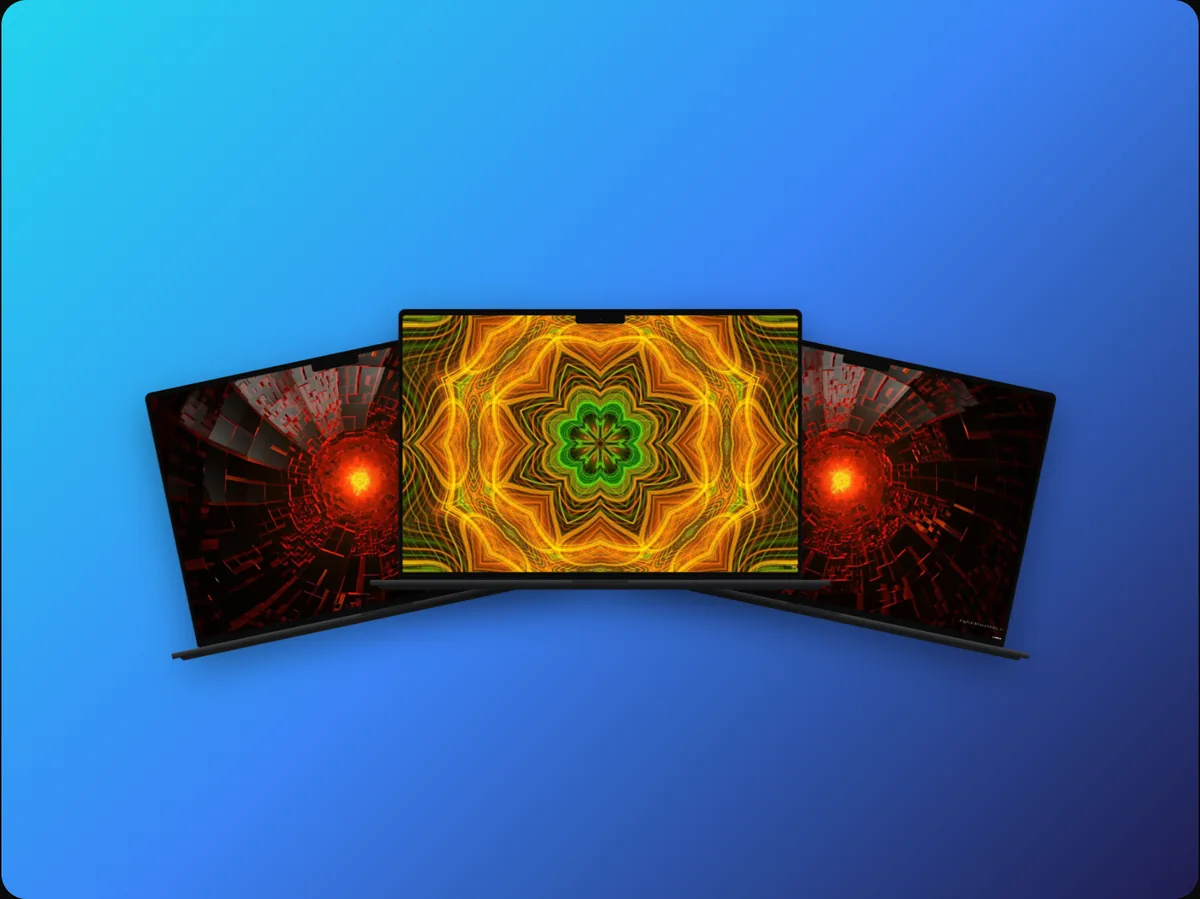
240fps makes app promo videos from screenshots or a screen recording: put them in an iPhone, iPad or Android mockup, animate the camera on a timeline, show several screens in a row, add a headline, an animated cursor and music, and export an MP4 at up to 60 fps. 38 templates give you a starting point.
Several screens, one video
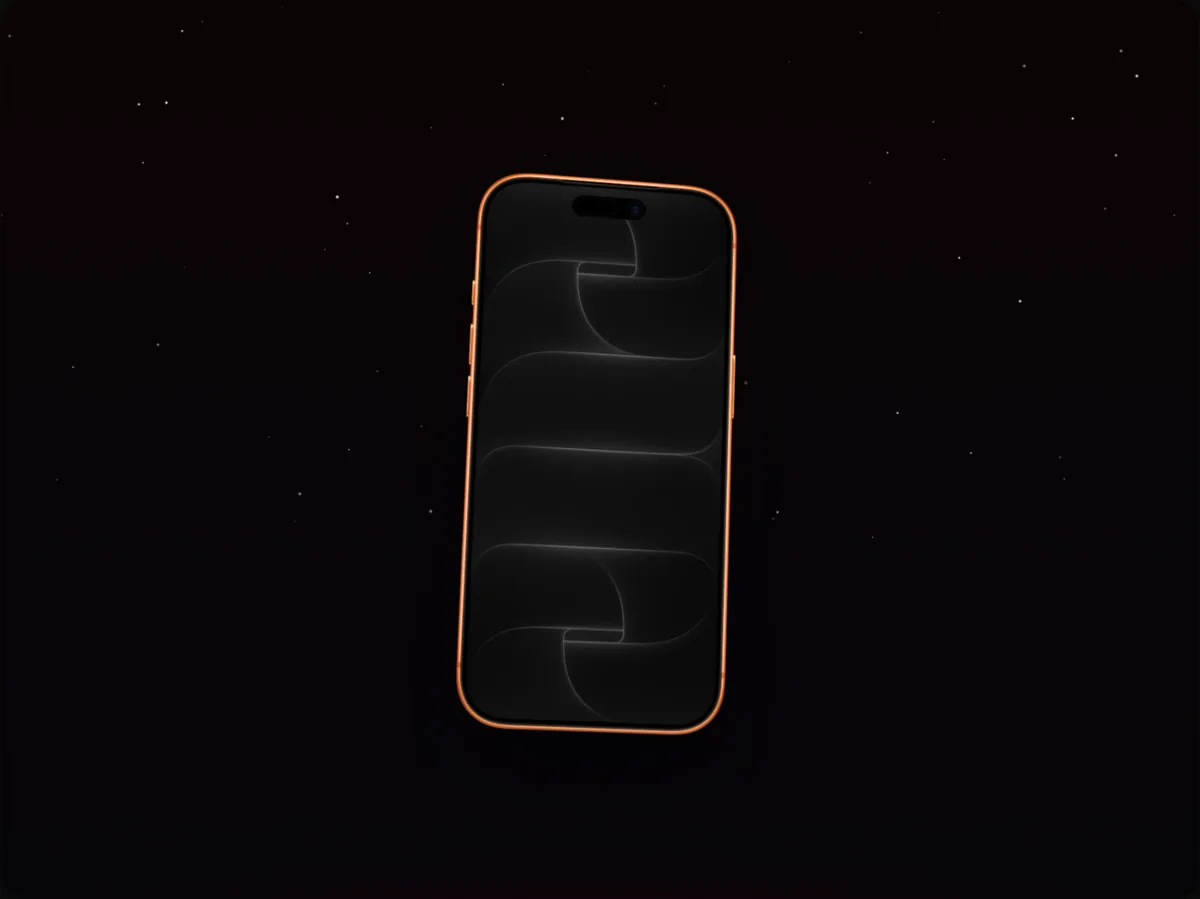
Add your screenshots in order and each one slides, scrolls, fades or zooms into the device on the timeline, so one video can walk through onboarding, the main screen and a key feature.
Point at what matters
An animated cursor can move and tap through the app, highlight boxes and arrows draw in on cue, and the camera can zoom into each tap, so viewers follow along without narration.
Where to use it
- App Store app previews
- Product Hunt and launch posts
- Instagram Reels and TikTok
- Your landing page hero
How to do it
- 1Start from a templateOpen the editor on an app launch template, or start blank.
- 2Add your screensDrop screenshots or a recording onto the device; use the Screen button for the next one.
- 3Add text and motionAdd a headline, adjust camera moves, and add a cursor or music.
- 4ExportExport an MP4, WebM or GIF.
Questions
Can I use a screen recording instead of screenshots?
Yes. MP4, WebM and MOV recordings play inside the device, in the editor and in the exported video.
Can I add music?
Yes. Add a track, choose where it starts, set the volume and fade it out; it's mixed into MP4 and WebM exports.
Is it free?
Designing is free. Exporting images and videos comes with 240fps Monthly ($7 a month) or Lifetime ($39 once).