By Shaheer Malik · · 6 min read
Best App Store Screenshot Generators in 2026
The best App Store screenshot generator depends on how many apps and languages you ship. AppMockUp is free and quick for one set. 240fps costs $39 once for every export, with 24 templates, 40 languages and direct App Store Connect upload. AppScreens is $99 a year with 10 languages and one-click upload. Screenshots.pro has a free editor and paid localization from $19 a month. Previewed suits mockup and video visuals more than full screenshot sets.
Your App Store screenshots do more selling than your description ever will. Apple says the first one to three appear in search results when you have no app preview, so for most people they are the listing.
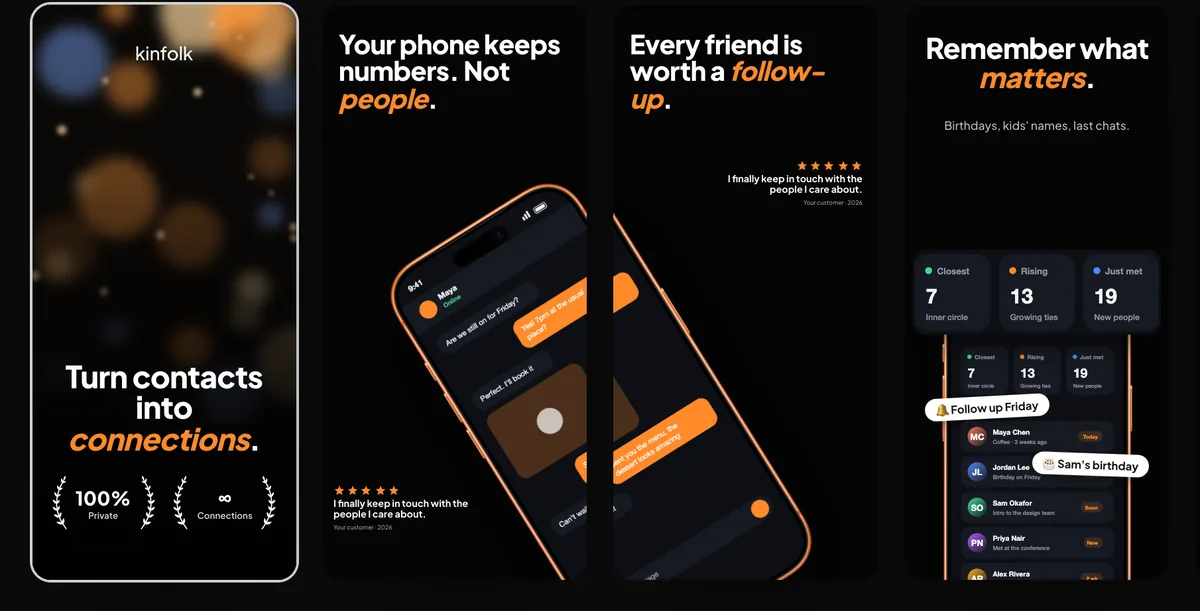
A good screenshot generator turns raw app screens into a consistent, readable set at the sizes Apple accepts, and, if you sell in more than one language, does it for every language without copying the design ten times. Here are five worth trying, what they cost and where each one fits.
Disclosure: I make 240fps, one of the tools below. Every price comes from each tool's own website, read on 2 October 2026, and every screenshot was taken the same day.
What should an App Store screenshot generator do?
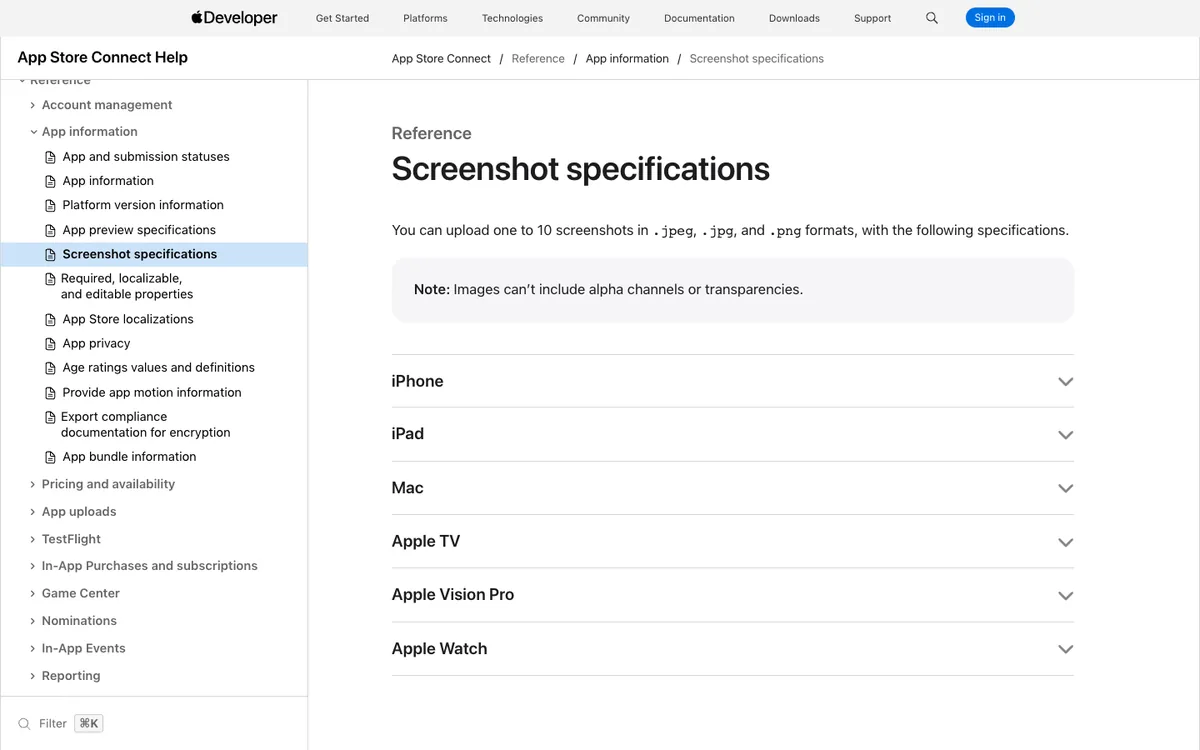
At minimum, export at a size Apple accepts. For iPhone apps that means the 6.9-inch size, such as 1320 × 2868 pixels, as JPEG or PNG without transparency. My guide to App Store screenshot rules covers the full list.
Beyond that, four things separate the tools:
- Set design: editing the whole row of screenshots together, so headlines line up and backgrounds flow from one to the next.
- Templates: a starting point that already looks like a good listing.
- Localization: translating headlines without duplicating the layout per language.
- Upload: sending every size and language to App Store Connect instead of dragging files in by hand.
How do the best screenshot generators compare?
| Tool | Free plan | Paid | Localization | App Store Connect upload |
|---|---|---|---|---|
| 240fps | Design free; exports paid | $39 once, or $7 a month | 40 languages, table or CSV | Yes, with your own API key |
| AppScreens | 1 project, 5 screens, watermarked Pro features | Pro $99 a year; Scale $180 a year | Pro 10, Scale 80+ | One click on Pro and Scale |
| Screenshots.pro | Editor, all devices and templates | Standard $19 a month; Extended $49 a month | On Standard | Not listed |
| Previewed | Unlimited 720p exports with attribution | Plus $9.99 once; Pro $19 a month billed yearly | Not listed | Not listed |
| AppMockUp | Free, no account | None listed | Not listed | Not listed |
1. 240fps: best for localized sets and direct upload
The 240fps Screenshots studio starts from one of 24 editable templates and shows the whole set side by side, so a background or even a phone can run across two screenshots like one panorama. It exports iPhone 6.9″ (1320 × 2868), 6.5″ (1284 × 2778), iPad 13″ (2048 × 2732) and Google Play (1080 × 1920) in one zip, plus the App Preview video and the app icon.
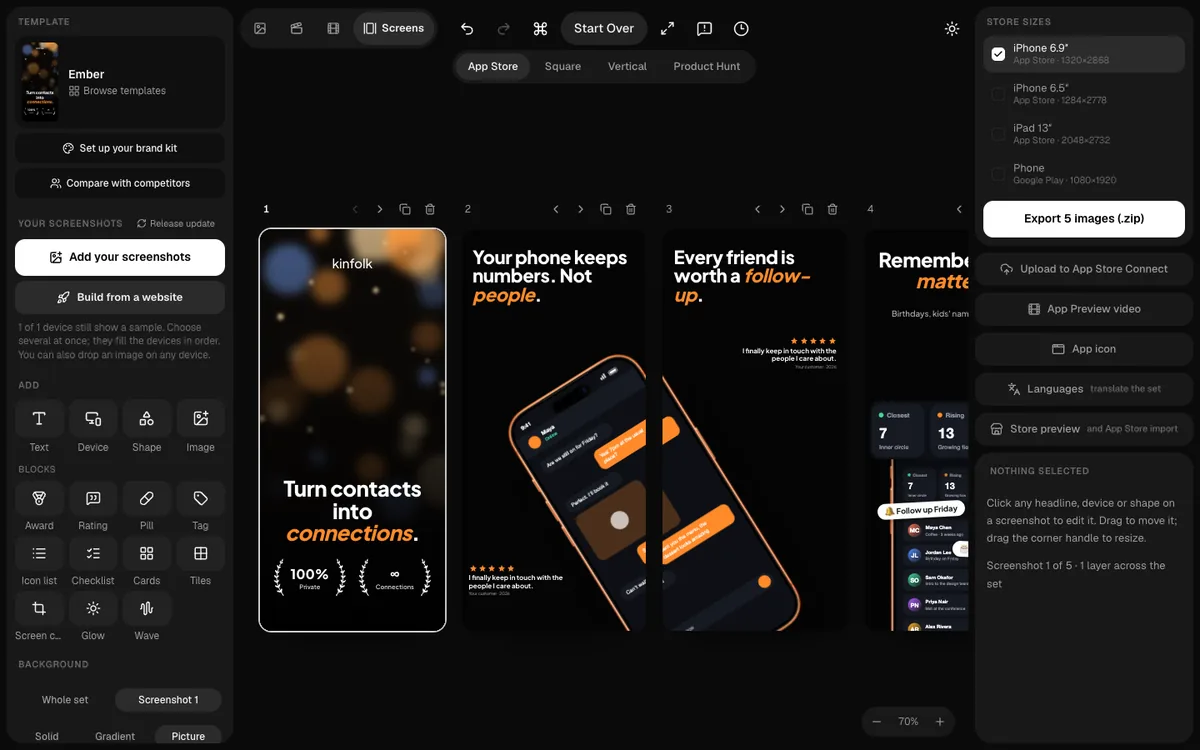
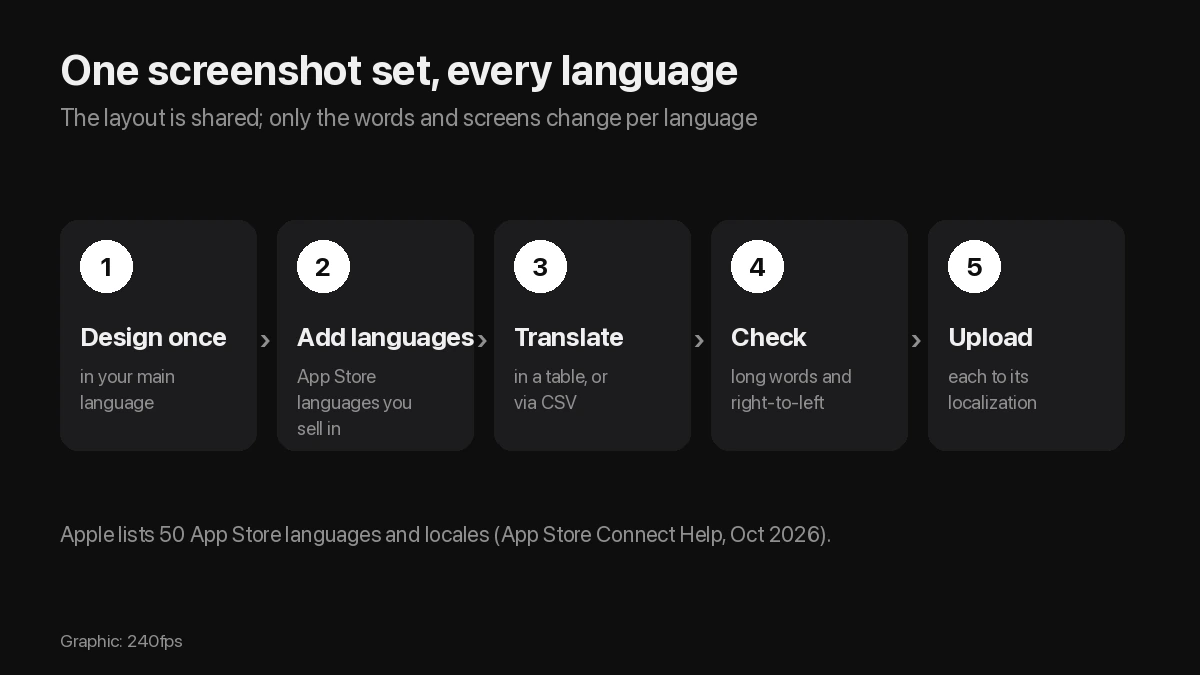
Localization keeps one layout and changes only words and screens per language. You translate in a table, or export a CSV for a translator and import it back.
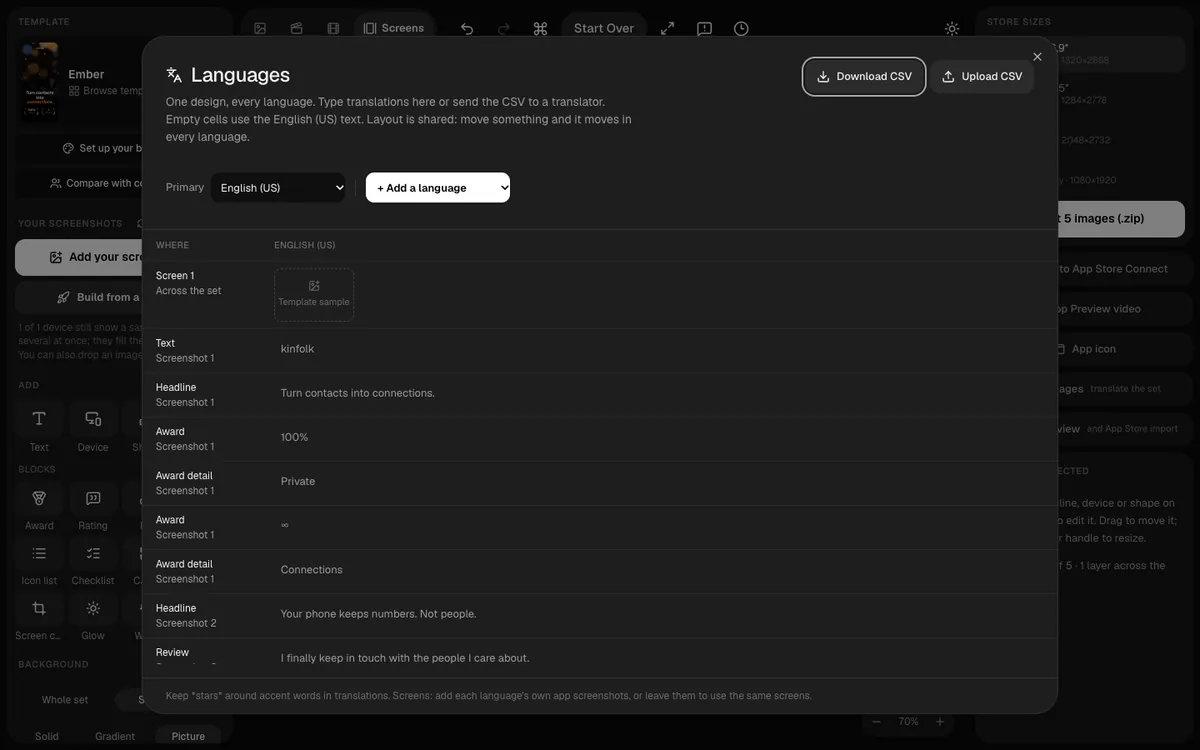
Then upload to App Store Connect: every size and language, in order, using your own API key, which signs a short-lived token in your browser and is never sent to 240fps.
Price: free to design; every export with $39 once or $7 a month, which also unlocks mockup videos and the Mac screen recorder.
Where it falls short: it supports 40 App Store Connect languages, while Apple's list now has 50, and its template library is smaller than AppScreens' 150+.
2. AppScreens: best for many apps and languages
AppScreens is a dedicated screenshot tool with 150+ premium templates, AI captions and one-click upload to both the App Store and Google Play.
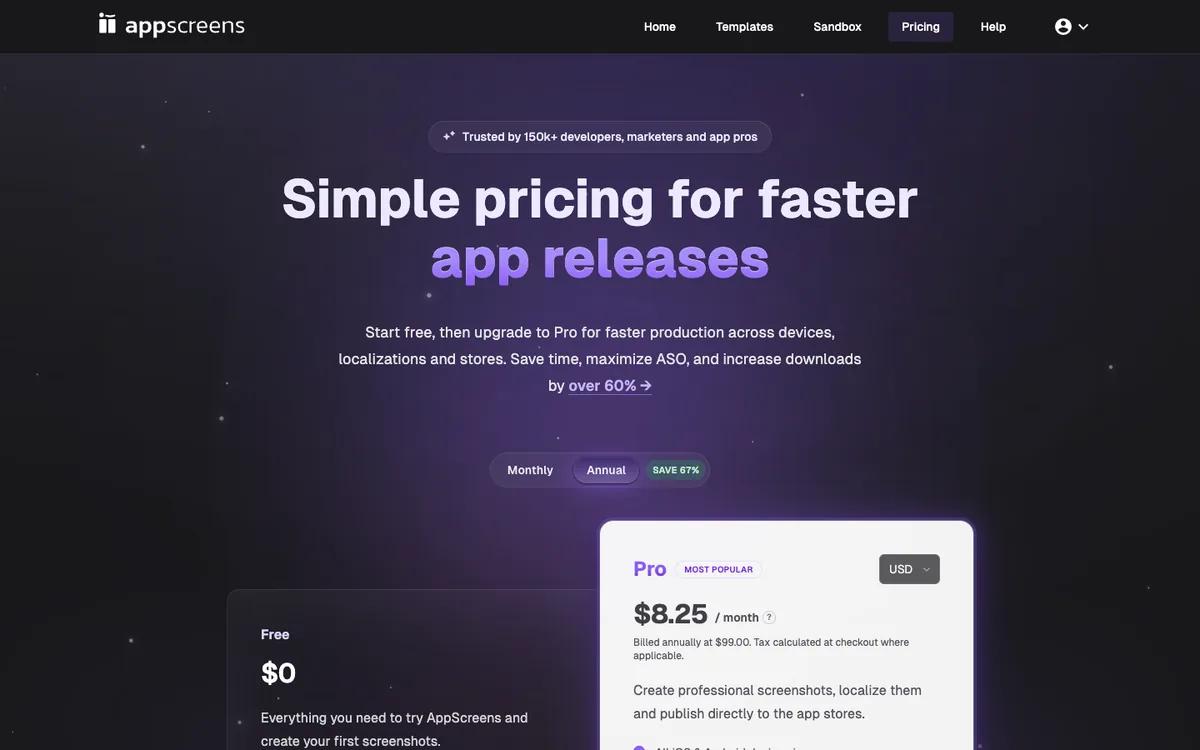
Price: the free plan allows one saved project with up to five screens and watermarked previews of Pro features. Pro is $99 a year (shown as $8.25 a month) for 10 projects and 10 languages; Scale is $180 a year for unlimited projects and 80+ languages.
Where it falls short: it's a subscription, and the language count depends on the tier you pay for.
3. Screenshots.pro: best free editor
Screenshots.pro makes panoramic screenshots for iOS and Android with no account needed. Its free Basic plan includes all devices, all templates and every editor feature, which makes it generous for a single language.
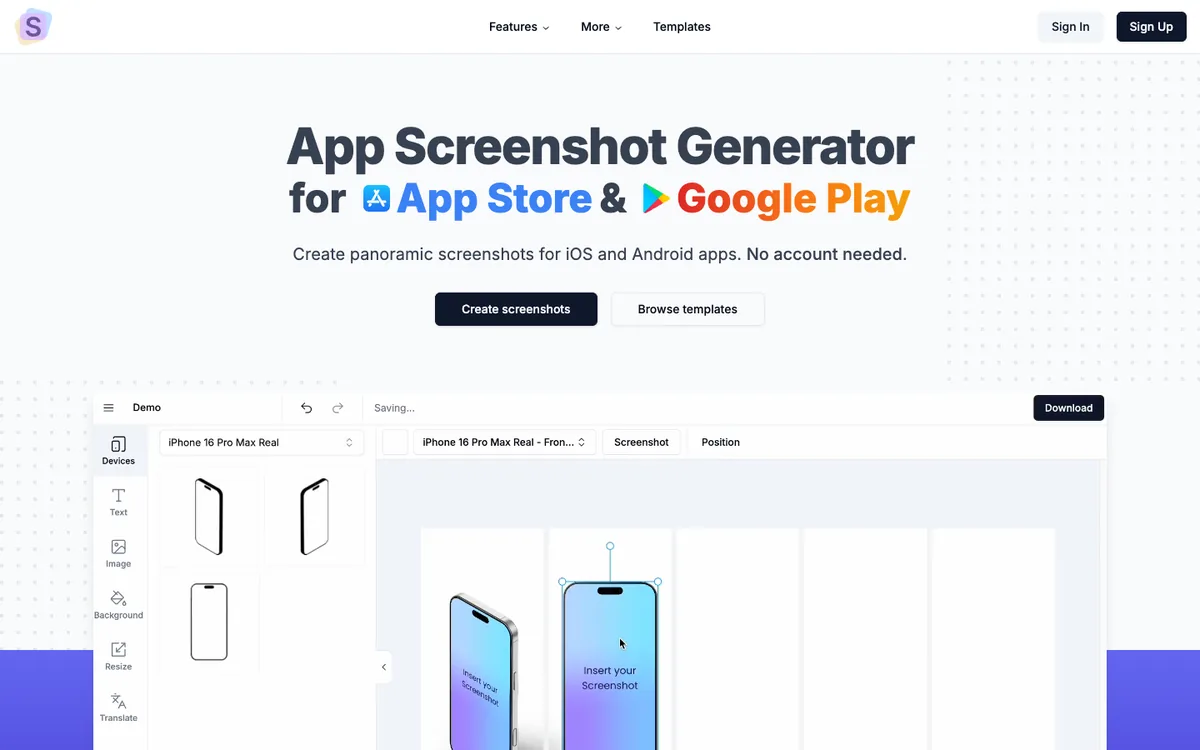
Price: free Basic; Standard is $19 a month and adds 3D angles, template storage, custom fonts and localization; Extended is $49 a month with API access. Annual billing saves 35%.
Where it falls short: its site doesn't list direct App Store Connect upload, and localization is a monthly subscription.
4. Previewed: best for mockups and video
Previewed is built around device mockups: panoramic scenes, 3D snapshots and animated device videos, for both screenshots and social posts.
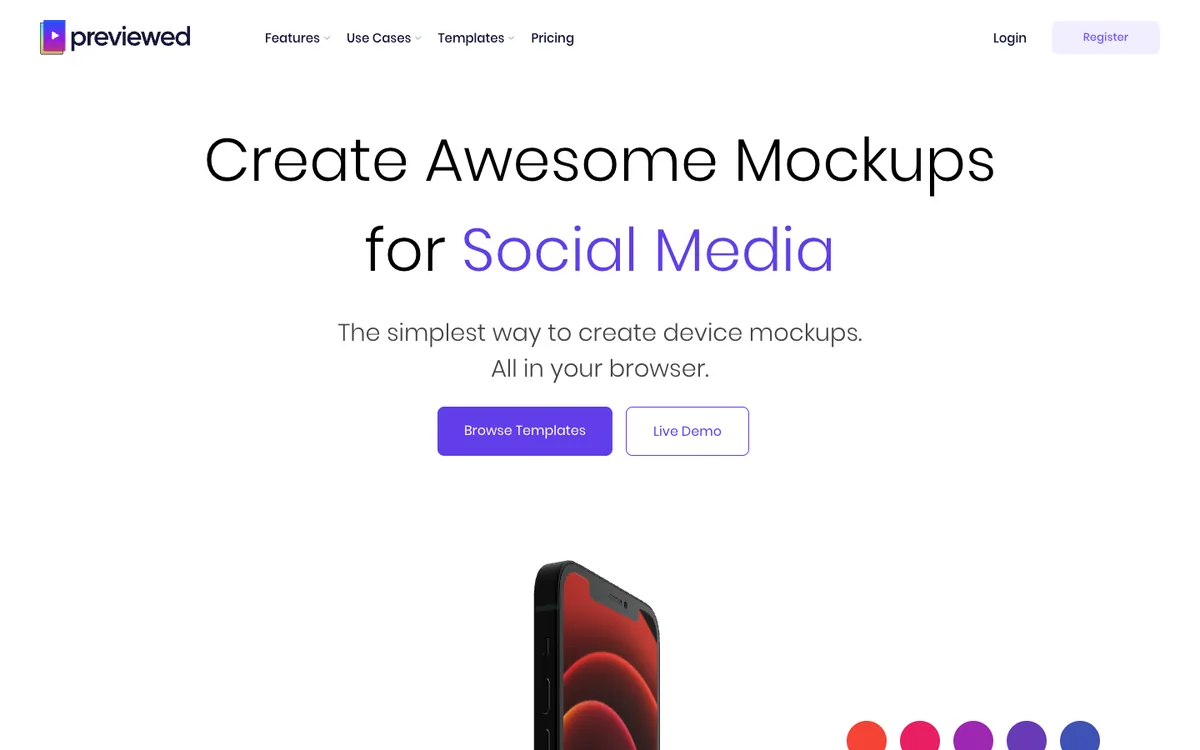
Price: the free Lite plan allows unlimited 720p 2D exports with a Creative Commons attribution licence. Plus is a one-time $9.99 for 10 exports at 1080p and above with a commercial licence; Pro is $19 a month billed at $228 a year for unlimited exports and 60 fps video.
Where it falls short: 720p free exports are below App Store sizes, and localization isn't listed.
5. AppMockUp: best free option for one set
AppMockUp Studio is free, needs no account, and covers the essentials: device frames, backgrounds and gradients, titles, and a device that continues across neighbouring screenshots.
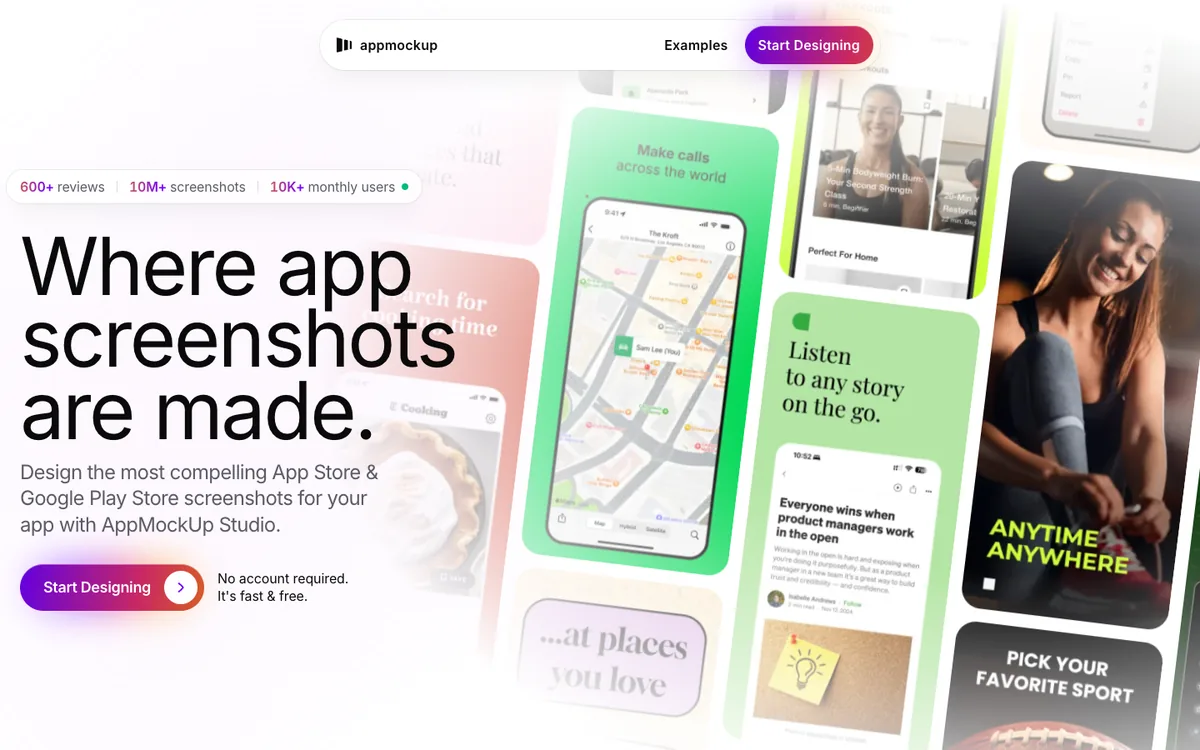
Where it falls short: its site doesn't list localization or upload, so each language means redoing the set by hand.
Which App Store screenshot generator should you choose?
Match the tool to how often you ship and in how many languages.
- One app, one language, no budget: AppMockUp or Screenshots.pro's free plan.
- Several languages, and you hate dragging files: 240fps or AppScreens, both with direct upload.
- You want to pay once: 240fps at $39, or Previewed Plus at $9.99 for 10 exports.
- Many apps, 80+ languages: AppScreens Scale.
- You need product videos and mockups as well: 240fps or Previewed.
FAQs
What is the best free App Store screenshot generator?
AppMockUp is free with no account, and Screenshots.pro's free Basic plan includes all devices, templates and editor features. 240fps is free to design, with exports on a paid plan.
Which screenshot generator uploads straight to App Store Connect?
240fps uploads every size and language using your own App Store Connect API key, and AppScreens offers one-click upload on its Pro and Scale plans.
Which App Store screenshot tool supports the most languages?
AppScreens' Scale plan lists 80+ languages. 240fps supports 40 App Store Connect languages; Apple currently lists 50 for App Store metadata.
Is there a one-time-purchase App Store screenshot tool?
Yes. 240fps costs $39 once for every export, and Previewed Plus is a one-time $9.99 for 10 high-resolution exports.
What size should App Store screenshots be?
For iPhone apps, the required 6.9-inch size, such as 1320 × 2868 pixels portrait, or 6.5-inch (1284 × 2778) if you don't provide 6.9-inch. See App Store screenshot sizes.
Last updated: 2 October 2026. Prices are from each tool's website on 2 October 2026 and can change.