Tool
Website mockup generator
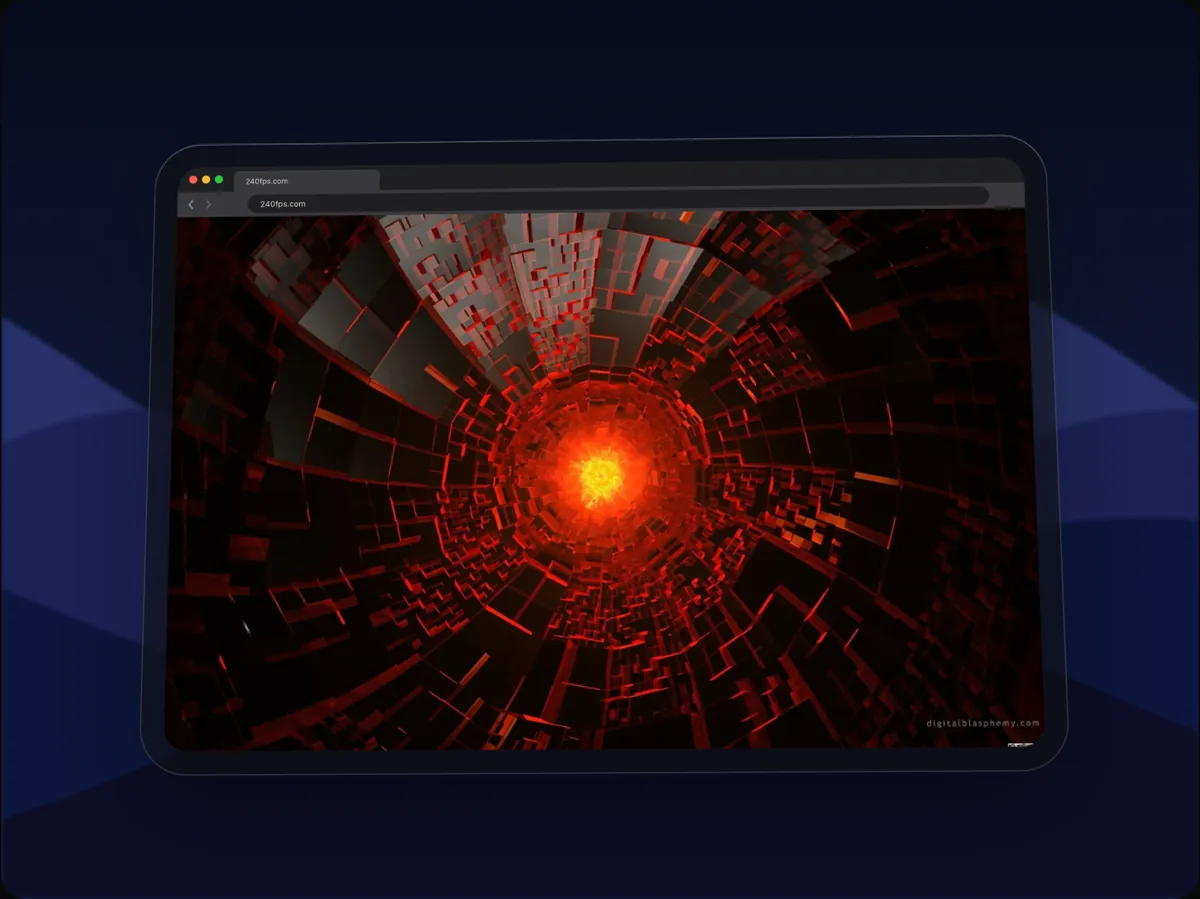
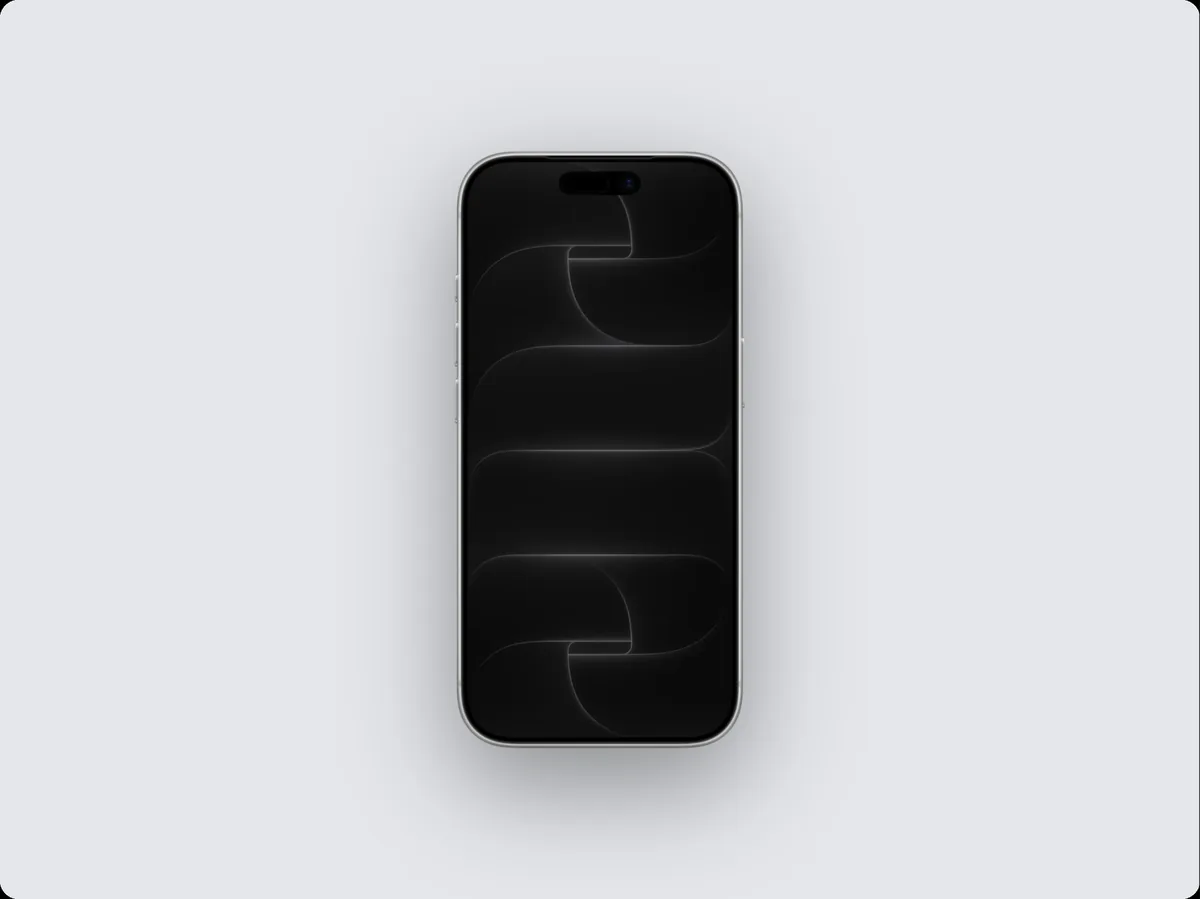
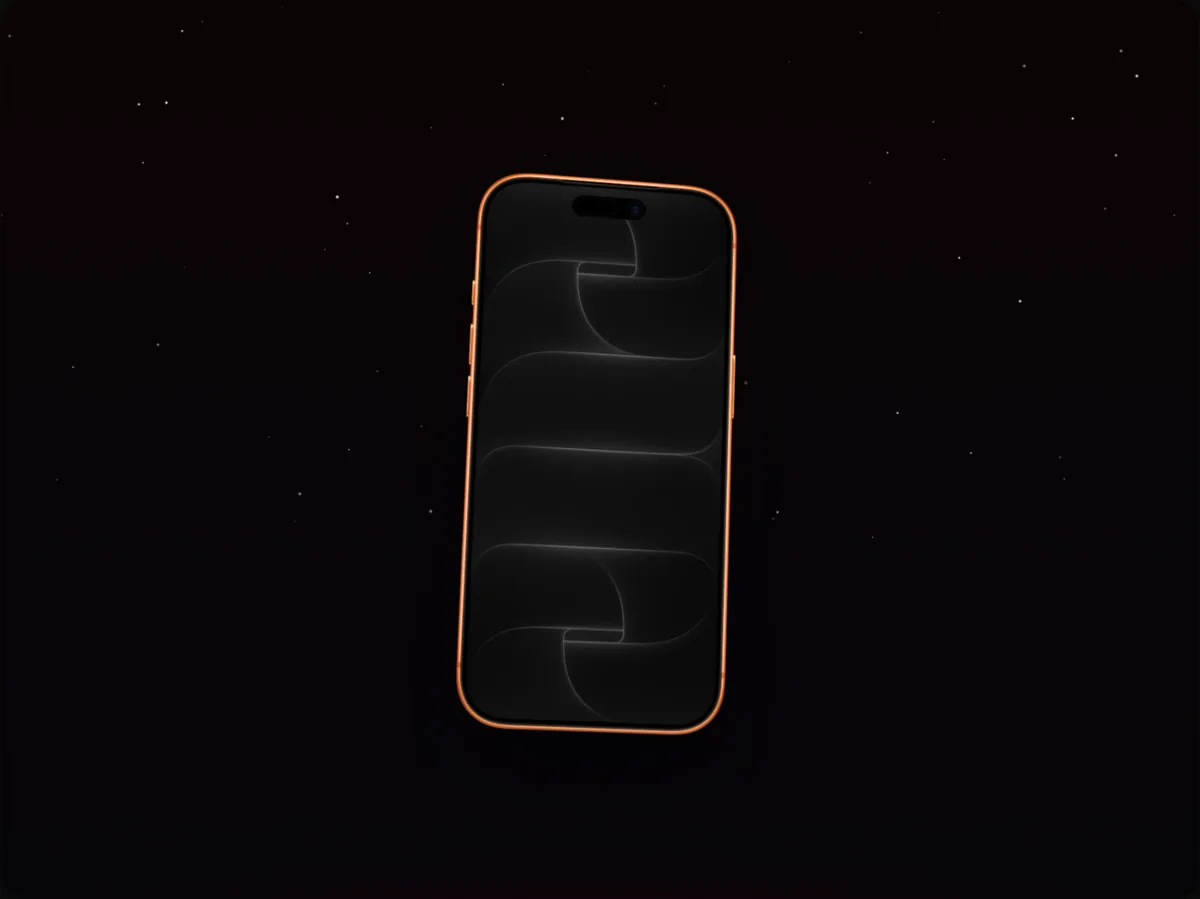
240fps shows a live website inside a device mockup: paste a public URL and a real browser renders the page at that device's screen size, so an iPhone shows the mobile site and a MacBook the desktop site. You can scroll it, click through it, freeze it at any point, or capture the full page and animate the scroll.

Responsive, not resized
Most mockup tools paste one screenshot into every frame. 240fps renders the page at each device's own viewport, so the iPhone gets the site's mobile menu and the MacBook its desktop layout, exactly as visitors see them.
Interact, then freeze
Press Interact to use the page live inside the device: open a menu, switch a tab, scroll to a section. When it looks right, Freeze it and that state is what exports.
Clean capture
Cookie banners and chat widgets are hidden automatically where possible, fixed headers stay pinned while the page scrolls, and animations and lazy-loaded images are given time to appear.
How to do it
- 1Open Add WebsiteIt opens in the editor, on the selected device.
- 2Paste a URLThe page loads in a few seconds; the full page keeps capturing in the background.
- 3Scroll or interactPick the scroll position, or use Interact and Freeze.
- 4ExportExport an image, or animate the scroll and export a video.
Questions
Why does the page look different in the iPhone and the MacBook?
Because it's the real responsive site: each device renders the page at its own width.
Can I show a page that needs a login?
No. Only public pages can be captured. Take a screenshot or screen recording of the signed-in view instead.
Is it free?
Designing is free. Exporting images and videos comes with 240fps Monthly ($7 a month) or Lifetime ($39 once).