Tool
Blur private details in screenshots
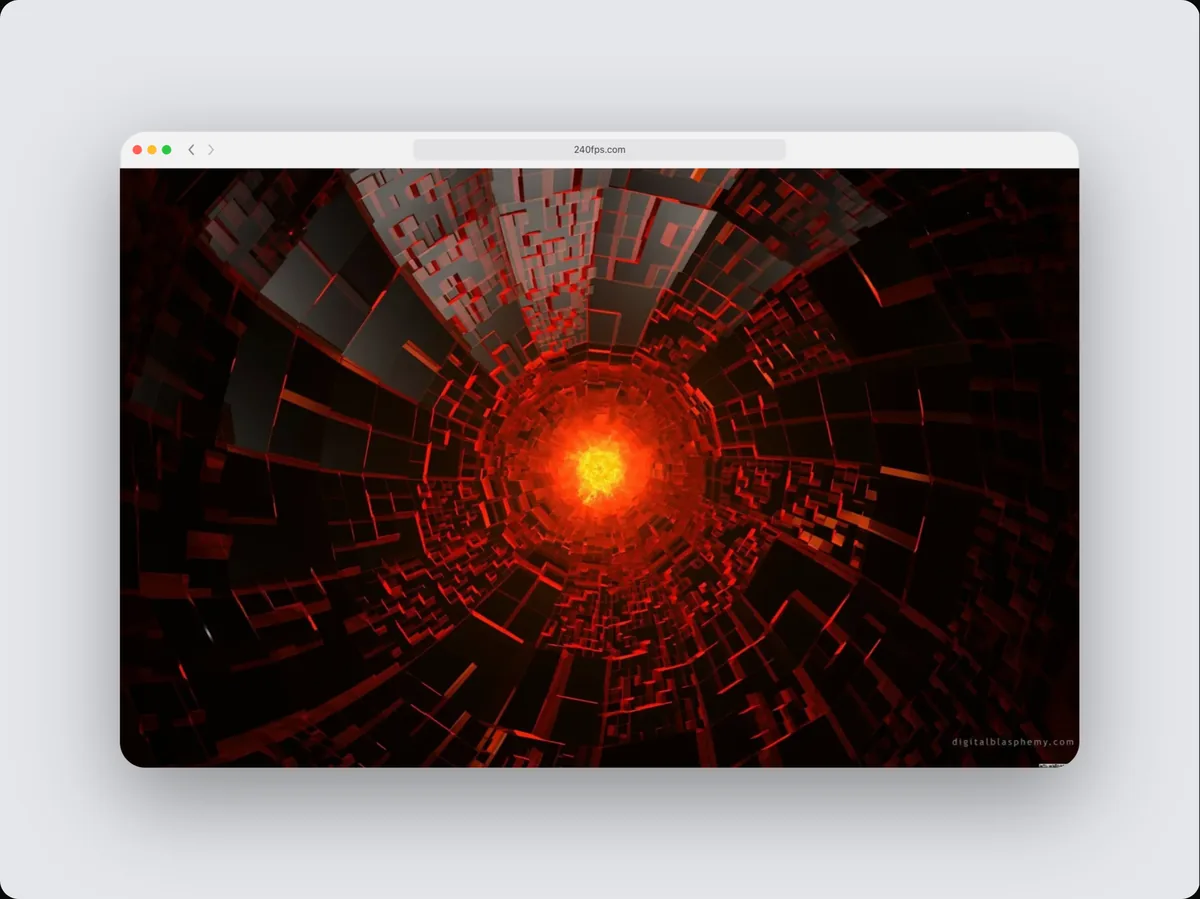
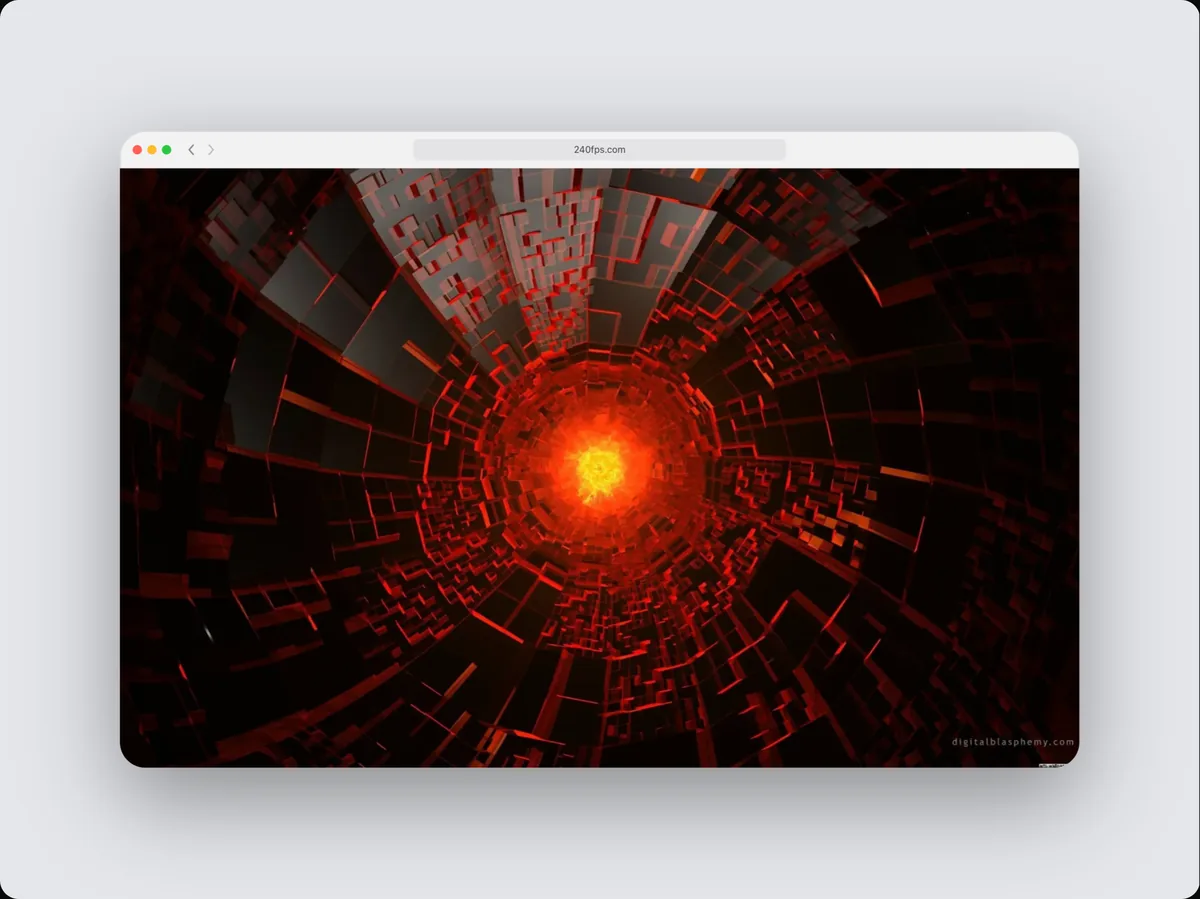
240fps hides private details in screenshots with a Blur callout: drag it over an email, name, balance or API key and it blurs and frosts what's underneath, in the editor and in every exported image and video. It stays pinned to the screen when the device moves.
Blur that actually hides
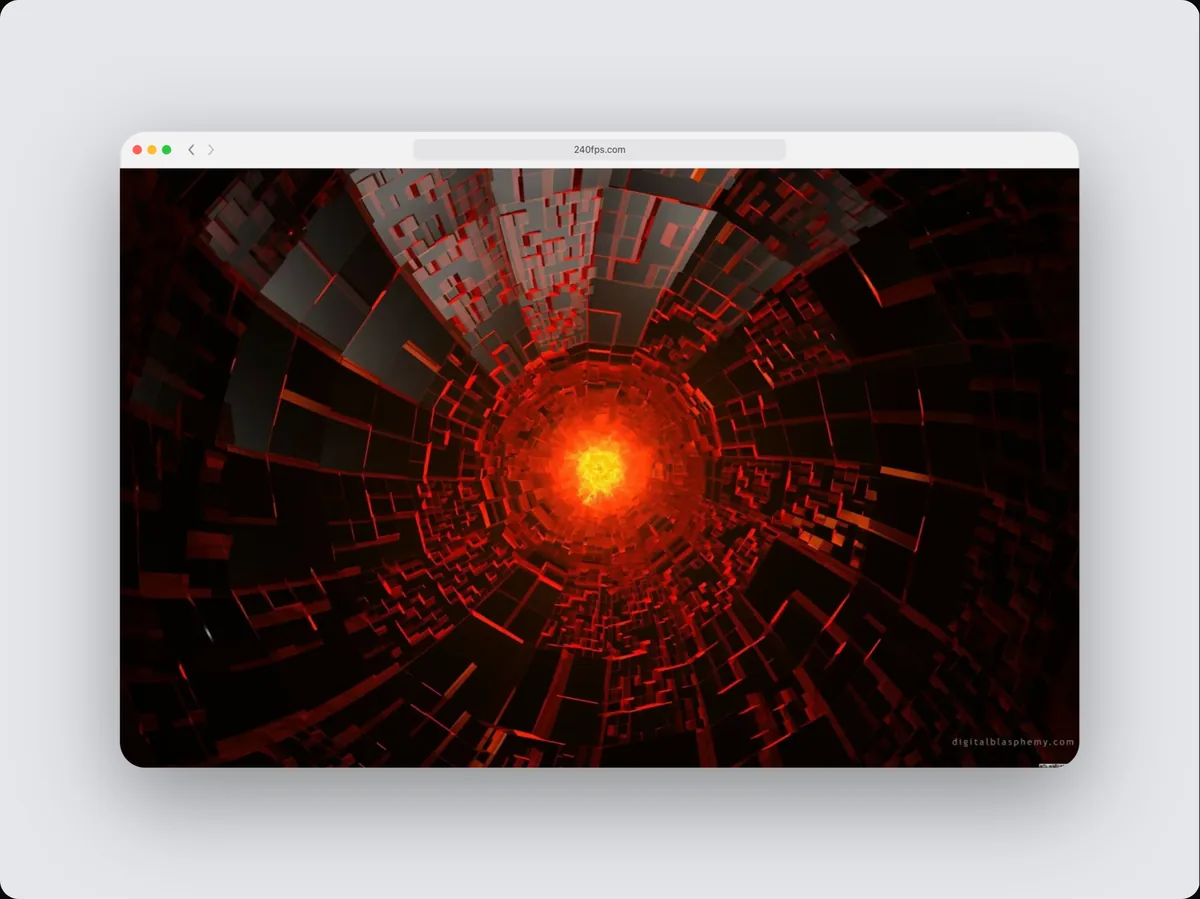
A light blur can leave text readable. 240fps adds a frosted layer on top of the blur, so the covered text can't be made out, and the exported file shows exactly what the preview shows.
Also works in video
In a video, the blur can cover a detail for exactly as long as it's on screen.
How to do it
- 1Open the Annotate tabWith your screenshot in the device.
- 2Add BlurDrag it over the detail and resize it with the handle.
- 3ExportThe detail is covered in the exported file.
Questions
Is the original text still in the file?
No. Exports are flat images and videos; the covered pixels are replaced.
Is it free?
Designing is free. Exporting images and videos comes with 240fps Monthly ($7 a month) or Lifetime ($39 once).