Tool
App Store screenshot maker
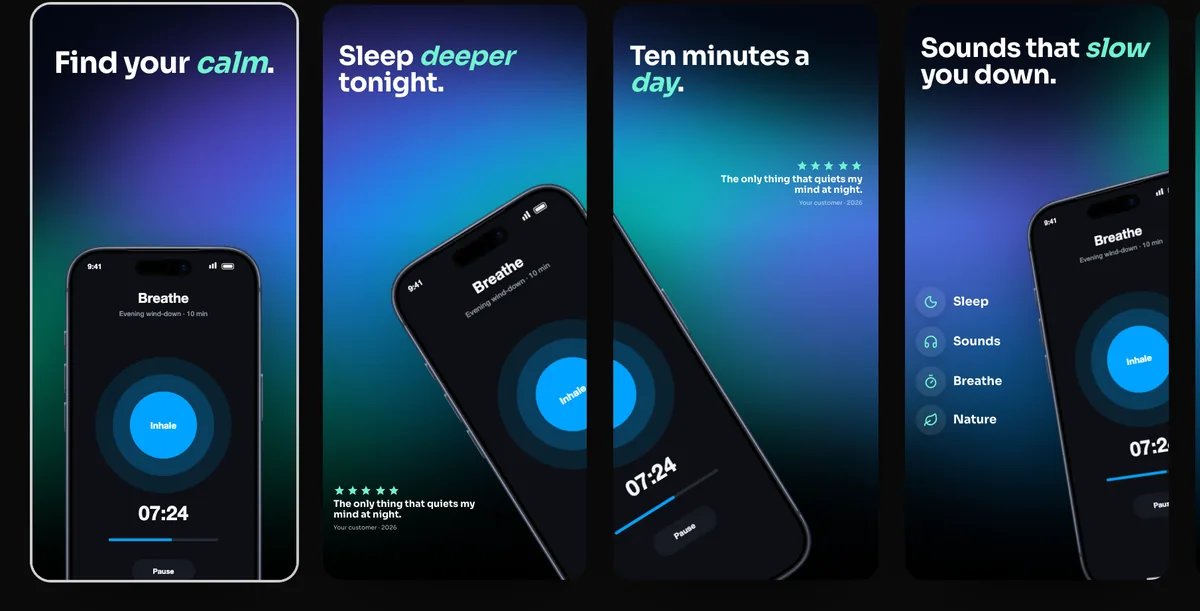
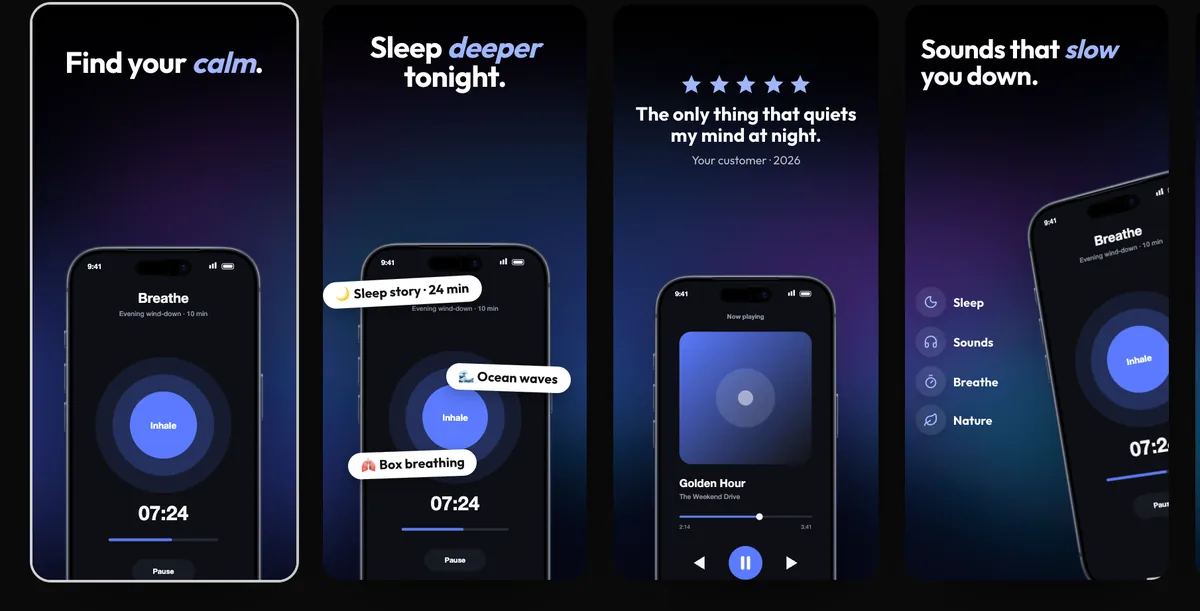
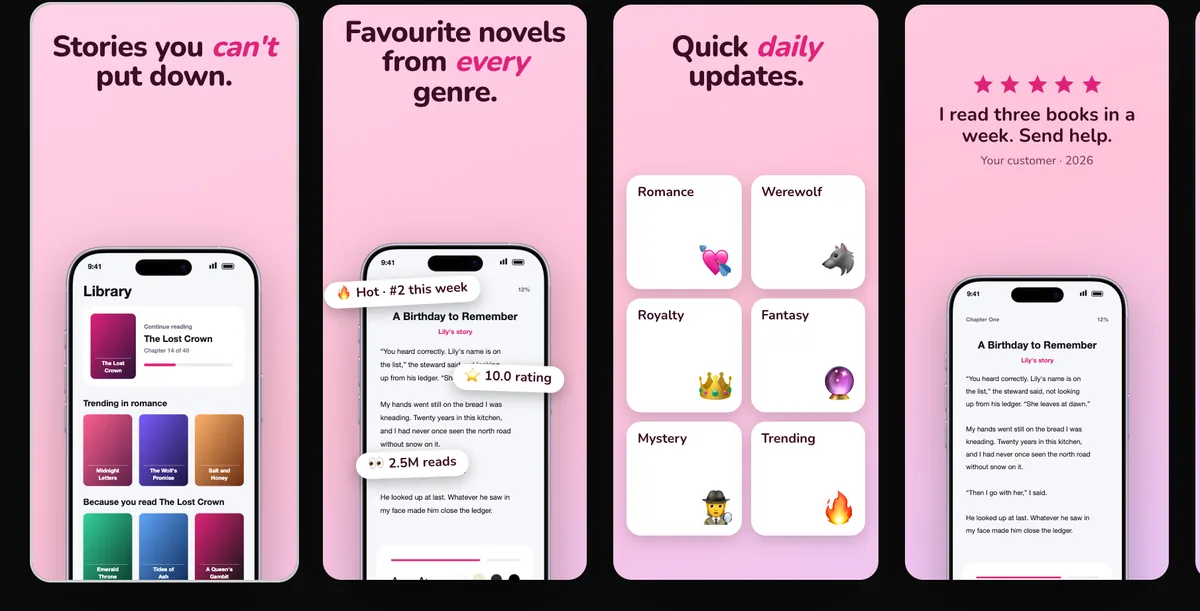
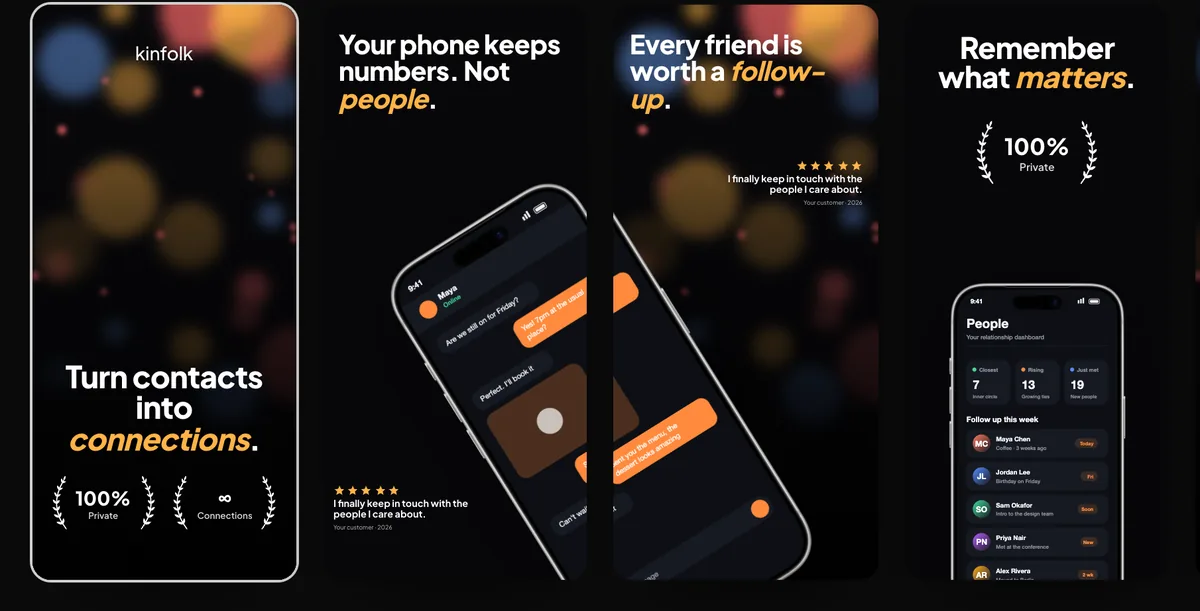
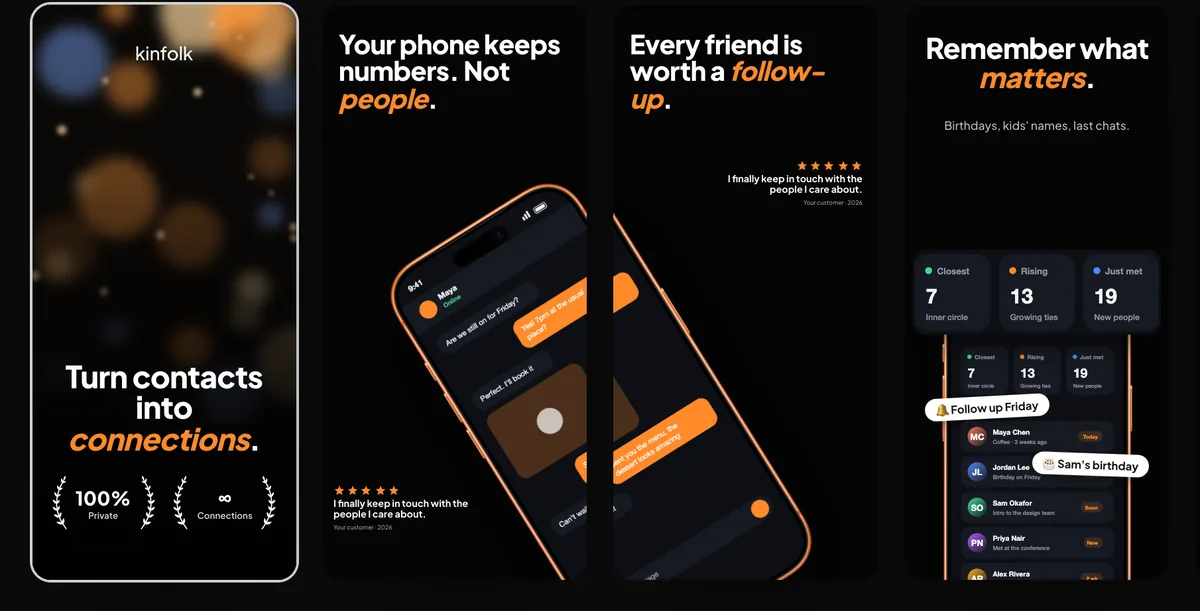
240fps has a Screenshots studio for App Store and Google Play: pick one of 24 editable premium templates, add your app's screens, and edit every headline, colour, font, device and shape with the whole set side by side. Backgrounds, shapes and even a phone can run across neighbouring screenshots like one panorama. Export iPhone 6.9″ (1320 × 2868), 6.5″ (1284 × 2778), iPad 13″ (2048 × 2732) and Google Play phone (1080 × 1920) in one zip, in as many languages as you need, or upload the set straight to App Store Connect.
Design the set, not one screenshot
Store visitors judge a listing by the row of screenshots, not any single one. The studio shows the whole row at once, so headlines line up, colours flow from one screenshot to the next, and a background or shape can cross the join between two screenshots like a single wide canvas.
What converts
- Lead with the one thing your app does best; many people only see the first two or three screenshots.
- One short headline per screenshot, readable at thumbnail size.
- The same device, background and type style across the whole set.
- Real screens, not marketing illustrations.
Check before you upload
Apple and Google add and retire sizes as new devices arrive. Check the current list in App Store Connect and the Play Console before you upload.
How to do it
- 1Open the Screenshots studioIn the editor, switch the mode to Screens. A set starts from the first template.
- 2Pick a templateBrowse templates and filter by style. Your screens and headlines move into the new design.
- 3Add your screensChoose Add your screenshots and pick several at once; they fill the devices in order. Or drop an image on any device.
- 4Edit and exportClick any headline, device or shape to edit it, choose the store sizes, and export the zip.
Questions
Which size do I need?
At the time of writing, App Store Connect requires 6.9″ or 6.5″ iPhone screenshots and scales them for smaller phones; iPad apps also need iPad screenshots. Check App Store Connect for the current rules.
Do I need a different design for iPad and Android?
No. The same design is laid out for each size, and iPad and Google Play sizes use an iPad and an Android phone automatically. You can still adjust anything before exporting.
Is it free?
Designing is free. Exporting images and videos comes with 240fps Monthly ($7 a month) or Lifetime ($39 once).