Design free · Runs in your browser · Private
Device mockups, product videos and App Store screenshots.
240fps turns a screenshot, a screen recording or a live website into a polished iPhone, iPad, Mac, Apple Watch, Android or browser mockup, as an image or an animated video of up to a minute, right in your browser. Its Screenshots studio designs App Store and Google Play sets in every size and language, with the App Preview video, the app icon and a direct upload to App Store Connect. 240fps for Mac adds a screen recorder with automatic zooms, captions and scenes. Designing is free; exports are $7 a month or $39 once.
Everything a launch needs, in one tab
From a single App Store screenshot to a 30-second promo with 31 animated templates to start from.
Every Apple device
iPhone 17 and 16, iPad, MacBook, iMac, Studio Display and Apple Watch frames in the finishes Apple sells, plus browser windows, Android phones and a plain screenshot frame.
Animated videos
Camera moves, zooms and tilts on a timeline, with six easing curves including spring, and 38 templates to start from.
Websites, not just screenshots
Paste a URL and the real page renders inside the device at that device's own screen size, so the same site is mobile in an iPhone and desktop in a MacBook. Scroll it, click through it, freeze it, and animate the scroll.
One-click website video
Paste a URL and get a finished video: the site scrolling in a MacBook and an iPhone, with a headline, exported as MP4.
Cursor, callouts and zooms
An animated cursor that moves and clicks, highlight boxes, arrows, speech bubbles, blur to hide private details, a spotlight, and camera zooms that follow the clicks.
Several screens in one video
Show screenshot one, then two, then three inside the same device, with slide, scroll, fade or zoom transitions.
Text, fonts and your logo
Headlines, badges and your own logo in 30+ fonts. In a video they fade, rise, pop, type in or animate word by word; devices can enter, exit and sway, and backgrounds drift, zoom or pan.
Music
Add a soundtrack, choose where the song starts, set the volume and fade it out. It is mixed into MP4 and WebM exports, and camera cuts can land on its beat.
App Store and Google Play screenshots
A Screenshots studio with 24 editable premium templates: design the whole set side by side, with backgrounds and phones that run across screenshots, then export iPhone 6.9″ and 6.5″, iPad 13″ and Google Play sizes in one zip.
Screenshots in every language
One design, a text table per language: type or paste translations (or round-trip a CSV), swap in localized screens, and export a folder per language. All 40 App Store Connect languages, right-to-left included.
Store preview
See the set as it will look in App Store search results and on the product page, next to your current listing imported from the App Store.
App Preview video
Build an App Store App Preview from your screen recordings: trimmed, 15 to 30 seconds, H.264 at 30 fps with a stereo AAC track, at the exact sizes Apple accepts.
App icon maker
Design the icon once and download every size: the Xcode icon set, the App Store 1024, Android launcher and adaptive icons, the Play Store 512 and web icons.
Upload to App Store Connect
Send every screenshot, size and language, plus the App Preview, straight to an app version with your own App Store Connect API key. The key never leaves your browser.
Projects and brand kit
Sign in and your projects follow you to any device, with version history. Save your logo, colours and fonts once and apply them to any project.
Mac: Screen recorder in the notch
Press ⌘⇧R and a panel slides out of the MacBook notch: record a display, a window or an area at up to 60 fps, with your microphone, the computer's sound and your camera, and your notes on screen.
Mac: Automatic zooms
240fps logs every click while you record, so the camera zooms in where you clicked and eases back out. Every zoom stays editable on the timeline.
Mac: A cursor that looks good
The cursor is recorded separately from the screen: smooth its path, make it bigger, add a click ring, or hide it when it isn't moving.
Mac: Captions and voice-over
Captions are transcribed on your Mac (macOS 26), in five styles, and export as SRT or VTT too. Record a voice-over over the edit with the original sound turned down.
Mac: Scenes and transitions
Titles, outros, 3D motion galleries, and scenes that type out a terminal, a chat, a chart, a checklist, code or a rolling number, joined by twelve transitions.
Made with 240fps
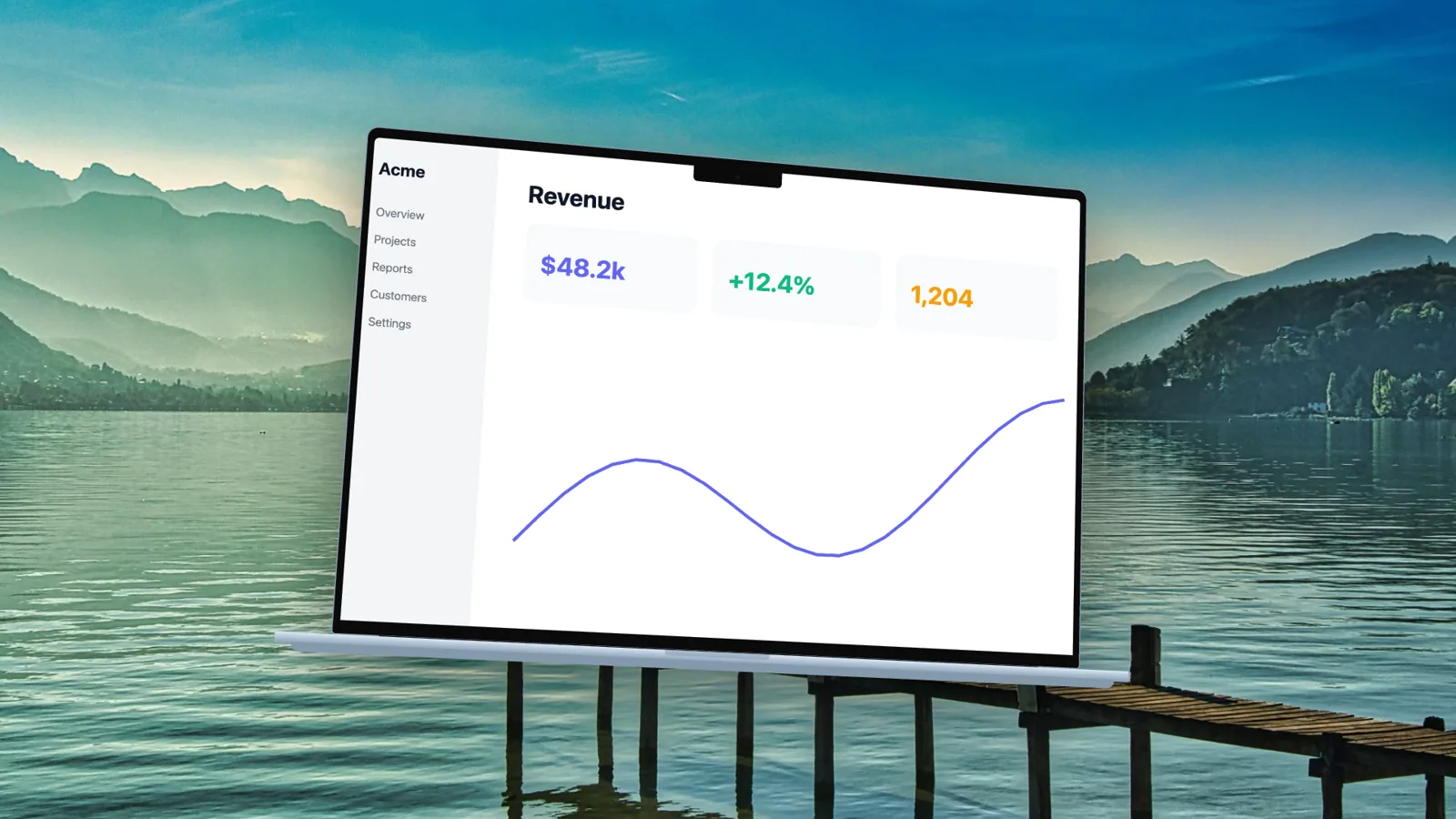
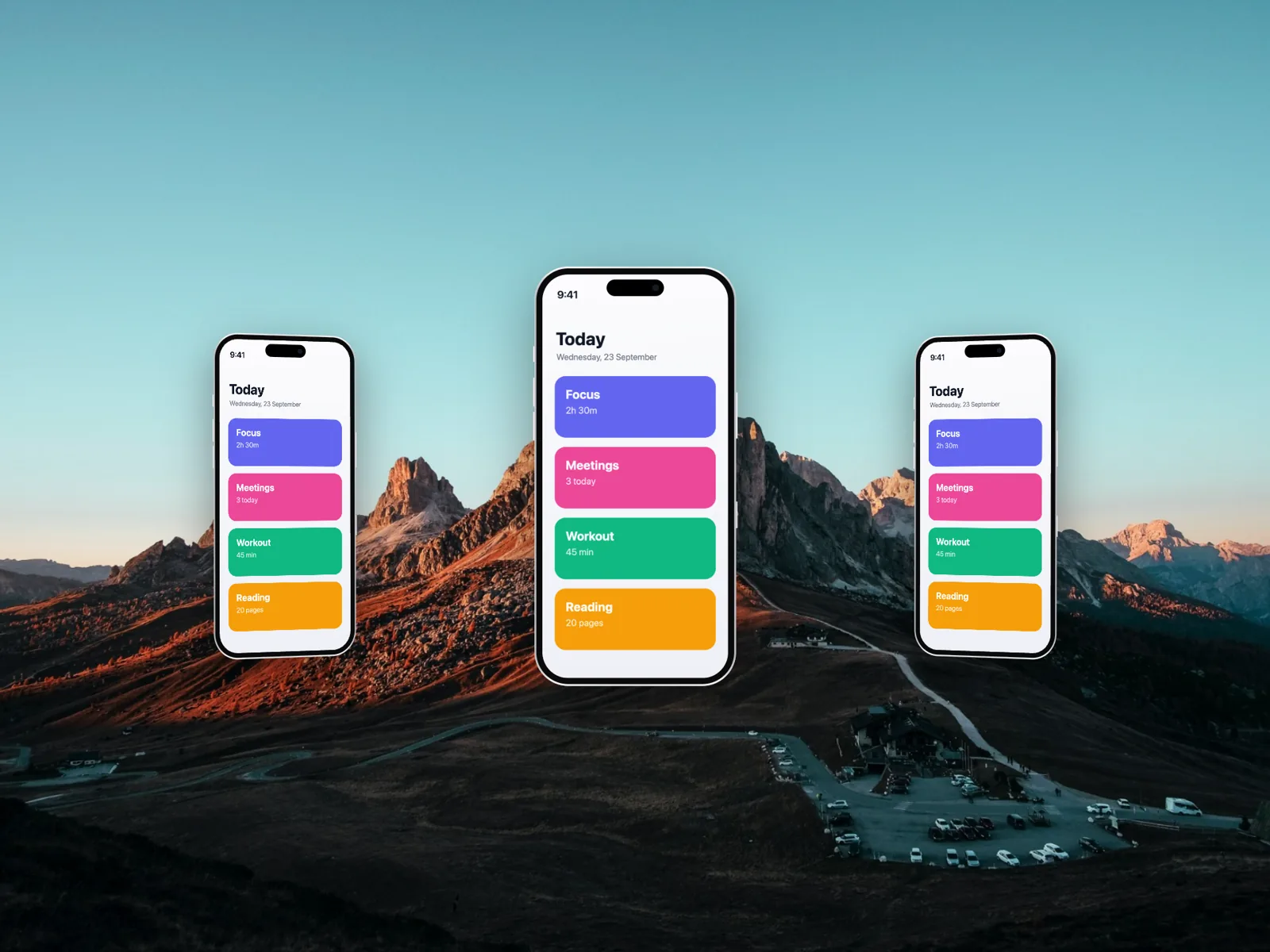
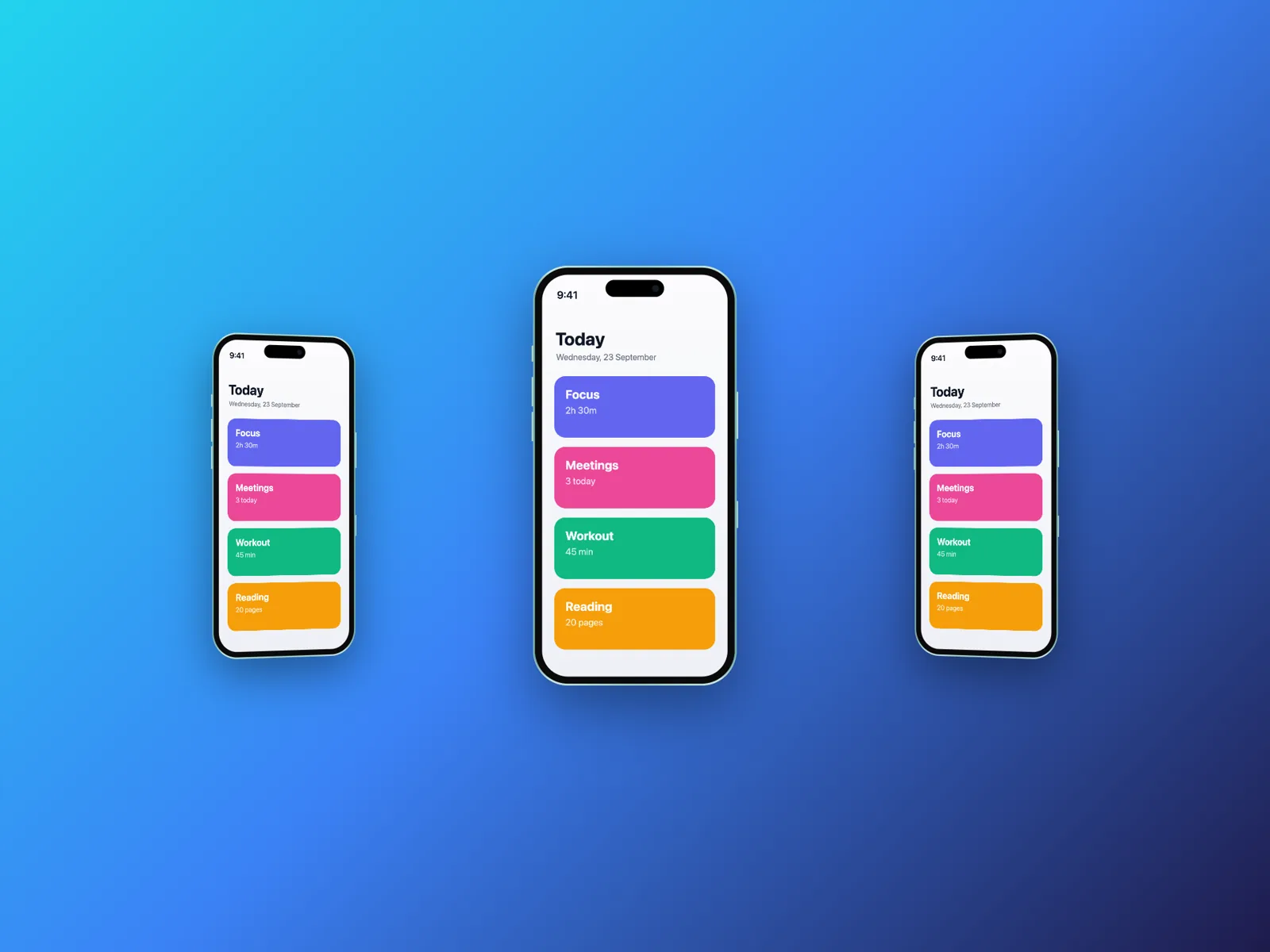
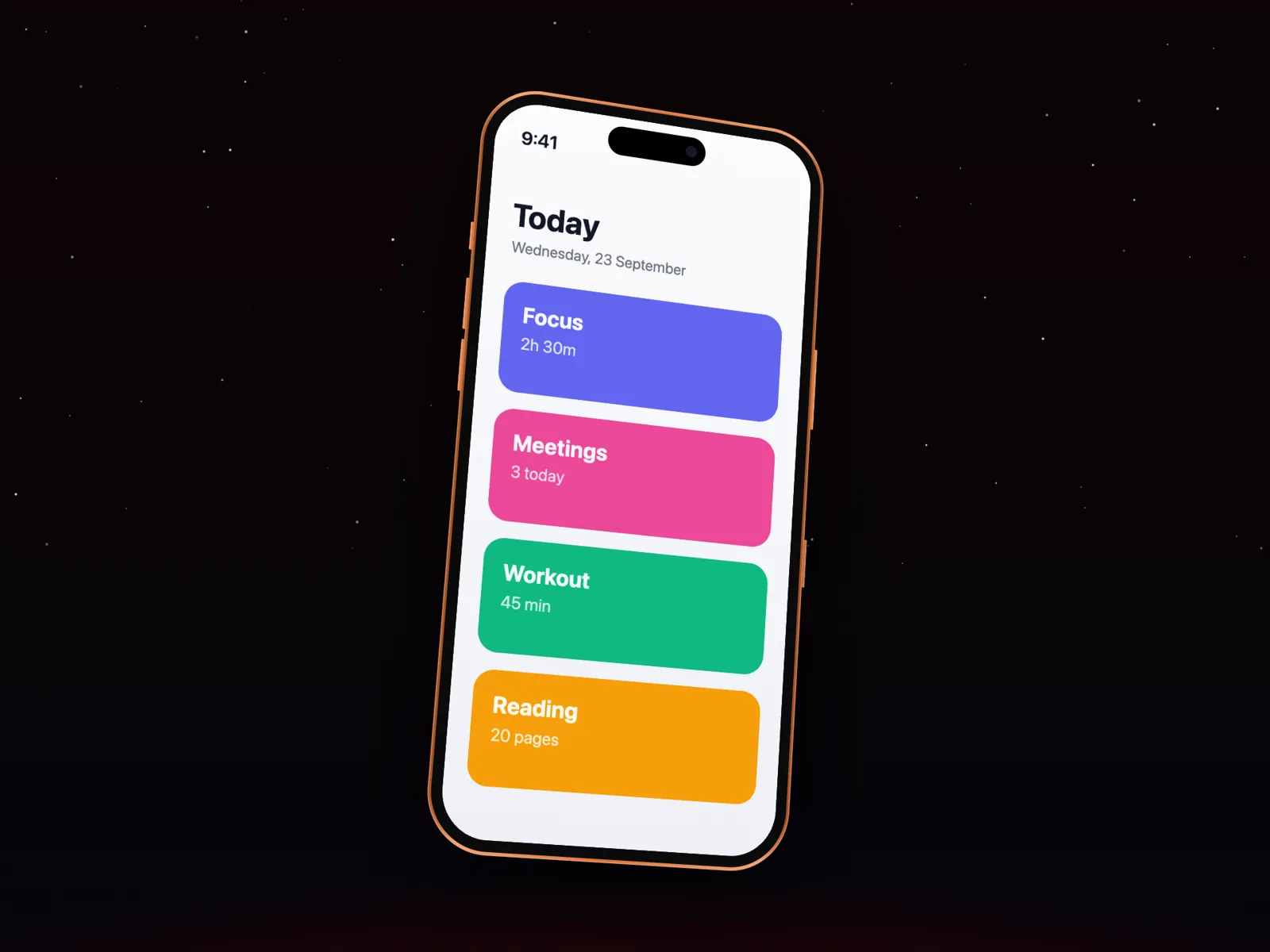
Every image here was exported from the editor, using its own templates and backgrounds.
Devices
- Essentials
- Screenshot, Browser
- iPhone 17 Lineup
- iPhone 17, iPhone 17 Air, iPhone 17 Pro, iPhone 17 Pro Max
- iPhone 16 Lineup
- iPhone 16, iPhone 16 Plus, iPhone 16 Pro, iPhone 16 Pro Max
- iPhone 15 Lineup
- iPhone 15, iPhone 15 Plus, iPhone 15 Pro, iPhone 15 Pro Max
- iPhone 14 Lineup
- iPhone 14, iPhone 14 Plus, iPhone 14 Pro, iPhone 14 Pro Max
- Android
- Pixel Pro, Galaxy Ultra
- iPad
- iPad Pro 13″, iPad Pro 11″, iPad Air 11″, iPad mini
- MacBook
- MacBook Pro 14″, MacBook Pro 16″, MacBook Air 13″, MacBook Air 15″
- Desktop
- iMac 24″, Studio Display, Pro Display XDR
- Watch
- Watch Ultra, Watch Series 46mm, Watch Series 42mm
Export formats
- PNG, JPEG, WebP
- Images up to 6K (3× the frame), with transparent backgrounds in PNG and WebP.
- MP4
- H.264 video at 30 or 60 fps, up to 4K, with AAC audio. Plays everywhere.
- WebM
- VP9 video with Opus audio: smaller files for the web. Transparent backgrounds stay transparent.
- GIF
- Looping animation at 15 fps, 480 to 960 px wide, transparent backgrounds kept.
- PNG frames
- A numbered PNG for every frame, with transparency, for After Effects, Premiere, Final Cut and Resolve.
- Social formats
- 9:16, 1:1, 4:5 and 16:9 from the same project in one zip, each laid out for its shape.
Questions
Is 240fps free?
Designing is free, in your browser, with every device, template and animation. Exports come with 240fps Monthly ($7 a month) or Lifetime ($39 once), and either one also unlocks 240fps for Mac.
Do I need to install anything?
No. The editor runs in Chrome, Edge, Safari or Firefox on any computer. 240fps for Mac is optional: it adds a screen recorder with automatic zooms, captions and scenes, and videos longer than a minute.
How long can a video be?
Up to 60 seconds in the browser, which covers promos, store previews and social posts. Screen recordings in 240fps for Mac can be as long as you need.
What does the Mac app need?
A Mac with Apple silicon (M1 or later) running macOS 15 Sequoia or later. Captions are transcribed with the speech models in macOS 26.
Are my screenshots uploaded anywhere?
No. Signed out, your work stays in your browser. Signed in, projects are saved privately to your account. Mac recordings stay in a folder on your Mac.
Which devices can I put my screens in?
iPhone 17, 17 Air, 17 Pro and 17 Pro Max, iPhone 16, 16 Plus, 16 Pro and 16 Pro Max, iPad Pro 13″ and 11″, iPad Air, iPad mini, MacBook Pro 14″ and 16″, MacBook Air 13″ and 15″, iMac, Studio Display, Apple Watch Ultra and Series, Android phones, browser windows and a plain screenshot frame.
Can I make App Store screenshots?
Yes. The Screenshots studio designs a whole App Store and Google Play set from 24 editable templates, in every required size and in any of the 40 App Store Connect languages. It also makes the App Preview video and the app icon, shows the set in a store preview, and can upload everything straight to App Store Connect with your API key.
Can I cancel Monthly?
Yes, anytime, from your account. You keep your plan until the end of the month you paid for. Lifetime never needs cancelling.
I pay for 240fps Pro. What changes?
Nothing you've paid for goes away: Pro keeps every feature, share links included, and unlocks 240fps for Mac, until you cancel. Pro is no longer sold to new customers.
Is 240fps affiliated with Apple?
No. 240fps is independent; product names only describe which device a frame shows.
Make your first mockup in a minute
Paste a screenshot, pick a device, export. No account needed.
Open the editor