Sizes
240fps exports at the exact pixel sizes each platform asks for: App Store screenshots for iPhone 6.9″ (1320 × 2868), 6.5″ (1284 × 2778), 5.5″ (1242 × 2208), iPad (2048 × 2732) and Mac (2880 × 1800); Instagram posts (1080 × 1080), portraits (1080 × 1350) and Stories (1080 × 1920); X posts (1600 × 900); YouTube thumbnails (1280 × 720); Pinterest pins; and Dribbble shots (1600 × 1200).
App Store
 SizeApp Store screenshot, iPhone 6.9″ sizeThe App Store screenshot, iPhone 6.9″ size is 1320 × 2868 pixels. Make one from your screenshot in a device mockup, as an image or a video.
 SizeApp Store screenshot, iPhone 6.5″ sizeThe App Store screenshot, iPhone 6.5″ size is 1284 × 2778 pixels. Make one from your screenshot in a device mockup, as an image or a video.
 SizeApp Store screenshot, iPhone 5.5″ sizeThe App Store screenshot, iPhone 5.5″ size is 1242 × 2208 pixels. Make one from your screenshot in a device mockup, as an image or a video.
 SizeApp Store screenshot, iPad Pro 12.9″ sizeThe App Store screenshot, iPad Pro 12.9″ size is 2048 × 2732 pixels. Make one from your screenshot in a device mockup, as an image or a video.
 SizeApp Store screenshot, iPhone 6.5″ landscape sizeThe App Store screenshot, iPhone 6.5″ landscape size is 2778 × 1284 pixels. Make one from your screenshot in a device mockup, as an image or a video.
 SizeApp Store screenshot, iPhone 5.5″ landscape sizeThe App Store screenshot, iPhone 5.5″ landscape size is 2208 × 1242 pixels. Make one from your screenshot in a device mockup, as an image or a video.
 SizeApp Store screenshot, iPad Pro 12.9″ landscape sizeThe App Store screenshot, iPad Pro 12.9″ landscape size is 2732 × 2048 pixels. Make one from your screenshot in a device mockup, as an image or a video.
 SizeApp Store screenshot, Mac sizeThe App Store screenshot, Mac size is 2880 × 1800 pixels (16:10). Make one from your screenshot in a device mockup, as an image or a video.
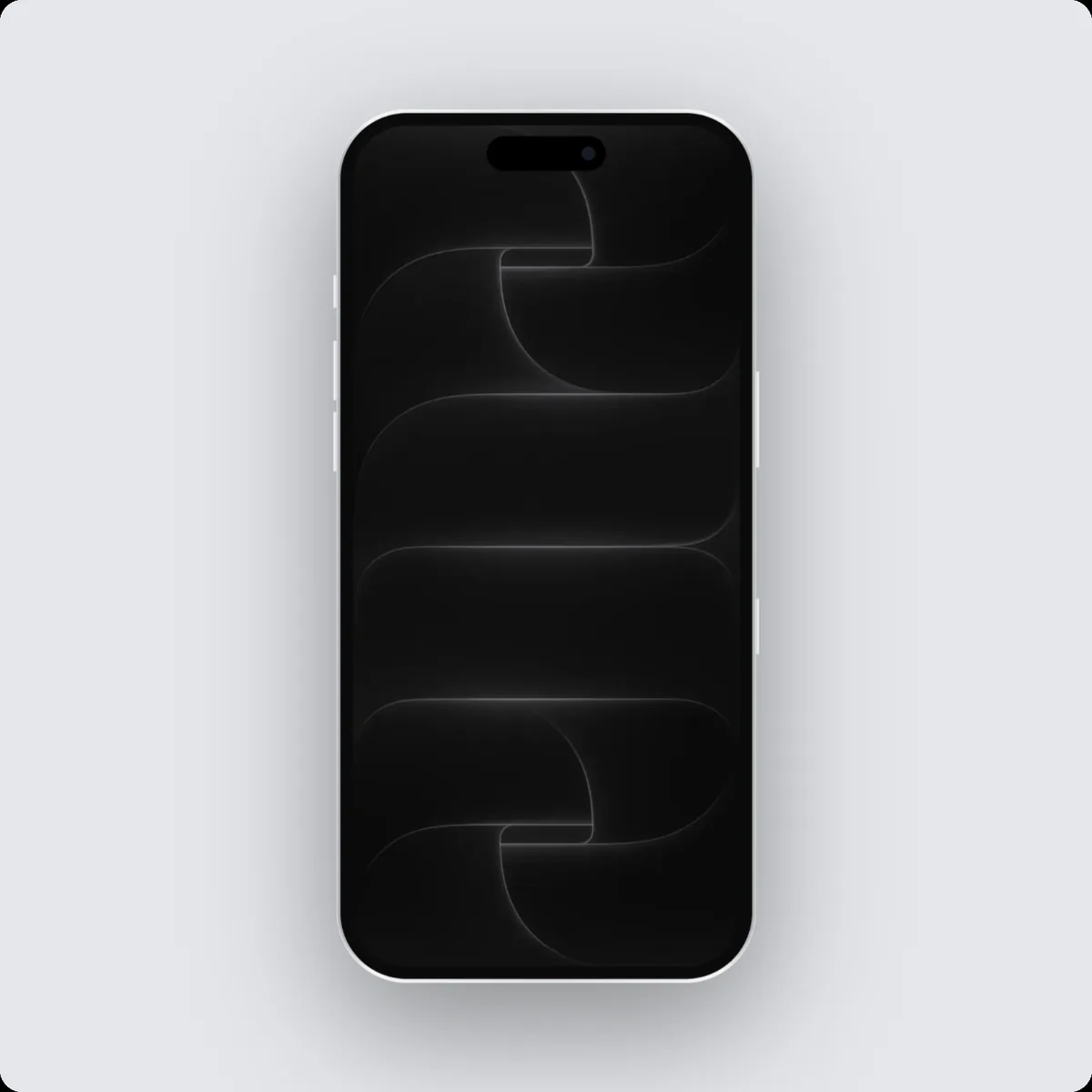 SizeInstagram post sizeThe Instagram post size is 1080 × 1080 pixels (1:1). Make one from your screenshot in a device mockup, as an image or a video.
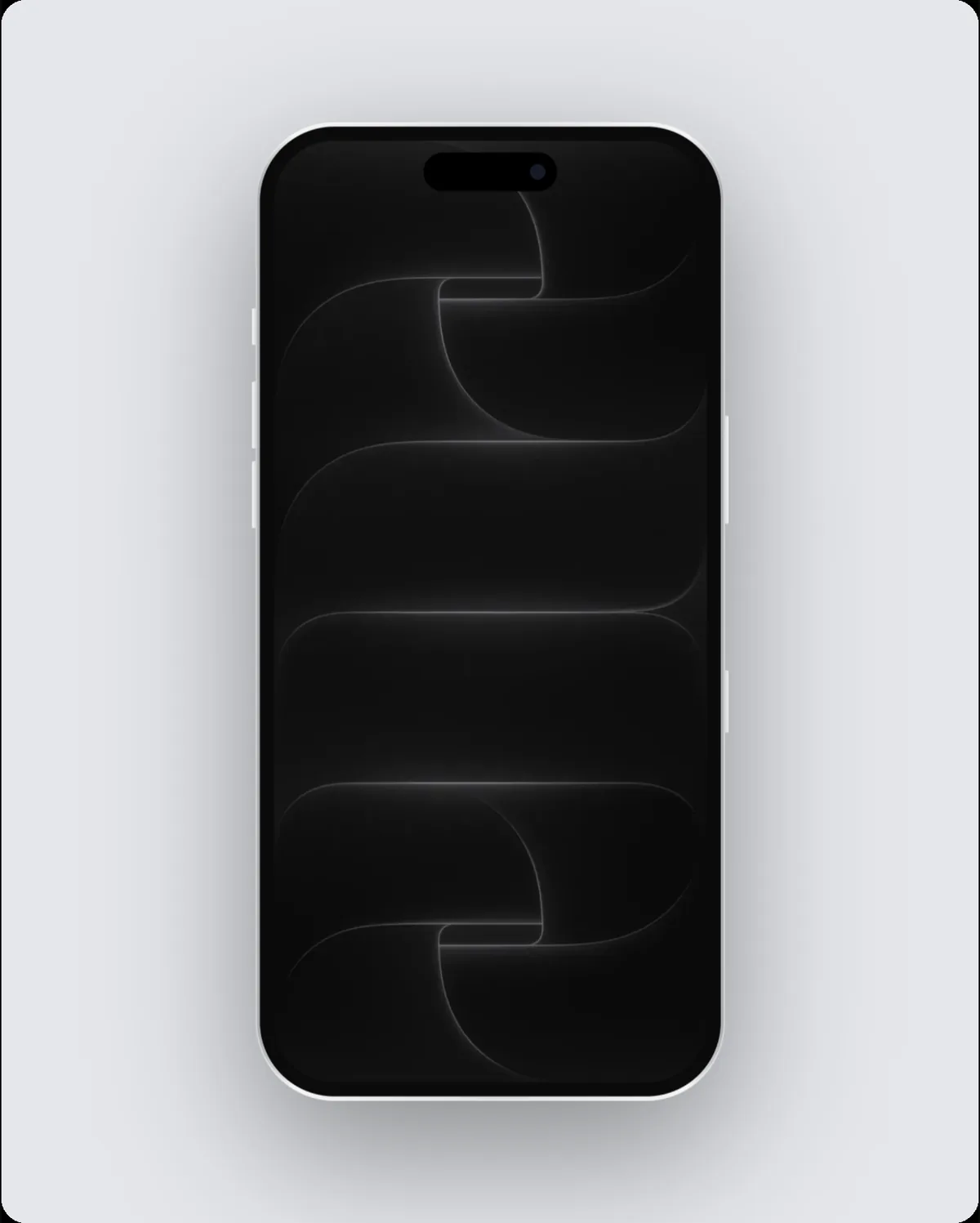 SizeInstagram portrait sizeThe Instagram portrait size is 1080 × 1350 pixels (4:5). Make one from your screenshot in a device mockup, as an image or a video.
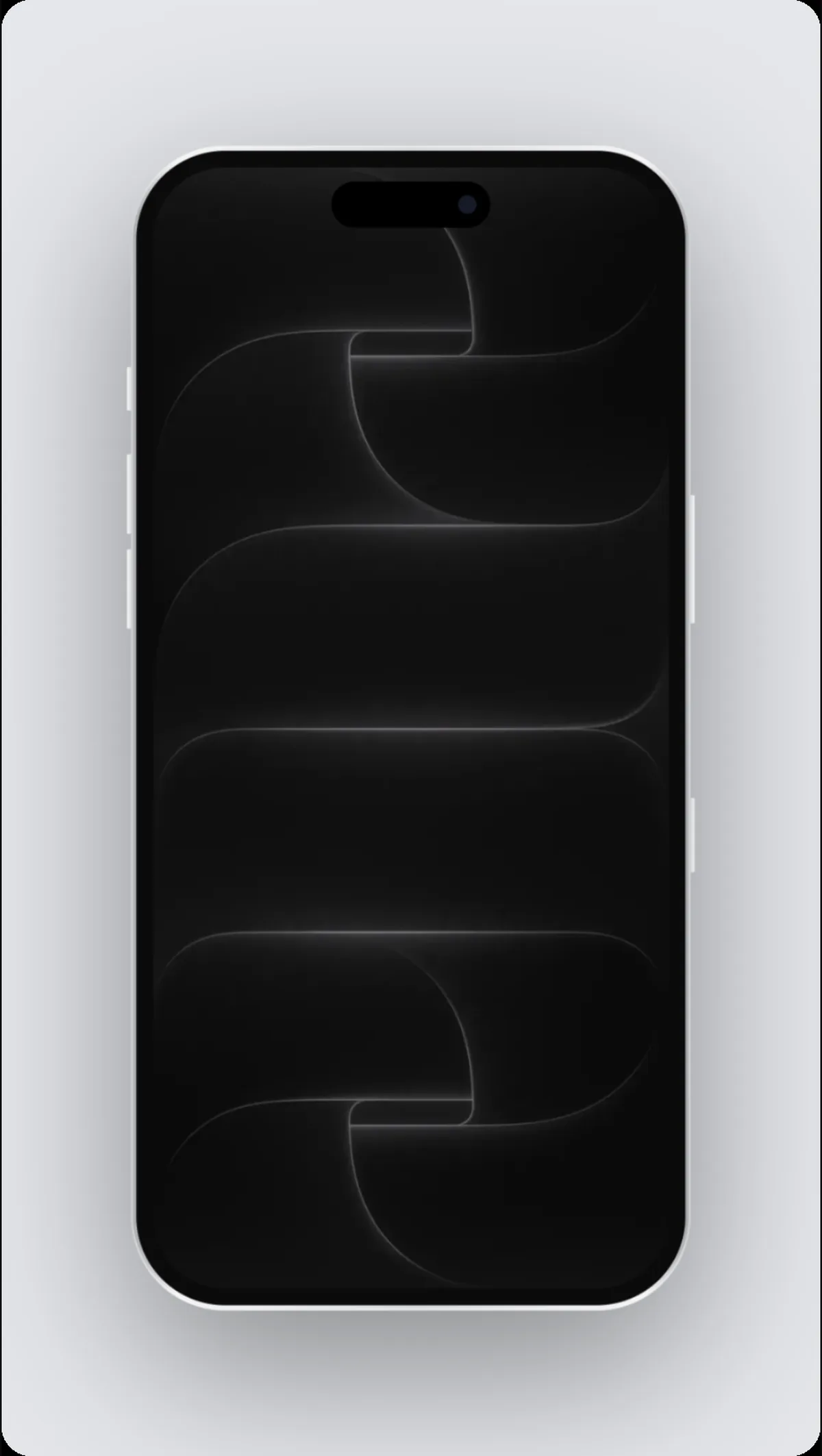 SizeInstagram story sizeThe Instagram story size is 1080 × 1920 pixels (9:16). Make one from your screenshot in a device mockup, as an image or a video.
X (Twitter)
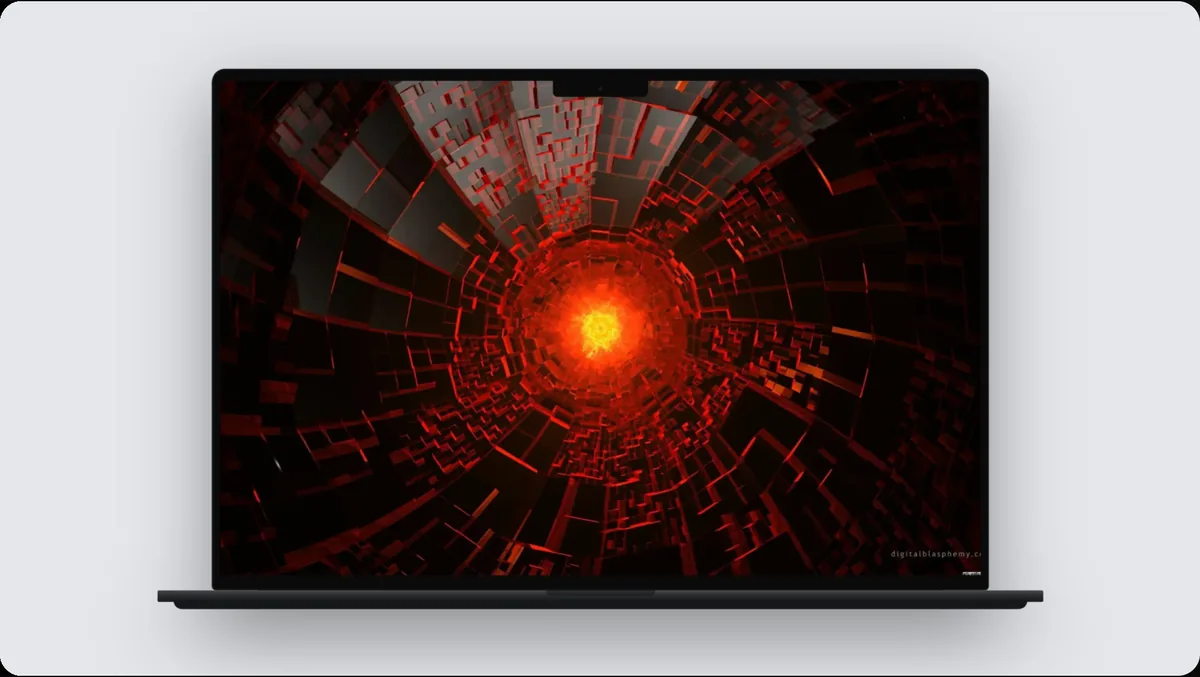 SizeX (Twitter) tweet sizeThe X (Twitter) tweet size is 1600 × 900 pixels (16:9). Make one from your screenshot in a device mockup, as an image or a video.
 SizeX (Twitter) cover sizeThe X (Twitter) cover size is 1500 × 500 pixels (3:1). Make one from your screenshot in a device mockup, as an image or a video.
YouTube
 SizeYouTube banner sizeThe YouTube banner size is 2560 × 1440 pixels (16:9). Make one from your screenshot in a device mockup, as an image or a video.
 SizeYouTube thumbnail sizeThe YouTube thumbnail size is 1280 × 720 pixels (16:9). Make one from your screenshot in a device mockup, as an image or a video.
 SizeYouTube video sizeThe YouTube video size is 1920 × 1080 pixels (16:9). Make one from your screenshot in a device mockup, as an image or a video.
 SizePinterest long pin sizeThe Pinterest long pin size is 1000 × 2100 pixels (10:21). Make one from your screenshot in a device mockup, as an image or a video.
 SizePinterest optimal pin sizeThe Pinterest optimal pin size is 1000 × 1500 pixels (2:3). Make one from your screenshot in a device mockup, as an image or a video.
 SizePinterest square pin sizeThe Pinterest square pin size is 1000 × 1000 pixels (1:1). Make one from your screenshot in a device mockup, as an image or a video.
Dribbble
Make it in your browser
Free to design, with every device and template. Recording your screen? Get the Mac app.