By Shaheer Malik · · 6 min read
App Store Screenshot Rules in 2026: What Gets an App Rejected
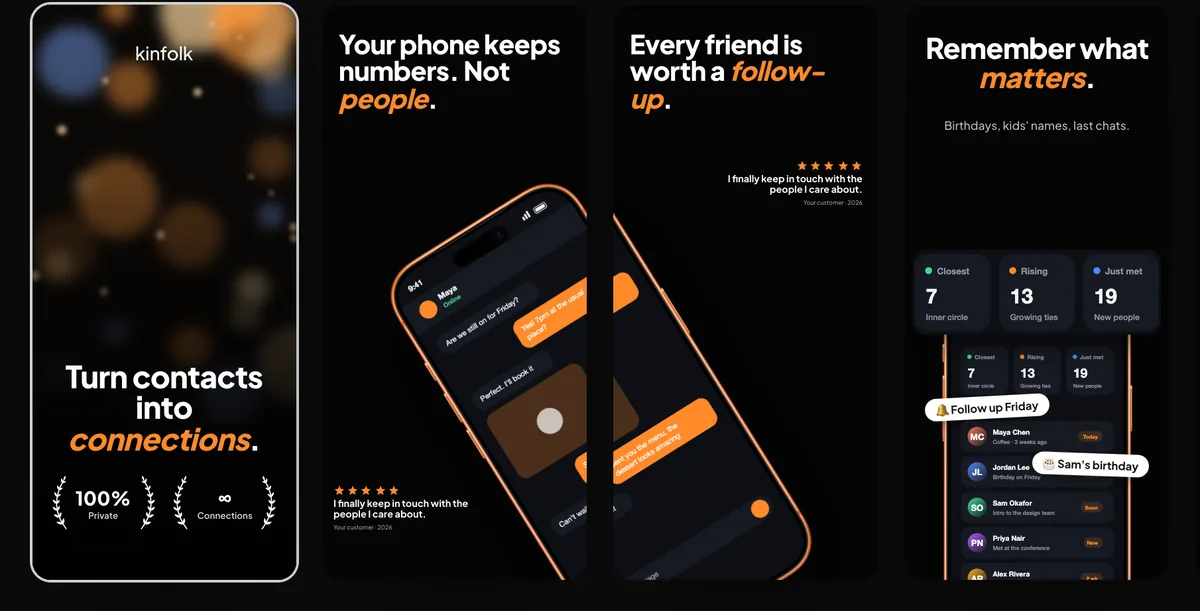
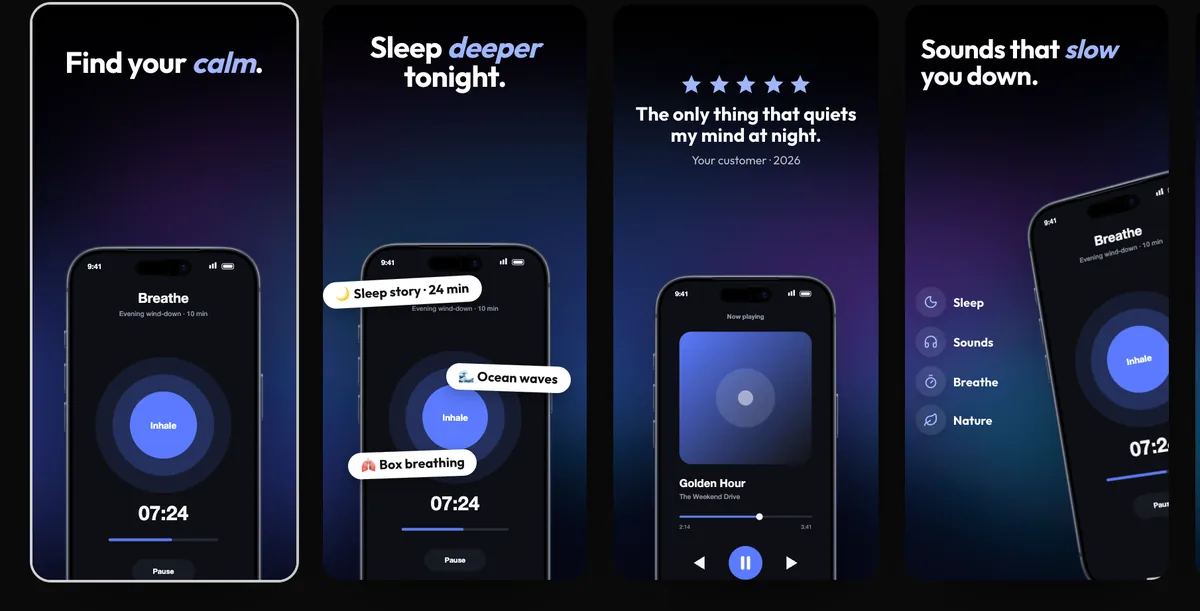
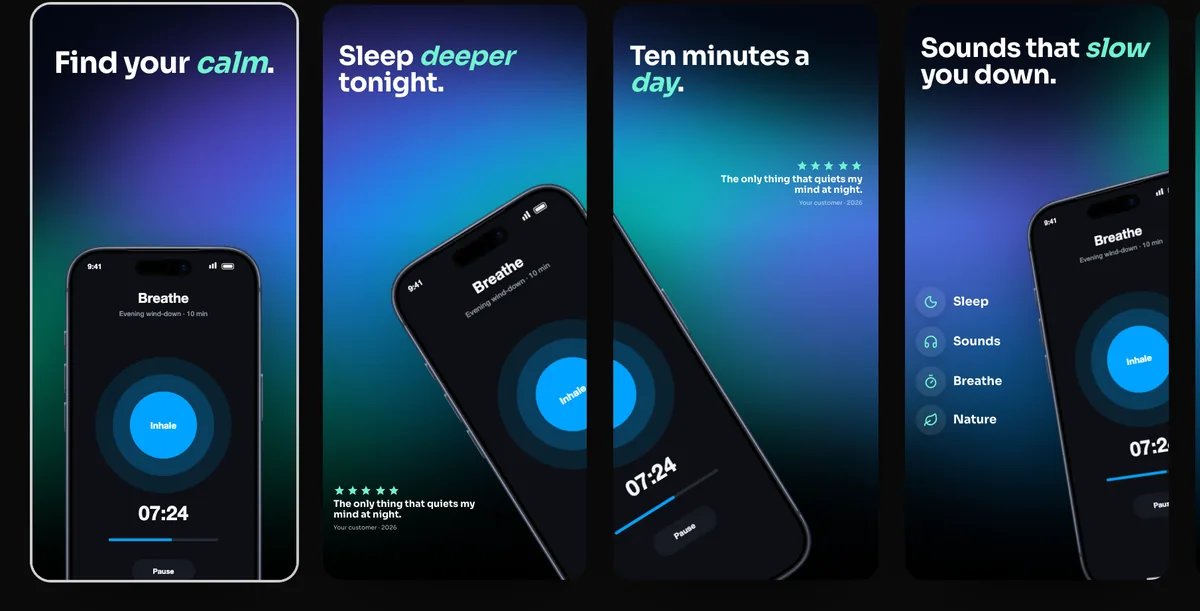
Apple requires App Store screenshots to show your app in use, not just a splash screen, login page or title art. They may add text and image overlays, must suit a 4+ age rating, and must not show other mobile platforms. You can upload one to ten screenshots per size, as JPEG or PNG without transparency. If your app runs on iPhone, 6.9-inch screenshots are required (or 6.5-inch if you don't provide 6.9-inch), and 13-inch screenshots if it runs on iPad.
Most App Store screenshot advice is about conversion: what headline to write, which screen to lead with. That matters. But before any of it pays off, your screenshots have to get through App Review and upload cleanly to App Store Connect.
This guide gathers Apple's actual rules in one place: what the App Review Guidelines say about screenshots, the sizes and formats App Store Connect accepts, and the mistakes that get a submission sent back. Everything is taken from Apple's own pages, read on 1 October 2026, with links so you can check them.
What do Apple's guidelines say about screenshots?
Section 2.3 of the App Review Guidelines covers accurate metadata, and several of its rules apply directly to screenshots.
| Guideline | What it means for screenshots |
|---|---|
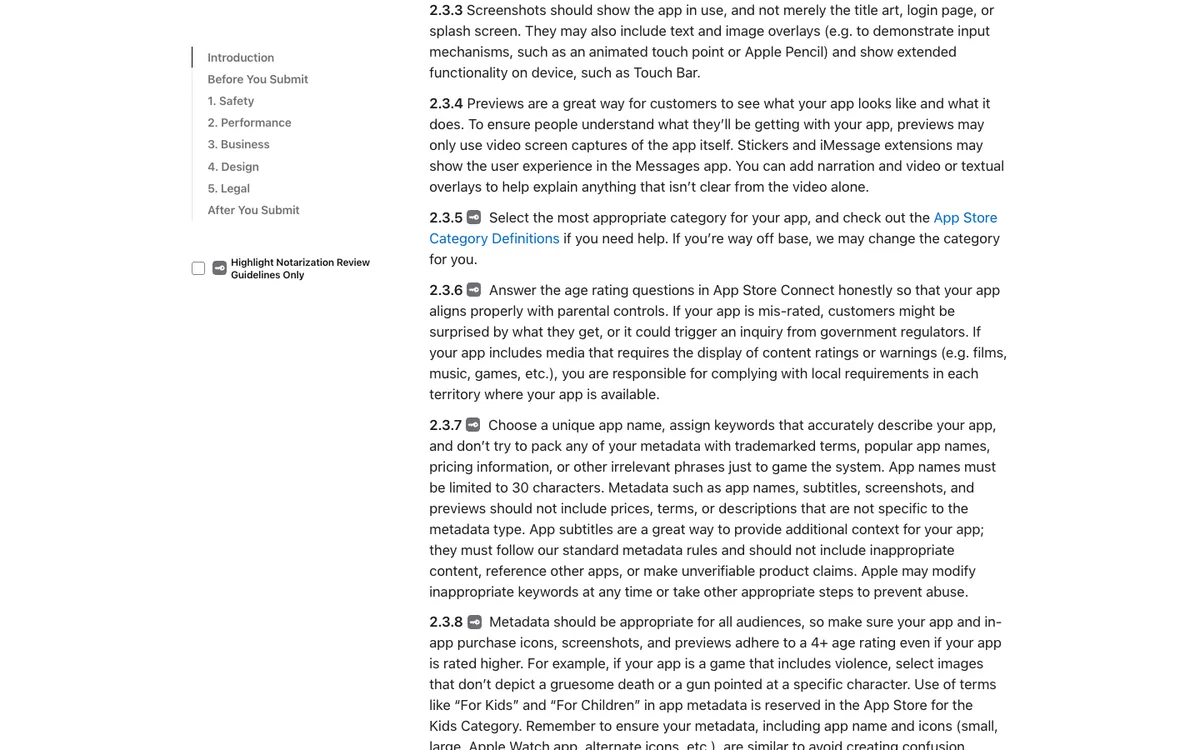
| 2.3.3 | Show the app in use. Title art, a login page or a splash screen on its own isn't enough. Text and image overlays are allowed. |
| 2.3.4 | App previews (the videos) may only use screen captures of the app itself, with narration and overlays allowed. |
| 2.3.7 | Don't pack metadata with trademarked terms, popular app names, pricing information or irrelevant phrases. |
| 2.3.8 | Screenshots and previews must suit a 4+ age rating, even if the app is rated higher. |
| 2.3.10 | Don't show the names, icons or imagery of other mobile platforms or alternative app marketplaces. |
| 2.3.1(a) | Don't hide features; what the app does should be clear to users and App Review. |
The key line in 2.3.3 is short: screenshots "should show the app in use". Everything else is about not misleading people.
Which screenshot sizes does App Store Connect accept?
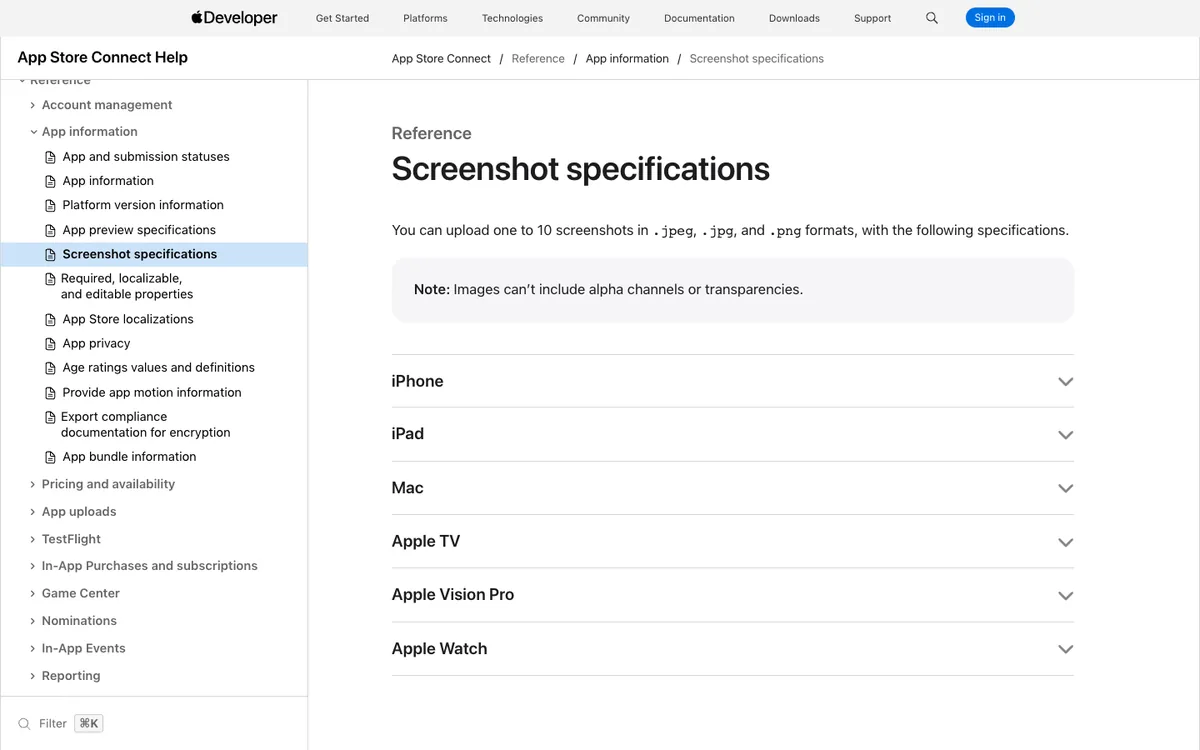
App Store Connect needs one set per display size, and only a few sizes are required. Apple's screenshot specifications list the accepted portrait resolutions; landscape is the same with width and height swapped.
| Display | Accepted portrait sizes (pixels) | Required? |
|---|---|---|
| iPhone 6.9" | 1260 × 2736, 1290 × 2796, 1320 × 2868 | Yes, if the app runs on iPhone |
| iPhone 6.5" | 1284 × 2778, 1242 × 2688 | Only if you don't provide 6.9" |
| iPhone 6.3" | 1179 × 2556 | No |
| iPhone 6.1" | 1170 × 2532 | No |
| iPad 13" | 2064 × 2752, 2048 × 2732 | Yes, if the app runs on iPad |
| iPad 11" | 1488 × 2266 | No |
The other sizes are optional. I keep a full list, including Mac and landscape sizes, in App Store screenshot sizes.
How many screenshots can you upload, and in what format?
One to ten per display size, per language. Apple accepts .jpeg, .jpg and .png files, and images can't include an alpha channel or transparency.
Transparency is a common cause of upload errors. A PNG exported with a transparent background, even with nothing visibly see-through, can be refused. Export with a solid background.
Which screenshots matter most?
The first ones. On its product page guidance, Apple says that, depending on orientation, the first one to three screenshots appear in search results when there's no app preview. Most people decide from those, without opening your page.
So the first screenshot carries the app's main promise, and the next two back it up. Save settings, edge cases and secondary features for screenshots four to ten.
What gets App Store screenshots rejected?
These are the mistakes that break the rules above.
- Only marketing art. A set of illustrations, a logo on a gradient, or a splash screen with no real app UI. Overlays are fine; replacing the app with them isn't.
- Another platform's devices. An Android phone, a competitor's store badge or another marketplace's name in a frame or a headline.
- Features the app doesn't have. A screen mocked up for a feature that's not in this version, or behind something App Review can't reach.
- Mature content. Imagery that doesn't suit a 4+ rating, even in a 17+ app.
- Prices and keyword stuffing in metadata. Guideline 2.3.7 names pricing information and popular app names; keep "Free!" and competitors' names out of your metadata, and out of headlines, which go stale when prices change.
And two that block the upload before review:
- Wrong pixel size. A screenshot one pixel off an accepted size is refused.
- Transparency. Any alpha channel in a PNG.
How do you make screenshots that pass and convert?
Design the whole set at once, at an accepted size, from real screens of your app.
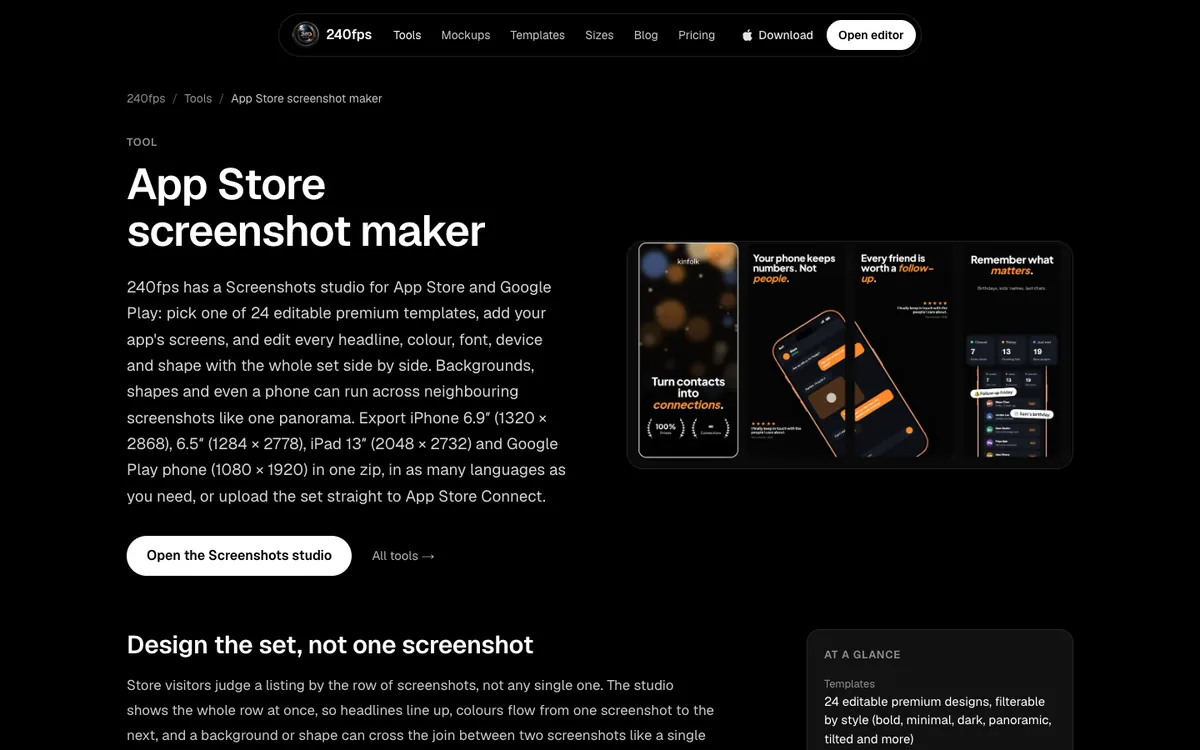
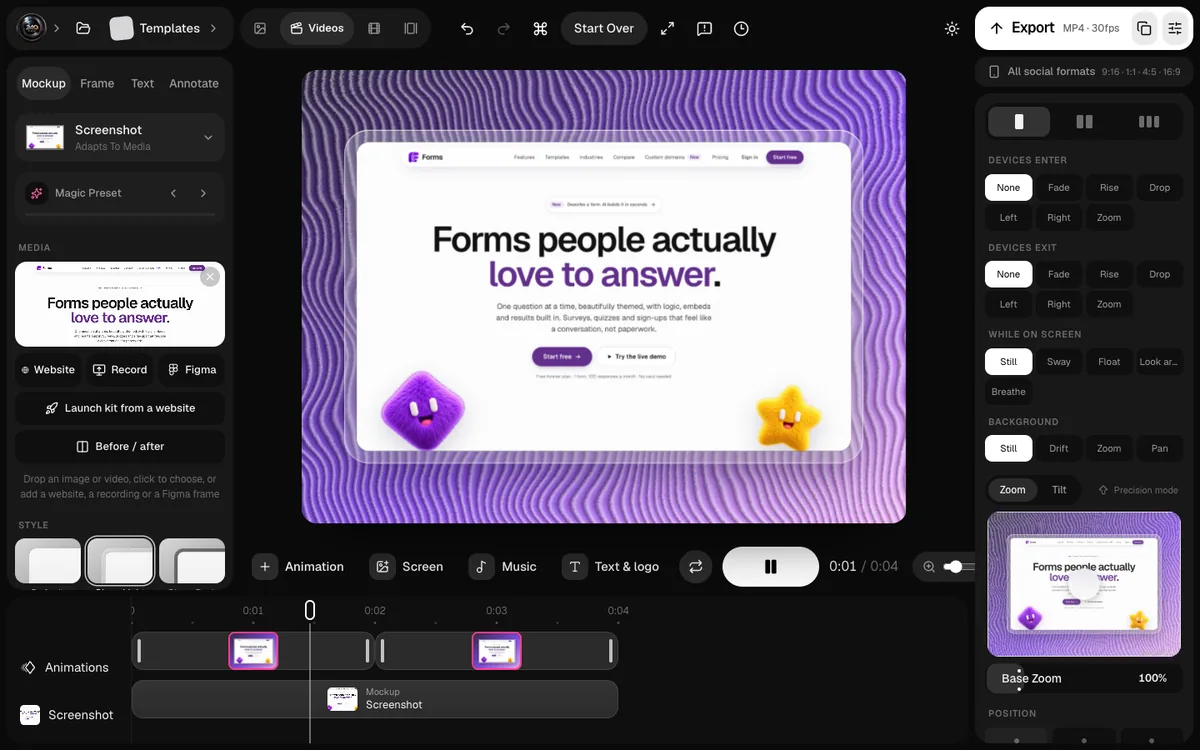
In the 240fps Screenshots studio, you add your app's real screens to one of 24 editable templates, and the studio exports iPhone 6.9" (1320 × 2868), 6.5" (1284 × 2778), iPad 13" (2048 × 2732) and Google Play sizes together, without transparency. You can also make the set in every language you need.
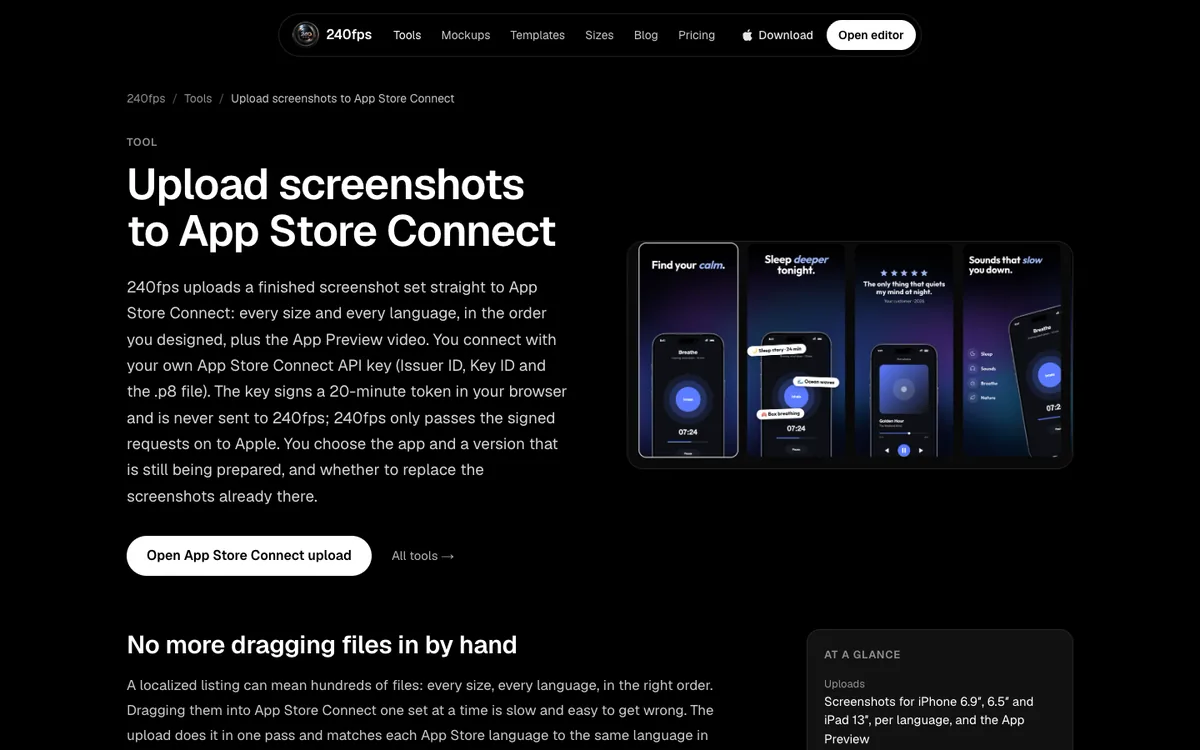
Then upload it straight to App Store Connect: every size and language in one pass, in the order you designed. You connect with your own App Store Connect API key, which signs a short-lived token in your browser and is never sent to 240fps.
FAQs
What size should App Store screenshots be in 2026?
For iPhone apps, Apple requires the 6.9-inch size, such as 1320 × 2868 pixels portrait, or the 6.5-inch size (1284 × 2778) if you don't provide 6.9-inch. iPad apps also need 13-inch screenshots, such as 2064 × 2752.
How many screenshots can I add on the App Store?
Between one and ten per display size and language, according to Apple's screenshot specifications.
Can App Store screenshots include text?
Yes. Guideline 2.3.3 allows text and image overlays, as long as the screenshots still show the app in use.
Why was my App Store screenshot upload rejected?
The usual causes are a pixel size that isn't on Apple's accepted list, or a PNG with an alpha channel. Export at an exact accepted size with a solid background.
Can I show an Android phone in my App Store screenshots?
No. Guideline 2.3.10 says not to include names, icons or imagery of other mobile platforms in your metadata.
Last updated: 2 October 2026. Rules and sizes are from Apple's pages on 1 October 2026; check App Store Connect before each release.