Tools
240fps is one editor with tools for each job: turn a website into a video, put a live website in a device, make app promo videos, animate a cursor and zooms, annotate and blur screenshots, export GIFs and combine devices in one scene. For app launches it designs App Store and Google Play screenshots in every size and language, makes the App Preview video and the app icon, and uploads it all to App Store Connect.
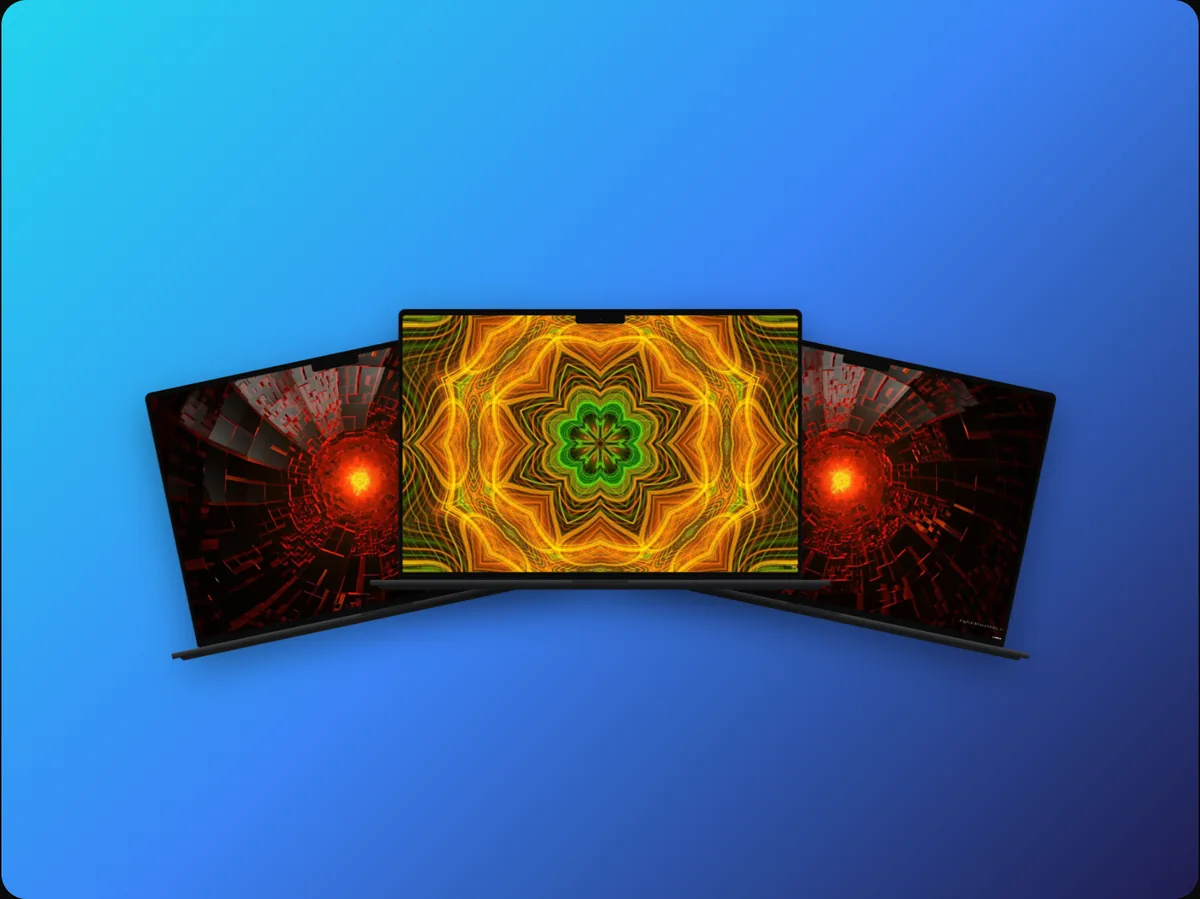 ToolTurn a website into a videoPaste a URL and get an MP4 of your website scrolling in a MacBook and an iPhone, with a headline. No screen recording, no editing.
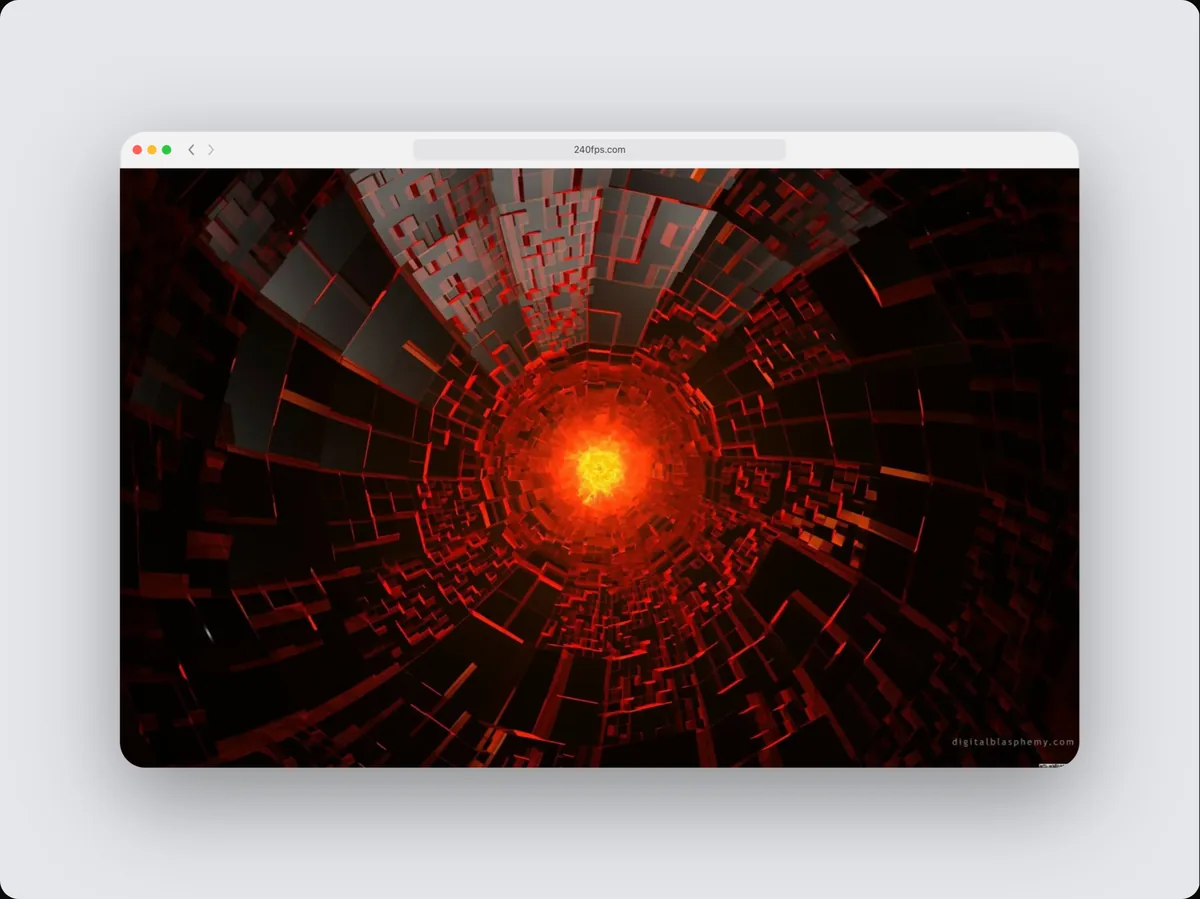 ToolWebsite mockup generatorPaste a URL and see your real website inside an iPhone, iPad, MacBook or browser window, at each device's own screen size.
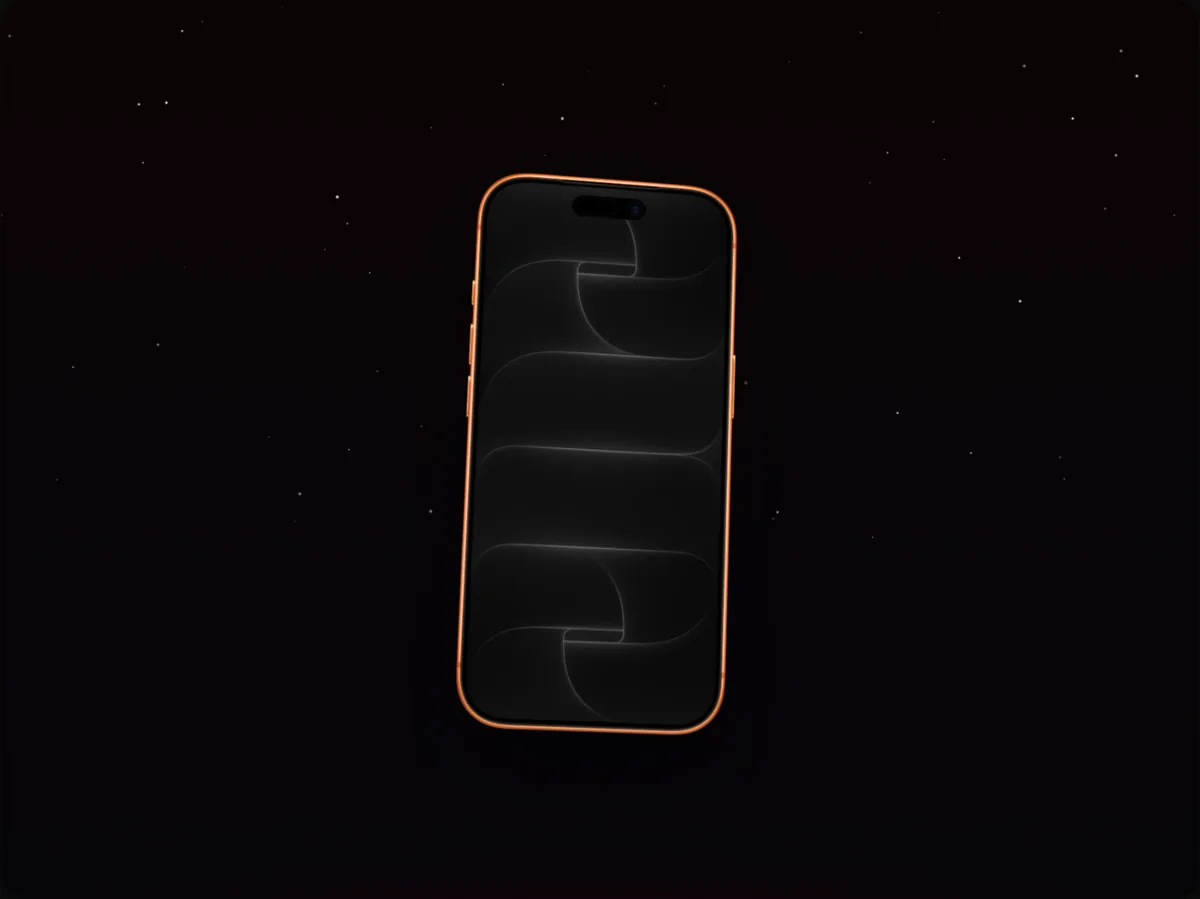 ToolApp promo video makerTurn app screenshots or a screen recording into an animated iPhone or iPad promo video with camera moves, text and music.
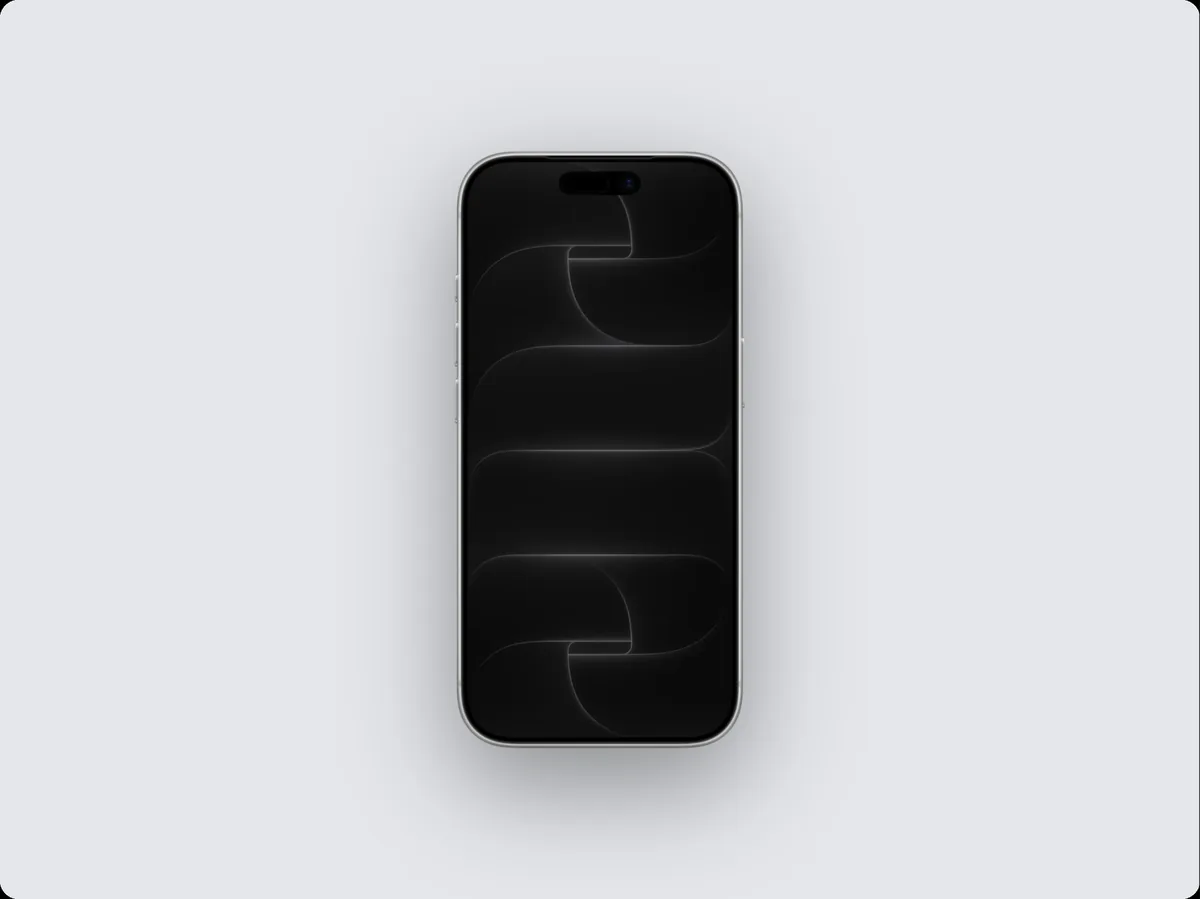 ToolScreenshot to mockupPaste a screenshot and turn it into a polished device mockup with a background, shadow and layout in seconds.
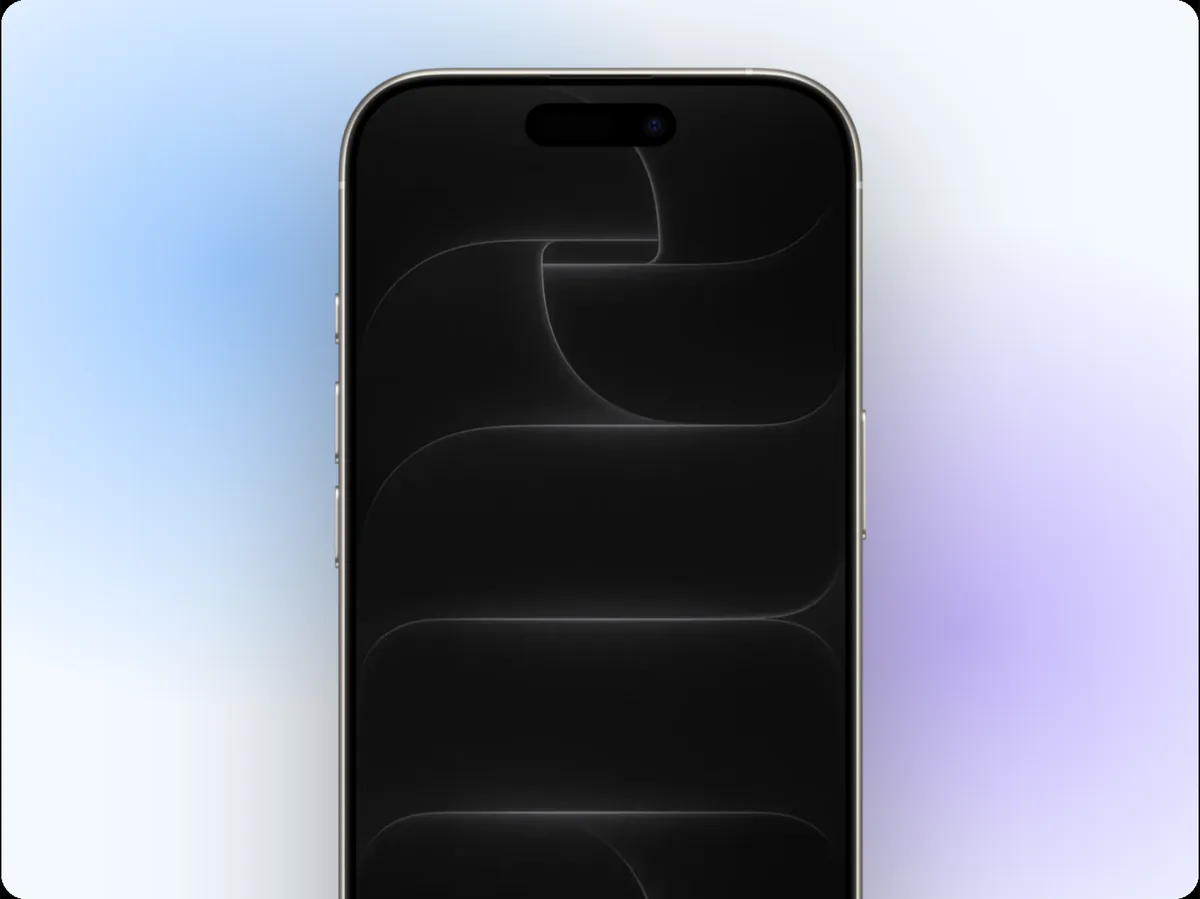 ToolAnimated cursor for product videosAdd a smooth animated cursor that moves, clicks and taps through your app or website mockup, with click ripples and camera zooms that follow.
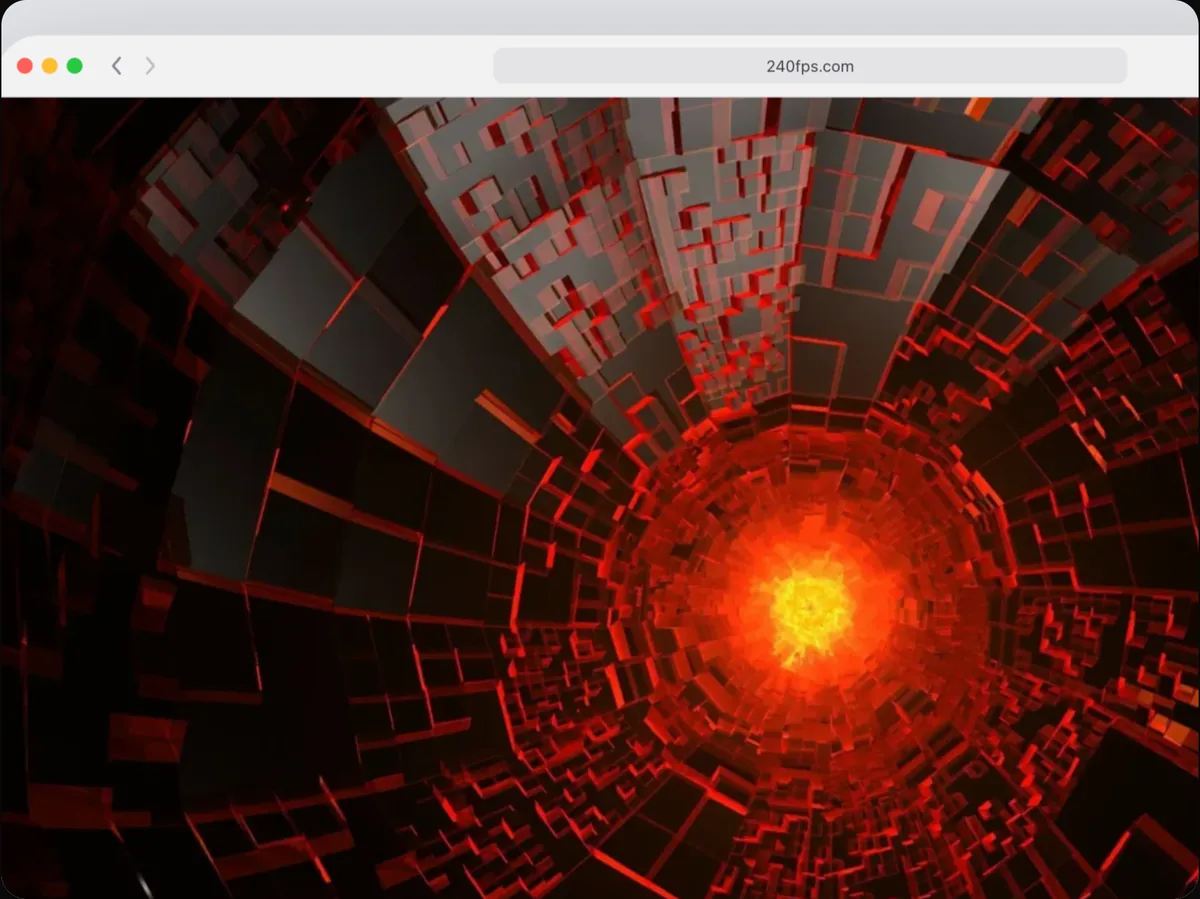 ToolZoom into detailsZoom the camera into a button, a chart or any detail of your screenshot and back out, like the zooms in Screen Studio, without recording anything.
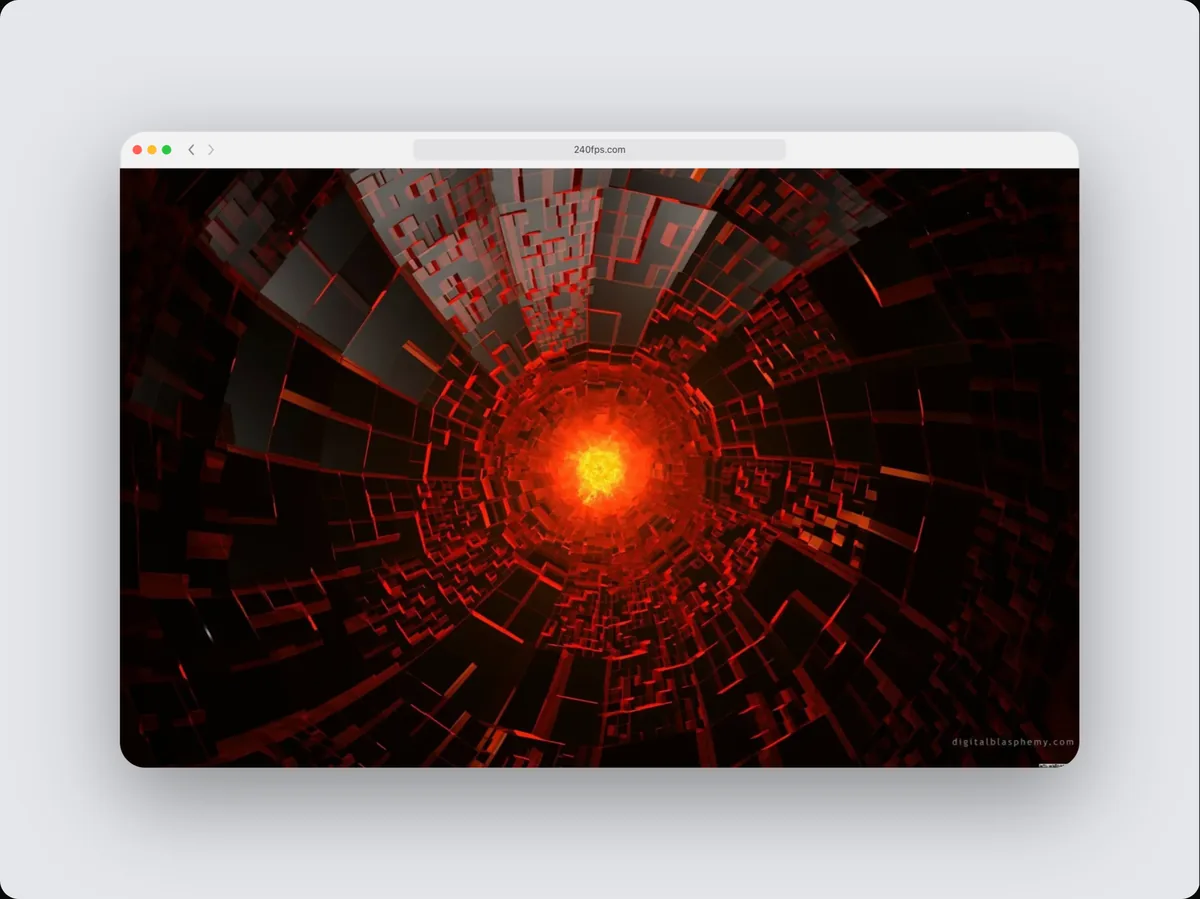 ToolAnnotate screenshotsAdd arrows, highlight boxes, speech bubbles and a spotlight to screenshots in a device mockup, as a still image or animated in a video.
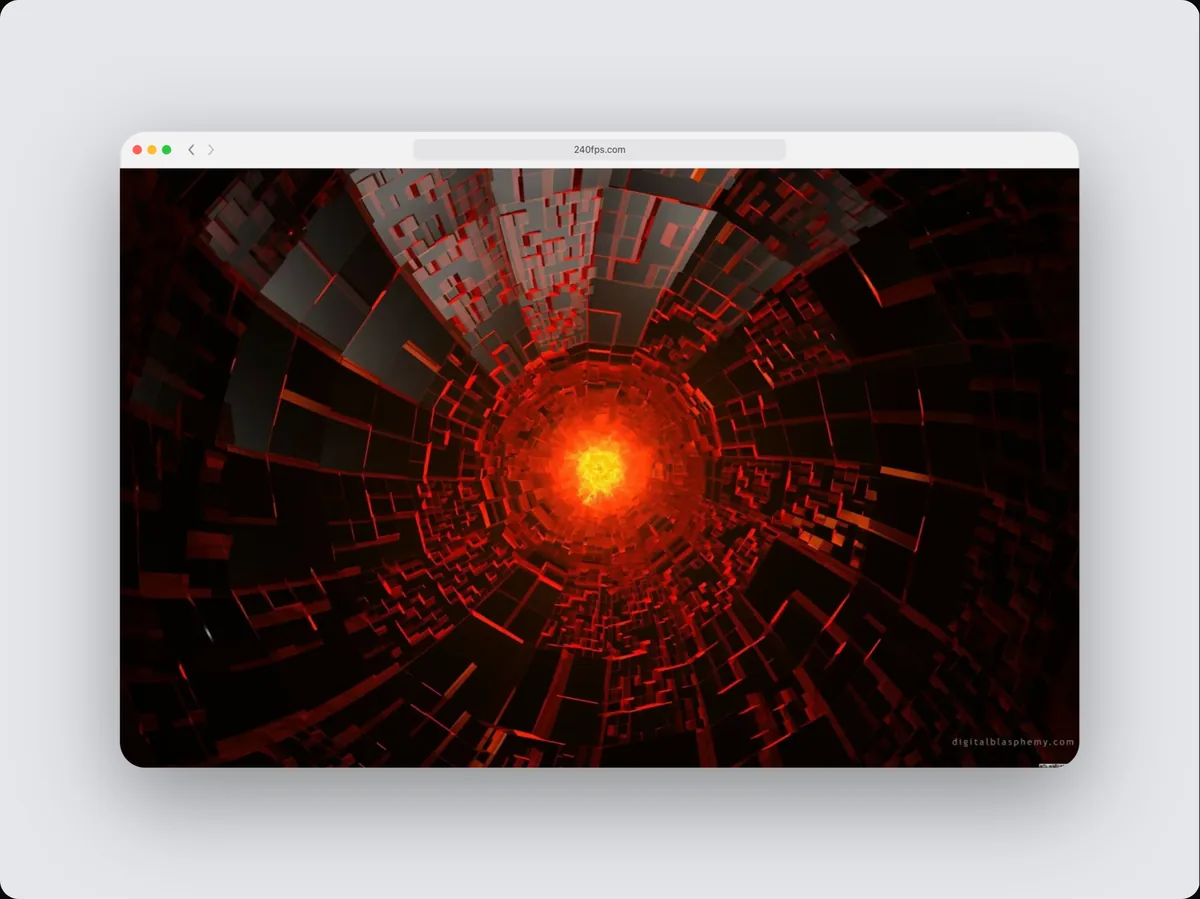 ToolBlur private details in screenshotsHide emails, names, prices and keys in a screenshot or product video with a blur that really covers them, in the preview and in every export.
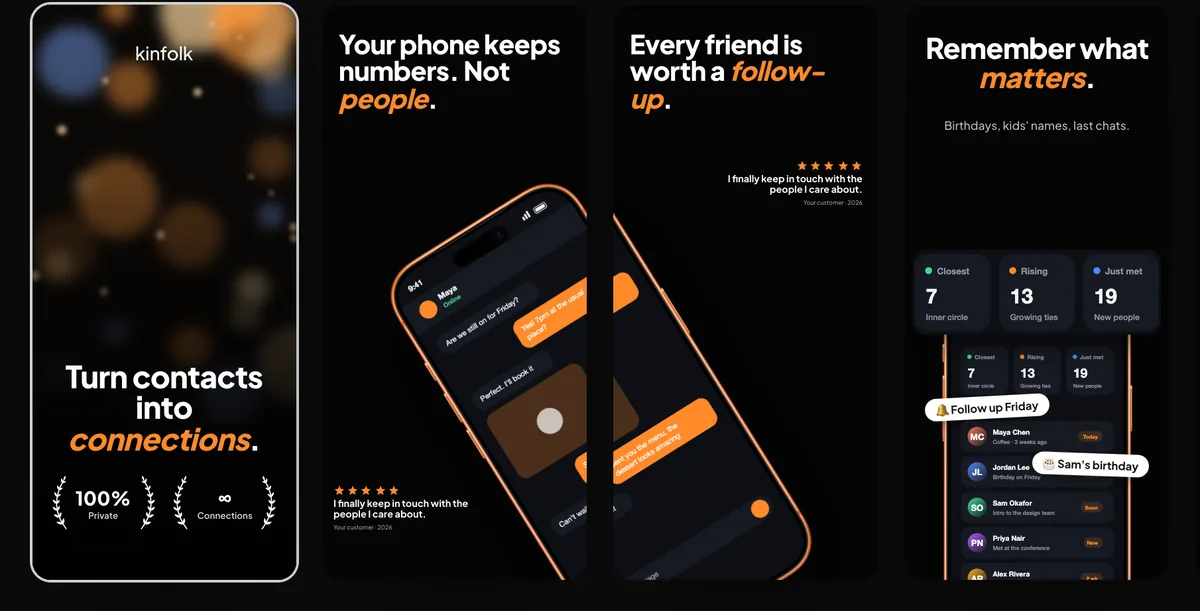 ToolApp Store screenshot makerDesign a whole set of App Store and Google Play screenshots side by side from editable templates, then export every required size in one zip.
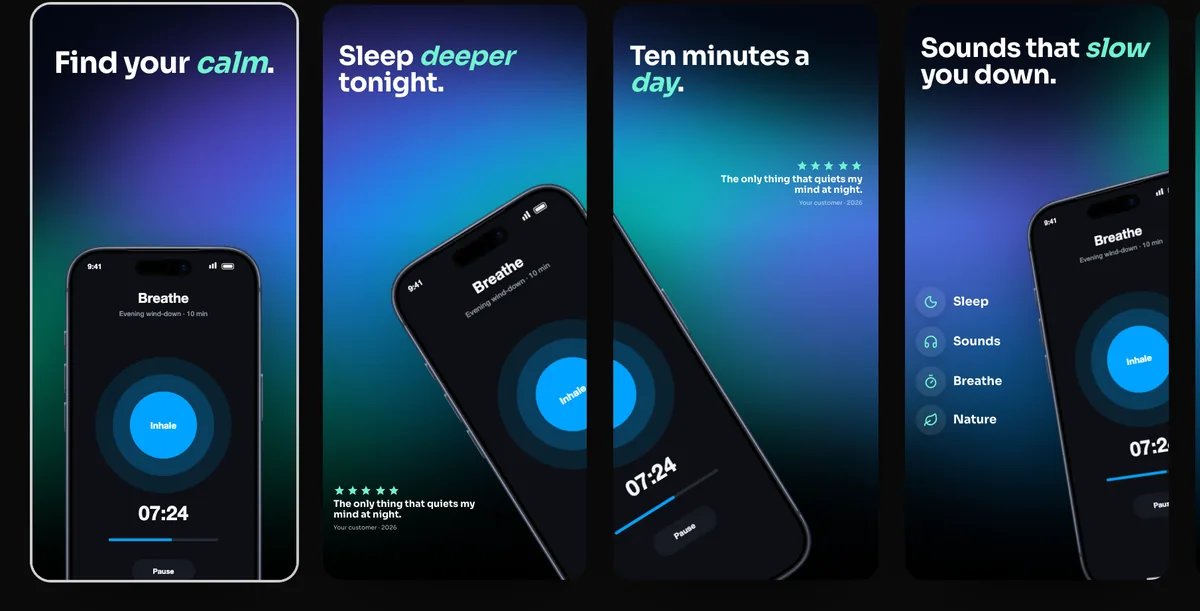 ToolLocalized App Store screenshotsDesign your App Store screenshots once and export them in every language you sell in: a translation table, localized screens, a folder per language.
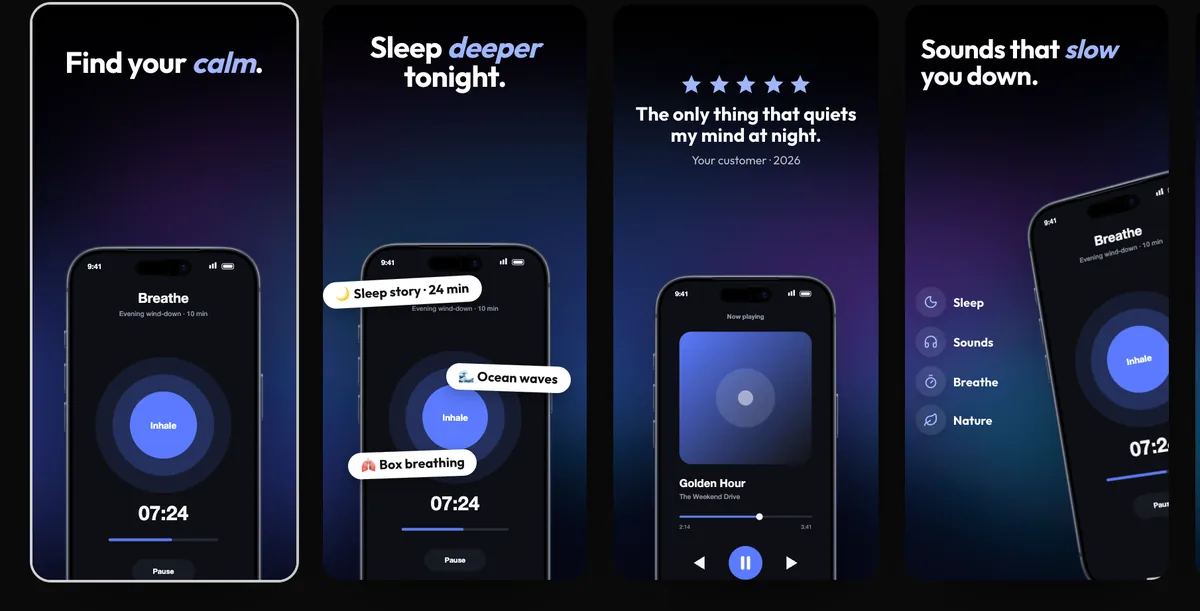 ToolUpload screenshots to App Store ConnectSend every App Store screenshot, in every size and language, and your App Preview straight to an app version, with your own API key.
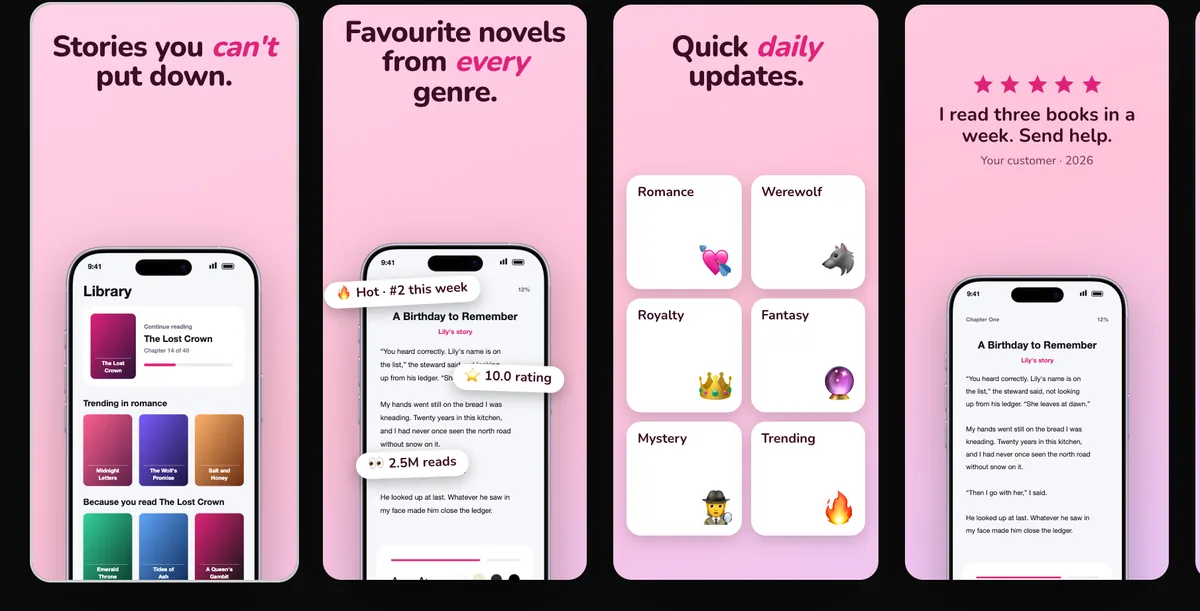 ToolApp icon generatorDesign an app icon from letters, an emoji, your logo or your own artwork, and download the Xcode icon set, Android adaptive icons and web icons in one zip.
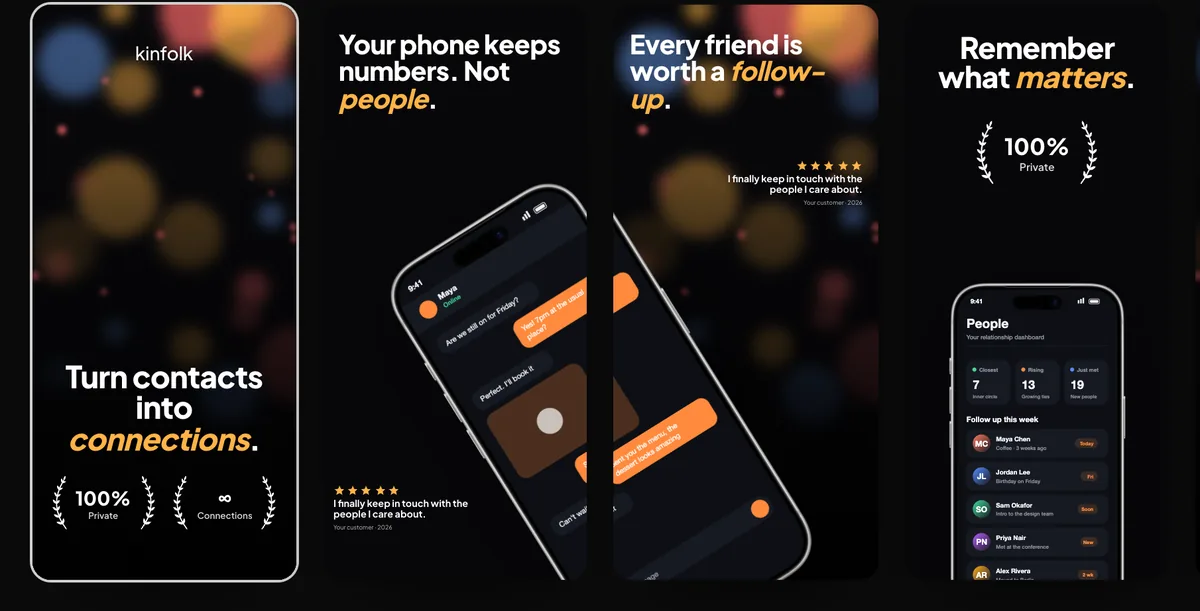 ToolApp Preview video makerTurn your app's screen recordings into an App Store App Preview at the exact size, length, frame rate and audio format Apple accepts.
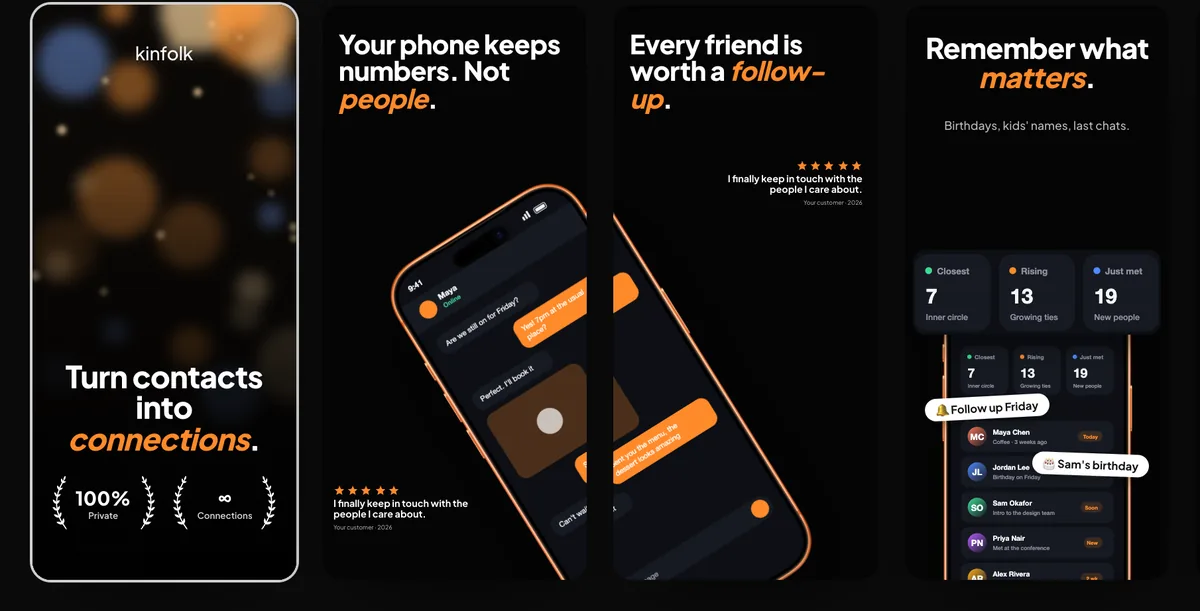 ToolLaunch kit from your websitePaste your website and get App Store screenshots, square and vertical posts, a Product Hunt gallery and a MacBook and iPhone video, all in one style.
 ToolAnimated mockup GIFsMake a looping animated GIF of your app or website in a device mockup, for READMEs, docs, emails and chat.
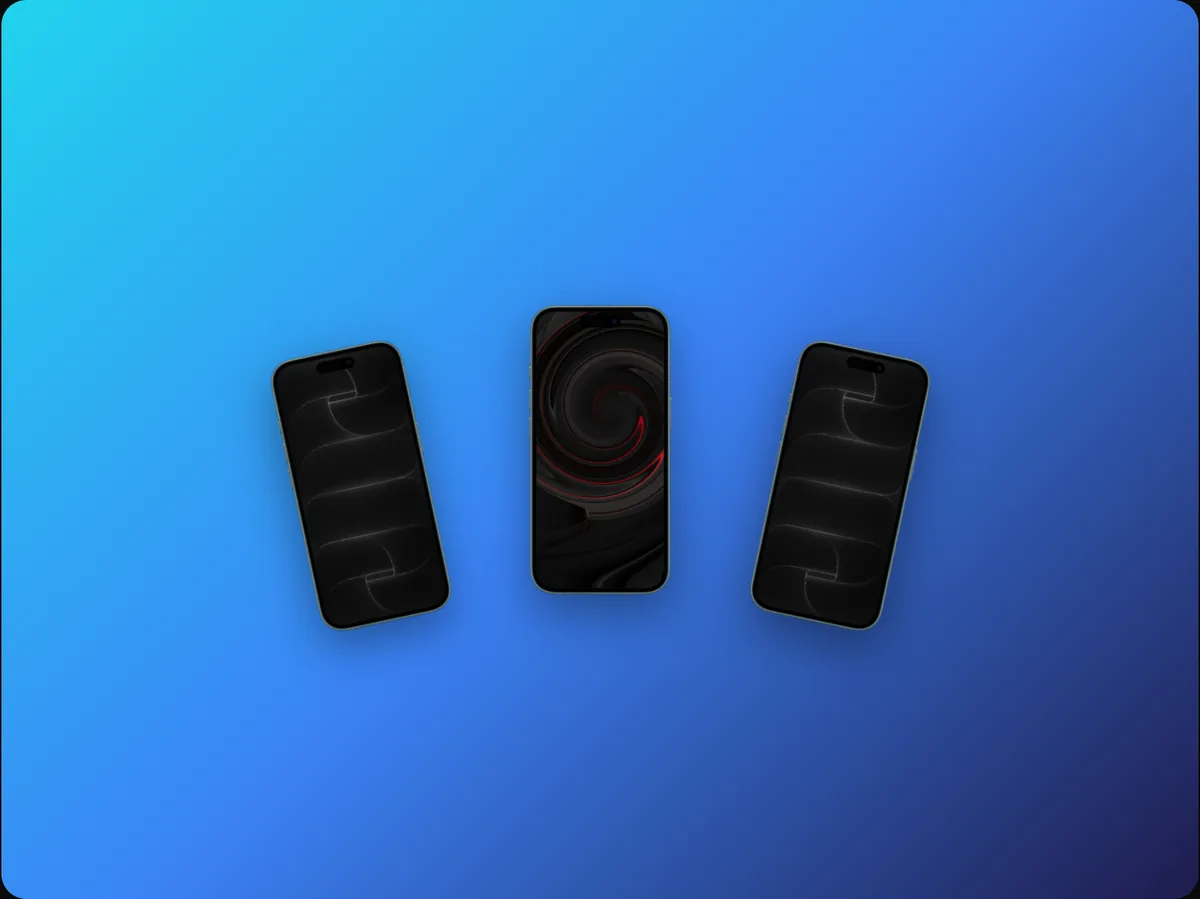 ToolMulti-device mockupsShow your app or website on an iPhone and a MacBook, or three iPhones, in one scene, sized to their real proportions.
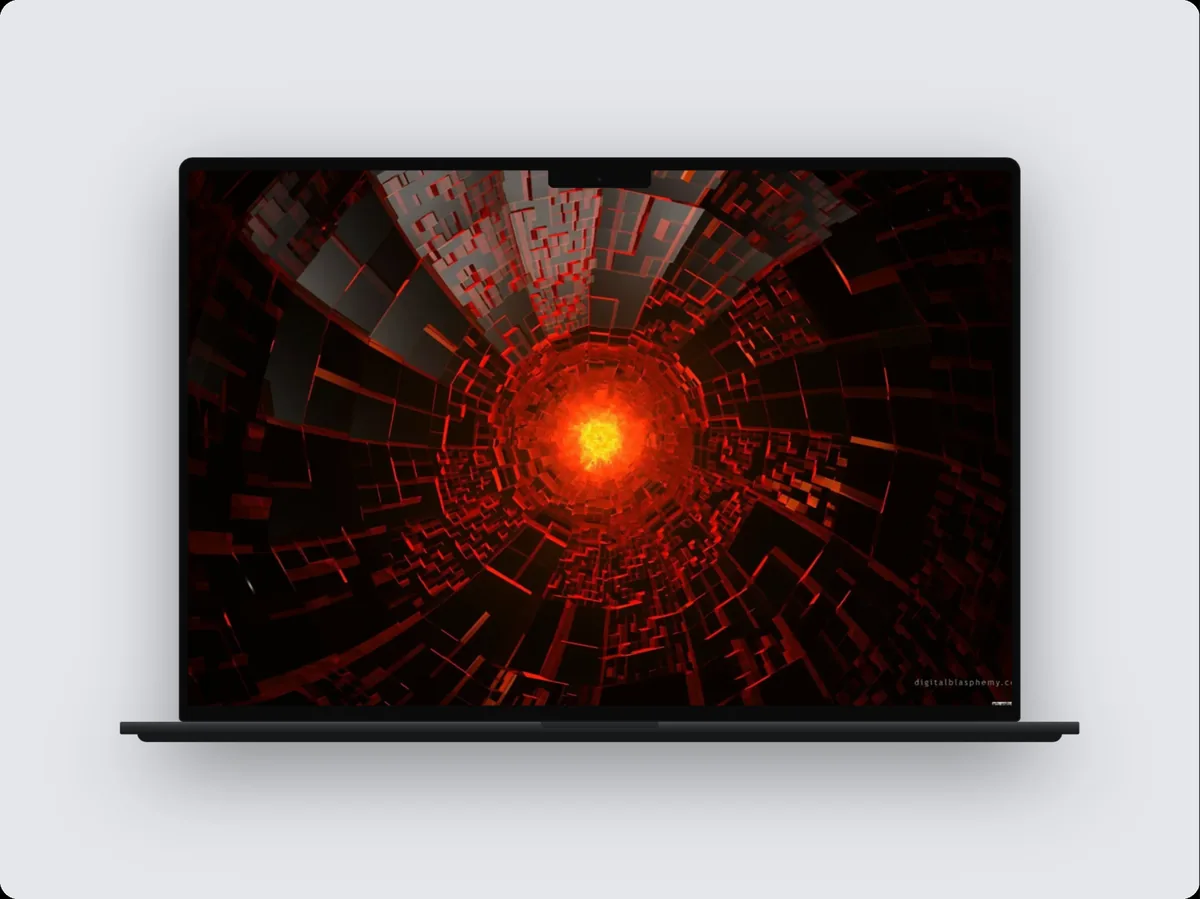 ToolMulti-page website walkthroughsShow your homepage, then pricing, then docs in one video: each page slides in and scrolls through inside a MacBook, iPhone or browser mockup.
 ToolFigma frames in device mockupsPaste a Figma frame link and the frame appears in an iPhone, iPad, MacBook or browser mockup, rendered at 2×, ready for images and videos.
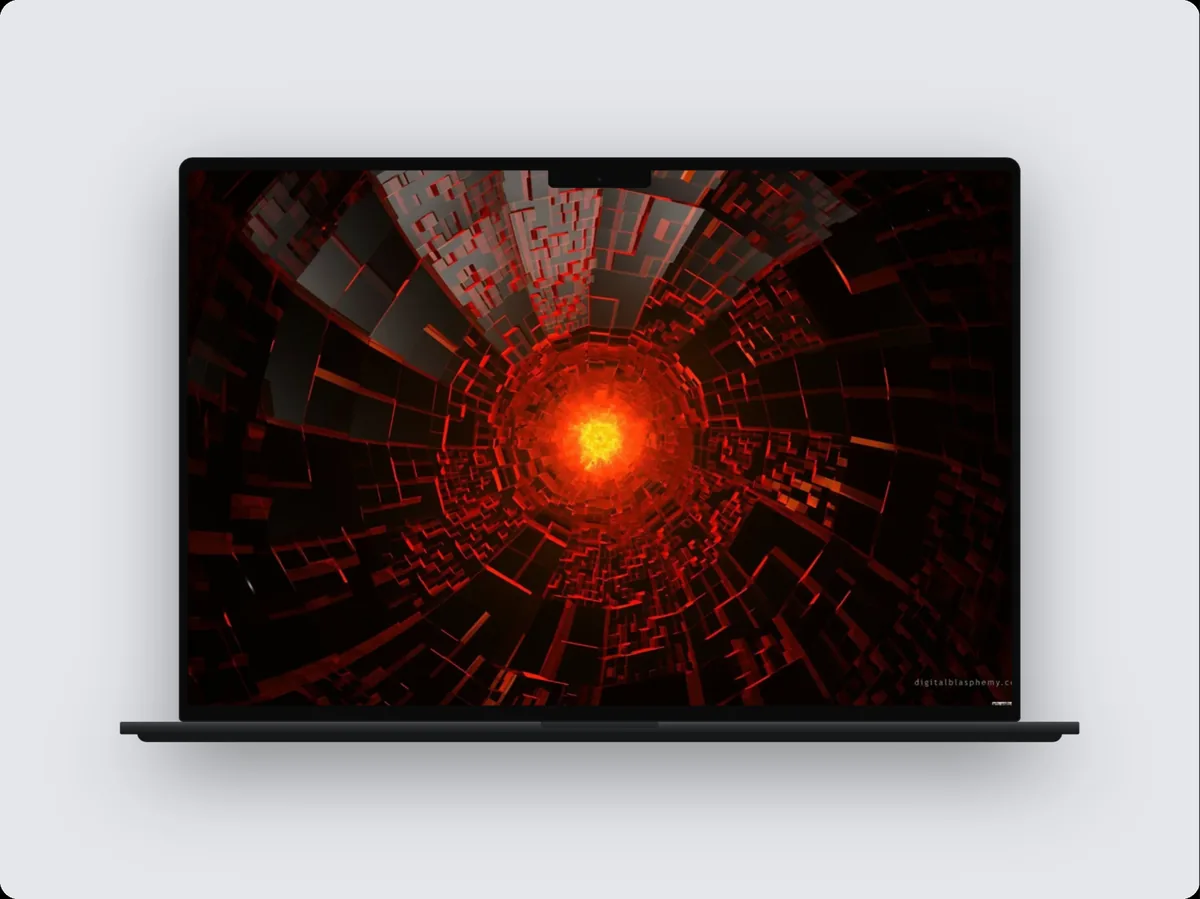 ToolA screen recorder that edits itselfRecord your Mac's screen, a window or an area from the notch, with microphone, computer sound and camera. 240fps zooms in on your clicks and polishes the cursor.
 ToolBrand kitSave your logo, brand colours, fonts, watermark and background once, and apply them to any mockup or video in one click.
Make it in your browser
Free to design, with every device and template. Recording your screen? Get the Mac app.