Size
Instagram post size
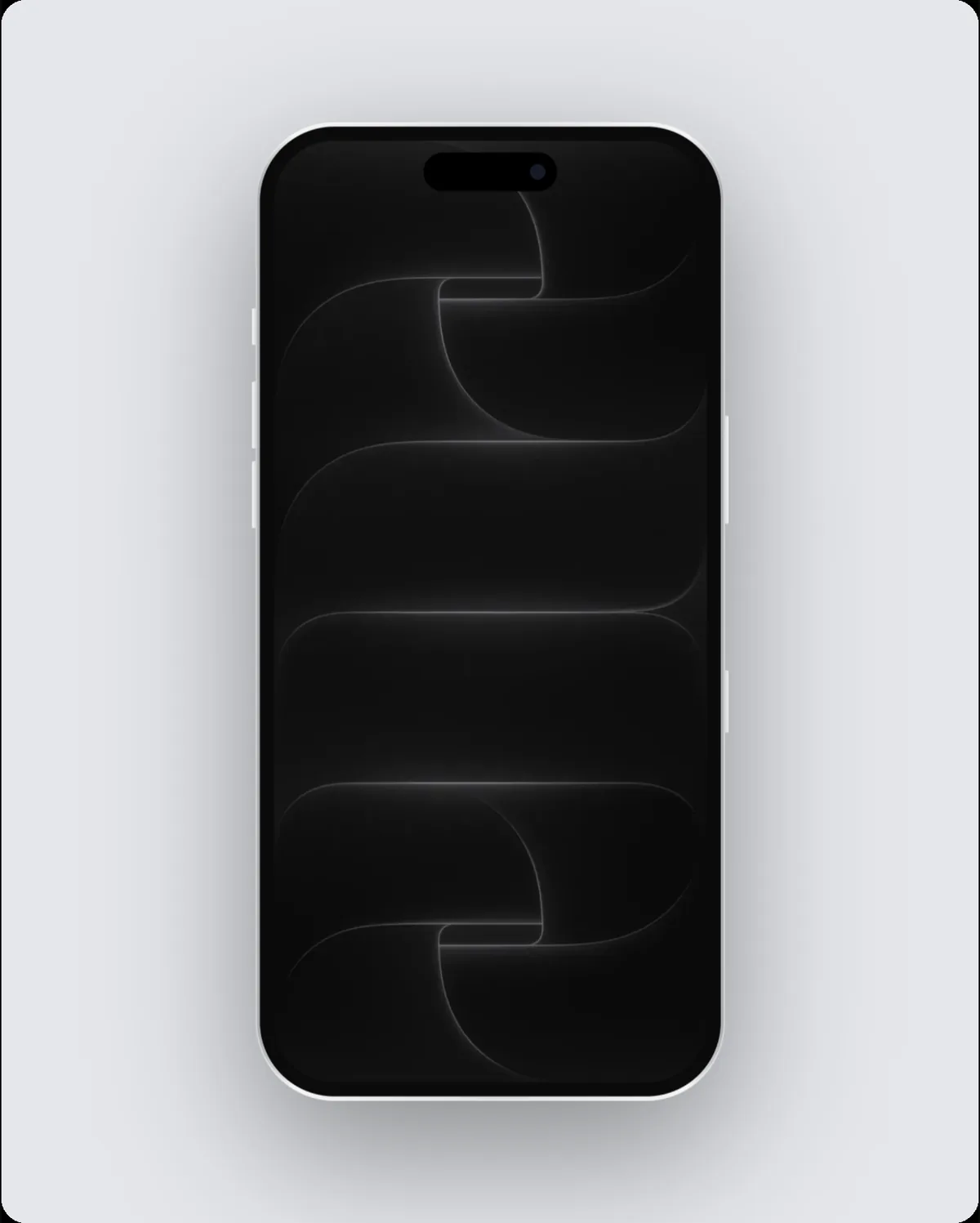
An Instagram post is 1080 × 1080 pixels, a 1:1 shape. In 240fps, choose Instagram post as the frame size and the canvas, the layout and every export use exactly 1080 × 1080, so the image or video is ready to upload without resizing.

Why the exact Instagram post size matters
Instagram crops everything to its own shapes, so a mockup made at the exact size keeps your device and headline where you put them.
Tips
- Keep text away from the top and bottom edges of Stories, where Instagram draws its own buttons.
- Video mockups work well as Reels and Stories: export an MP4 at 30 or 60 fps.
- One device with a short headline reads better on a phone than a busy multi-device scene.
Other sizes in this family
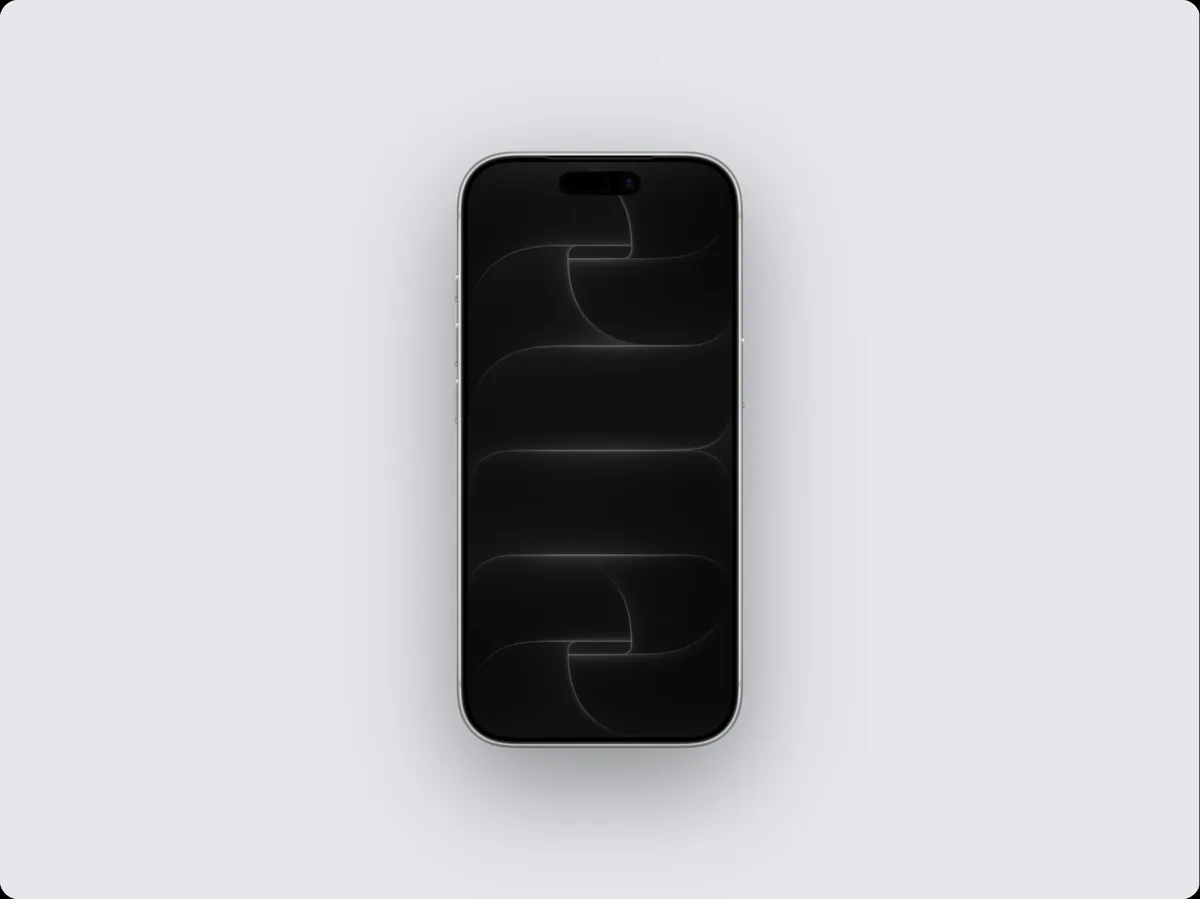
- Instagram portrait: 1080 × 1350
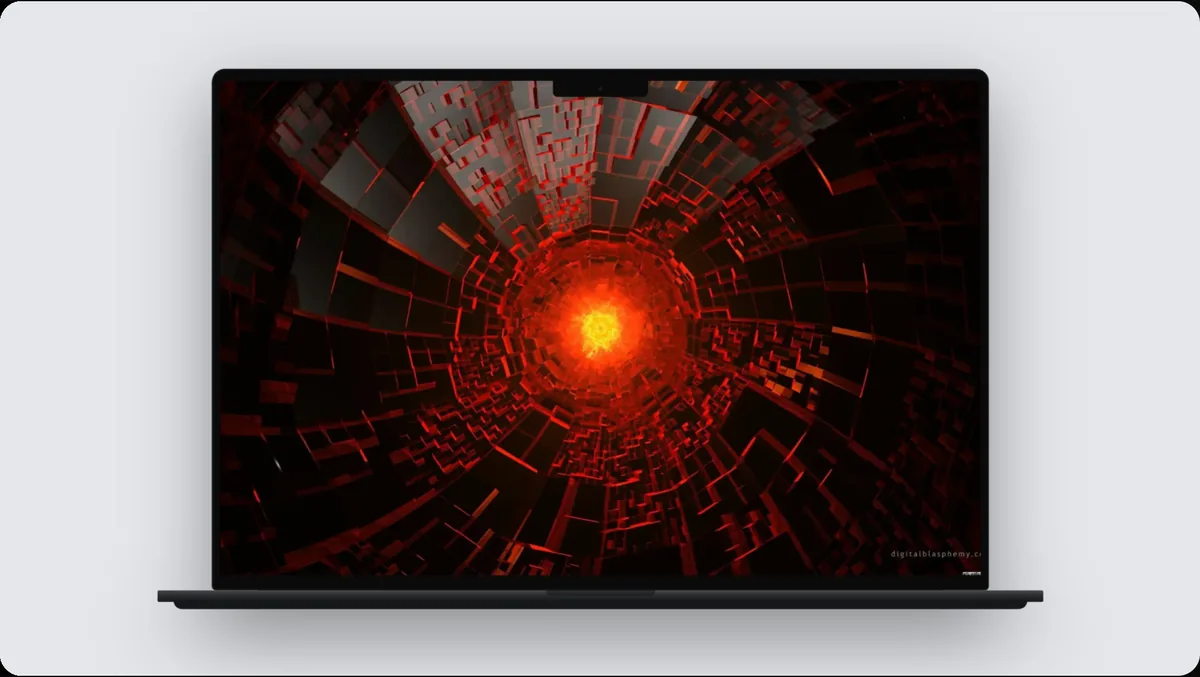
- Instagram story: 1080 × 1920
How to do it
- 1Open the editor at this sizeOpen the editor with the frame set to Instagram post.
- 2Add your screenPaste a screenshot, drop a screen recording, or add a website.
- 3Pick a device and backgroundChoose the device, a layout and a background, or start from a template.
- 4ExportExport at exactly 1080 × 1080.
Questions
What size is an Instagram post?
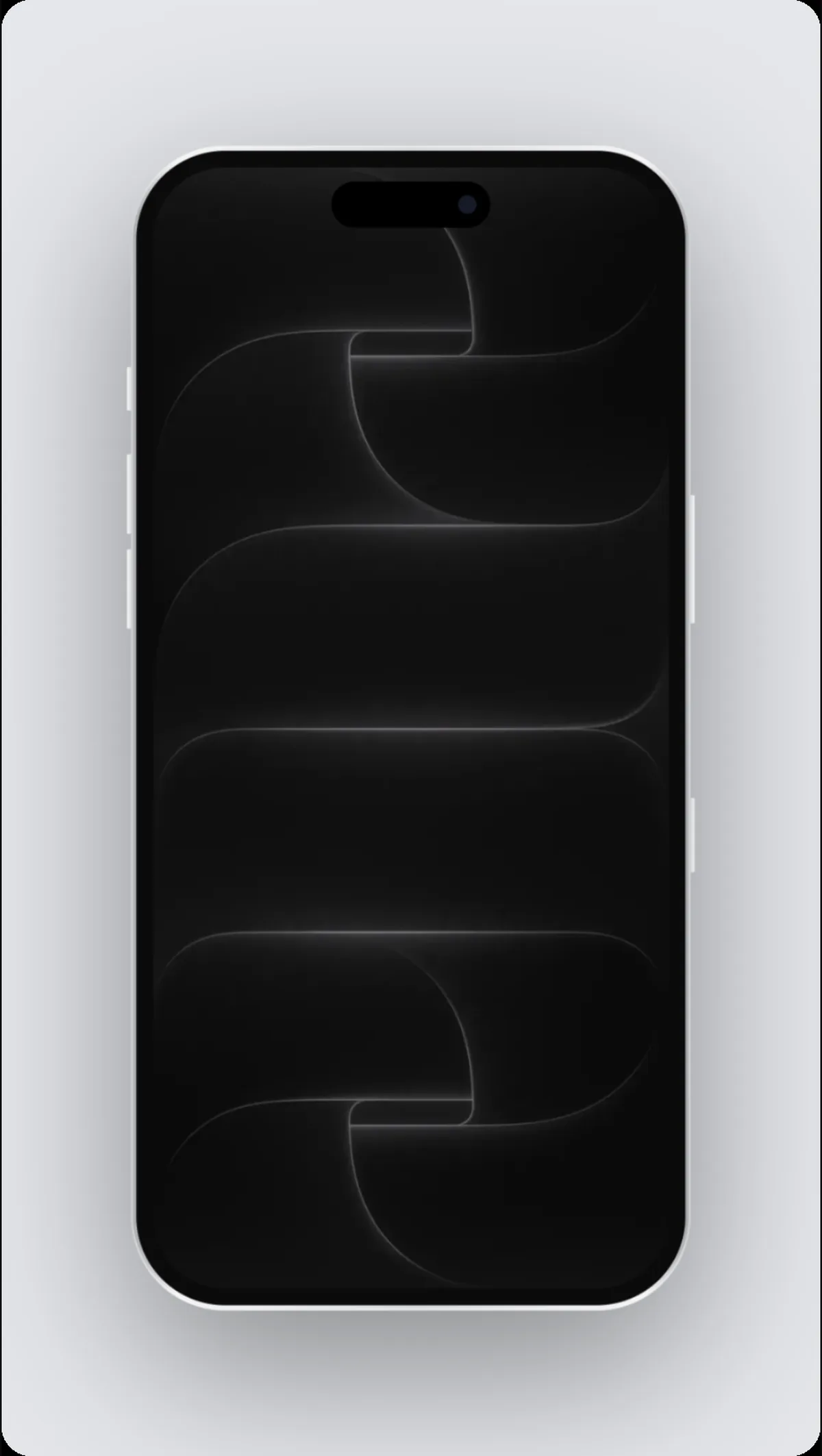
1080 × 1080 pixels.
Can I export a video at this size?
Yes. Switch to Videos, add motion, and export an MP4, WebM or GIF at the same size.
Is it free?
Designing at any size is free. Exporting comes with 240fps Monthly ($7 a month) or Lifetime ($39 once).