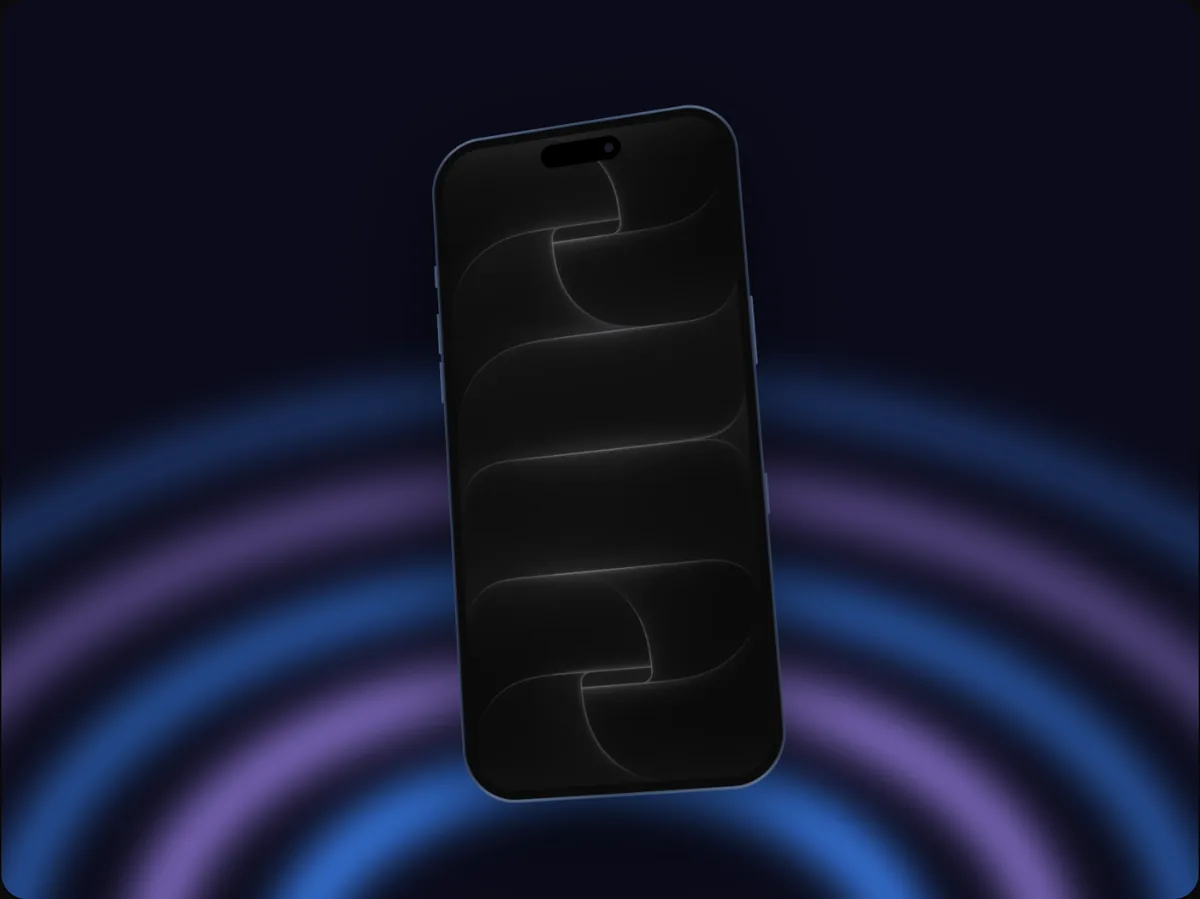
Template
Desk reveal video template
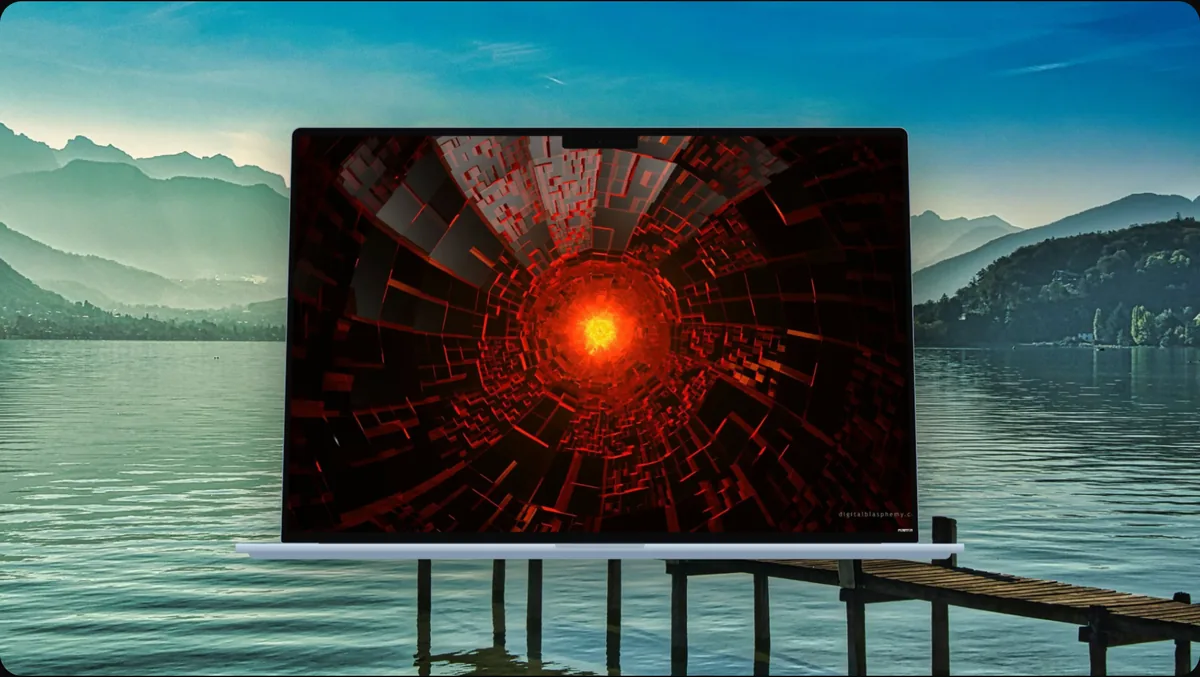
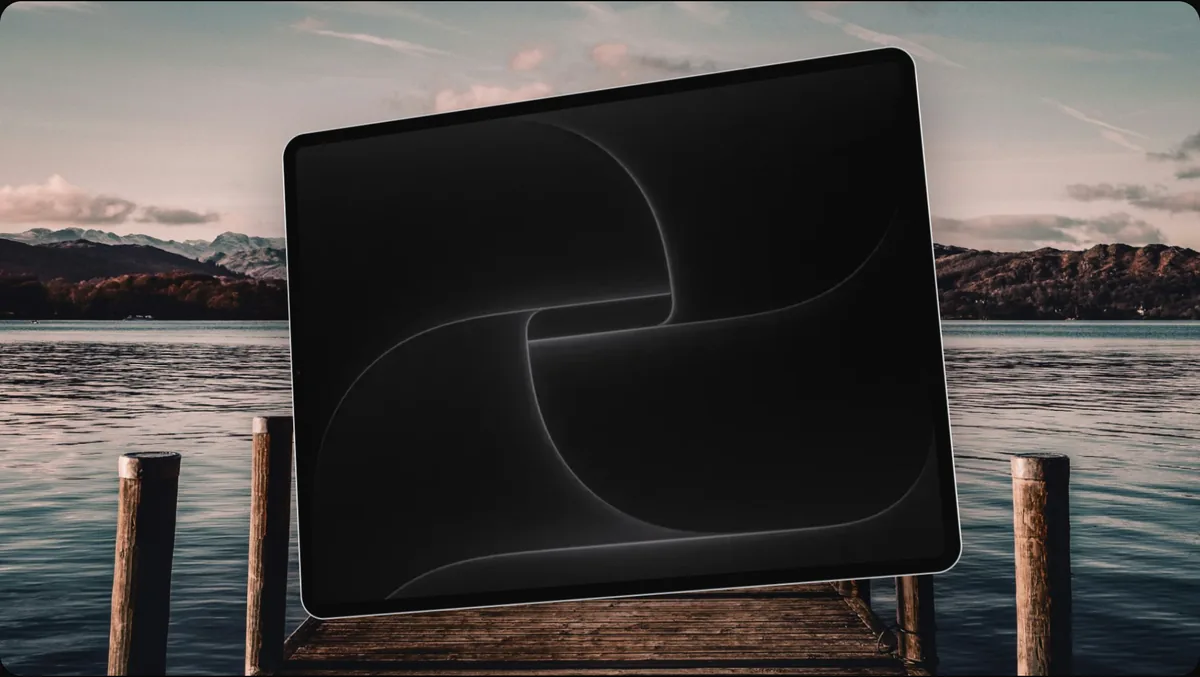
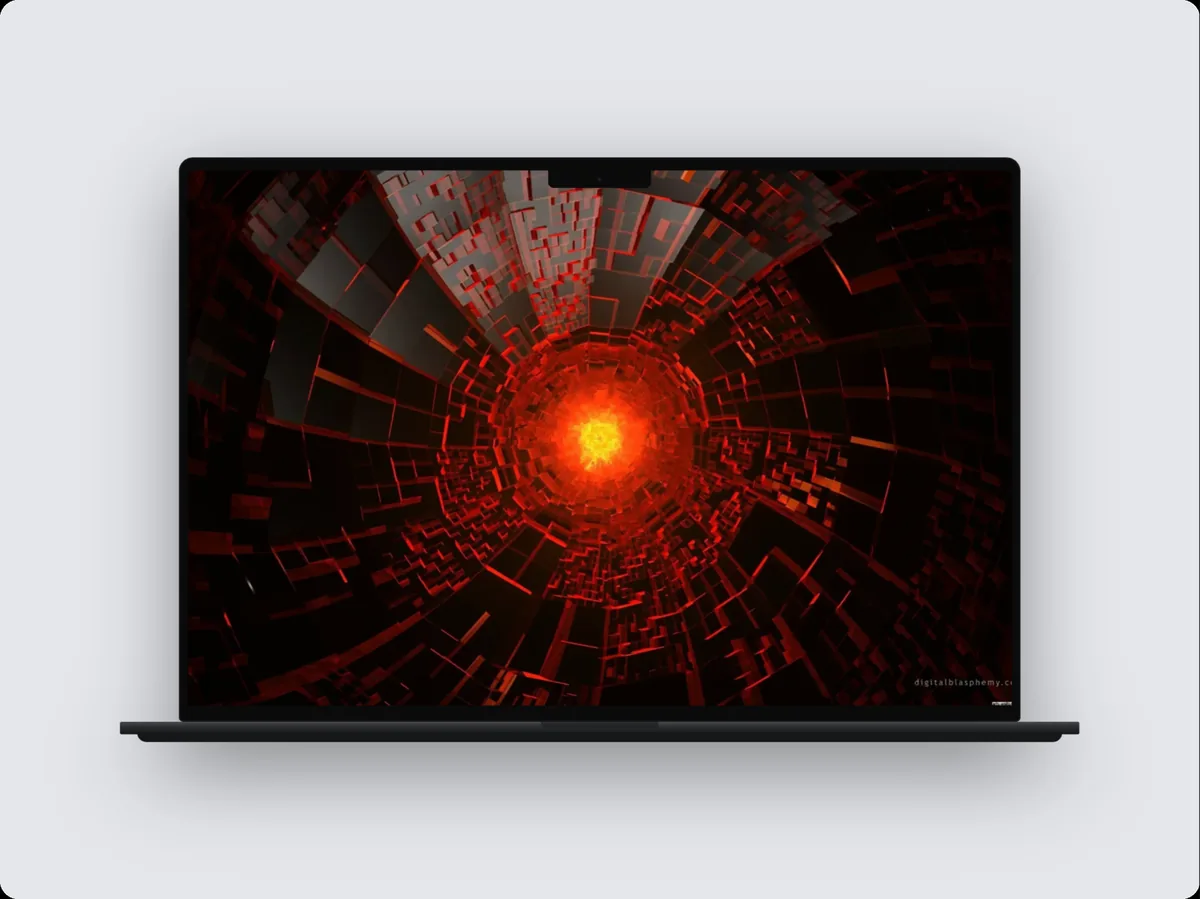
Desk reveal is a 6.5-second mac & ipad video template in 240fps with 2 camera moves, set up for a MacBook Pro 14″ at 16:9 (1920 × 1080). Drop in your screenshots, recording or website, change anything, and export an MP4, WebM or GIF.
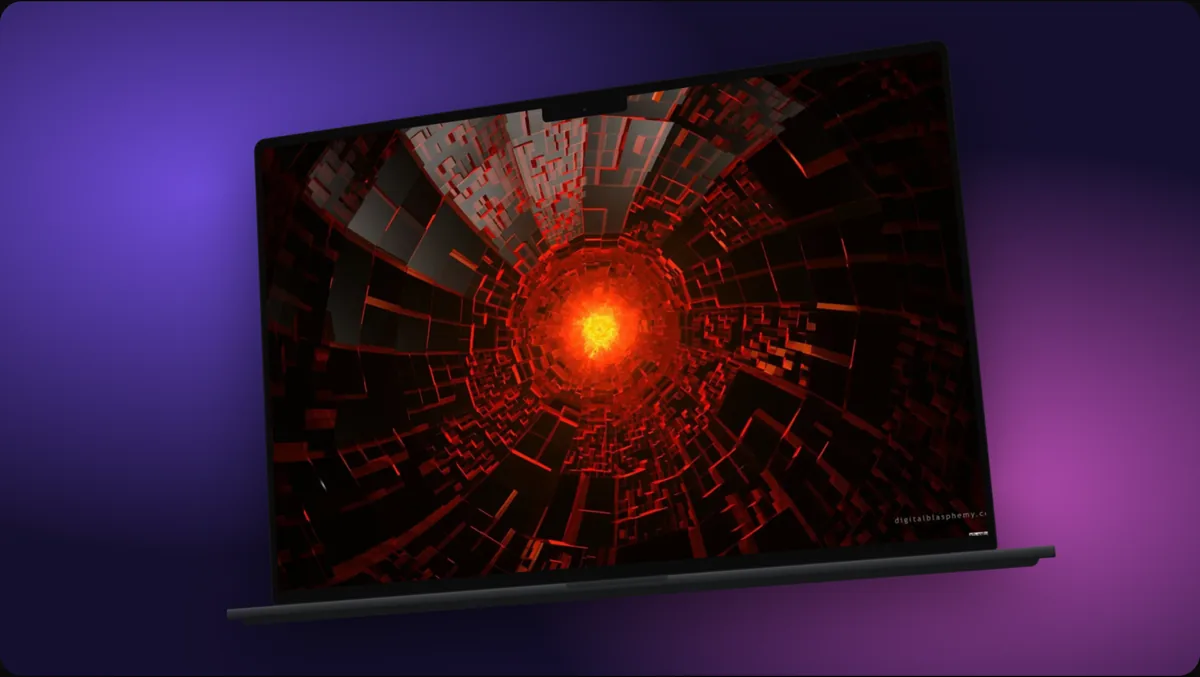
What it's for
Made for larger screens, where the detail of a desktop or tablet interface is the point.
- SaaS and web app demos
- Design tool and productivity app promos
- iPad app launches
Make it yours
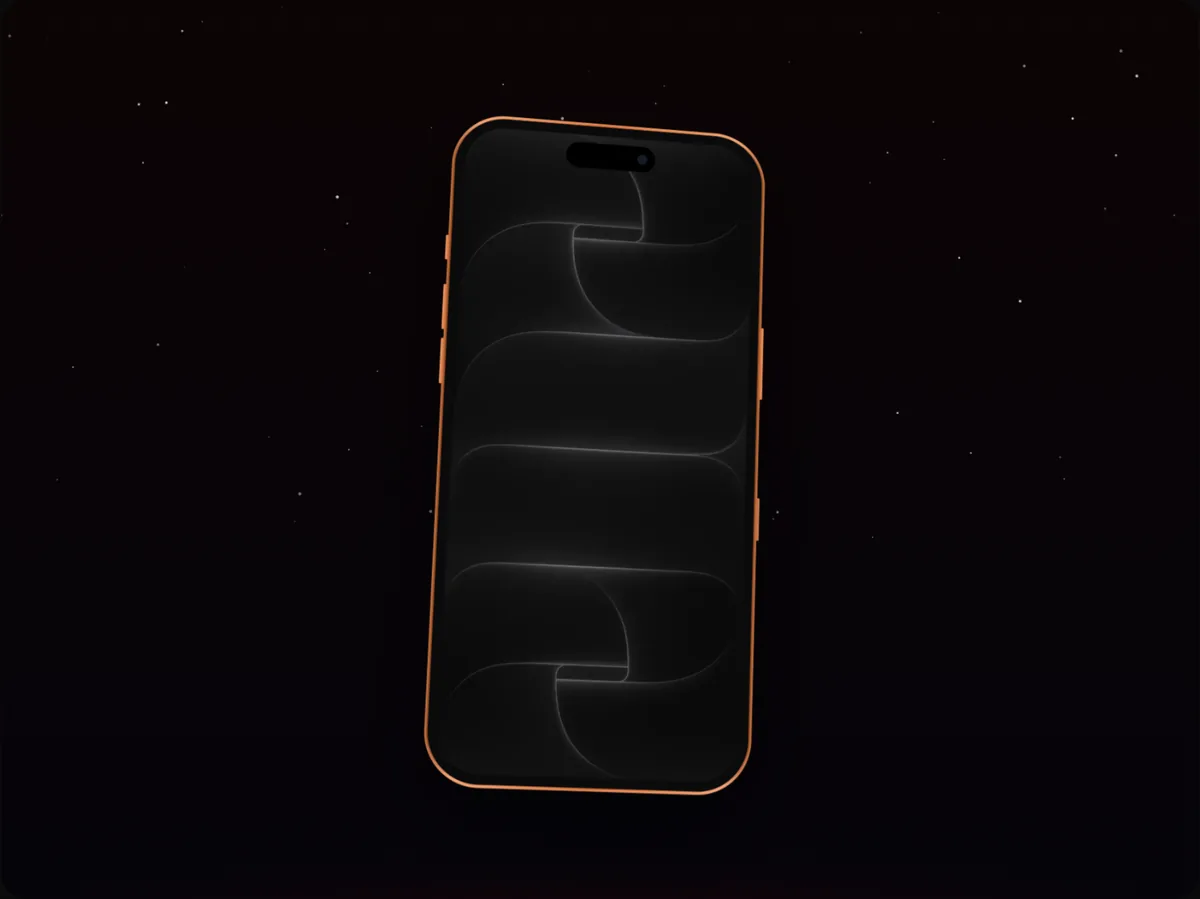
Everything in the template can change: swap the MacBook Pro 14″ for any other device, pick a different finish, background or layout, and add your own text and logo. On the timeline you can move, lengthen or delete any camera move, add more screens, a cursor that clicks through your app, callouts and music.
How to do it
- 1Open the templateOpen the editor with Desk reveal applied.
- 2Add your screensPaste or drop a screenshot or screen recording onto the device, or add a website.
- 3AdjustChange the device, colours, text or timing until it fits your product.
- 4ExportExport an MP4, WebM or GIF.
Questions
Can I use Desk reveal with a different device?
Yes. Choose any device in the Mockup tab; the template's layout and motion stay the same.
How long is the video?
6.5 seconds as it comes. Change the length on the timeline; longer videos give the camera moves more room.
Is it free?
Using and editing templates is free. Exporting the finished image or video comes with 240fps Monthly ($7 a month) or Lifetime ($39 once).