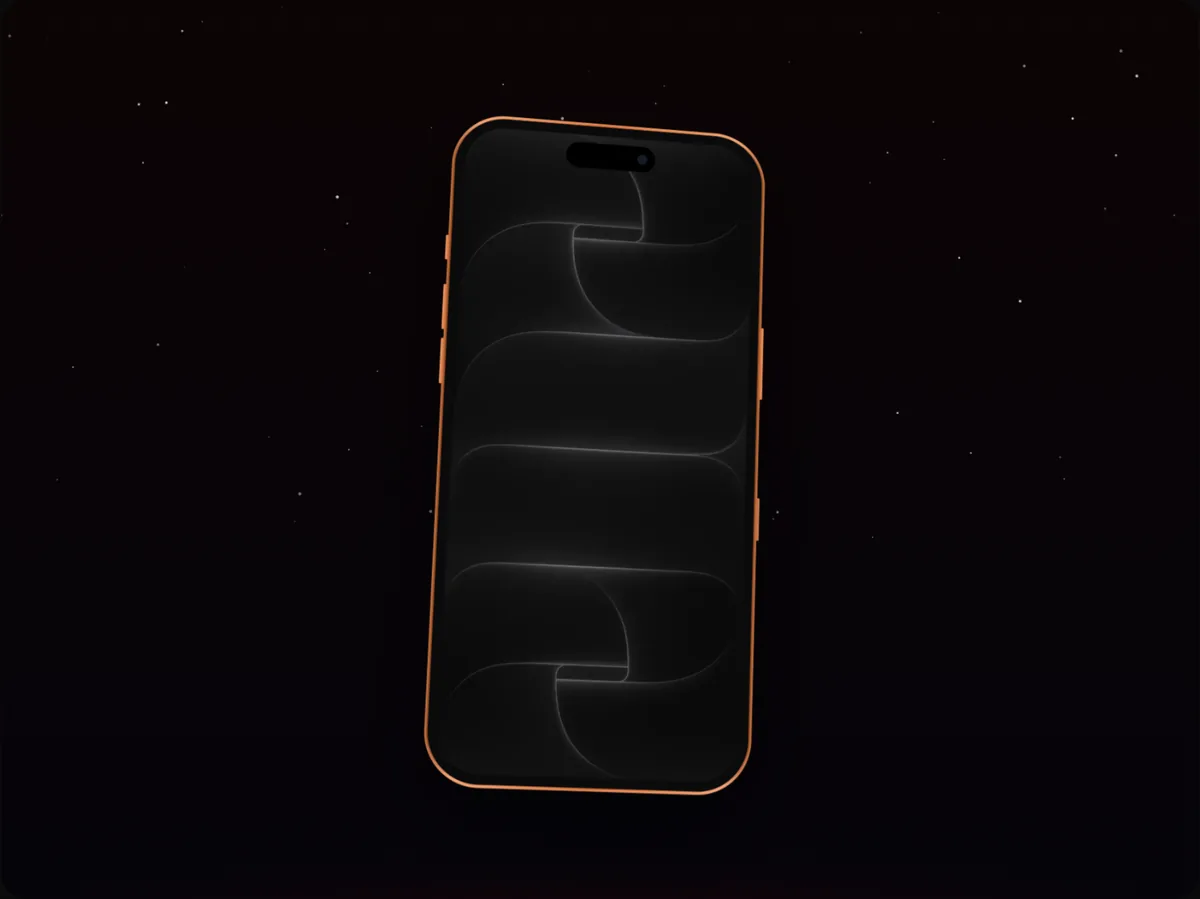
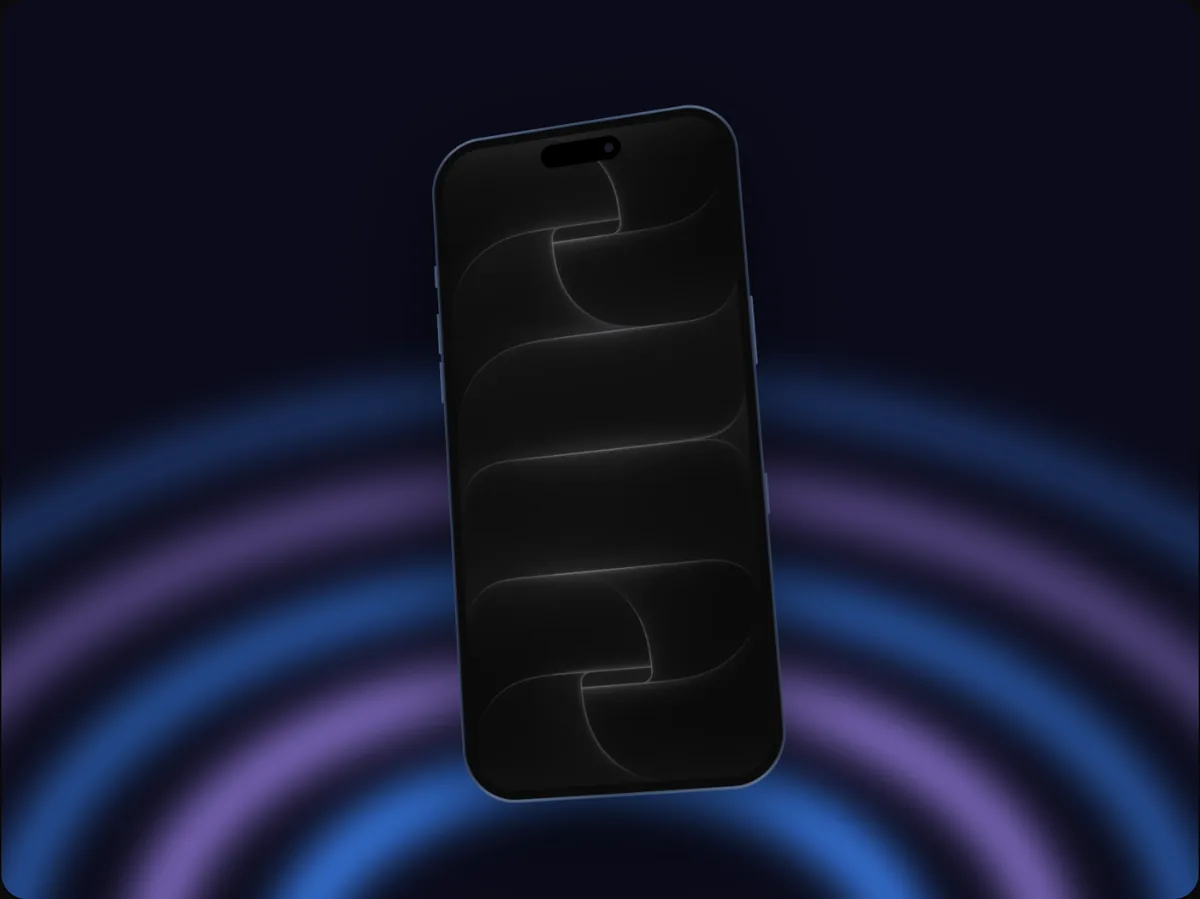
Template
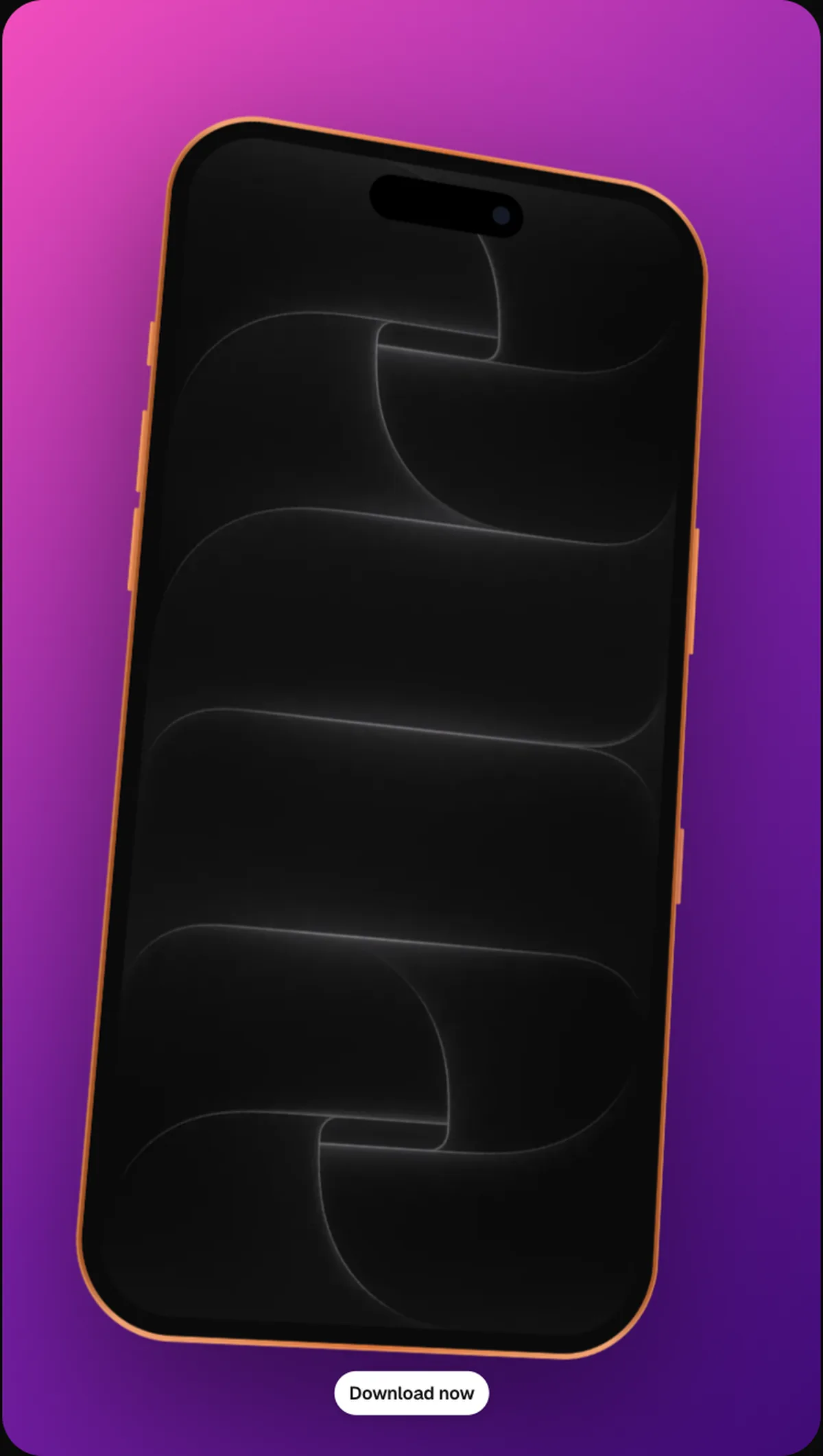
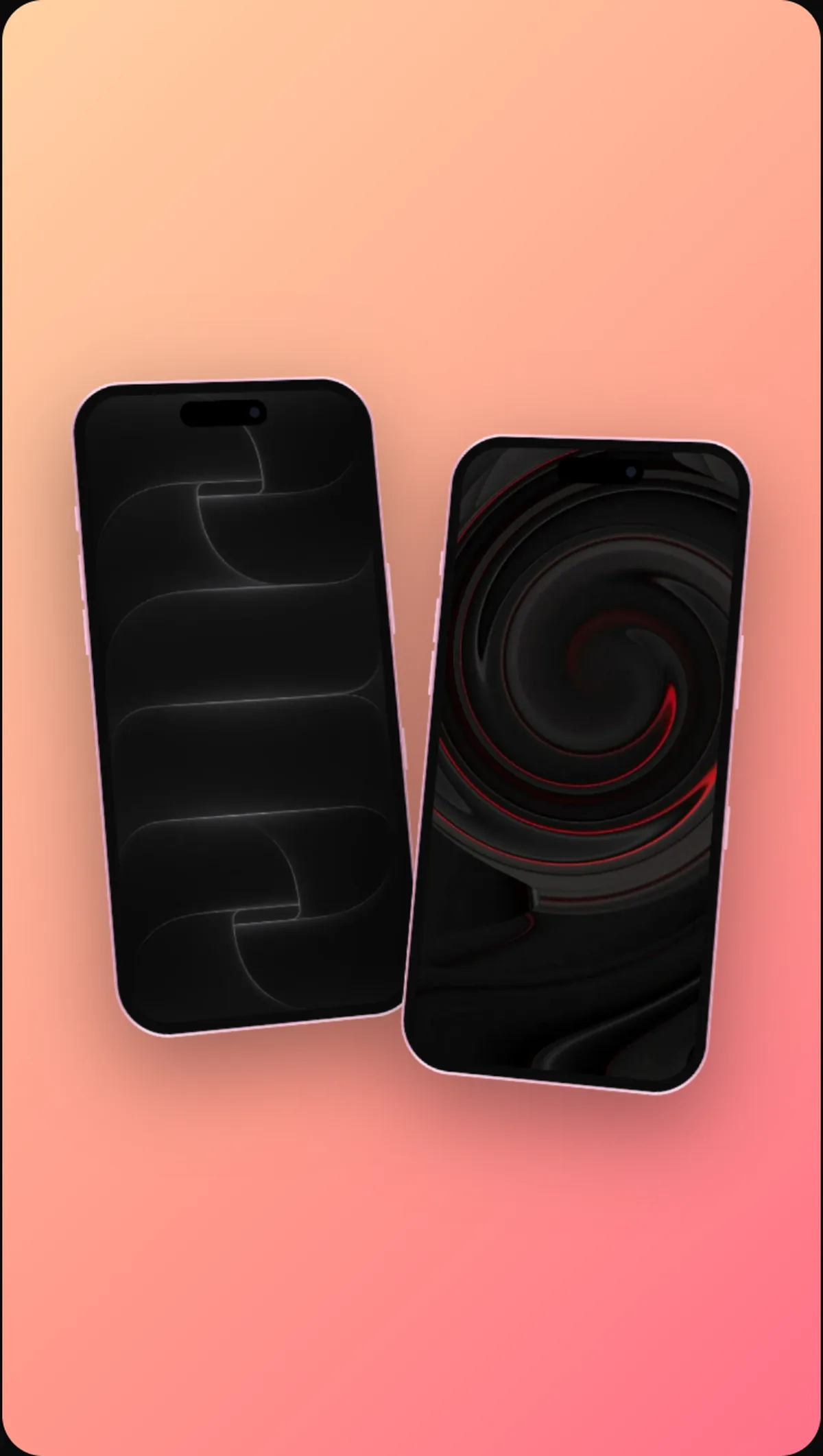
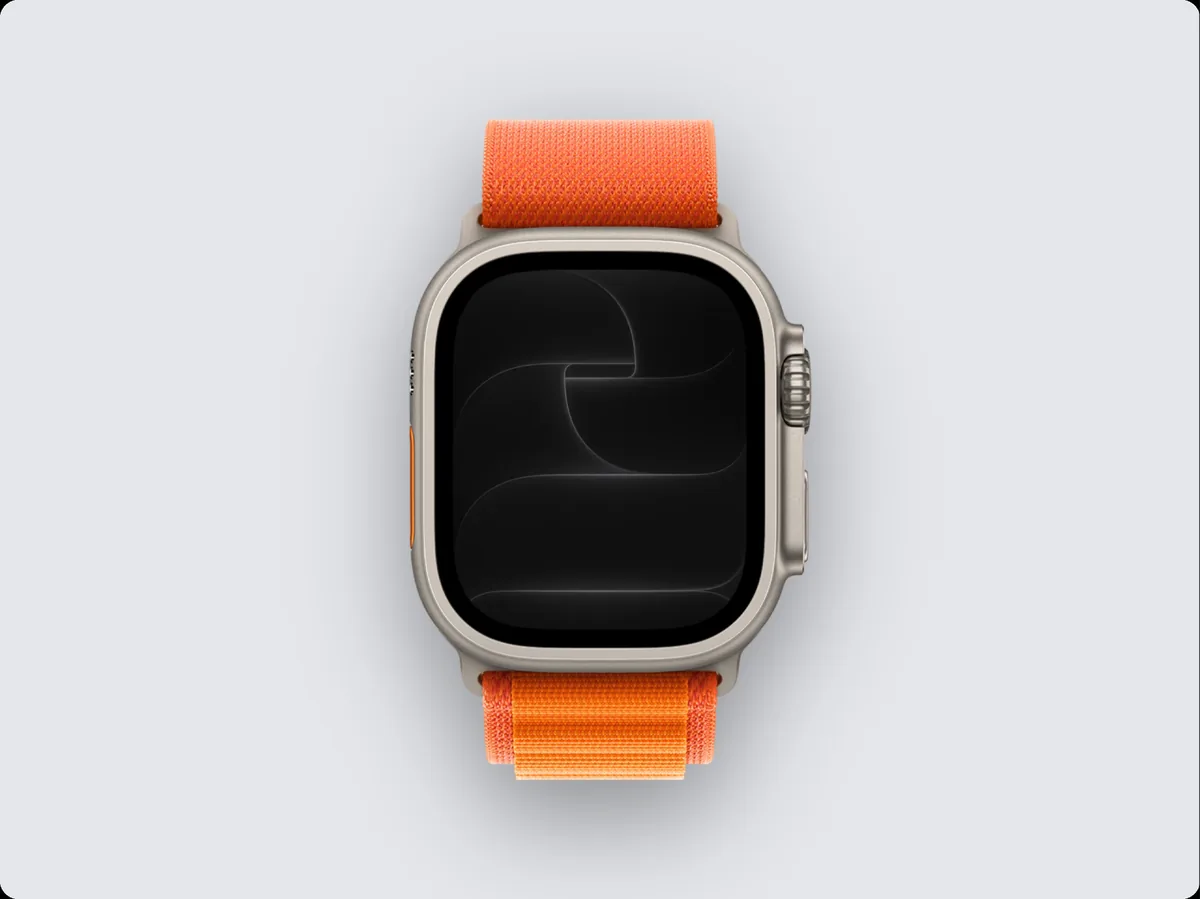
Watch face video template
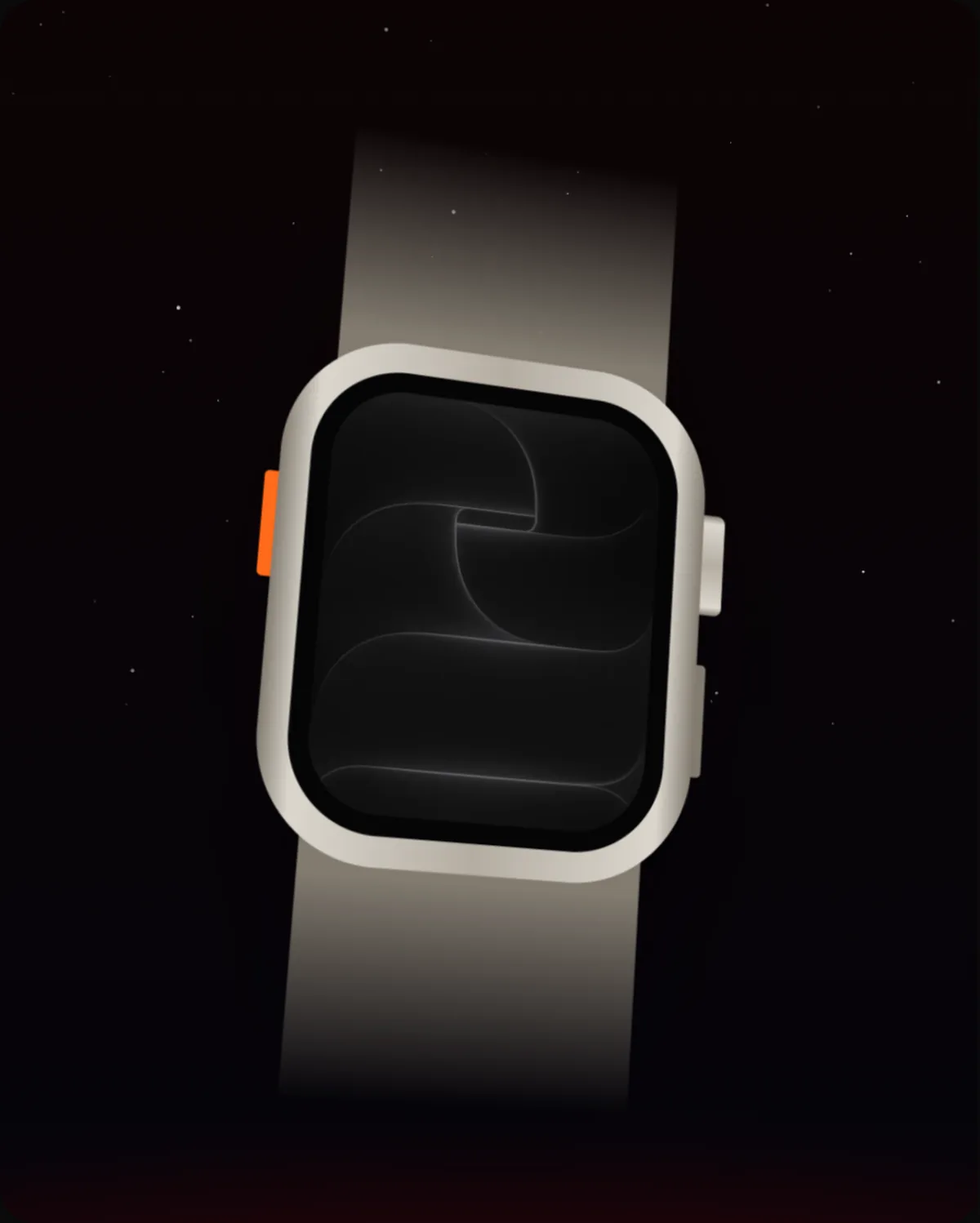
Watch face is a 5-second social video template in 240fps with 2 camera moves that loops seamlessly, set up for a Watch Ultra at Portrait (4:5, 1080 × 1350). Drop in your screenshots, recording or website, change anything, and export an MP4, WebM or GIF.
What it's for
Sized and paced for social feeds, where the first second decides whether people keep watching.
- Instagram Reels and Stories
- TikTok
- X and LinkedIn posts
Make it yours
Everything in the template can change: swap the Watch Ultra for any other device, pick a different finish, background or layout, and add your own text and logo. On the timeline you can move, lengthen or delete any camera move, add more screens, a cursor that clicks through your app, callouts and music.
How to do it
- 1Open the templateOpen the editor with Watch face applied.
- 2Add your screensPaste or drop a screenshot or screen recording onto the device, or add a website.
- 3AdjustChange the device, colours, text or timing until it fits your product.
- 4ExportExport an MP4, WebM or GIF.
Questions
Can I use Watch face with a different device?
Yes. Choose any device in the Mockup tab; the template's layout and motion stay the same.
How long is the video?
5 seconds as it comes. Change the length on the timeline; longer videos give the camera moves more room.
Is it free?
Using and editing templates is free. Exporting the finished image or video comes with 240fps Monthly ($7 a month) or Lifetime ($39 once).