Tool
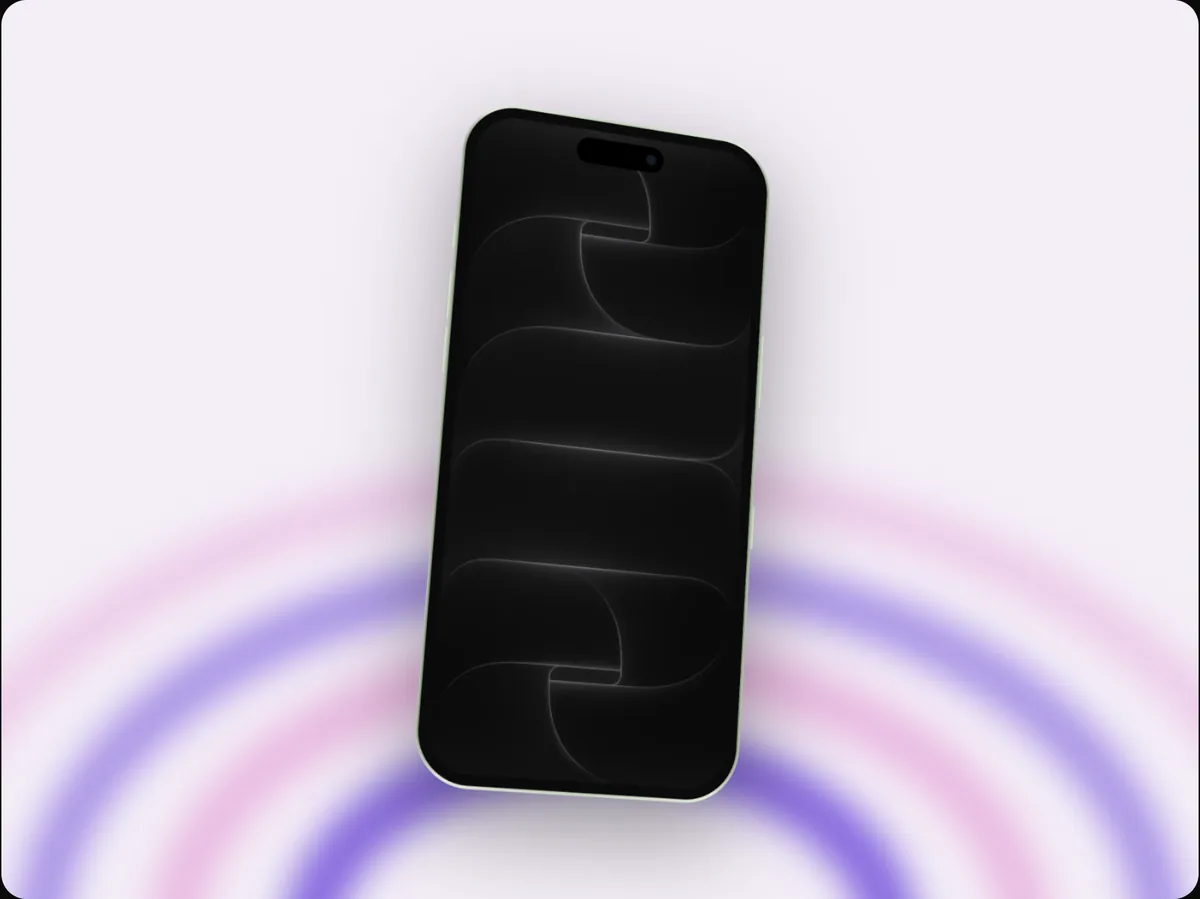
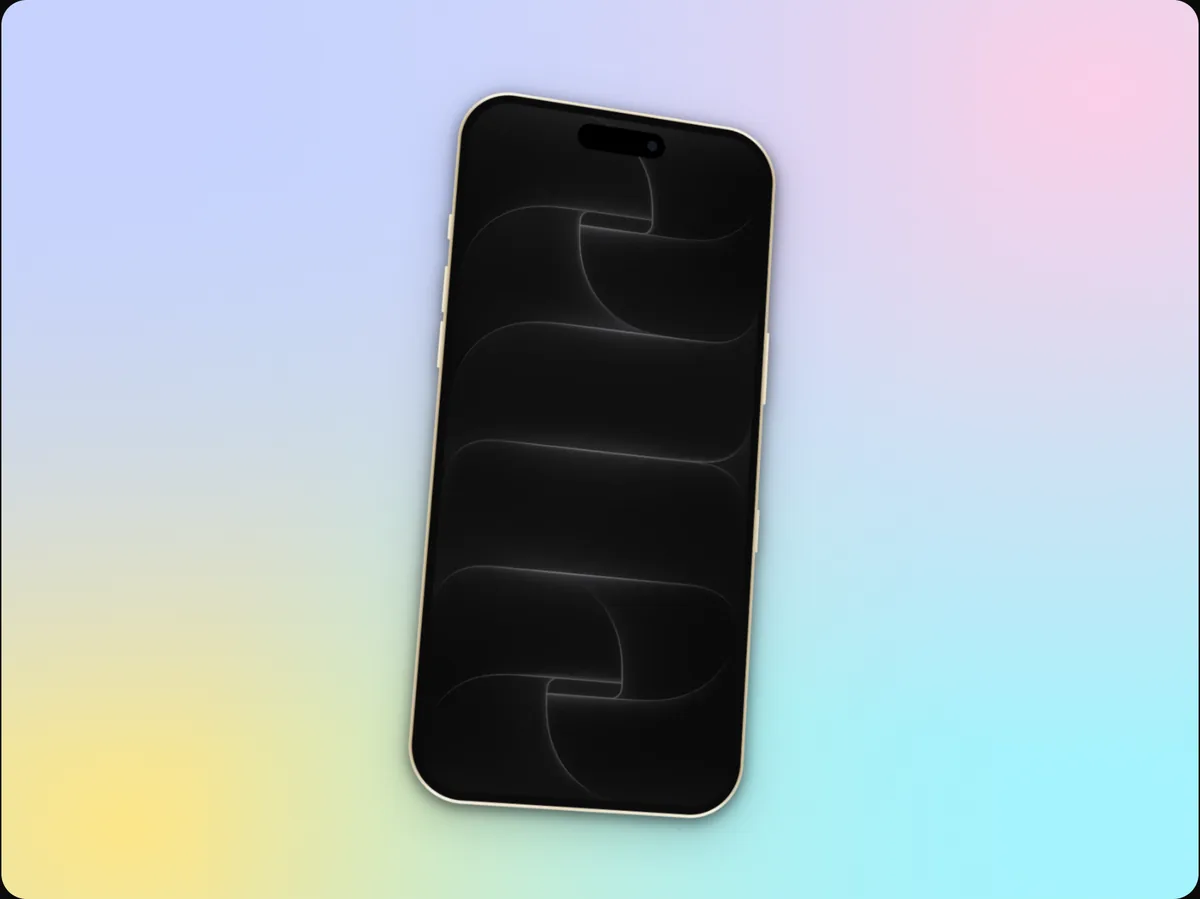
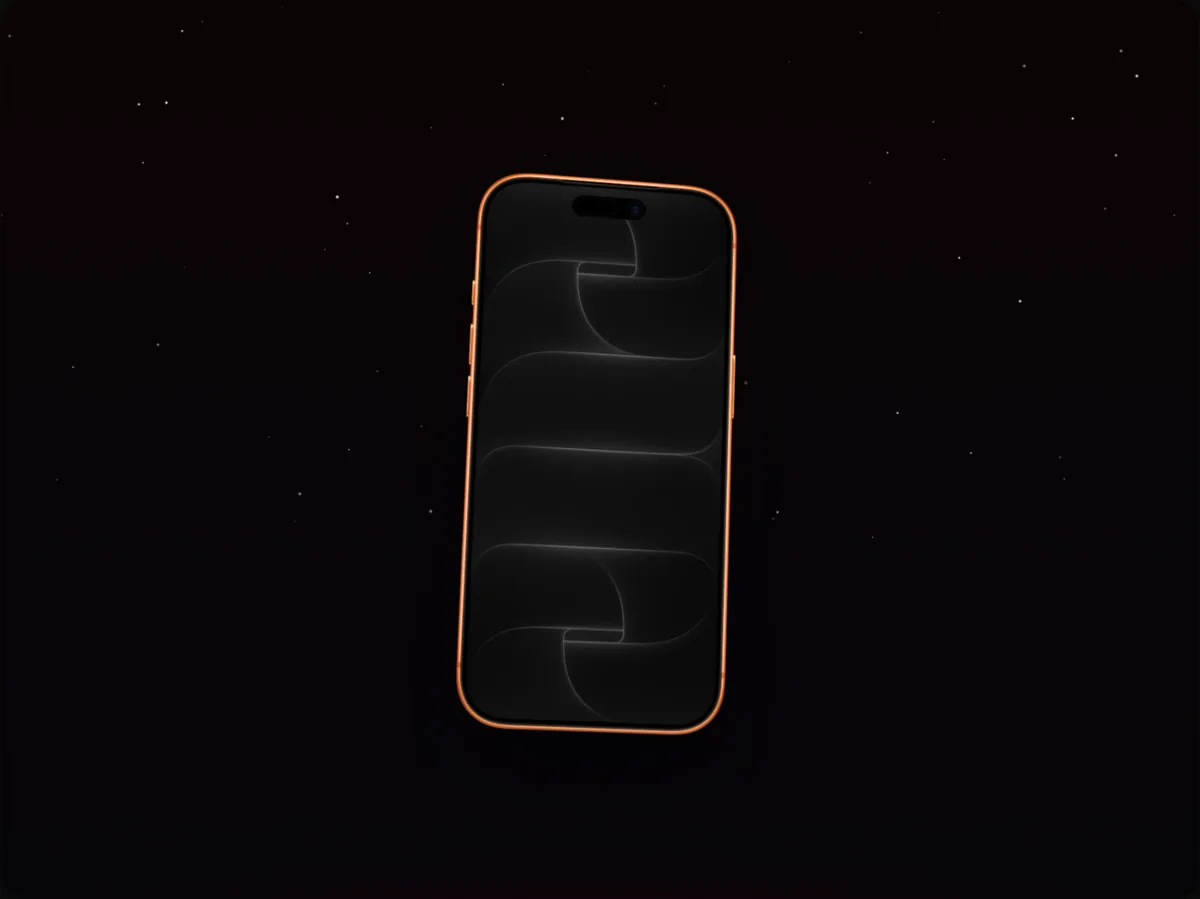
Animated mockup GIFs
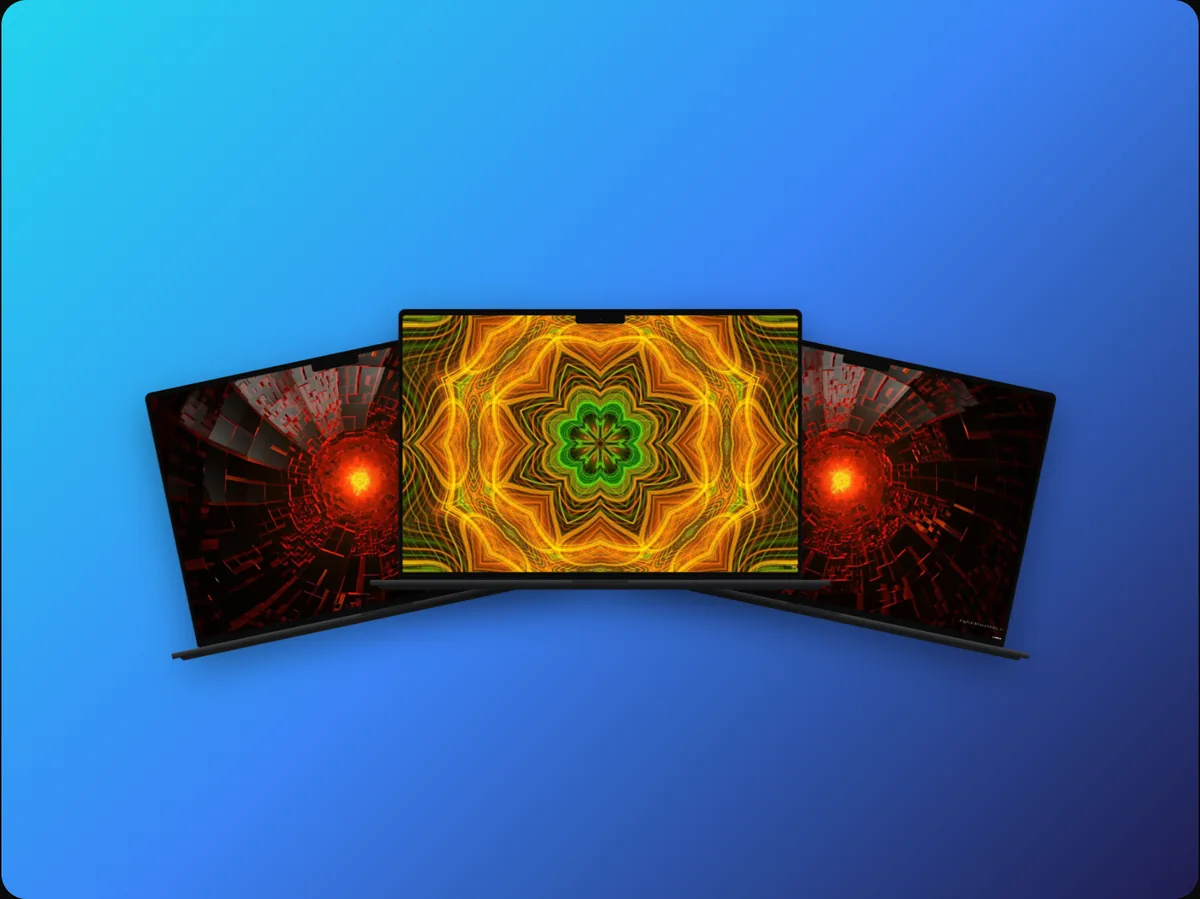
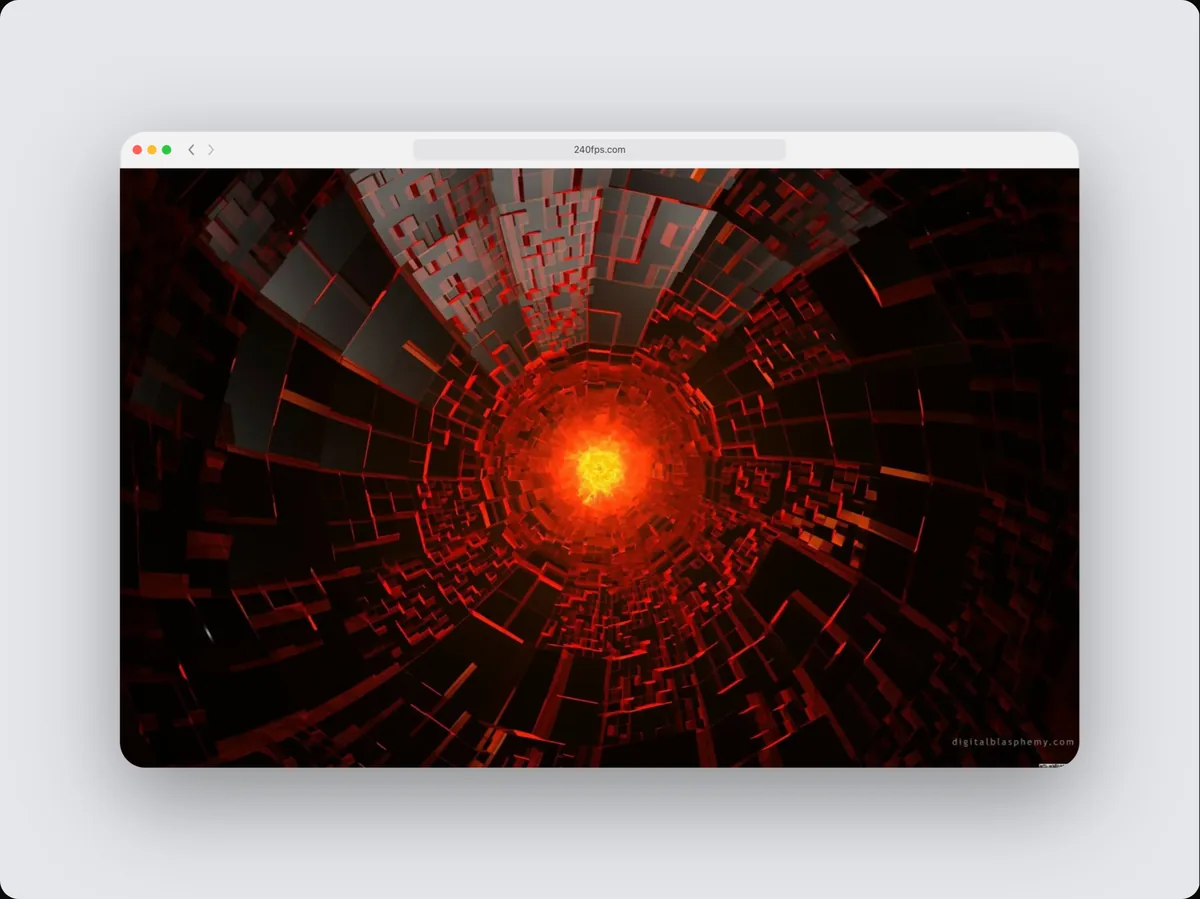
240fps exports animated device mockups as GIFs: pick a seamless loop template or animate the camera yourself, and export a looping GIF at 15 fps, 480, 720 or 960 pixels wide, with transparent backgrounds kept. For the web, MP4 and WebM are smaller and sharper.
Loops without a jump
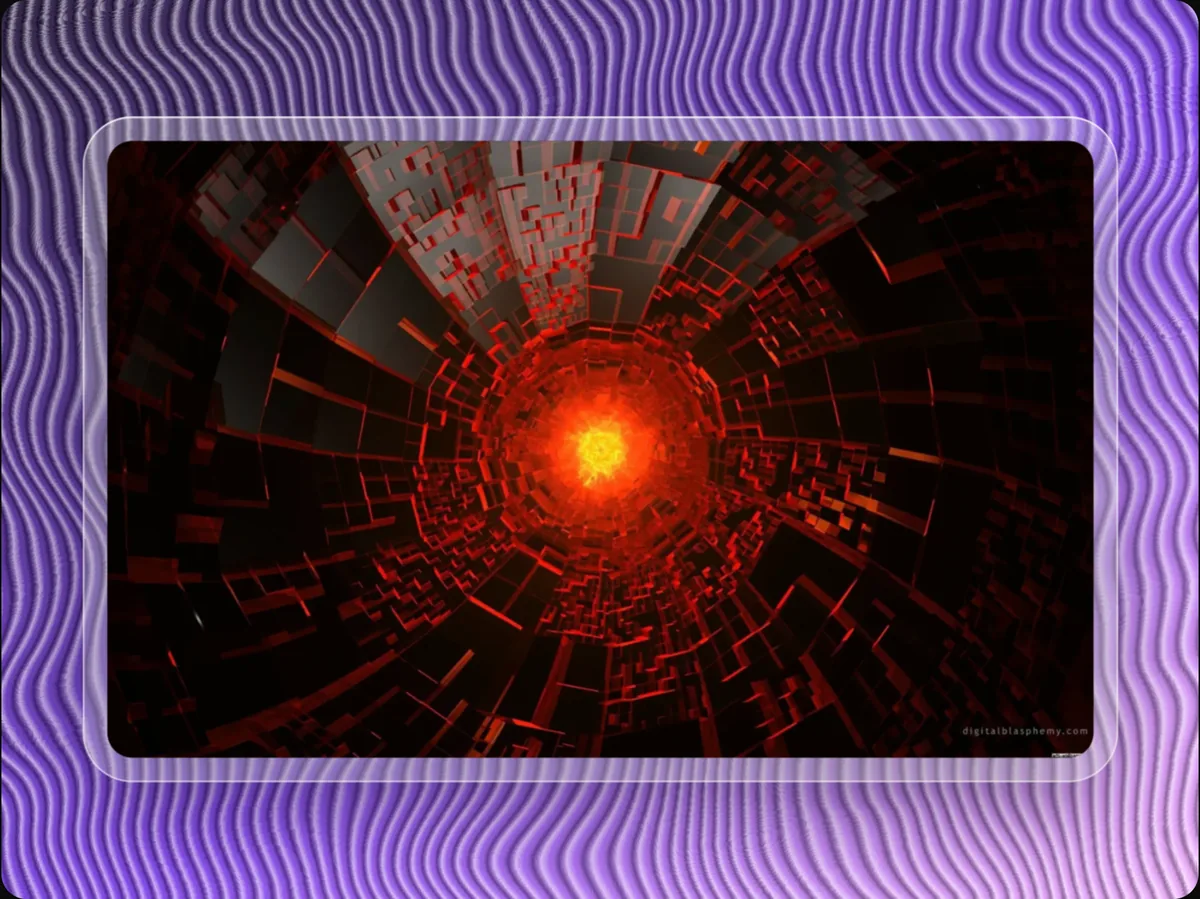
The seamless loop templates (Breathe, Sway, Tilt orbit, Float) end exactly where they start, so the GIF plays forever with no visible restart.
Where GIFs still win
- GitHub READMEs
- Email newsletters
- Slack and Discord
- Docs that don't allow video
How to do it
- 1Open a loop templateBreathe is a gentle, subtle loop.
- 2Add your screenPaste a screenshot or drop a recording.
- 3Choose GIFIn the export settings, choose GIF and a width.
- 4ExportThe GIF downloads when it's encoded.
Questions
Why is my GIF large?
GIFs store every frame with a limited palette. A smaller width or a shorter animation helps; MP4 or WebM are far smaller.
Is it free?
Designing is free. Exporting images and videos comes with 240fps Monthly ($7 a month) or Lifetime ($39 once).