Tool
Multi-device mockups
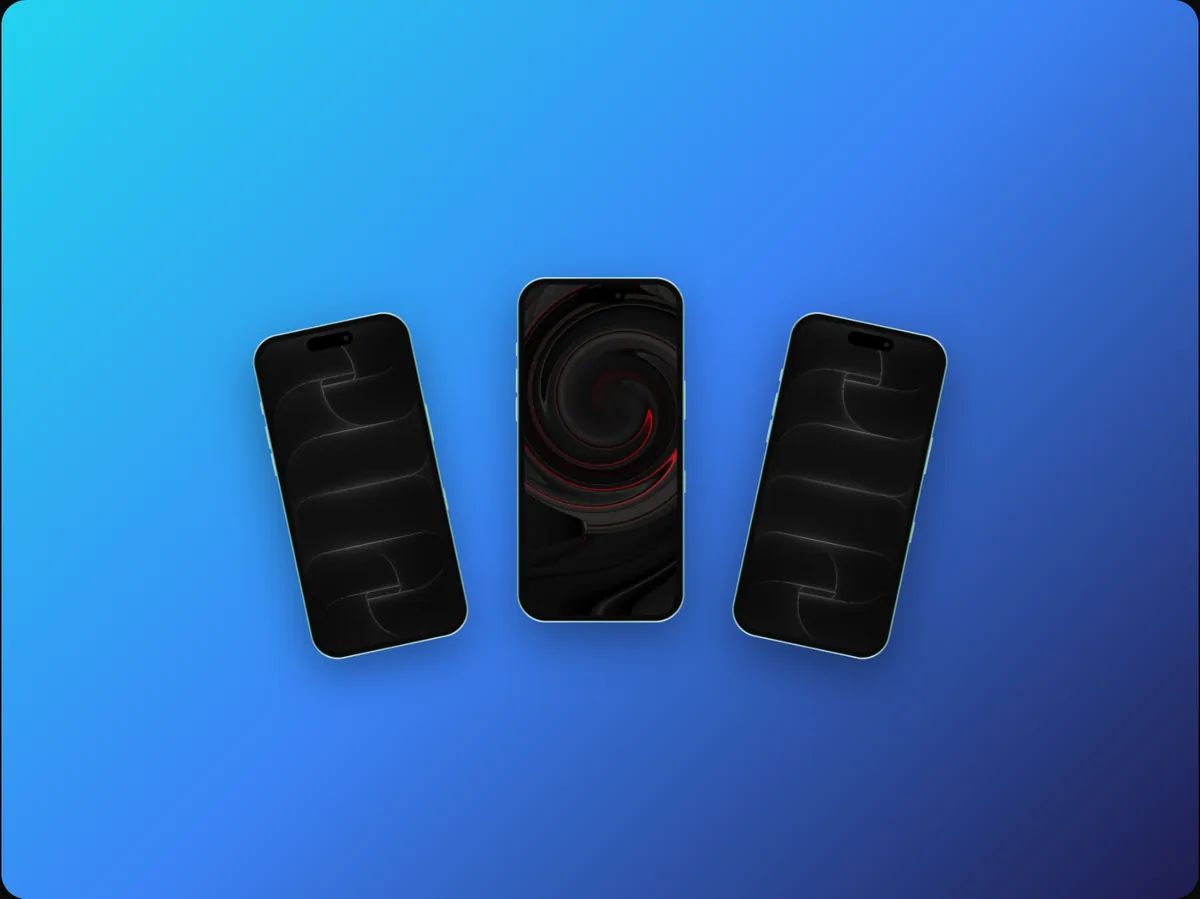
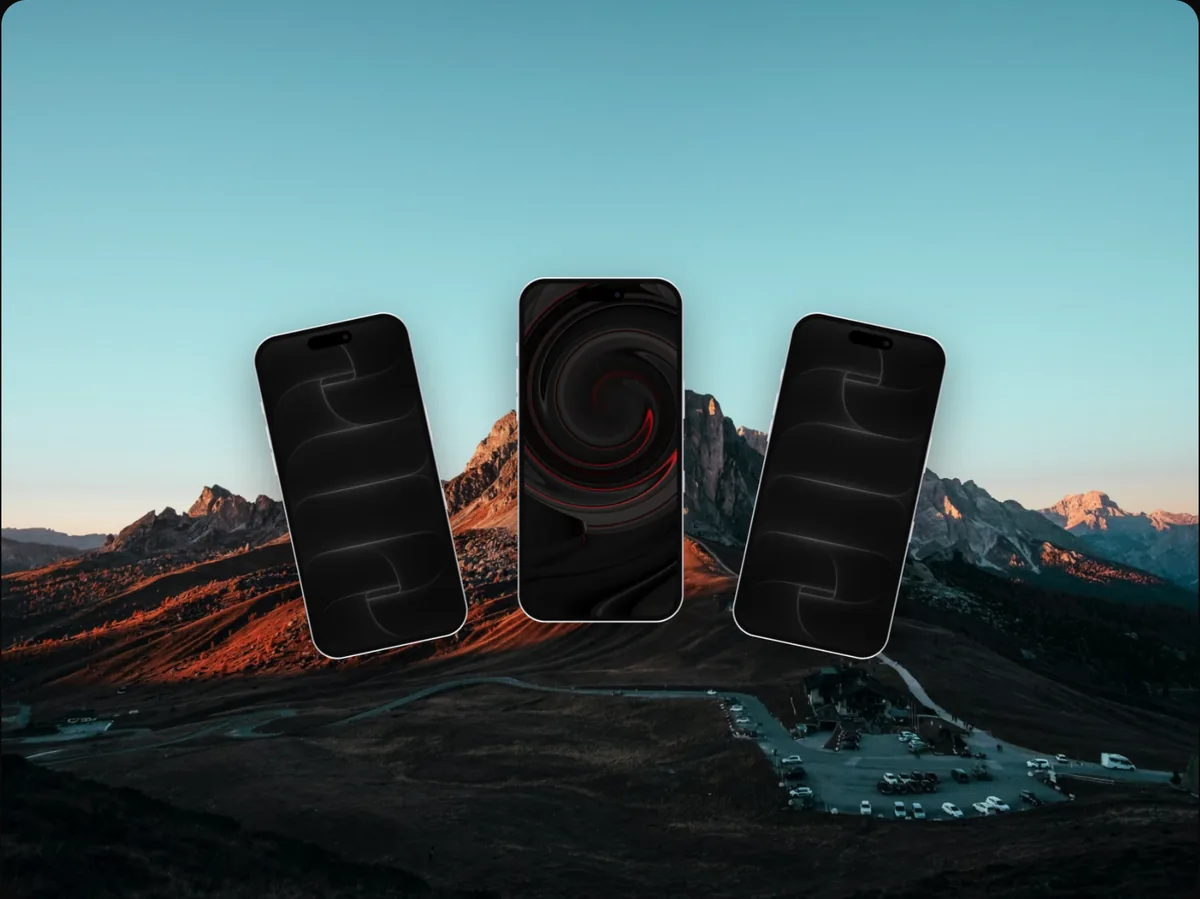
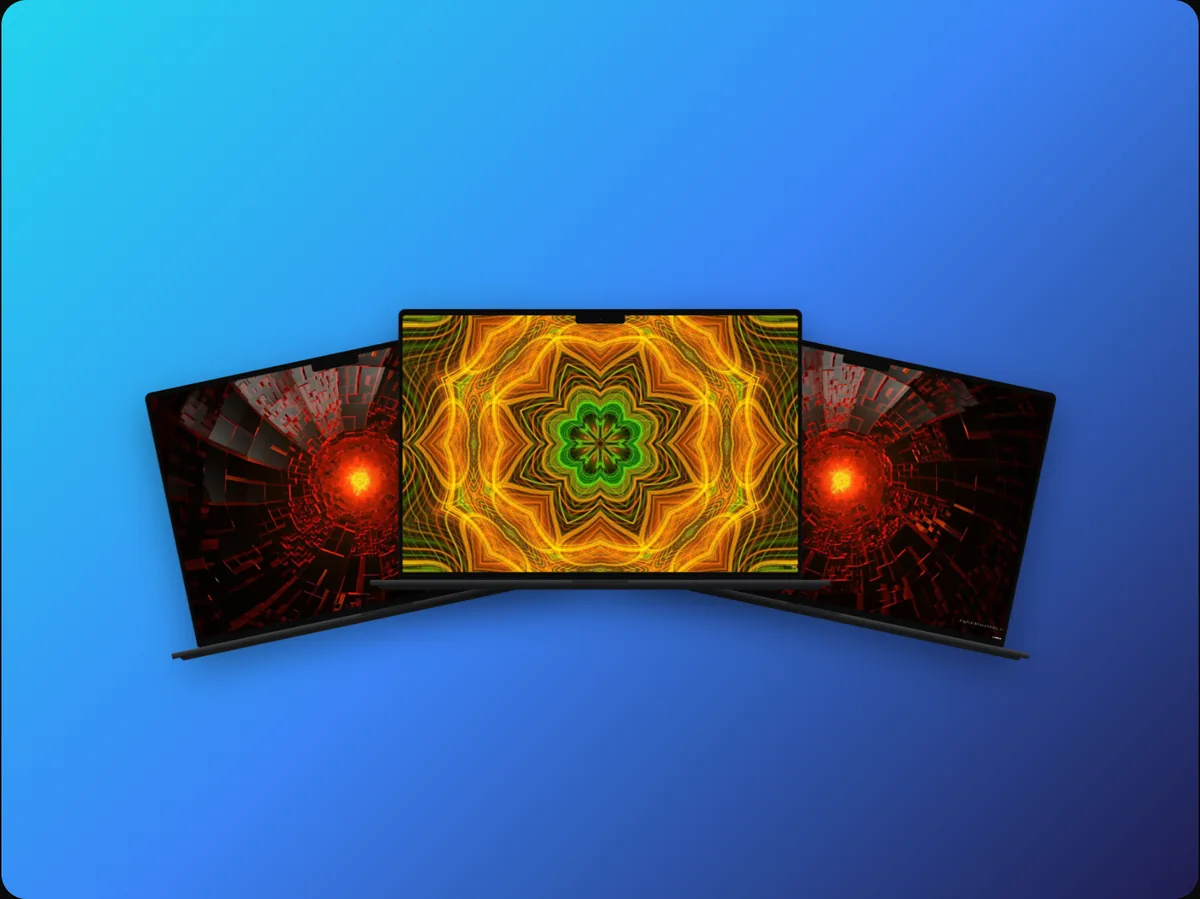
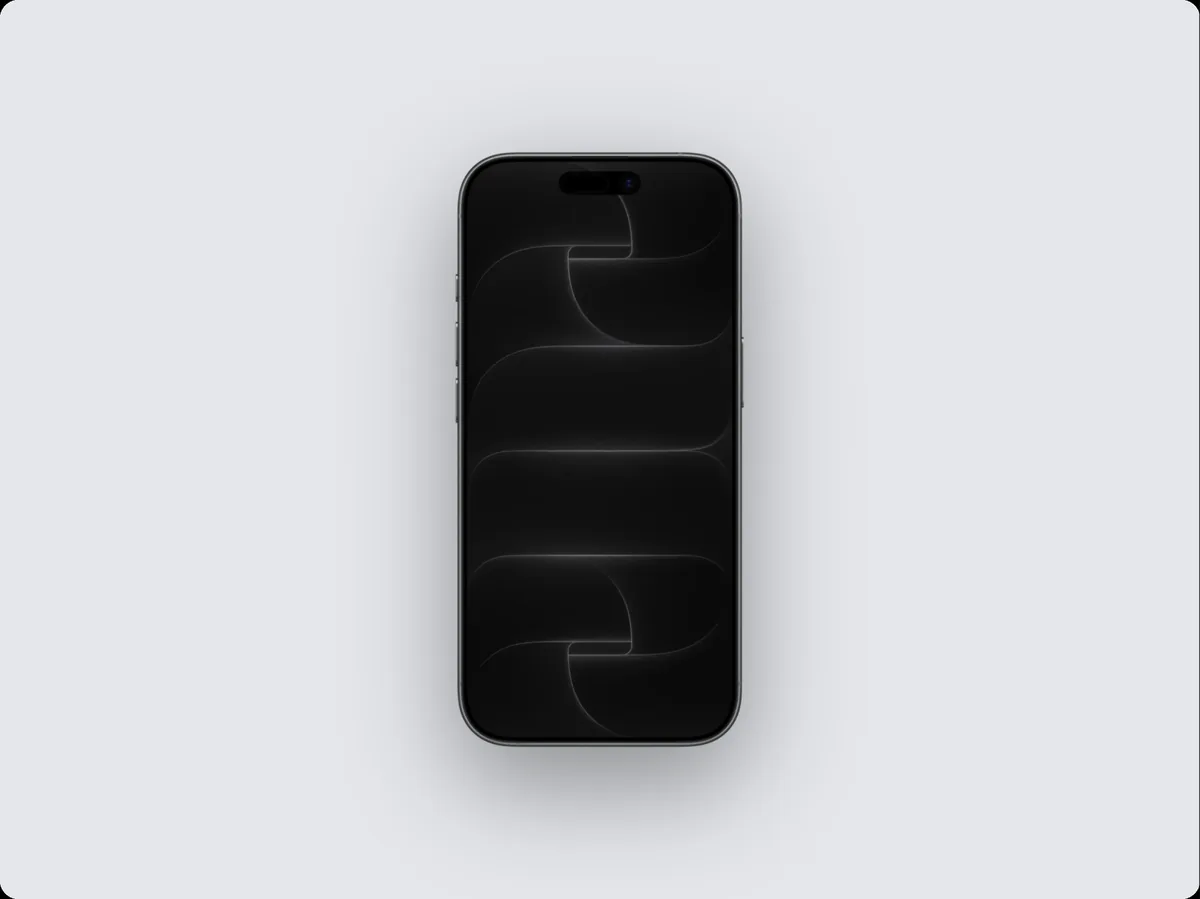
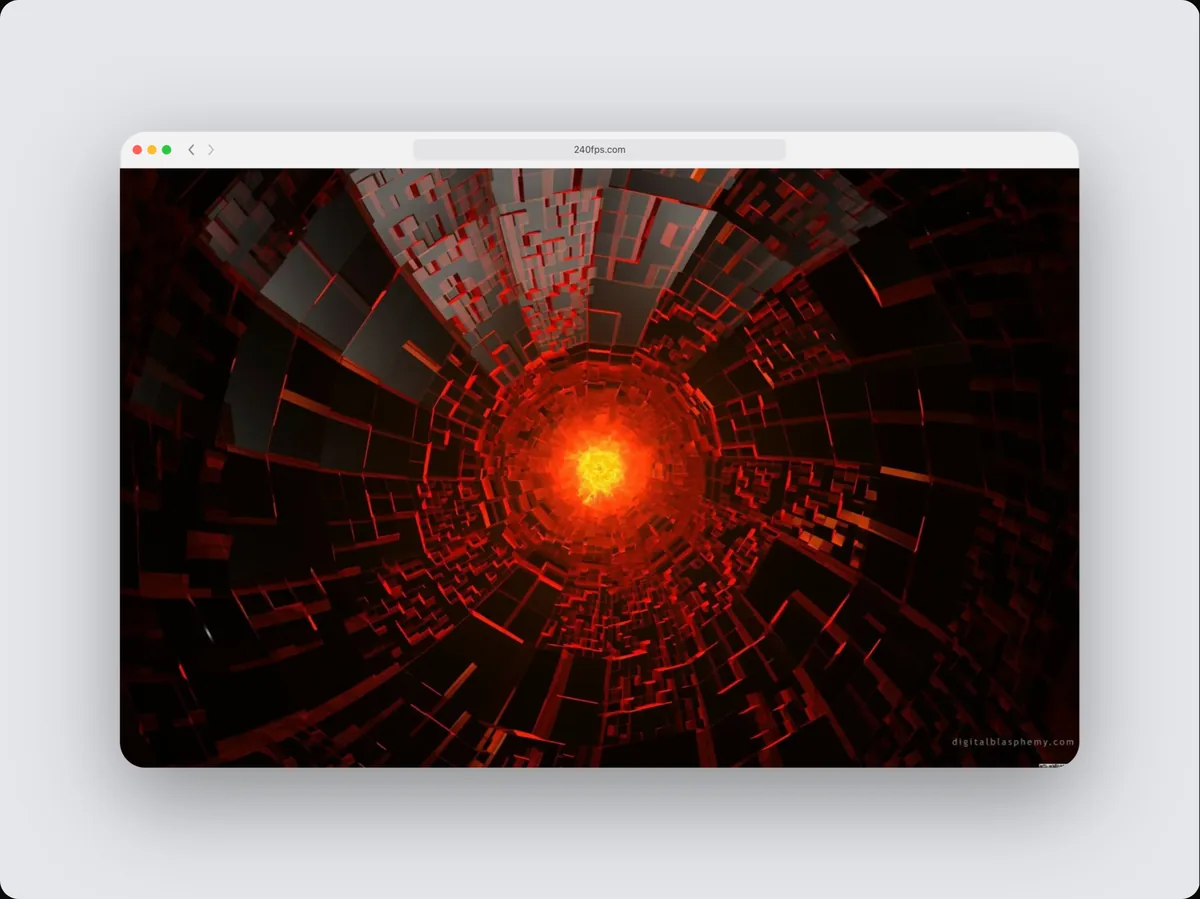
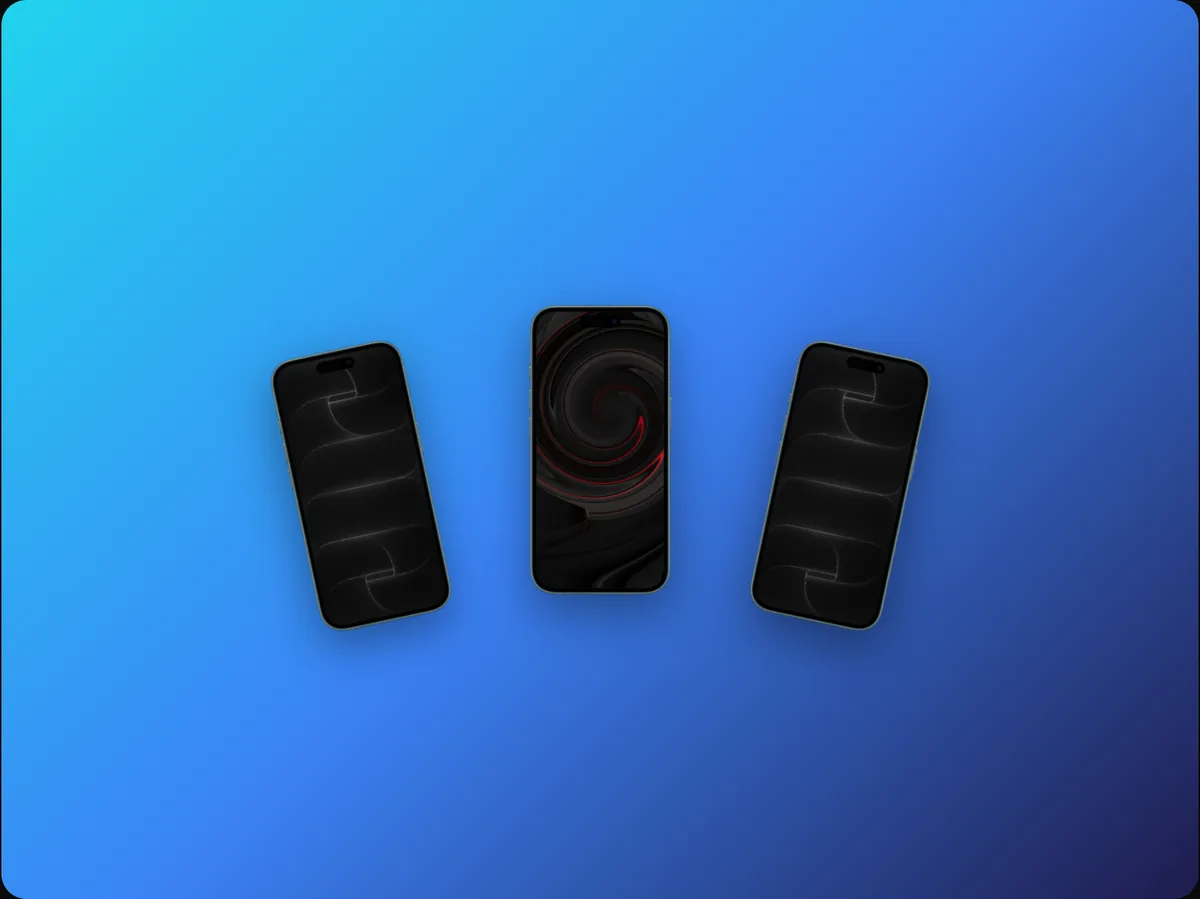
240fps puts up to three devices in one mockup, and they can be different: an iPhone next to a MacBook, an iPad with an iPhone, or three iPhones. Each one gets its own screen, finish and even its own responsive version of a website, and they're sized to their real-world proportions.
Show that it works everywhere
A laptop and a phone side by side says 'responsive' faster than any sentence. With a live website in both, each shows the layout that screen really gets.
Layouts made for pairs
When the devices differ, 240fps switches to a layout made for mixed devices, with the larger one in front; the layout presets let you try others.
How to do it
- 1Choose two or three devicesUse the layout buttons at the top of the right panel.
- 2Pick each deviceIn the device picker, choose Apply to: Device 2 to change one of them.
- 3Add screensClick each screen to add a screenshot, recording or website.
- 4ExportExport an image or animate it into a video.
Questions
Can each device show a different screenshot?
Yes. Each screen is independent.
Is it free?
Designing is free. Exporting images and videos comes with 240fps Monthly ($7 a month) or Lifetime ($39 once).