Comparison
240fps vs Previewed
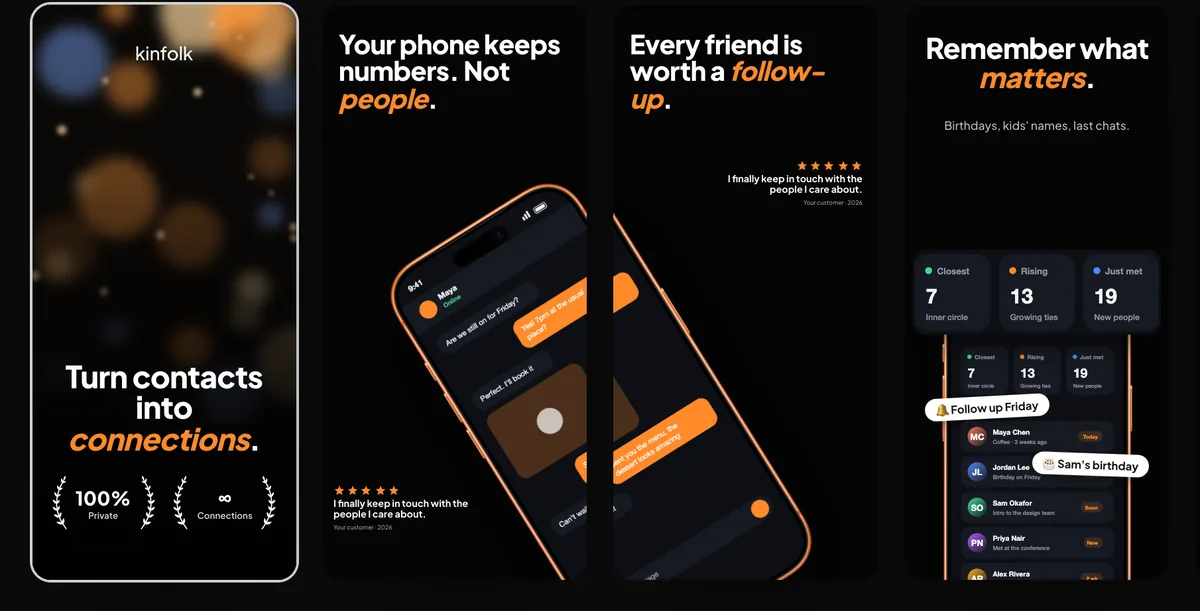
Previewed and 240fps are both browser-based mockup tools for app makers. Previewed offers 2D and 3D device templates, App Store and Google Play screenshot templates and promo video rendering, with a free tier and paid plans. 240fps focuses on live websites inside devices, product-demo tools (cursor, callouts, blur, zooms) and a one-click website video, with free design and a one-time $39 purchase for exports.
Side by side
| 240fps | Previewed | |
|---|---|---|
| Platform | Web browser (any OS), plus a Mac app | Web browser |
| Mockups | 2D device frames with tilt | 2D templates and 3D snapshots and animations |
| Store screenshots | Exact App Store sizes | App Store and Google Play templates |
| Live website inside the device | Yes | Not a core feature |
| Cursor, callouts, blur | Yes | Not a core feature |
| Pricing model | Free to design; exports $7 a month or $39 once | Free tier with attribution, one-time and subscription plans |
The practical difference
If you're making store screenshots from a template gallery, both work; Previewed has a larger template catalogue for stores. If what you're showing is a website or a flow through your product, 240fps's live website capture and demo tools do more of the work for you.
Choose Previewed if…
- You want 3D device shots.
- You want ready-made Google Play screenshot templates today.
Choose 240fps if…
- You're showing a live, responsive website.
- You make product demos with a cursor and callouts.
- You want unlimited design free and one $39 payment for exports, not a subscription.
About this comparison
Details about other products are from their own websites on 27 September 2026. Features and prices change, so check their site before you decide.
Questions
Is 240fps a Previewed alternative?
Yes, particularly for website mockups and short product demo videos.