Mockup
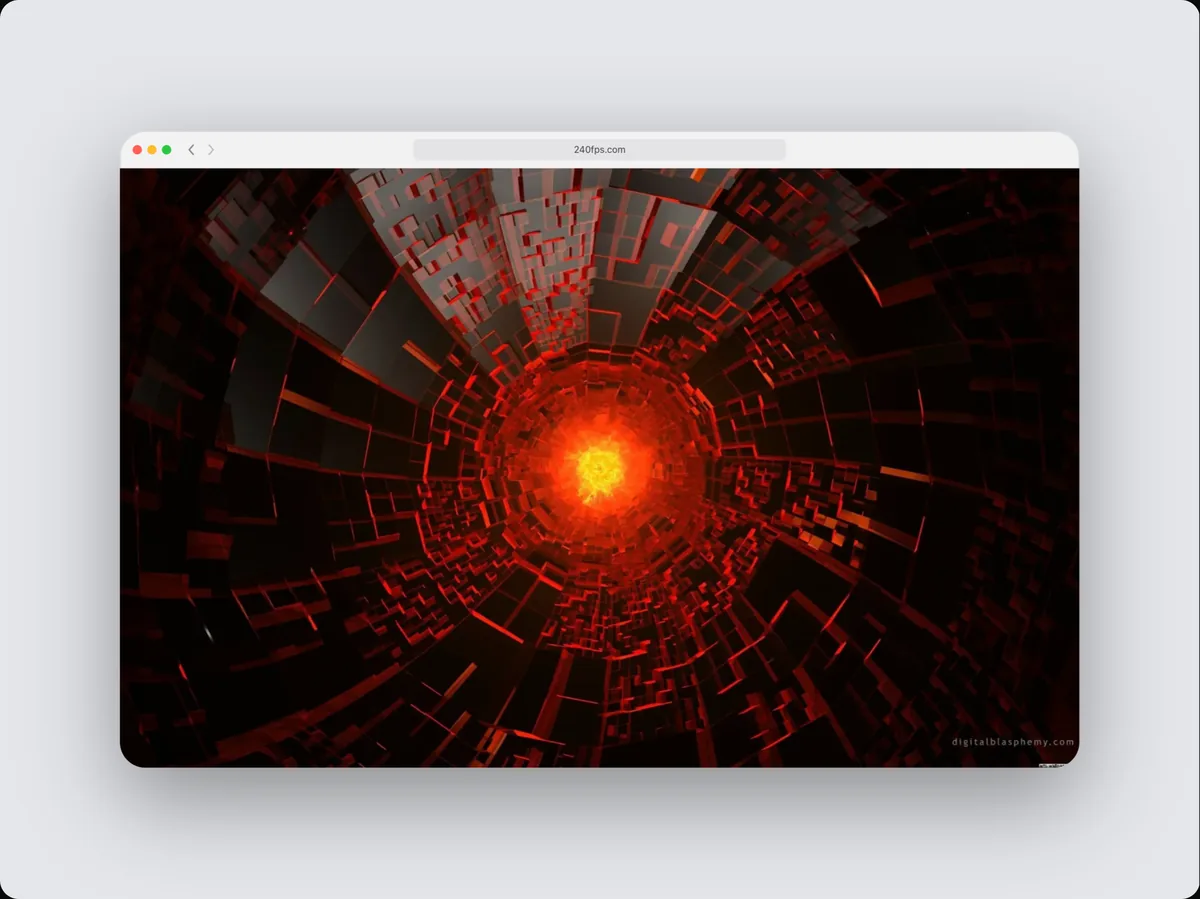
Screenshot frame mockups
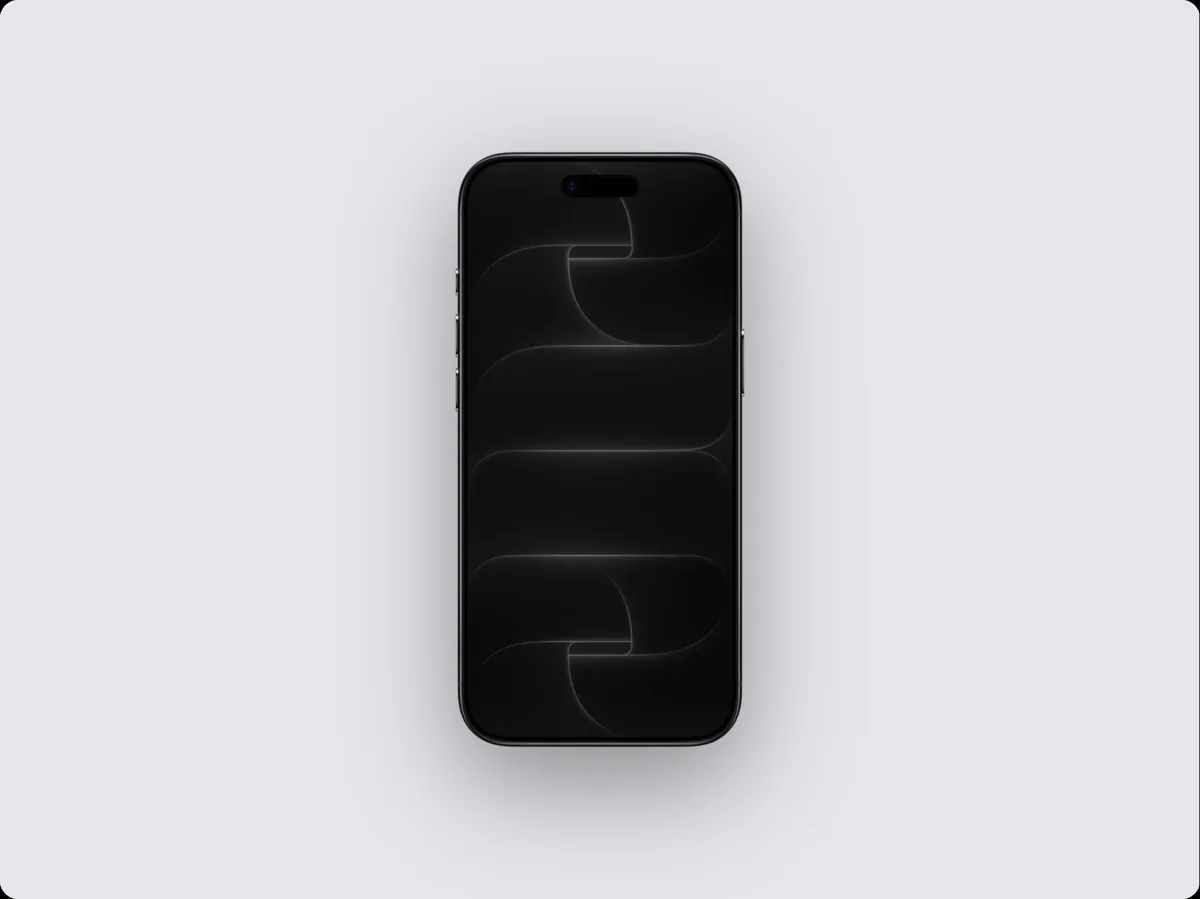
240fps puts a screenshot or a live website in a screenshot frame with a background, shadow and layout, and exports it as a PNG, JPEG or WebP image or an MP4, WebM or GIF video. It runs in the browser, and designing is free.
What a screenshot frame is good for
A screenshot frame makes a flat screenshot look like a real product in someone's hands or on their desk. Typical uses:
- Any screenshot that doesn't belong in a device
- Code, charts and UI details
- Social posts and documentation
- Before-and-after comparisons
Put a website in the screenshot frame
A website renders at the size you choose and keeps its own shape, with rounded corners, a shadow and your background around it.
Websites are rendered by a real browser on our server, so pages with animations, lazy-loaded images and web fonts come out the way visitors see them. Adding a website needs a free account.
From still image to video
Switch the editor from Mockup to Videos and the screenshot frame can move: zoom into a detail, tilt, glide, or cut between several screens. Add a headline, an animated cursor that clicks through your app, arrows and highlight boxes, and a soundtrack, then export an MP4 at up to 60 fps.
Mix it with other devices
Show the screenshot frame next to Browser or any other device in the same scene: 240fps sizes them to their real proportions, so a phone beside a laptop looks right.
How to do it
- 1Open the editorOpen the editor with the screenshot frame already selected.
- 2Add your screenPaste a screenshot (⌘V), drop an image or video on the canvas, or choose Website and paste a URL.
- 3Style the scenePick a layout and a background, or start from a template.
- 4ExportExport an image, or switch to Videos, add motion and export an MP4, WebM or GIF.
Questions
Can I use a video in the screenshot frame?
Yes. Drop an MP4, WebM or MOV screen recording on the screen and it plays inside the device, in the editor and in the exported video.
Is it free?
Designing is free: every device, finish, template and animation. Exporting images and videos comes with 240fps Monthly ($7 a month) or Lifetime ($39 once).