Size
Dribbble shot size
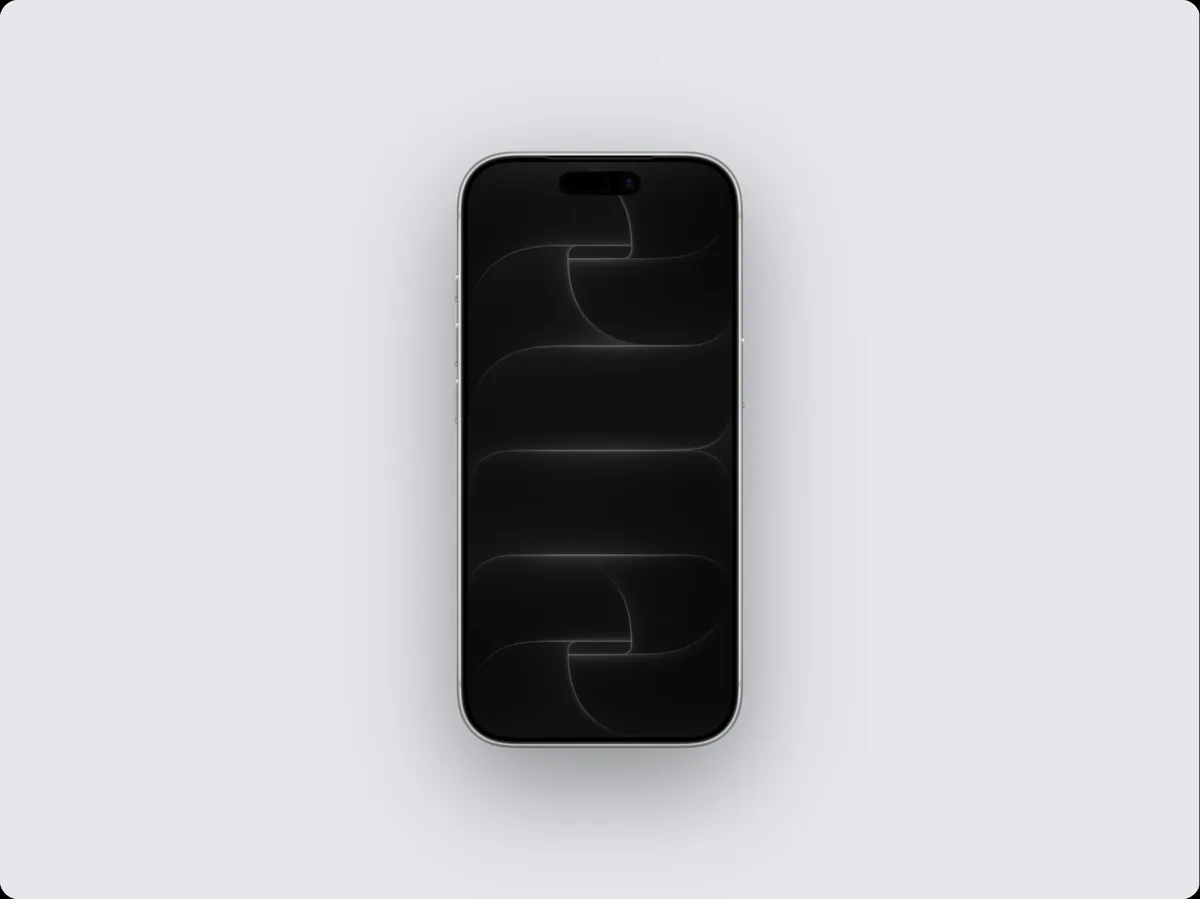
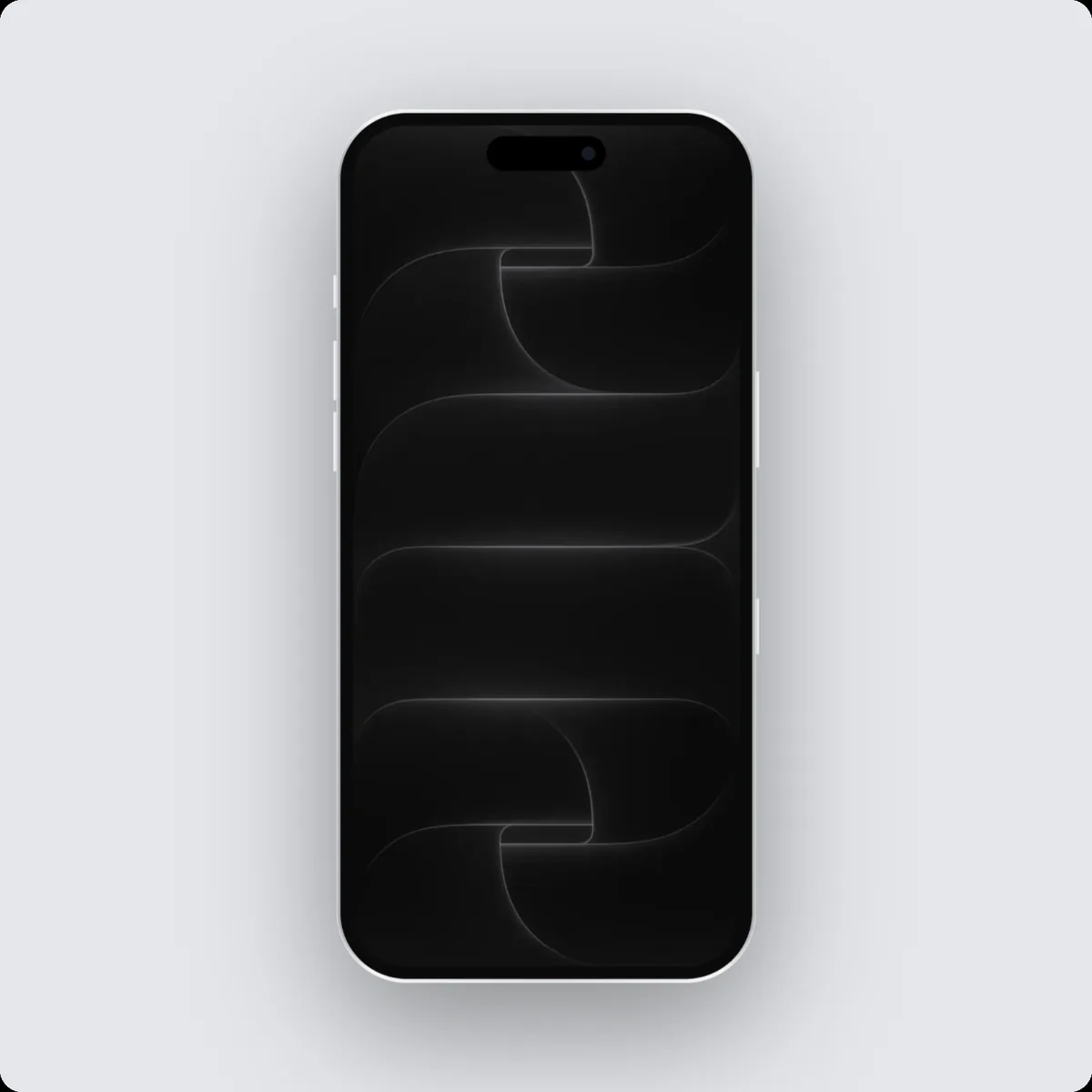
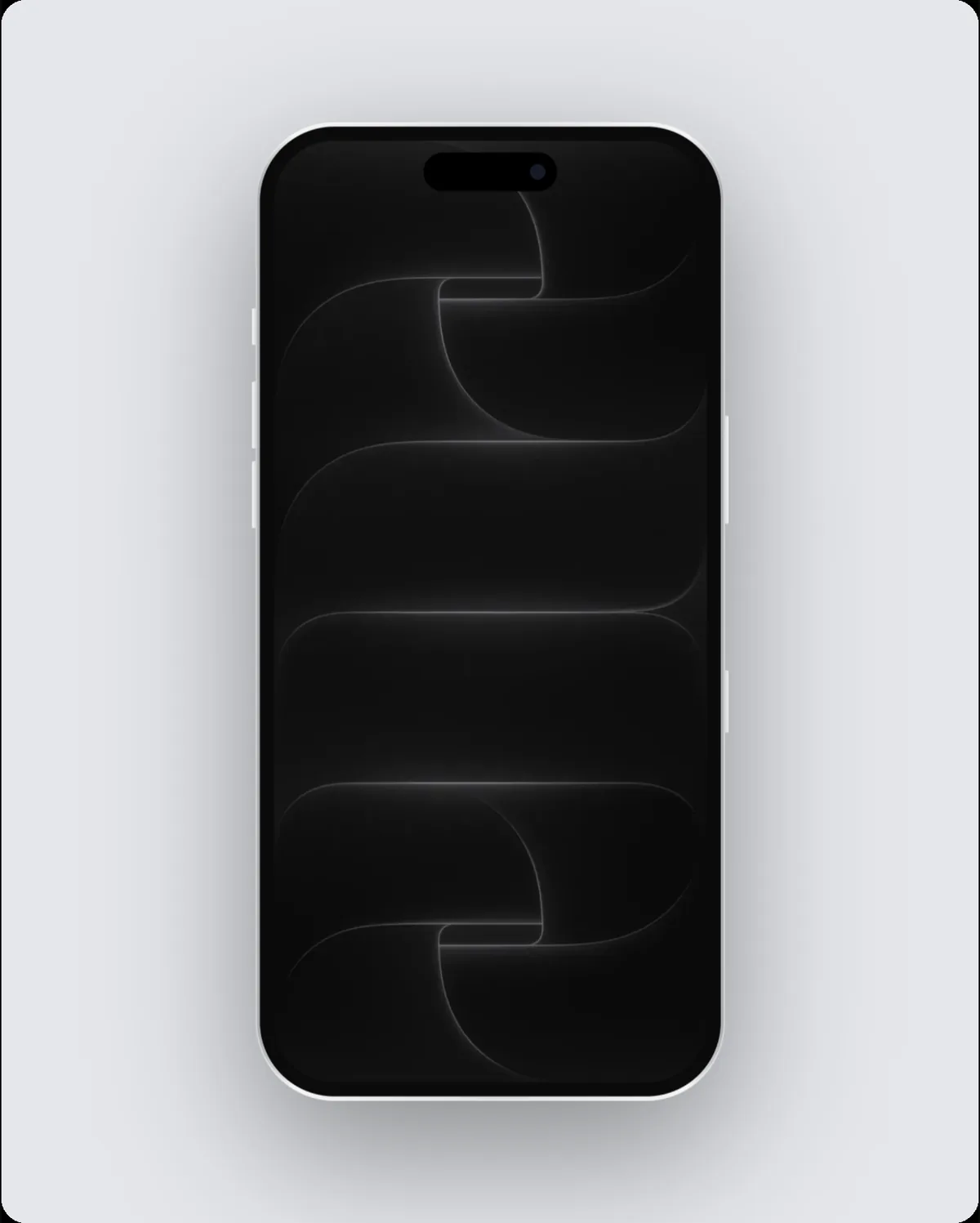
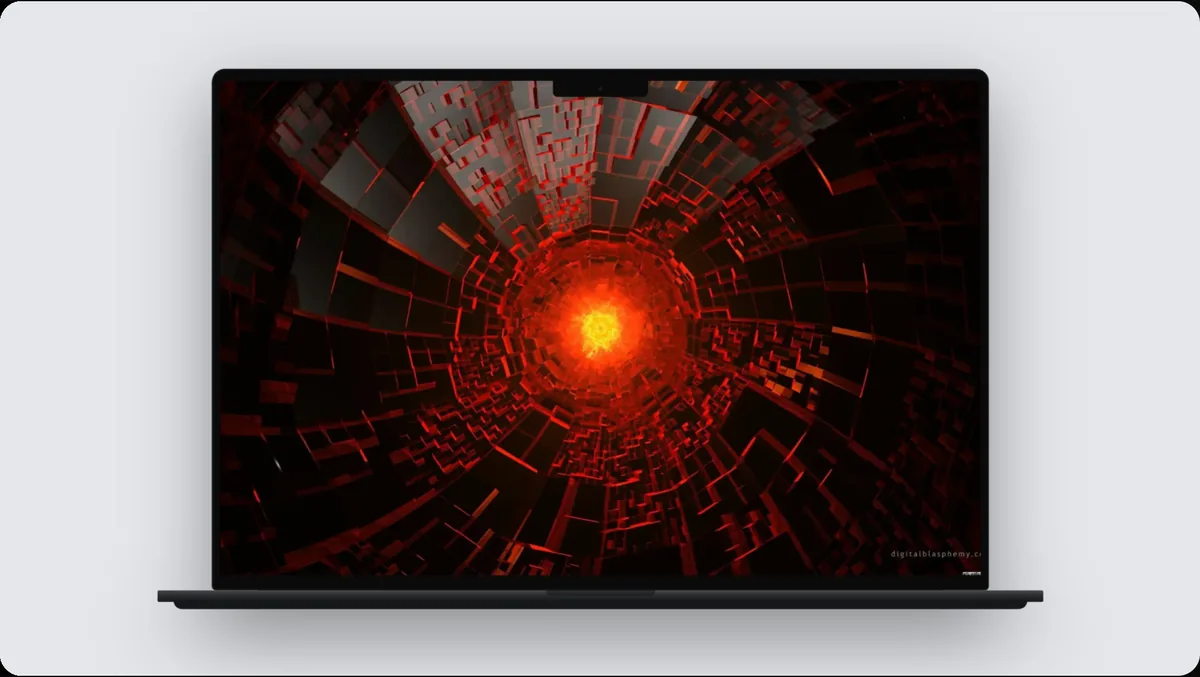
A Dribbble shot is 1600 × 1200 pixels, a 4:3 shape. In 240fps, choose Dribbble shot as the frame size and the canvas, the layout and every export use exactly 1600 × 1200, so the image or video is ready to upload without resizing.
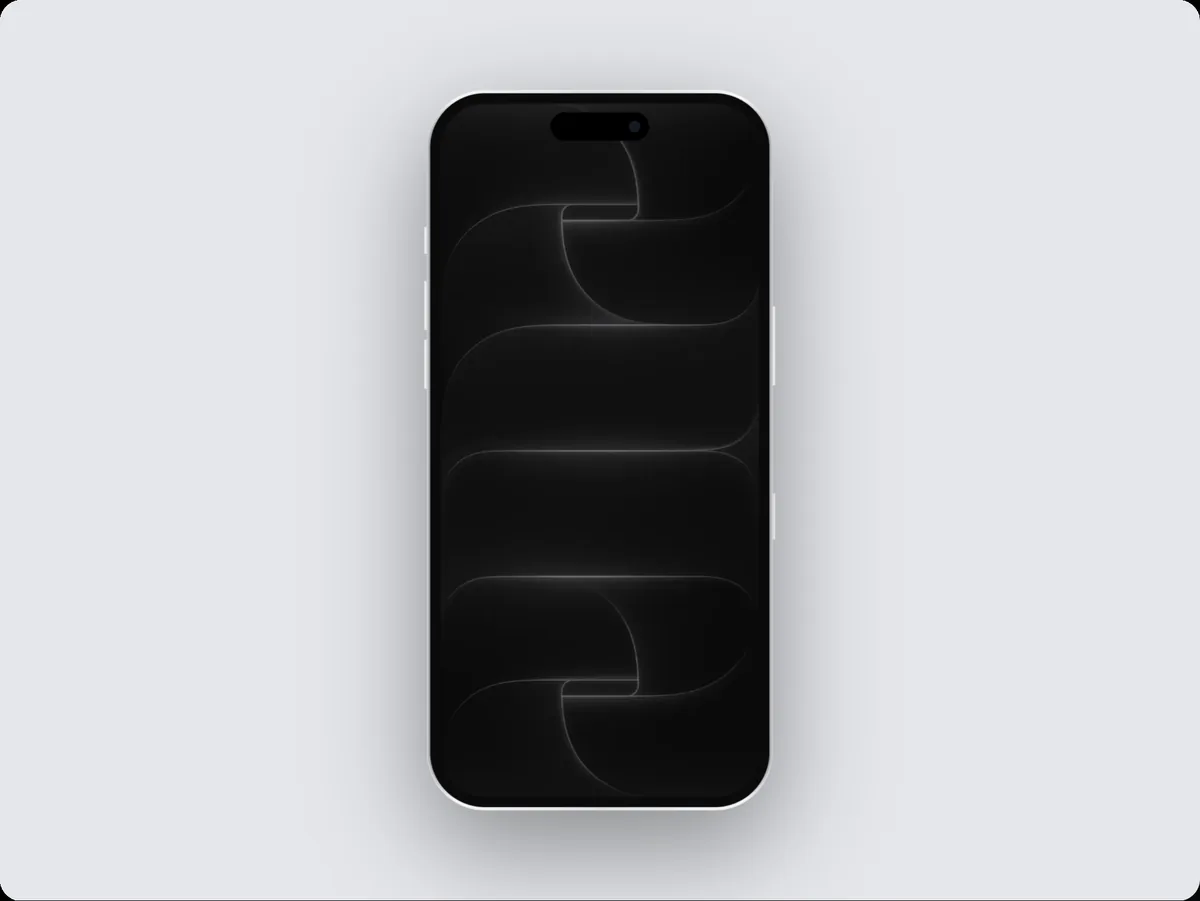
Why the exact Dribbble shot size matters
Dribbble shots are 4:3, and a clean device mockup on a quiet background is the look the site is known for.
Tips
- Soft backgrounds and a single accent colour keep the focus on the UI.
- Dribbble accepts video too: a short animated mockup gets more attention.
How to do it
- 1Open the editor at this sizeOpen the editor with the frame set to Dribbble shot.
- 2Add your screenPaste a screenshot, drop a screen recording, or add a website.
- 3Pick a device and backgroundChoose the device, a layout and a background, or start from a template.
- 4ExportExport at exactly 1600 × 1200.
Questions
What size is a Dribbble shot?
1600 × 1200 pixels.
Can I export a video at this size?
Yes. Switch to Videos, add motion, and export an MP4, WebM or GIF at the same size.
Is it free?
Designing at any size is free. Exporting comes with 240fps Monthly ($7 a month) or Lifetime ($39 once).