Size
Pinterest optimal pin size
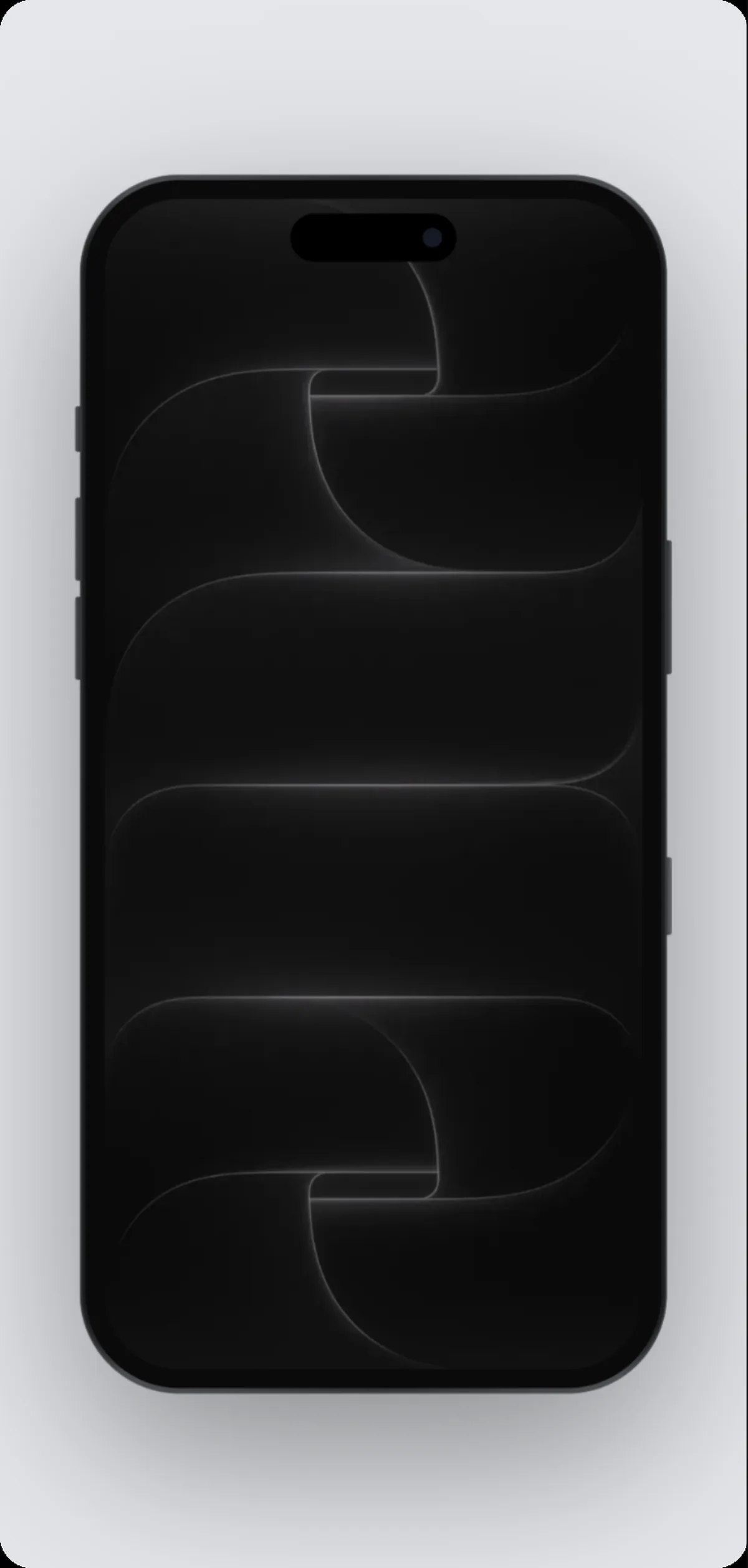
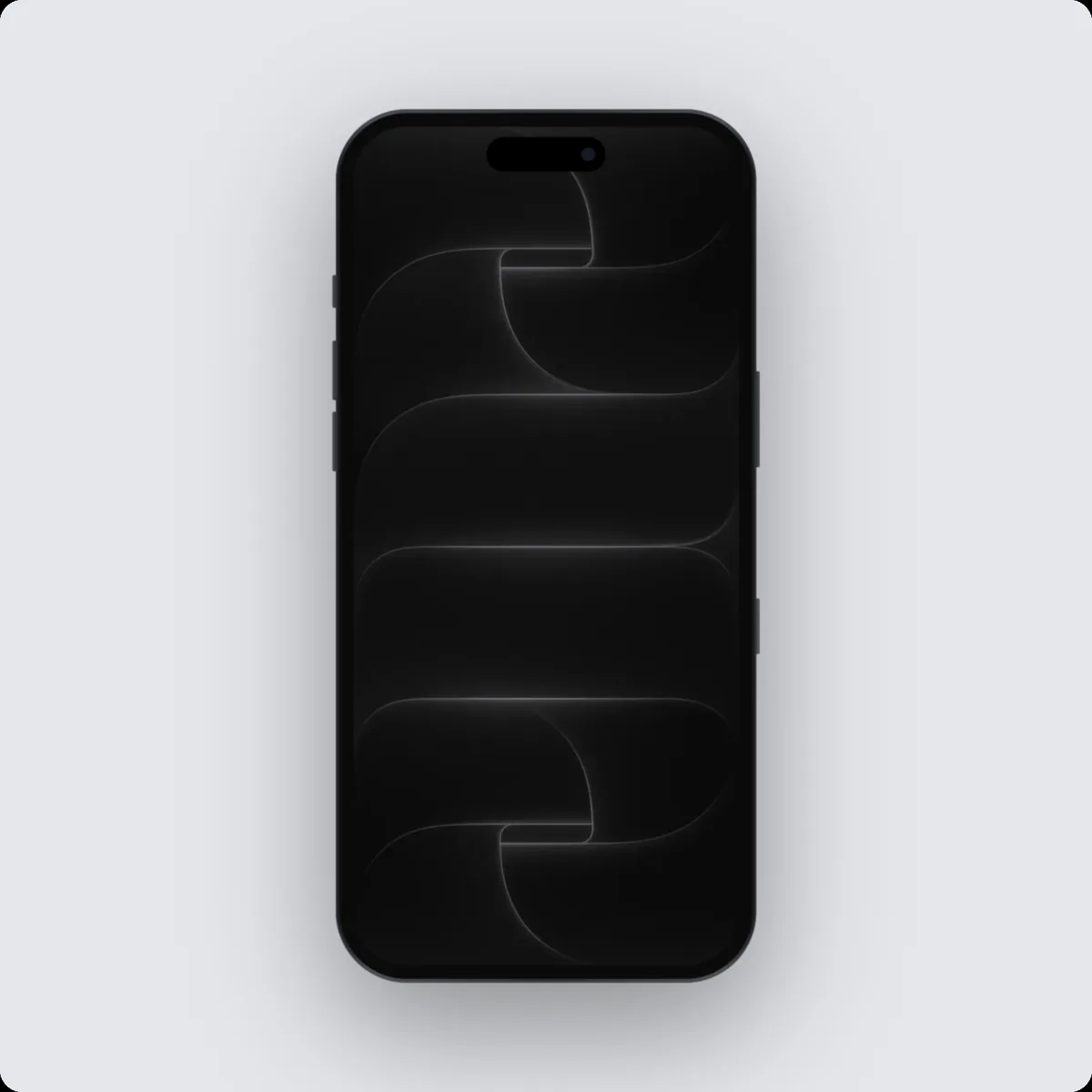
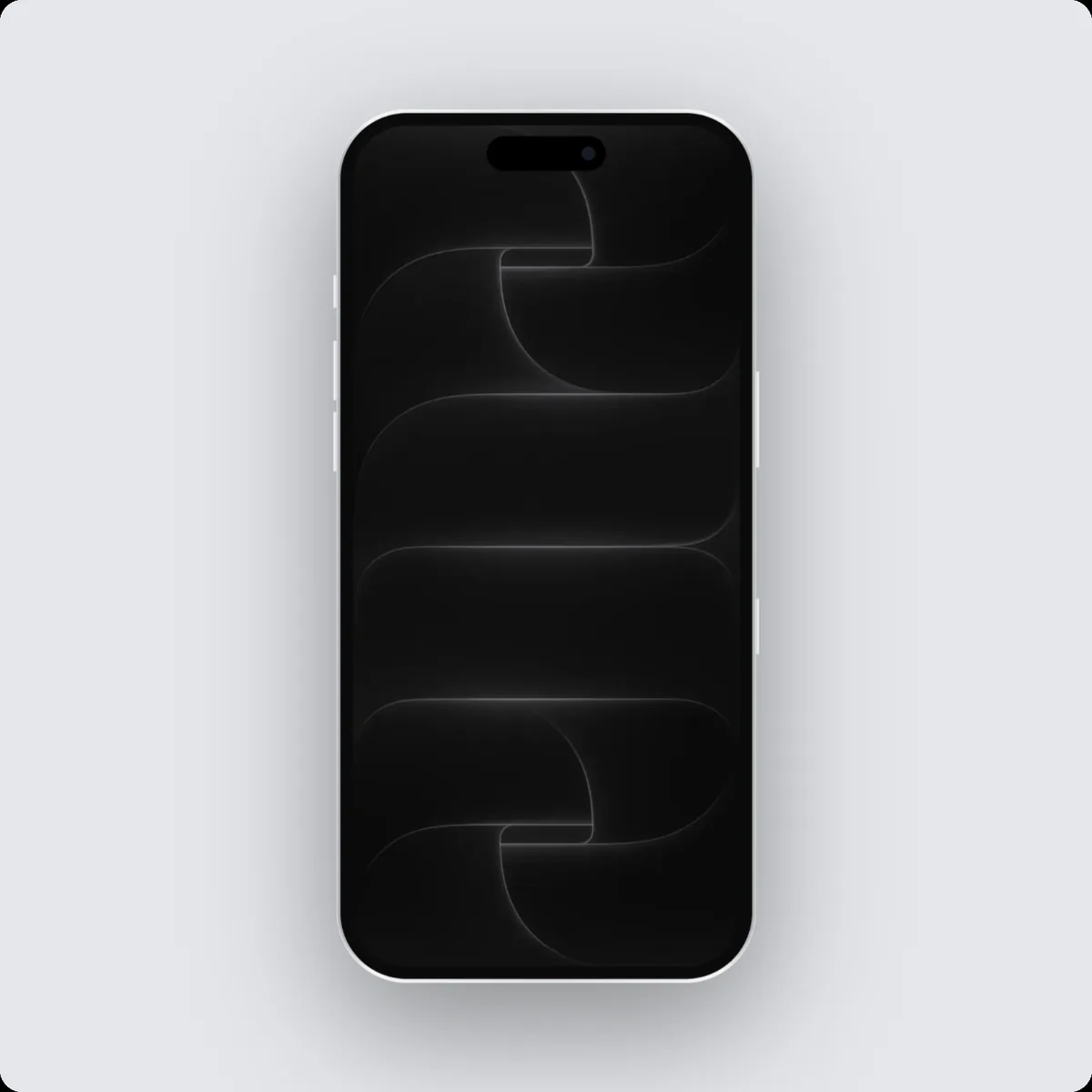
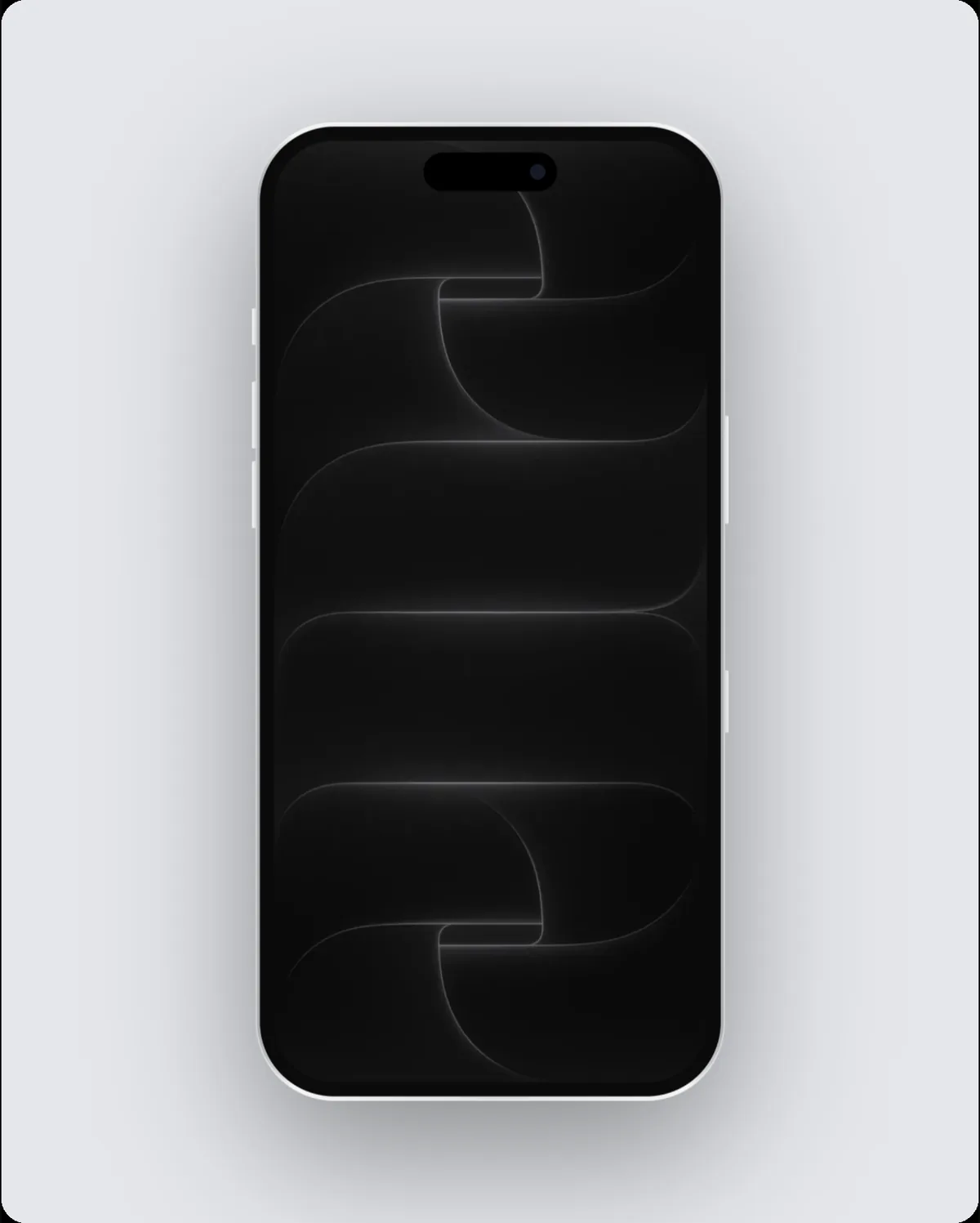
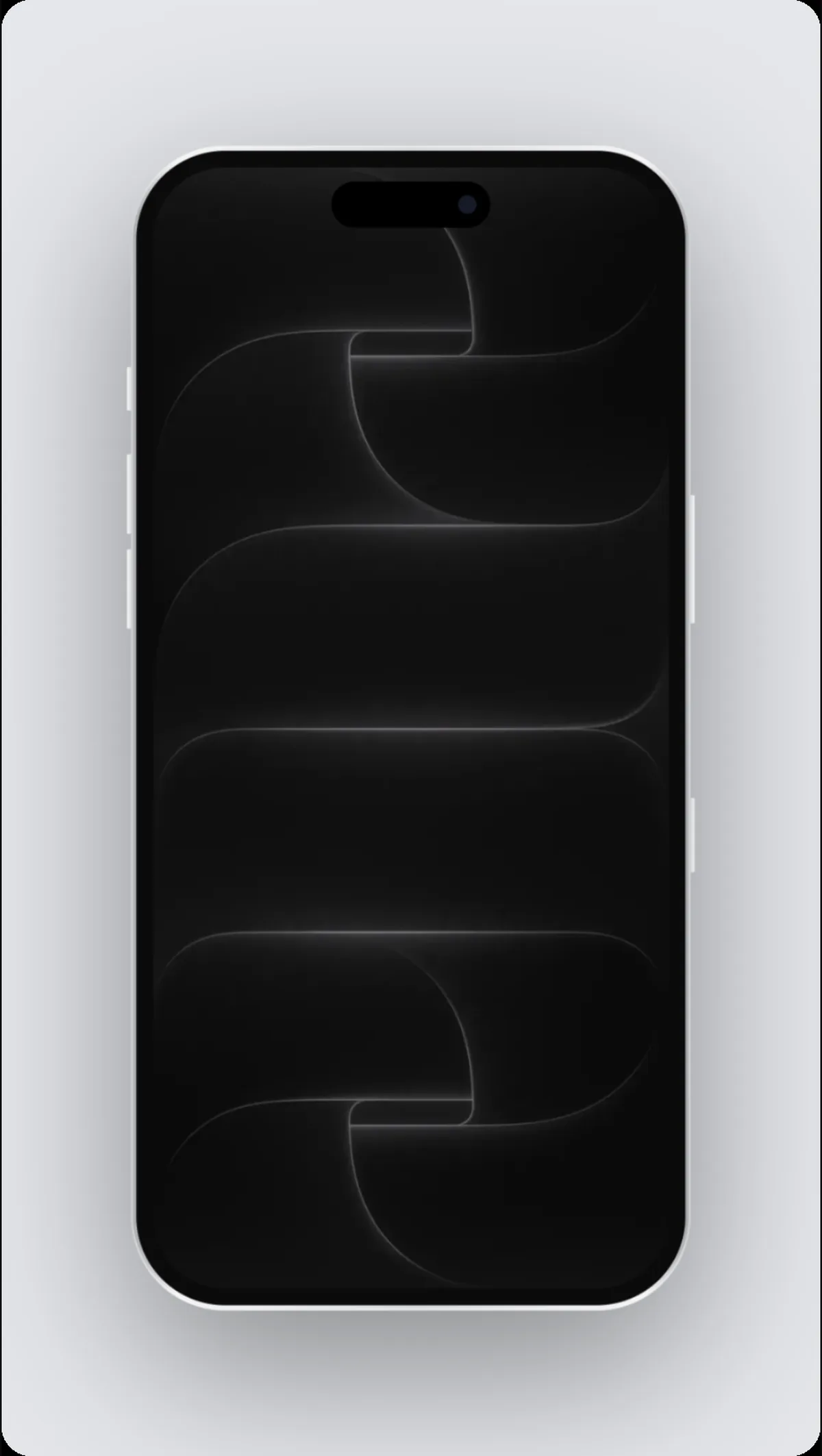
A Pinterest optimal pin is 1000 × 1500 pixels, a 2:3 shape. In 240fps, choose Pinterest optimal pin as the frame size and the canvas, the layout and every export use exactly 1000 × 1500, so the image or video is ready to upload without resizing.
Why the exact Pinterest optimal pin size matters
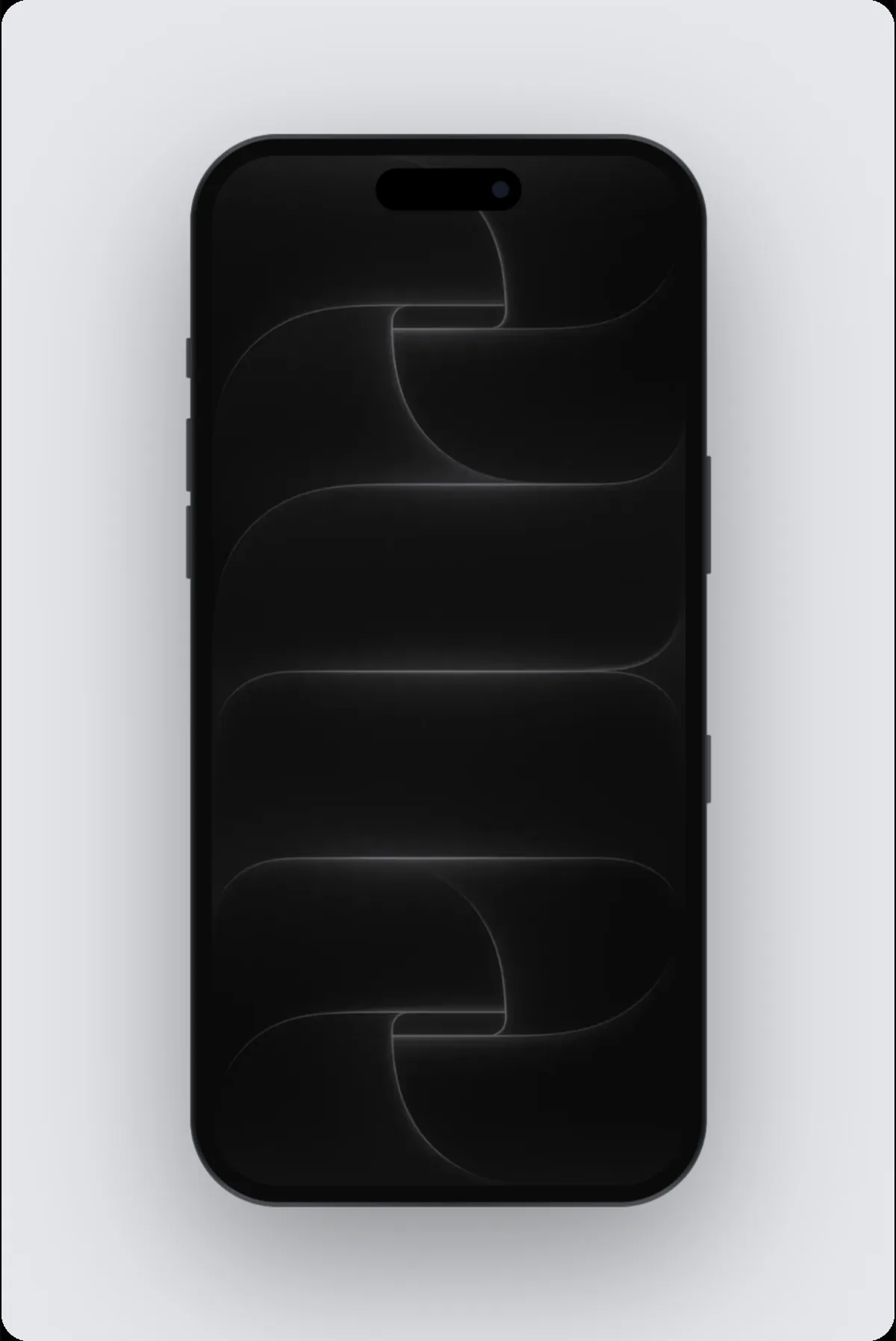
Pinterest favours tall pins, so a portrait mockup takes up more of the feed.
Tips
- Phones fill tall pins naturally; stack two or three for long pins.
- Add a headline so the pin makes sense without clicking.
Other sizes in this family
- Pinterest long pin: 1000 × 2100
- Pinterest square pin: 1000 × 1000
How to do it
- 1Open the editor at this sizeOpen the editor with the frame set to Pinterest optimal pin.
- 2Add your screenPaste a screenshot, drop a screen recording, or add a website.
- 3Pick a device and backgroundChoose the device, a layout and a background, or start from a template.
- 4ExportExport at exactly 1000 × 1500.
Questions
What size is a Pinterest optimal pin?
1000 × 1500 pixels.
Can I export a video at this size?
Yes. Switch to Videos, add motion, and export an MP4, WebM or GIF at the same size.
Is it free?
Designing at any size is free. Exporting comes with 240fps Monthly ($7 a month) or Lifetime ($39 once).