Tool
Brand kit
The 240fps brand kit saves your logo, up to six brand colours, a heading and a body font, a watermark and a background to your account. Apply brand kit puts them on the open project in one click, and your colours appear first in the text and background colour pickers.
Consistent without effort
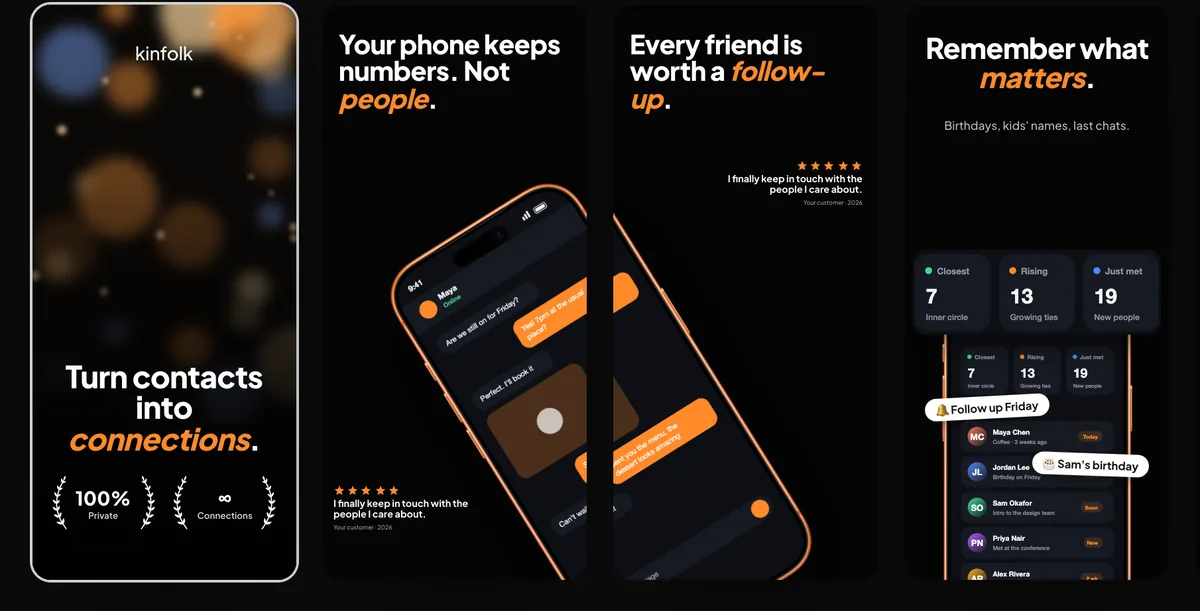
Every screenshot set and launch video looks like it came from the same team, even when different people make them.
How to do it
- 1Open the 240fps menuChoose Brand kit.
- 2Add your brandUpload a logo, add colours, pick fonts and a watermark.
- 3Save and applyIt's applied to the open project and saved for next time.
Questions
Is the brand kit free?
The brand kit comes with 240fps Monthly ($7 a month) or Lifetime ($39 once).