Tool
Screenshot to mockup
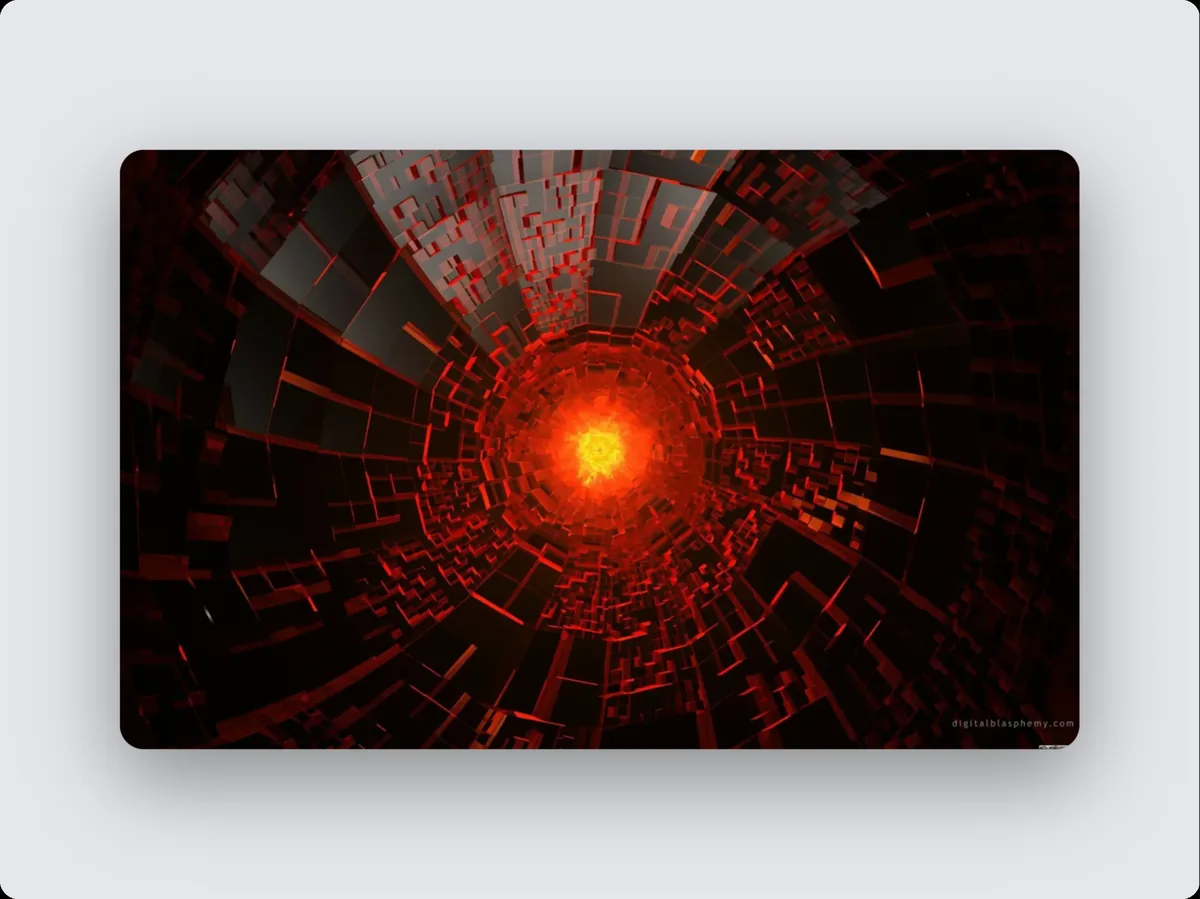
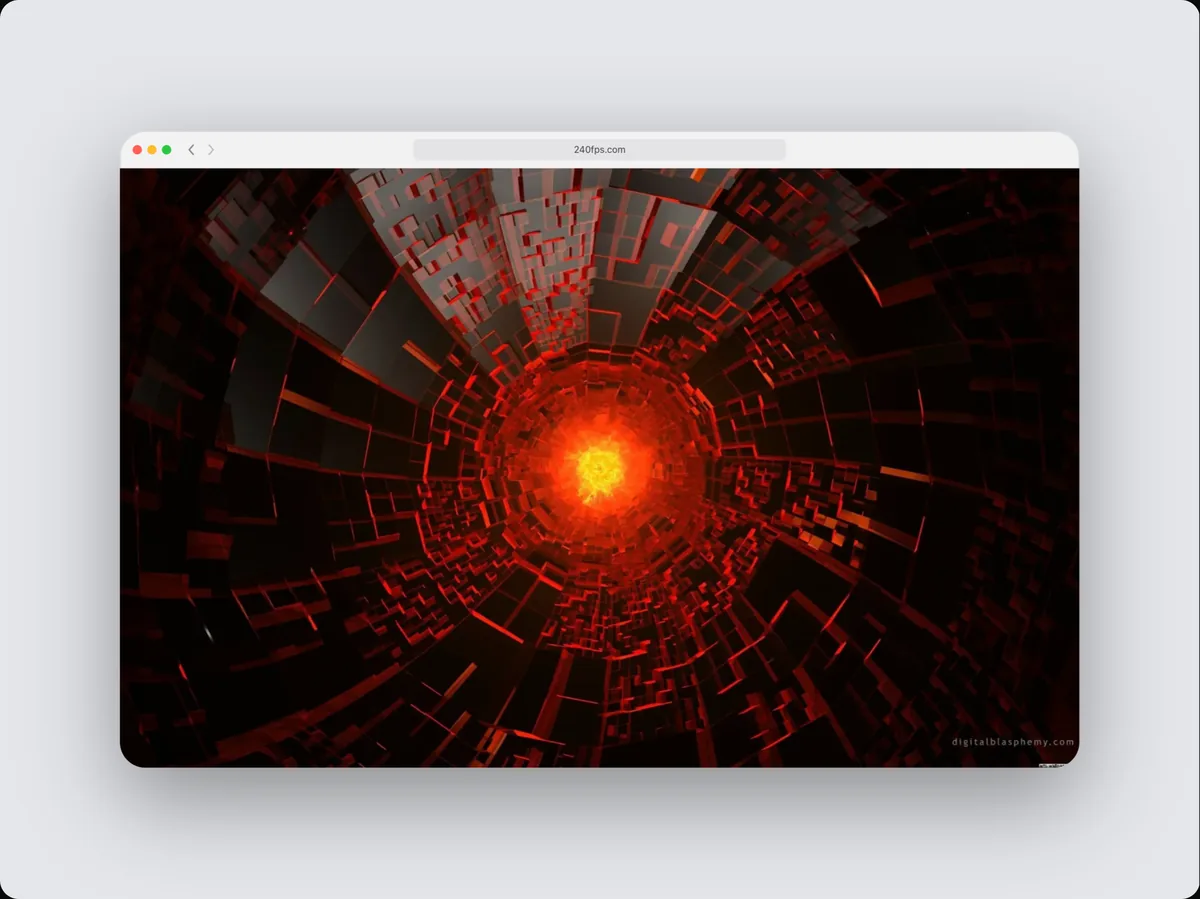
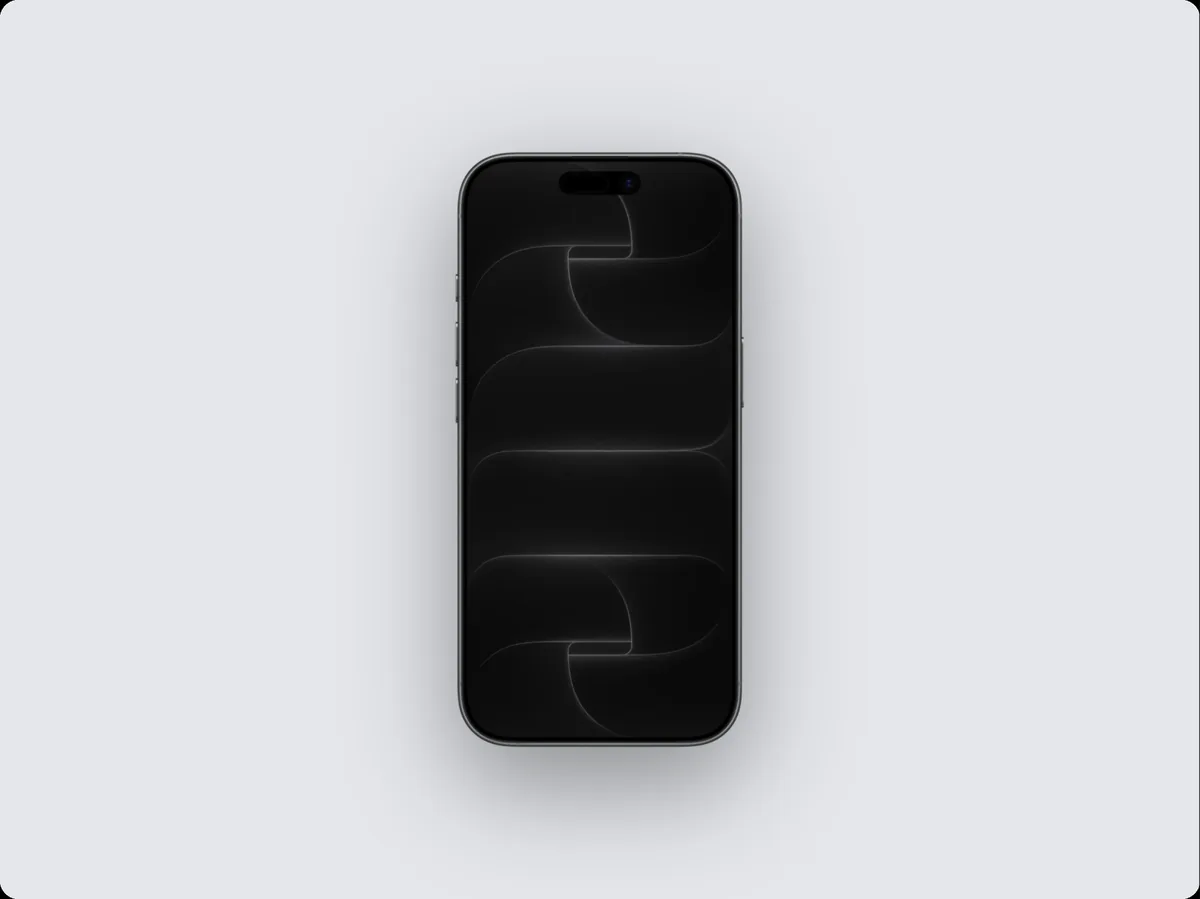
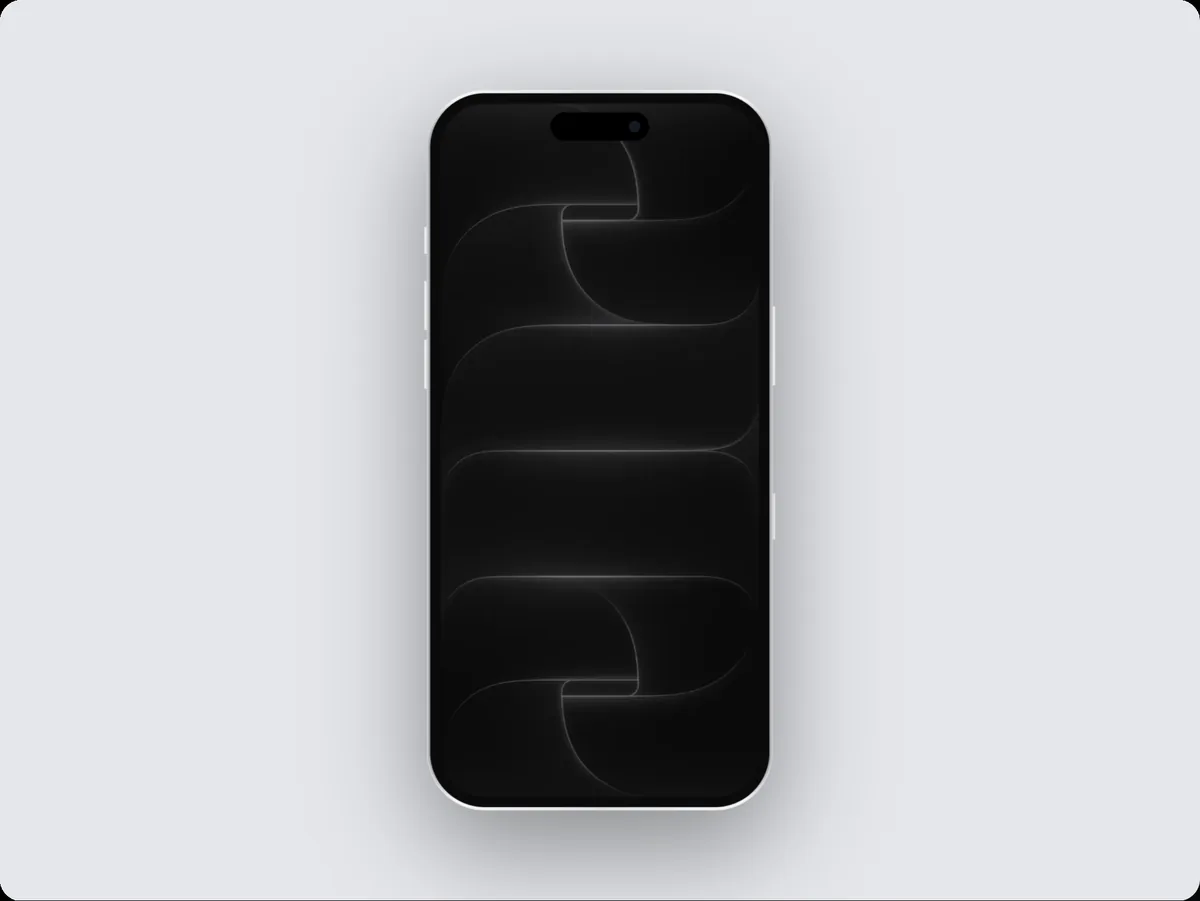
240fps turns a screenshot into a finished mockup: paste it (⌘V) and it appears in a device frame, or a plain rounded frame, on a background with a shadow. Pick from 24 devices, layouts, gradients, images and effects, and export a PNG, JPEG or WebP up to 6K.
Paste and done
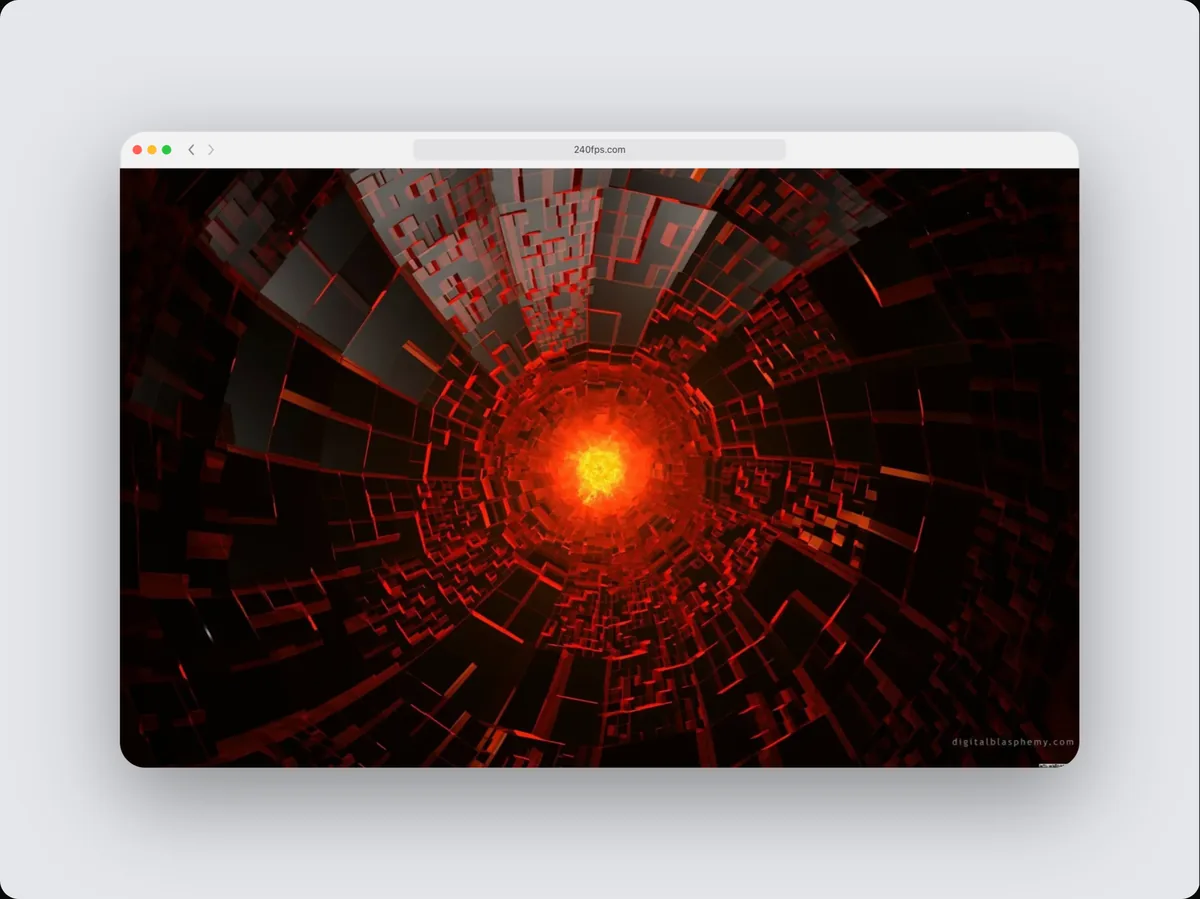
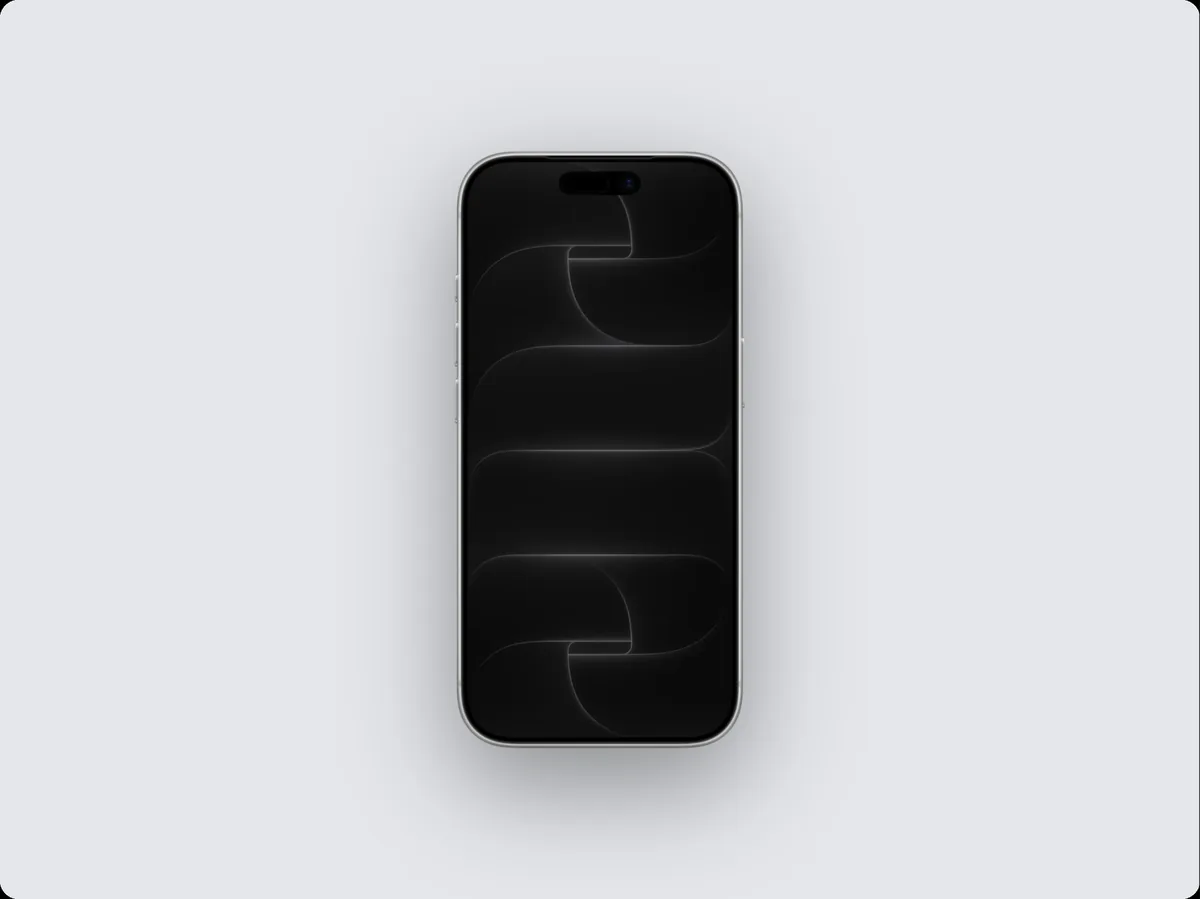
There's nothing to upload: paste a screenshot and it fills the device at once. The frame adapts to its shape, so a desktop screenshot goes in a laptop or browser window and a phone screenshot in a phone.
Backgrounds and layout
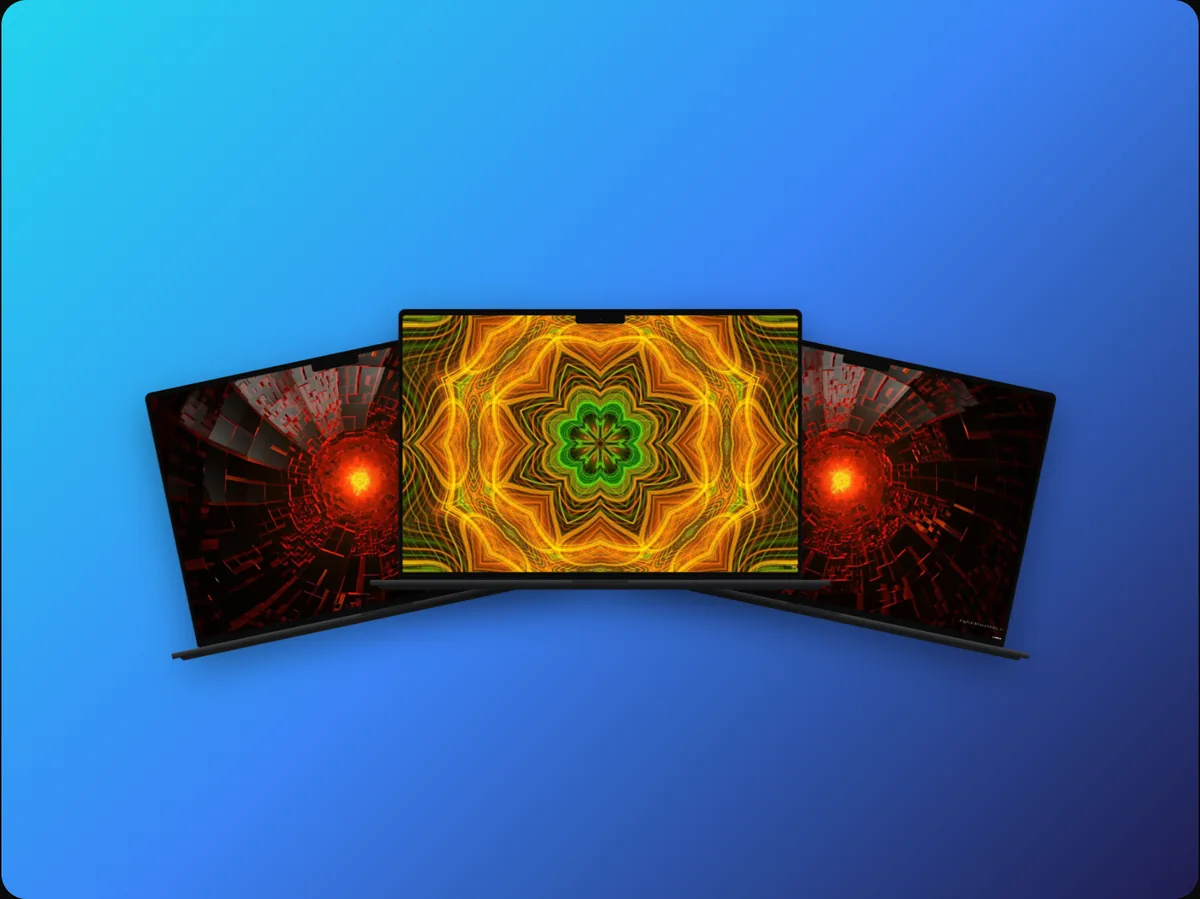
Solid colours, gradients, blurred wallpapers, your own image or a transparent background; shadows, tilt and zoom; and layouts for one, two or three screens.
How to do it
- 1Open the editorNo sign-up needed to design.
- 2Paste your screenshotPress ⌘V, drop the file, or click the empty screen.
- 3Pick a styleChoose a device, background and layout.
- 4ExportExport a PNG, JPEG or WebP, or copy it to the clipboard.
Questions
Are my screenshots uploaded?
No. Signed out, they stay in your browser. Signed in, projects are saved privately to your account.
Can I get a transparent background?
Yes. Choose the transparent background and export a PNG or WebP.
Is it free?
Designing is free. Exporting images and videos comes with 240fps Monthly ($7 a month) or Lifetime ($39 once).