Tool
Launch kit from your website
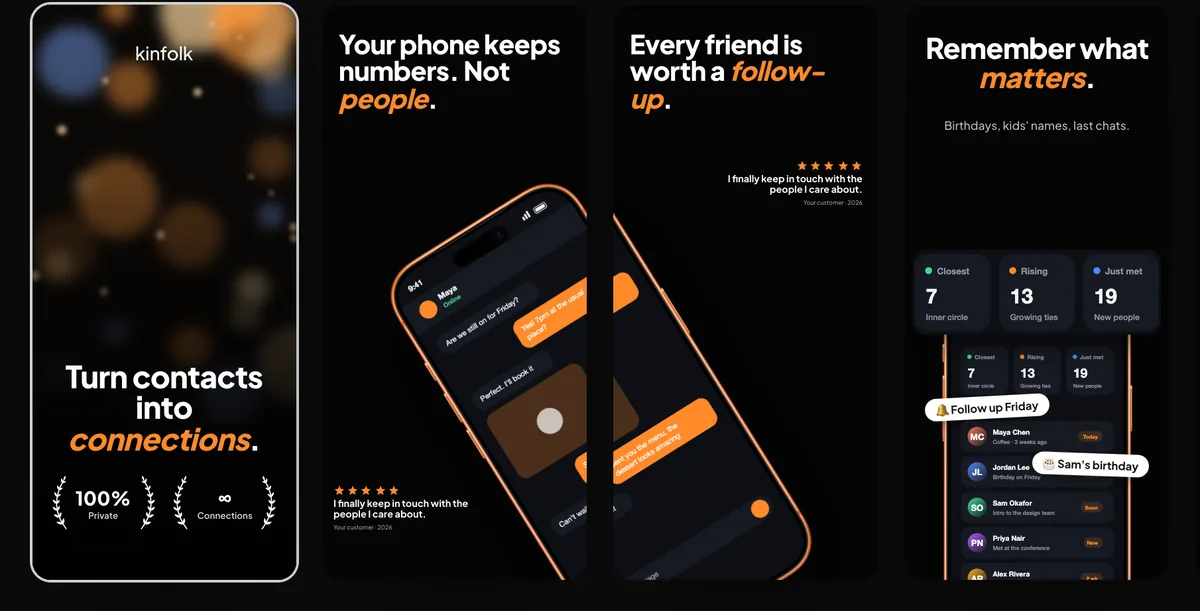
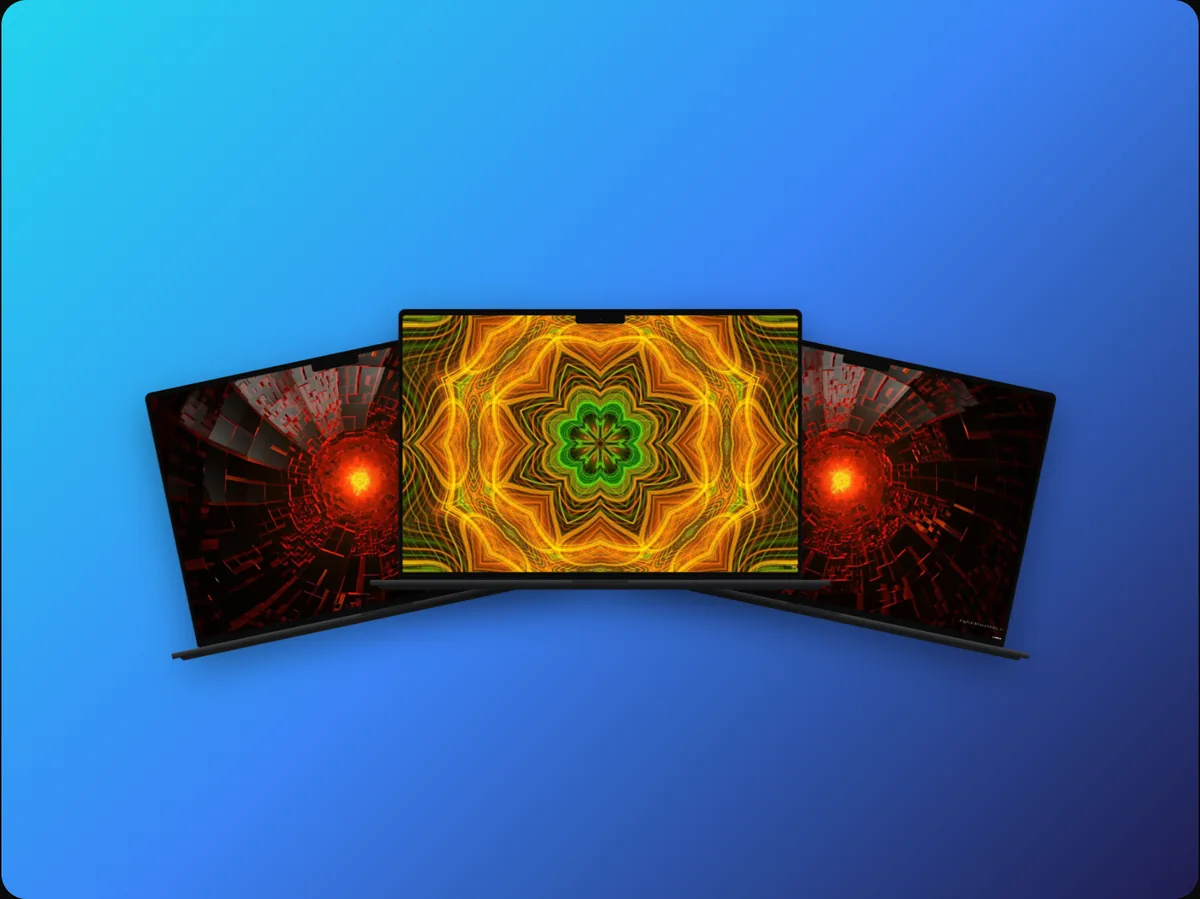
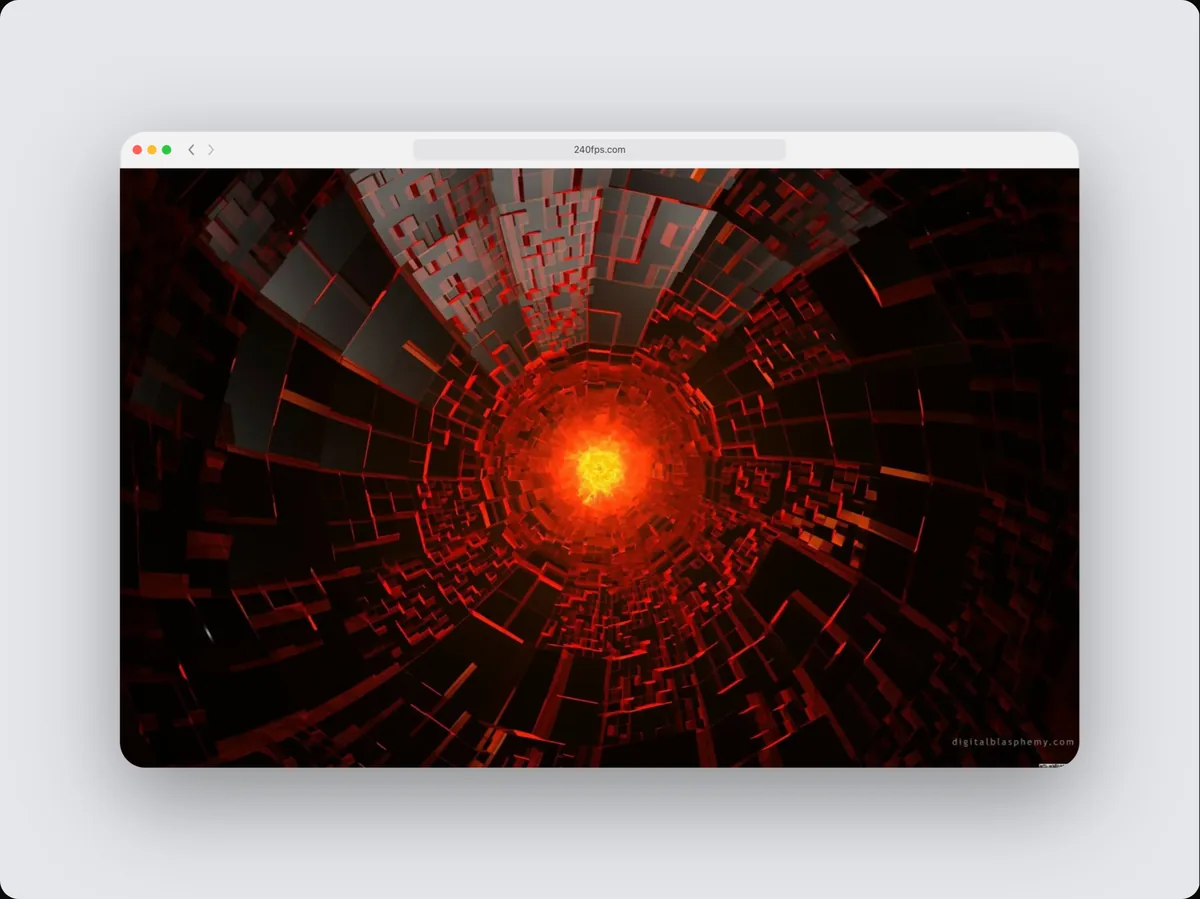
240fps builds a launch kit from a website address: it opens your site on a phone and a desktop, reads its own headings and brand colour, and captures each section. You get App Store screenshots (headlines from your page), square and vertical social posts, a Product Hunt gallery at 1270 × 760 and a MacBook and iPhone video, all in one style and all editable. Nothing is written for you; every word comes from your site.
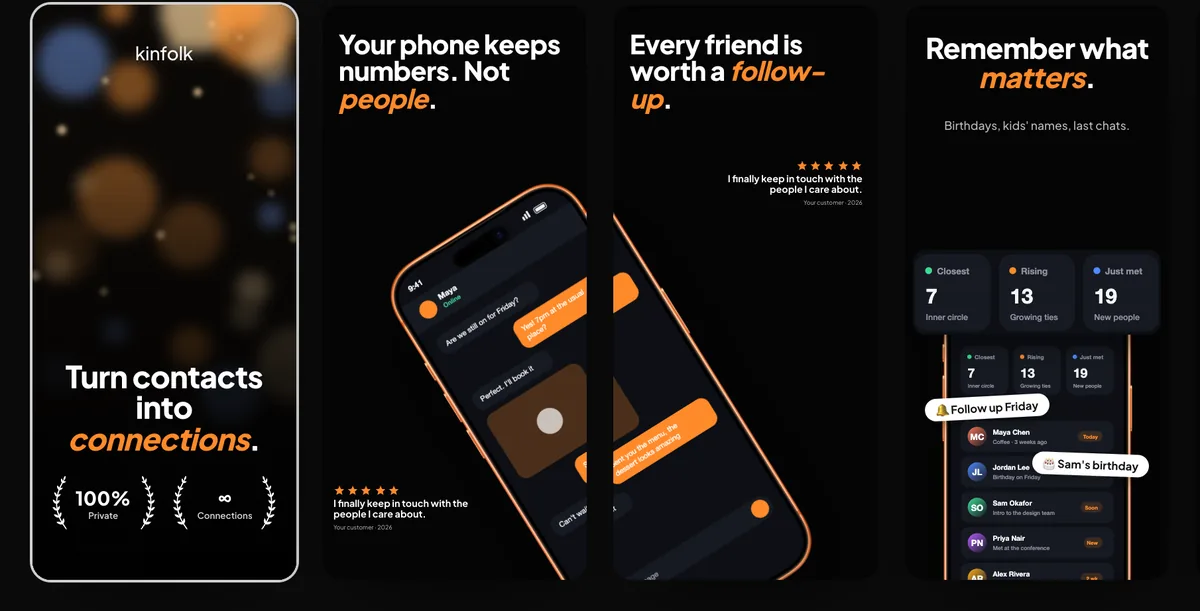
Everything a launch needs, in one style
A launch spreads the same product across the App Store, social feeds and Product Hunt, each with its own size. Making each by hand is where the style drifts. The kit makes them together from one design, so the store listing, the posts and the gallery look like they belong to the same product.
Your words, not generated ones
Headlines come from your page's headings and the sentence under each, shortened to fit a screenshot. Nothing is invented, so the claims on your screenshots are the claims on your site. Edit any of them in the Screenshots studio.
What it can't read
Pages behind a sign-in, and sites that block automated browsers, can't be captured. For an app that isn't a website, use the Screenshots studio with your own screens instead.
How to do it
- 1Open Launch kitIn the editor, choose Launch kit from a website (under Media, or in the Screenshots studio).
- 2Paste your address and pick a styleChoose one of the styles and whether to use your brand colour.
- 3BuildIn about half a minute you have the store set, the posts, the gallery and the video.
- 4Edit and exportSwitch between formats at the top of the studio, change anything, and export one format or the whole kit as a zip.
Questions
Does it use AI to write the headlines?
No. Headlines and sublines are your page's own headings and the sentence under each, shortened to fit.
Which sizes are in the kit?
App Store iPhone 6.9″ (and any other store sizes you tick), square 1080 × 1080, vertical 1080 × 1920 and a Product Hunt gallery at 1270 × 760.
Do I need an account?
Yes, a free one: websites are rendered by a real browser on our server.
Is it free?
Designing is free. Exporting images and videos comes with 240fps Monthly ($7 a month) or Lifetime ($39 once).