Tool
A screen recorder that edits itself
240fps for Mac records from the notch: press ⌘⇧R, pick a display, a window or an area, and record with your microphone, the computer's sound and your camera. It logs every click, so the edit zooms in where you clicked, the cursor can be smoothed and restyled, and captions write themselves. Export an MP4 up to 4K at 60 fps.
Zooms from your clicks
240fps records the cursor separately from the screen and logs every click. The editor turns them into camera moves that zoom in and ease back out, and you can drag, trim or delete any of them.
The cursor, cleaned up
Because the cursor isn't burned into the picture, it can be smoothed, made bigger, given a click ring, or hidden when it isn't moving.
Private by default
Recordings stay in a folder on your Mac. Captions are transcribed on your Mac too, and exports are files you keep.
How to do it
- 1Press ⌘⇧RA panel slides out of the notch. Choose a display, a window or an area, and your microphone, sound and camera.
- 2RecordUse your app as you want it shown, with your notes on screen, then stop from the menu bar or with ⌘⇧2.
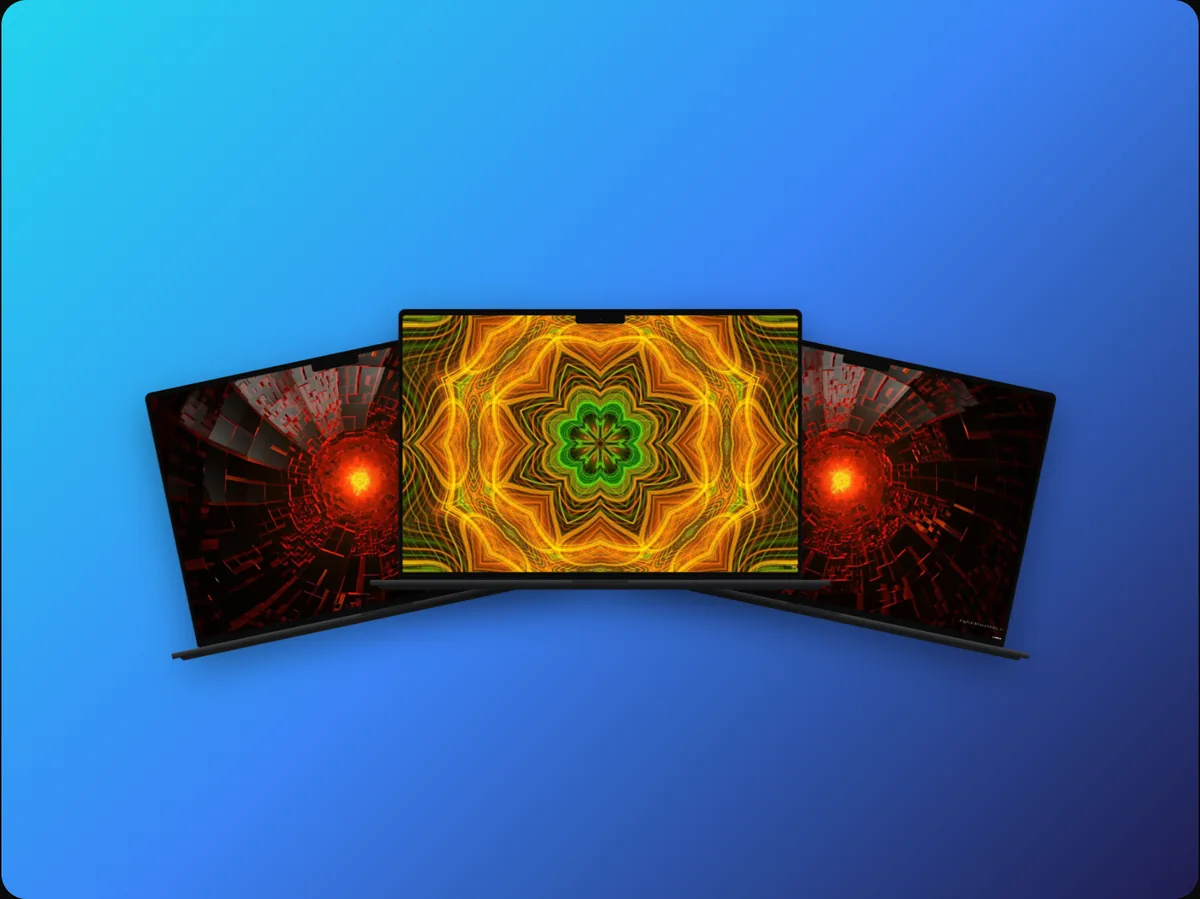
- 3EditZooms are already placed on your clicks. Add a background, captions, a title or a scene.
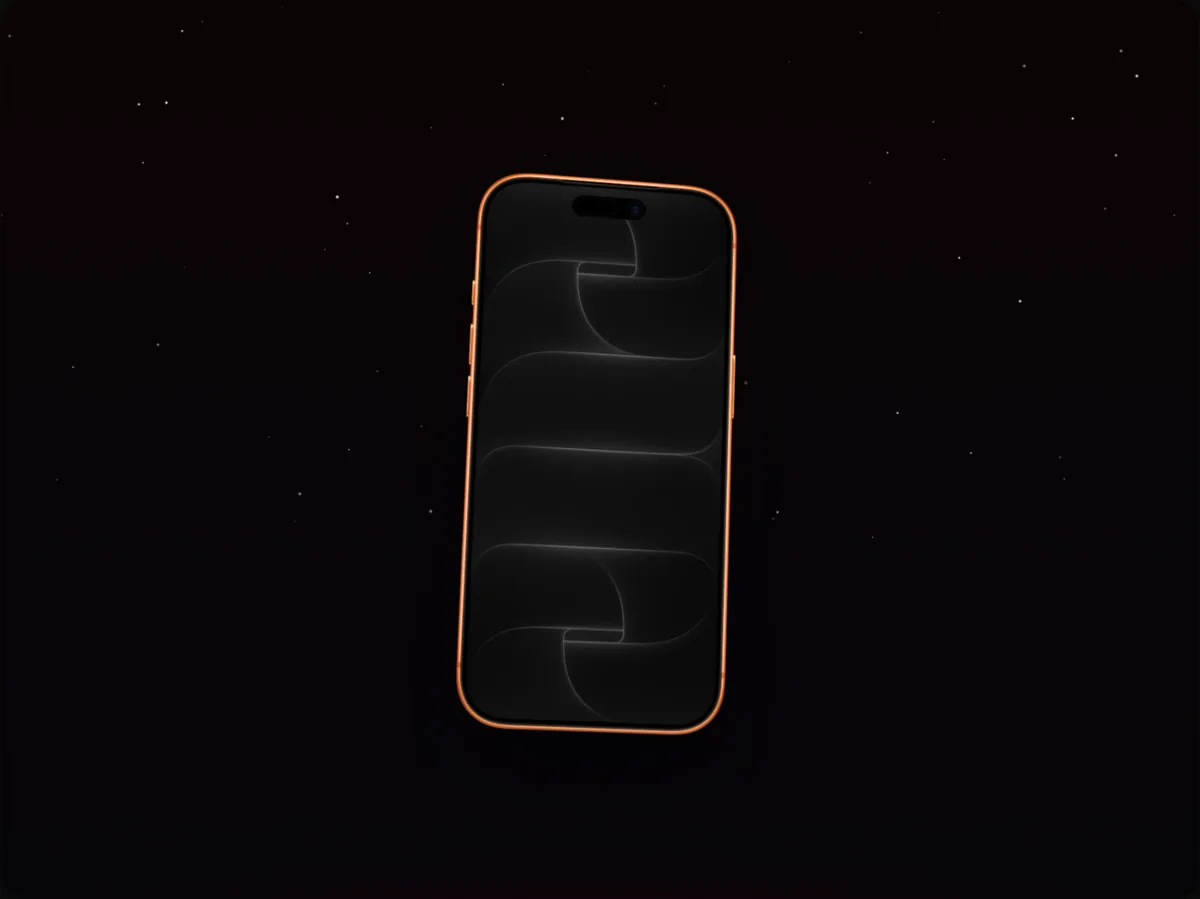
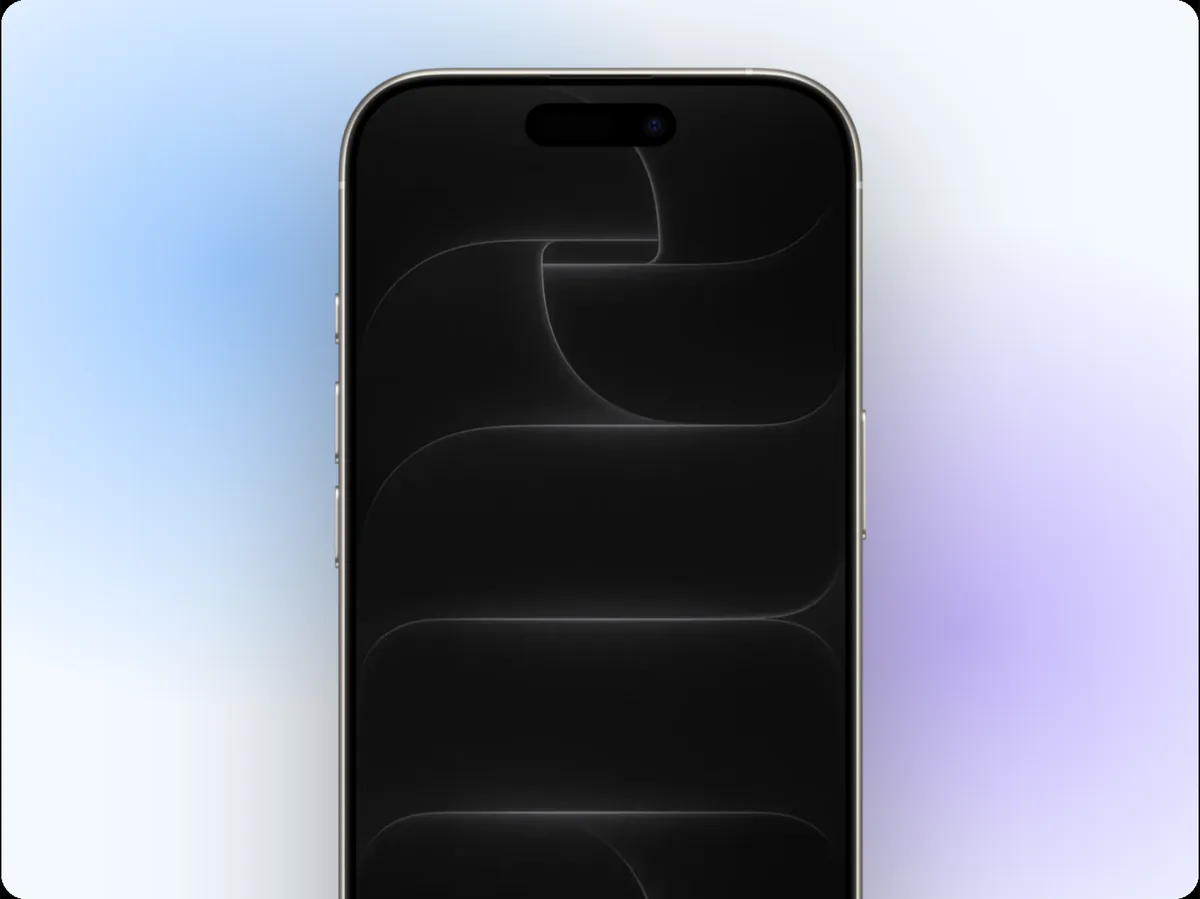
- 4ExportAn MP4 up to 4K at 60 fps, in any shape, or put the recording in a device mockup.
Questions
Is the recording uploaded?
No. It stays in a folder on your Mac, and the edit is saved beside it.
Can I record my phone?
240fps records your Mac. For phone apps, record on the phone and drop the file into a device mockup, or record the iOS Simulator.
How much is it?
Designing is free. Exporting images and videos comes with 240fps Monthly ($7 a month) or Lifetime ($39 once).