By Shaheer Malik · · 7 min read
Short-Form Video for Apps: A Reels and TikTok Playbook for Founders
Short-form video works for apps when each clip shows one specific outcome in the first two seconds, is vertical (9:16, 1080 × 1920), makes sense without sound, and runs 7 to 30 seconds. The formats that tend to work for founders are problem-then-solution, before-and-after, "watch me do X in seconds", and quick tips, all built from the same app screens. Batch-produce clips from one visual template so you can post consistently without a video team.
If you build apps, you've probably heard that you "need to be on TikTok" or "should be posting Reels". And you've probably also thought: I'm a founder, not a content creator. When would I even do that?
Fair. But short-form video has one huge advantage for app makers: your product is already visual. You don't need to dance, film yourself or chase trends. You need to show your app doing something useful, quickly, in a vertical frame.
In this playbook, I'll cover why short-form video suits apps, the formats that work without a camera, how to produce clips in batches, and the mistakes that make app videos get scrolled past.
Why Short-Form Video Works for Apps
Your product is the content
A 15-second clip of your app turning a messy photo into a clean document is inherently interesting to the right person. You don't need a personality-driven channel; you need clear demonstrations.
Discovery doesn't depend on followers
Short-form platforms show clips to people based on interest, not just to your followers. A useful clip can reach people who've never heard of you.
It reuses what you already have
The screens, recordings and mockups you made for your store listing and launch can become weeks of clips.
The Rules of the Format
- Vertical: 9:16, ideally 1080 × 1920.
- Short: 7 to 30 seconds for most app demos.
- Fast start: the first one to two seconds decide whether someone keeps watching.
- Silent-friendly: many people watch muted, so key information goes in on-screen text.
- Safe zones: keep text away from the top and bottom edges and the right side, where the app's own buttons and captions sit.
Five Formats That Work Without a Camera
1. Problem → solution
Open on the frustration ("Splitting a group bill is a nightmare"), then show your app solving it in a few taps. The problem is the hook; the demo is the payoff.
2. Before → after
Show the messy input, then the clean result: a raw photo and the edited version, a chaotic spreadsheet and the chart. Transformations are naturally satisfying to watch.
3. "Do X in N seconds"
A speed demo: "Book a meeting room in 4 seconds." Keep the timer honest; exaggeration kills trust in the comments.
4. One quick tip
A single tip that makes users better at something, using your app as the tool. Educational clips get saved and shared, which helps them travel.
5. Feature spotlight
One new or underrated feature, shown working, with a zoom on the part that matters. A good use for your feature announcements.
Anatomy of a Good App Clip
| Time | What happens | On screen |
|---|---|---|
| 0 to 2 s | The hook: problem or result | A bold line of text |
| 2 to 12 s | The app doing the thing | Zooms, a tap or cursor, short labels |
| 12 to 18 s | The payoff, held | The result, clearly visible |
| Last 1 to 2 s | A soft call to action | App name or "Link in bio" |
Show the phone, or not?
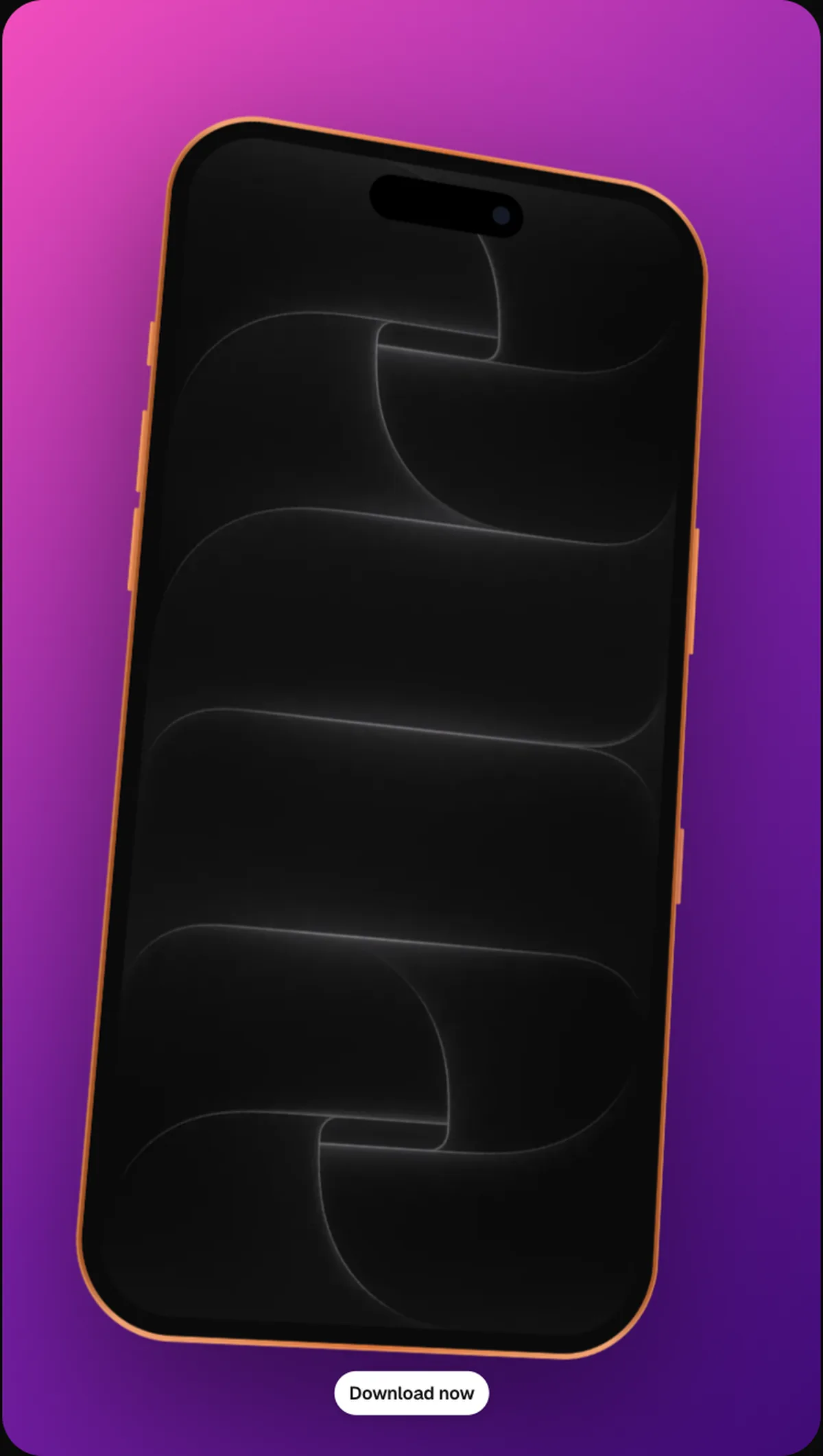
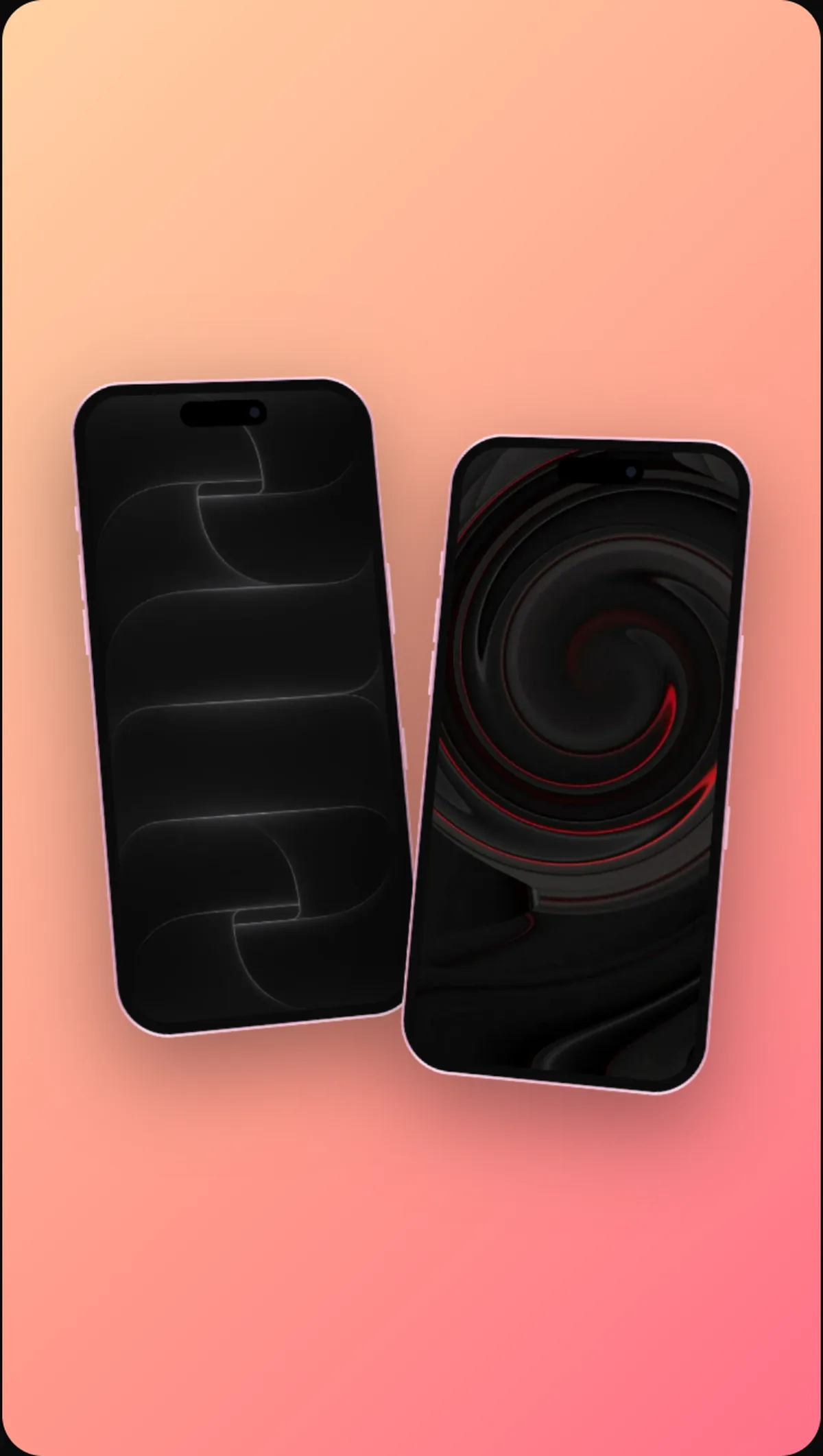
Showing the app inside a phone mockup makes it instantly recognisable as an app and gives the frame a clear subject. Full-screen app footage is more immersive but can look like a random screen recording. For most apps, a phone that fills most of the vertical frame, on a clean background, is the best of both.
A Batch Production System
Consistency beats inspiration. Here's a system that lets a founder publish several clips a week in an afternoon.
Step 1: Build one template
Pick a vertical frame (1080 × 1920), a device, a background and a headline style in your brand colours. Save it. Every clip starts here, which is what makes your content recognisable.
Step 2: Capture a library of screens
Record short clips of each key flow in your app, with clean data and no notifications. Ten short recordings can become twenty or more videos.
Step 3: Write hooks in bulk
Write fifteen or twenty first lines at once. Hooks are the hardest part, and they're easier to write in a batch than one at a time.
Step 4: Assemble
For each clip: open the template, drop in the recording, add the hook and a zoom or two, and export. In 240fps, zooms, a cursor and callouts are added on the same timeline, so each clip takes minutes rather than hours.
Step 5: Schedule
Post consistently rather than all at once. Most scheduling tools support Reels and TikTok.
Reading the Results
Short-form platforms give you a few useful signals:
- Early drop-off: if most viewers leave in the first two seconds, the hook isn't working.
- Watch time and rewatches: satisfying demos get watched to the end and replayed.
- Saves and shares: signs a clip was genuinely useful.
- Profile visits and link clicks: the ones that turn into installs.
Double down on formats and hooks that hold attention; drop the ones that don't.
Mistakes That Get App Videos Skipped
- Starting with a logo or intro. Lead with the hook.
- Horizontal video. It shows small with black bars in a vertical feed.
- Tiny UI. A full phone screen at feed size needs zooms to be readable.
- Too much text. One line at a time, on screen long enough to read.
- Salesy captions. "Download now!!!" performs worse than showing something useful.
- Inconsistent style. Every clip looking different means nobody recognises the next one.
Twenty Hooks You Can Adapt
The first line on screen does most of the work. Here are hook patterns that suit app demos, with examples to adapt:
- "Stop doing [annoying task] by hand."
- "I built an app that [does outcome]."
- "[Task] in [N] seconds."
- "The fastest way to [outcome] on your phone."
- "You've been [doing task] wrong."
- "Before vs after using [app]."
- "POV: you never [annoying task] again."
- "This took me an hour. Now it takes a tap."
- "Three things [app] does that you didn't know."
- "How [type of person] [does outcome] without [pain]."
- "The one setting that changes everything."
- "Watch this [messy input] turn into [clean output]."
- "Nobody tells you this about [task]."
- "[Outcome] without a [tool people hate]."
- "If you [situation], you need this."
- "We just shipped [feature]. Here's why."
- "The app I use every morning."
- "This is what [outcome] should look like."
- "Try this before your next [event]."
- "One tap. That's it."
Only use a hook your clip actually delivers on. A hook that overpromises gets skipped, and it teaches the platform that your content disappoints.
A Four-Week Starter Calendar
If you're starting from zero, a simple calendar of three clips a week is realistic for a founder:
| Week | Clip 1 | Clip 2 | Clip 3 |
|---|---|---|---|
| 1 | Problem → solution (main feature) | Speed demo | Quick tip |
| 2 | Before → after | Feature spotlight | Quick tip |
| 3 | Problem → solution (second feature) | Speed demo | Answer a user's question |
| 4 | Best-performing format again, new angle | Feature spotlight | Behind the scenes of a new feature |
At the end of four weeks you'll have twelve clips and real data on which formats and hooks your audience responds to. Keep the winners, retire the rest, and build the next month around what worked.
FAQs
What size should Reels and TikTok videos be?
Vertical 9:16, ideally 1080 × 1920 pixels. Keep important content away from the top, bottom and right edges, where each app shows its own interface.
How long should an app demo clip be?
Usually 7 to 30 seconds. Short enough to watch to the end, long enough to show the problem and the payoff.
Do I need to appear on camera?
No. For many apps, the product itself is the most interesting thing to show. You can add yourself later if you enjoy it.
Can I post the same clip on Reels and TikTok?
Yes. The same 9:16 video works on both, and on YouTube Shorts. Export it without another app's watermark on it.
Conclusion
Short-form video isn't about becoming an influencer. For app makers, it's about showing your product being useful, quickly and clearly, to people who didn't know they needed it.
Build one vertical template, capture a library of clean screens, write hooks in batches, and let consistency do the rest.
Which of these five formats would suit your app best?