By Shaheer Malik · · 5 min read
Screen Studio Pricing in 2026: What $29 a Month Gets You
Screen Studio costs $29 a month billed monthly, or $9 a month billed yearly, which is $108 a year. Both plans include every feature, such as 4K export at 60 fps, shareable links and cloud transcription. It runs only on macOS, and one-time licences are no longer sold to new buyers. Over two years that's $216 billed yearly, against $39 once for 240fps for Mac or Screen Movie's early-bird price.
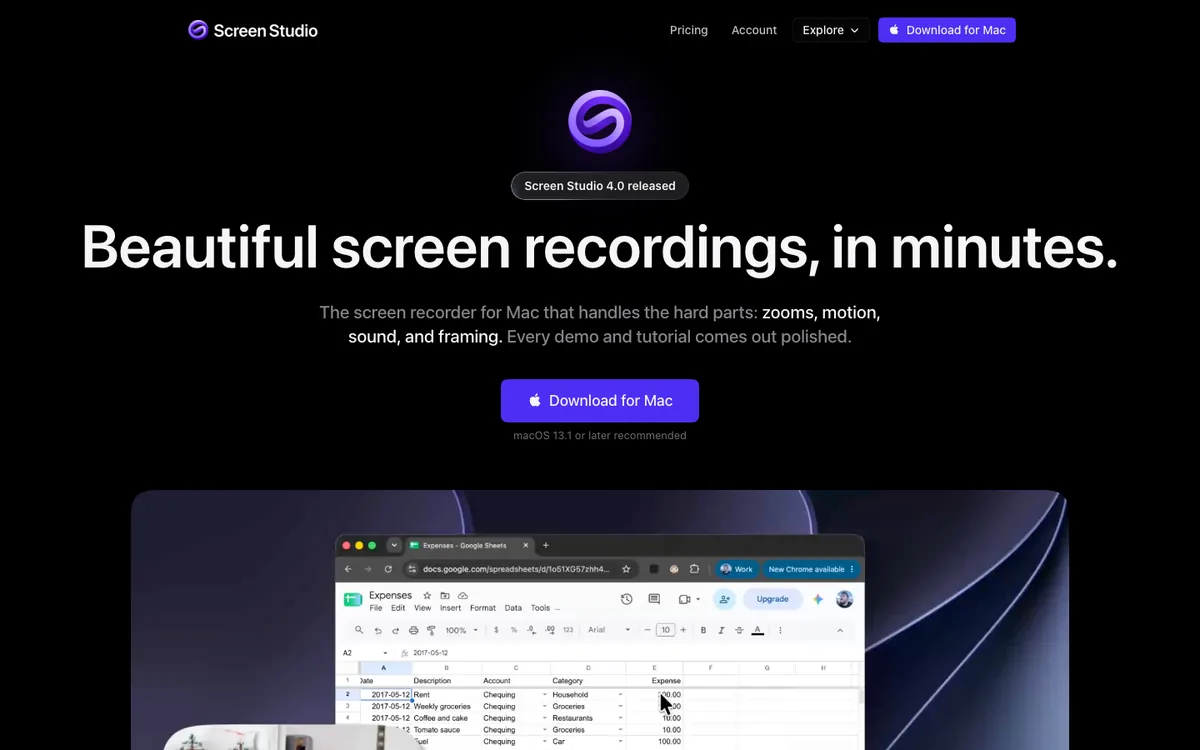
Screen Studio is one of the best-known Mac screen recorders, and its automatic zooms set the standard for polished product demos. What it costs is less obvious, because the pricing changed: it used to sell one-time licences, and now it's a subscription.
Here's exactly what it costs, what you get, what two years add up to, and when a one-time alternative makes more sense.
Disclosure: I make 240fps, which competes with Screen Studio. The prices below come from Screen Studio's and each alternative's own websites, read on 1 October 2026.
How much does Screen Studio cost in 2026?
Screen Studio has two ways to pay, and both unlock the same features.
| Plan | Price | Per year |
|---|---|---|
| Monthly | $29 a month | $348 |
| Yearly | $9 a month, billed yearly | $108 |
Screen Studio's site describes the yearly plan as saving 69% against paying monthly. Both plans include all Screen Studio features, such as 4K export at 60 fps, shareable links, cloud transcription and project sharing.
Can you still buy Screen Studio once?
No, not as a new customer. Screen Studio's site says one-time licences were possible in the past but are no longer available for new purchases. If you bought one earlier, check your own licence terms; this article covers what a new buyer pays.
That change is the main reason people now search for one-time alternatives.
What does Screen Studio cost over two years?
Over two years, Screen Studio costs $216 on the yearly plan and $696 if you pay monthly. One-time alternatives cost the same in year two as in year one: nothing more.
| Tool | Year 1 | Year 2 | Two-year total |
|---|---|---|---|
| Screen Studio, billed yearly | $108 | $108 | $216 |
| Screen Studio, billed monthly | $348 | $348 | $696 |
| 240fps for Mac, Lifetime | $39 | $0 | $39 |
| Screen Movie (early-bird price) | $39 | $0 | $39 |
| Cap Desktop License, lifetime | $58 | $0 | $58 |
| FocuSee Standard, yearly | $49.99 | $49.99 (at the price listed) | $99.98 |
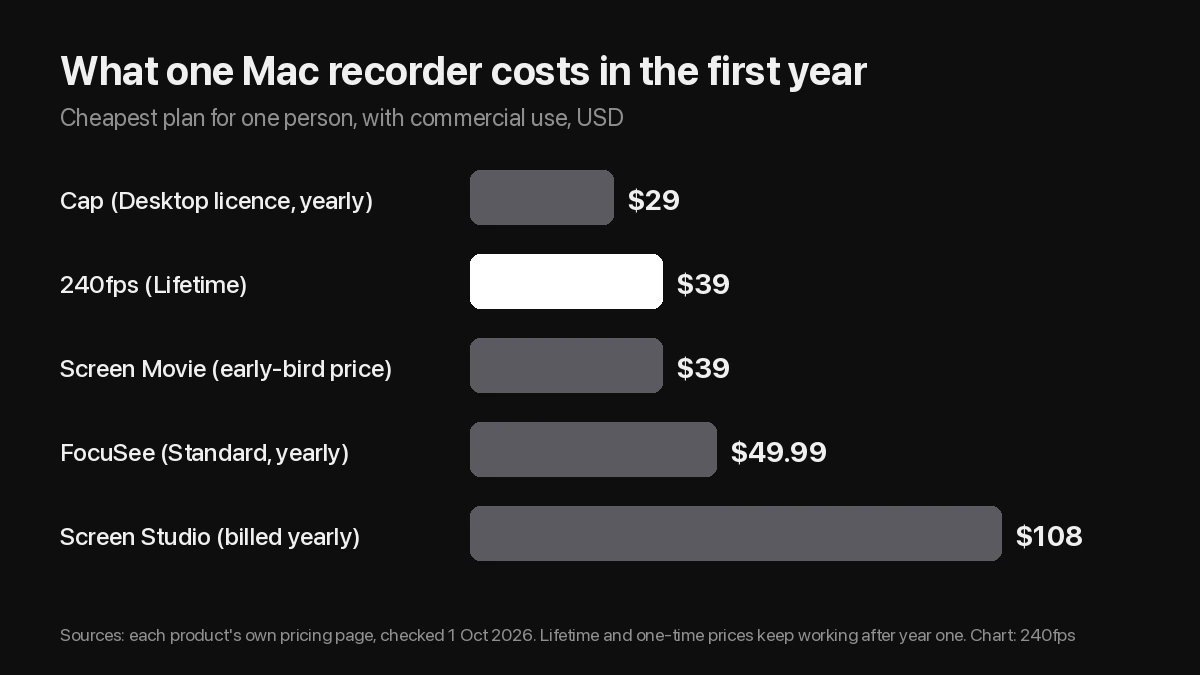
Screen Movie's $39 is a limited early-bird offer; its regular price is $79. FocuSee's yearly prices are shown as discounts from higher list prices, so renewal may cost more.
What do you get for the money?
Screen Studio records your Mac's screen and turns it into an edited-looking video. It zooms in on your clicks, smooths the cursor, and handles motion, sound and framing for you. Per its site, both plans also include:
- 4K export at 60 fps.
- Shareable links to your recordings.
- Cloud transcription.
- Project sharing.
It runs only on macOS. Its site says there are no near-future plans for Windows.
Is Screen Studio worth the price?
It's worth it if you record often and use the sharing features. Shareable links and project sharing matter for teams that send demos to customers every week. It's also the most established recorder in this group, with the longest track record.
It's harder to justify if you record a demo now and then, or if you also need other launch visuals. At $108 a year, Screen Studio's first year costs nearly three times a one-time $39 app, and the gap grows every year after that.
Which cheaper alternatives work like Screen Studio?
Three recorders zoom in on your clicks and cost less over time.
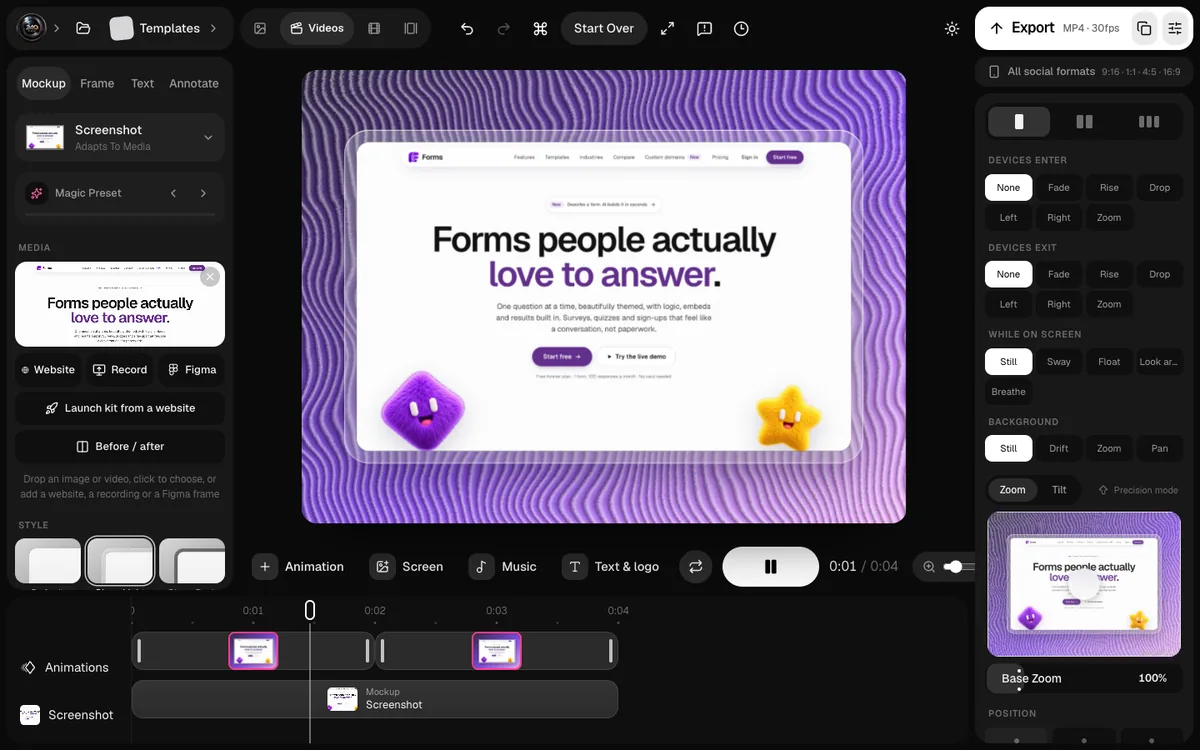
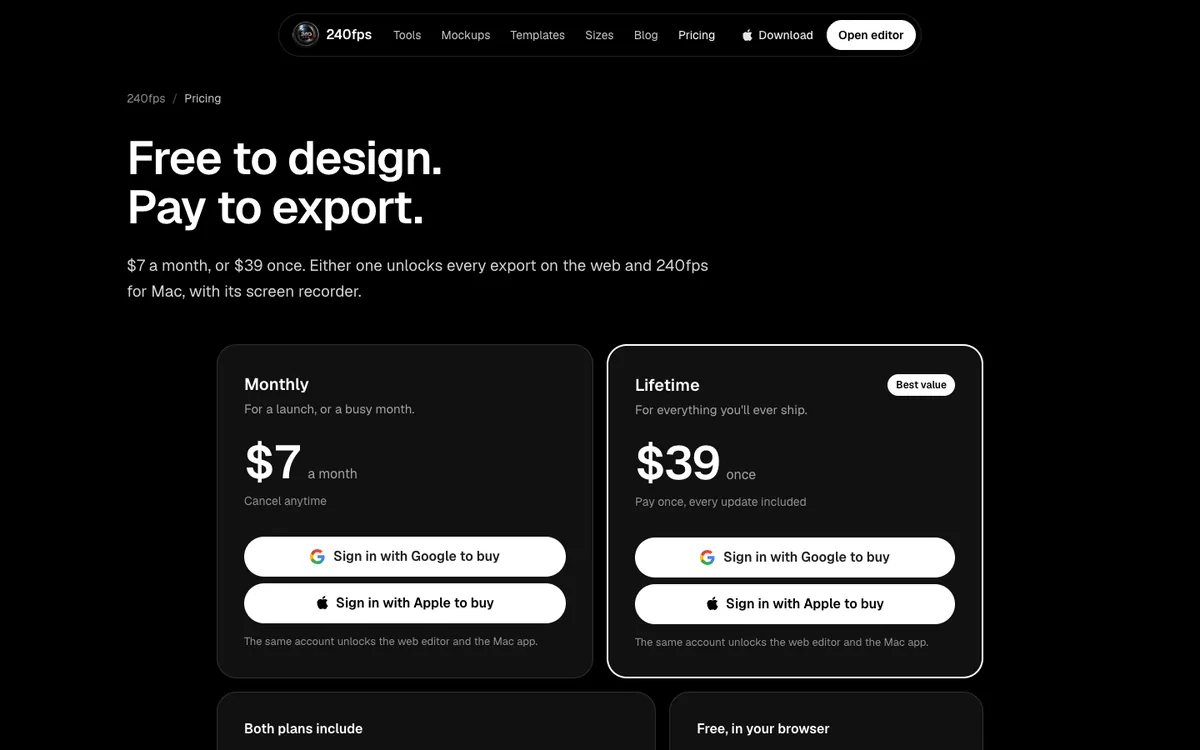
- 240fps for Mac: $39 once, or $7 a month. It records from the notch, zooms where you clicked, writes captions on your Mac, and exports up to 4K at 60 fps. The same purchase covers device mockups and App Store screenshots in the browser. It doesn't make share links yet.
- Screen Movie: $39 once at the early-bird price ($79 regular), with share links, comments and password protection.
- Cap: open source, on Mac, Windows and Linux, with a $29-a-year or $58-once commercial licence.
I compared all five in Screen Studio alternatives, and there's a feature-by-feature 240fps vs Screen Studio page.
How can you pay less for Screen Studio?
If you want to stay with Screen Studio, there are two ways to cut the bill.
- Pay yearly. It brings the price from $348 a year to $108.
- Subscribe only when you need it. If you record for a launch, pay for the months you're recording and cancel between launches, as long as you've exported what you need.
FAQs
How much does Screen Studio cost per month?
$29 a month billed monthly, or $9 a month billed yearly ($108 a year), according to Screen Studio's site on 1 October 2026.
Does Screen Studio have a lifetime licence?
Not for new buyers. Screen Studio's site says one-time licences are no longer available for new purchases.
Is there a free version of Screen Studio?
Its site lists the monthly and yearly plans; check it for any current trial. For a free option, Cap is free for personal use, and 240fps is free to design in the browser.
What's the cheapest alternative to Screen Studio?
For commercial use, Cap's Desktop License at $29 a year. For a one-time price that also covers mockups and App Store screenshots, 240fps at $39 once.
Does Screen Studio work on Windows?
No. It's macOS only. Cap and FocuSee run on Windows.
Last updated: 2 October 2026. Prices are from each product's own website on 1 October 2026 and can change.