Tool
App icon generator
240fps makes an app icon from one design: letters, an emoji or your logo on a gradient, or your own finished artwork. Preview it on a home screen, then download every file the platforms ask for in one zip: the Xcode AppIcon set and the 1024 × 1024 App Store icon, older iOS sizes, Android launcher and round icons in every density with adaptive foreground and background layers, the 512 × 512 Play Store icon, and web icons. Icons are square and full-bleed; iOS and Android apply their own masks.
Square in, masks out
Apple and Google shape icons themselves: iOS rounds the corners, Android crops adaptive icons to the launcher's shape. So the files are square and full-bleed, and opaque where the stores require it. Adaptive icons keep your mark inside the 66 dp safe zone so no launcher shape cuts it off.
Use it everywhere
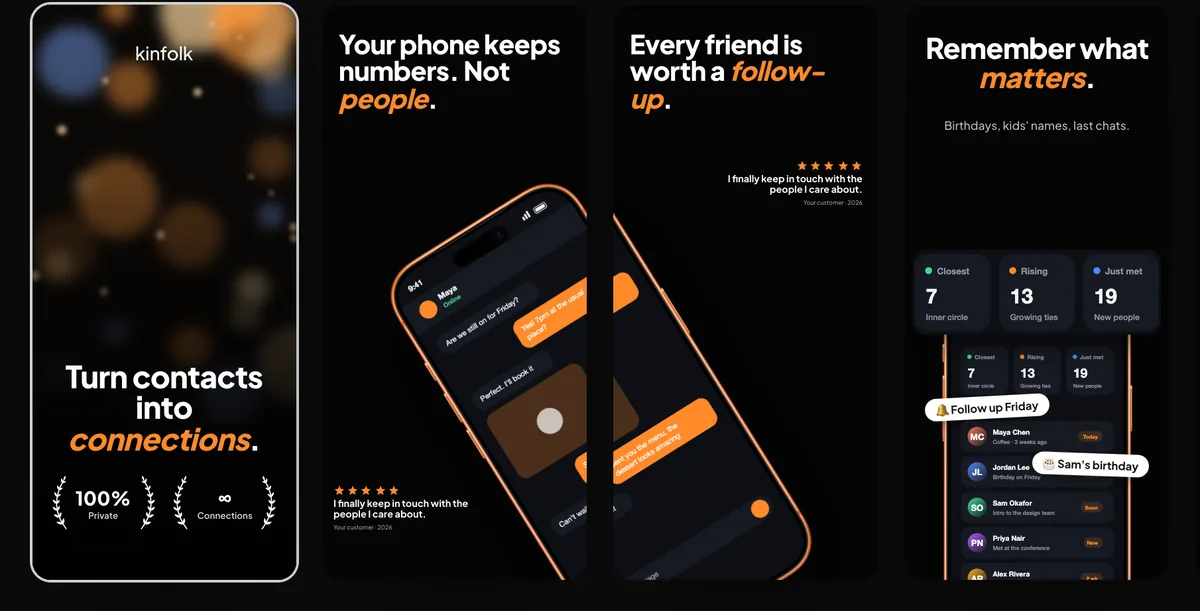
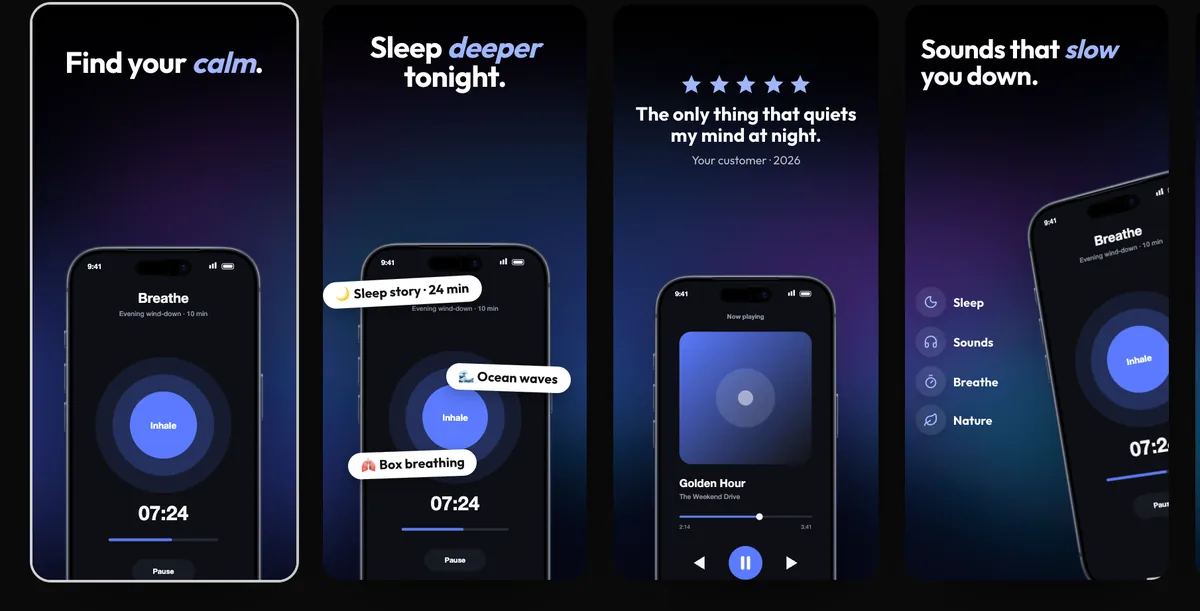
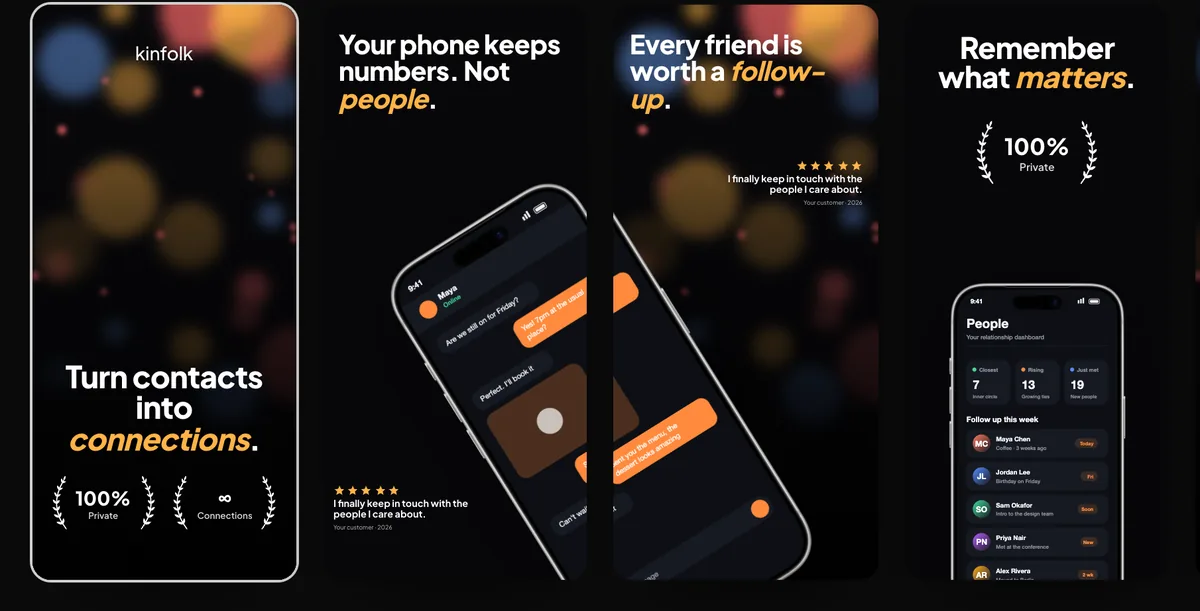
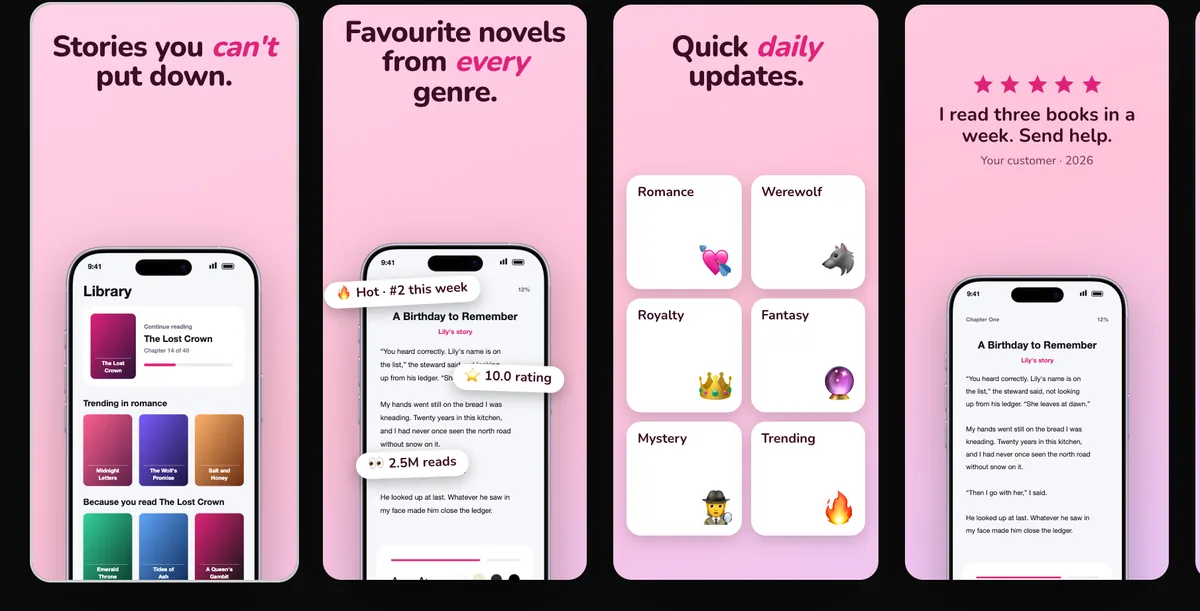
The same icon can go into the store preview, so you see it next to your screenshots in search results before you ship.
How to do it
- 1Open the icon makerIn the Screenshots studio, choose App icon.
- 2DesignStart from a preset, then set letters, an emoji or your logo, the colours and the size, or upload finished artwork.
- 3Check itSee it at every size and on a home screen.
- 4DownloadDownload the icon set as one zip.
Questions
Does the App Store icon need rounded corners?
No. Upload a square, opaque 1024 × 1024 icon; the system rounds it. The icon maker exports it that way.
Is it free?
Designing is free; downloading the icon set comes with 240fps Monthly ($7 a month) or Lifetime ($39 once).