Tool
Upload screenshots to App Store Connect
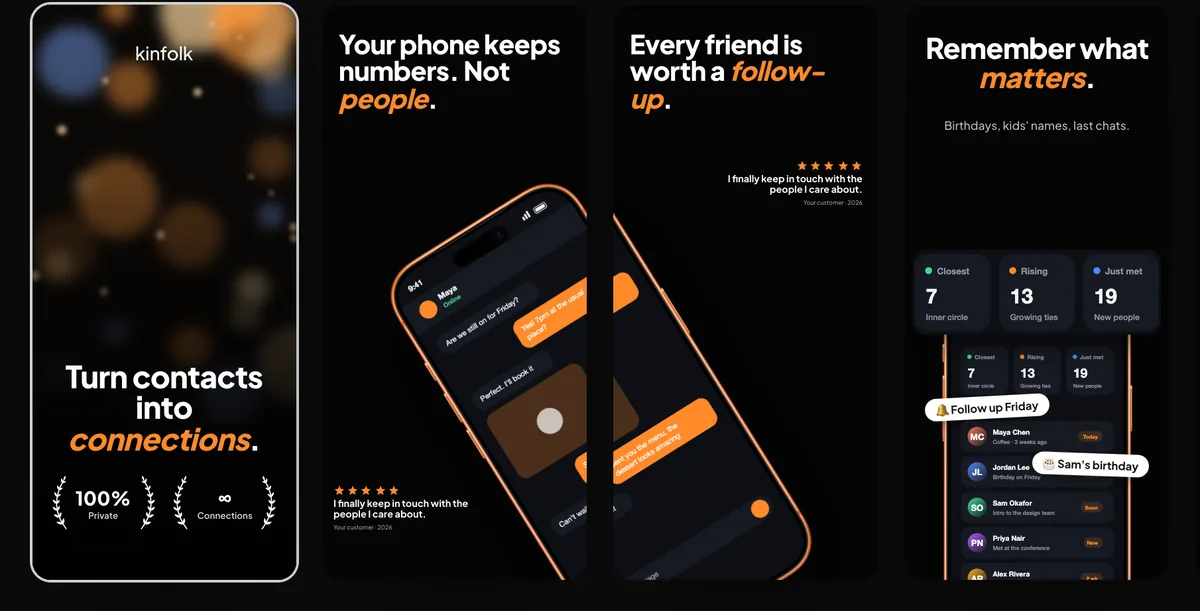
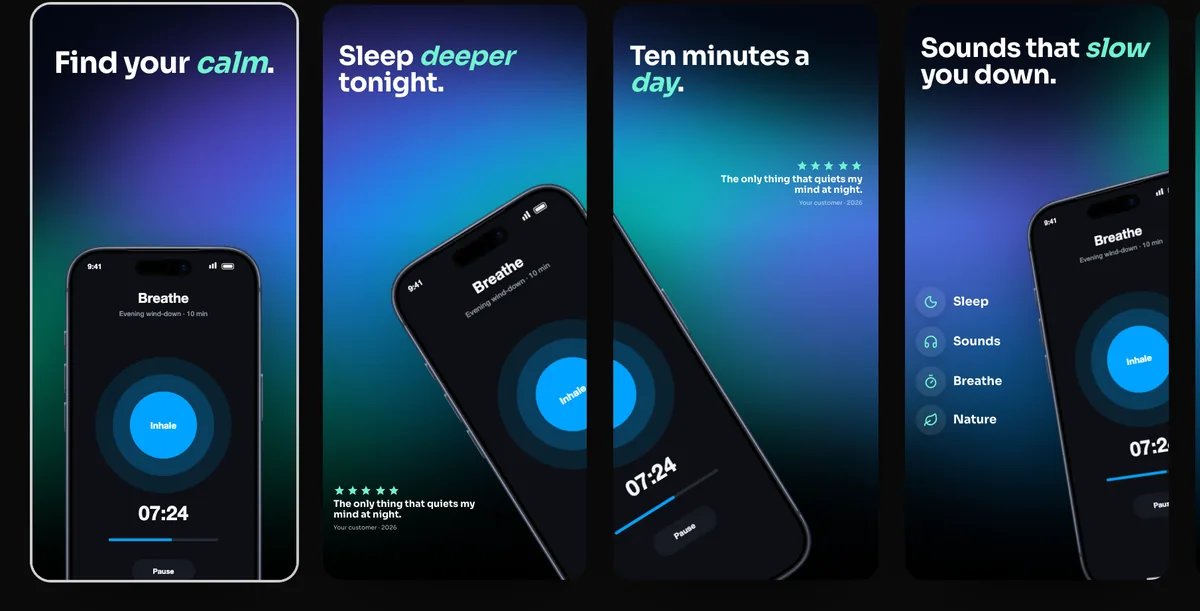
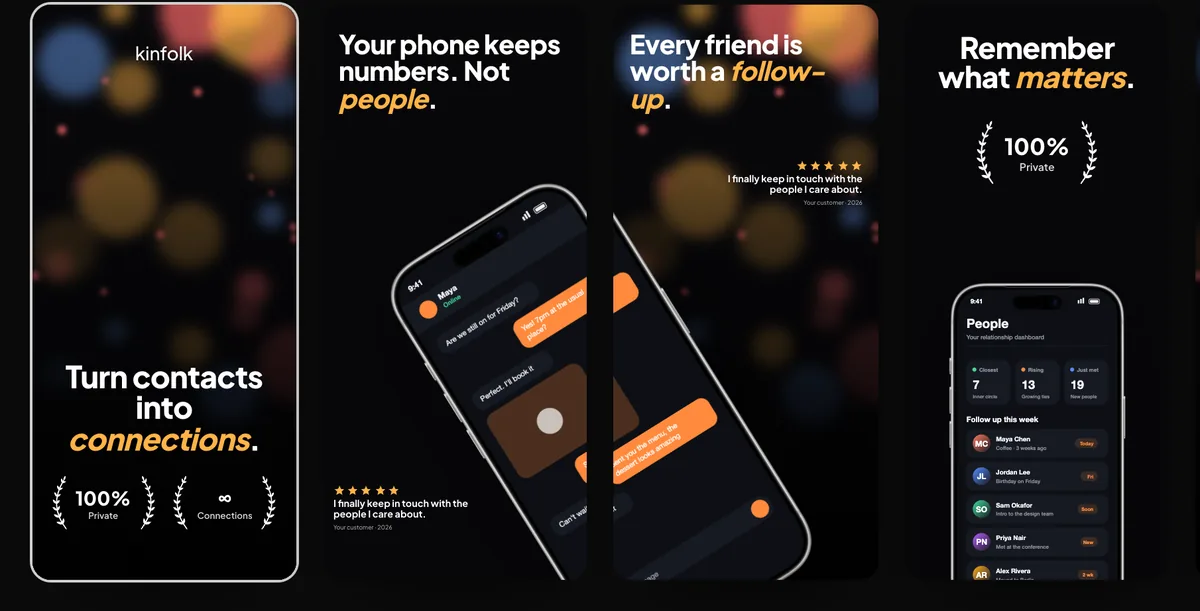
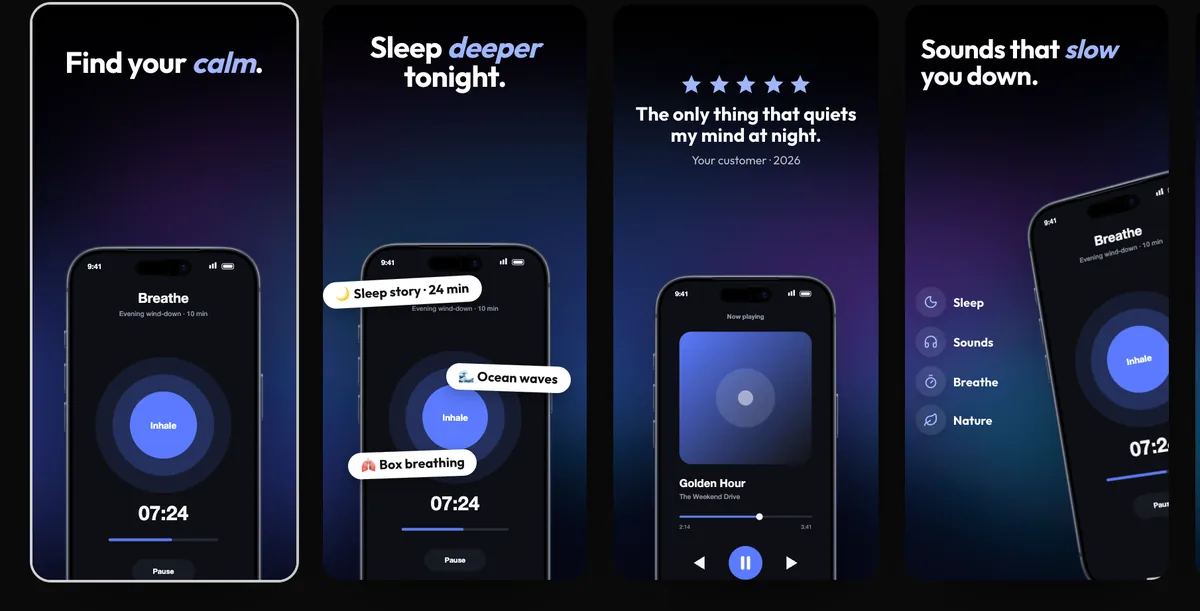
240fps uploads a finished screenshot set straight to App Store Connect: every size and every language, in the order you designed, plus the App Preview video. You connect with your own App Store Connect API key (Issuer ID, Key ID and the .p8 file). The key signs a 20-minute token in your browser and is never sent to 240fps; 240fps only passes the signed requests on to Apple. You choose the app and a version that is still being prepared, and whether to replace the screenshots already there.
No more dragging files in by hand
A localized listing can mean hundreds of files: every size, every language, in the right order. Dragging them into App Store Connect one set at a time is slow and easy to get wrong. The upload does it in one pass and matches each App Store language to the same language in your set.
How the key is kept safe
App Store Connect accepts a short-lived token signed with your API key. 240fps signs that token in your browser, so the key file never reaches our servers; remembering it on your device is optional and off by default. You can revoke the key in App Store Connect at any time.
How to do it
- 1Create an API keyIn App Store Connect, open Users and Access, then Integrations, and generate a team key with the App Manager role. Download the .p8 file and copy the Issuer ID.
- 2ConnectIn the Screenshots studio, choose Upload to App Store Connect and enter the Issuer ID, Key ID and .p8 file.
- 3Pick the versionChoose the app and a version that is still being prepared. Languages without a match in your set are skipped and listed.
- 4UploadChoose the sizes, whether to replace what's there, and whether to include the App Preview, then upload.
Questions
Is my API key sent to 240fps?
No. It signs a 20-minute token in your browser. Only the token and your files pass through 240fps on their way to Apple.
Can I upload to a version that is in review?
No. Apple locks screenshots once a version is waiting for review or live. Create a new version first.
Is it free?
Designing the set is free. Uploading, like exporting, comes with 240fps Monthly ($7 a month) or Lifetime ($39 once).