Tool
Localized App Store screenshots
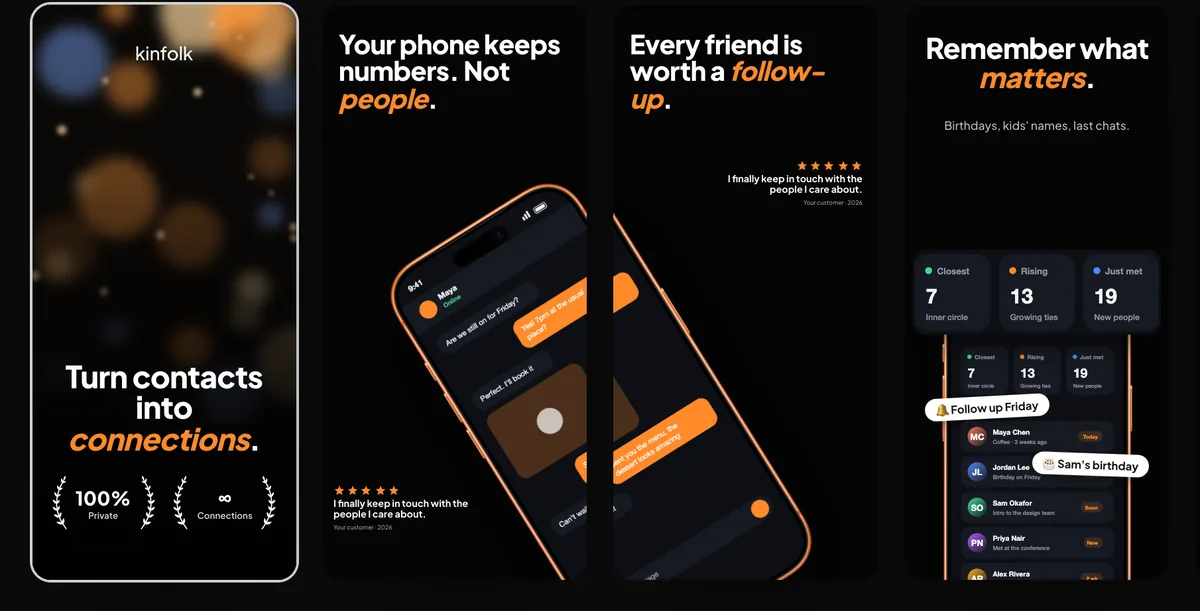
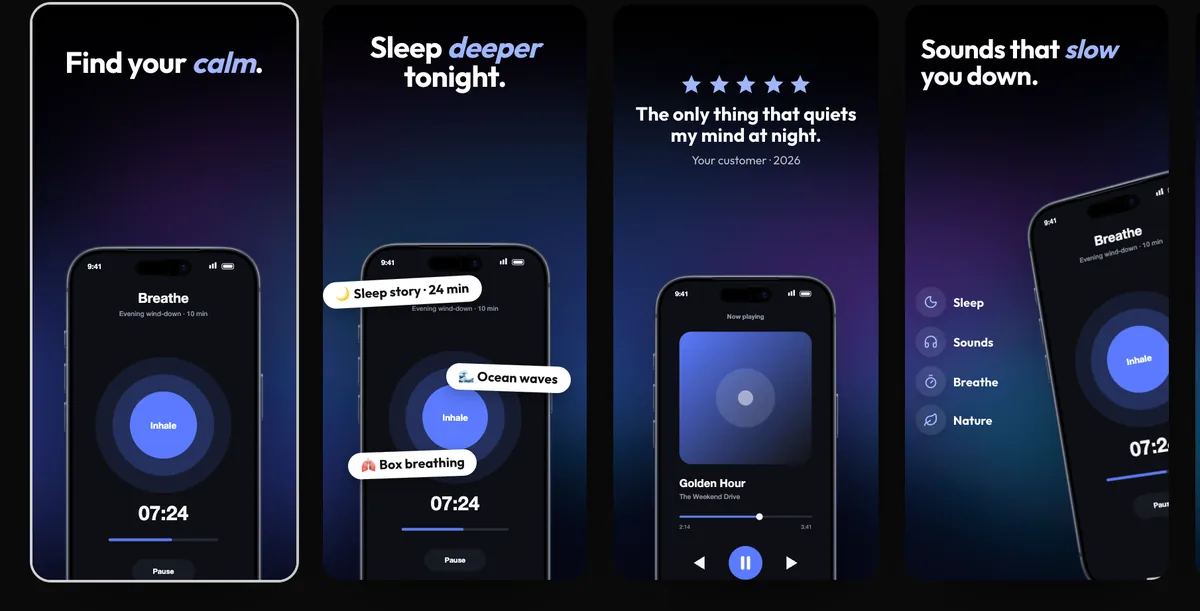
240fps localizes a screenshot set without copying the design: the layout is shared, and each language keeps its own headlines, badges, list items and, if you like, its own app screens. Type or paste translations into one table, or export a CSV for a translator and import it back. Export every language in one zip, a folder per language, or upload each one to its App Store Connect localization. All 40 App Store Connect languages are supported, including right-to-left Arabic and Hebrew.
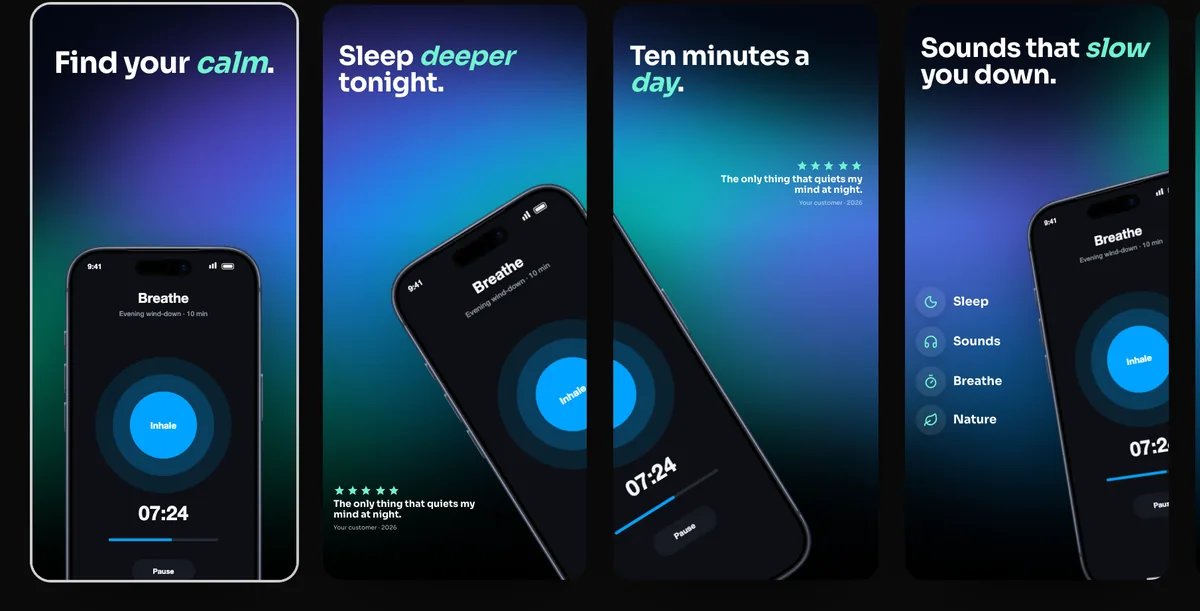
One design, many languages
Copying a design per language is how sets drift apart: a phone moves in German, a colour changes in Japanese. In 240fps the layout belongs to the set and only the words and screens belong to a language, so moving a phone moves it everywhere and every language stays on brand.
Your translations, checked in place
Pick the language shown on the canvas to see the translated set at full size. Long German headlines and right-to-left Arabic show up before you export, not after a reviewer spots them.
Localized screens
Screenshots of your app in each language make a localized listing believable. Drop a localized screen on any device while that language is shown and it replaces the screen for that language only.
How to do it
- 1Design the setBuild your screenshots in the Screenshots studio in your main language.
- 2Add languagesOpen Languages and add the App Store languages you sell in.
- 3TranslateFill in the table, paste from a spreadsheet, or export a CSV and import it back.
- 4Export or uploadExport a zip with a folder per language, or upload each language to App Store Connect.
Questions
Does 240fps translate my headlines?
No. You type or paste your own translations, or import a CSV from a translator. Nothing is machine-translated, so every word is one you approved.
Can each language have its own app screens?
Yes. Show a language on the canvas and drop a screenshot on a device; that screen is used for that language only.
Is it free?
Designing is free. Exporting images and videos comes with 240fps Monthly ($7 a month) or Lifetime ($39 once).