Tool
Zoom into details
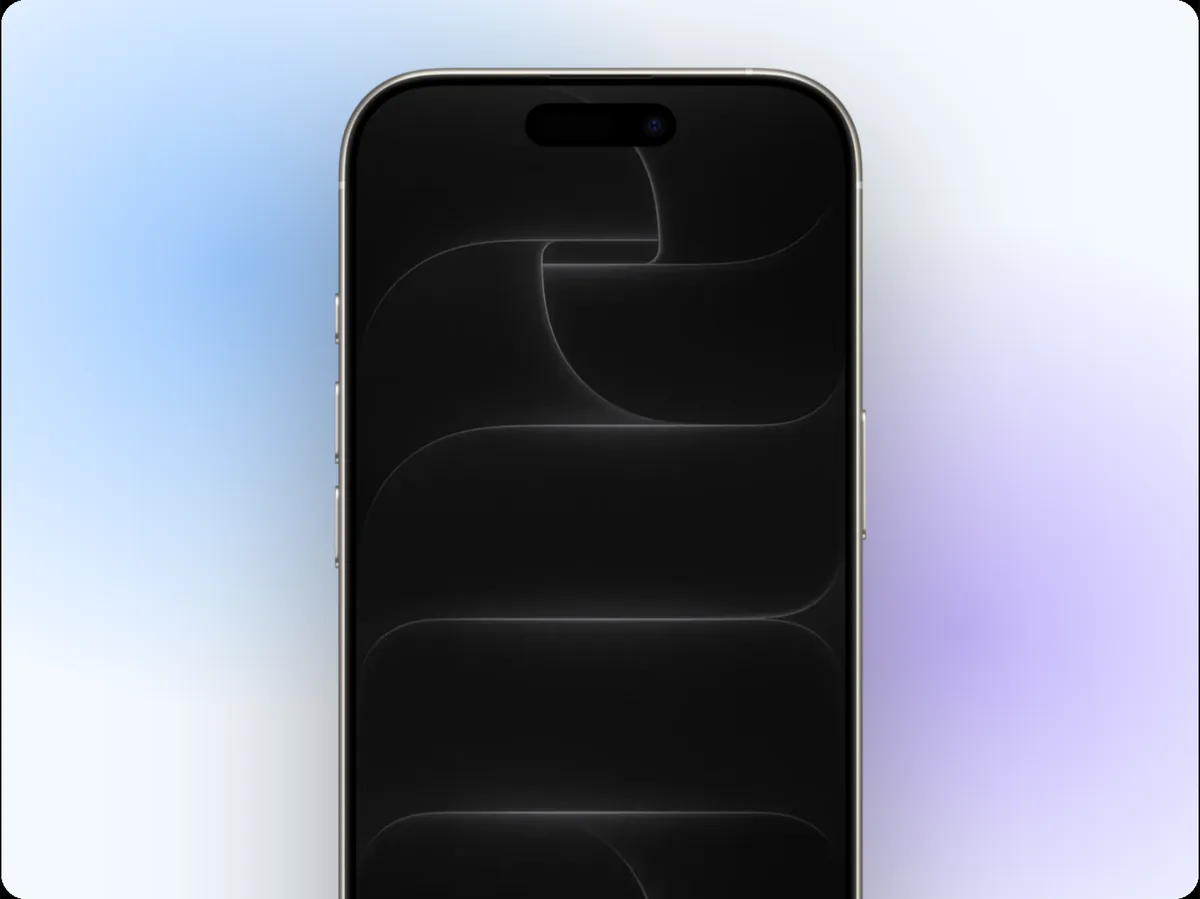
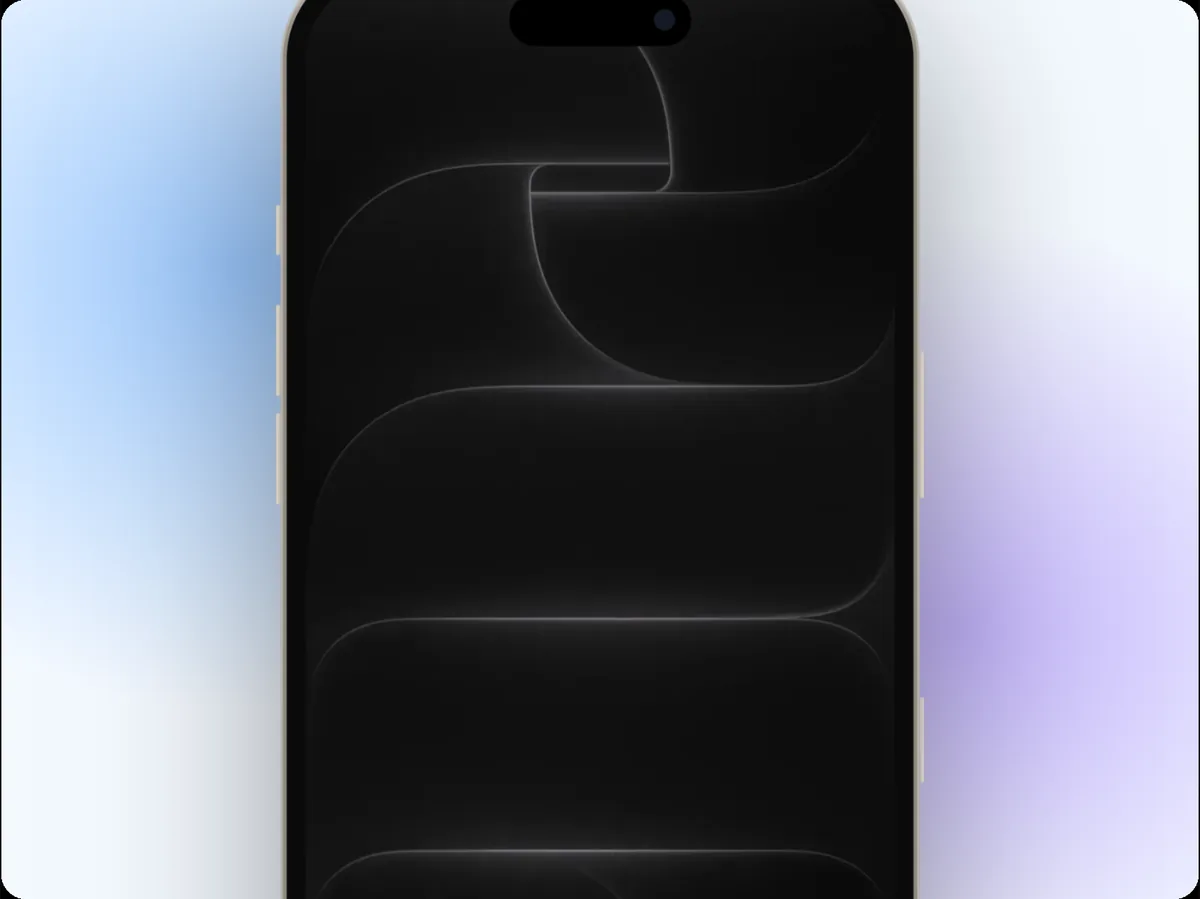
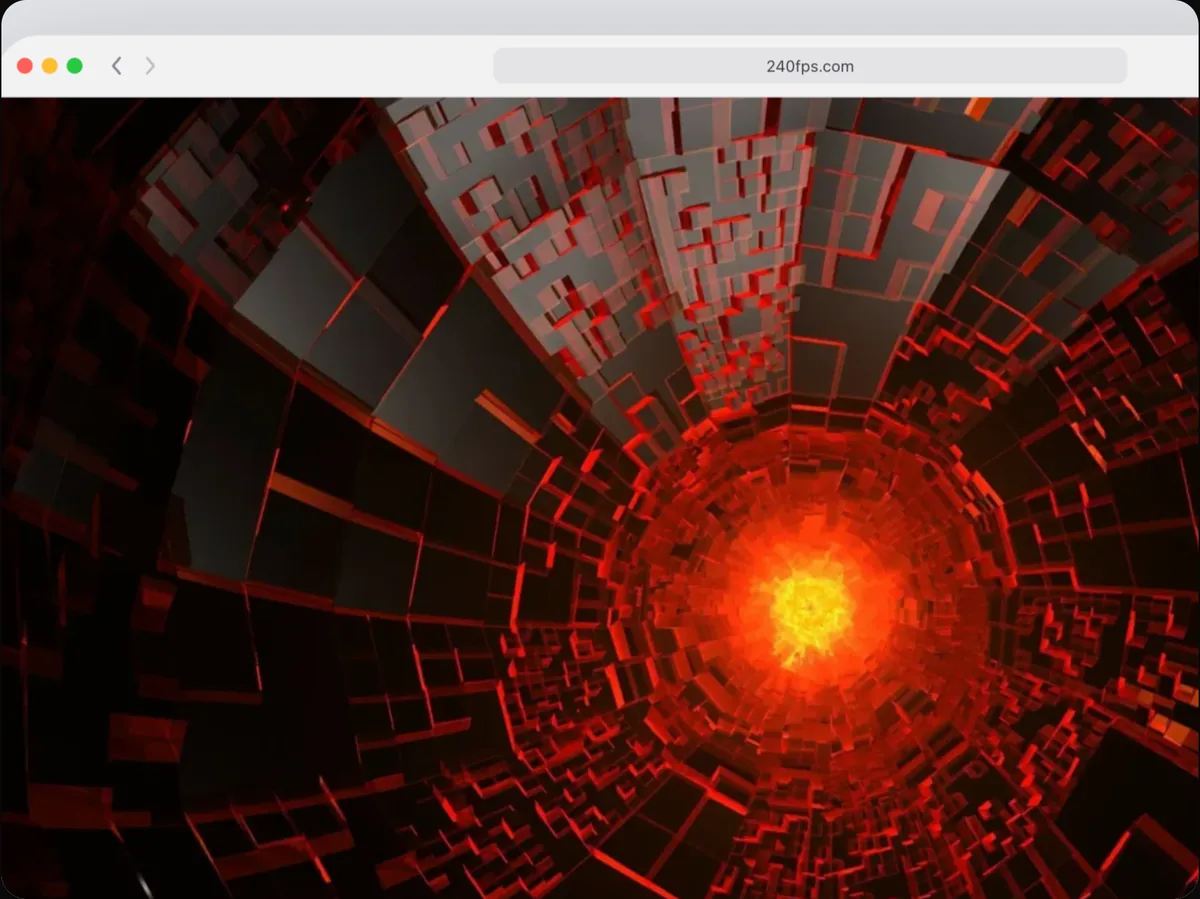
240fps zooms into details of a mockup video: click Zoom into a spot, then click the part of the screen to zoom into, and it adds a smooth zoom in, a hold and a zoom back out at the playhead. The zooms are camera moves on the timeline, so you can retime, chain or delete them.
Guide the eye
A full-screen screenshot at video size is hard to read. Zooming into the part you're talking about makes small UI legible and tells viewers where to look.
Chain them into a tour
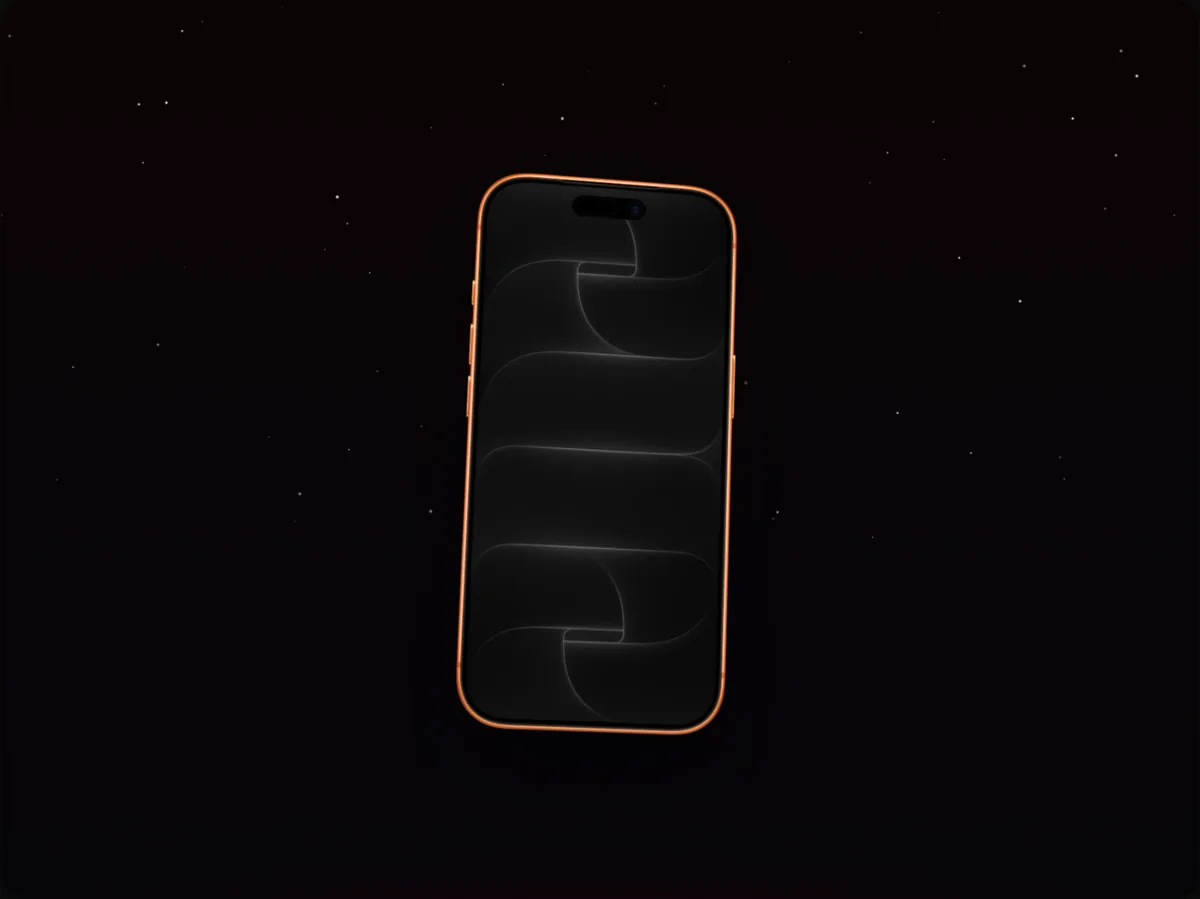
Add several zooms in a row and the camera pans from one detail to the next, a quick feature tour with no editing software.
How to do it
- 1Open the Annotate tabThe editor opens in Videos mode.
- 2Move the playheadPut it where the zoom should start.
- 3Click Zoom into a spotThen click the detail on the canvas.
- 4ExportRetime the zoom on the timeline if you like, then export.
Questions
Can I zoom into a live website?
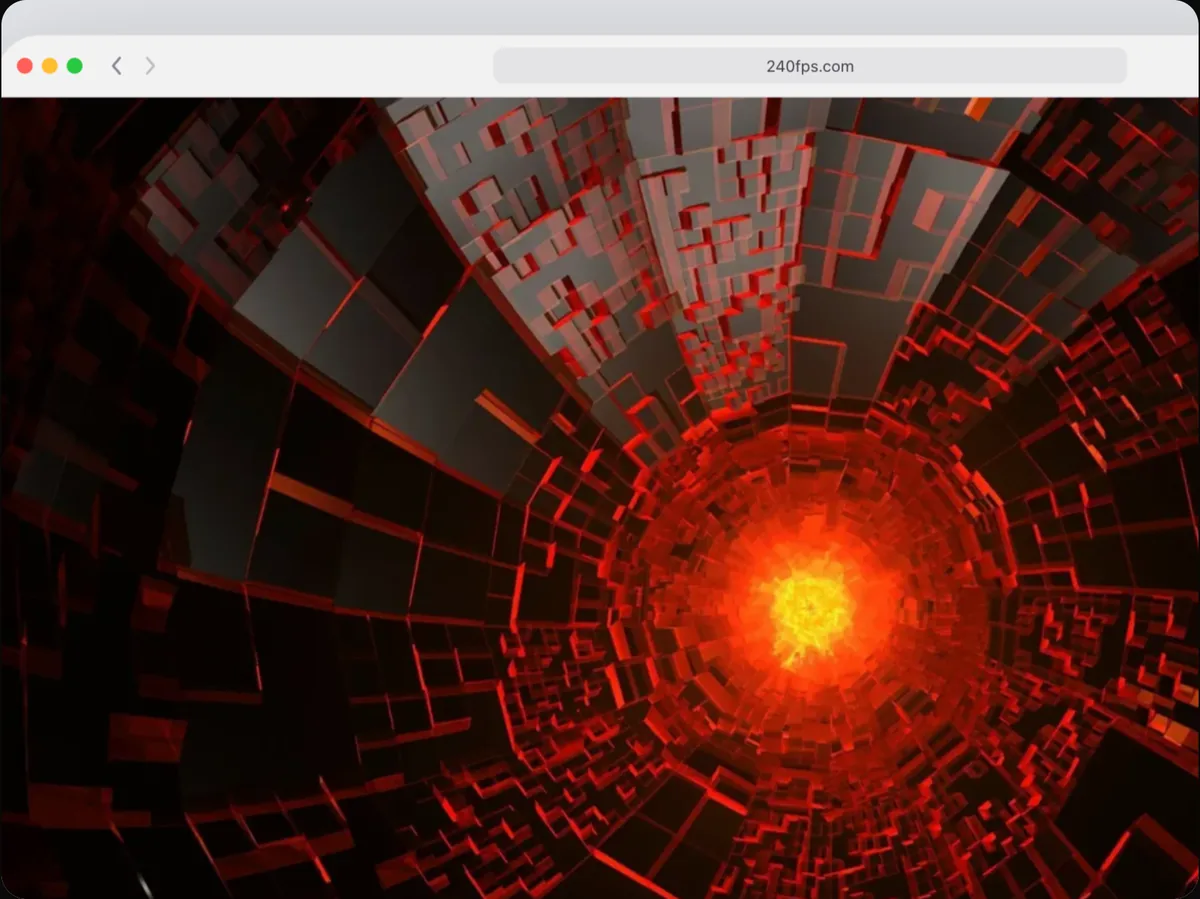
Yes. Zooms work on any screen content.
Is it free?
Designing is free. Exporting images and videos comes with 240fps Monthly ($7 a month) or Lifetime ($39 once).